














Step 1
Set dimensions
Enter the target banner width and height, or choose a preset size. Confirm orientation and any required safe margins for text and key elements.
Generate final banners in exact dimensions with final banner-generate. AI optimizes layout and export-ready assets fast. Try it online now.

How to use final banner-generate
Use final banner-generate to produce a final, export-ready banner at the exact size you need. Follow three quick steps to set dimensions, generate the result, and download for publishing.
Step 1
Enter the target banner width and height, or choose a preset size. Confirm orientation and any required safe margins for text and key elements.

Step 2
Run the AI generation to fit the design into the provided dimensions. Review alignment, cropping, and spacing to ensure the layout stays readable and balanced.

Step 3
Download the final banner in an export-ready format for ads or web. Save variants for multiple sizes to keep your campaign visuals consistent.
Features
final banner-generate focuses on the last step: producing banners in the exact dimensions you provide. AI helps adapt layout and spacing so key content stays clear, while exports remain ready for publishing. Generate consistent multi-size variants without manual resizing or repetitive edits.
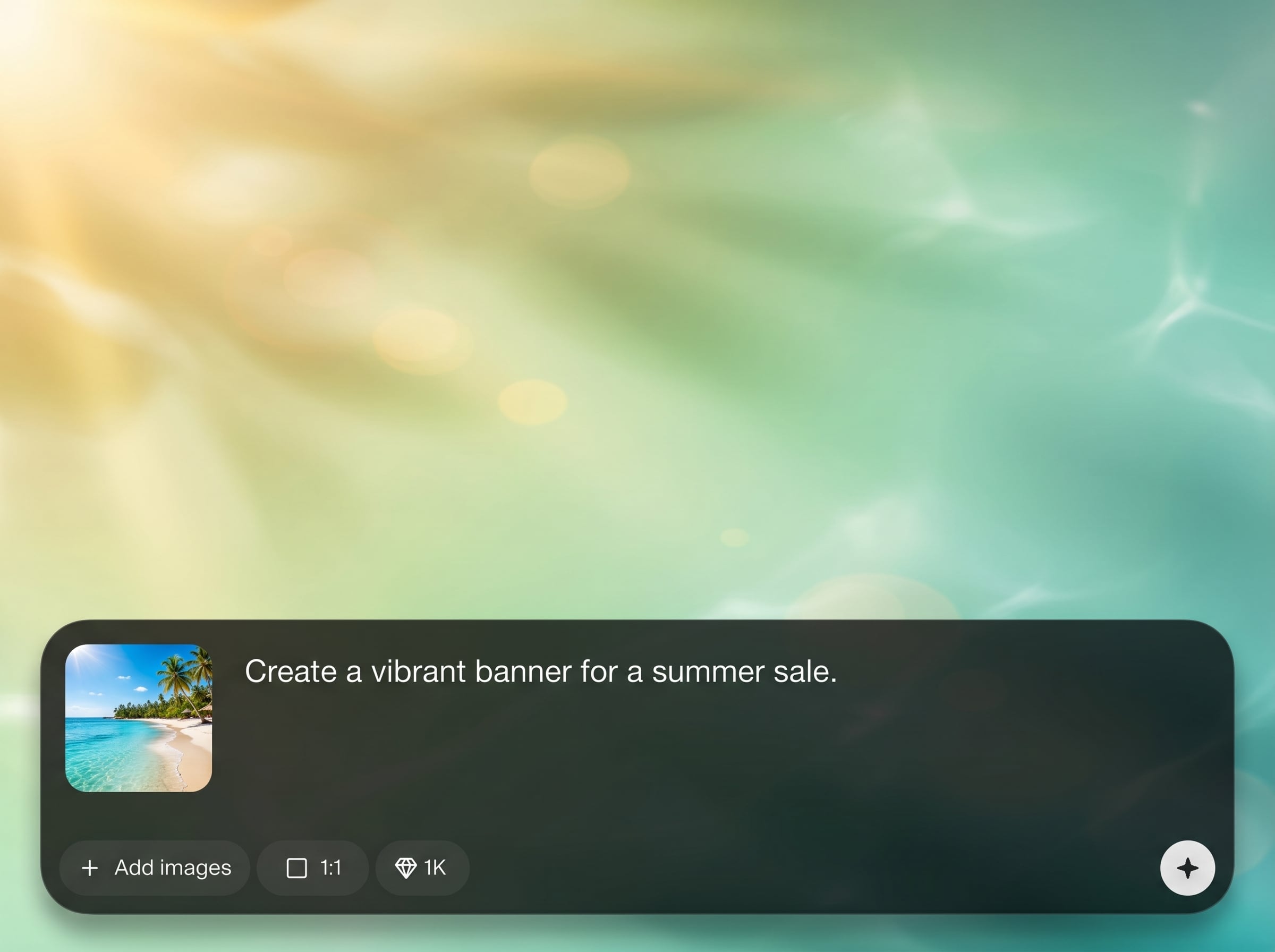
Generate banners at precise width and height values for any placement. The tool targets final output so your creative fits platform requirements without extra resizing steps.
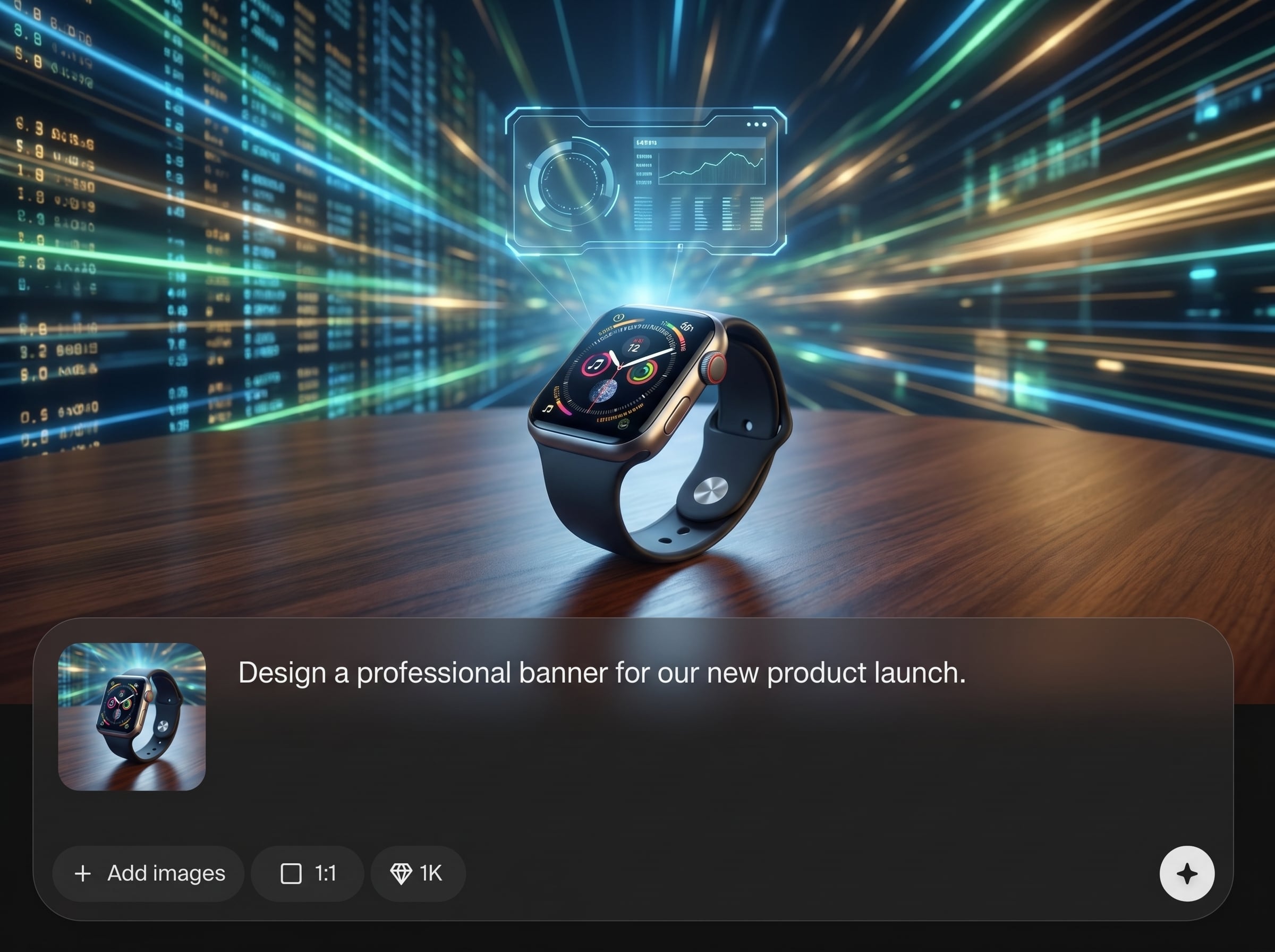
Create multiple banner sizes quickly for A/B tests and cross-platform campaigns. Keep a consistent look across formats while reducing time spent on manual layout adjustments.
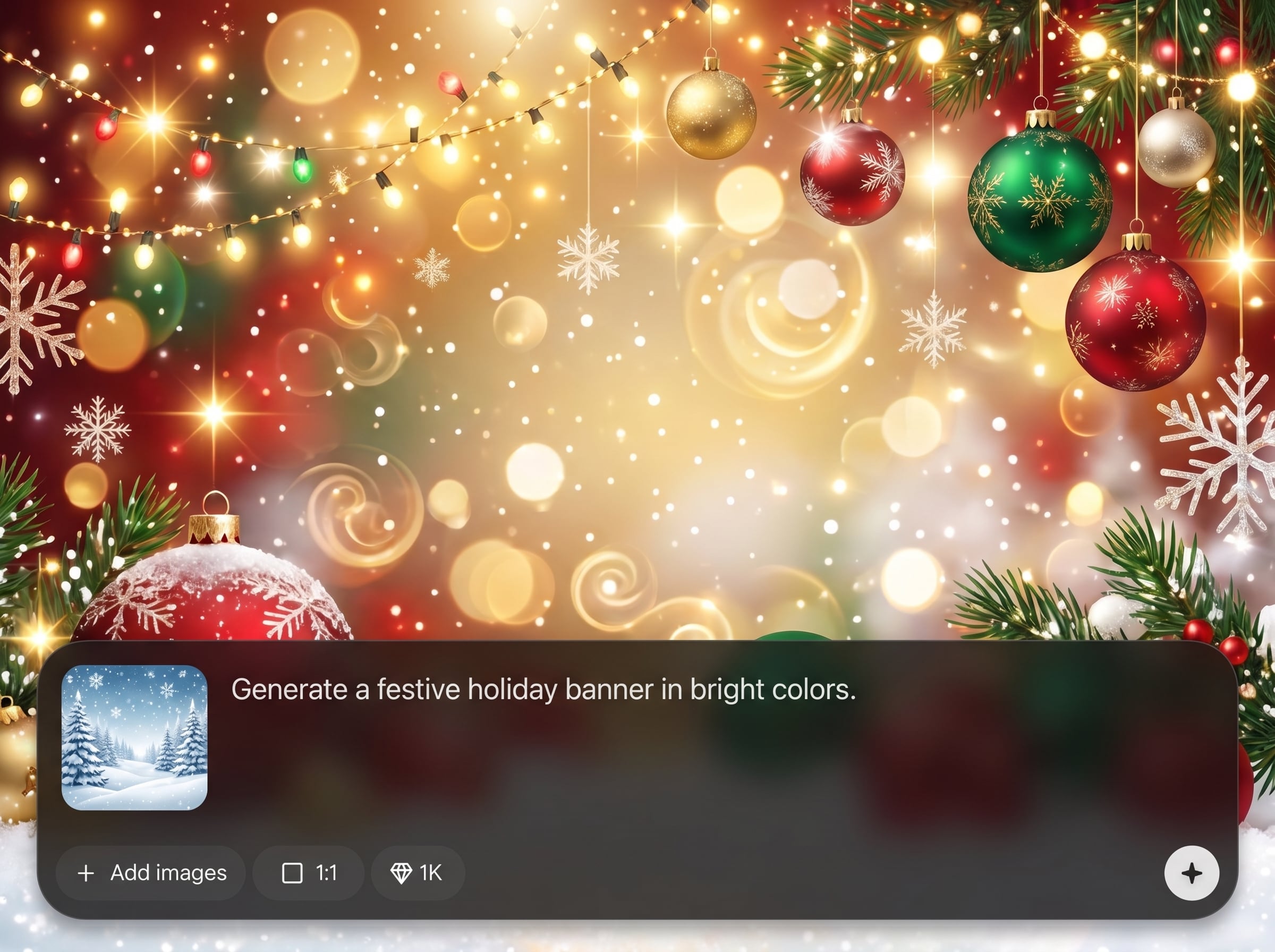
Produce final banners optimized for delivery, with balanced composition and readable spacing. Export outputs suited for ads, headers, and marketing placements with minimal cleanup.
About
final banner-generate is an AI banner generator built for final output at precise, provided dimensions. Upload or pass your source design, set width and height, and generate a clean, export-ready banner in seconds. The tool helps preserve composition, fit key elements, and deliver consistent results for ads, web headers, and campaign creatives.
final banner-generate is designed for the last mile of banner production: exact dimensions, clean composition, and export-ready outputs. It reduces repetitive resizing work, helps keep layouts consistent across formats, and speeds up iteration for marketing and web workflows.
Enter your target width and height, run generation, and review the preview. Export the final banner, then repeat for additional sizes to build a complete set of campaign-ready assets.
Use cases
Discover how different creators use this app in their workflow.
Generate final banners in standard ad sizes for display networks and social placements. Quickly output consistent variations while matching strict dimension requirements.
Create clean hero banners and promotional strips at exact website dimensions. Maintain readable text areas and balanced layout for desktop and mobile breakpoints.
Produce size-correct banner versions for different regions and placements. Keep brand consistency while generating final outputs for each required format.
Krea is one of the world's leading generative AI platforms. See what others say.
Real reviews on TrustpilotSo many AI tools out there but I always come back to Krea. It's really the one AI platform that 'just works'.

FYN
Krea's interfaces are still the best in the industry. Everything looks and feels so clean and easy to use! Imo the easiest to use gen AI website.

Lynn
Ultra fast generations. Extremely simple to use. All the latest AI models.

Daniel
KREA is the only AI subscription I have right now besides ChatGPT.

Sophia M.
Answers to common questions about final banner-generate, sizing, exports, and AI banner generation workflows.
It generates a final, export-ready banner at the exact dimensions you provide. The AI helps adapt the layout to fit the target size while keeping key elements clear and well positioned.
Yes. Enter any width and height to generate a banner in custom dimensions. This is useful for unique placements, specific platform requirements, and internal design specifications.
It’s a final-output generator focused on producing the correct end size. It can adapt the composition for the new dimensions, reducing manual resizing, cropping, and layout tweaks.
The AI focuses on fitting content into the provided frame by adjusting spacing and alignment. This helps maintain readability and balance when switching between wide, square, and tall banner sizes.
You can export final banners in common image formats used for web and ads, depending on your workflow. The goal is a clean, publish-ready asset sized correctly for your placement.
Yes. Generate a set of size variants from the same source so your campaign stays visually consistent. This speeds up production for multi-platform ads and responsive web layouts.
You can plan for safe margins by choosing dimensions carefully and reviewing the preview. The AI aims for clean composition, but final checks ensure text and logos avoid edges and crops.
Yes. It supports fast production of final-size banners for ads and promotions. By reducing repetitive resizing work, teams can iterate faster and deliver more variations on schedule.
Set your exact dimensions and export a publish-ready AI banner in seconds for ads, web, and campaigns.

