














Step 1
Upload
Add a clear photo of your living room. For best results, include the floor and main walls so the AI can understand perspective and scale.
 App by bila
Use Wstaw kanapę do swojego salonu!!! to place a sofa in your living room with AI. Upload a photo, try styles, and preview layouts instantly—start now.
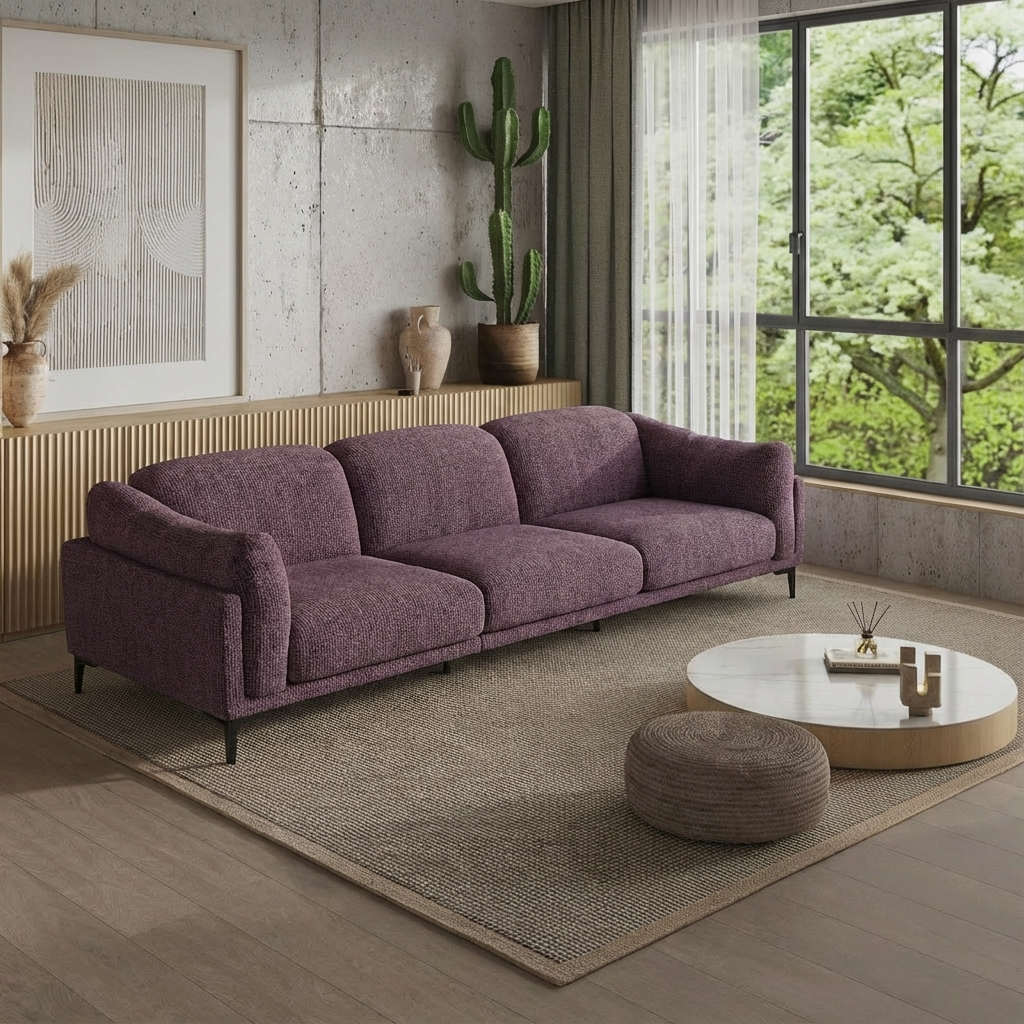
How to use Wstaw kanapę do swojego salonu!!!
Preview a couch in your space with AI in a few quick steps. Upload a living room photo, pick a sofa style, then generate realistic variations to compare size, color, and placement.
Step 1
Add a clear photo of your living room. For best results, include the floor and main walls so the AI can understand perspective and scale.

Step 2
Select sofa type, color, and style, then mark the area where you want it placed. Adjust size hints to better match your room layout.

Step 3
Generate multiple sofa placements and review variations. Fine-tune position and style, then download the best preview for planning or sharing.
Features
Place a couch into your living room photo with realistic AI results. The tool aligns perspective, lighting, and scale to help you evaluate fit and style. Generate multiple options quickly, compare layouts side by side, and iterate until the sofa looks right for your space.
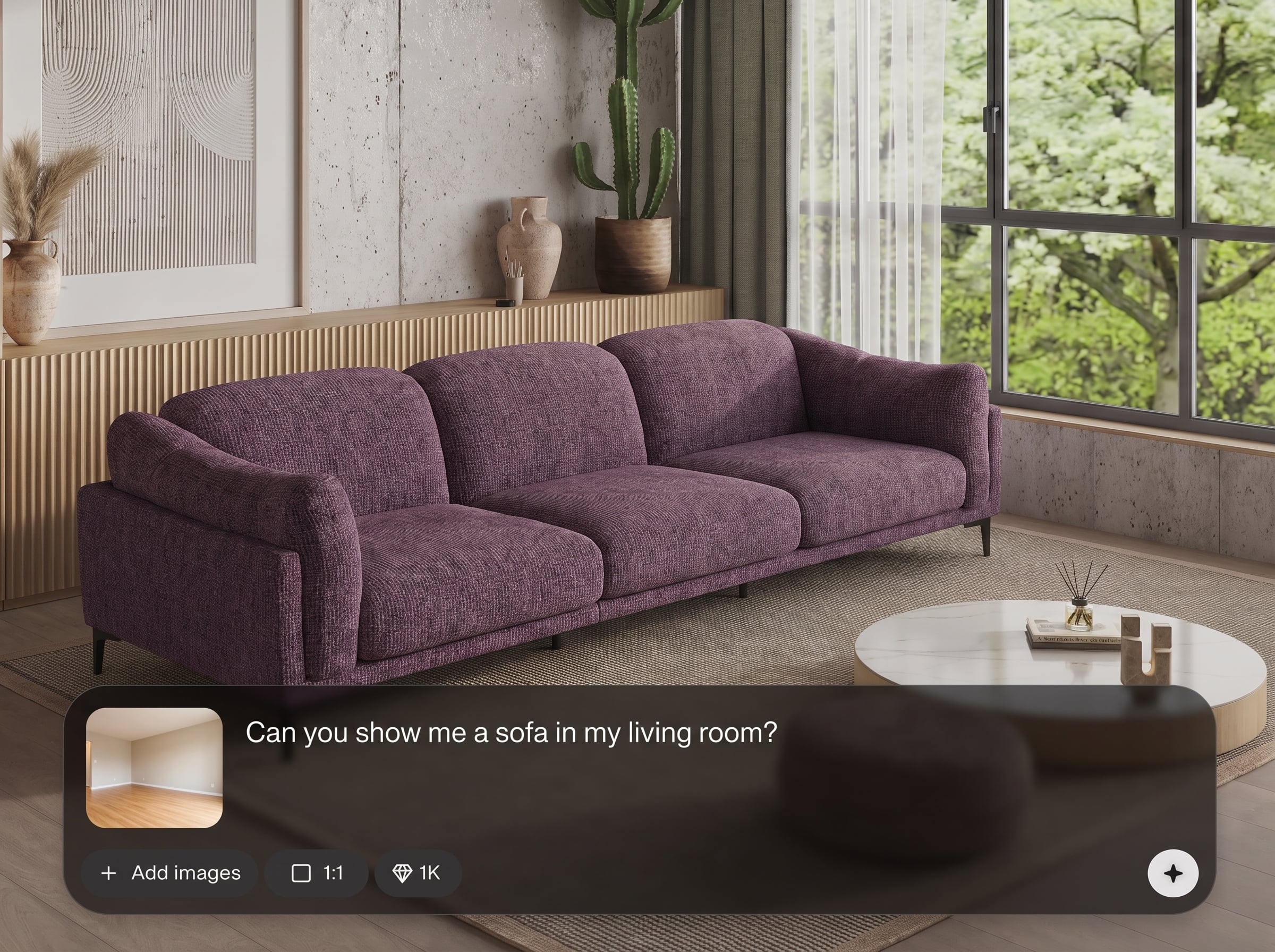
AI analyzes your photo to match angle, depth, and lighting, placing the sofa naturally in the scene. Get believable previews that help you judge fit, clearance, and balance.
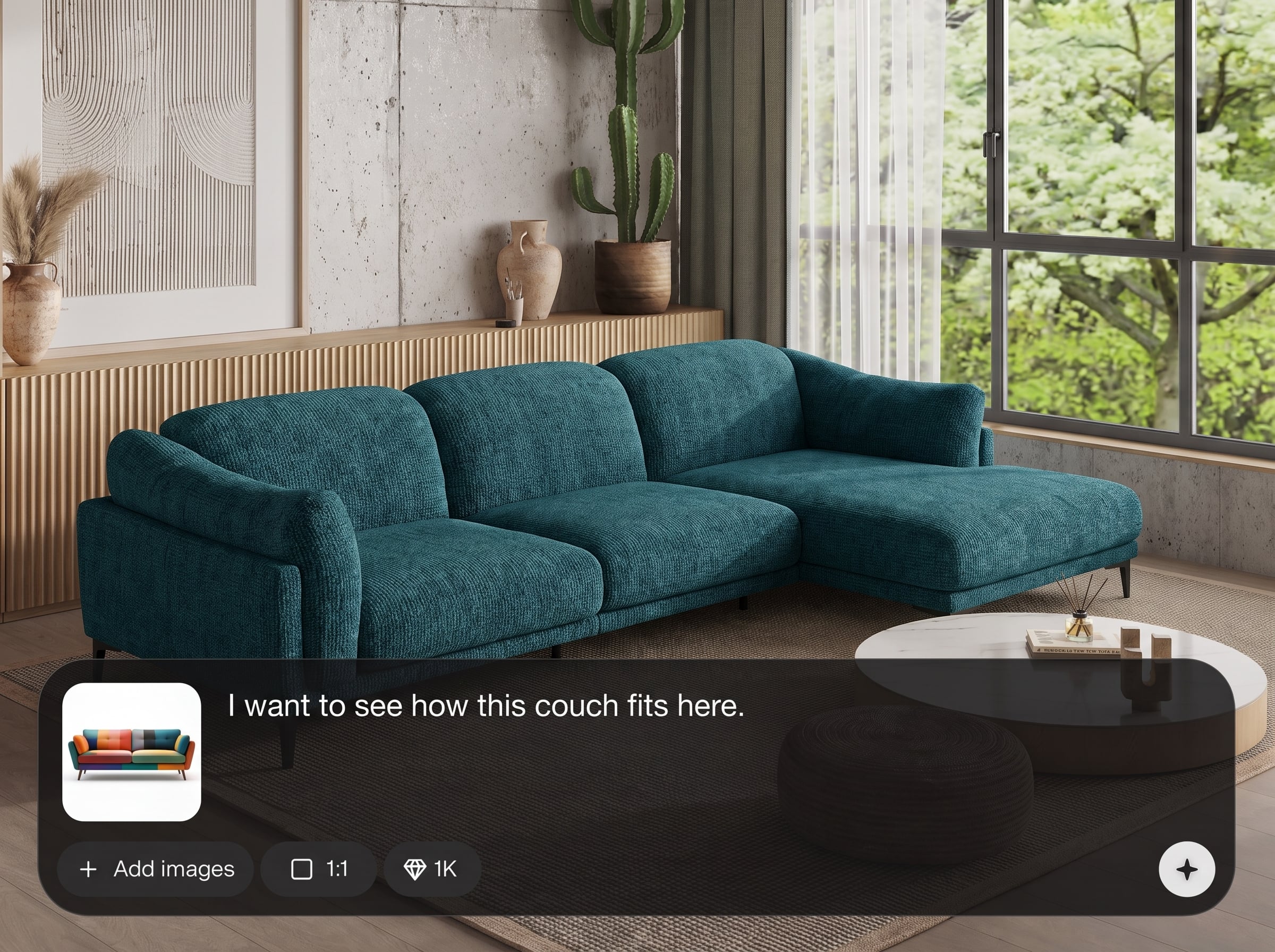
Generate several sofa options in seconds to explore colors, silhouettes, and positions. Compare variations to find the best layout without manual mockups or complex editing.
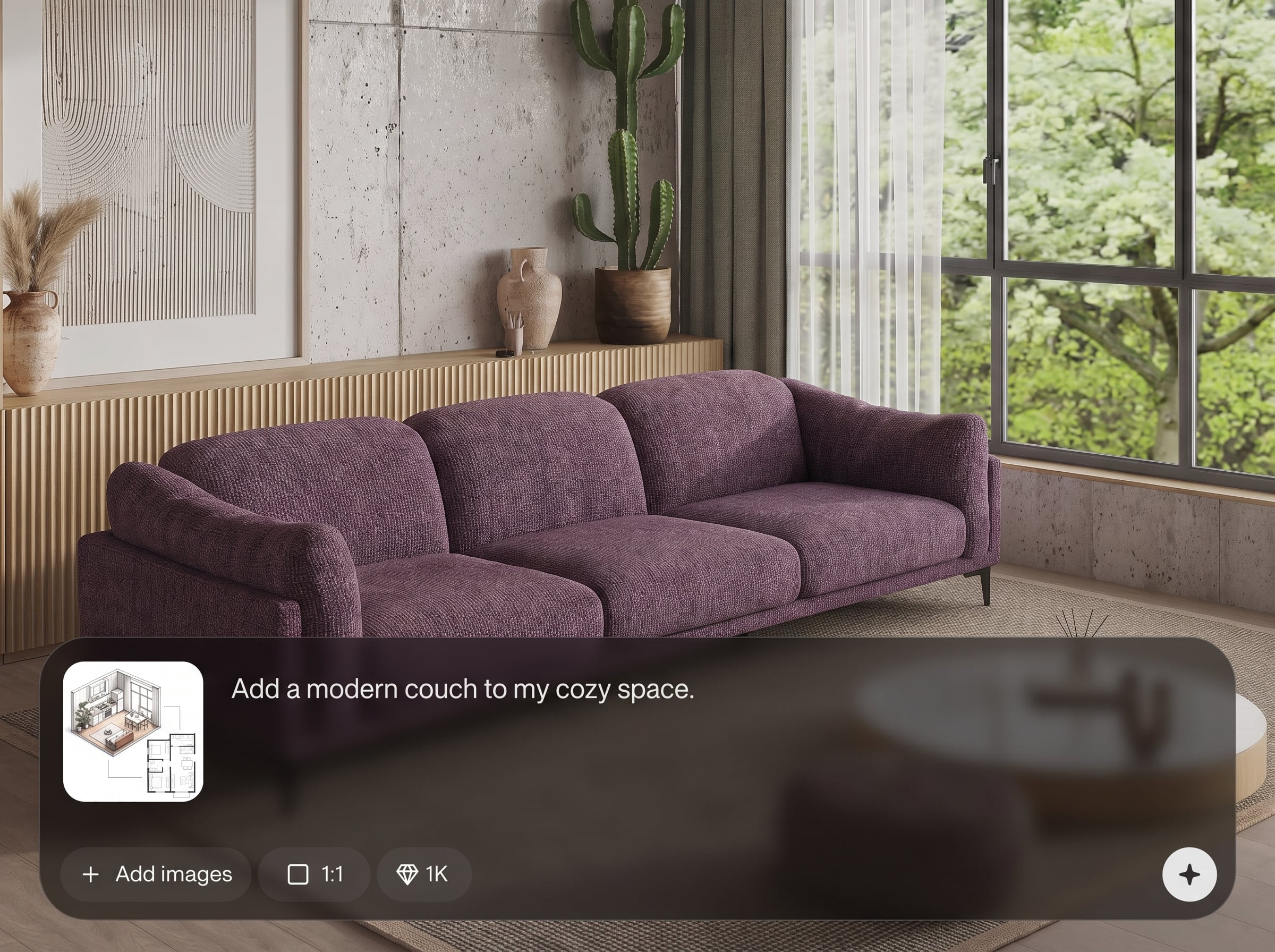
Guide results with simple style choices and placement hints. Adjust where the sofa sits, test different looks, and refine outputs until the design matches your interior goals.
About
Wstaw kanapę do swojego salonu!!! helps you visualize a new couch in your real living room using AI. Upload a photo, choose a sofa style, and generate realistic placements that match perspective and lighting. Compare options fast, refine positioning, and make confident interior design decisions before you buy.
Get fast, realistic sofa visualization without complex editing. AI helps align the couch to your room’s perspective and lighting, so you can compare options with confidence. Generate multiple variations, iterate quickly, and reduce costly trial-and-error when planning your interior layout.
Start by uploading a clear living room photo, then choose a sofa style and placement area. Generate a few variations, refine what you like, and download the preview for planning or sharing.
Use cases
Discover how different creators use this app in their workflow.
Test a new couch in your current space before moving furniture. Compare layouts quickly to see what fits best with doors, windows, and walking paths.
Add a sofa to empty or sparse rooms for clean, realistic staging. Create multiple looks to match different aesthetics and improve visual appeal in photos.
Preview colors and shapes against your walls and flooring. Reduce guesswork by generating realistic options that help narrow down the right sofa.
Krea is one of the world's leading generative AI platforms. See what others say.
Real reviews on TrustpilotSo many AI tools out there but I always come back to Krea. It's really the one AI platform that 'just works'.

FYN
Krea's interfaces are still the best in the industry. Everything looks and feels so clean and easy to use! Imo the easiest to use gen AI website.

Lynn
Ultra fast generations. Extremely simple to use. All the latest AI models.

Daniel
KREA is the only AI subscription I have right now besides ChatGPT.

Sophia M.
Common questions about AI sofa placement, realistic previews, and getting the best results from your room photo.
It uses AI to place a sofa into your living room photo, creating realistic previews. You can test different styles and placements to evaluate fit, scale, and overall interior design balance.
Use a bright, sharp photo showing the floor and key walls. Avoid extreme wide-angle distortion when possible, and keep major objects visible so the AI can infer depth and placement.
Yes. Choose different sofa styles and colors, then generate multiple variations. This helps you compare options against your existing decor and quickly narrow down the best match.
The tool analyzes perspective cues and scene lighting to make the sofa look naturally placed. Results vary by photo quality, but clear images typically produce more consistent realism.
Yes. It works like virtual staging for living rooms by adding a couch into a real photo. It’s useful for planning, presentations, and exploring different room layout ideas.
You can guide placement by selecting the target area and adjusting size or position hints. Generate again to refine results until the sofa aligns with your preferred layout.
Most common image formats work well, such as JPG and PNG. Higher-resolution images generally improve detail and help the AI produce cleaner edges and more realistic integration.
It can place a new sofa into the scene, but results depend on clutter and overlap. For the cleanest preview, use a photo with open space where the sofa should appear.
Access may vary by plan and usage limits. You can start generating previews quickly, then scale up if you need more variations, higher quality outputs, or more frequent design iterations.
After generating results, select your favorite variation and download the image. Use it to compare options, share with others for feedback, or reference measurements before purchasing.
Upload a living room photo, generate realistic sofa placements, and pick the layout that fits best.

