














Step 1
Add references
Upload or select your character, object, and location references. Keep details clear so the AI can infer styling, context, and scene continuity across the four images.
Cinematic Grid combines character, object, and location references into one prompt to generate four high-quality cinematic images fast. Try it online.
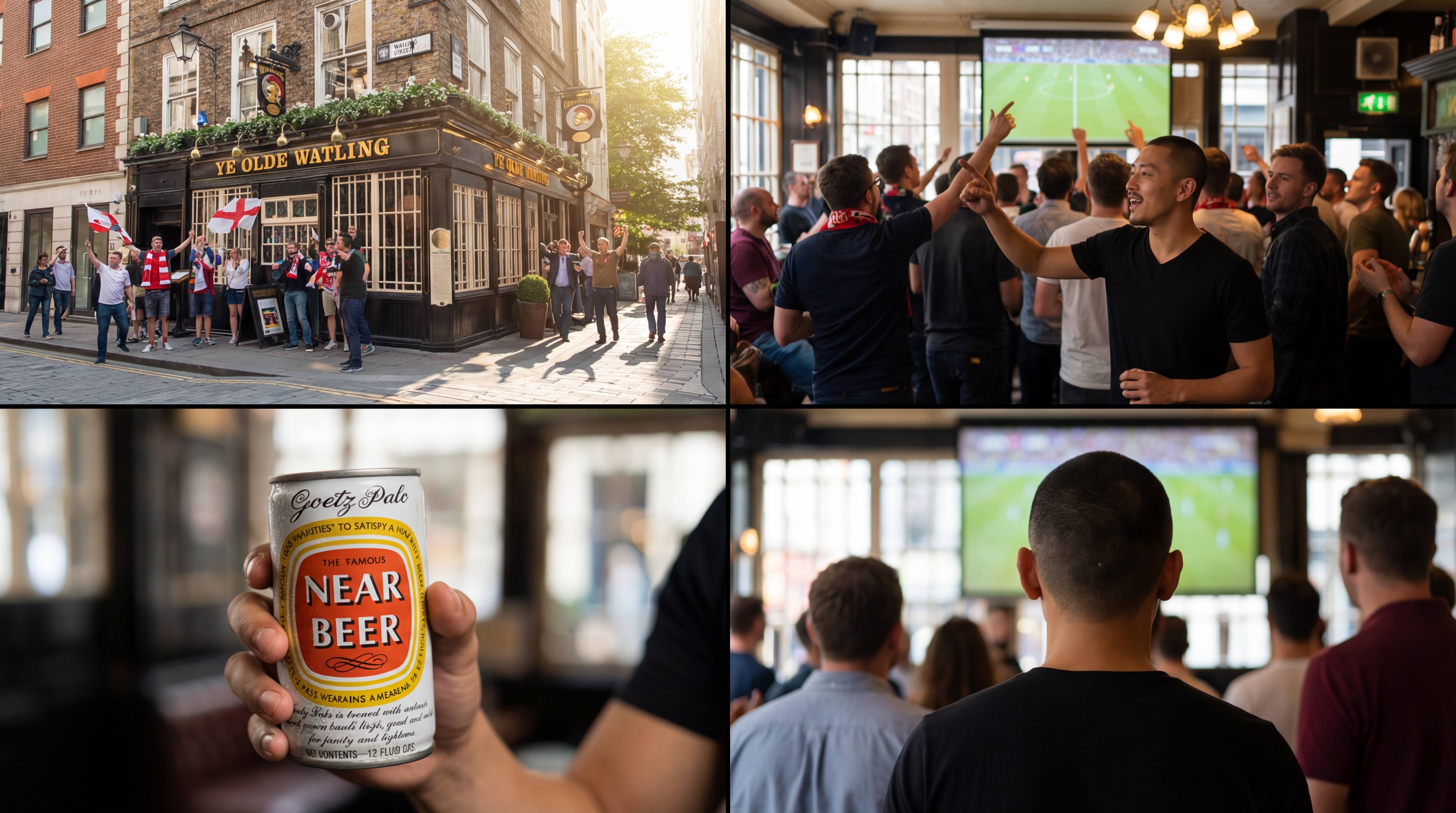
How to use Cinematic Grid
Cinematic Grid helps you combine a character, an object, and a reference location into a structured prompt. Follow these steps to generate four high-quality images and iterate fast on visual direction.
Step 1
Upload or select your character, object, and location references. Keep details clear so the AI can infer styling, context, and scene continuity across the four images.

Step 2
Click generate to create a four-image set from the combined prompt. Review variations in framing, lighting, and mood while maintaining the same core elements.

Step 3
Adjust keywords or swap a reference to steer results. Regenerate for new variations, then download your favorite images for storyboards, pitches, or concept exploration.
Features
Cinematic Grid streamlines reference-based generation by merging your character, object, and location into a reliable base prompt. It outputs four cohesive images at once, helping you compare shot options quickly. Spend less time rewriting prompts and more time dialing in composition, lighting, and atmosphere with consistent inputs.
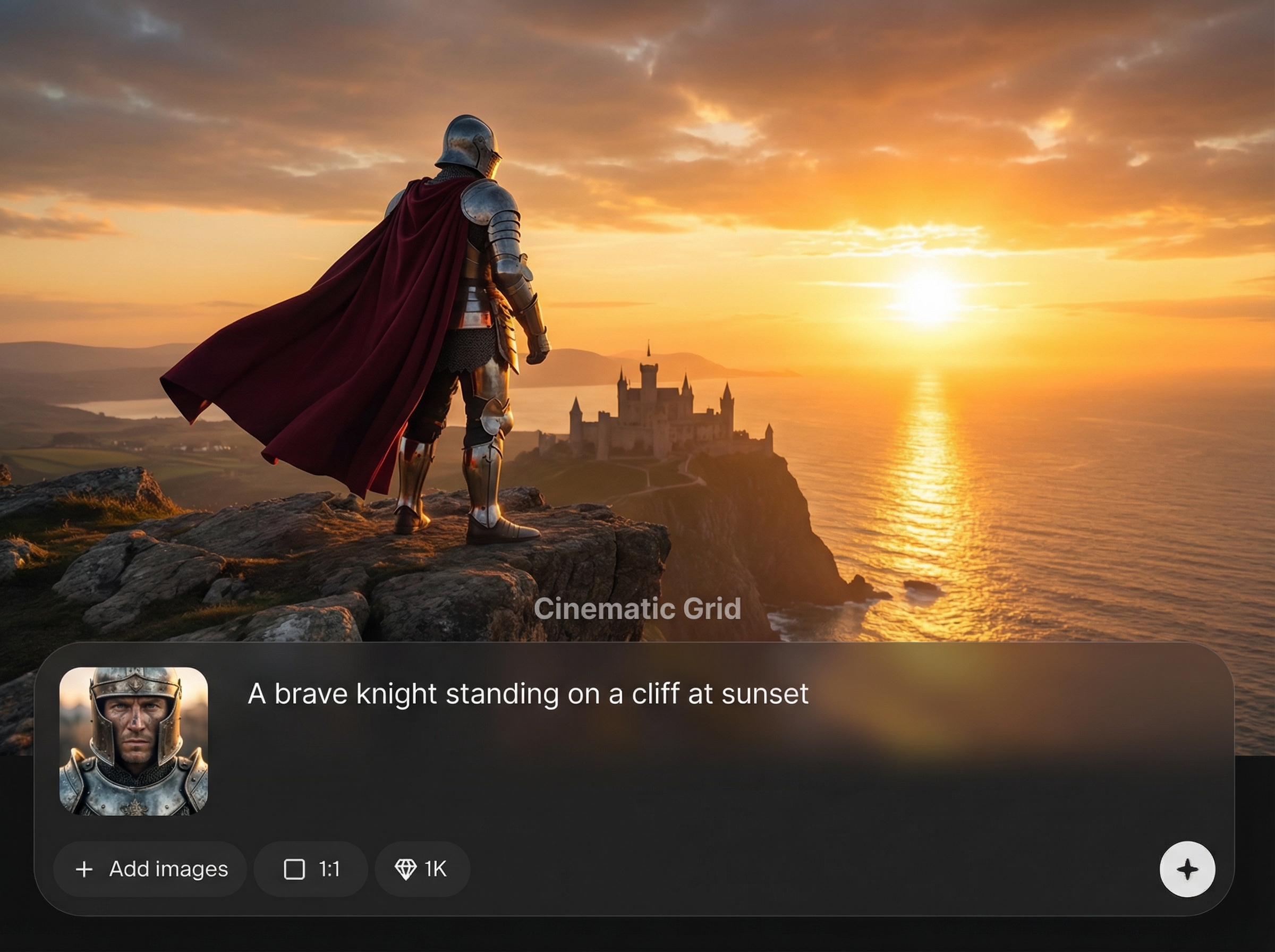
Combine character, object, and location references into a structured prompt automatically. Keep core elements consistent while still enabling creative variation in style, lighting, and camera framing.
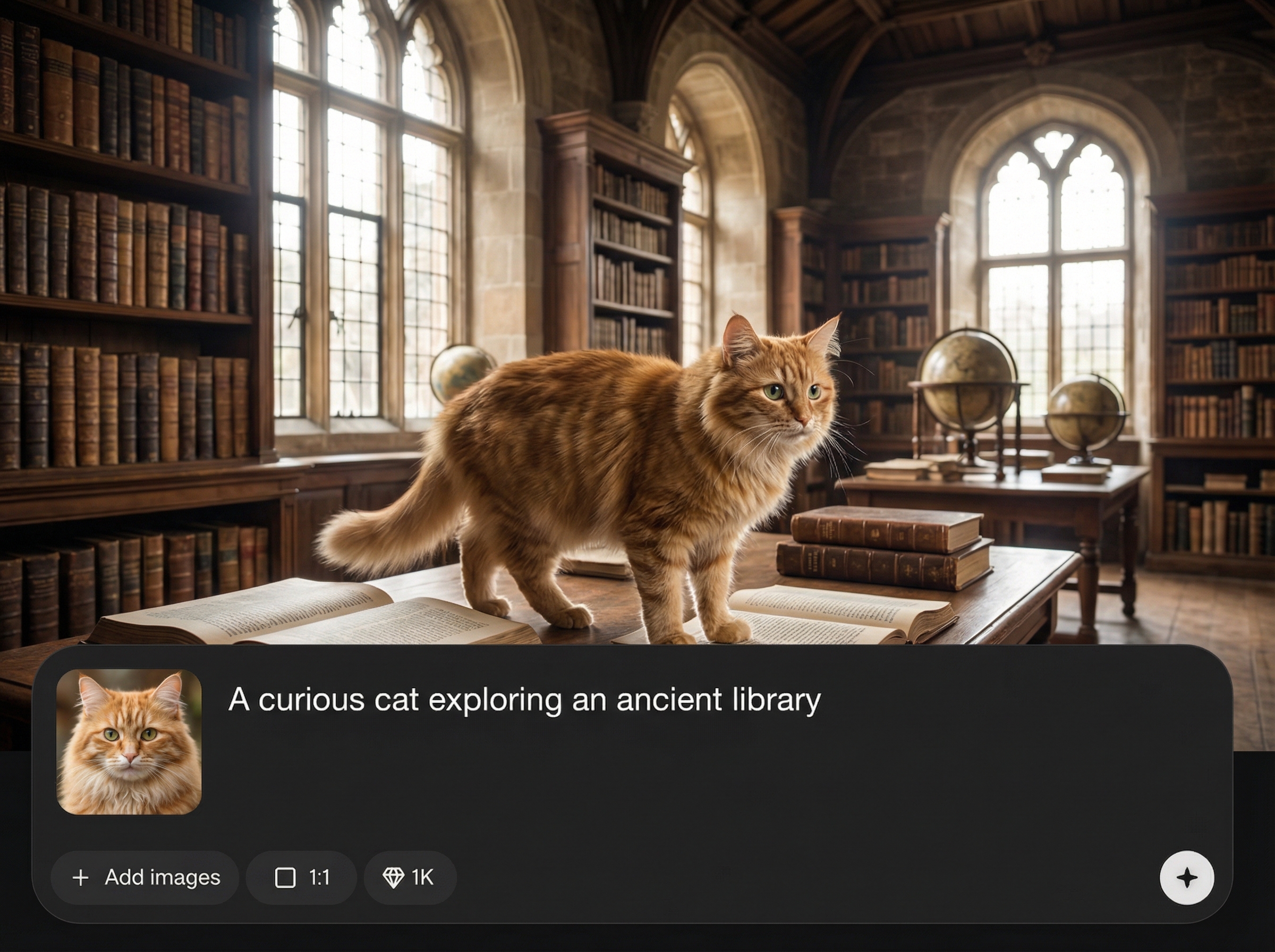
Generate four high-quality images in a single run to explore multiple cinematic options fast. Compare angles, composition, and mood side by side without extra setup.
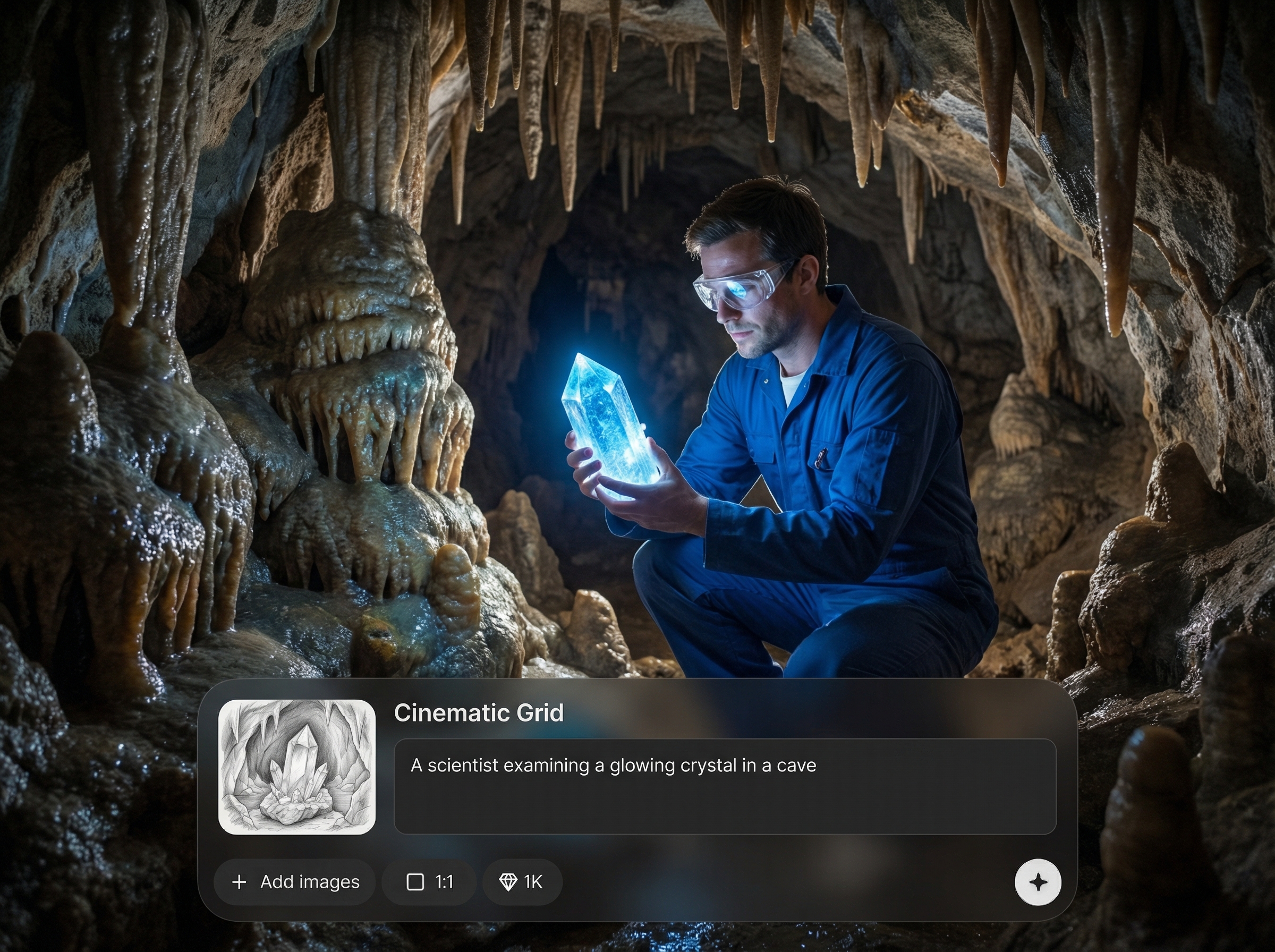
Swap one reference or tweak prompt keywords to guide the next grid. Iterate quickly to lock a visual direction for storyboards, concept art, or scene exploration.
About
Cinematic Grid turns your character, object, and reference location into a clean base prompt that generates a set of four high-quality cinematic images. Quickly explore angles, lighting, and composition variations in a single run. Use it to build consistent visual directions, mood boards, and scene options without rewriting prompts from scratch.
Cinematic Grid simplifies cinematic AI image generation by turning references into a dependable prompt and delivering four results at once. It’s built for fast comparison, clearer decision-making, and consistent scene exploration—so you can iterate on visuals without repetitive prompt work.
Upload your character, object, and location references, then click generate. Review the four-image grid, adjust a keyword or swap a reference, and regenerate until you get the look you want.
Use cases
Discover how different creators use this app in their workflow.
Generate four shot variations from the same scene inputs to plan framing, lighting, and mood quickly, then refine the direction with targeted iterations.
Test character-object interactions in a specific location and compare visual takes side by side. Ideal for exploring atmosphere and composition without manual prompt rewriting.
Create cohesive cinematic image sets that communicate tone and setting. Export your best grid results for presentations, pre-visualization, and creative alignment.
Krea is one of the world's leading generative AI platforms. See what others say.
Real reviews on TrustpilotSo many AI tools out there but I always come back to Krea. It's really the one AI platform that 'just works'.

FYN
Krea's interfaces are still the best in the industry. Everything looks and feels so clean and easy to use! Imo the easiest to use gen AI website.

Lynn
Ultra fast generations. Extremely simple to use. All the latest AI models.

Daniel
KREA is the only AI subscription I have right now besides ChatGPT.

Sophia M.
Answers to common questions about Cinematic Grid and cinematic AI image generation.
Cinematic Grid generates four high-quality images from a base prompt built from your character, object, and location references. The output helps you compare cinematic variations while keeping key elements consistent.
Use clear references and keep the character, object, and location stable. Then refine with a few precise keywords for style or lighting, regenerating grids to converge on a consistent look.
Yes. Swap a single reference—like the location or object—while keeping the other inputs the same. This makes it easy to test new settings or props without rebuilding prompts.
It’s both: Cinematic Grid builds a structured base prompt from your references, then generates four images in one run. This workflow reduces prompt work and speeds up visual exploration.
High-resolution PNG or JPG references work best, especially with clear subjects and minimal blur. Clean inputs improve reference reading, leading to better composition and more reliable cinematic details.




Combine references into one prompt and produce four cinematic images in a single click.

