














Step 1
Upload
Add a photo containing the garment. Choose the clothing item to extract and let the AI analyze edges, folds, and overlapping areas automatically.
Extract clothing from any photo with AI. Create clean garment cutouts, transparent PNGs, and masks fast for e-commerce, design, and editing. Try it now.
How to use Extract garment tool
Follow these steps to extract clothing from any photo using AI segmentation. Upload an image, refine the selection if needed, then export a transparent PNG or mask for editing and production.
Step 1
Add a photo containing the garment. Choose the clothing item to extract and let the AI analyze edges, folds, and overlapping areas automatically.

Step 2
Fine-tune the mask with quick brush controls. Clean up straps, collars, and hems, and fix tricky boundaries like hair, hands, or layered outfits.

Step 3
Download a transparent PNG or export the mask for Photoshop and design tools. Use the cutout in product listings, mockups, or compositing workflows.
Features
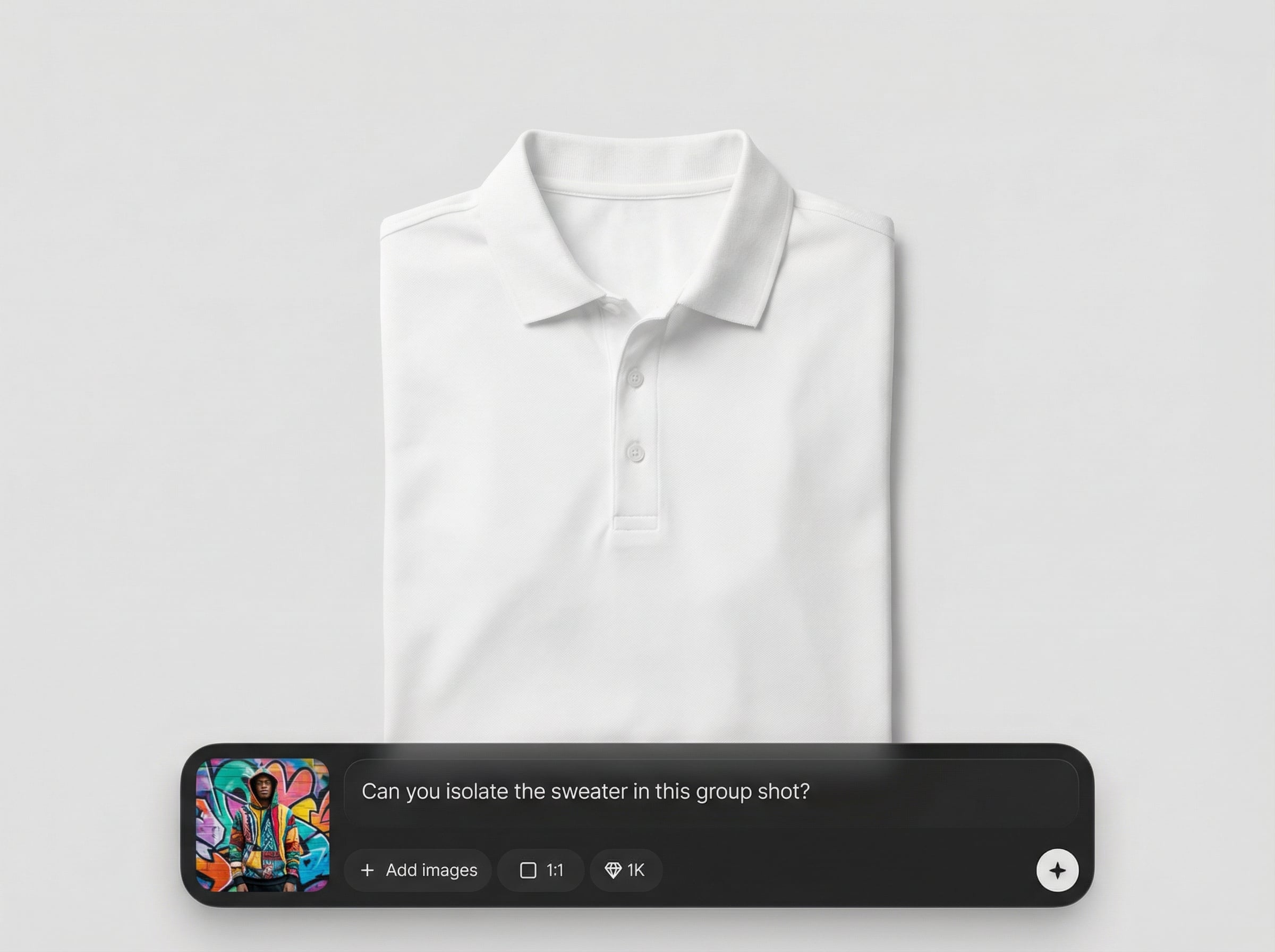
Extract garment tool applies AI segmentation to separate clothing from backgrounds and distractions. It outputs accurate masks and transparent PNG cutouts that stay true to garment shape and texture. Save time on manual tracing while keeping professional edges for e-commerce, editing, and design pipelines.
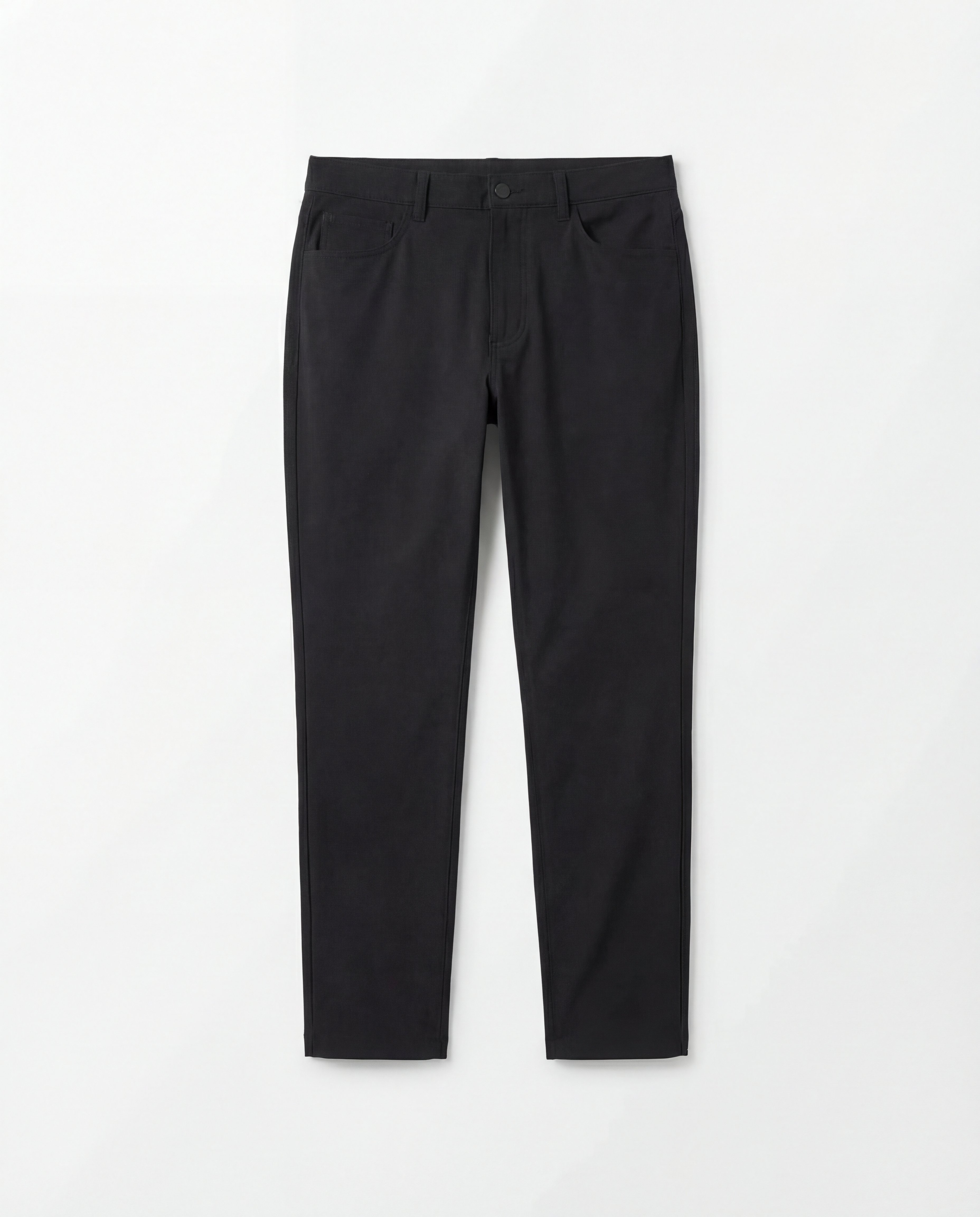
Detects clothing boundaries with high accuracy, preserving details like seams, cuffs, and hems. Get reliable masks even on patterned fabrics and complex silhouettes.
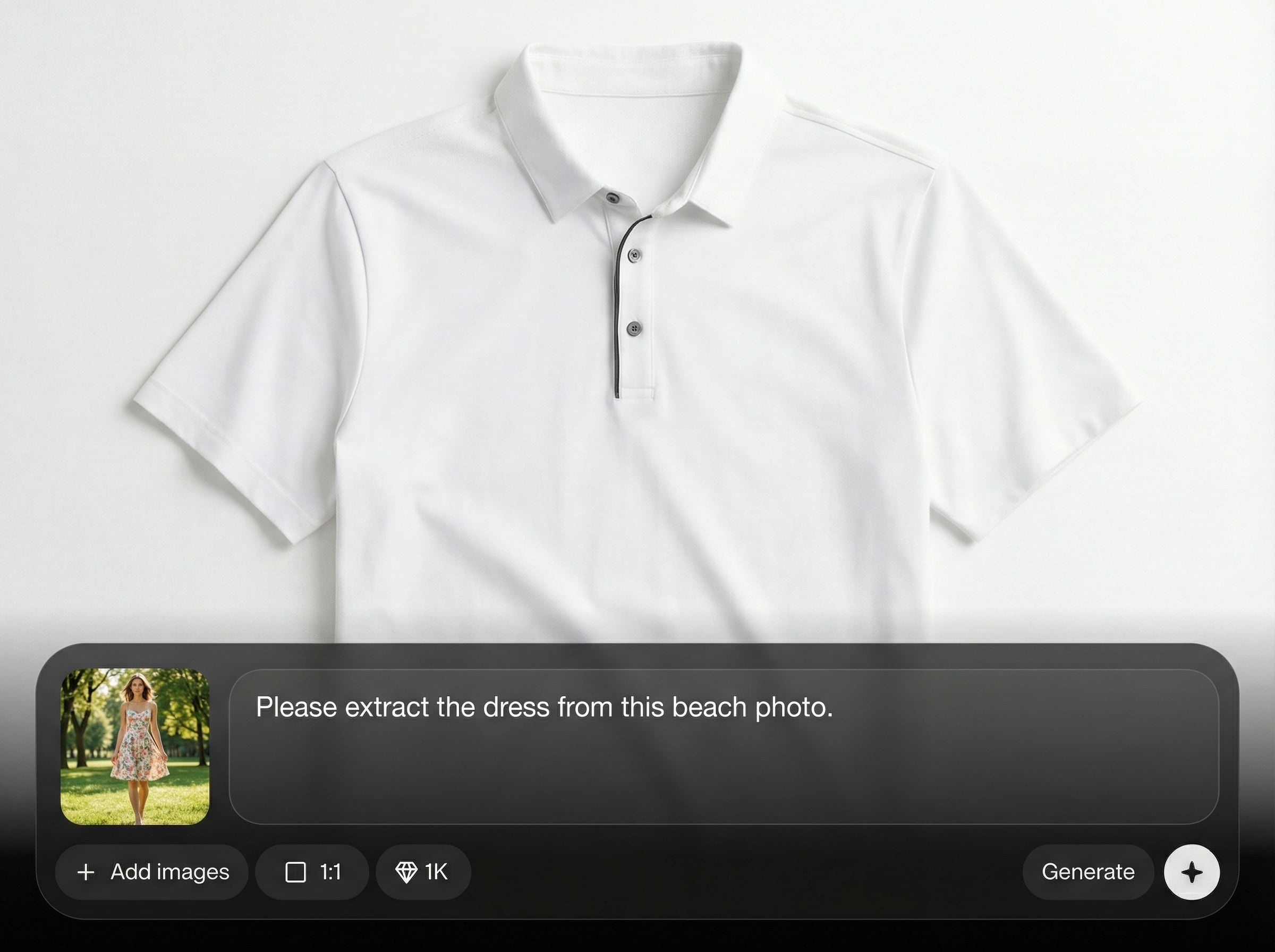
Generate transparent PNG cutouts and export masks in seconds. Keep your workflow moving with outputs ready for retouching, compositing, catalog pages, and mockups.
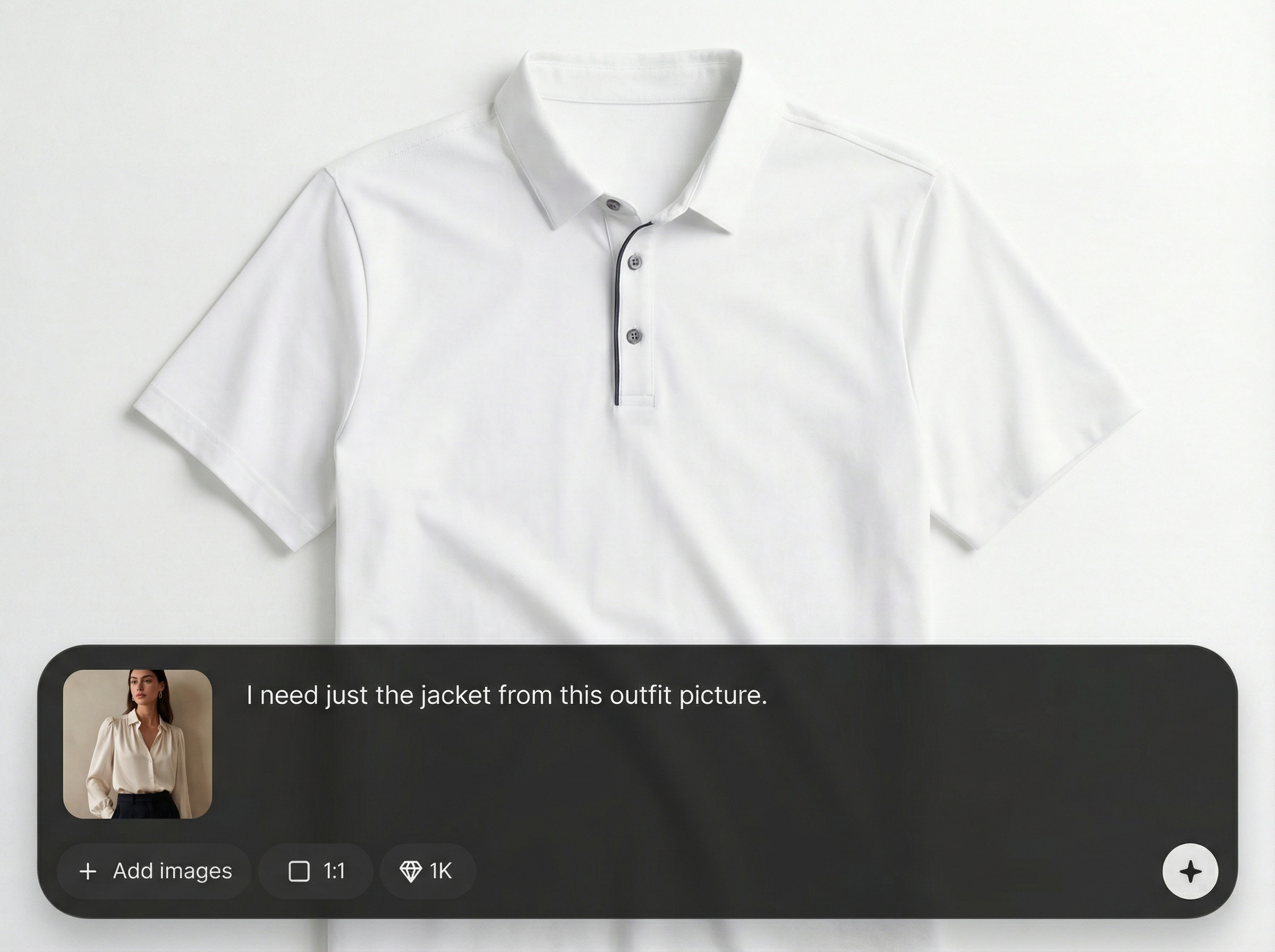
Produce clean layers that integrate smoothly into photo editing tools. Reduce edge fringing and save time on cleanup when swapping backgrounds or building apparel layouts.
About
Extract garment tool uses AI to isolate clothing from a photo and deliver clean, editable cutouts in seconds. Generate transparent PNGs and precise masks for retouching, catalog images, and design mockups. Keep edges sharp around collars, sleeves, and hems for professional results with minimal manual cleanup.
Extract garment tool delivers precise clothing cutouts with AI-driven segmentation optimized for apparel details. Get transparent PNGs and clean masks that reduce manual tracing and speed up production. Ideal for consistent product imagery, fast mockups, and reliable editing assets.
Open Extract garment tool, upload a garment photo, and run extraction. Refine the mask with simple controls, then download a transparent PNG or export the mask for your editing workflow.
Use cases
Discover how different creators use this app in their workflow.
Extract garments for consistent listings, clean backgrounds, and faster catalog updates. Create transparent cutouts for marketplaces, lookbooks, and PDP image stacks.
Isolate clothing to build mockups, moodboards, and layout comps. Reuse cutouts across concepts without re-editing every image from scratch.
Create accurate clothing masks for selective edits like color changes, texture overlays, and background swaps. Keep edges clean around folds and fine details.
Krea is one of the world's leading generative AI platforms. See what others say.
Real reviews on TrustpilotSo many AI tools out there but I always come back to Krea. It's really the one AI platform that 'just works'.

FYN
Krea's interfaces are still the best in the industry. Everything looks and feels so clean and easy to use! Imo the easiest to use gen AI website.

Lynn
Ultra fast generations. Extremely simple to use. All the latest AI models.

Daniel
KREA is the only AI subscription I have right now besides ChatGPT.

Sophia M.
Answers to common questions about AI clothing extraction, masks, and export formats.
It uses AI segmentation to isolate clothing from a photo and produce a clean cutout. You can export a transparent PNG and a mask for fast editing, retouching, and compositing.
Upload common formats like JPG and PNG. Export transparent PNG cutouts and mask outputs suitable for most photo editing workflows, making it easy to continue work in your preferred tool.
Accuracy depends on lighting, contrast, and occlusions, but the model is optimized for garment edges and fabric detail. Use quick refinements to handle overlaps like hair, hands, or accessories.
Yes. Run extraction per item to get separate masks and cutouts. This helps keep layers organized when building outfits, catalogs, or composite scenes with multiple clothing pieces.
Yes, but it’s specifically tuned for clothing. Instead of generic background removal, it prioritizes garment contours and details so the final cutout looks natural and edit-ready.
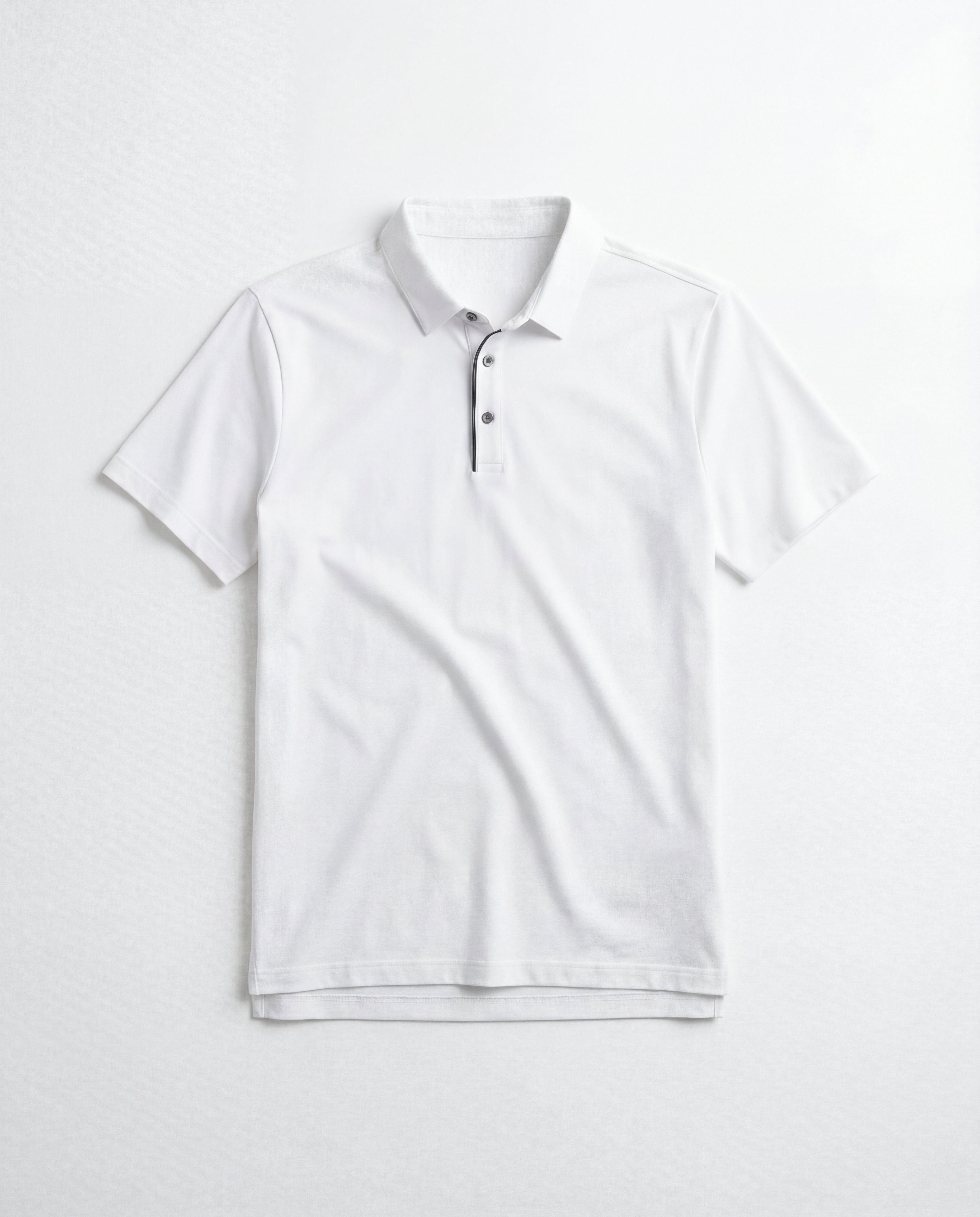
Upload a photo and export a clean transparent PNG or mask in seconds for editing and e-commerce.

