














Step 1
Prompt
Describe the scene, setting, and mood: creature type, lighting, camera angle, and pace. Add keywords like “fog,” “grain,” or “found footage” for stronger horror tone.
Generate chilling 9:16 horror videos with KreaHorror9x16. Use AI prompts, styles, and quick exports for reels, stories, and shorts. Try it now.
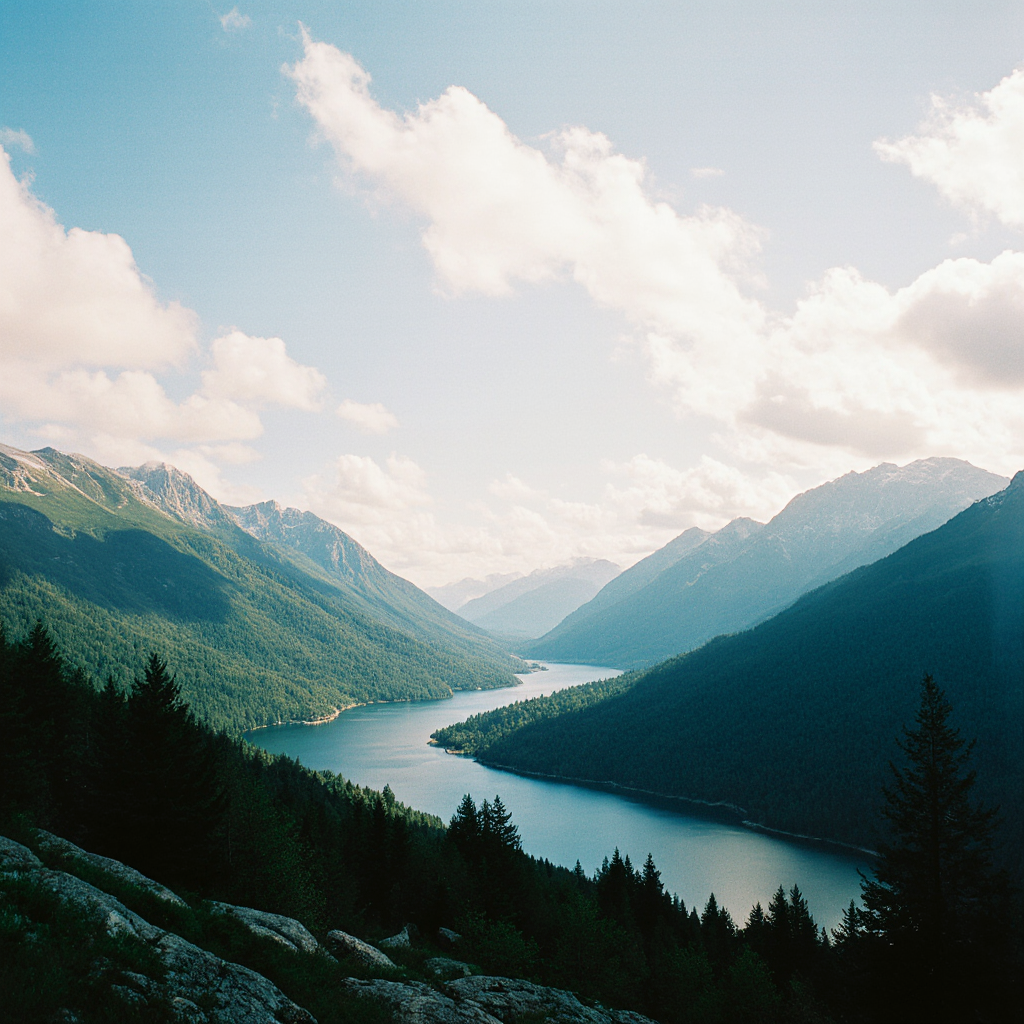
How to use KreaHorror9x16
Create a 9:16 horror clip by combining a clear prompt with the right style controls. KreaHorror9x16 helps you iterate quickly, refine the mood, and export a vertical video optimized for social platforms.
Step 1
Describe the scene, setting, and mood: creature type, lighting, camera angle, and pace. Add keywords like “fog,” “grain,” or “found footage” for stronger horror tone.

Step 2
Select a horror look and adjust intensity, contrast, and motion. Keep the output locked to 9:16 for clean framing and consistent composition across iterations.

Step 3
Generate multiple variations, pick the best take, and refine with quick prompt edits. Export a high-quality vertical clip ready for reels, stories, or shorts.
Features
KreaHorror9x16 generates vertical horror videos with AI-driven style control for mood, texture, and motion. Create eerie scenes, found-footage vibes, or cinematic scares while keeping framing optimized for mobile. Iterate fast with variations, then export clean 9:16 clips for reels, stories, and short-form feeds.
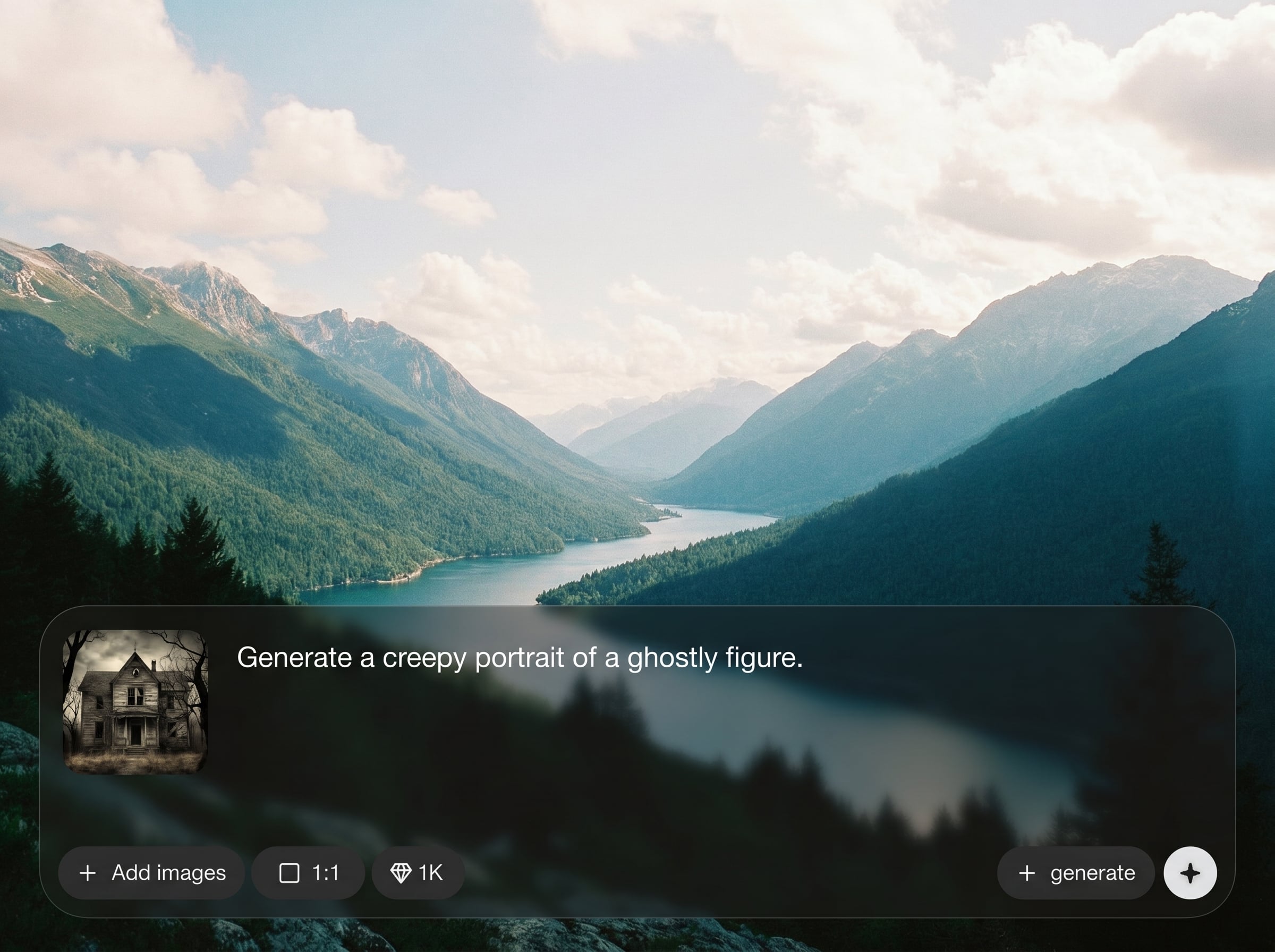
Tune atmosphere with presets and sliders for darkness, grain, fog, and color tone. Keep a consistent horror aesthetic across variations without complex editing workflows.
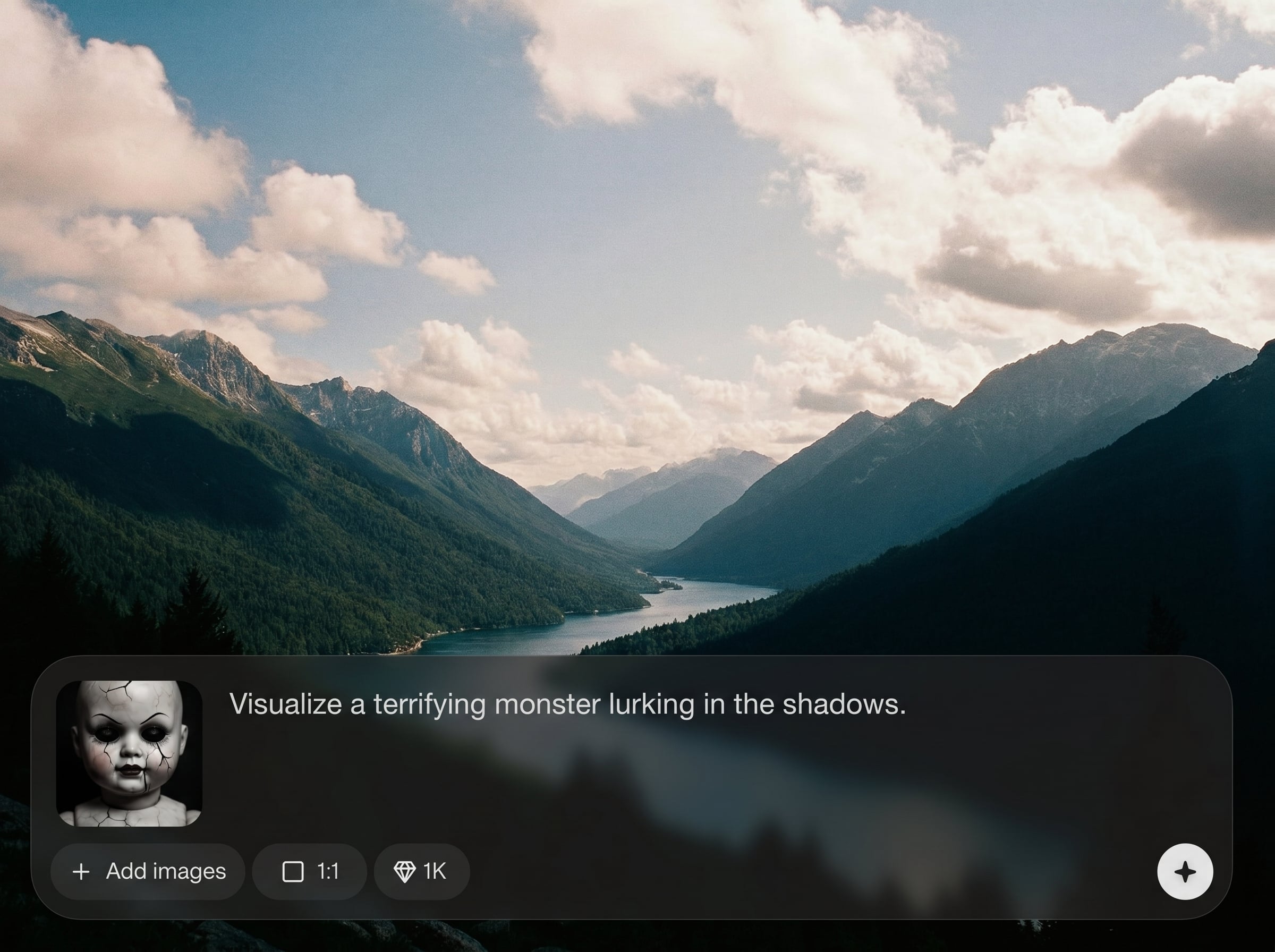
Generate 9:16 clips optimized for mobile viewing and social platforms. Quickly create multiple takes, compare results, and iterate with small prompt changes for better pacing and composition.
Turn text prompts into scary scenes—abandoned halls, shadow figures, glitchy footage, and more. Mix cinematic cues like lens type and lighting to shape a stronger narrative mood.
About
KreaHorror9x16 is an AI tool for generating vertical 9:16 horror videos built for reels, stories, and shorts. Write a prompt, choose a scary style, and produce atmospheric scenes with cinematic lighting, grain, and motion. Create consistent horror aesthetics fast, then export in a mobile-first format ready to post.
KreaHorror9x16 focuses on vertical horror output, so your scenes stay framed for mobile from the start. AI style controls make it easy to dial in atmosphere, while rapid variations help you refine scares quickly. Export-ready 9:16 clips reduce editing time and speed up posting.
Type a horror prompt, pick a style, and generate multiple variations. Refine the mood with small edits, then export a vertical 9:16 clip ready for social platforms.
Use cases
Discover how different creators use this app in their workflow.
Generate vertical horror clips tailored to 9:16 formats. Post fast with platform-ready framing, punchy atmosphere, and loop-friendly motion.
Create quick scary teasers for launches and announcements. Produce multiple variations to test different hooks, tones, and visual styles.
Explore horror aesthetics for concept development. Build a library of looks—found footage, gothic, slasher, or surreal—using repeatable AI settings.
Krea is one of the world's leading generative AI platforms. See what others say.
Real reviews on TrustpilotSo many AI tools out there but I always come back to Krea. It's really the one AI platform that 'just works'.

FYN
Krea's interfaces are still the best in the industry. Everything looks and feels so clean and easy to use! Imo the easiest to use gen AI website.

Lynn
Ultra fast generations. Extremely simple to use. All the latest AI models.

Daniel
KREA is the only AI subscription I have right now besides ChatGPT.

Sophia M.
Answers to common questions about AI horror video generation in 9:16.
KreaHorror9x16 is an AI horror video generator focused on vertical 9:16 output. It helps you create eerie short videos from prompts with controllable style, mood, and motion.
Include setting, subject, lighting, and camera cues—like “flashlight beam,” “handheld,” or “slow dolly.” Add texture terms such as “film grain,” “fog,” or “glitch” for stronger atmosphere.
Yes. Reuse the same style settings and repeat key prompt phrases for consistent tone and framing. Generate variations, then make small adjustments to maintain continuity across a series.
Yes, KreaHorror9x16 is designed for vertical 9:16. Exports are ready for reels, stories, and shorts, helping you avoid cropping and preserve composition.
You can create cinematic horror, found-footage looks, gothic ambience, glitch horror, and surreal nightmares. Use prompt keywords and style controls to shape color, grain, contrast, and motion.
Generate vertical horror videos with AI prompts, fast iterations, and exports made for reels, stories, and shorts.

