















Step 1
Upload
Add one image or a batch, then choose your target format and dimensions. Image flow v1 prepares assets for an AI workflow and keeps outputs consistent.
Image flow v1 automates image workflows with AI—batch enhance, resize, and style consistently. Build a flow, preview results, and export fast. Try it now.
How to use Image flow v1
This quick guide shows how to build a reusable AI image workflow with Image flow v1. Upload images, choose the steps you need, then preview and export consistent results for single images or batches.
Step 1
Add one image or a batch, then choose your target format and dimensions. Image flow v1 prepares assets for an AI workflow and keeps outputs consistent.

Step 2
Select steps like enhance, background removal, resize, and style. Adjust strength and order to match your brand or project, then save the workflow preset.

Step 3
Preview results before exporting to avoid surprises. Export optimized files in your chosen format, or rerun the same flow on new images for fast batch delivery.
Features
Image flow v1 turns multi-step image editing into a repeatable AI workflow. Combine enhancement, cleanup, resizing, and styling into one pipeline, then run it on a single image or large batches. Get faster turnaround, consistent outputs, and fewer manual edits—ideal for teams, ecommerce, and content production.
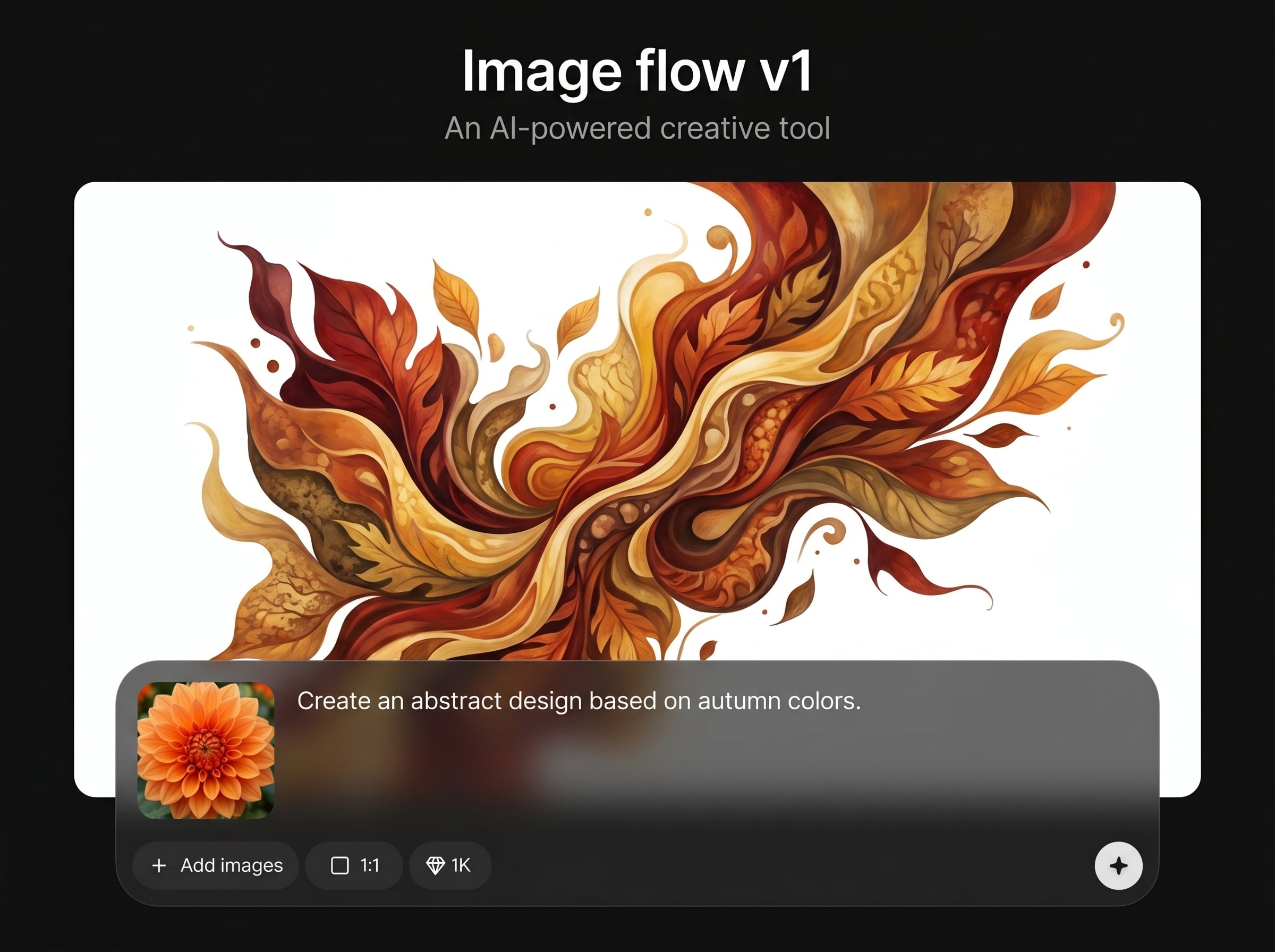
Save your image editing pipeline as a preset and reuse it anytime. Keep consistent looks across campaigns by applying the same AI steps, settings, and order to every batch.
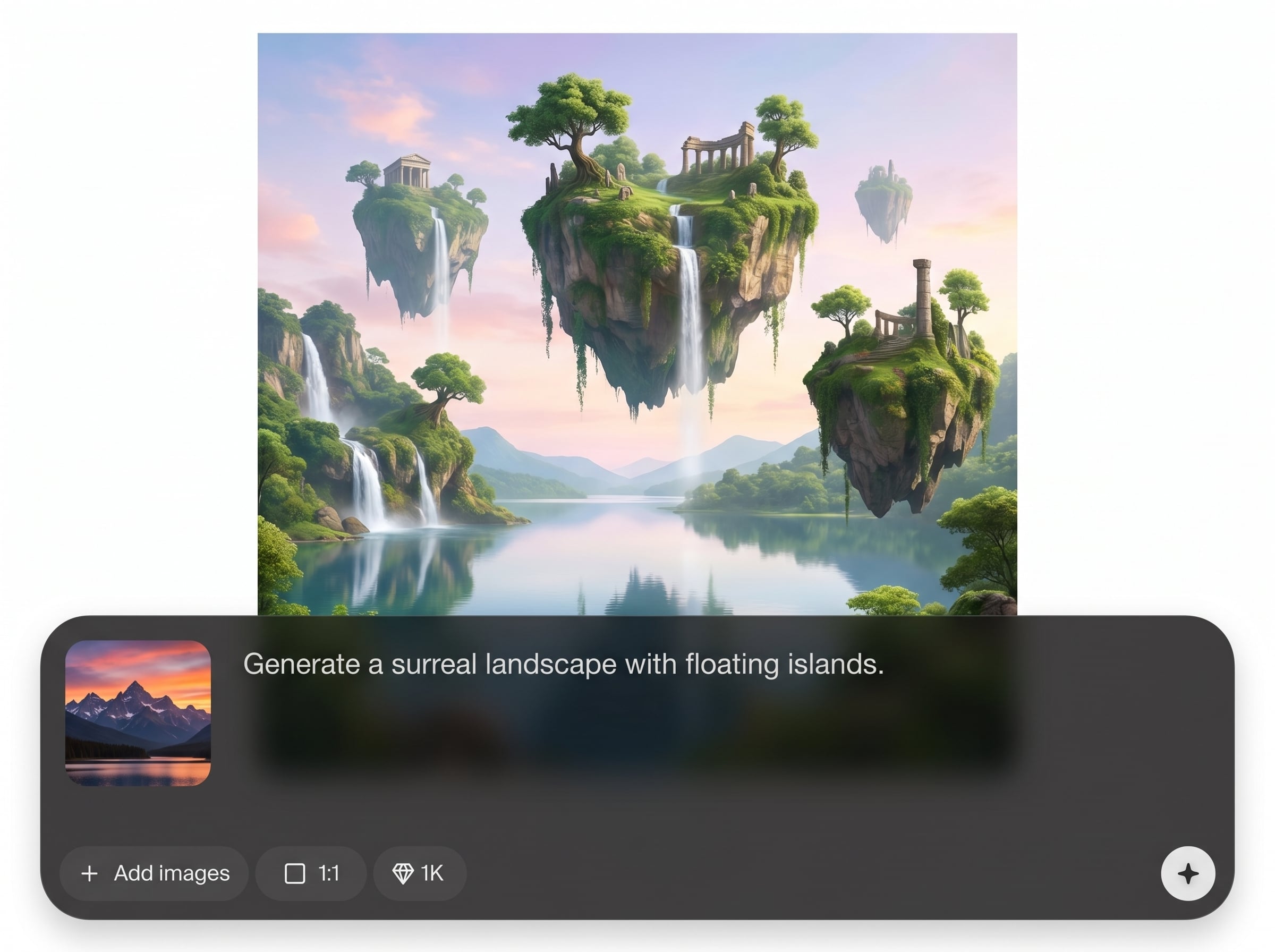
Run the same workflow across many images to reduce repetitive work. Preview quickly, iterate with small changes, and export production-ready files in minutes instead of hours.
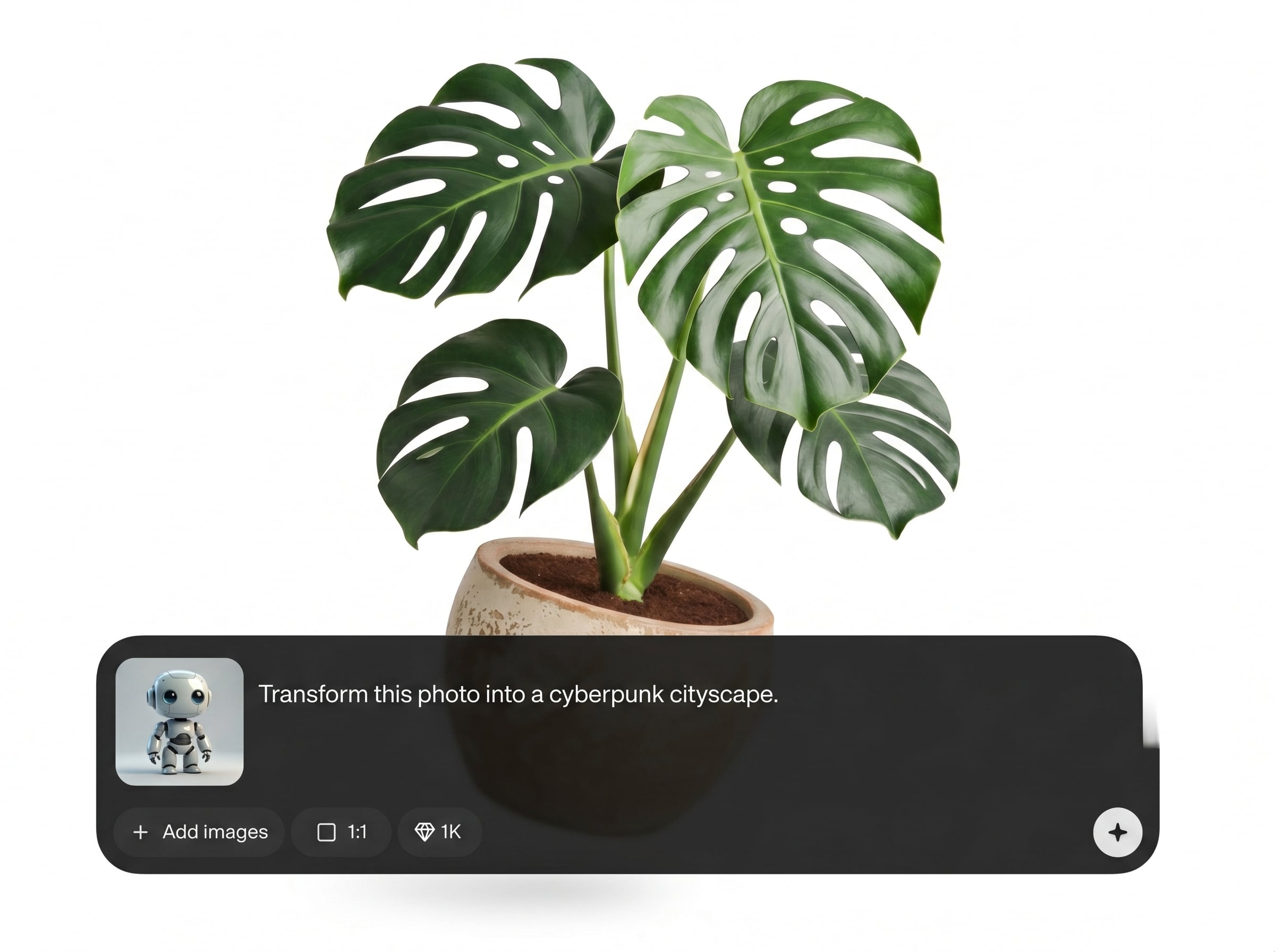
Combine common steps like background removal, enhancement, and resizing with AI styling for cohesive results. Tune intensity for natural edits or bold creative directions as needed.
About
Image flow v1 is an AI image workflow generator that helps you automate repetitive editing steps in one consistent pipeline. Build a flow for enhance, resize, remove backgrounds, and apply styles, then preview changes instantly. Generate reliable, batch-ready outputs for product photos, social graphics, and creative iterations—without manual rework.
Image flow v1 replaces repetitive editing with a reliable AI workflow you can reuse anytime. Combine multiple steps into one pipeline, preview results, and keep outputs consistent across teams and channels. It’s built for speed, standardization, and easy iteration at scale.
Start by uploading an image, then add the editing steps you need in order. Preview the output, tweak settings, save as a preset, and rerun the same flow on new images or full batches.
Use cases
Discover how different creators use this app in their workflow.
Standardize product photos with AI enhancement, background removal, and consistent sizing. Export clean catalogs faster while keeping a uniform look across every SKU.
Create on-brand variations quickly by reusing the same workflow preset. Batch-resize for multiple platforms and keep styling consistent across posts and ads.
Test multiple styles and edits without redoing steps. Swap workflow settings, preview instantly, and export versions for reviews, moodboards, and rapid exploration.
Krea is one of the world's leading generative AI platforms. See what others say.
Real reviews on TrustpilotSo many AI tools out there but I always come back to Krea. It's really the one AI platform that 'just works'.

FYN
Krea's interfaces are still the best in the industry. Everything looks and feels so clean and easy to use! Imo the easiest to use gen AI website.

Lynn
Ultra fast generations. Extremely simple to use. All the latest AI models.

Daniel
KREA is the only AI subscription I have right now besides ChatGPT.

Sophia M.
Learn how Image flow v1 automates AI image workflows for faster, consistent editing and export.
Image flow v1 is an AI image workflow generator that lets you chain editing steps into one repeatable pipeline. Run the same flow on single images or batches to produce consistent, export-ready results.
You can automate common tasks like enhancement, resizing, background removal, and styling in a single sequence. This reduces manual rework and keeps outputs consistent across projects, campaigns, and product sets.
Yes. Upload multiple images and apply the same AI workflow to all of them. Batch processing helps maintain consistent settings, speeds up delivery, and simplifies exporting large sets of assets.
You can save your workflow as a preset and reuse it whenever you need. Presets help you keep consistent sizing, styling, and cleanup rules across new images and future batches.
Image flow v1 lets you preview the workflow results before exporting to catch issues early. Adjust step order or intensity, then preview again until the output matches your quality and style needs.
Export options depend on your selected settings, but the workflow is designed for common web and production needs. Choose target dimensions and formats, then export optimized files ready for publishing or catalogs.
Image flow v1 can include background removal as one step in a larger AI workflow. Pair it with enhancement and resizing to produce clean cutouts, consistent lighting, and standardized outputs in one run.
A traditional editor focuses on manual, one-off edits. Image flow v1 focuses on repeatable automation: you define the steps once, then apply the same AI pipeline across many images for consistent results.
Yes—workflows apply the same steps and settings across your inputs. Consistency improves further when images share similar lighting and composition, and you fine-tune intensity during preview for your desired look.
No. Image flow v1 is designed to feel like building a simple pipeline with clear steps and previews. You choose what to apply, adjust a few controls, and export results without technical setup.
Build a reusable workflow, process images in batches, and export consistent results in less time.

