














Step 1
Upload
Add your static render or site photo. Select the area to emphasize and confirm the original geometry you want preserved across frames.
Animate static renders and site photos into high-fidelity videos while preserving original architecture. Use Content Lab to generate space tours fast.
How to use Content Lab
Upload a render or site photo, choose a motion style, and generate a polished video sequence. Content Lab preserves architectural structure while adding cinematic movement for fast, high-quality project storytelling.
Step 1
Add your static render or site photo. Select the area to emphasize and confirm the original geometry you want preserved across frames.

Step 2
Pick camera motion and pacing, then generate. The AI adds natural movement and depth while keeping the architecture stable and consistent.

Step 3
Preview, refine, and export your video. Download shareable files for decks, client reviews, listings, and project pages without re-rendering.
Features
Create dynamic videos from renders and site photos without breaking the design. Content Lab keeps lines, materials, and spatial layout consistent while adding cinematic motion. Generate high-fidelity walkthrough clips for presentations, project updates, and web pages, with fast iteration and simple exports.
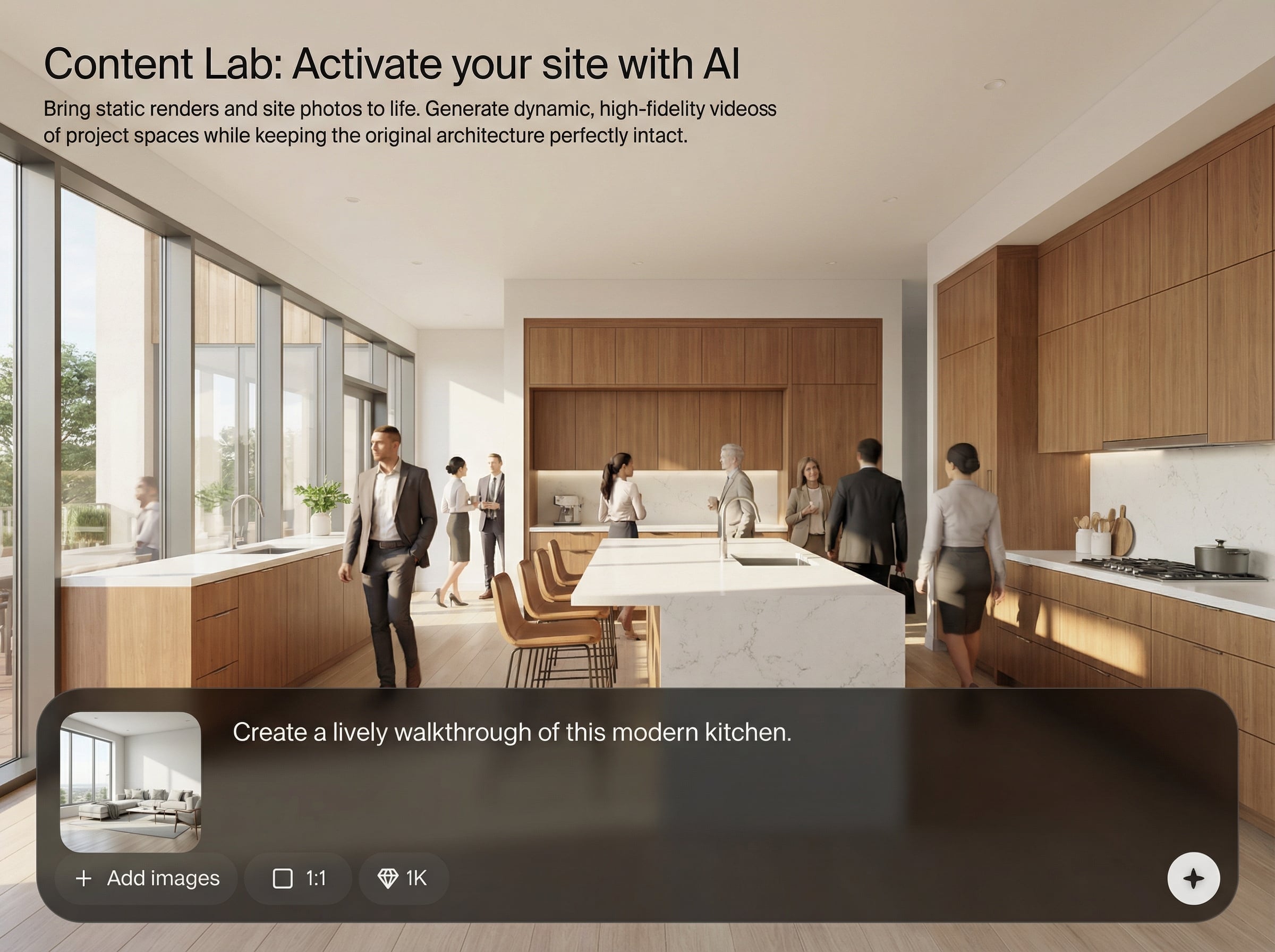
Maintain original structure, edges, and layout while adding camera movement. Reduce warping and drift to keep plans, facades, and interiors accurate across the full clip.
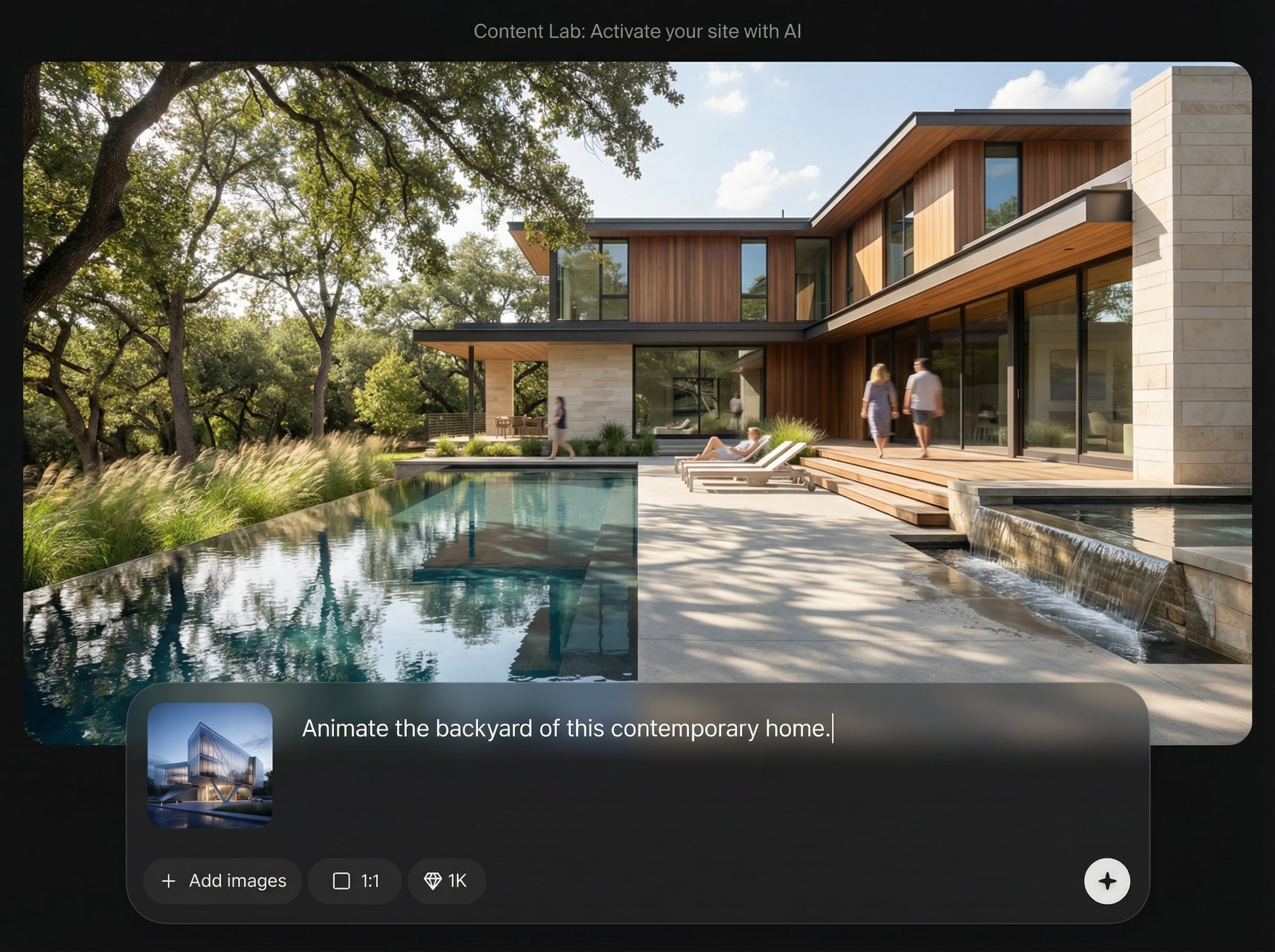
Turn still visuals into crisp, realistic sequences with smooth motion and stable details. Ideal for showcasing lighting, materials, and spatial depth without time-consuming re-render cycles.
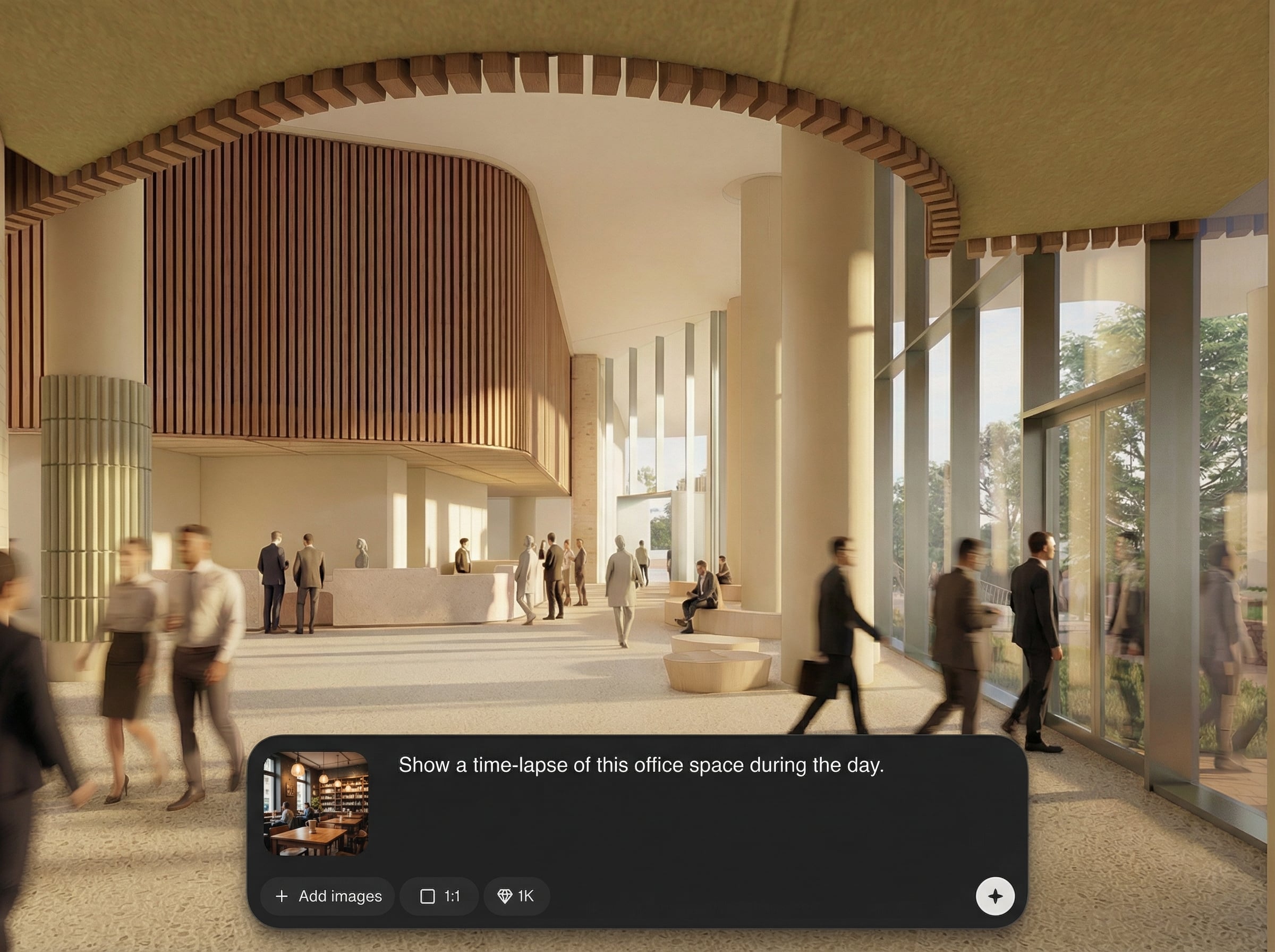
Generate variations quickly, compare options, and export share-ready video files. Speed up approvals and updates with a workflow designed for rapid content production.
About
Content Lab: Activate your site with AI turns static renders and site photos into dynamic, high-fidelity videos. Create smooth motion, realistic camera moves, and engaging walkthroughs while keeping the original architecture perfectly intact. Generate ready-to-share space videos in minutes for presentations, approvals, and marketing.
Content Lab focuses on architecture-preserving animation, so your design stays true while motion brings it to life. Get high-fidelity results from simple inputs, iterate quickly, and publish dynamic space videos without complex pipelines or re-rendering.
Upload a render or site photo, choose a motion style, and generate. Preview variations, make quick refinements, and export a polished video clip for presentations or web use.
Use cases
Discover how different creators use this app in their workflow.
Convert still renders into short walkthrough videos that communicate scale and flow clearly, helping reviews and approvals move faster.
Animate site photos into engaging clips for stakeholders, keeping the built geometry intact while adding motion that highlights progress.
Add dynamic space videos to listings and websites to increase engagement, without new 3D animation or complex post-production.
Krea is one of the world's leading generative AI platforms. See what others say.
Real reviews on TrustpilotSo many AI tools out there but I always come back to Krea. It's really the one AI platform that 'just works'.

FYN
Krea's interfaces are still the best in the industry. Everything looks and feels so clean and easy to use! Imo the easiest to use gen AI website.

Lynn
Ultra fast generations. Extremely simple to use. All the latest AI models.

Daniel
KREA is the only AI subscription I have right now besides ChatGPT.

Sophia M.
Answers to common questions about AI render-to-video and architecture-preserving animation.
It converts static renders and site photos into high-fidelity videos with cinematic motion. The AI prioritizes architectural consistency, helping keep structure, lines, and spatial layout stable across frames.
The model is tuned to preserve geometry and key visual anchors while generating motion. This reduces drifting edges, warped walls, and shifting materials so the design remains recognizable and accurate.
Yes. Upload CG renders, photos, or mixed project imagery to generate animated clips. The tool adapts motion and stabilization to keep the scene coherent and minimize unwanted changes.
Create walkthrough-style pans, push-ins, and subtle parallax motion for interiors and exteriors. Use short clips for presentations, websites, progress updates, and marketing without full 3D animation.
It’s designed for rapid generation and variation testing. Produce multiple motion options, review results, and export quickly—ideal for tight deadlines, stakeholder feedback, and frequent project updates.
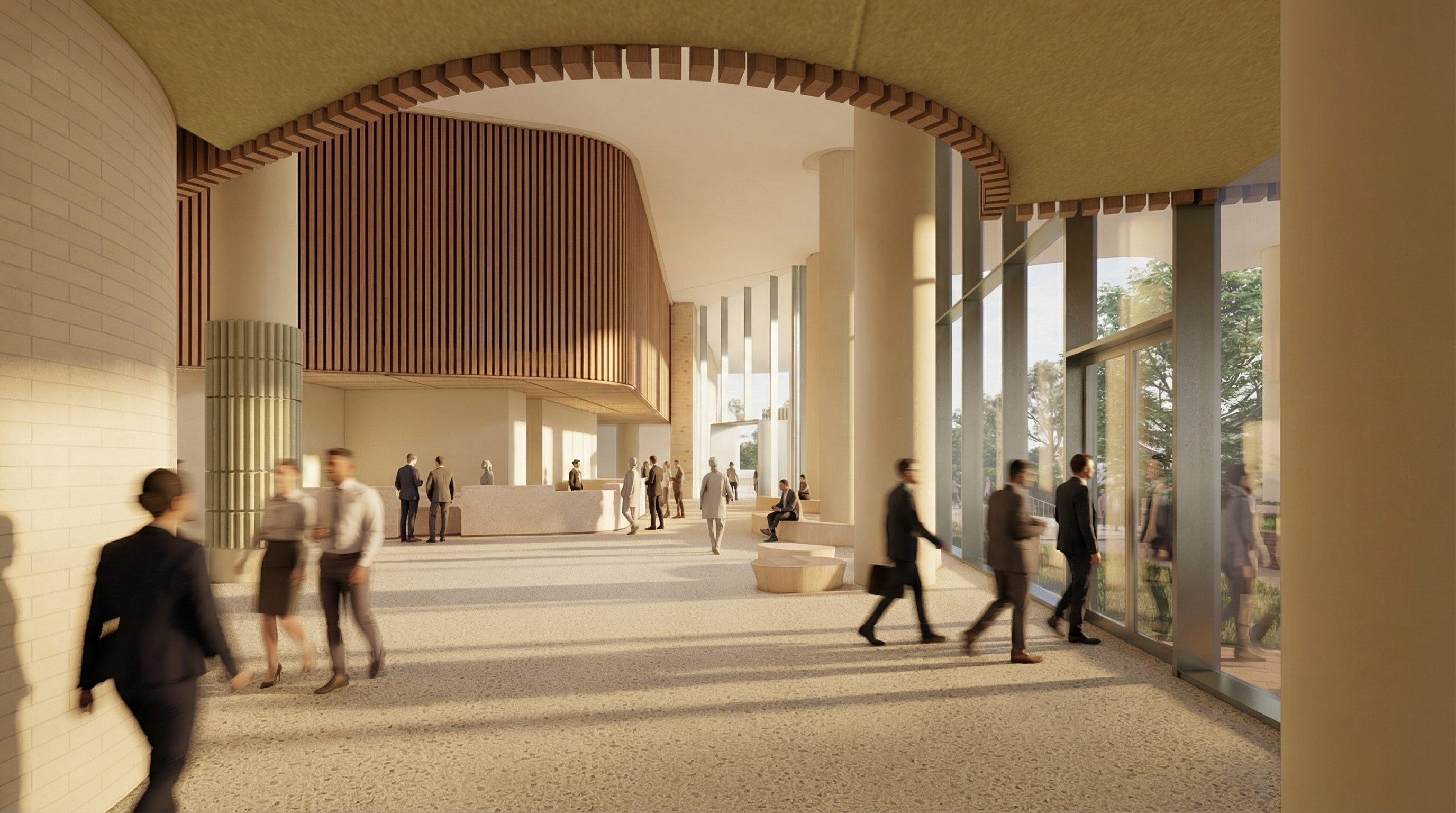
Turn still renders and site photos into high-fidelity videos—fast, consistent, and ready to share anywhere.

