AI 3D Motion Design Generator: Animate Online
3D motion design uses AI to generate polished 3D animations in minutes. Create camera moves, seamless loops, and dynamic transitions from simple prompts or presets, then refine timing, easing, and style. Export high-quality clips for ads, product demos, UI promos, and social video—without complex keyframing.
Generate your first output
This quick tutorial shows how to generate 3D motion design with AI, from choosing a style to exporting a ready-to-use animation. Follow three simple steps to get smooth motion fast.
How to use 3D motion design
Generate 3D motion graphics in 3 steps

1 Set your scene
Choose a template or prompt, then set camera style, duration, and aspect ratio. Upload a logo or 3D asset to guide the animation direction.

2 Generate & refine motion
Click generate to create AI-driven motion paths, easing, and transitions. Tweak speed, loop points, and key moments to match your brand and pacing.

3 Export and use anywhere
Export MP4 or image sequences with clean timing and consistent motion. Download for editing, ads, product demos, or social posts in your workflow.
Features built for modern 3D motion
Generate 3D motion design with AI for smooth camera moves, dynamic transitions, and loopable animations. Control timing, easing, and style to match your project, then export render-ready clips. Built to speed up motion graphics workflows while keeping results consistent, editable, and production-friendly.
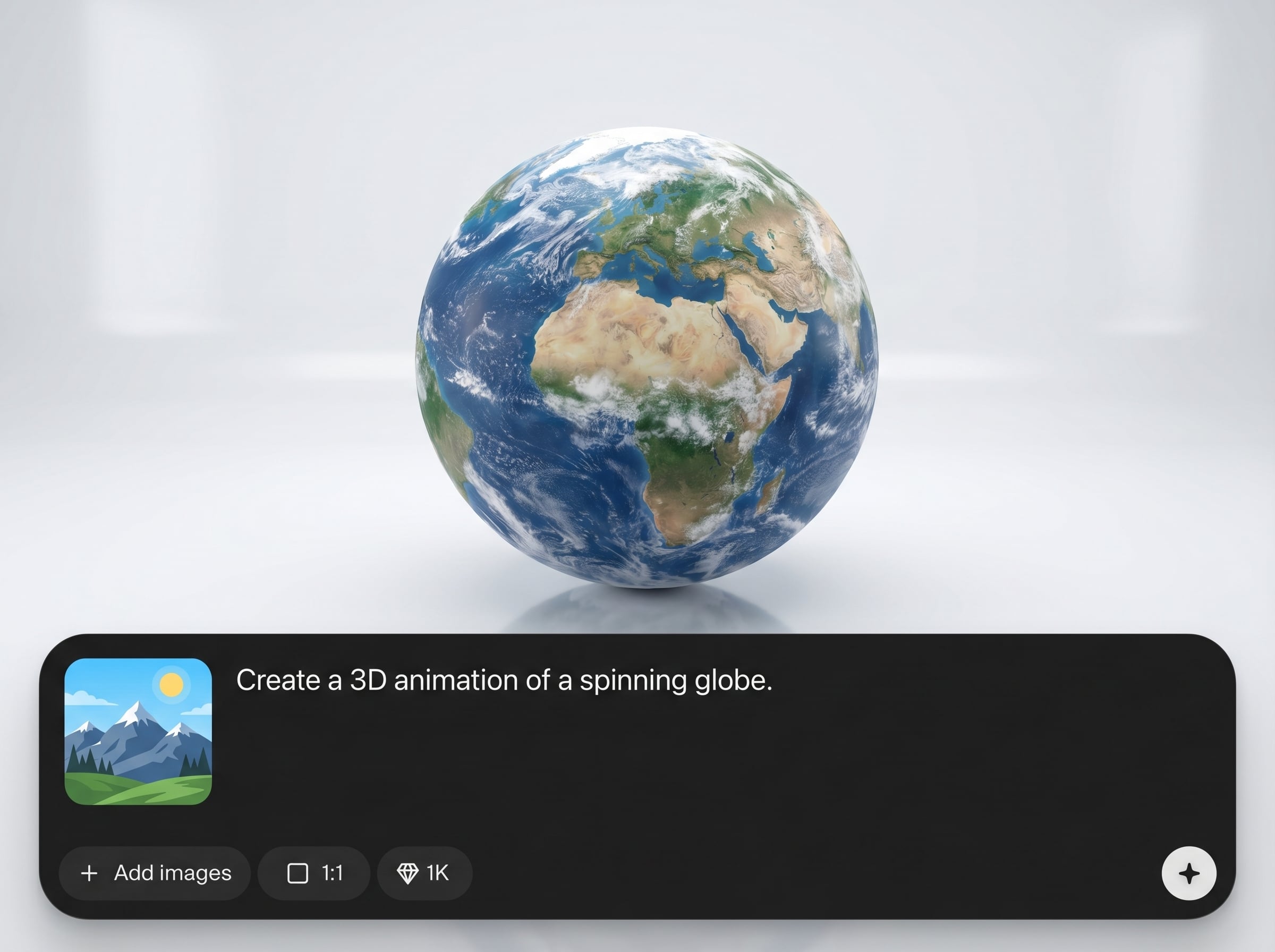
AI motion path generation
Automatically creates natural camera and object motion from prompts or presets. Get cinematic movement, clean easing, and stable trajectories that look intentional, not random.
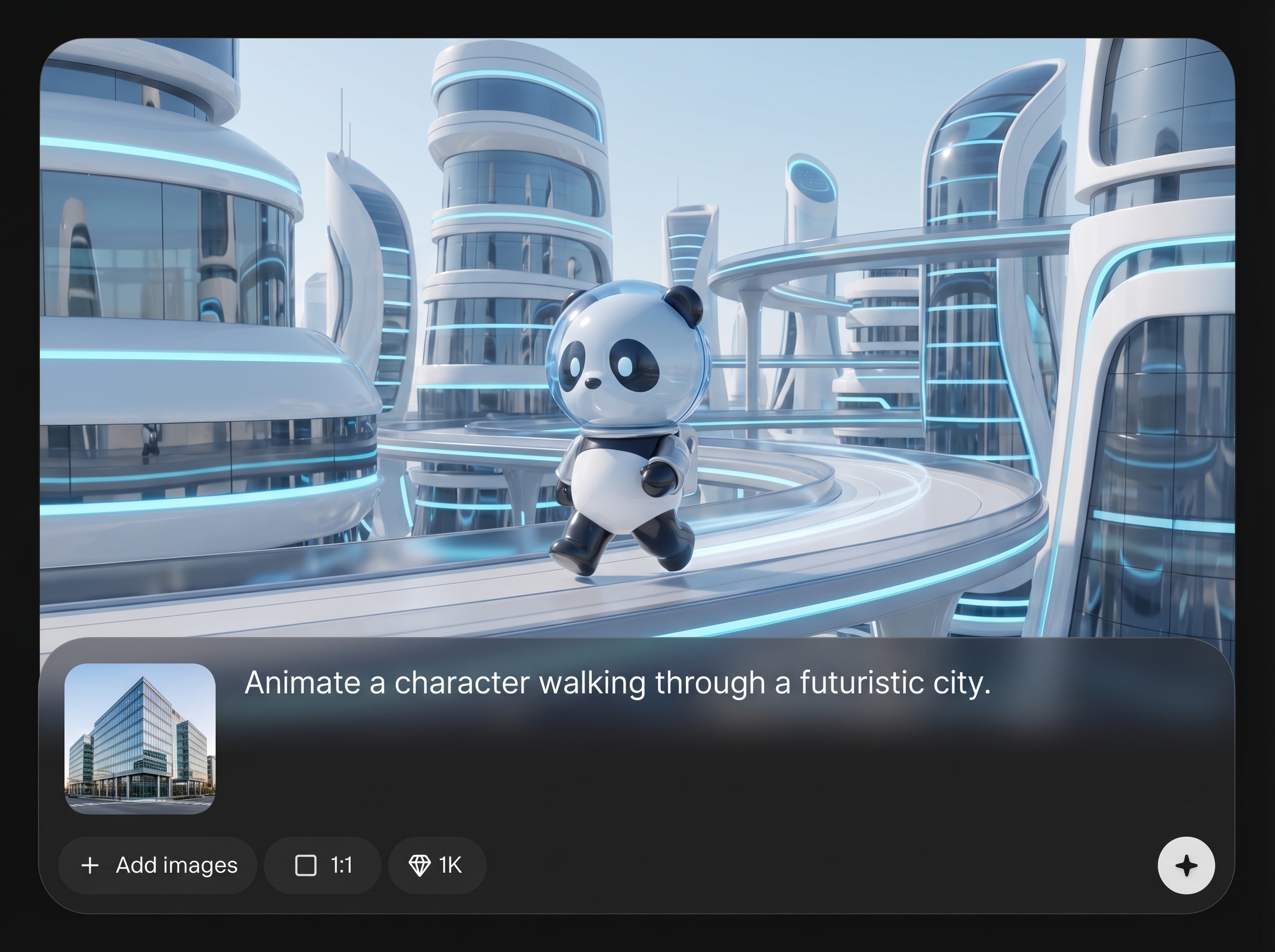
Fast iterations, consistent results
Generate multiple animation variations quickly and keep style consistency across a series. Adjust duration, intensity, and looping to hit exact beats without rebuilding from scratch.
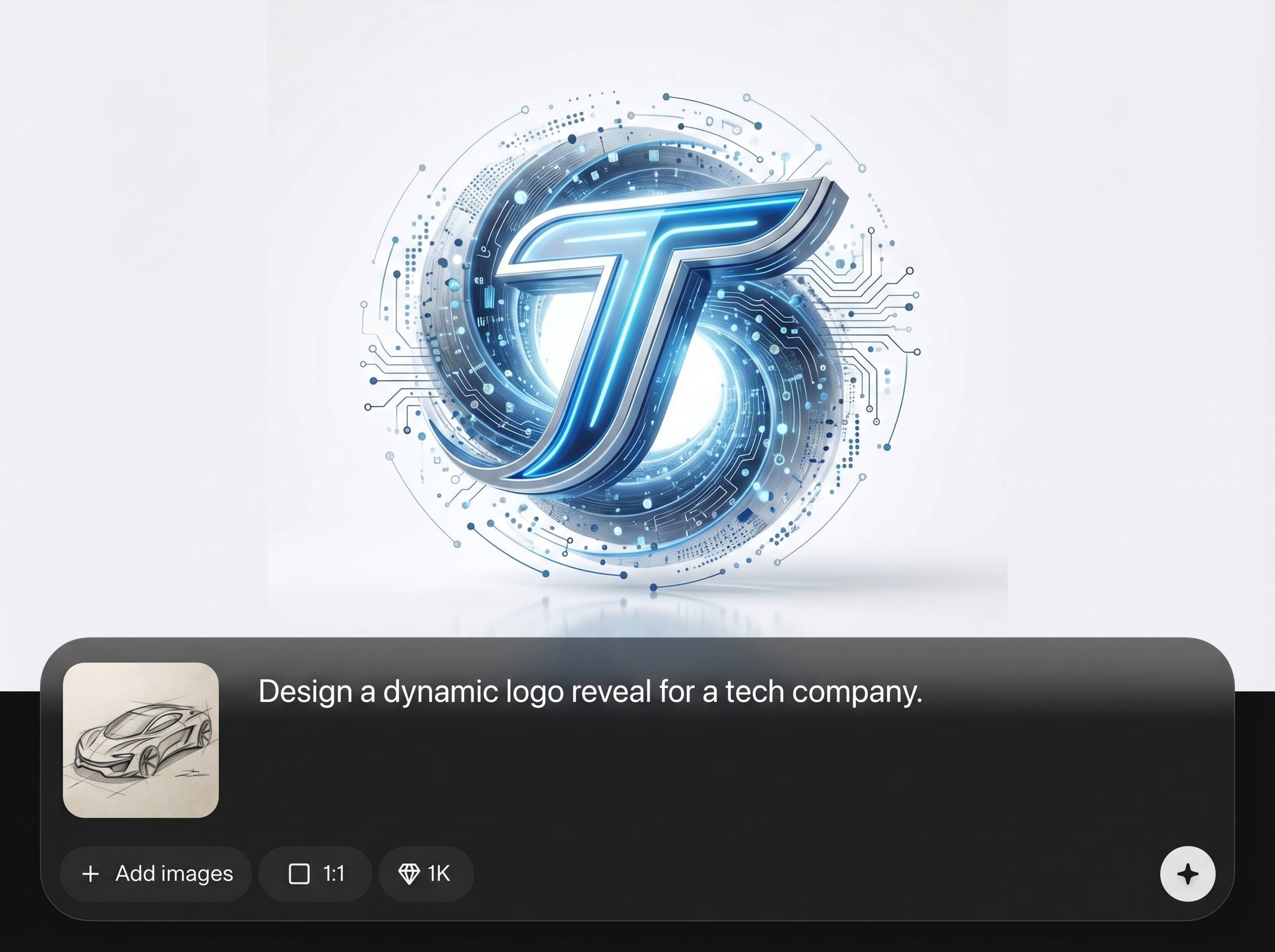

Export-ready outputs
Export high-quality video or image sequences ready for editing and compositing. Designed for clean transitions, smooth loops, and predictable timing that fits professional pipelines.
Who is 3D motion design for?
Discover how different users leverage this AI tool to enhance their creative workflow.
Product promos and ads
Create punchy 3D motion graphics for launches, feature highlights, and paid ads. Generate camera sweeps, logo reveals, and transitions optimized for short-form video.
Brand intros and logo animation
Turn a logo into a polished 3D intro with AI motion design. Build loopable stingers and consistent animated openers for videos, streams, and presentations.
UI and app marketing videos
Generate sleek 3D transitions and camera moves for UI promos. Keep motion smooth and readable while matching aspect ratios for web, mobile, and social placements.
Why Choose 3D motion design?
Get AI-driven 3D motion design that prioritizes control, speed, and consistency. Generate polished camera moves and transitions, iterate quickly, and export production-ready files. The workflow is designed to reduce tedious keyframing while keeping results editable and on-brand.
Getting Started
Enter a prompt or choose a preset, set duration and aspect ratio, then generate motion. Refine easing and loop points, and export MP4 or image sequences for your next project.
Trusted by over 30 million users and companies worldwide. Krea is one of the world's leading generative AI platforms.
Intuitive, powerful, and free. See what others say about Krea.
Read our testimonials
So many AI tools out there but I always come back to Krea. It's really the one AI platform that 'just works'.

FYN
Krea's interfaces are still the best in the industry. Everything looks and feels so clean and easy to use! Imo the easiest to use gen AI website.

Lynn
Ultra fast generations. Extremely simple to use. All the latest AI models.

Daniel
KREA is the only AI subscription I have right now besides ChatGPT.

Sophia M.
I'm a Krea Max user. It's crazy how fast they add models. I see a new AI model on twitter and the same day krea already offers it.
Wirot Ch.
Still the most powerful AI creative suite out there.
Gravion
Frequently asked questions
Answers to common questions about AI 3D motion design, exports, and workflow compatibility.
Create AI-powered 3D motion design, refine the look, and export ready-to-use animations in minutes.

Start generating 3D motion today
Explore More AI Tools
Discover other powerful AI tools on Krea to enhance your creative workflow.
Generate high-quality images with state of the art models
- Image
AI Image Generator – FLUX.1 KreaGenerate images with FLUX.1 Krea for free
- Image
AI Image Generator – Wan 2.2Generate images with Wan 2.2 for free
- Image
AI Image Generator – GPT Images 2.0Generate images with GPT Images 2.0
- Image
AI Image Generator – QwenGenerate images with Qwen for free
- Image
AI T-Shirt Design GeneratorAI T-Shirt Design Generator - Create Custom Shirt Designs Free
- Image
Character AIGenerate original character concepts, portraits, and style variants from text prompts.
- Image
Sketch to ImageDraw rough shapes and watch Krea render polished images in real time.
- Image
AI Photography GeneratorGenerate photorealistic portraits and product photos from text prompts.
- Image
AI Cartoon GeneratorTurn a photo into a cartoon, anime, comic, or illustrated image with AI.
- ImageUpscale Image
Upload a photo and let Krea boost its quality up to 8K resolution.
- Image
AI Interior DesignUpload a room photo and instantly generate redesign concepts with AI.
- ImageImage Vectorizer
Convert JPG, PNG, AVIF, or WebP images into scalable SVG artwork.
- ImageAI Polaroid Photo Generator
Create Polaroid photos with AI.
- Image
AI Brand Guidelines GeneratorGenerate brand guideline visuals and identity mockups with GPT Images 2.0.
Generate videos with AI
- Video
AI Video Generator – Sora 2Generate videos with Sora 2
- Video
AI Video Generator – Veo 3.1Generate videos with Veo 3.1
- VideoUpscale Video
Upload an MP4 video and enhance it with Krea video upscaling.
- Video
LTX-2.3 VideoGenerate cinematic videos with LTX-2.3 and open the main Krea video tool when you are ready.
Edit images with AI: turn photos into cartoons, remove text, change styles and more
- Edit
Nano Banana Pro EditorEdit Images with Nano Banana Pro
- Edit
Text RemoverRemove Text From Images for Free - AI Text Removal Tool
- Edit
AI HairstyleAI Hairstyle Changer - Try Haircuts & Hair Styles Online Free
- Edit
AI Face SwapAI Face Swap - Swap Faces Online for Free
- Edit
Object RemoverRemove objects from images for free.
- Edit
Change LightingChange lighting in your photos instantly for free.
- Edit
CartoonifyAI Cartoon Generator - Turn a Photo Into a Cartoon for Free
- Edit
ColorizeColorize Black and White Photos with AI
- Edit
Movie PosterAI Movie Poster Generator
- Edit
Clothes ChangerAI Clothes Changer - Free Virtual Try On
- Edit
Nano Banana Image EditorEdit Images with Nano Banana
- Edit
Product PhotoAI product photography with people holding products
- Edit
Image to ImageTransform any image with AI for free
Community AI Apps
Discover AI apps created by the Krea community
- CommunityHydraulic Press
Watch your favourite item get crushed!
- CommunityGTA Me!
Upload a photo of yourself and complete the mission.
- CommunityPhotoshoot App
Create a photoshoot from any input image.
- CommunityCinematic 9-Angle Grid
This app turns a single 16:9 reference frame into a 3x3 collage of nine cinematic angles of the same action, keeping the characters, poses, and lighting while changing only the camera. Powered by Nano Banana Pro for maximum realism and quality.
- CommunityCCTV Footage
Generate realistic multi-camera CCTV-style footage from a single image. Upload a photo and the app creates four different security-camera angles inside a convenience store.
- CommunityAnimorph Yourself
Upload your photo and an animal image, and get your own Animorph-style transformation sequence.
- CommunityHairstyle Changer
Transform your hair into any hairstyle in any color.
- CommunityCaricature Me
Caricature Me turns everyday photos into bold, expressive caricatures that highlight what makes each face unique. By amplifying defining features while keeping the subject instantly recognizable, the app creates playful portraits that feel personal, funny and a little offensive.
- CommunityBehind The Scenes
Transform any image into a cinematic behind-the-scenes video. Upload a photo and watch the app reveal how the moment could have been filmed using dynamic camera setups, props, lighting, and crew movement.
- CommunityDigicam
Upload an image and the app places your face onto the screen of an early-2000s point-and-shoot camera.
- CommunityOn Set Selfie Generator
Generates POV selfies with actors from your chosen TV show or movie. Input your portrait + specify the show/film → outputs a realistic on-set selfie moment as if you're there with the cast. Perfect for fan content or immersive behind-the-scenes vibes.
- CommunityYou Plus Your Waifu
Create an image where you combine yourself and your favorite anime character
- Community# ASCII #
Turn any logo or object photo into a sleek black poster made of glowing white ASCII.
- CommunityGameboy Me
Create a Gameboy style character of yourself or any character you choose, let the app decide your map setting and action as you move through the level
- CommunityStyrofoam Tray
Place any object or your head in the Styrofoam Tray
- CommunityHair Tattos
Upload your logo or any shape the app will realistically shave it onto the horse. No horses were harmed <3
- CommunityNEO METAL PLATE
Upload your logo or image the app will instantly emboss it onto a metal plate with realistic depth and volume. You can also try close-ups of characters for experimentation. Just upload the metal does the rest.
- CommunityMoving Ad
Upload an image or a poster, and the app places your design on the back of the vehicle and generates a video of the van driving.
- CommunityLogoSkin
Add your logo and choose any texture
- CommunityRtr_WhiteBG_Remove-BG-Supports
Created by @fragrantlushalligator
- CommunityExtract garment tool
Tool for extracting clothing from a photo
- CommunityBobblehead Maker
Create a bobblehead figurine of any character
- CommunityLabubu Creator
Turn yourself into a Labubu with box art!
- CommunityYouTube Clickbait Thumbnail Generator
Generate MrBeast-style youtube thumbnail showing your face and with a title of your choosing!
- CommunityOutfit 💥 Exploder
Create an explosive scheme for your outfit using just one photo
- Community360 Sunglasses Product Video
Upload an image of your model and an image of the glasses, and get a 360° rotation video showing the model wearing the glasses.
- CommunityDuplicate Me
Insert a full length photo for best results!
- CommunityDollz Maker
Upload your image and instantly get a cute pixel-art version of yourself inspired by early 2000s doll makers.
- CommunityRare Artifact
Upload a product image (a high quality image with a white background will work best)
- CommunityImage Reverse Prompt Generator
Upload a picture, and the system will first conduct a complete and detailed structural analysis of the picture (subject, composition, style, elements), and then automatically convert the analysis results into a standardized JSON Prompt, and directly send it to the image generation node for reproduction or re-creation of new pictures with the same style.