














Step 1
Describe your automation
Enter a clear prompt describing the trigger, required apps, and the outcome you want. n8n uses AI to propose a workflow structure you can edit.
Build smarter automations with n8n. Use AI to generate workflows, connect apps, transform data, and trigger actions faster. Start automating online now.

How to use n8n
Use n8n to turn an automation idea into a working workflow with AI. You’ll describe the goal, connect your apps, and fine-tune triggers and actions before turning it on.
Step 1
Enter a clear prompt describing the trigger, required apps, and the outcome you want. n8n uses AI to propose a workflow structure you can edit.

Step 2
Authenticate your tools, map fields, and set rules for branching, filtering, and retries. Test each step to confirm data flows correctly between integrations.

Step 3
Enable the workflow, then track executions and logs to catch errors quickly. Adjust prompts, node settings, and schedules to improve reliability and performance.
Features
n8n combines AI-assisted workflow generation with a flexible visual builder for automations that actually fit your processes. Connect popular apps, APIs, and databases, then transform and route data with conditions, loops, and error handling. Move from idea to production-ready automation faster, with full control over each step.
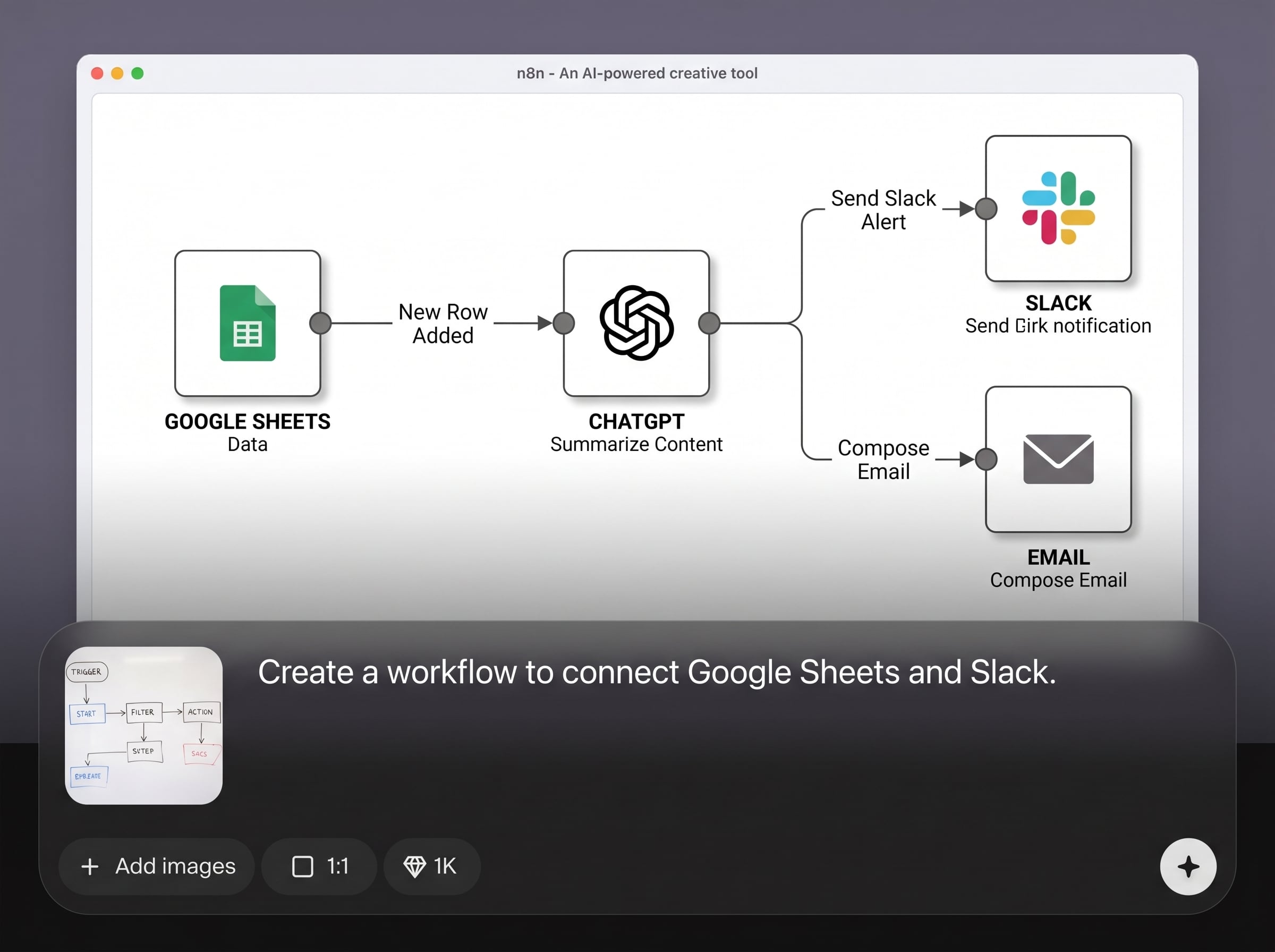
Turn a plain-language request into a workflow draft with triggers, actions, and data mapping suggestions. Edit, expand, and refine the generated flow to match your exact automation needs.
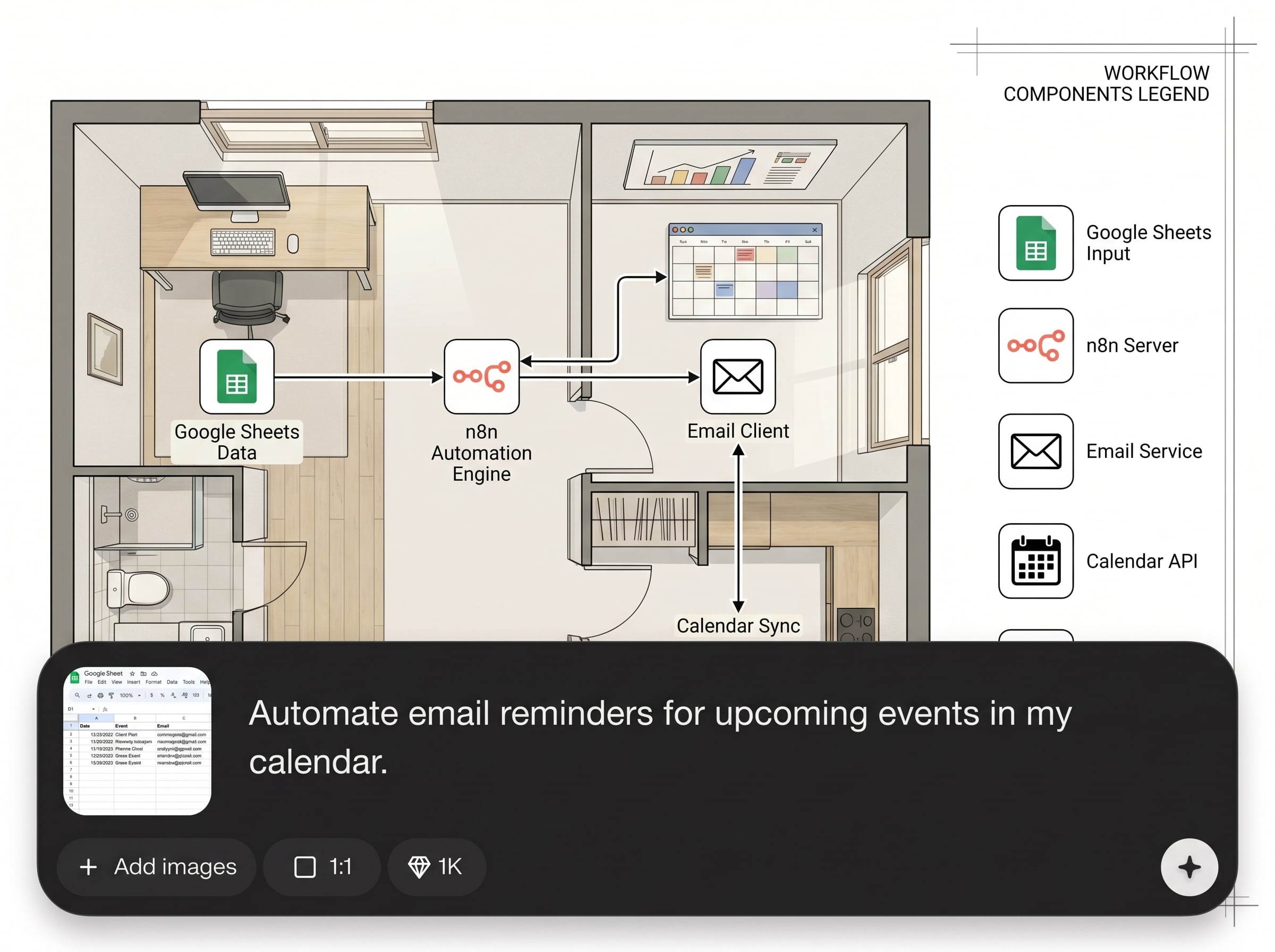
Connect apps quickly with ready-made integrations, or use HTTP and webhook nodes for custom API automation. Build multi-step flows that sync data, call services, and update systems automatically.
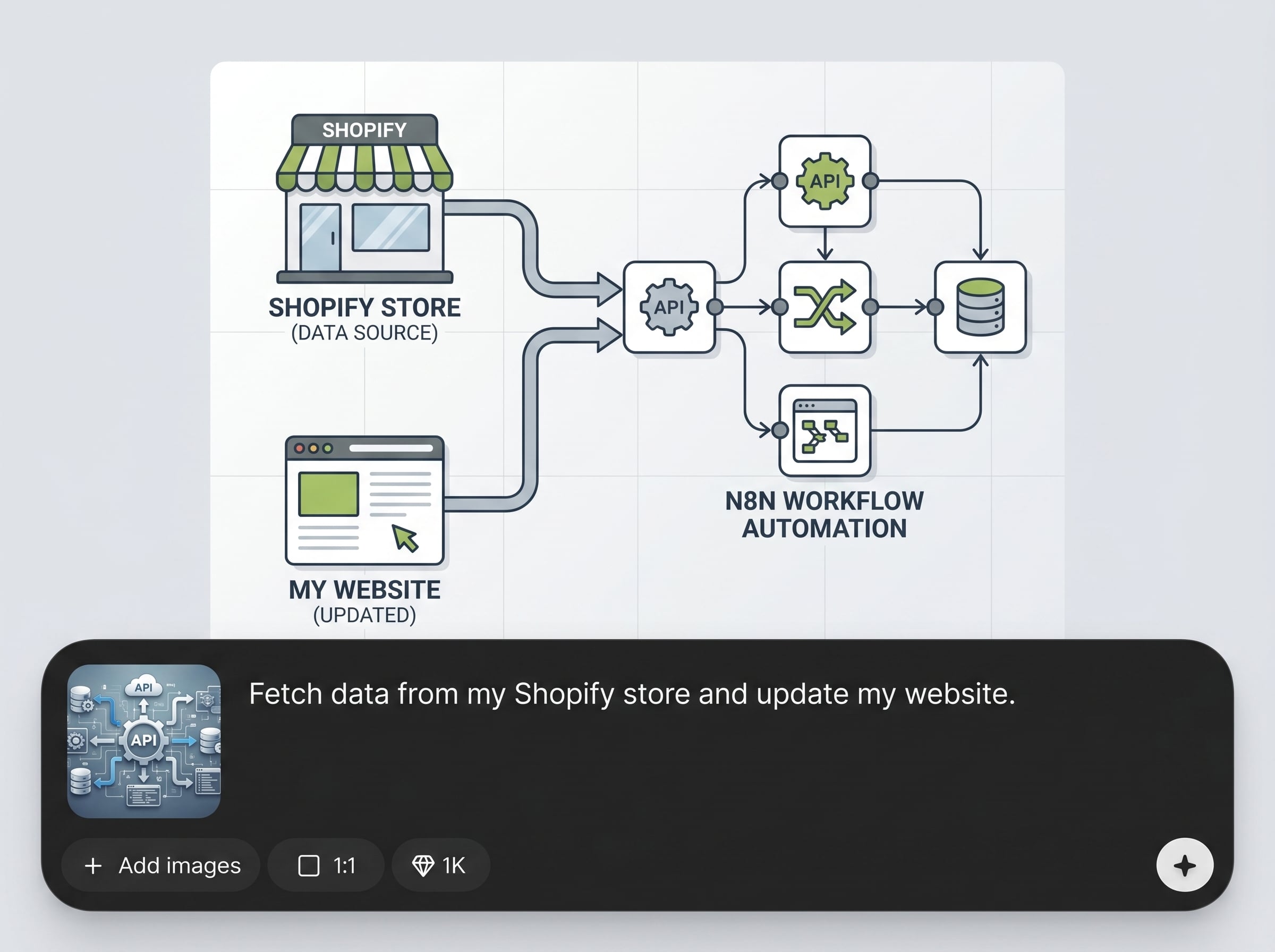
Clean, enrich, and reshape data with built-in transforms, then route it using conditions and branching. Add retries and alerts to keep automations stable when inputs or services change.
About
n8n helps you automate work with AI-powered workflow generation, so you can connect apps, route data, and trigger actions in minutes. Describe what you want to automate, then refine steps with a visual editor and built-in integrations. Create reliable automations for business ops, marketing, support, and data sync—without repetitive manual work.
n8n delivers AI-assisted workflow generation with the flexibility to customize every step. Connect integrations, add API calls, transform data, and enforce logic with conditions and retries. You get faster build time without sacrificing control, making automation practical for both simple tasks and complex processes.
Type what you want to automate, then connect your apps and confirm data mappings. Test each node, enable the workflow, and monitor runs—iterate quickly as your tools and requirements evolve.
Use cases
Discover how different creators use this app in their workflow.
Auto-create leads from forms, enrich contact data, and sync updates across CRM and email tools. Reduce manual entry and keep pipelines consistent.
Route inbound requests, tag and prioritize tickets, and trigger follow-ups automatically. Keep response times down while maintaining clean, searchable support data.
Pull data from multiple sources, transform it, and push it to spreadsheets, warehouses, or dashboards. Schedule runs to keep reports current without manual exports.
Krea is one of the world's leading generative AI platforms. See what others say.
Real reviews on TrustpilotSo many AI tools out there but I always come back to Krea. It's really the one AI platform that 'just works'.

FYN
Krea's interfaces are still the best in the industry. Everything looks and feels so clean and easy to use! Imo the easiest to use gen AI website.

Lynn
Ultra fast generations. Extremely simple to use. All the latest AI models.

Daniel
KREA is the only AI subscription I have right now besides ChatGPT.

Sophia M.
Answers to common questions about using n8n for AI automation and workflow generation.
n8n is used to build automated workflows that connect apps, APIs, and data sources. With AI workflow generation, you can draft automations from a prompt, then customize triggers, actions, and logic.
Yes. You can describe the trigger, apps, and desired outcome, and n8n can propose a workflow structure. You can then edit nodes, map fields, and add conditions before enabling it.
n8n supports both. You can build visually with prebuilt nodes, and also add code when needed for advanced logic. This makes it practical for simple automations and complex integrations alike.
n8n includes HTTP and webhook nodes that let you receive events, send requests, and process responses. You can authenticate, set headers, map payload fields, and chain calls across multiple services.
Yes. n8n provides data transformation steps and logic controls like filters, branching, loops, and merging. This helps you normalize inputs and route records to the right destination automatically.
n8n supports schedules and event-based triggers such as webhooks and app events. You can run workflows on intervals, on specific times, or instantly when new data arrives.
Use execution logs to see where a run failed and inspect inputs and outputs per node. Then adjust mappings, credentials, and error handling to prevent repeat failures and improve reliability.
Yes. n8n is designed for automating repeatable processes across teams, from CRM updates to reporting pipelines. AI-assisted generation accelerates setup while the builder supports detailed control and governance.


Generate an n8n workflow in minutes, connect your tools, and run reliable automations end to end.

