















Step 1
Set your style
Pick a visual style like realistic, 3D, flat icon, or sticker. Set background, aspect ratio, and color palette to match your brand or layout.
Generate hang loose hand gesture images with AI. Create clean icons, stickers, and poses in seconds using simple prompts. Try Hang Loose online now.
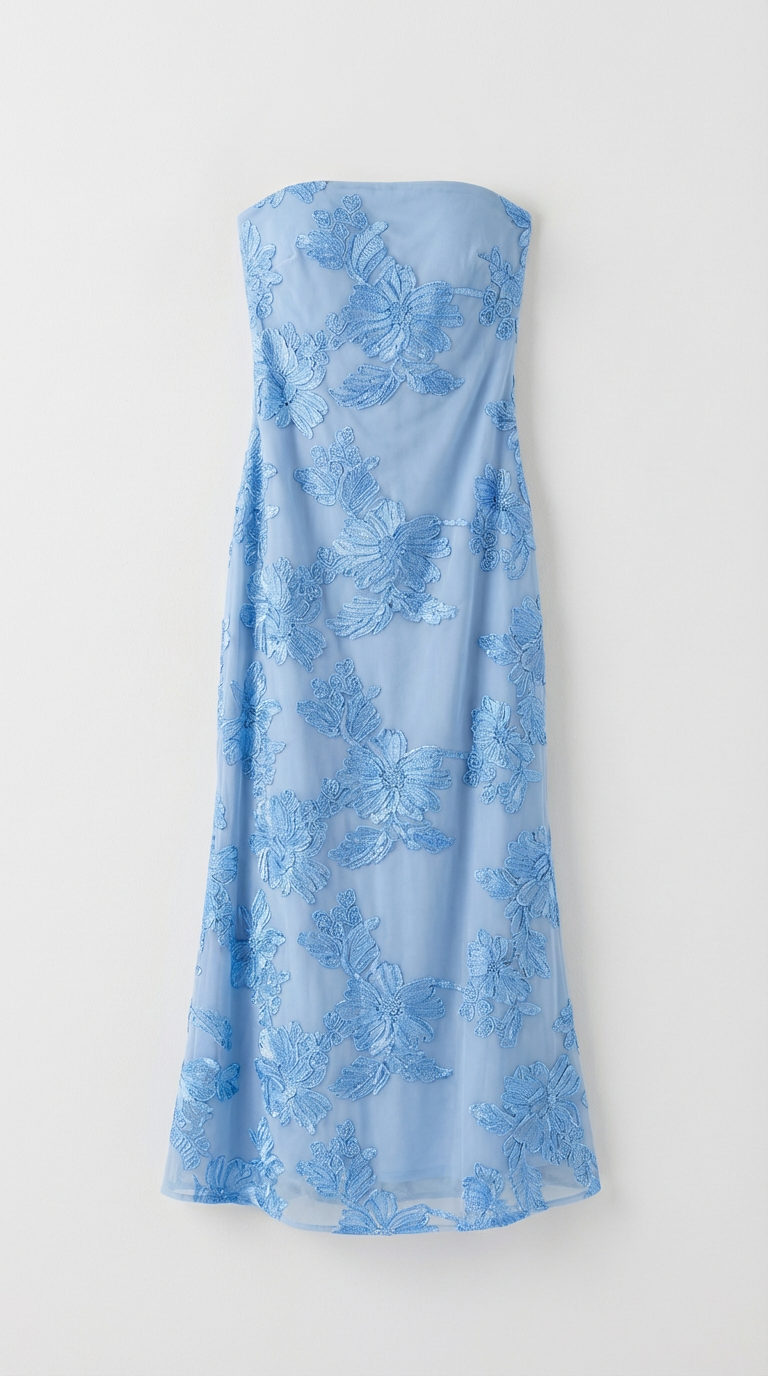
How to use Hang Loose
Use Hang Loose to create a shaka hand gesture image with AI in just a few steps. Choose a style, describe the look you want, and generate variations until it matches your project.
Step 1
Pick a visual style like realistic, 3D, flat icon, or sticker. Set background, aspect ratio, and color palette to match your brand or layout.

Step 2
Describe the hang loose pose, hand angle, lighting, and details like skin tone or glove. Add keywords such as “clean outline” or “transparent background.”

Step 3
Generate multiple variations, select the best result, and refine with small prompt edits. Download assets for social posts, UI icons, or print-ready stickers.
Features
Hang Loose turns text prompts into high-quality hang loose hand gesture images for design, marketing, and UI. Control style, framing, and background for consistent outputs across projects. Generate multiple options quickly, iterate with simple edits, and export visuals that fit thumbnails, icons, stickers, and brand packs.
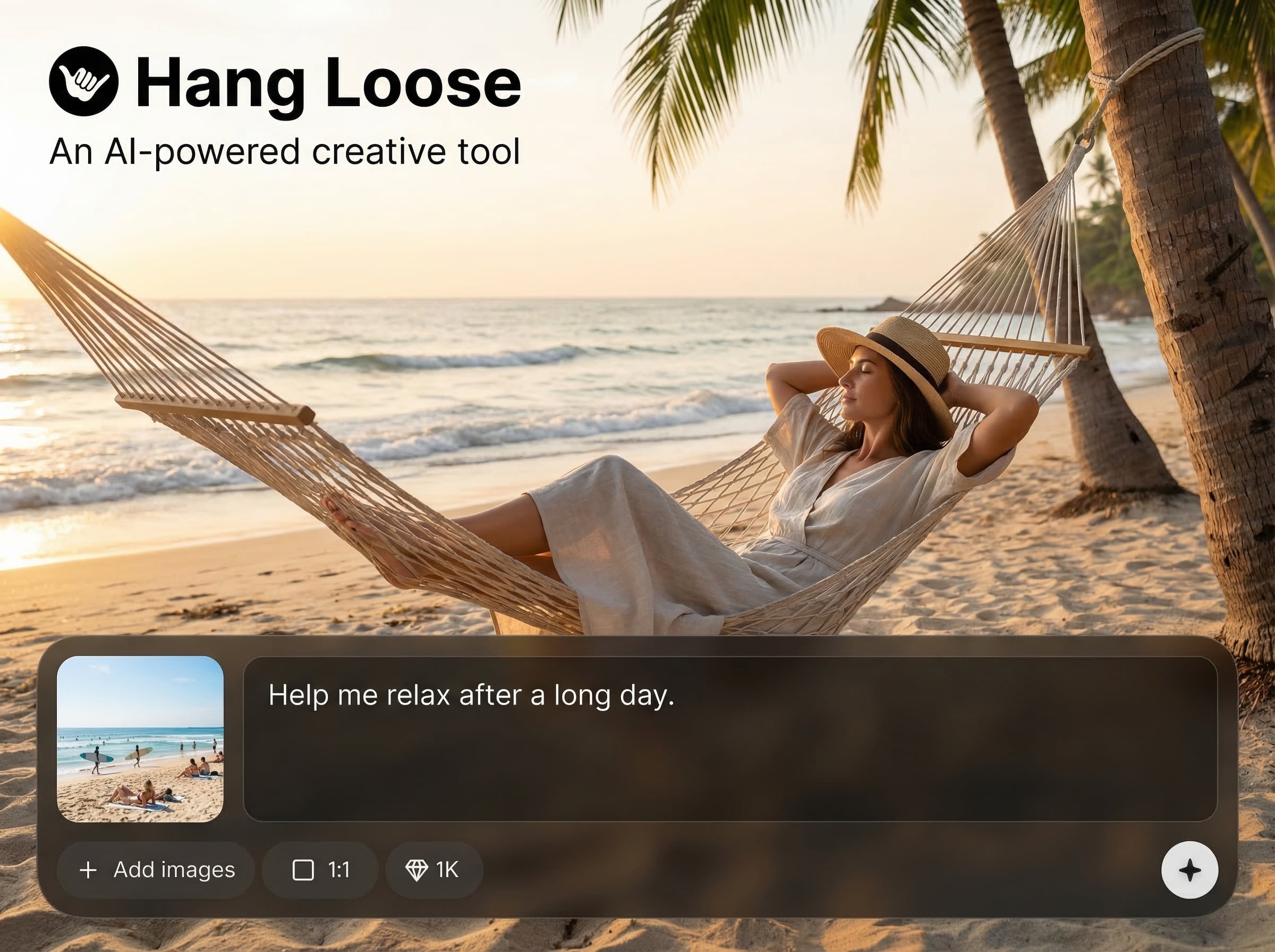
Create a shaka hand pose from a short prompt and get multiple variants instantly. Useful for icons, stickers, thumbnails, and social graphics that need a clear, readable gesture.
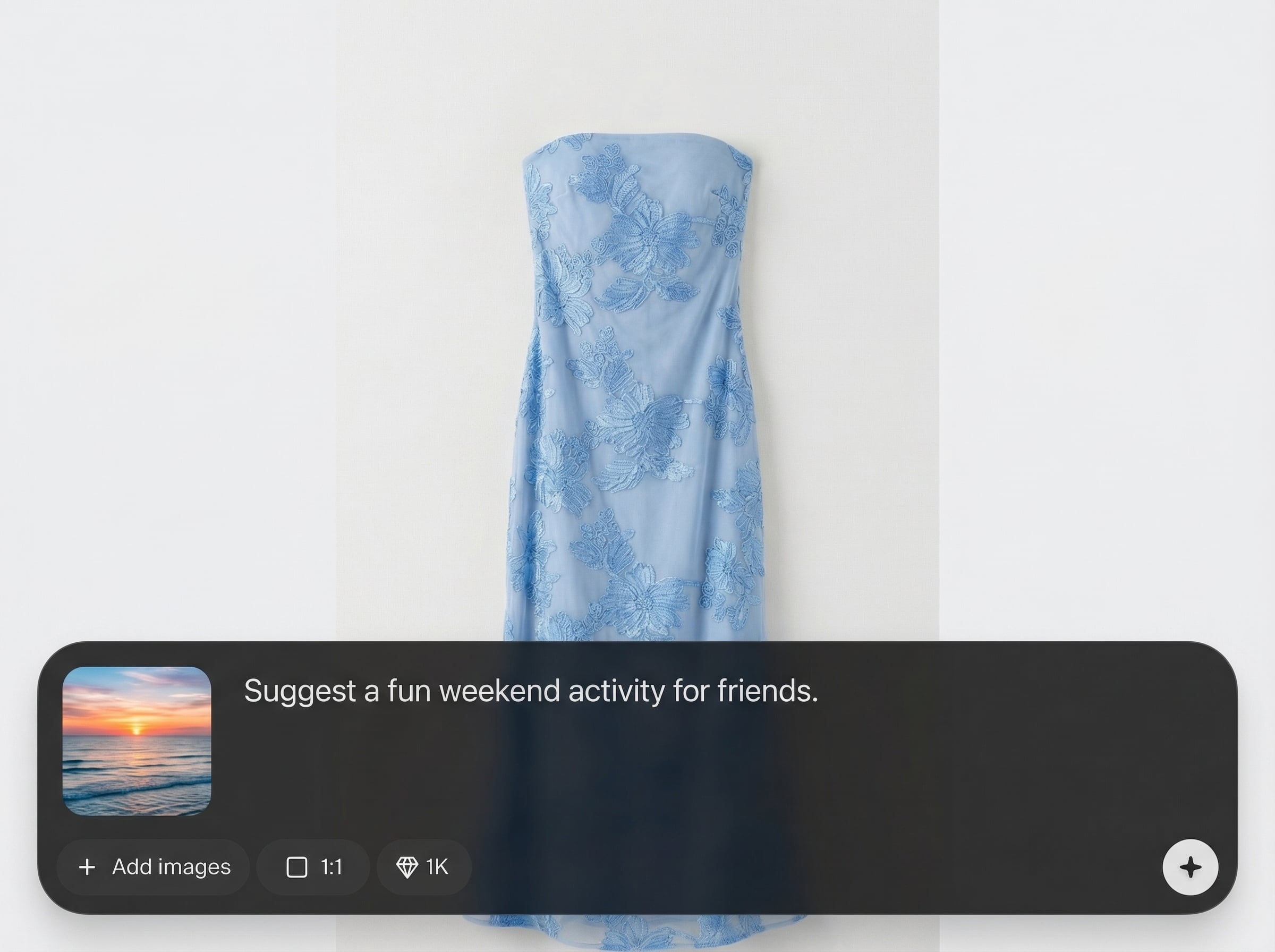
Choose realistic, 3D, or flat icon looks and specify clean outlines or transparent backgrounds. Keep outputs consistent across a set for UI kits, merch, or brand assets.
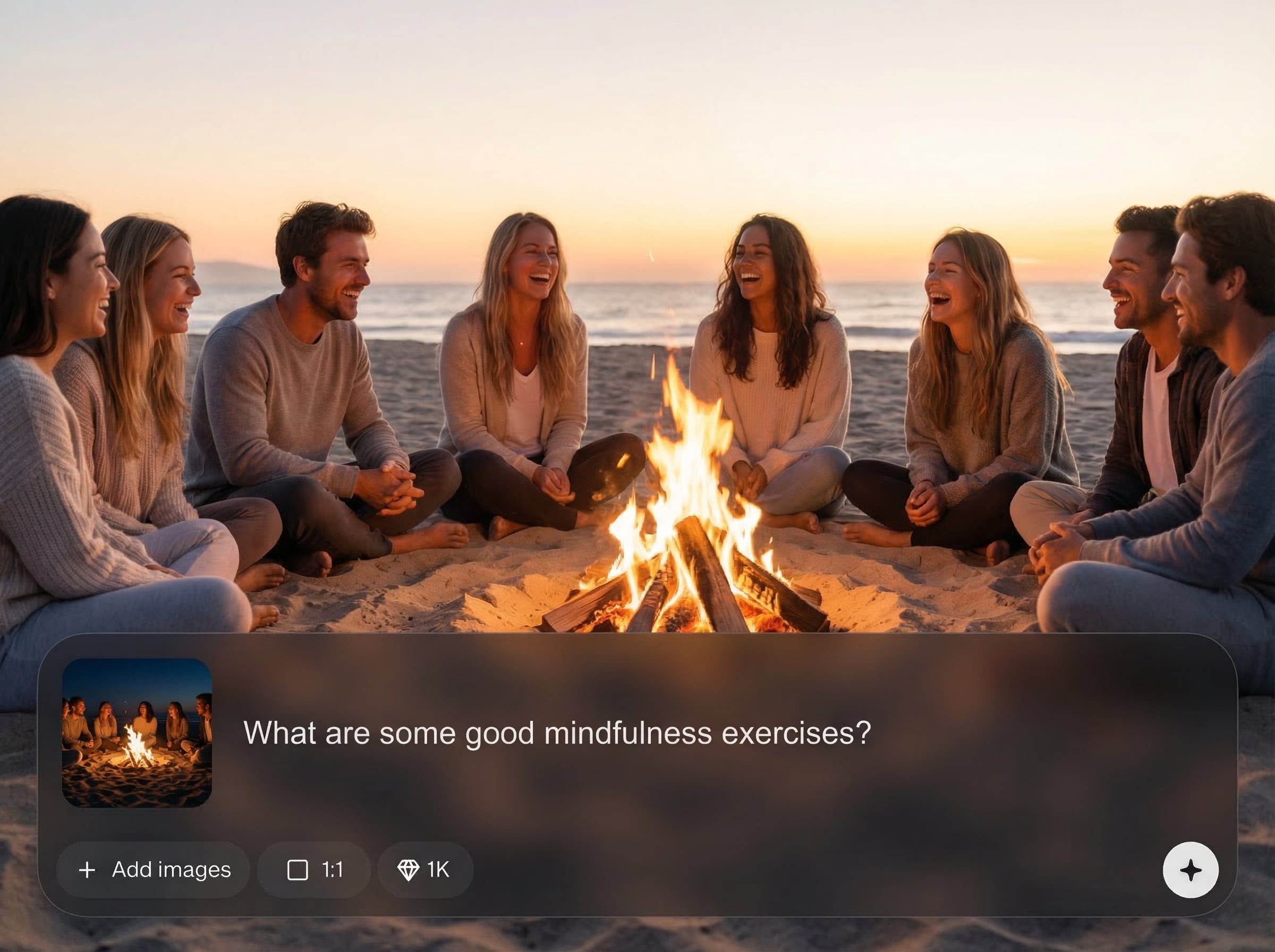
Generate batches, compare options, and refine with small prompt changes to nail the angle, lighting, and framing. Save time while producing polished visuals for any platform.
About
Hang Loose is an AI hand gesture generator that creates the “hang loose” (shaka) pose from a simple prompt. Generate consistent gesture images for icons, stickers, thumbnails, and brand assets in seconds. Customize style, angle, lighting, and background, then export ready-to-use visuals for web and social.
Hang Loose delivers fast, consistent hang loose gesture visuals with controllable style and composition. Generate multiple variants for quick comparison, refine with simple prompt edits, and export assets that fit UI, social, and print workflows without extra manual cleanup.
Enter a prompt describing the shaka pose and desired style, then generate variations. Adjust angle, outline, color, and background with small edits until the result matches your layout.
Use cases
Discover how different creators use this app in their workflow.
Generate clean hang loose icons for apps, web UI, and onboarding screens. Keep a consistent style and background for cohesive interface packs.
Create sticker-ready shaka gestures with bold outlines and simple colors. Export assets that work for print, packaging, and product mockups.
Produce eye-catching hang loose visuals for posts, banners, and thumbnails. Iterate quickly to match your brand colors and composition.
Krea is one of the world's leading generative AI platforms. See what others say.
Real reviews on TrustpilotSo many AI tools out there but I always come back to Krea. It's really the one AI platform that 'just works'.

FYN
Krea's interfaces are still the best in the industry. Everything looks and feels so clean and easy to use! Imo the easiest to use gen AI website.

Lynn
Ultra fast generations. Extremely simple to use. All the latest AI models.

Daniel
KREA is the only AI subscription I have right now besides ChatGPT.

Sophia M.
Answers to common questions about generating hang loose hand gesture images with AI.
Hang Loose is an AI tool for generating “hang loose” (shaka) hand gesture images from prompts. It’s ideal for creating icons, stickers, thumbnails, and brand-ready visuals with consistent style control.
Yes. Add terms like “transparent background,” “isolated,” or “cutout” to your prompt and choose a clean style. This helps produce gesture images that drop into designs quickly.
Use prompts such as “flat vector icon,” “bold outline,” and “minimal shading.” Specify simple colors and centered framing to keep the hang loose gesture readable at small sizes.
Yes. Describe details like skin tone, gloves, rings, wristbands, or sleeve style in your prompt. You can also specify lighting and camera angle for more consistent results.
Reuse a base prompt, keep style keywords consistent, and only change one variable at a time (angle, color, background). Generate variants, then refine until the set matches your design system.
Generate shaka hand gesture images in seconds for icons, stickers, and social graphics—no design setup required.

