















Step 1
Upload
Add your FF&E or item sketch. Crop and align the drawing, then select the render mode that best matches furniture, fixtures, or decor items.
Render FF&E and item sketches with AI for fast, realistic visuals. Tune materials, lighting, and style, then export high-res renders in minutes.
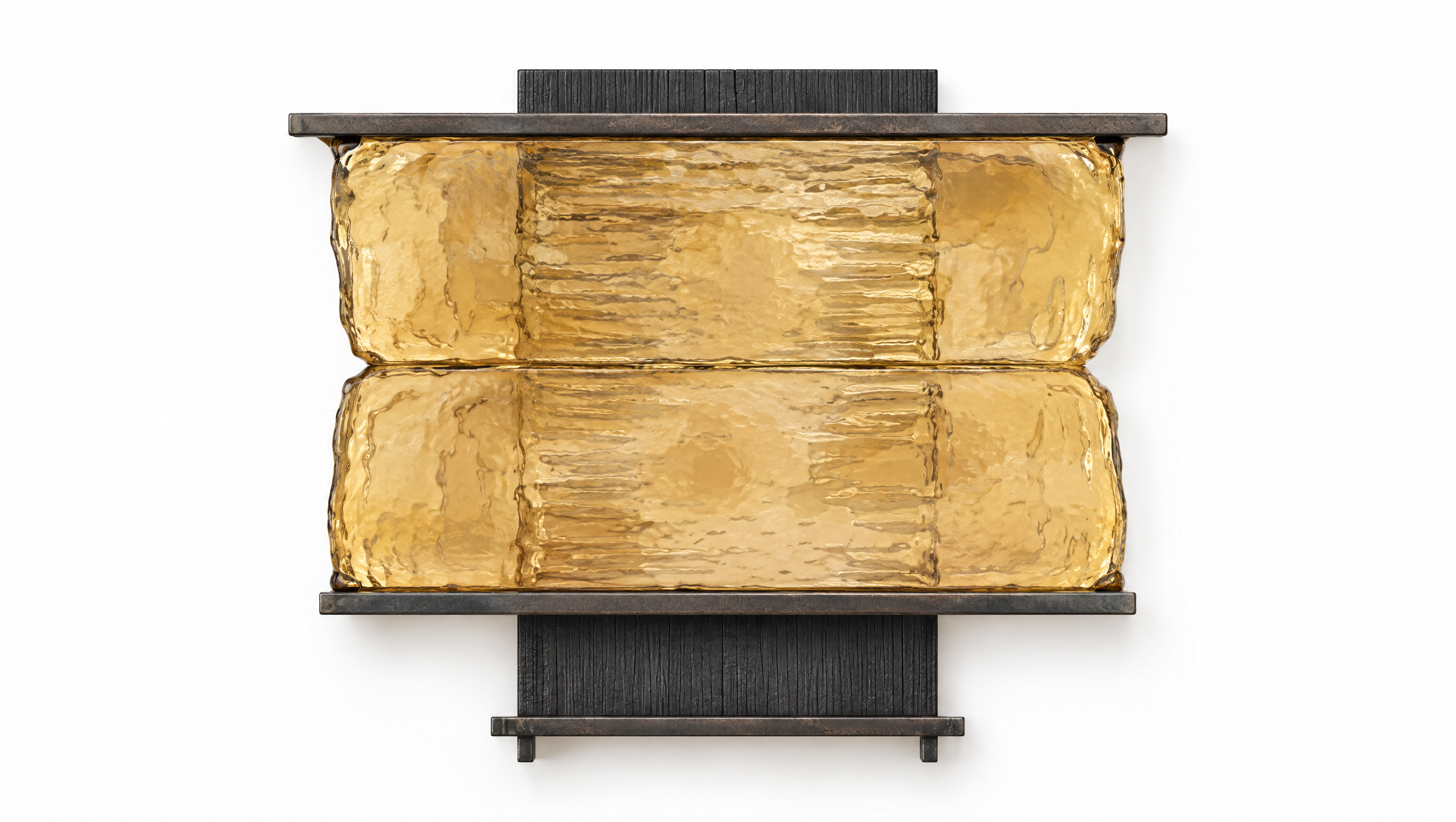
How to use AWOS RENDER FF&E AND ITEM
Follow these steps to convert your FF&E or item sketch into a polished AI render. Adjust style, materials, and lighting, then export images suitable for boards, decks, and approvals.
Step 1
Add your FF&E or item sketch. Crop and align the drawing, then select the render mode that best matches furniture, fixtures, or decor items.

Step 2
Set material cues, color palette, and lighting direction. Choose a style level from clean concept to photoreal, and add a short prompt to guide details.

Step 3
Generate multiple variations, compare options, and refine with quick iterations. Export high-resolution renders for presentations, spec packages, and client review.
Features
AWOS RENDER FF&E AND ITEM streamlines sketch-to-render for FF&E and individual items. Use AI to enhance linework, apply materials, and produce consistent lighting and shadows. Generate multiple design options quickly, reduce rework, and deliver clear visuals for mood boards, presentations, and approval cycles—without heavyweight 3D setup.
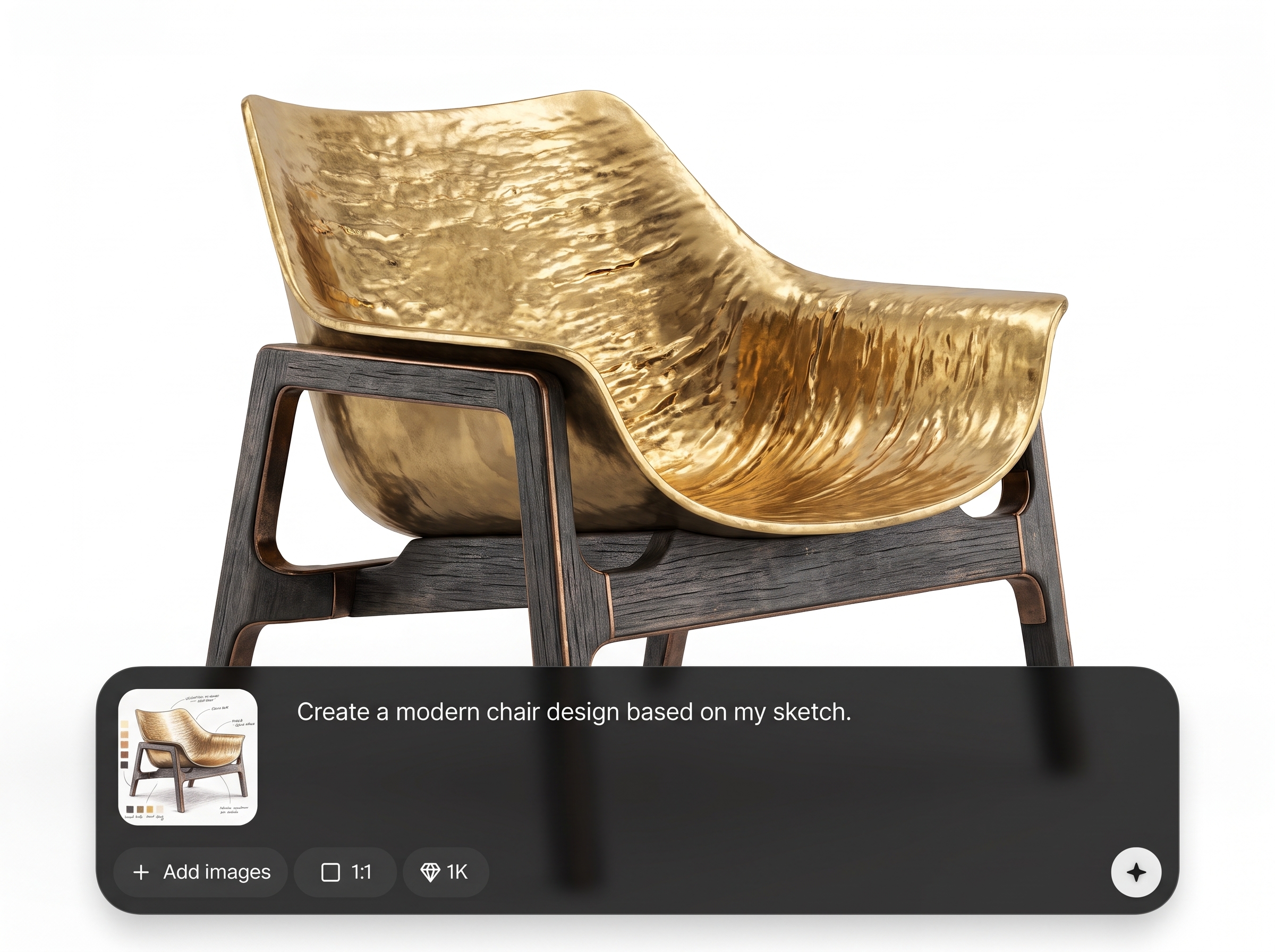
Convert hand sketches into believable renders with improved edges, shading, and depth. Keep the original design intent while upgrading the output to presentation-ready quality in fewer steps.
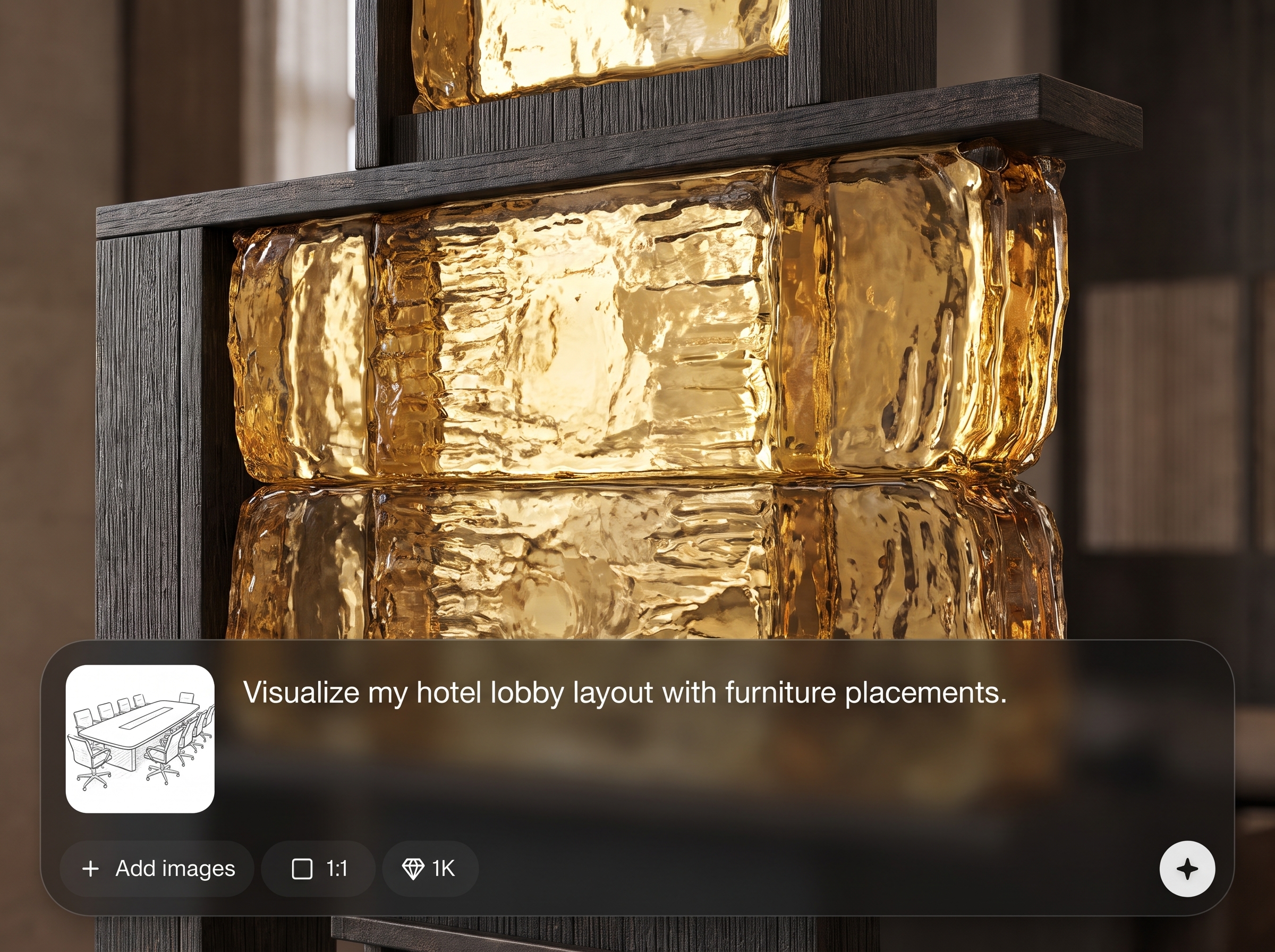
Guide textures, finishes, and colorways for FF&E and items. Quickly test fabric, wood, metal, and painted surfaces to communicate specs and options more clearly.
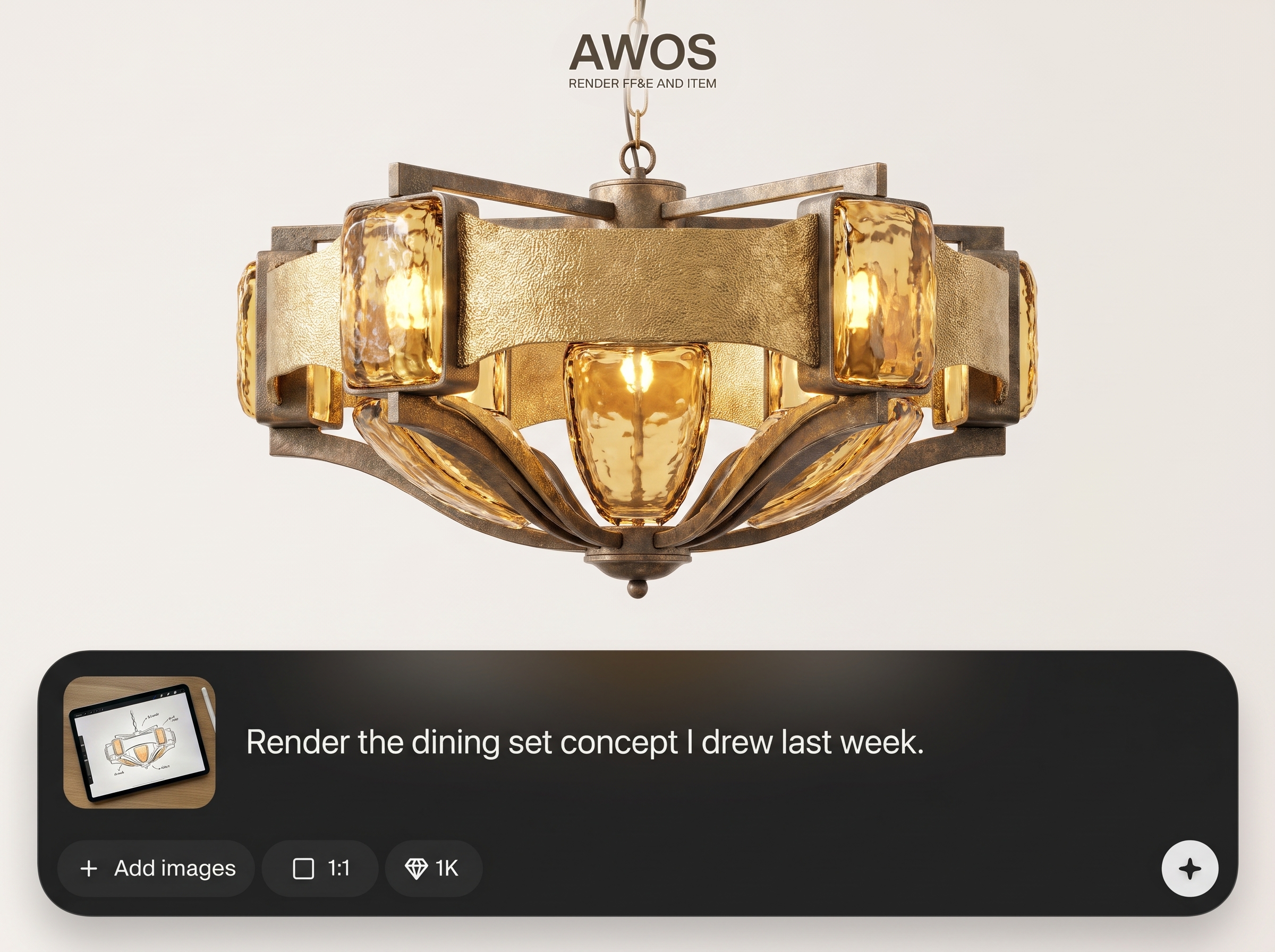
Create multiple render alternatives from one sketch to explore styles and details. Iterate quickly, compare results side-by-side, and move from concept to decision faster.
About
AWOS RENDER FF&E AND ITEM turns FF&E and item sketches into clean, realistic renders using AI. Upload your drawing, choose materials, lighting, and style, and generate presentation-ready visuals in minutes. Perfect for quickly validating design options, communicating intent, and producing consistent outputs for interiors, furniture, and product items without complex 3D workflows.
AWOS RENDER FF&E AND ITEM is built for fast, consistent sketch-to-render results for FF&E and individual items. Get controllable materials, clean lighting, and repeatable styles to communicate intent clearly. Generate options quickly to reduce rework and keep projects moving from concept to approval.
Open AWOS RENDER FF&E AND ITEM, upload a sketch, and select your preferred style. Add material and lighting cues, generate variations, then export the best render for your presentation or spec workflow.
Use cases
Discover how different creators use this app in their workflow.
Generate cohesive renders for furniture, fixtures, and equipment to support mood boards, presentations, and stakeholder alignment with consistent style and lighting.
Turn rough item sketches into clean visuals for early concept reviews, options testing, and fast iteration before committing to CAD or 3D modeling.
Create clear render outputs that help communicate finishes and intent, reducing ambiguity during approvals, vendor discussions, and specification workflows.
Krea is one of the world's leading generative AI platforms. See what others say.
Real reviews on TrustpilotSo many AI tools out there but I always come back to Krea. It's really the one AI platform that 'just works'.

FYN
Krea's interfaces are still the best in the industry. Everything looks and feels so clean and easy to use! Imo the easiest to use gen AI website.

Lynn
Ultra fast generations. Extremely simple to use. All the latest AI models.

Daniel
KREA is the only AI subscription I have right now besides ChatGPT.

Sophia M.
Answers to common questions about AI FF&E and item sketch rendering.
It renders FF&E and item sketches into realistic or concept-style images using AI. Upload a sketch, choose materials and lighting cues, and generate variations suitable for presentations and approvals.
Clean line drawings with good contrast work best, including scanned hand sketches and digital exports. Minimal background noise and clear silhouettes help the AI preserve proportions and details.
Yes. You can guide material feel, color palette, and finish direction through settings and short prompts. This helps visualize fabric, wood, metal, and paint options consistently across outputs.
Use a clear sketch, specify lighting and materials, and choose a higher realism style. Adding simple notes like “oak veneer,” “brushed brass,” or “soft studio light” improves accuracy.
Yes. It supports full FF&E elements like seating, tables, fixtures, and decor, as well as individual items. Use the appropriate mode and prompt to match the object type.
You can create several variations per sketch to explore different styles, materials, and details. This is useful for option sets, client review, and narrowing down final directions.
The tool aims to preserve key shapes and proportions from your sketch while enhancing surface detail and lighting. For best fidelity, use a clear outline and avoid overlapping clutter.
Use renders for interior design presentations, mood boards, spec discussions, and concept validation. Export high-resolution images to include in decks, PDFs, and approval documentation.
Most renders generate in minutes depending on complexity and selected settings. Faster iteration means you can test multiple directions quickly without long 3D modeling cycles.
No. It’s designed for sketch-based workflows, so you can generate strong visuals without CAD or 3D setup. Simple inputs and prompts are enough to get useful results.
Upload a sketch, choose materials and lighting, and export high-quality renders in minutes for faster decisions.

