














Step 1
Add your prompt
Paste your existing product prompt exactly as-is. Brack Product preserves your wording and structure, ensuring the original style, materials, and lighting remain consistent.
Brack Product adds accurate product angles to your original prompt for consistent AI renders. Generate clean ecommerce views fast—try it online now.
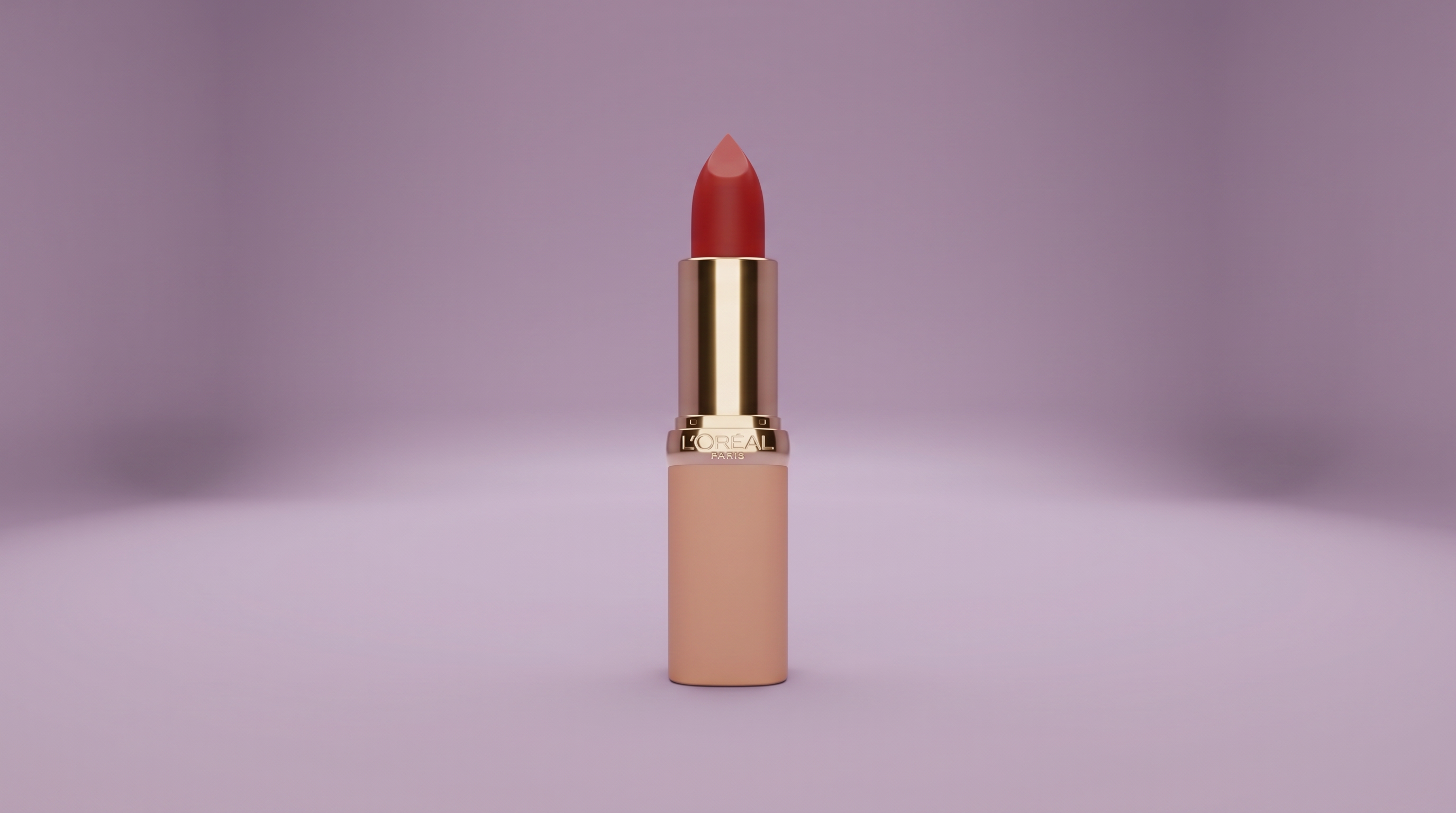
How to use Brack Product
Learn how to generate consistent product views with Brack Product while preserving your original prompt. Add only the angle detail when needed, then render and export images for ecommerce, ads, and catalogs quickly.
Step 1
Paste your existing product prompt exactly as-is. Brack Product preserves your wording and structure, ensuring the original style, materials, and lighting remain consistent.

Step 2
Choose a viewing angle like front, 3/4, side, top, or close-up. Only the angle is added, so the prompt stays clean and unchanged.

Step 3
Generate multiple angle variations, compare results, and refine the angle if needed. Download high-quality renders ready for product pages, listings, and marketing assets.
Features
Brack Product focuses on products and prompt integrity. It appends only the necessary camera angle so your original prompt remains untouched, producing consistent renders across views. Create repeatable ecommerce-ready imagery with controlled perspectives, faster iteration, and fewer prompt edits—ideal for catalogs, marketplaces, and product ads.
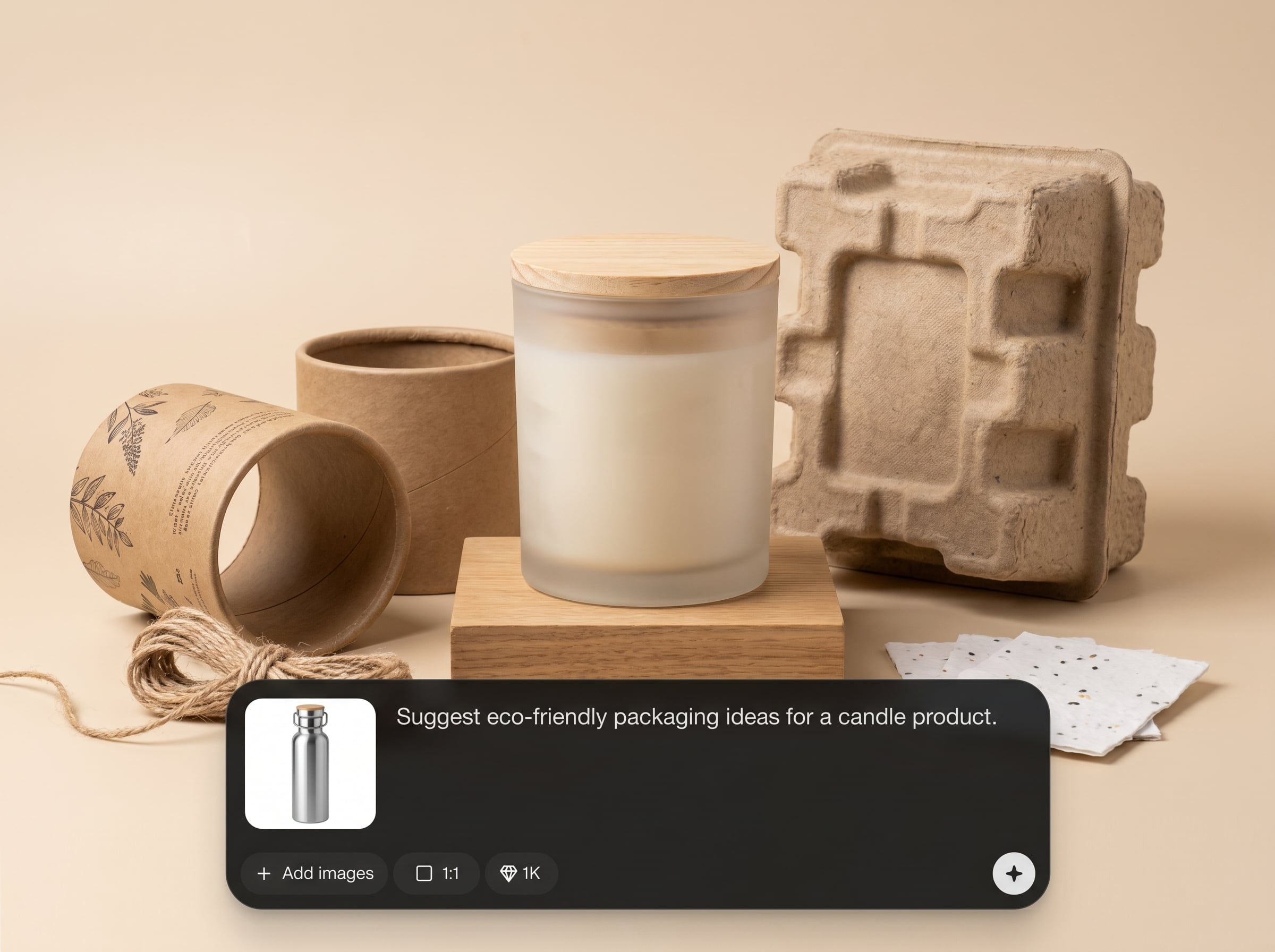
Keeps your original prompt unchanged and adds only the angle detail when required. Maintain consistent styling, materials, lighting, and branding across every product render.
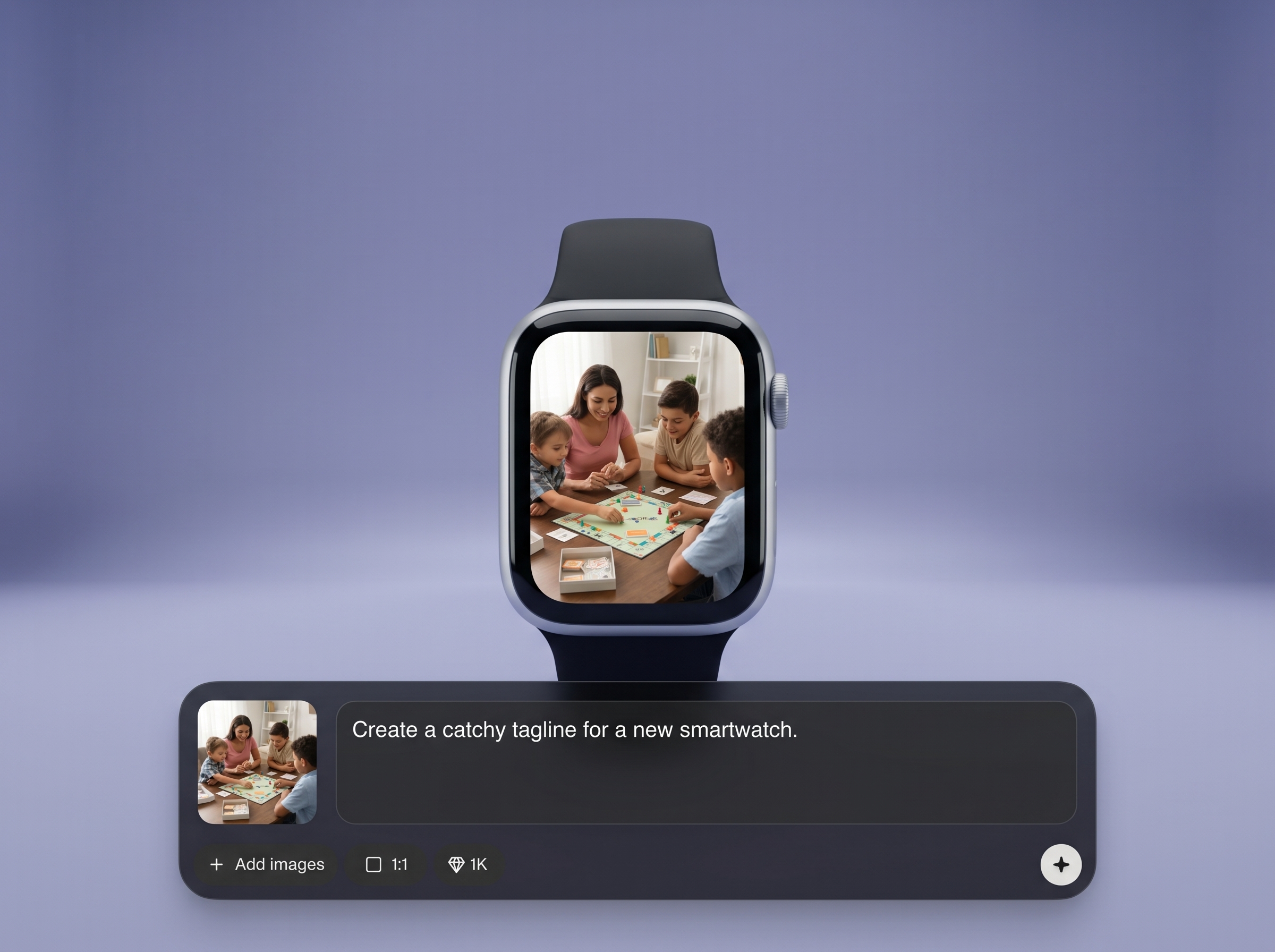
Generate clean front, side, 3/4, top, and detail views with matching composition. Reduce drift between images and build cohesive product galleries for ecommerce.
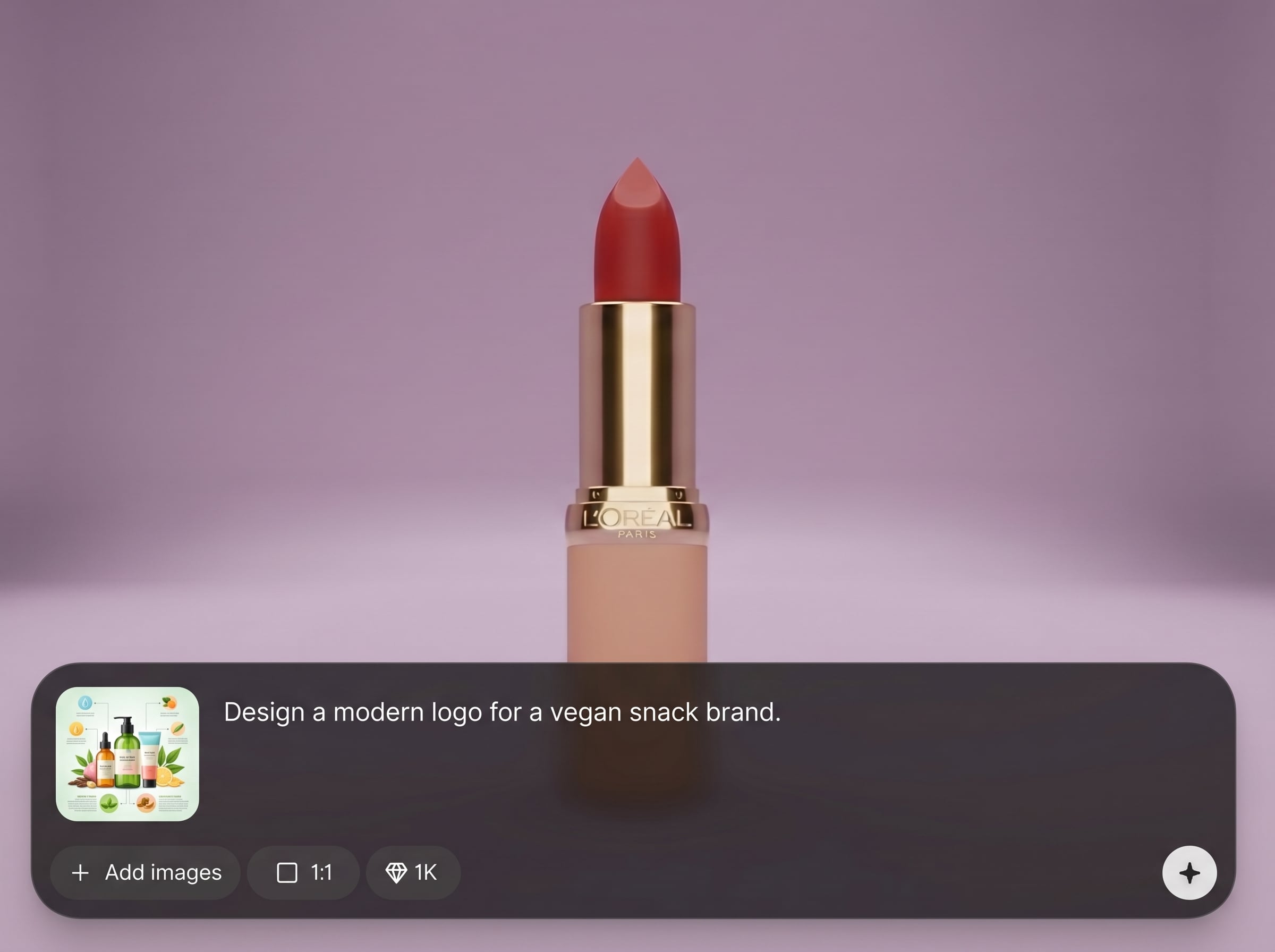
Quickly test angles and regenerate variations without prompt rewrites. Speed up asset production for product pages, ads, and catalogs while keeping outputs predictable and usable.
About
Brack Product is an AI product angle generator that keeps your original prompt intact and only adds a precise viewing angle when needed. Create consistent multi-angle product renders for ecommerce, catalogs, and ads without rewriting prompts. Get clean, repeatable perspectives for studio shots, hero images, and detail views in minutes with fast iteration and reliable results.
Brack Product is built to keep prompts stable and outputs consistent. By adding only the viewing angle, it reduces prompt noise, improves repeatability across multi-angle sets, and speeds up ecommerce asset production. Get predictable perspectives without constant prompt rewrites or formatting work.
Paste your existing product prompt, select the angle you need, and generate. Repeat for multiple views to build a consistent gallery, then export images for product pages, catalogs, and ads.
Use cases
Discover how different creators use this app in their workflow.
Create consistent multi-angle images for product pages, including hero shots and detail views, while keeping the original prompt and styling stable.
Generate standardized angles for marketplace compliance and clarity. Produce repeatable views that improve browsing and reduce confusion across variants.
Build cohesive catalog sets and marketing creatives with controlled perspectives. Iterate quickly on angles to match layouts, banners, and product campaigns.
Krea is one of the world's leading generative AI platforms. See what others say.
Real reviews on TrustpilotSo many AI tools out there but I always come back to Krea. It's really the one AI platform that 'just works'.

FYN
Krea's interfaces are still the best in the industry. Everything looks and feels so clean and easy to use! Imo the easiest to use gen AI website.

Lynn
Ultra fast generations. Extremely simple to use. All the latest AI models.

Daniel
KREA is the only AI subscription I have right now besides ChatGPT.

Sophia M.
Answers to common questions about Brack Product, AI product angles, and prompt-preserving generation.
Brack Product is an AI tool for products that preserves your original prompt and adds a viewing angle only when needed. It helps generate consistent multi-angle product renders for ecommerce and catalogs.
No. Brack Product is designed to avoid altering your original prompt text. It simply appends an angle directive when required, keeping your wording, style cues, and constraints intact.
You can generate common perspectives such as front, 3/4, side, back, top-down, and close-up detail views. Angle options help produce consistent product galleries and listings quickly.
Yes. Brack Product is focused on product imagery and product-view consistency. It’s optimized for controlled angles and repeatable renders rather than general scenes or character generation.
By keeping the original prompt unchanged, your styling cues remain stable across generations. Adding only the angle reduces unwanted drift, making it easier to match lighting, materials, and composition across views.
Yes. Start with one prompt, then generate a set of angles to build a complete product gallery. This workflow minimizes edits and helps keep outputs aligned across the entire set.
It works best for studio-style product shots, hero images, packshots, and detail crops that require consistent camera perspectives. It’s ideal for ecommerce listings, catalogs, and product ads.
No. Brack Product is built for straightforward use: paste your prompt, pick an angle, and generate. The AI handles the angle formatting so you can focus on results, not prompt engineering.
Try a more specific angle label (for example, “3/4 left” or “top-down”). Since the prompt stays intact, you can iterate on angle selection without disturbing the original styling instructions.
Yes. The prompt-preserving approach supports repeatable outputs across many SKUs. Generate standardized angles quickly to maintain a consistent visual system for catalogs, collections, and marketplaces.
Preserve your original prompt and add only the angle for clean, repeatable product renders.

