














Step 1
Upload
Add a front-facing portrait image with good lighting. The tool analyzes facial features and prepares a clean base for the vinyl-toy 3D head style.
Turn a portrait photo into a glossy 3D vinyl toy head and export a smooth bounce-and-rotate motion video. Try the AI 3D Motion Design Pipeline now.
How to use 3D Motion Design Pipeline
Upload a clear portrait and let the AI build a stylized 3D toy head with glossy materials. Then apply motion design bounce and rotation, preview the result, and export both the 3D image and video.
Step 1
Add a front-facing portrait image with good lighting. The tool analyzes facial features and prepares a clean base for the vinyl-toy 3D head style.

Step 2
Generate a glossy 3D character head render, then enable bounce and rotation animation. Adjust strength and pacing for a smooth, motion-design feel.

Step 3
Download the stylized 3D image for thumbnails or posts, and export the animated video for reels, ads, or presentations with consistent framing.
Features
Transform portraits into a high-shine 3D vinyl-toy head and a motion-ready animation in one pipeline. The AI handles stylization, materials, and clean lighting for a consistent look. Export a crisp 3D image plus a smooth bounce-and-rotate video, ready for social clips, branding assets, and concept previews.
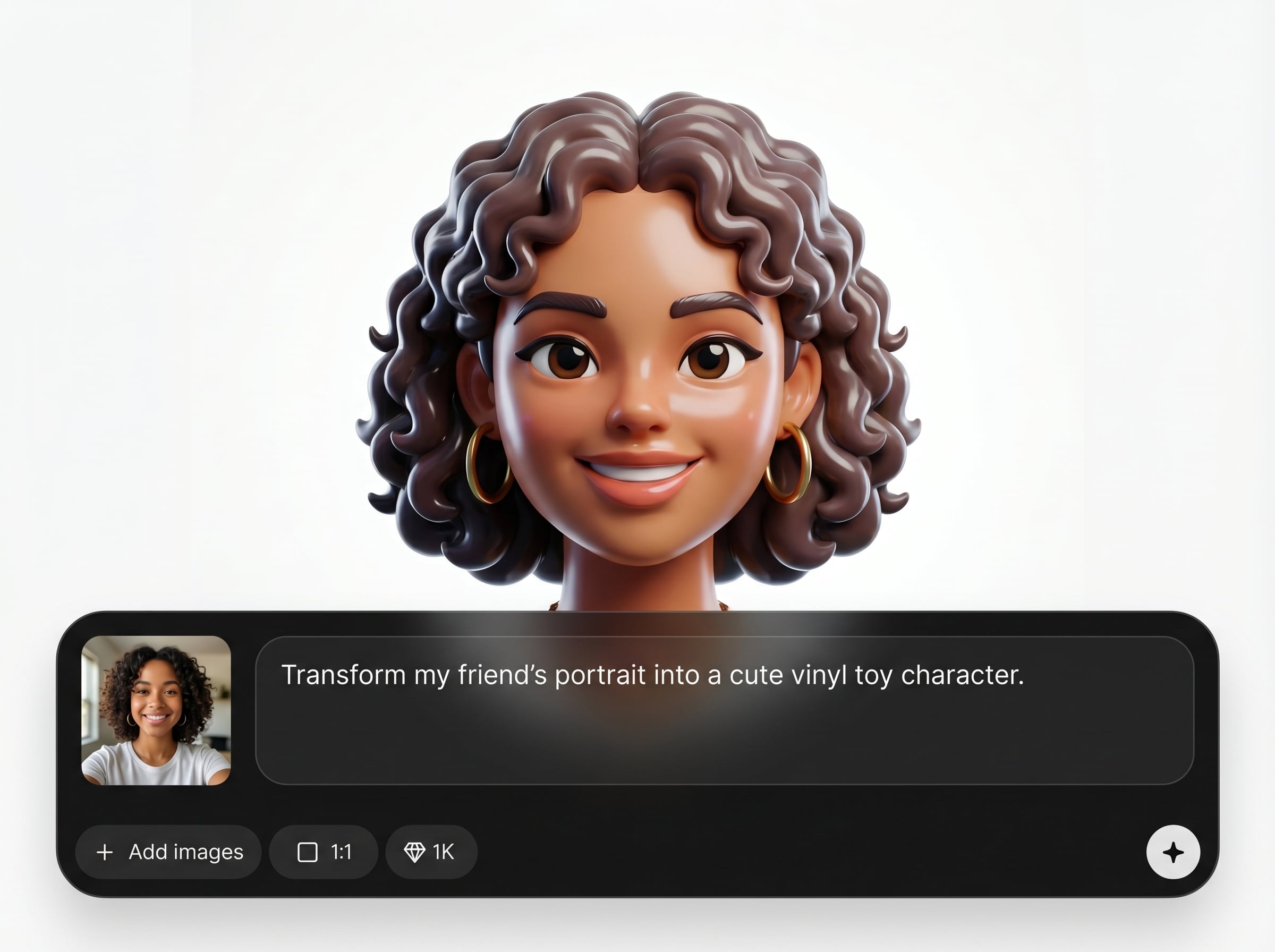
Convert a portrait into a polished 3D toy head with bold shapes and reflective materials. Get consistent, character-like results that still preserve recognizable facial structure.
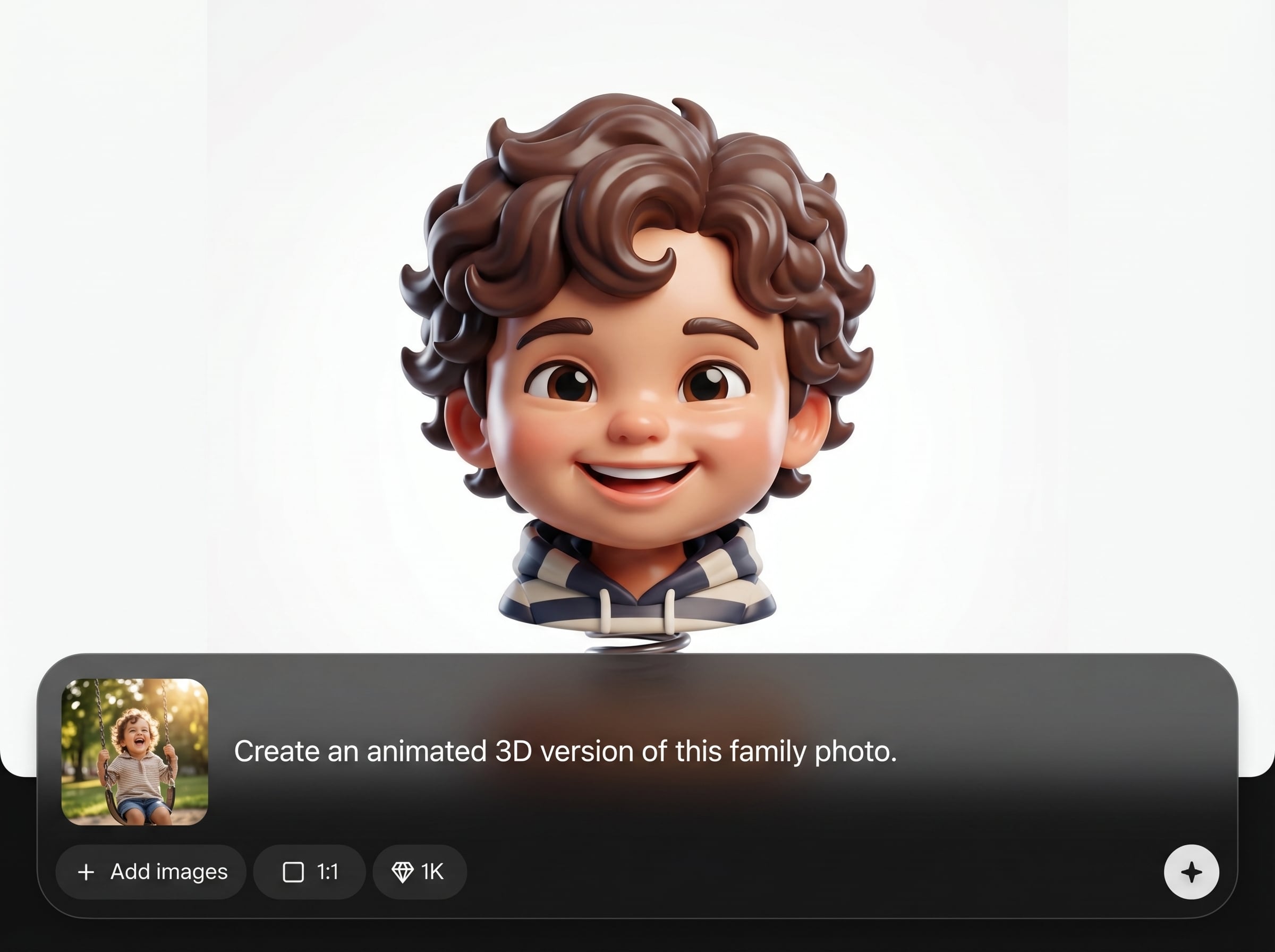
Add professional bounce and rotation with clean easing for a modern motion-graphics look. Generate an animated video that feels stable, loopable, and ready to share.
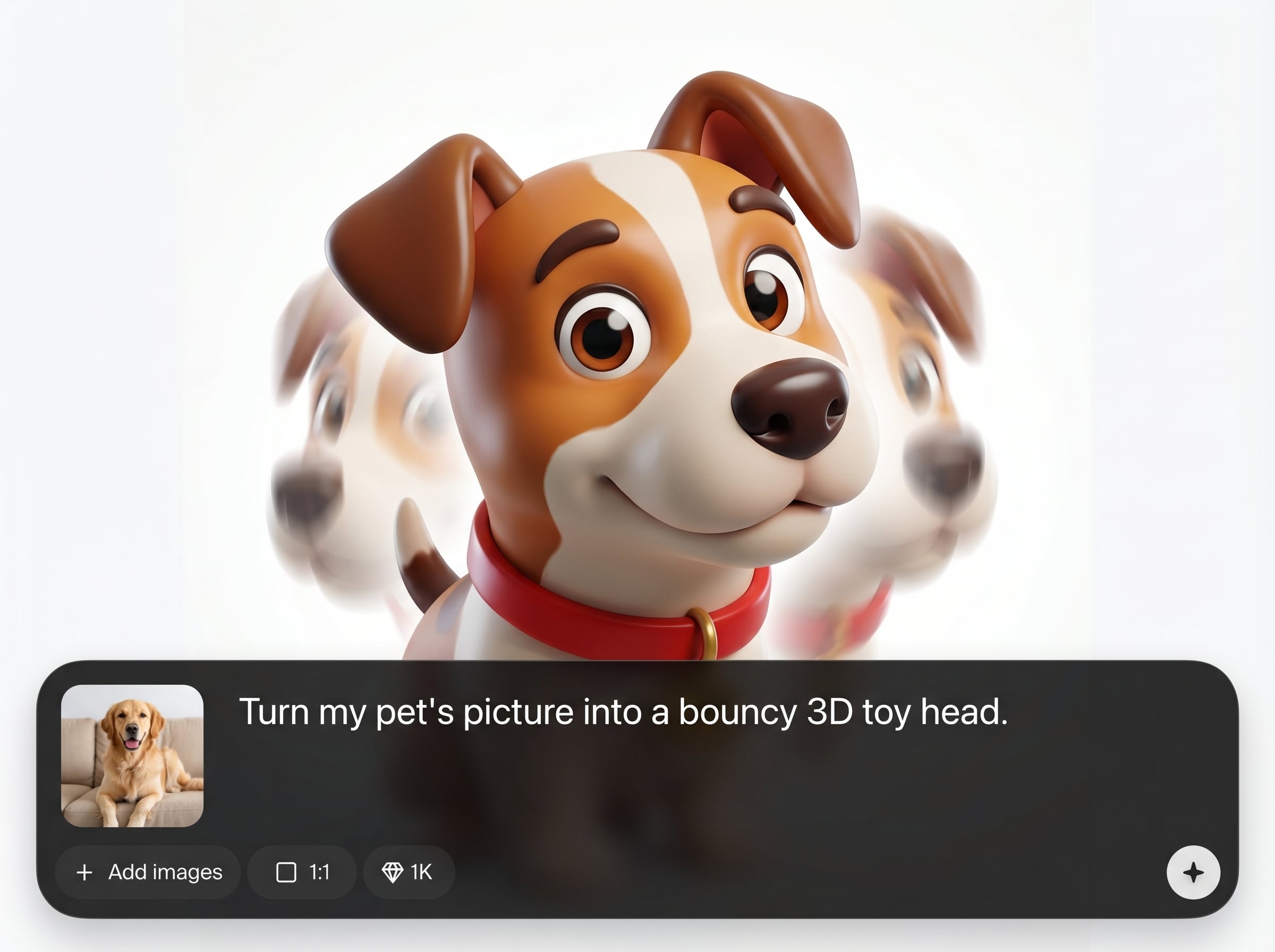
Output a stylized 3D render for covers and a matching animation for reels or ads. Keep framing and style consistent across formats without extra compositing work.
About
3D Motion Design Pipeline converts a portrait image into a glossy 3D vinyl-toy character head, then animates it with smooth bounce and rotation. Upload a photo to generate a polished 3D render plus an animated video in seconds. Ideal for consistent, toy-like styling with clean lighting, bold materials, and motion-ready output for social, presentations, and product-style visuals.
Get a complete portrait-to-3D-to-motion workflow in one tool, optimized for glossy vinyl-toy aesthetics. The AI streamlines stylization, lighting, and animation so outputs look consistent and presentation-ready. Export both image and video for fast iteration across social, branding, and concept work.
Choose a high-quality portrait, upload it, and generate the 3D toy head render. Enable bounce and rotation, preview the motion, then export the final image and animated video.
Use cases
Discover how different creators use this app in their workflow.
Turn a selfie into a glossy 3D toy head and a short motion clip for avatars, intros, and posts that stand out consistently.
Generate toy-like character visuals for promos, landing pages, and ads. Use the matching animation to add motion without manual 3D setup.
Rapidly test stylized 3D portrait directions and motion timing. Export quick iterations for reviews, pitch decks, and visual prototypes.
Krea is one of the world's leading generative AI platforms. See what others say.
Real reviews on TrustpilotSo many AI tools out there but I always come back to Krea. It's really the one AI platform that 'just works'.

FYN
Krea's interfaces are still the best in the industry. Everything looks and feels so clean and easy to use! Imo the easiest to use gen AI website.

Lynn
Ultra fast generations. Extremely simple to use. All the latest AI models.

Daniel
KREA is the only AI subscription I have right now besides ChatGPT.

Sophia M.
Answers to common questions about portrait-to-3D conversion and motion export.
Upload a clear, front-facing portrait with good lighting and minimal obstruction. The AI uses facial features to build a stylized 3D toy head and keeps the look consistent.
You get two outputs: a stylized 3D image render of the vinyl-toy head and an animated video featuring smooth bounce and rotation for motion design use.
Yes. Adjust animation strength and timing to change how energetic the bounce feels and how fast the rotation moves, then preview before exporting the final video.
It aims to keep recognizable structure while applying a vinyl-toy stylization. Clean, well-lit portraits generally produce the best balance of likeness and exaggerated 3D character shape.
This pipeline focuses on generating a stylized 3D render and an animated video output. If you need editable geometry, use the exports as visual assets rather than source models.
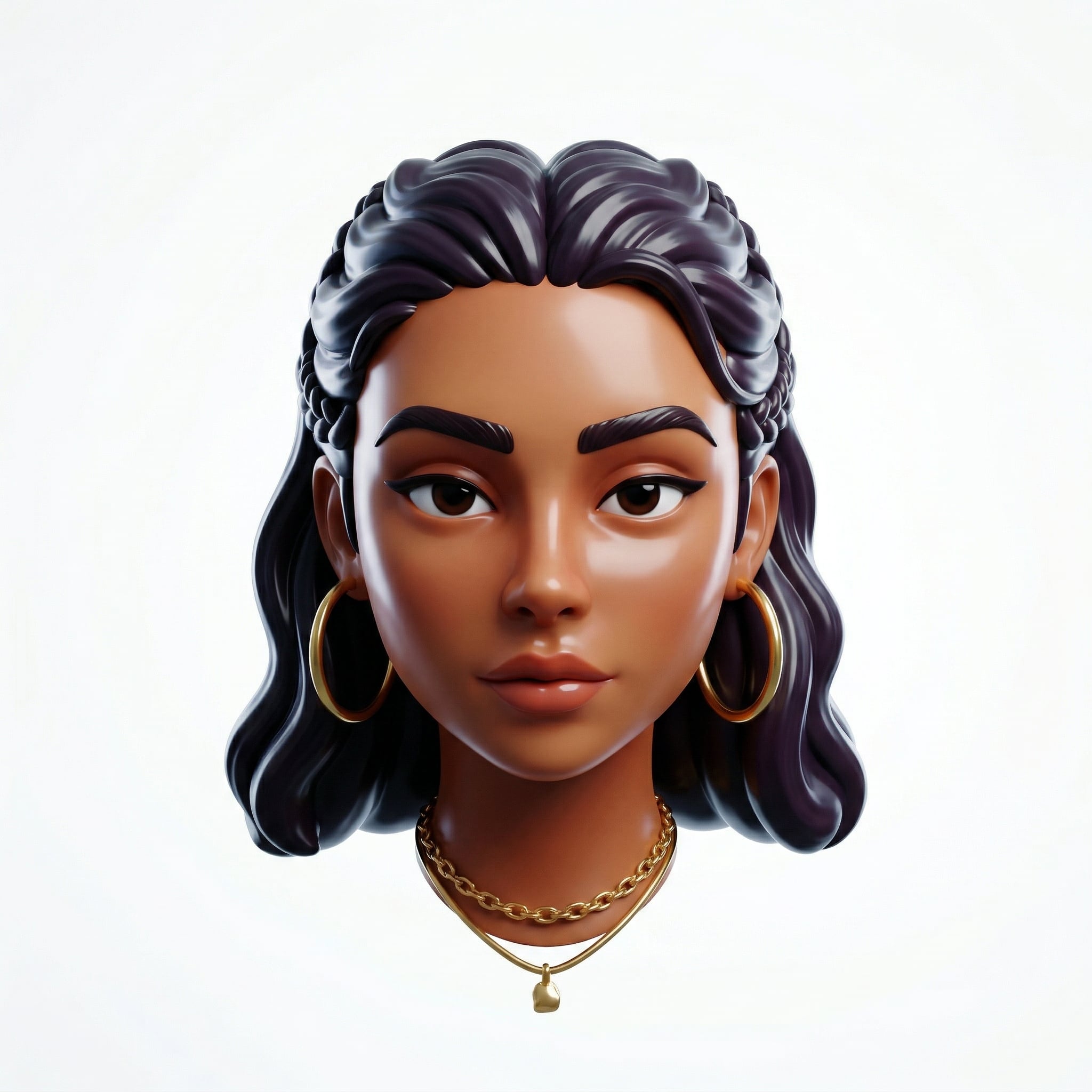
Upload a portrait, get a glossy 3D render and a smooth motion video in minutes.

