















Step 1
Add Text
Paste your caption, email, ad copy, or product description. The AI reads language cues and prepares a vibe summary focused on tone, mood, and clarity.
Analyze tone, mood, and style with Vibe Tester_DEV. Use AI to test copy, captions, and messages fast, get clear feedback, and refine your vibe.

How to use Vibe Tester_DEV
This quick tutorial shows how to analyze tone and mood with Vibe Tester_DEV. Add your text, choose the context, then review AI feedback to refine wording and keep your brand voice consistent.
Step 1
Paste your caption, email, ad copy, or product description. The AI reads language cues and prepares a vibe summary focused on tone, mood, and clarity.

Step 2
Select the channel and intent, like professional email or playful social post. This helps the vibe analyzer score fit and flag wording that may misread.

Step 3
Check the tone results, highlights, and improvement tips. Edit your text and re-test to quickly converge on a consistent brand voice and stronger messaging.
Features
Vibe Tester_DEV uses artificial intelligence to analyze vibe signals in your text—tone, mood, confidence, and formality. Get clear, actionable feedback to reduce ambiguity, improve brand voice consistency, and match intent to channel. Test multiple variations quickly to choose the best-performing message before publishing.
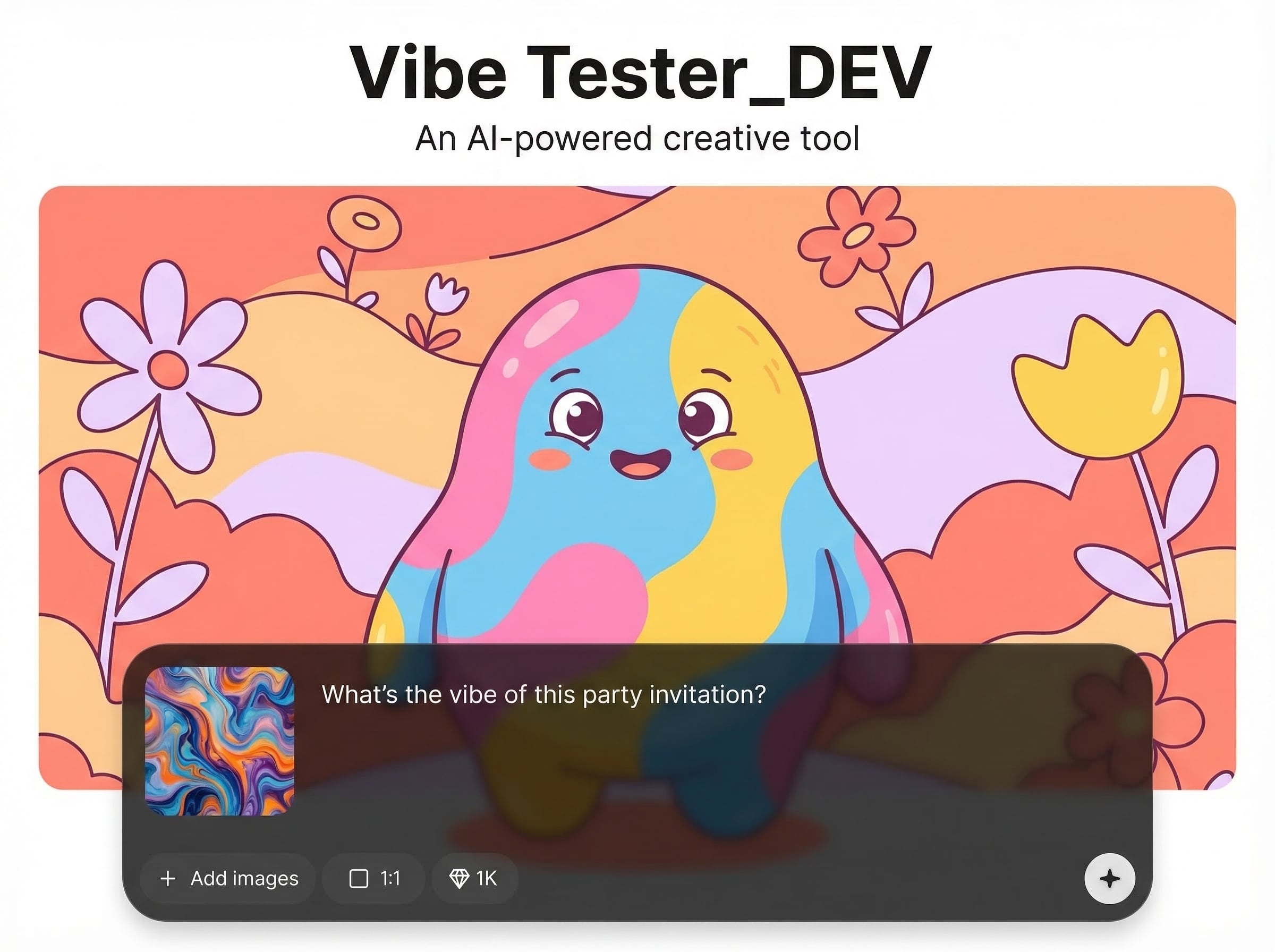
Instantly assess tone, mood, and style with a readable summary and key highlights. Catch mixed signals early and align your message with the feeling you want to convey.
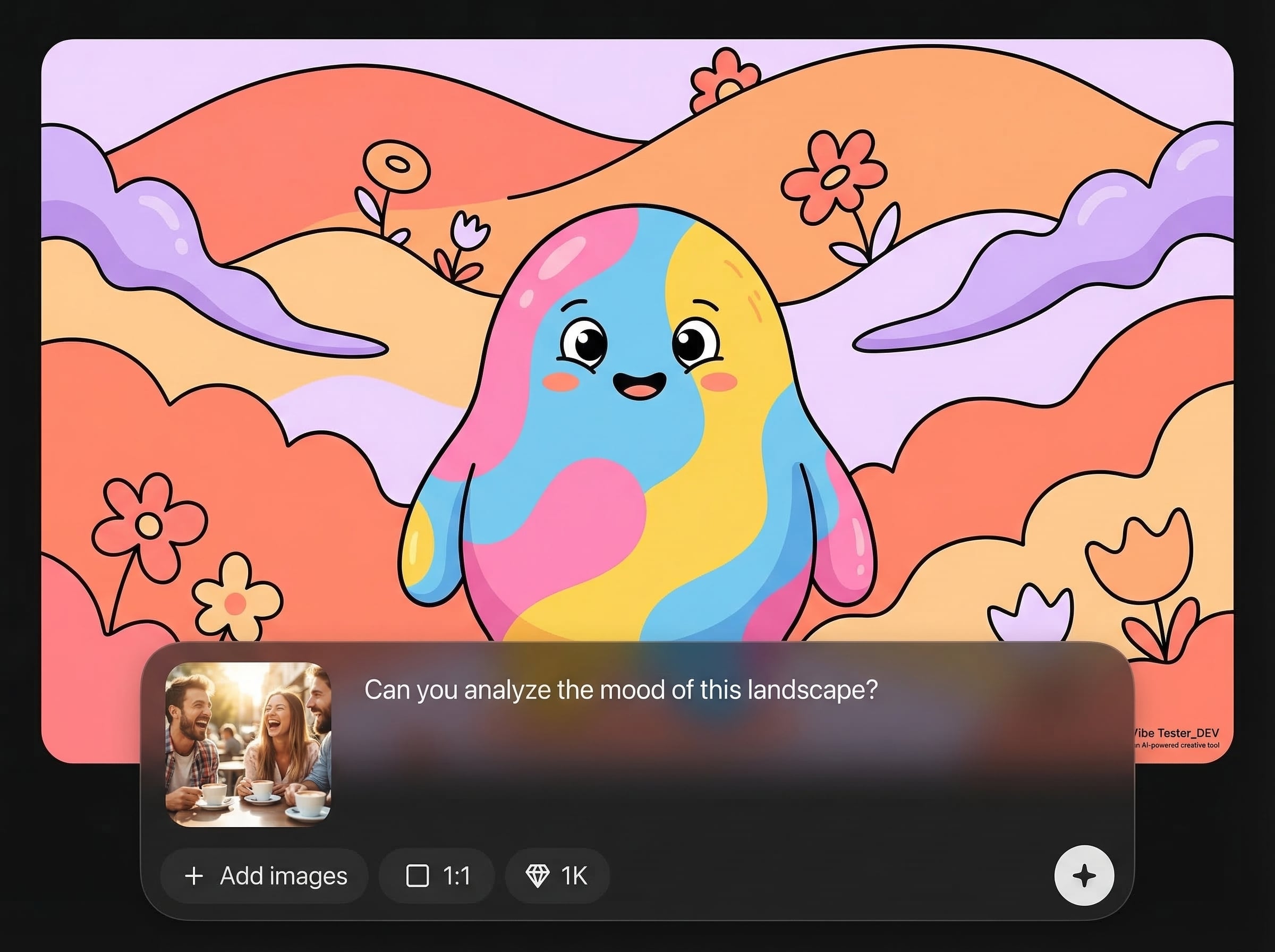
Adjust analysis by channel and intent, then receive targeted suggestions. Improve clarity, reduce harshness, add warmth, or increase professionalism without losing your voice.
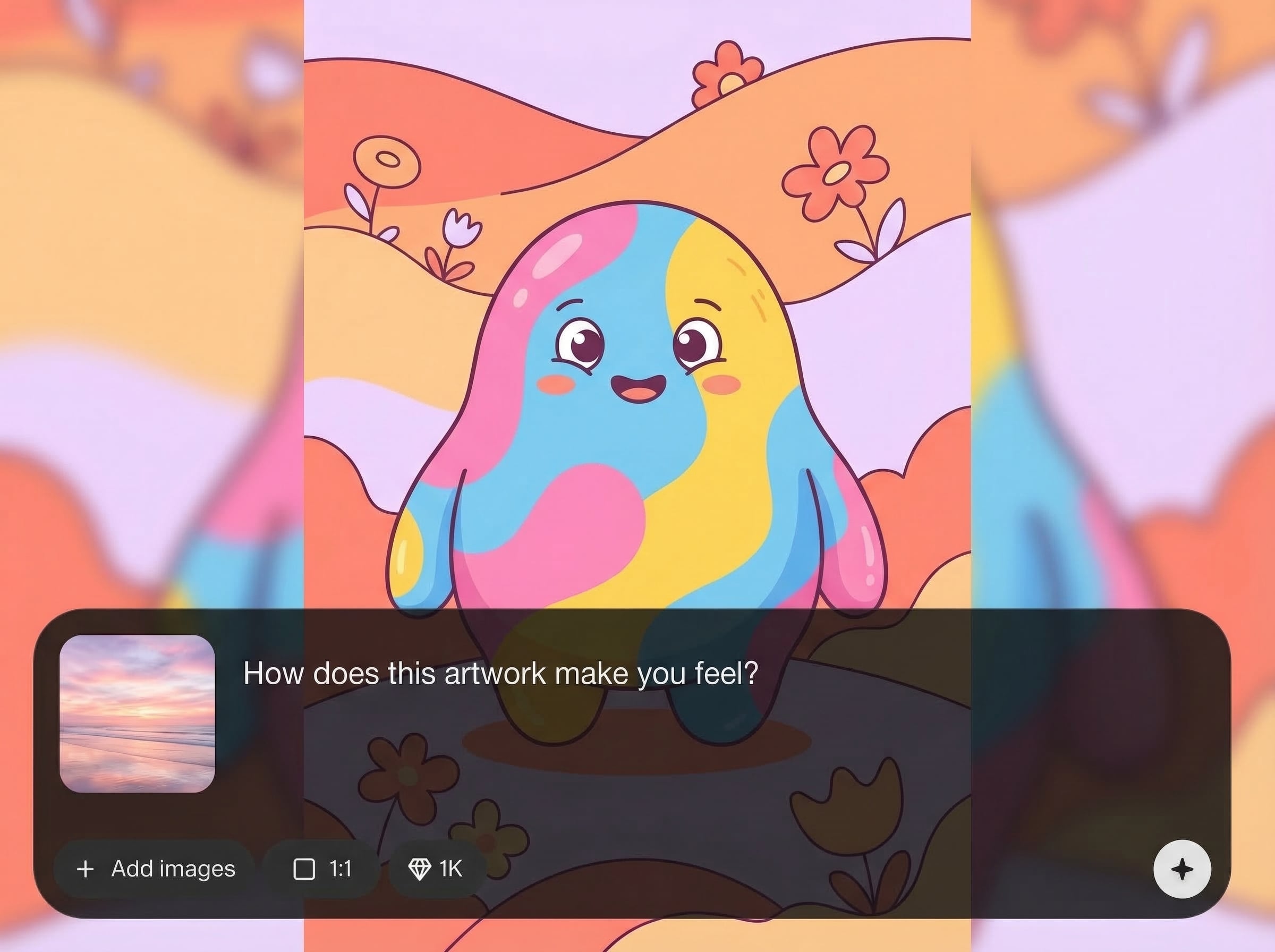
Test multiple drafts back-to-back to compare vibes quickly. Save time on rewrites, validate your final version, and ship content with more confidence and consistency.
About
Vibe Tester_DEV is an AI vibe analyzer that evaluates tone, mood, and style in seconds. Paste text to test how your message reads across contexts, then get actionable suggestions to align with your brand voice. Improve clarity, consistency, and audience fit for captions, emails, ads, and product copy with fast, reliable feedback.
Vibe Tester_DEV delivers fast, context-aware tone analysis with clear recommendations you can apply immediately. It helps reduce misinterpretation, strengthen brand voice consistency, and speed up editing cycles. Get reliable AI feedback for captions, emails, ads, and product copy in one streamlined workflow.
Open Vibe Tester_DEV, paste your text, and choose the closest context. Review the vibe summary and suggestions, edit, then re-test until your message matches the intended tone.
Use cases
Discover how different creators use this app in their workflow.
Validate that headlines and ads match your intended vibe. Reduce off-brand phrasing, keep tone consistent, and sharpen calls-to-action before launching campaigns.
Check professionalism and empathy in replies and announcements. Avoid accidental bluntness, improve clarity, and deliver a calmer, more helpful tone.
Tune captions for playful, bold, or informative styles. Test variations quickly, ensure audience fit, and keep a consistent brand voice across platforms.
Krea is one of the world's leading generative AI platforms. See what others say.
Real reviews on TrustpilotSo many AI tools out there but I always come back to Krea. It's really the one AI platform that 'just works'.

FYN
Krea's interfaces are still the best in the industry. Everything looks and feels so clean and easy to use! Imo the easiest to use gen AI website.

Lynn
Ultra fast generations. Extremely simple to use. All the latest AI models.

Daniel
KREA is the only AI subscription I have right now besides ChatGPT.

Sophia M.
Answers to common questions about AI vibe analysis and tone testing.
Vibe Tester_DEV analyzes tone, mood, formality, and style signals in text. It highlights phrases that drive the impression and suggests edits to better match your intended voice and context.
Yes. Use it to test drafts against a consistent vibe across ads, emails, and social posts. Re-run after edits to confirm tone alignment and reduce off-brand wording.
It’s an AI tone checker focused on how wording reads in context, not just positive or negative sentiment. You’ll get actionable phrasing guidance for clarity, warmth, and intent.
Provide complete text and select the closest context and intent. Try two to three variations, compare outputs, then apply the suggestions that best preserve meaning while improving tone.
Short to medium text like captions, emails, landing page sections, and ad copy works great. For long documents, test key sections separately to get clearer, more focused feedback.
Analyze tone and mood instantly, refine your message, and keep your brand voice consistent across every channel.

