














Step 1
Add your topic
Type the topic in the first field—short, detailed, or structured. The AI uses it to outline the carousel, write slide copy, and keep the narrative consistent.
Create a 5-slide carousel and ready-to-post caption with AI. Enter your topic, set a visual style, add an image for slide 4, and generate fast.

How to use КАРУСЕЛЬКА 🎠
This quick workflow turns your idea into a polished carousel. Provide the topic, define the visual style, and attach an image for slide 4—then let AI generate slides and a post-ready caption.
Step 1
Type the topic in the first field—short, detailed, or structured. The AI uses it to outline the carousel, write slide copy, and keep the narrative consistent.

Step 2
Describe the style in the second field: one word (comic, horror film) or a full brief like minimalist layout with pink headings and green text.

Step 3
Attach a photo, product image, dog photo, or logo for slide 4. Click generate to get 5 slides plus a final caption ready to post.
Features
КАРУСЕЛЬКА 🎠 automates carousel creation from a simple prompt. It generates five slide texts with a coherent structure, adapts wording to your chosen visual style, and produces a final caption for your post. Upload an image for slide 4 to personalize the carousel with a face, product, or brand mark.

Automatically builds a clear beginning, middle, and takeaway across five slides. Great for tutorials, announcements, product highlights, and storytelling without manual slide planning.

Your style prompt steers tone, formatting, and visual direction—whether minimal, comic, cinematic, or branded. Keep each slide consistent while matching the look you want.

Add a photo, product shot, dog image, or logo specifically for slide 4. The carousel stays on-brand and more personal, while the rest is generated automatically.
About
КАРУСЕЛЬКА 🎠 is an AI carousel generator that builds 5 swipeable slides plus a final caption you can paste into your post description. Add a topic (short or detailed), describe the visual style in one word or a full brief, and upload an image for slide 4. Get consistent layouts, clear messaging, and a ready-to-publish carousel in minutes.
КАРУСЕЛЬКА 🎠 combines structured carousel storytelling with style control and a dedicated image slot for personalization. It reduces planning time, keeps slide-to-slide consistency, and outputs a ready-to-post caption—so you can publish faster without losing clarity or brand tone.
Type your topic in the first field, describe the visual style in the second, and upload an image for slide 4. Click generate to receive five slides and a final caption you can copy and post.
Use cases
Discover how different creators use this app in their workflow.
Generate carousel posts for launches, offers, and educational threads with consistent messaging and a caption ready for Instagram or similar platforms.
Turn ideas into structured, swipe-friendly stories. Keep a recognizable style across posts while reducing the time spent on writing and planning slides.
Show features, benefits, and use steps in a clean five-slide flow. Add your product photo or logo on slide 4 for instant brand recognition.
Krea is one of the world's leading generative AI platforms. See what others say.
Real reviews on TrustpilotSo many AI tools out there but I always come back to Krea. It's really the one AI platform that 'just works'.

FYN
Krea's interfaces are still the best in the industry. Everything looks and feels so clean and easy to use! Imo the easiest to use gen AI website.

Lynn
Ultra fast generations. Extremely simple to use. All the latest AI models.

Daniel
KREA is the only AI subscription I have right now besides ChatGPT.

Sophia M.
Answers to common questions about generating carousel slides and captions with AI.
It generates 5 carousel slides plus a final caption text for your post description. You provide the topic, visual style, and an image for slide 4 to personalize the result.
Any level works. A short topic is enough for a quick outline, while a detailed brief improves accuracy, structure, and key points across all five slides and the caption.
Use one word (e.g., “comic”) or a full description like “minimal layout with pink headers and green letters.” The AI aligns slide copy and direction to that style.
Upload a personal photo, dog photo, product image, or logo. Slide 4 is designed as a visual anchor, making the carousel feel more credible and brand-specific.
Yes—treat the output as a strong draft. Adjust wording, reorder ideas, or refine the caption to match your brand voice while keeping the five-slide structure intact.


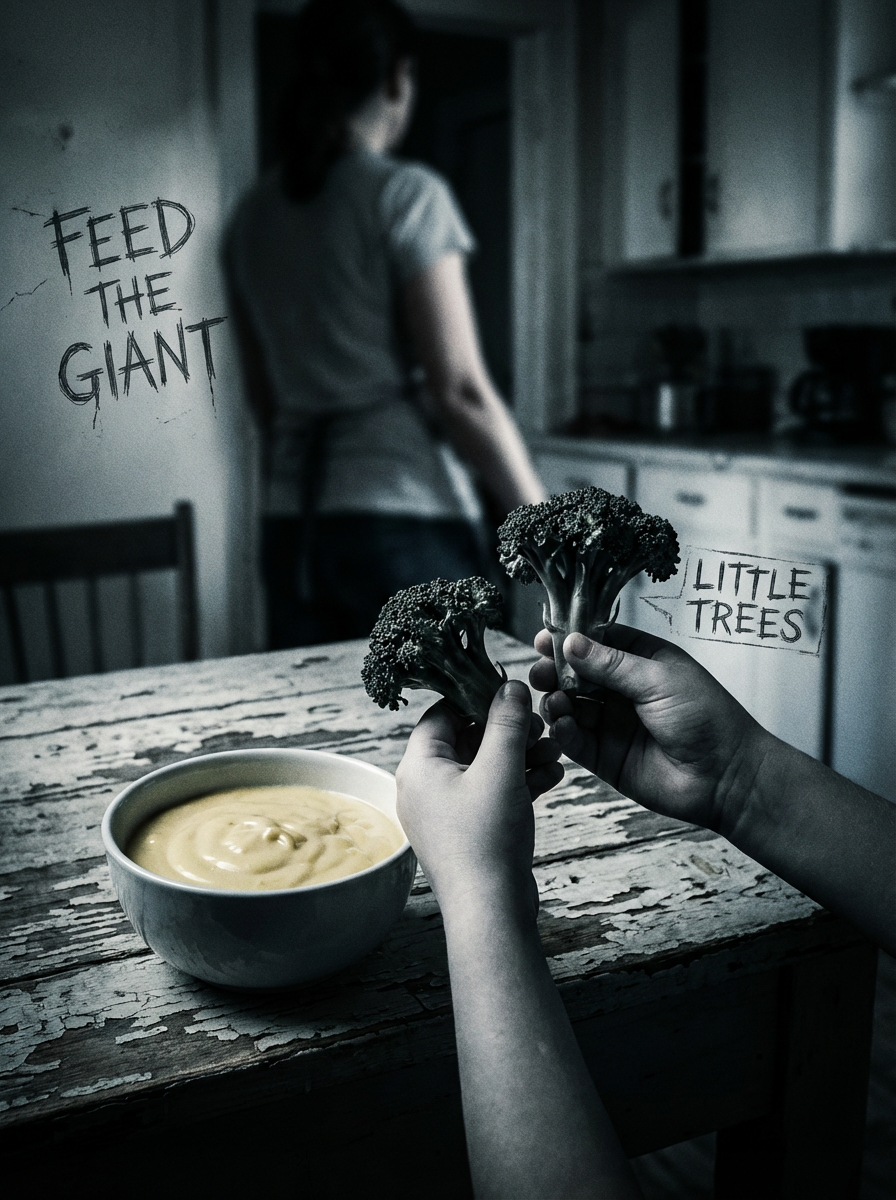

Enter a topic, pick a style, add an image, and generate 5 slides plus a caption in minutes.

