














Step 1
Enter location
Type a city, neighborhood, or region. Add optional cues like material, era, or climate to steer facade texture, joints, and connection logic.
Generate ten architectural close-ups from any location. Explore joints, junctions, facade textures, and material connections. Try SITE Details online now.

How to use SITE Details
Create context-aware architectural close-ups in minutes. Enter a location, review ten generated detail studies, then refine your direction by exploring textures, joints, and material connections aligned with local building traditions.
Step 1
Type a city, neighborhood, or region. Add optional cues like material, era, or climate to steer facade texture, joints, and connection logic.

Step 2
Click generate to receive ten architectural close-ups. Each image focuses on junctions, joints, facade grain, and material transitions informed by local craft traditions.

Step 3
Choose the strongest studies, then re-run with tweaks. Narrow into specific assemblies, surface finishes, or connection types to build a consistent detail language.
Features
SITE Details generates ten architectural close-ups from a single location prompt. Get focused studies of joints, junctions, facade textures, and material connections shaped by local craft cues. Use results as fast visual references for concept design, detailing direction, and contextual material narratives.
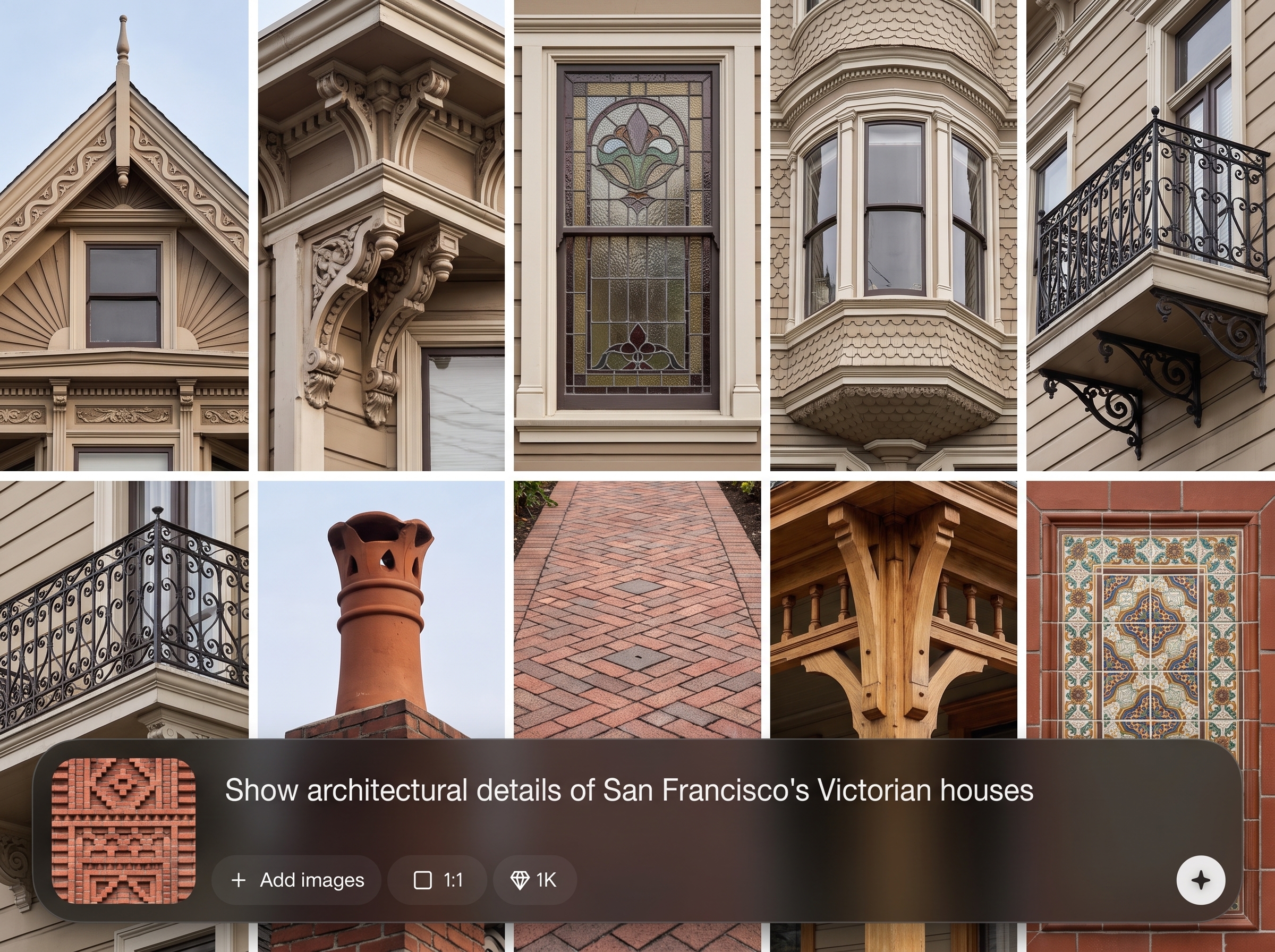
Turn a place name into targeted close-ups that feel regionally grounded. Generate assemblies and surfaces influenced by local building traditions, so early design directions stay context-aware.
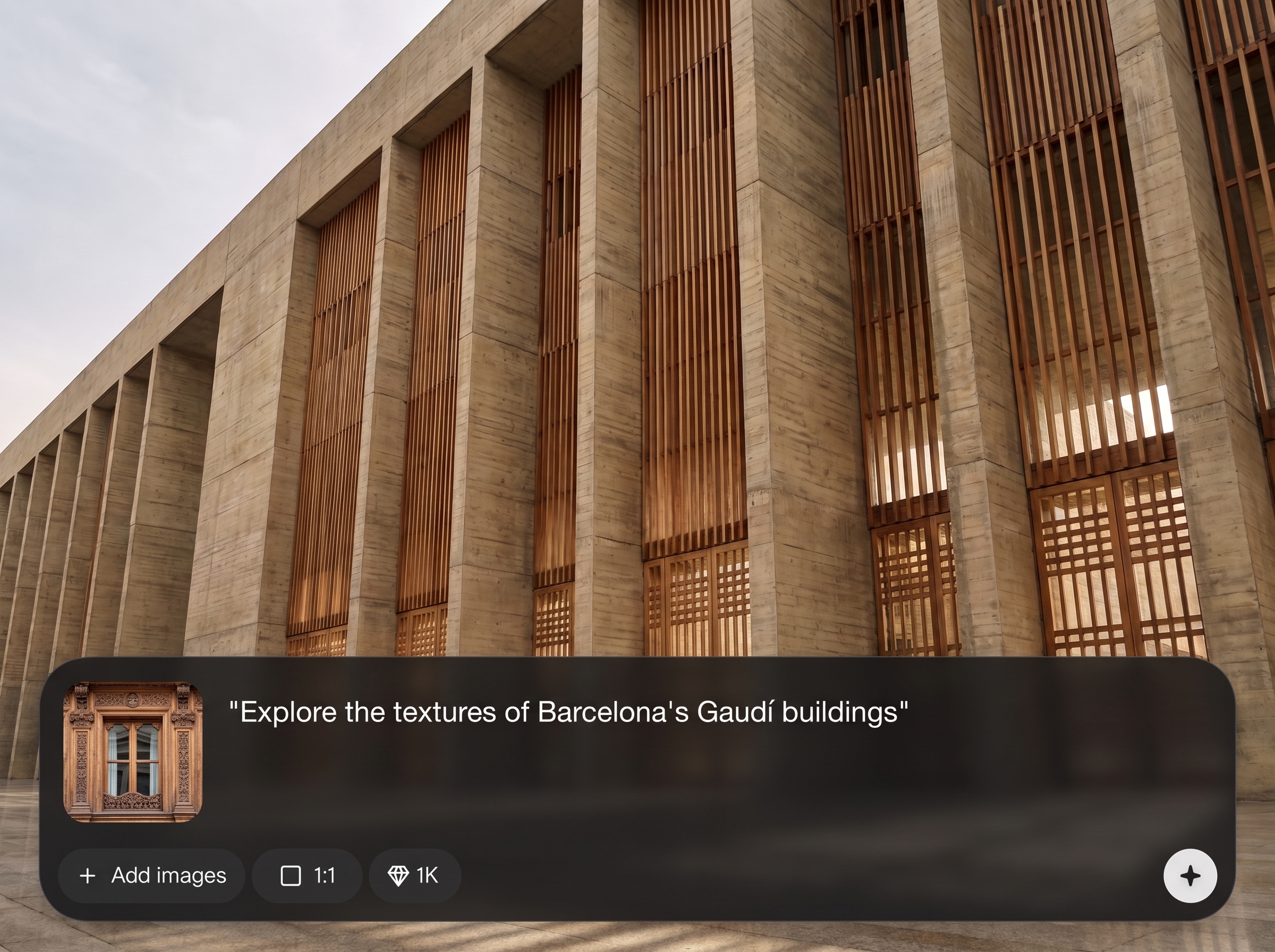
Receive ten variations in one run to compare junction logic, texture scale, and material transitions quickly. Scan options, pick winners, and iterate without rebuilding prompts from scratch.
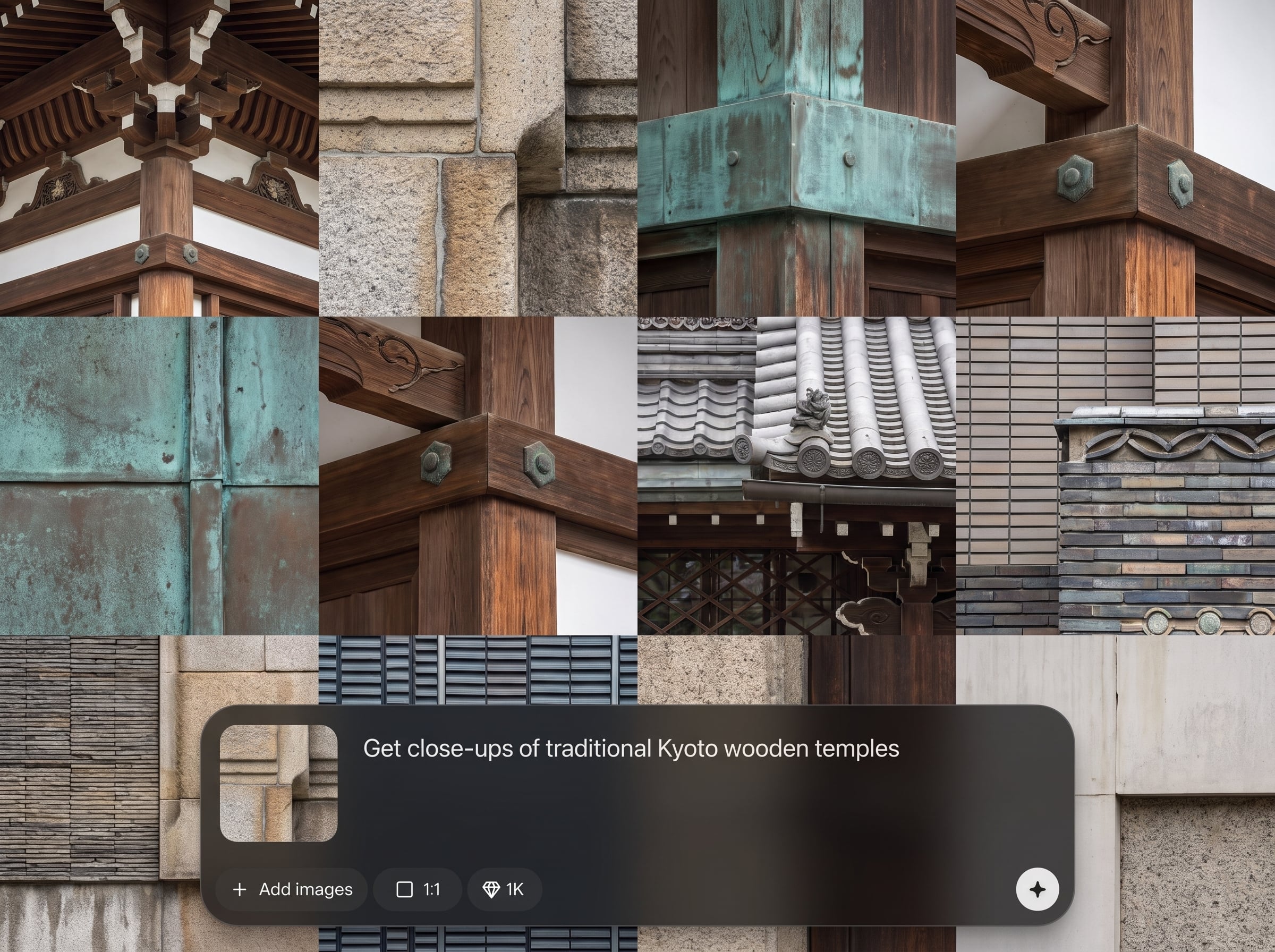
Emphasize joints, edges, fasteners, reveals, and facade grain for detail-forward outputs. Guide the tool toward masonry, timber, metal, or composite connections to match your design intent.
About
SITE Details turns a location into ten architectural close-ups inspired by local craft and building tradition. Generate joints, junctions, facade textures, and material connections to spark context-aware design directions. Use it for rapid references, concept development, and material storytelling without manual image hunting.
SITE Details delivers fast, location-based detail studies that highlight joints, junctions, and facade texture with contextual material cues. Ten variations per prompt make comparison easy, helping you move from broad intent to a clear, consistent detail language quickly.
Enter a location, add optional material or assembly keywords, and generate. Review ten close-ups, pick the strongest direction, then iterate with small prompt edits to refine texture and connections.
Use cases
Discover how different creators use this app in their workflow.
Generate fast, place-specific detail inspiration for early massing and material direction. Keep concepts grounded with plausible joints, junctions, and facade texture cues.
Explore cladding patterns, reveals, corners, and material transitions. Compare connection strategies across ten options to inform a coherent facade language.
Build visual narratives tied to local craft traditions. Use close-ups to communicate atmosphere, tactility, and construction logic in presentations and design decks.
Krea is one of the world's leading generative AI platforms. See what others say.
Real reviews on TrustpilotSo many AI tools out there but I always come back to Krea. It's really the one AI platform that 'just works'.

FYN
Krea's interfaces are still the best in the industry. Everything looks and feels so clean and easy to use! Imo the easiest to use gen AI website.

Lynn
Ultra fast generations. Extremely simple to use. All the latest AI models.

Daniel
KREA is the only AI subscription I have right now besides ChatGPT.

Sophia M.
Answers to common questions about SITE Details, location-based AI detail generation, and architectural close-ups.
It generates ten architectural close-ups based on a place you type. Results emphasize joints, junctions, facade textures, and material connections, guided by cues associated with local craft and building traditions.
Add specific hints to your location prompt, such as timber, brick, limestone, metal panel, or plaster. You can also note climate or era to steer surface grain and connection logic.
Yes. Describe the connection you want, like corner detail, window jamb, parapet, expansion joint, or soffit edge. The tool will prioritize close-ups that match that assembly focus.
Each generation returns ten variations, giving you multiple takes on texture scale, edge conditions, and material transitions. Use the set to compare options and decide what to iterate.
Yes. It uses AI and machine learning methods to produce visual detail studies from text prompts. Outputs are best for exploration and references rather than construction-ready documentation.
Cities, regions, and well-known neighborhoods work well. If a location is broad, add context like coastal, alpine, desert, or historic district to encourage clearer material and craft signals.
Yes. Specify contemporary cladding systems, rainscreen, retrofit insulation, or modern glazing to steer results. You’ll still get place-informed texture and connection cues for a grounded look.
Keep the same location and key material terms, then change only one variable at a time—like the junction type or finish. This maintains continuity while refining connection details and texture.
No. It accelerates early exploration by generating close-up references and options quickly. Final details should be validated for code, engineering, constructability, and project-specific constraints.
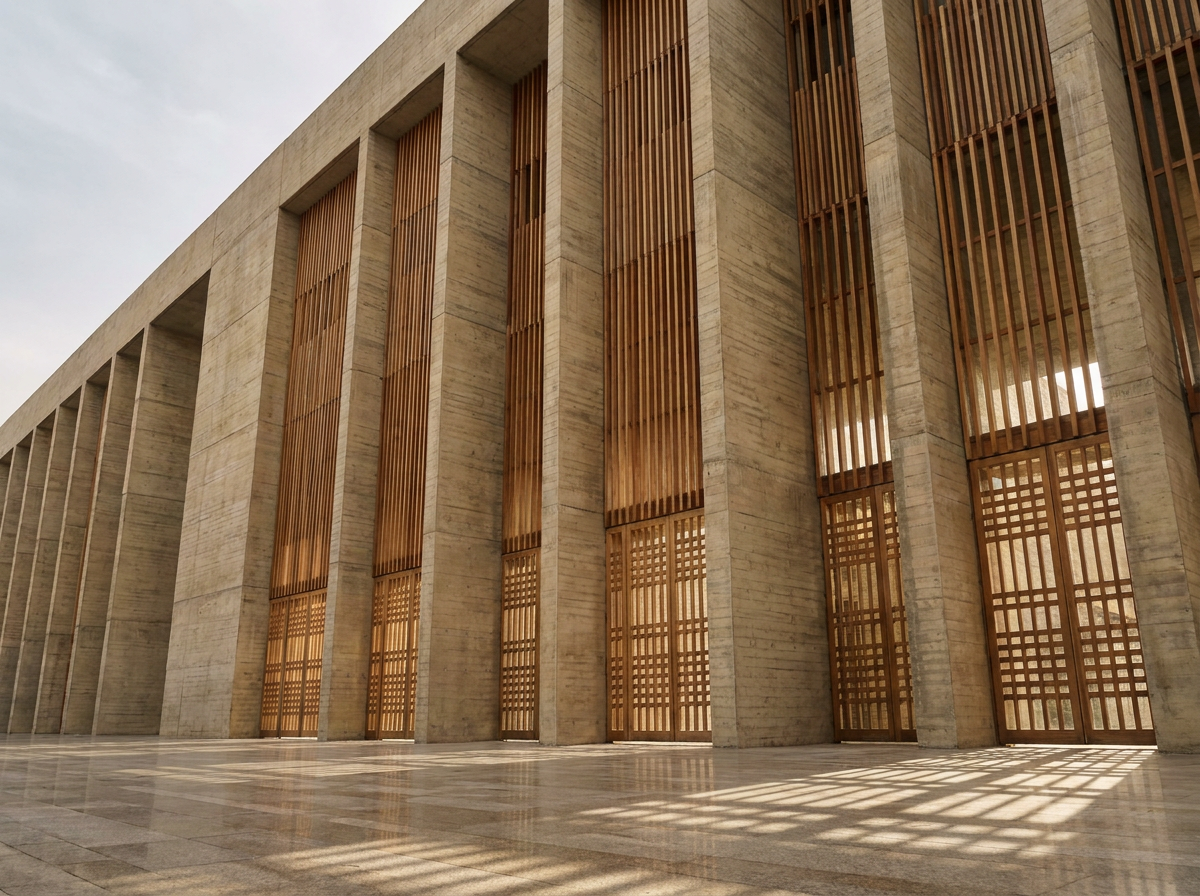
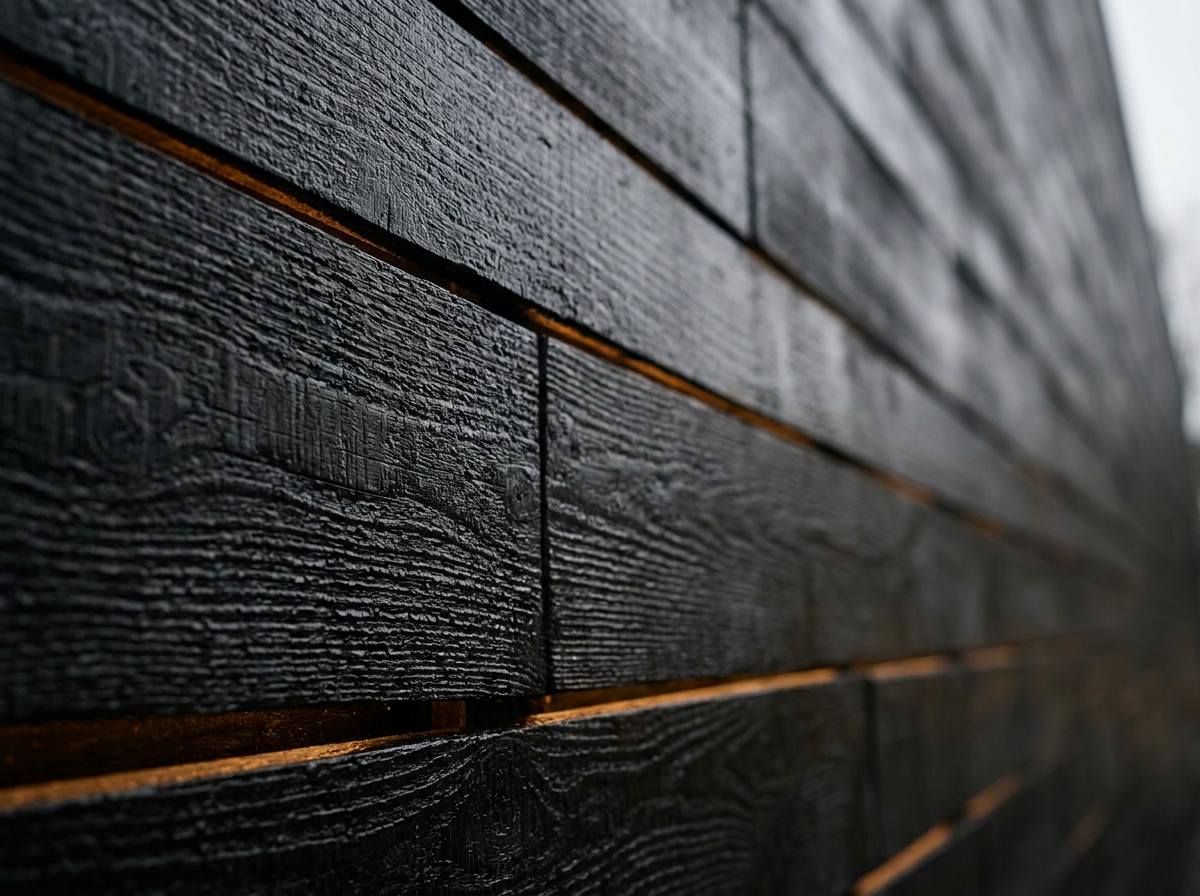
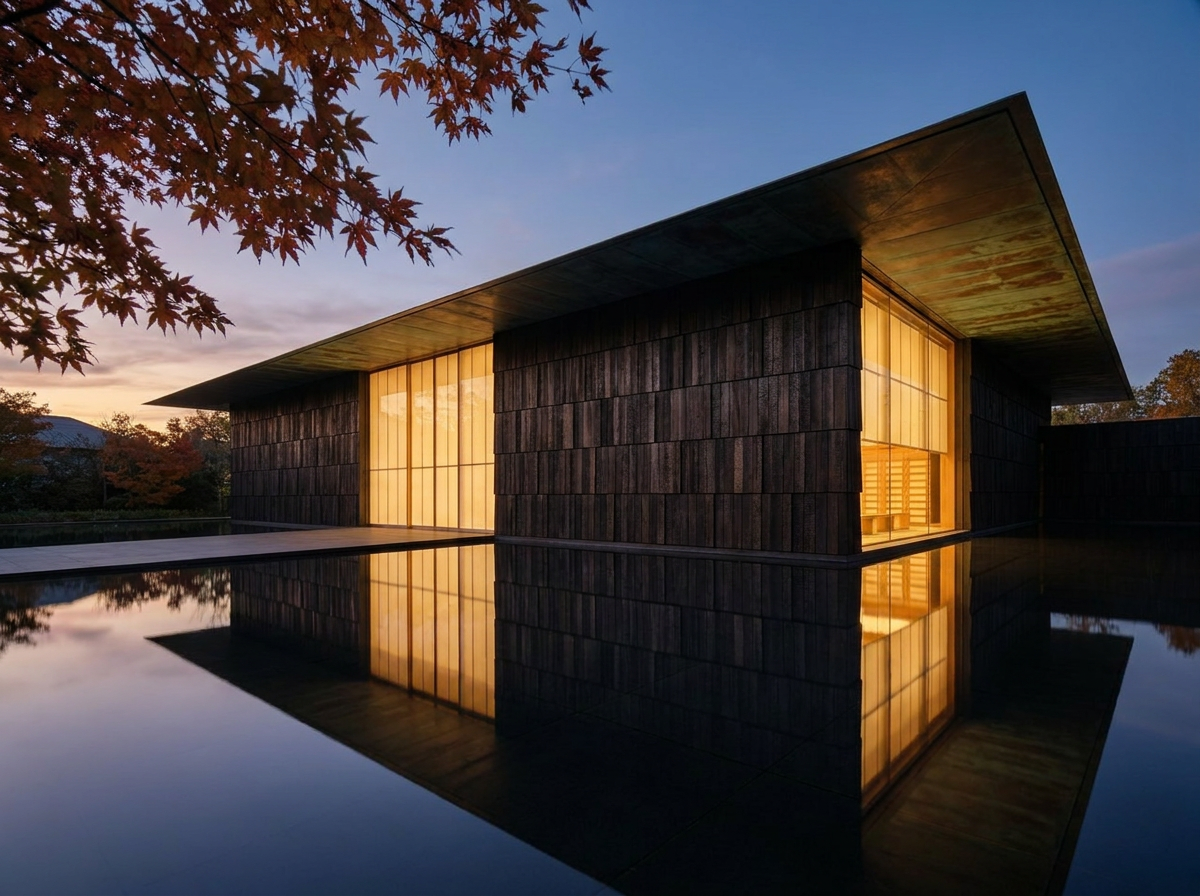
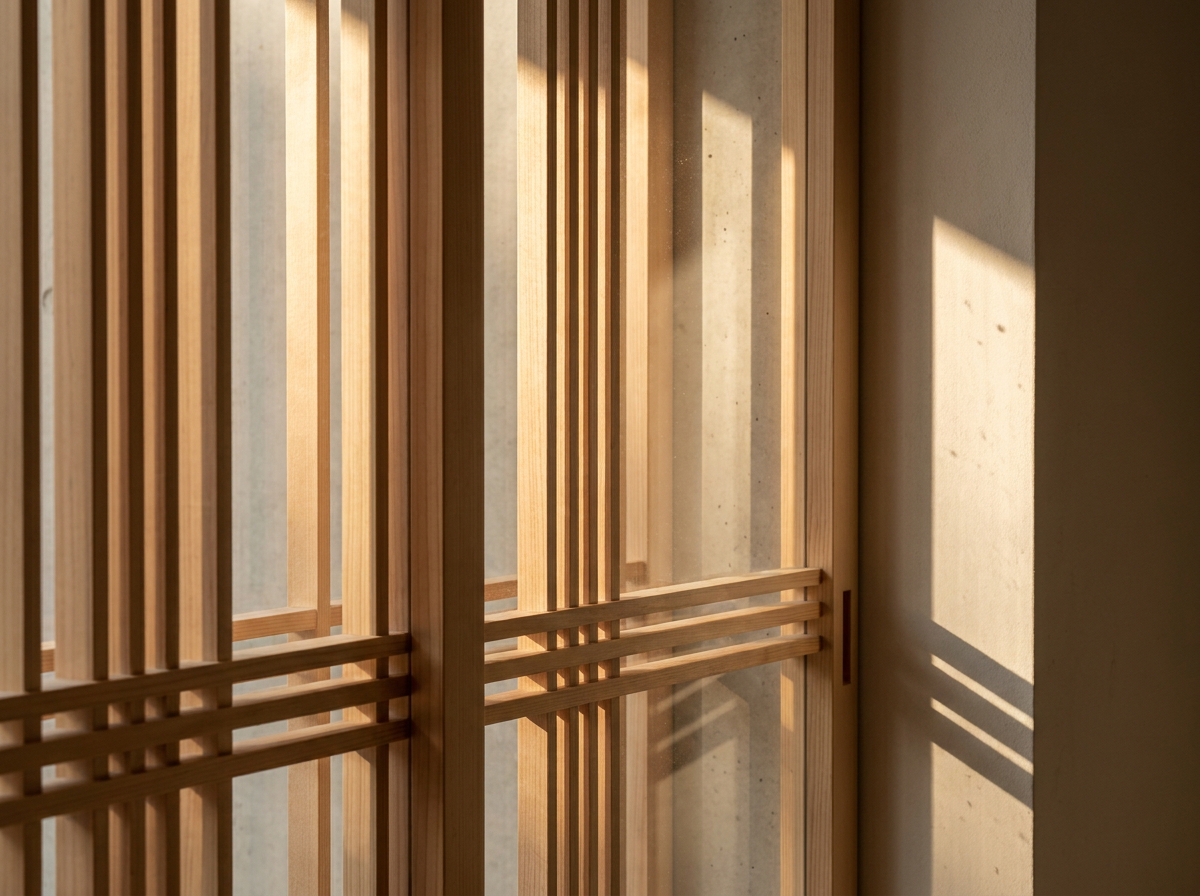
Type a location and instantly explore ten close-up detail directions rooted in local craft and material logic.

