














Step 1
Enter a location
Type a city, region, or coordinates. The tool uses location context to target materials commonly sourced and used in that place.
Generate 10 place-native material textures from any location. Get stone, timber, plaster, textile, and more for fast, accurate design references. Try it now.
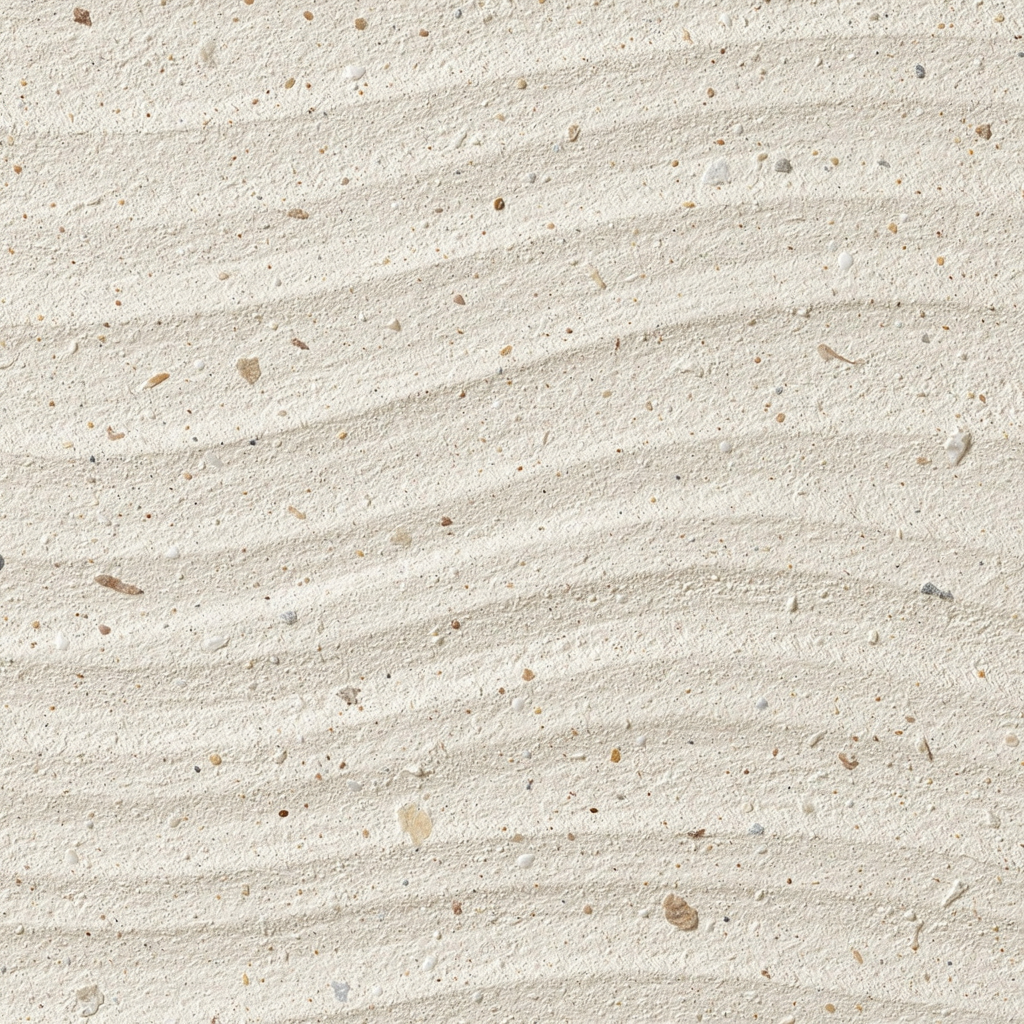
How to use SITE Materials
Use SITE Materials to turn a place name into a ready-to-use set of local material textures. In a few steps, you’ll generate region-appropriate surfaces and export them for reference or production workflows.
Step 1
Type a city, region, or coordinates. The tool uses location context to target materials commonly sourced and used in that place.

Step 2
Click generate to receive ten flat textures. Browse stone, timber, plaster, textile, and other locally grounded surfaces in one set.

Step 3
Download your texture set and drop it into mood boards, 3D materials, or concept sheets. Regenerate to explore alternate local options fast.
Features
SITE Materials is an AI texture generator that returns ten flat material textures native to a chosen location. It helps you build believable palettes using region-appropriate stone, wood, plaster, and textiles. Get faster material direction, reduce research time, and keep designs visually consistent with local sourcing and craft traditions.
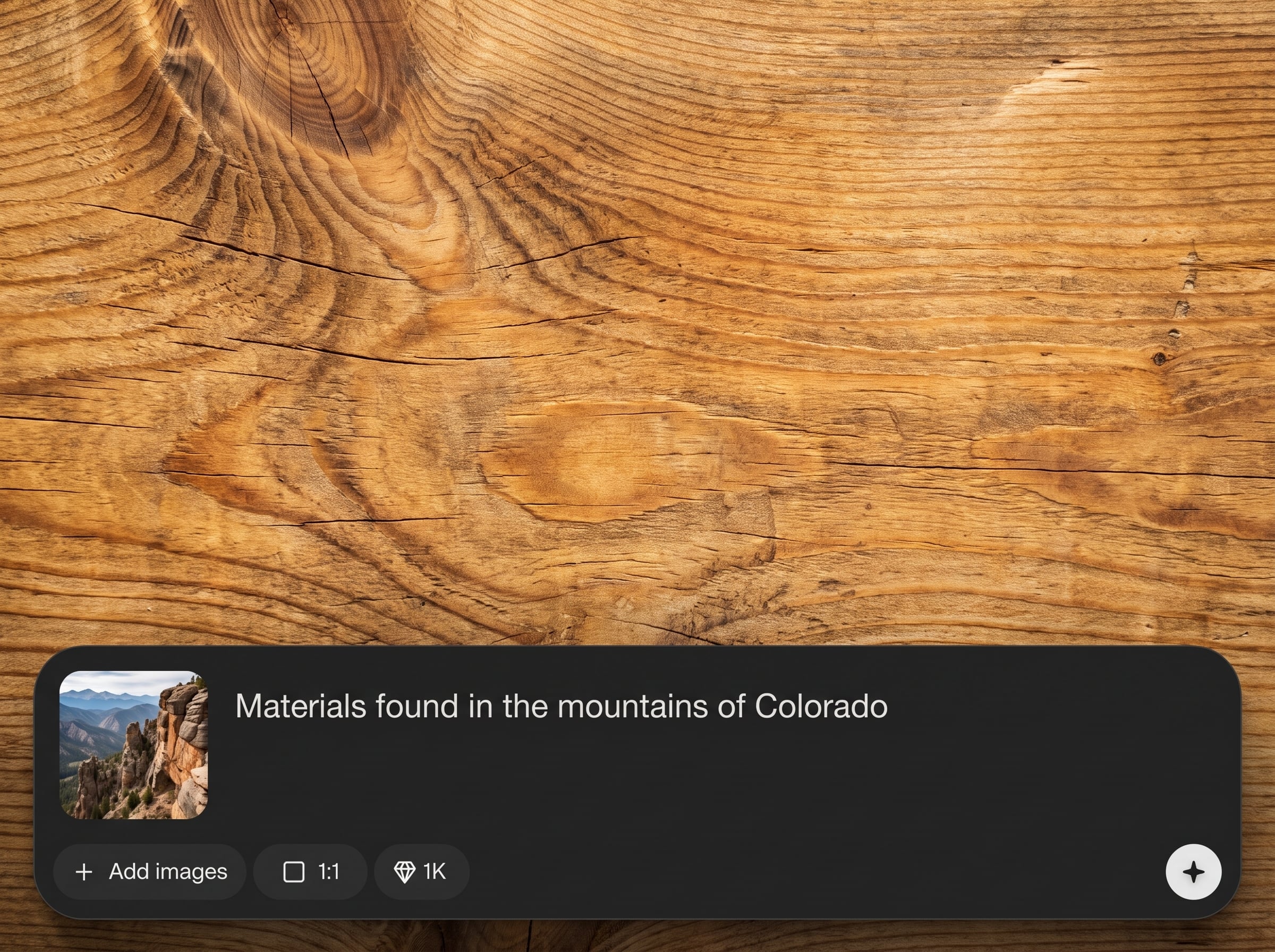
Generate ten textures tied to a specific place, not generic style prompts. Get a balanced mix of surfaces that reflect what’s realistically available and used locally.
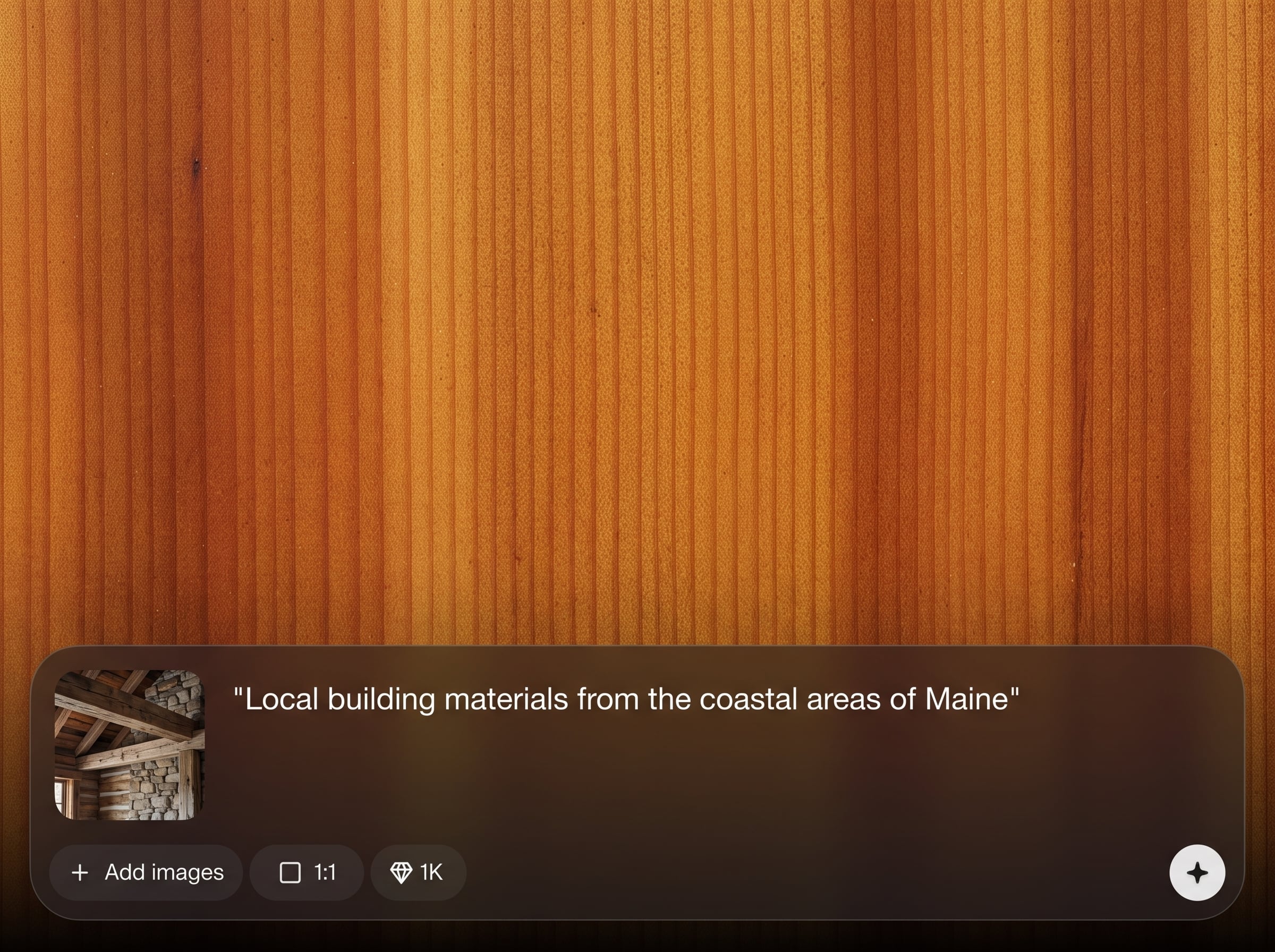
Explore multiple local palettes in minutes. Regenerate sets to compare regional variations and quickly converge on a material direction that fits the site context.
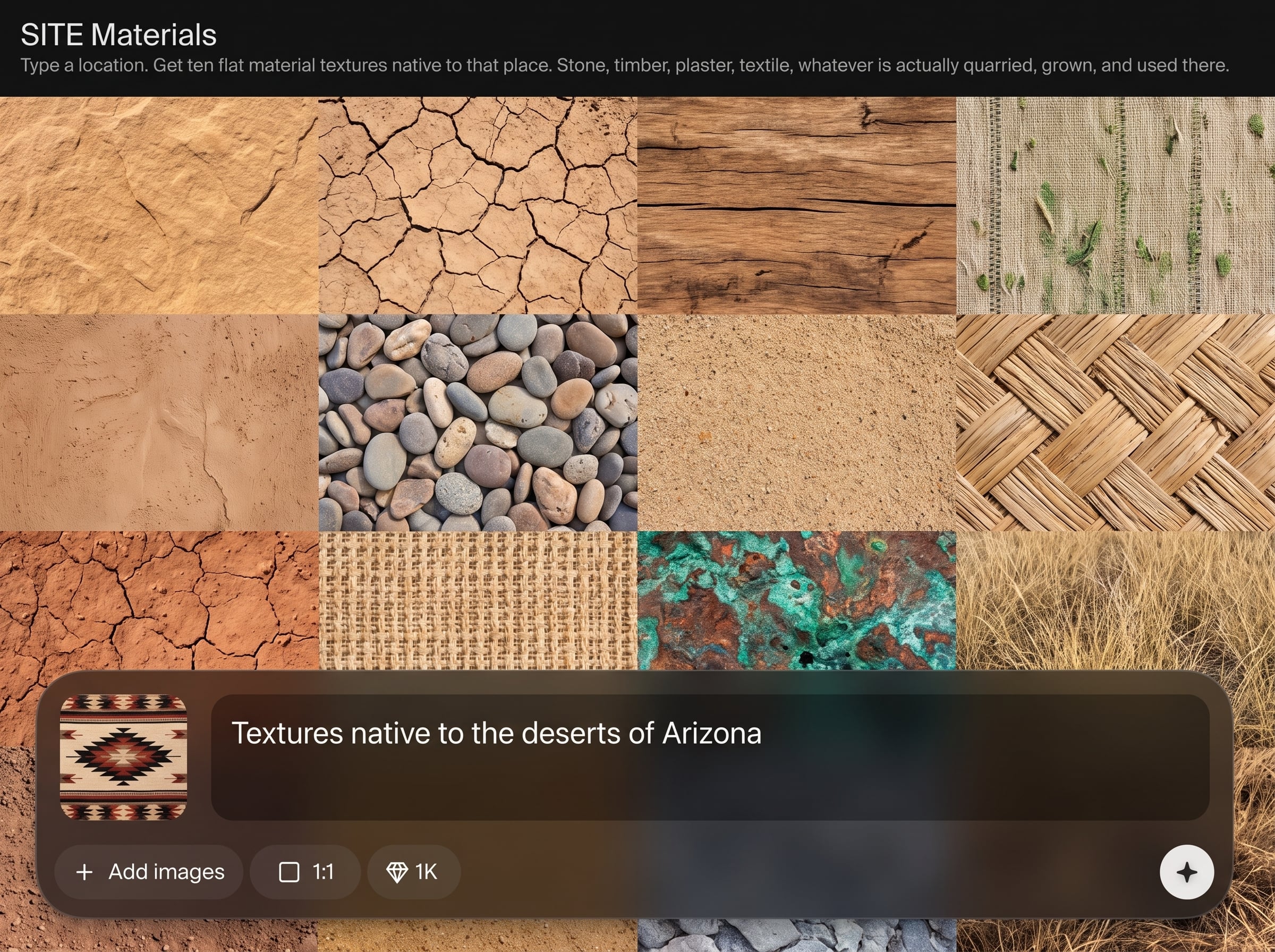
Get flat textures designed for easy reuse in boards and pipelines. Use them as references, base maps, or starting points for PBR material creation and refinement.
About
SITE Materials generates ten flat material textures native to any location you type. Discover stone, timber, plaster, textile, and other materials that are actually quarried, grown, and used there. Quickly build region-accurate texture boards for architecture, interiors, worldbuilding, and visual design—without guessing what belongs in place.
SITE Materials focuses on geographic realism, not generic prompts. Get ten coherent textures per location to speed up material direction, reduce guesswork, and keep visuals aligned with what’s actually used in place. It’s a practical AI workflow for credible surfaces, quickly.
Enter a city or region, generate your set, and download the textures. Regenerate to explore alternate local palettes, then organize results into boards or plug them into your design pipeline.
Use cases
Discover how different creators use this app in their workflow.
Create site-appropriate material boards for projects in new regions. Ground early concepts in believable local stone, timber, plaster, and textile choices.
Build environments that feel geographically credible. Generate local surface sets for towns, biomes, and cultures without relying on generic texture packs.
Develop regionally inspired material palettes for renders and campaigns. Keep textures consistent with local sourcing narratives and craft-driven aesthetics.
Krea is one of the world's leading generative AI platforms. See what others say.
Real reviews on TrustpilotSo many AI tools out there but I always come back to Krea. It's really the one AI platform that 'just works'.

FYN
Krea's interfaces are still the best in the industry. Everything looks and feels so clean and easy to use! Imo the easiest to use gen AI website.

Lynn
Ultra fast generations. Extremely simple to use. All the latest AI models.

Daniel
KREA is the only AI subscription I have right now besides ChatGPT.

Sophia M.
Common questions about generating location-based textures with SITE Materials.
SITE Materials is an AI texture generator that creates ten flat material textures based on a location you enter. It focuses on materials that are realistically quarried, grown, produced, and used in that area.
You type a place, then the model generates a curated set of textures informed by geographic context and common local materials. The result is a practical palette for region-accurate surface exploration.
You can get stone, timber, plaster, textile, and other typical building and craft materials associated with the location. Each generation returns a varied set so you can compare options quickly.
Outputs are flat textures meant for fast reference and iteration. If you need seamless tiles, use them as a base and run a tiling or cleanup pass in your preferred texture workflow.
Yes—use the flat textures as base color or reference inputs, then derive normal, roughness, and other PBR maps as needed. They’re ideal for quick prototyping and material direction.
Enter a city, region, landmark, or broader area name. For more precise results, use specific place names; broader inputs will produce a more generalized local material selection.
Yes. Regenerating produces alternative sets while staying tied to the same location context. This helps you explore variations in local sourcing, finishes, and material mixes.
It’s built for early exploration and fast material direction. Use it to reduce manual research time, then validate final specifications with local suppliers, standards, and project requirements.
No. It provides plausible, place-native texture inspiration and reference sets, not certified specifications. Treat results as a starting point for selecting materials and refining details with verified sources.
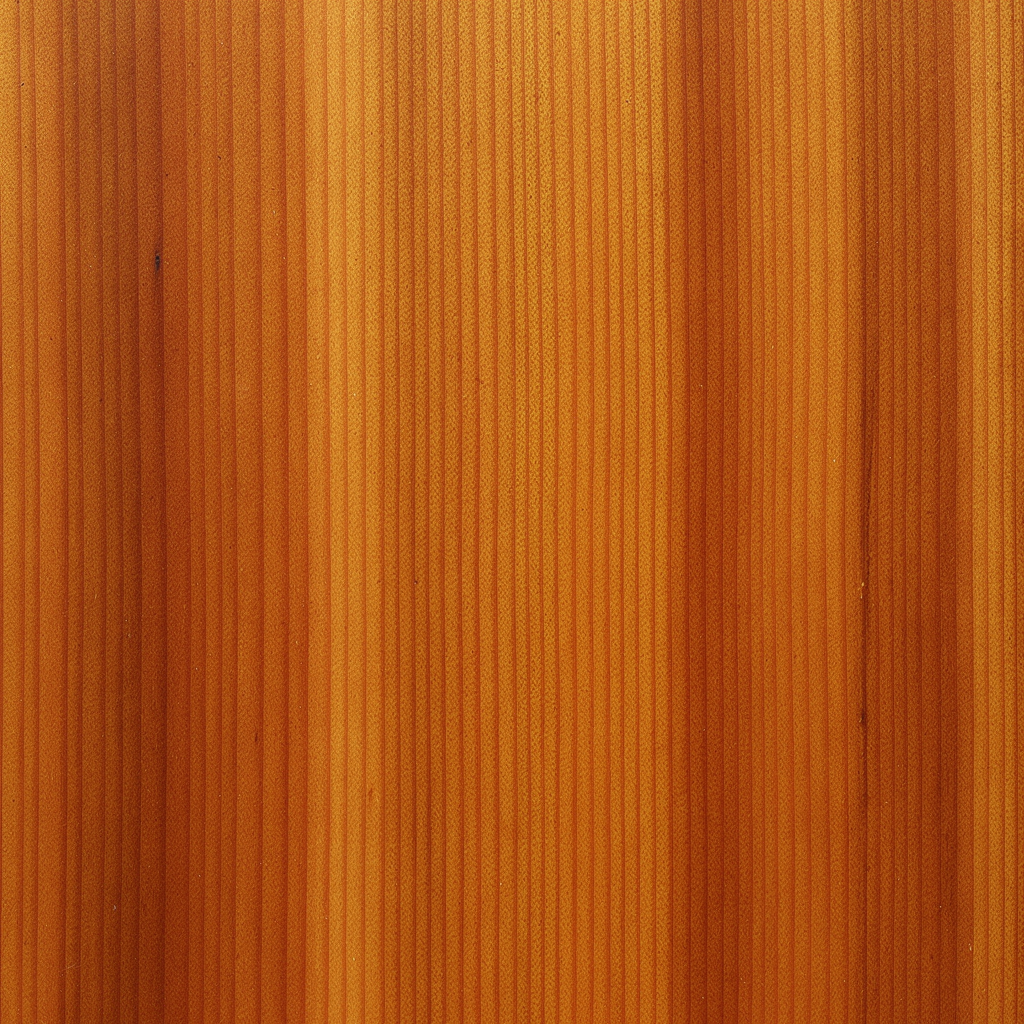
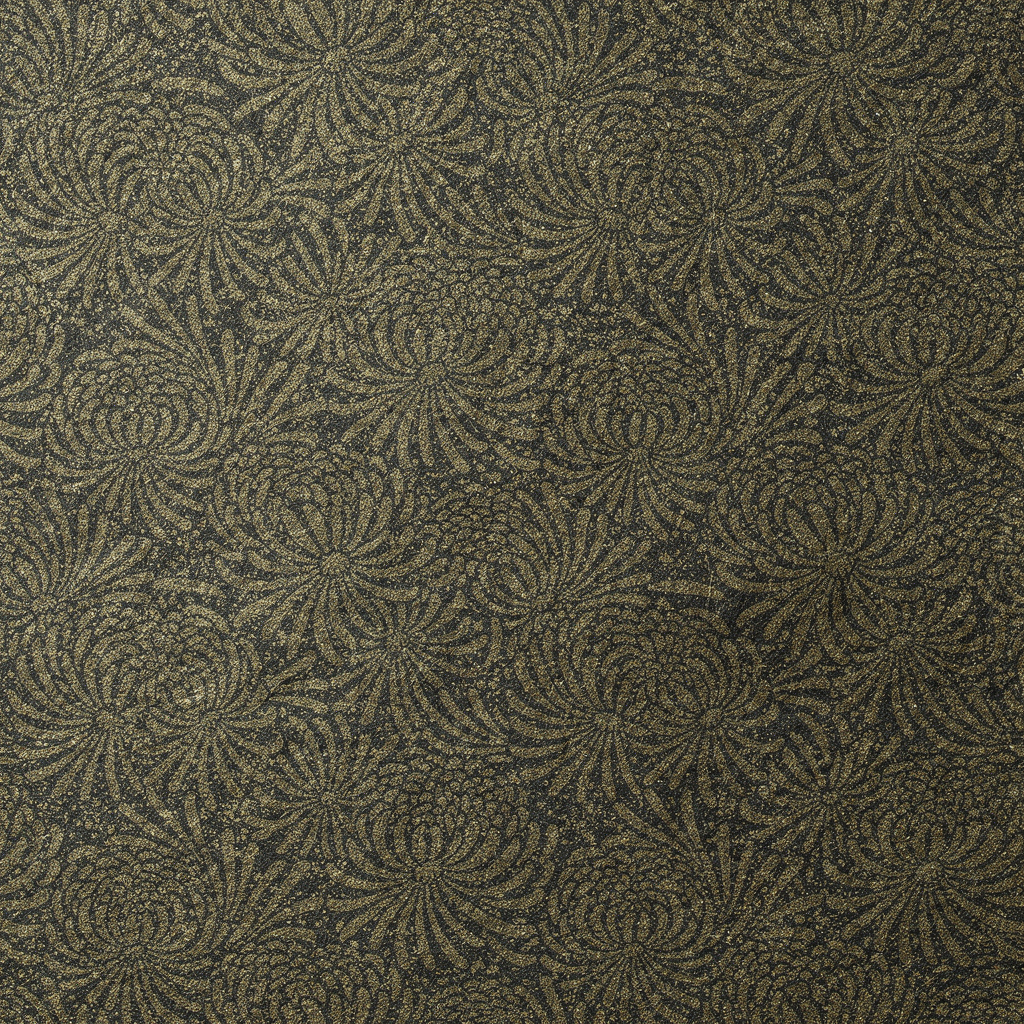
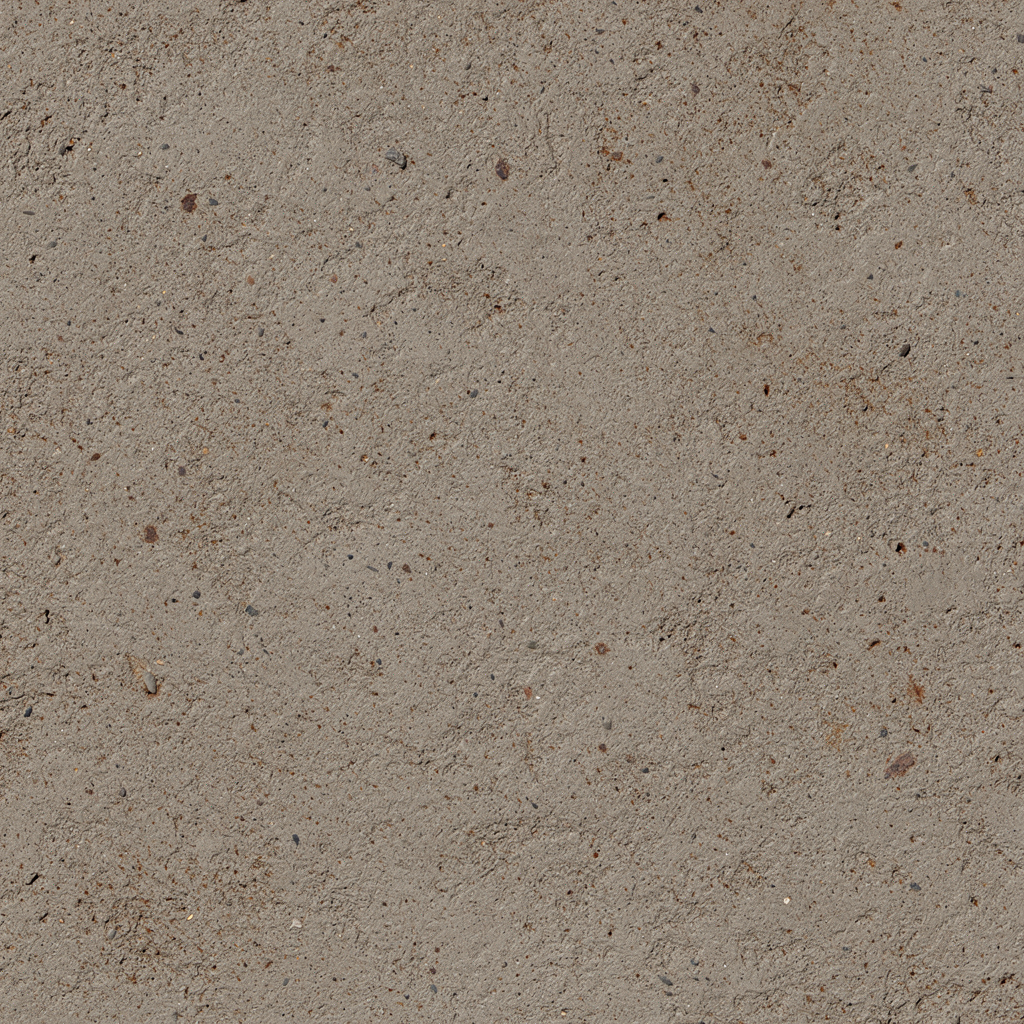

Type a location and get ten locally grounded textures for fast, accurate material direction.

