














Step 1
Enter a location
Type a city, neighborhood, region, or landmark. Add context like “morning market” or “quiet café interiors” to guide the vibe without over-specifying the scene.
Generate 10 culture-rich images from any location prompt. Capture everyday life, interiors, craft, and gatherings with SITE Moods—try it online now.
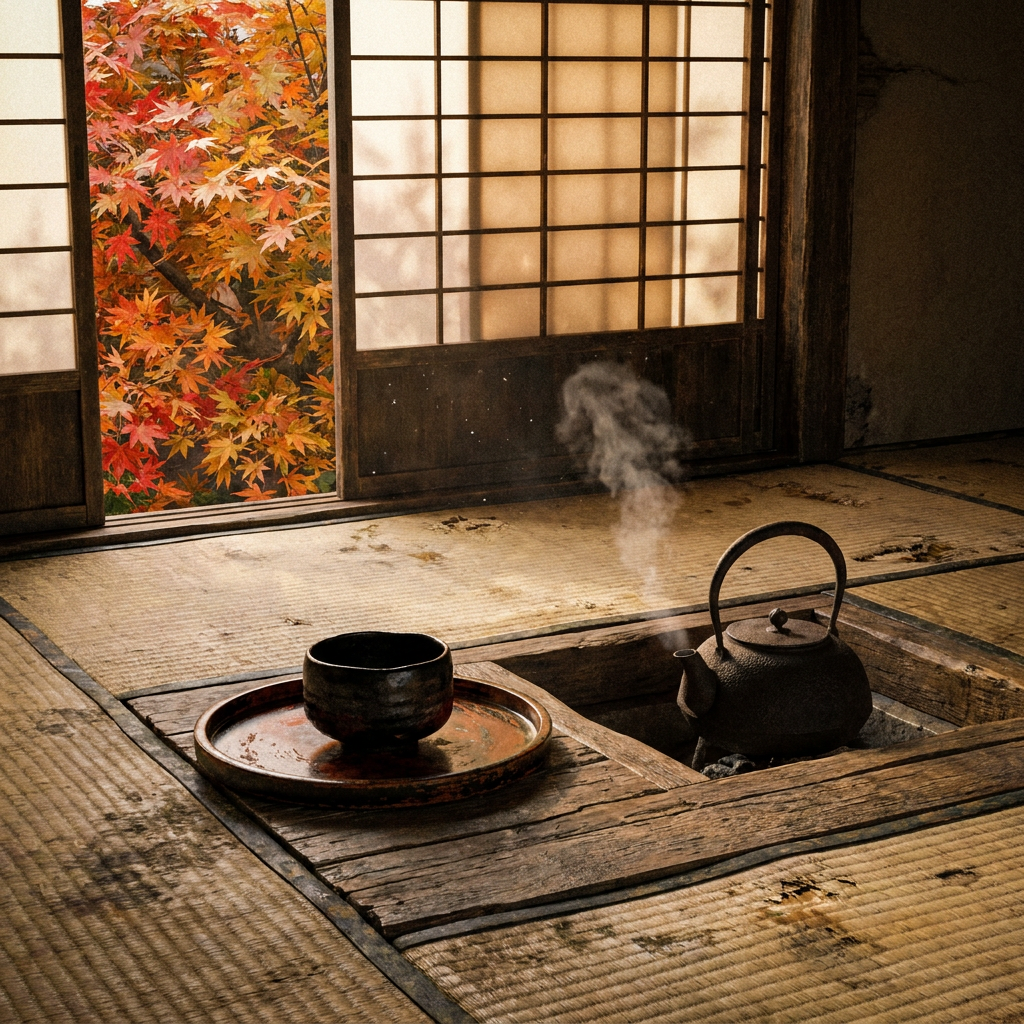
How to use SITE Moods
Follow these steps to generate a focused set of ten images from any place. Use the results to quickly explore culture, interiors, and everyday life details that define local atmosphere.
Step 1
Type a city, neighborhood, region, or landmark. Add context like “morning market” or “quiet café interiors” to guide the vibe without over-specifying the scene.

Step 2
Click generate to receive ten images that reflect local life and culture. Review the mix of gatherings, craft, interiors, and street moments for coherence.

Step 3
Adjust your location wording to shift tone, time, or setting, then regenerate. Save your favorite images as a clean moodboard reference for your next concept.
Features
SITE Moods uses AI to translate a place name into a consistent set of ten images that feel specific to the location. It balances street life, interiors, materials, and human moments to create an instantly usable visual reference. Build moodboards faster, reduce search time, and iterate by simply changing your prompt.
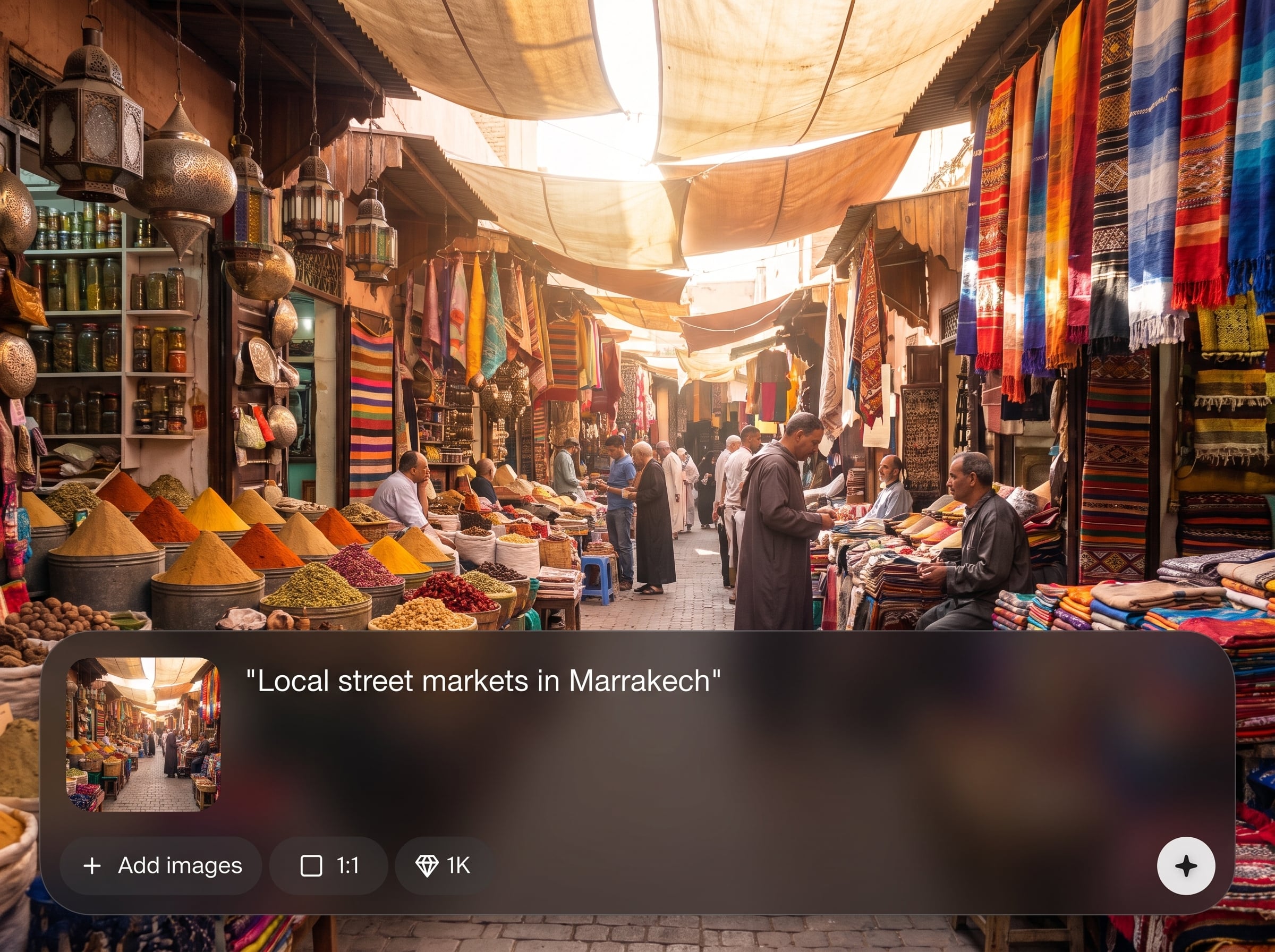
Get a complete, cohesive set in one click. The batch format helps you compare angles, environments, and details that collectively define a location’s mood and identity.
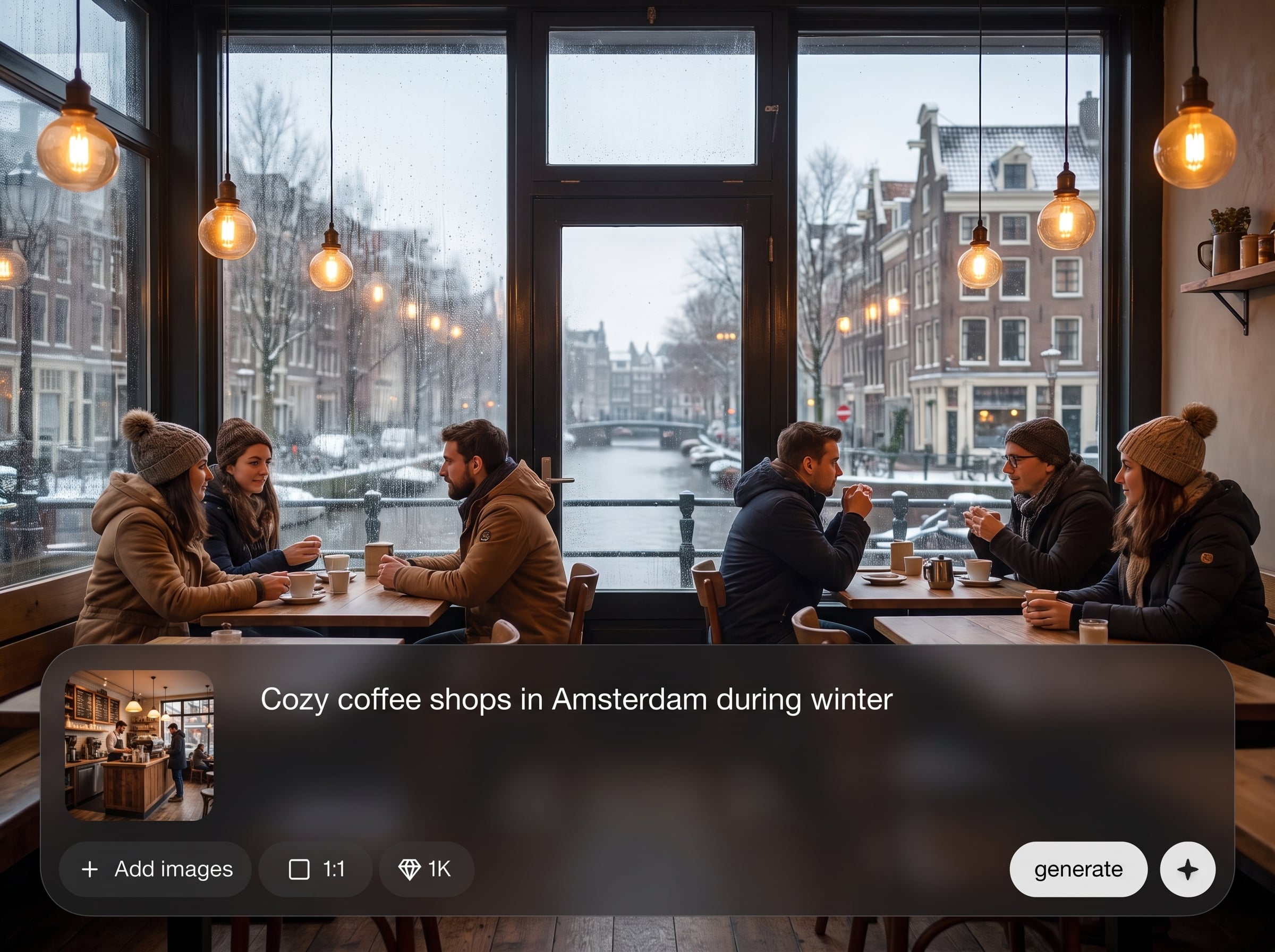
Automatically blends gatherings, craft, signage, textures, and quiet interiors. The result feels like a lived-in portrait of place, not a single generic postcard view.
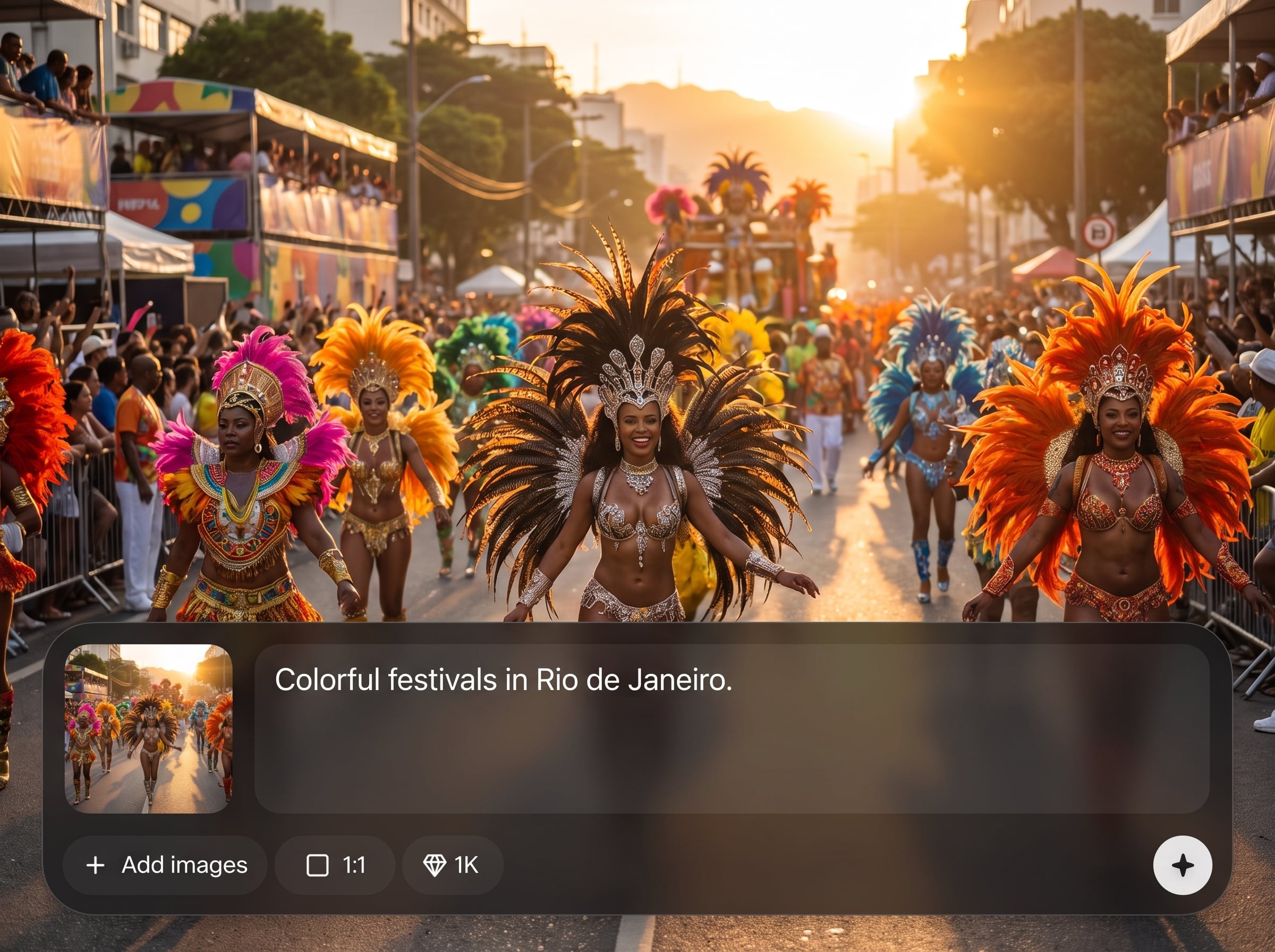
Shift atmosphere by changing a few words—daylight, season, or setting. Generate multiple mood directions quickly and keep only the sets that match your vision.
About
SITE Moods turns a simple location prompt into ten images that capture the place’s life and culture. Explore gatherings, craft details, quiet interiors, and everyday moments that feel grounded and specific. Generate a cohesive visual moodboard fast for research, concepting, and storytelling.
SITE Moods is built for fast, place-specific visual discovery. Instead of one-off images, it generates a coherent ten-image set that balances interiors, street life, craft, and gatherings. Iterate quickly with simple prompt edits to find the exact atmosphere you need.
Enter a location, add a short mood cue, and generate your ten images. Refine with small wording changes until the set matches the culture and tone you want.
Use cases
Discover how different creators use this app in their workflow.
Explore the visual character of a destination before planning. Generate culture cues, interiors, and street moments that help you understand the vibe quickly.
Turn a location into a ready-to-use mood set for campaigns. Align color, texture, and scene energy without spending hours searching for references.
Ground narratives in place-specific details. Use ten-image sets to inspire settings, props, and everyday moments that make environments feel believable.
Krea is one of the world's leading generative AI platforms. See what others say.
Real reviews on TrustpilotSo many AI tools out there but I always come back to Krea. It's really the one AI platform that 'just works'.

FYN
Krea's interfaces are still the best in the industry. Everything looks and feels so clean and easy to use! Imo the easiest to use gen AI website.

Lynn
Ultra fast generations. Extremely simple to use. All the latest AI models.

Daniel
KREA is the only AI subscription I have right now besides ChatGPT.

Sophia M.
Common questions about using SITE Moods to generate location-based image sets with AI.
SITE Moods generates ten AI images based on your location prompt. The set focuses on culture and everyday life—gatherings, craft, interiors, and street scenes—so the place feels specific and coherent.
Start with a clear place name, then add a light qualifier like “evening,” “market street,” or “quiet interiors.” Avoid overly long descriptions; small changes help the AI keep the set cohesive.
Yes. You can enter cities, neighborhoods, regions, or landmarks. More specific prompts often produce stronger place cues, while broader regions give a wider range of atmospheres and scenes.
Yes, each generation returns a ten-image set designed as a mini moodboard. This consistent output makes it easy to compare iterations and select the set that best matches your intended tone.
SITE Moods aims for grounded, documentary-like mood references that emphasize real-life moments and materials. You can steer tone with words like “minimal,” “warm,” or “rainy,” while keeping the place central.
Add one or two local anchors such as “craft market,” “family gathering,” “old town interiors,” or “street food stalls.” Keeping prompts focused helps machine learning capture repeatable cultural cues across the set.
Absolutely. Change time of day, weather, season, or setting and regenerate to explore multiple directions. The ten-image format helps you evaluate mood shifts quickly without rebuilding references from scratch.
It’s an AI moodboard generator, not a traditional search engine. Instead of browsing existing results, it uses artificial intelligence to create a new, cohesive visual set from your prompt.
Use them for visual research, concept development, and mood exploration tied to a location. They’re especially helpful for quickly aligning atmosphere, materials, interiors, and street-life energy across a project.
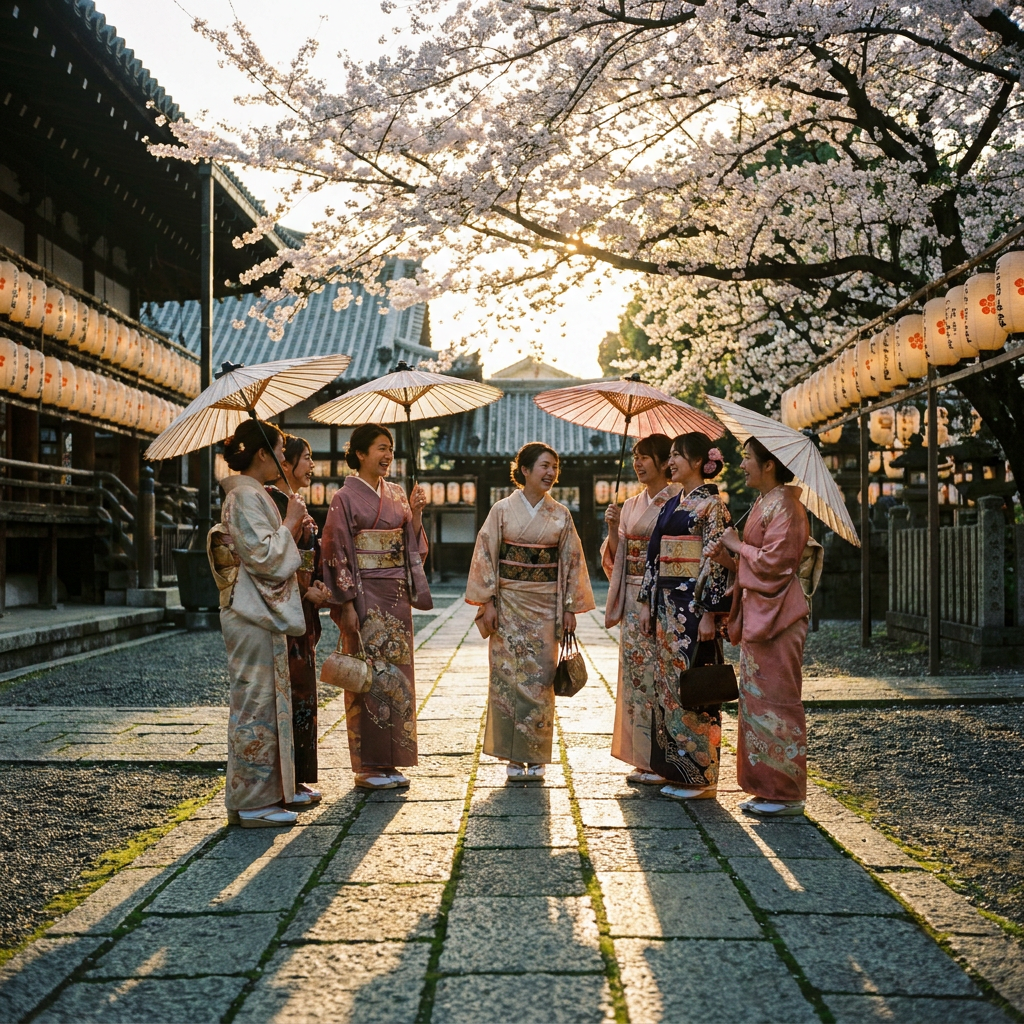
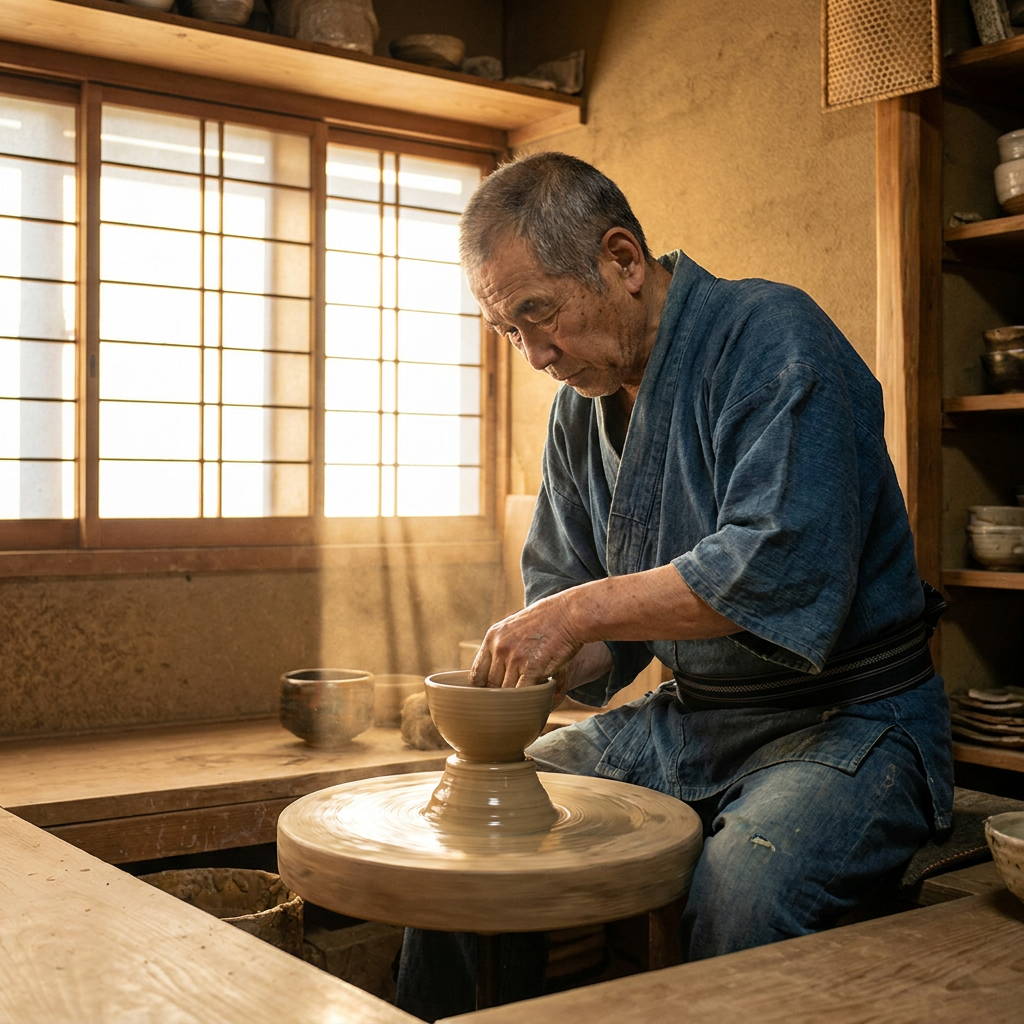
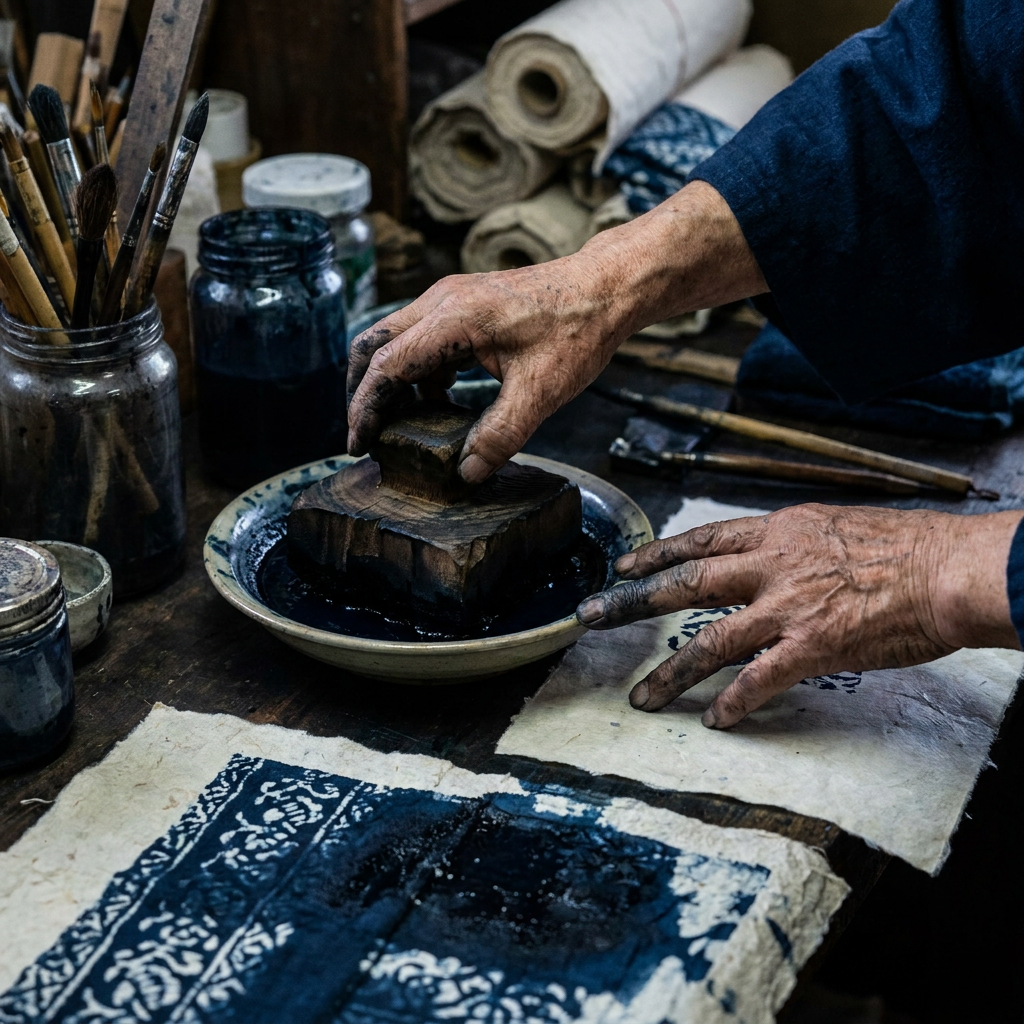
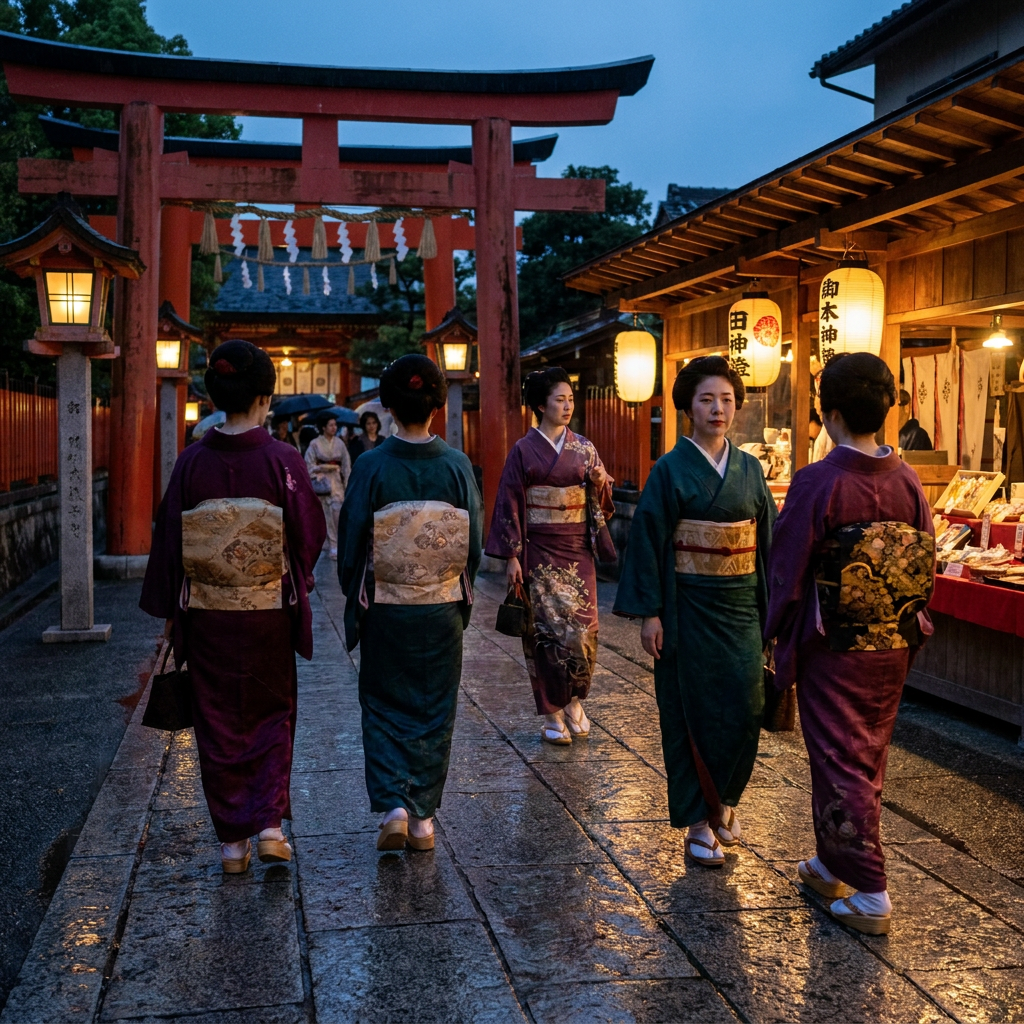
Type any location and get ten culture-rich images in seconds—ready for moodboards, research, and concepting.

