














Step 1
Enter a location
Type a city, neighborhood, landmark, or address to set the site context. The tool uses the place as the grounding reference for new spatial concepts.
Generate ten AI architectural renderings from any location. Explore arrivals, interiors, courtyards, and thresholds rooted in local context. Try SITE Spaces now.
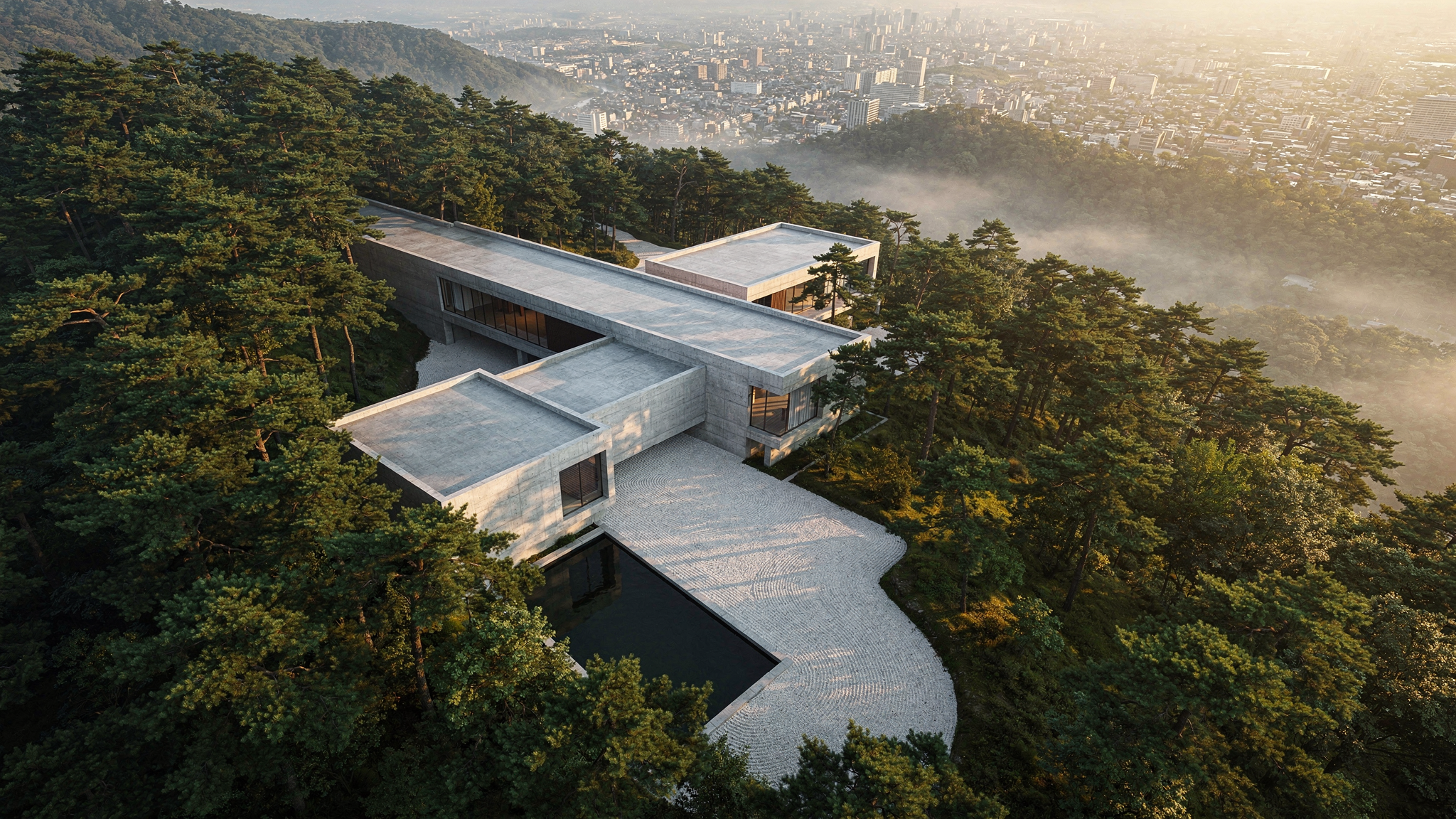
How to use SITE Spaces
With SITE Spaces, you can type a real place and generate ten architectural renderings inspired by its context. Follow these steps to create arrivals, interiors, courtyards, and thresholds in minutes.
Step 1
Type a city, neighborhood, landmark, or address to set the site context. The tool uses the place as the grounding reference for new spatial concepts.

Step 2
Click generate to produce ten architectural renderings for key moments like arrival, interior, courtyard, and threshold. Review variations to compare massing, mood, and spatial sequence.

Step 3
Re-run with a new location or adjust your intent by changing the place input. Select your strongest images and download them for presentations, moodboards, and design direction.
Features
SITE Spaces generates ten architectural renderings from a single location prompt, producing cohesive spatial moments grounded in place. Explore arrivals, interiors, courtyards, and thresholds as a connected sequence. Use fast iterations to test ideas, align stakeholders, and accelerate early-stage architectural concept development.
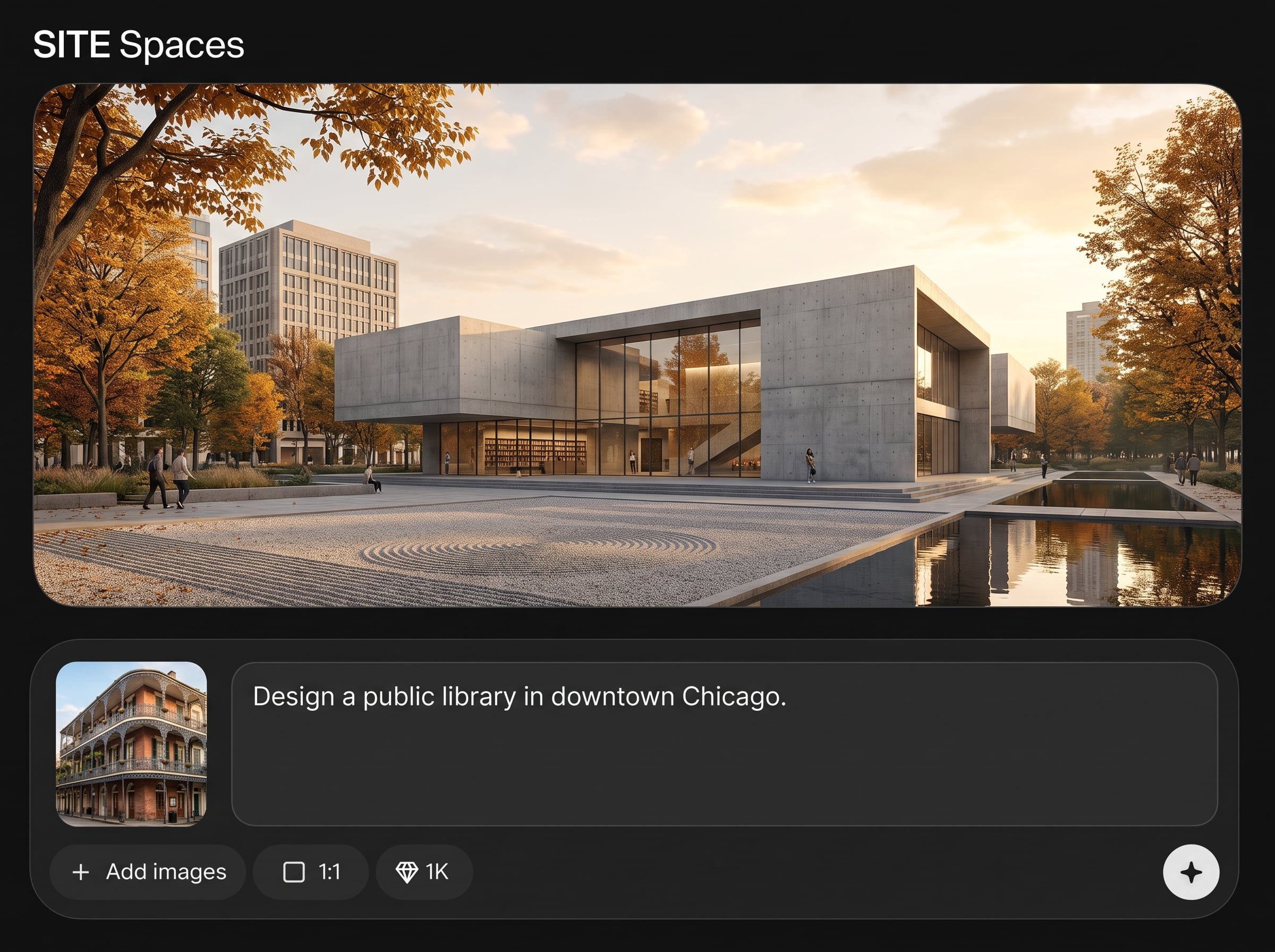
Type a location and get concepts shaped by local cues and atmosphere. Produce designs that feel site-specific rather than generic, improving relevance for early architectural studies.
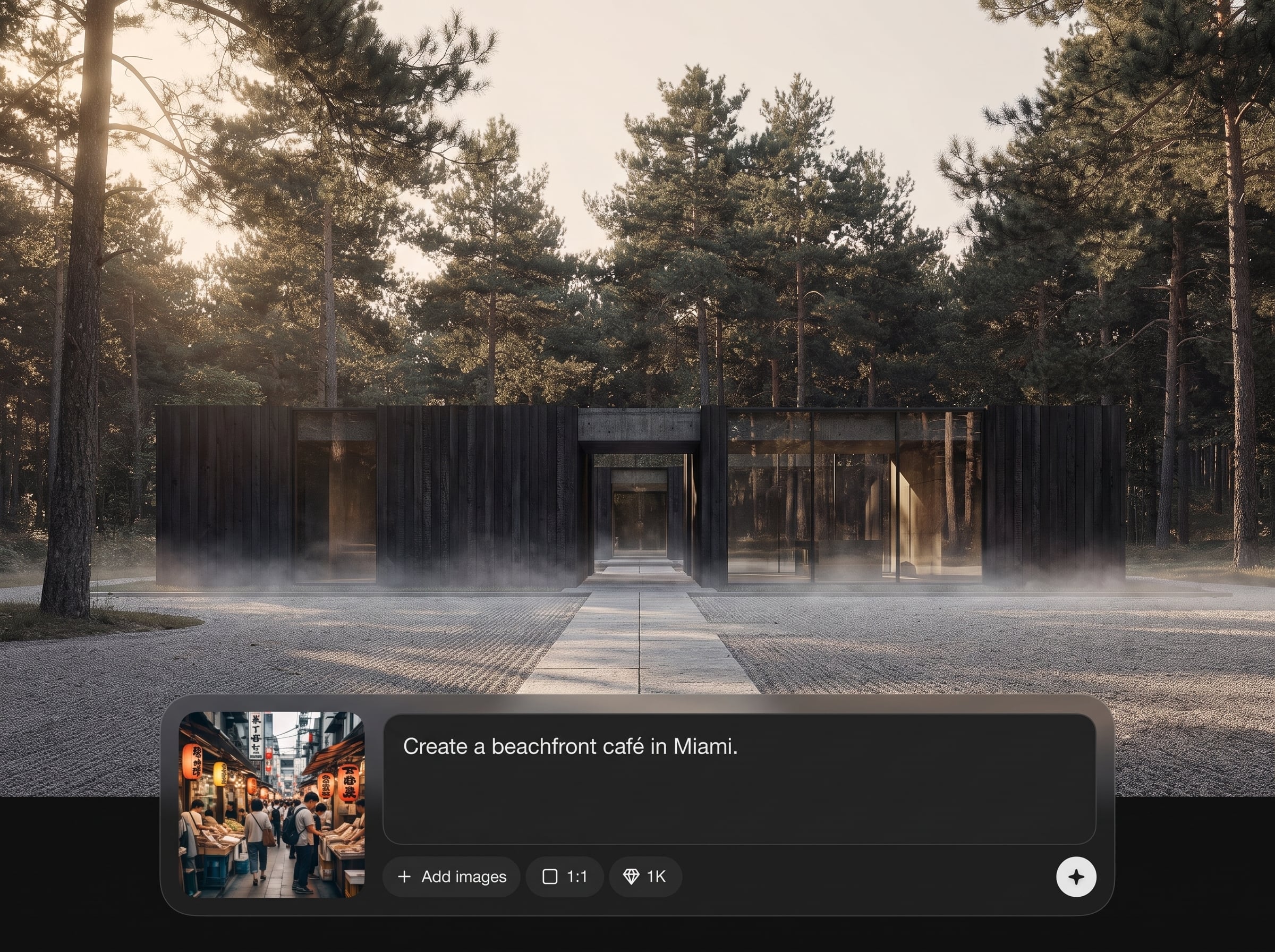
Generate ten distinct renderings at once to explore alternatives quickly. Compare spatial strategies across arrival, interior, courtyard, and threshold moments without manual rework.
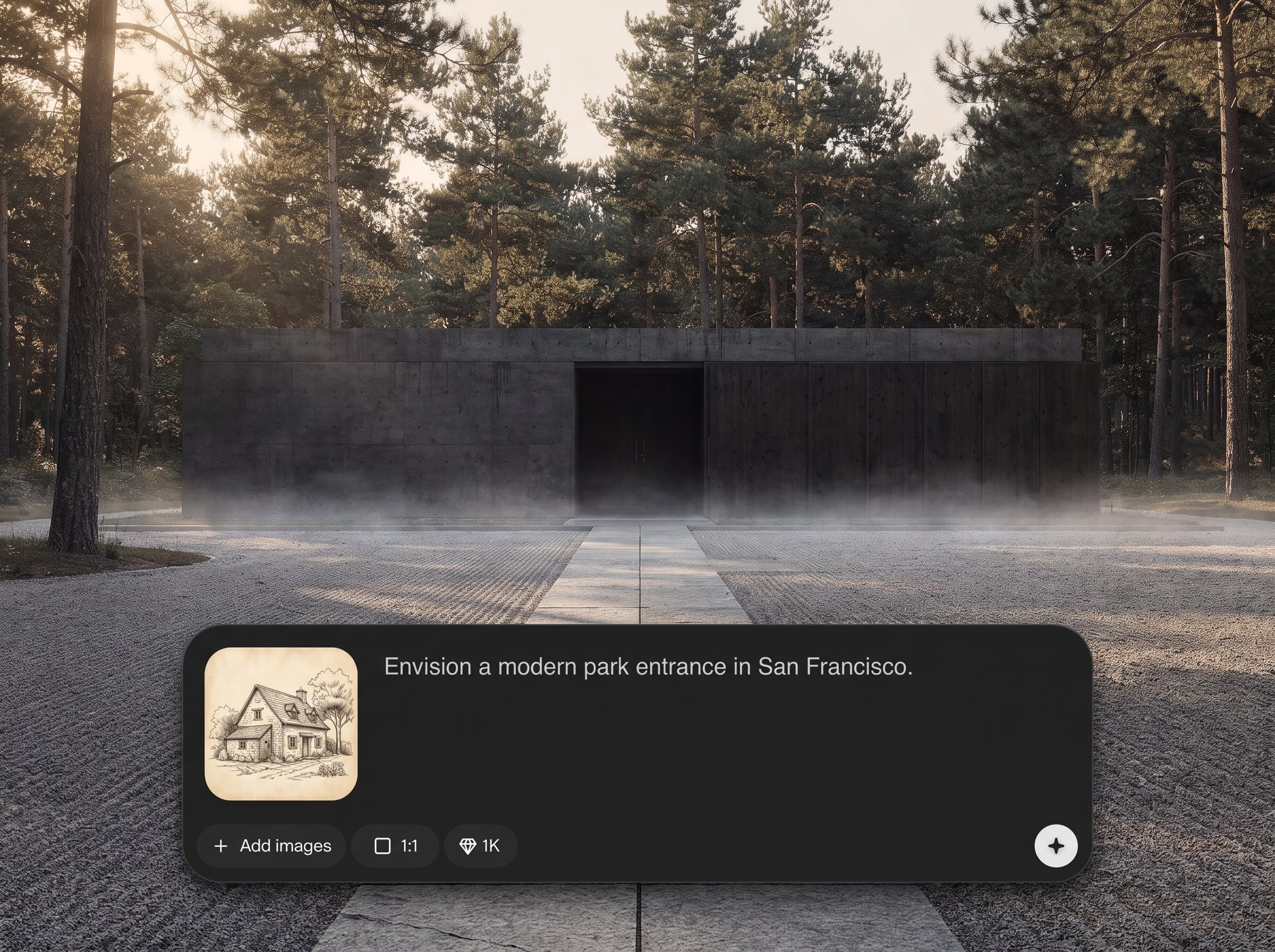
Create a connected set of images that read like a journey through a project. Communicate narrative, adjacency, and transitions clearly with consistent, context-driven visual direction.
About
SITE Spaces turns any typed location into ten architectural renderings of brand-new spaces rooted in local context. Instantly explore arrival sequences, interiors, courtyards, and thresholds as cohesive design studies. Generate fast concept visuals to compare options, refine direction, and communicate spatial ideas with clarity.
SITE Spaces is built for fast, context-aware architectural exploration. One location prompt generates ten cohesive renderings across key spatial moments, helping you compare options and communicate a complete sequence. Keep work moving with quick iterations and consistent visual direction grounded in place.
Enter a location, generate a batch of ten renderings, then review and download your favorites. Re-run with new places or more specific locations to explore different architectural directions quickly.
Use cases
Discover how different creators use this app in their workflow.
Rapidly test architectural directions from a place prompt and compare ten options. Ideal for early studies, mood calibration, and discovering unexpected spatial approaches.
Generate arrival, threshold, courtyard, and interior moments that read as a sequence. Helpful for presenting spatial journeys and communicating intent quickly.
Create consistent render sets to align on atmosphere and context. Use downloads in reviews, briefs, and decks to speed decision-making across disciplines.
Krea is one of the world's leading generative AI platforms. See what others say.
Real reviews on TrustpilotSo many AI tools out there but I always come back to Krea. It's really the one AI platform that 'just works'.

FYN
Krea's interfaces are still the best in the industry. Everything looks and feels so clean and easy to use! Imo the easiest to use gen AI website.

Lynn
Ultra fast generations. Extremely simple to use. All the latest AI models.

Daniel
KREA is the only AI subscription I have right now besides ChatGPT.

Sophia M.
Answers to common questions about SITE Spaces and AI architectural renderings.
SITE Spaces is an AI architecture generator that turns a typed location into ten architectural renderings. It produces context-rooted space studies such as arrival, interior, courtyard, and threshold moments.
The location acts as the anchor for atmosphere and context. Changing the city, landmark, or neighborhood shifts the visual language, producing new architectural renderings that feel tied to that place.
Each run generates ten architectural renderings. This batch approach helps you compare options quickly, select a direction, and iterate by trying alternate locations or re-running for more variety.
SITE Spaces focuses on key architectural moments: arrival sequences, interiors, courtyards, and thresholds. The set is designed to read as a cohesive series rather than isolated single images.
Yes. It’s built for fast exploration and visual direction-setting. Use it to discover multiple spatial strategies, evaluate mood and massing, and communicate concepts before detailed modeling begins.
No. You only need to type a location and generate. SITE Spaces handles the AI rendering process, so you can explore architectural concepts without CAD, BIM, or rendering pipelines.
Yes. Download selected renderings and place them into decks, moodboards, or briefs to explain context, sequence, and design intent. Always review outputs for project fit and clarity.
Run multiple generations for more variation, or adjust the specificity of the location (city vs. street vs. landmark). Small changes in place input often produce noticeably different render sets.
Yes. SITE Spaces uses artificial intelligence and machine learning methods to generate architectural renderings from a text location prompt, enabling quick, context-aware design exploration online.
Download options depend on the current export settings in the app. Typically, you can save high-quality image files suitable for sharing, reviewing, and placing into design documentation.
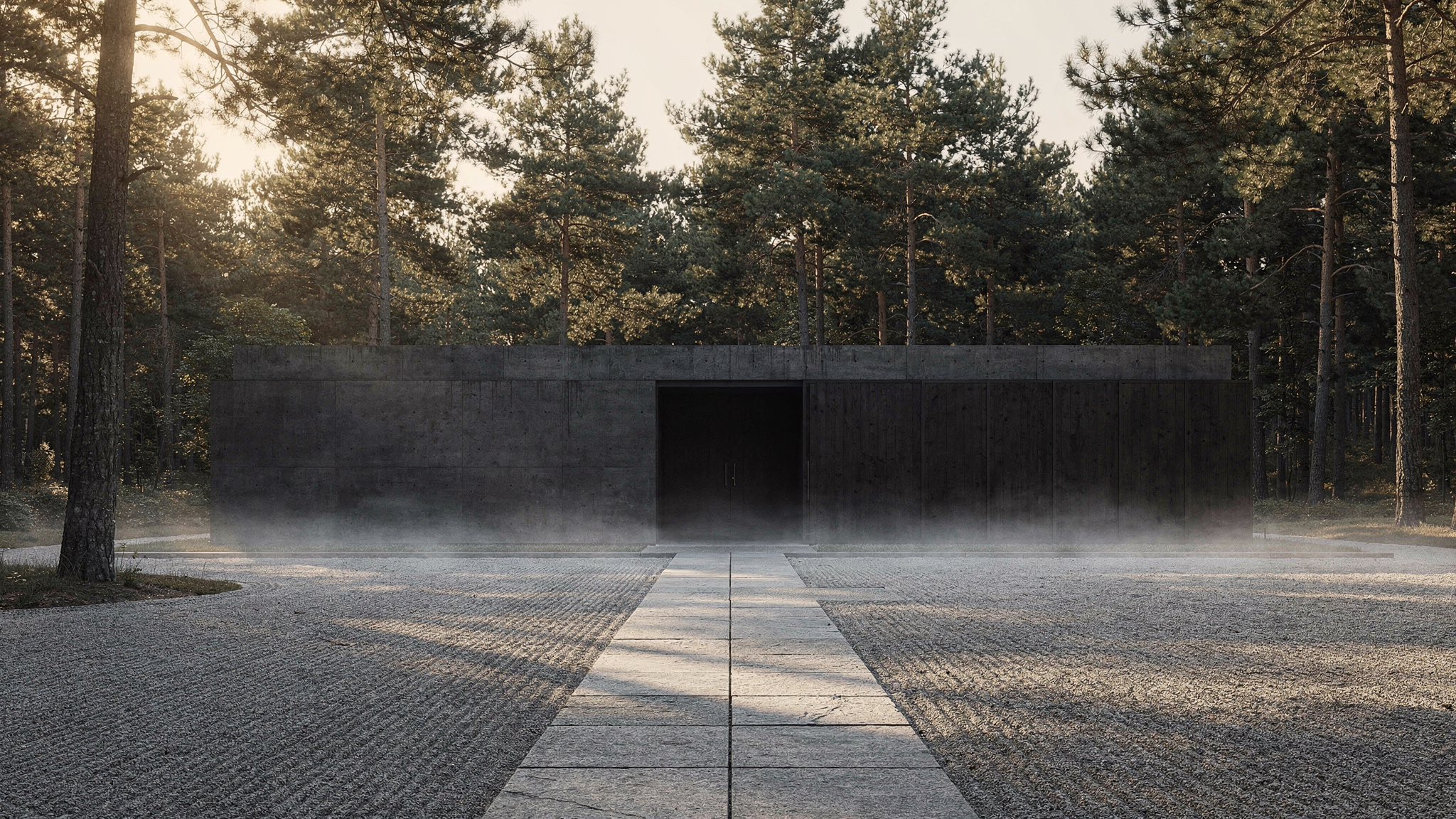
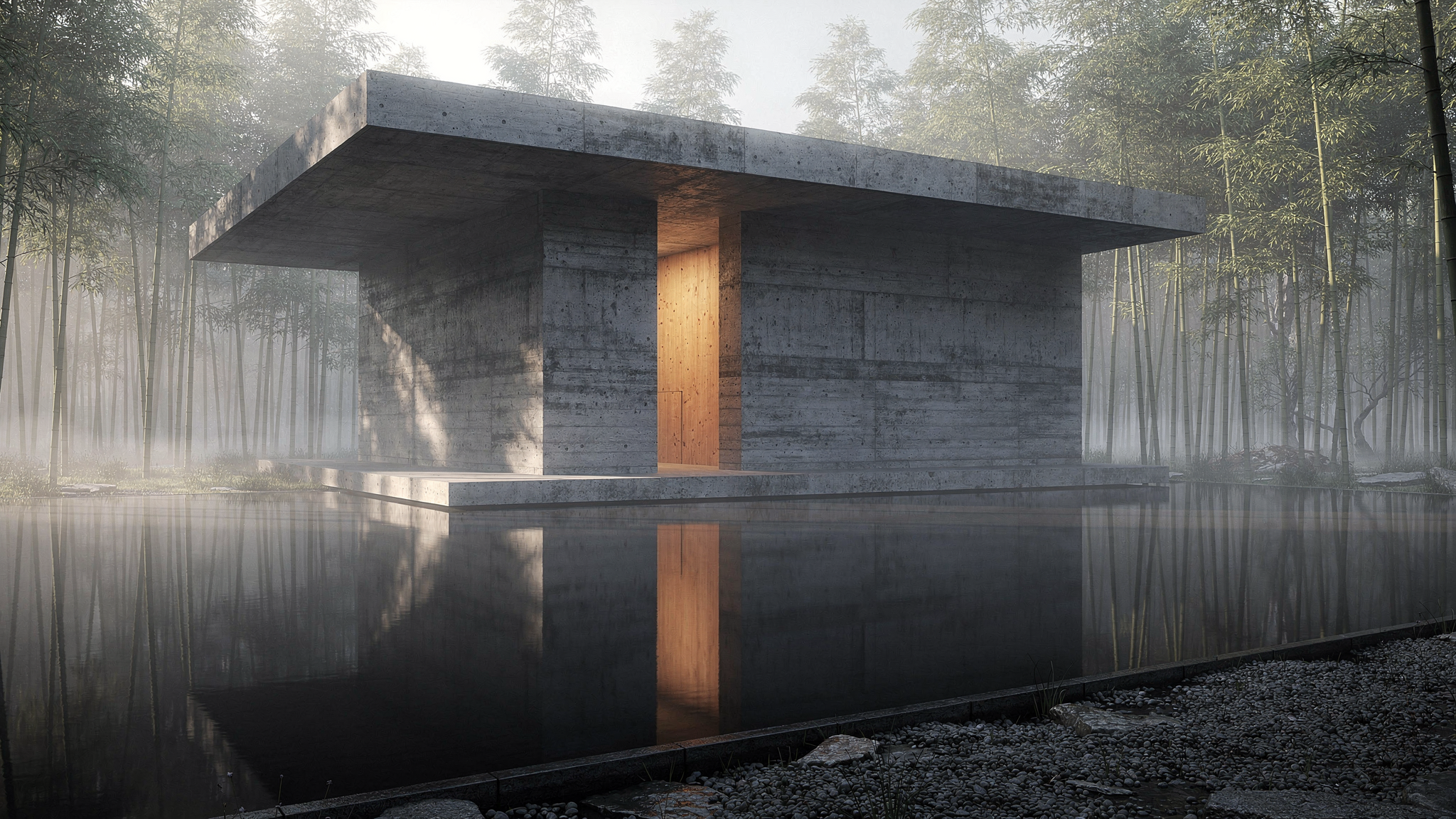
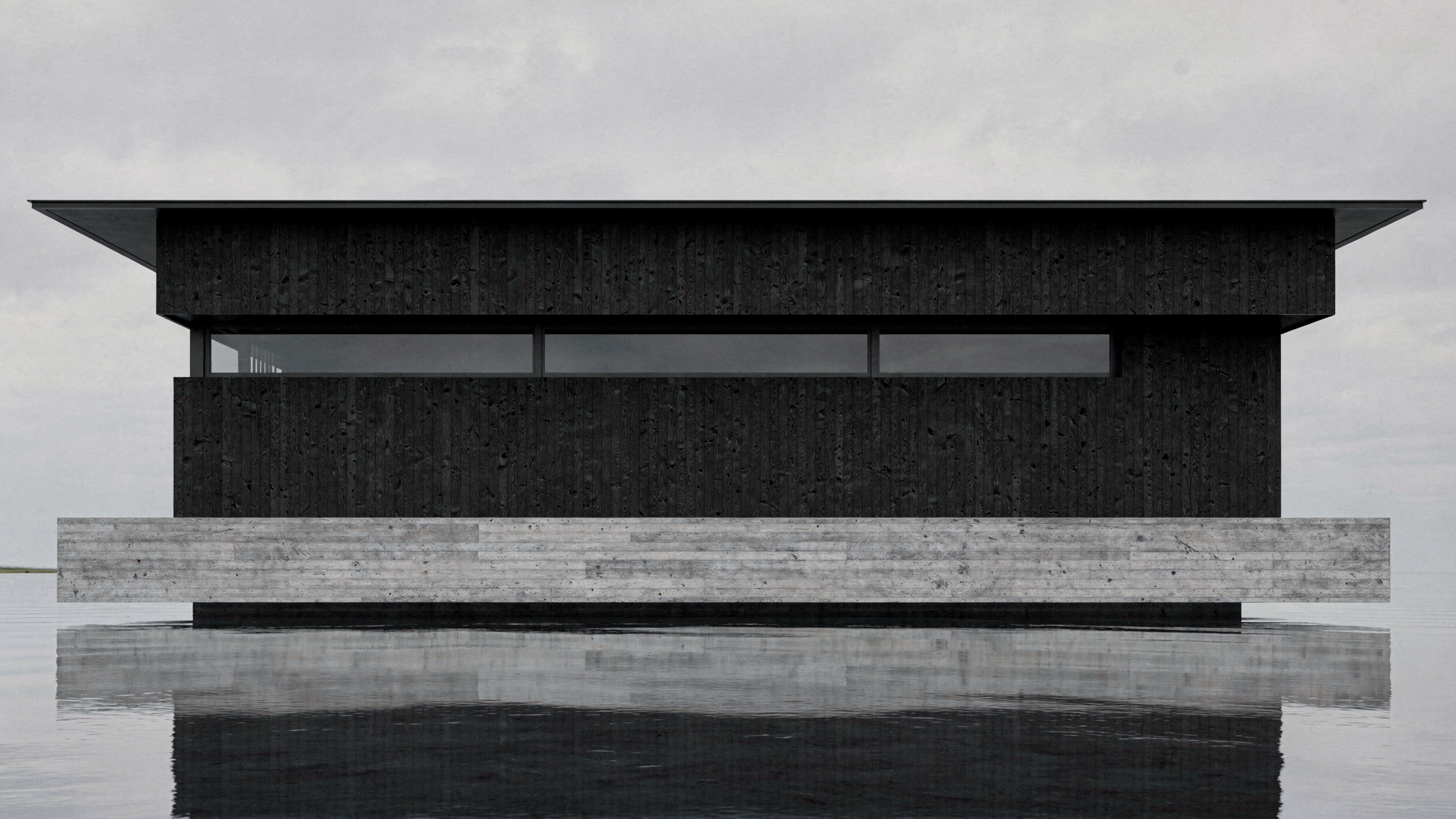
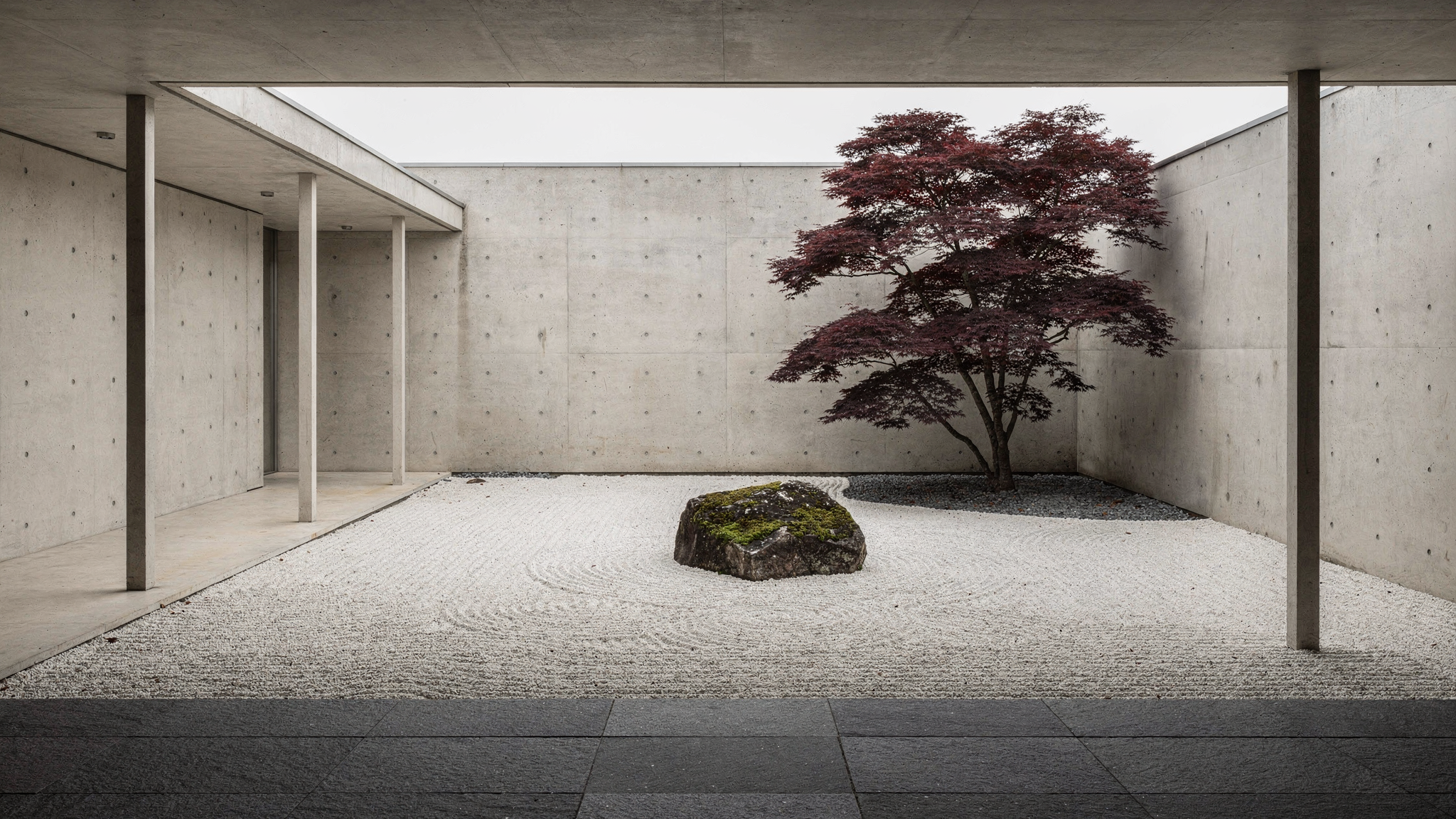
Type a location and get ten context-rooted space studies in seconds—ready to compare, share, and iterate.

