














Step 1
Describe the story
Write a prompt with characters, setting, mood, and key events. Add details for each beat to keep scenes consistent across all 8 images.
Generate 8 static storytelling images fast with AI. Use prompts, choose style, and export a consistent visual set for stories, posts, and scripts. Try it now.
How to use Image_generator_for_storytell
This tool generates a cohesive set of 8 static images for a story sequence. Provide a clear prompt, select a style, then refine and export your image set for publishing or editing.
Step 1
Write a prompt with characters, setting, mood, and key events. Add details for each beat to keep scenes consistent across all 8 images.

Step 2
Select an art style, aspect ratio, and quality level. Adjust composition or tone options to match your visual narrative and intended platform.

Step 3
Generate the 8-image set, review results, and regenerate individual frames if needed. Download the final images to use in stories, posts, or storyboards.
Features
Generate an 8-frame static image set from a single prompt to support story structure and pacing. Keep a unified style across scenes, iterate quickly on individual frames, and export high-quality images for social posts, scripts, and storyboards. Designed for fast, repeatable visual narrative production.
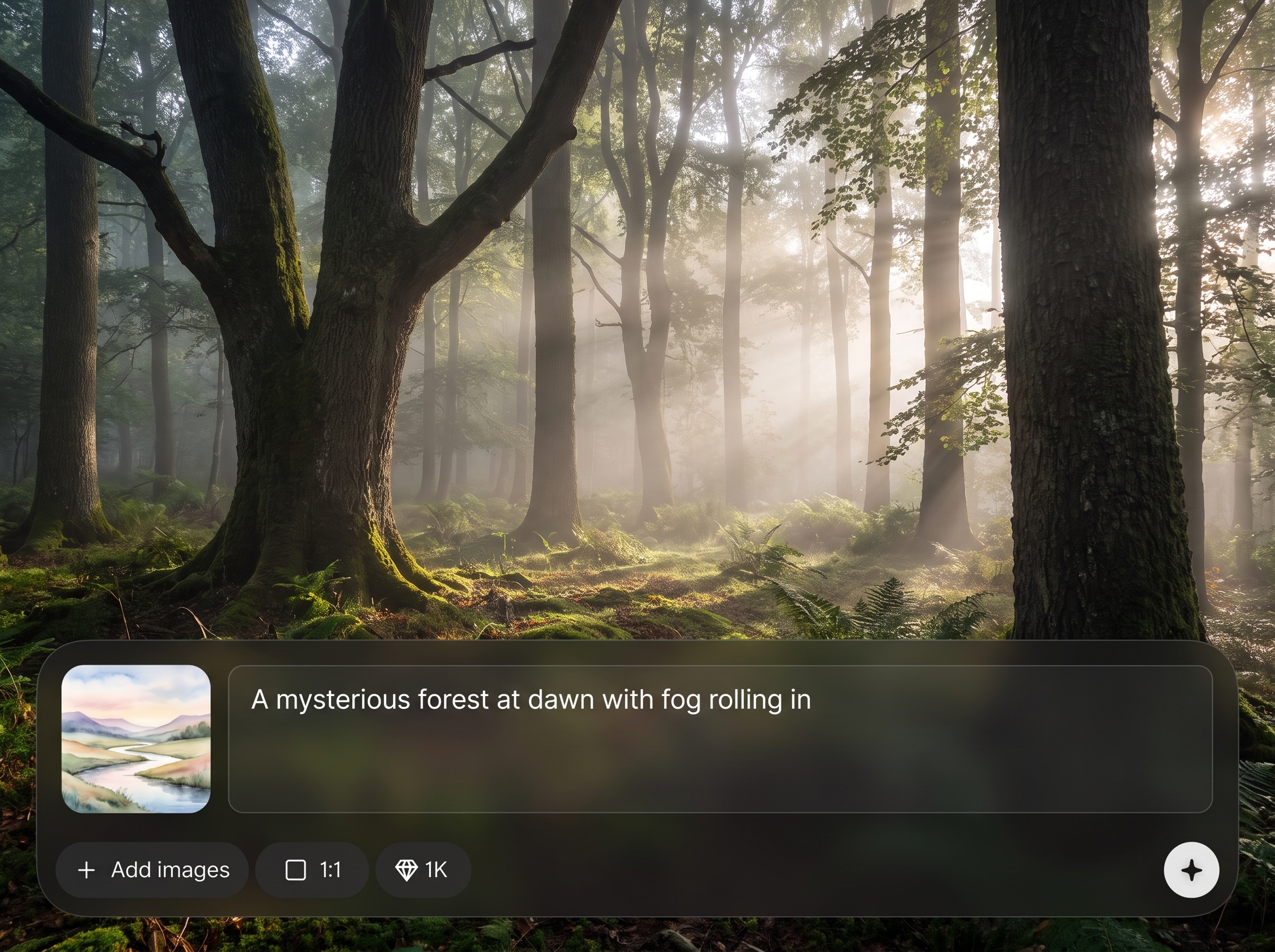
Automatically creates eight static scenes that map to a narrative arc. Ideal for story posts, episode-style content, or slide-based storytelling with consistent visual flow.
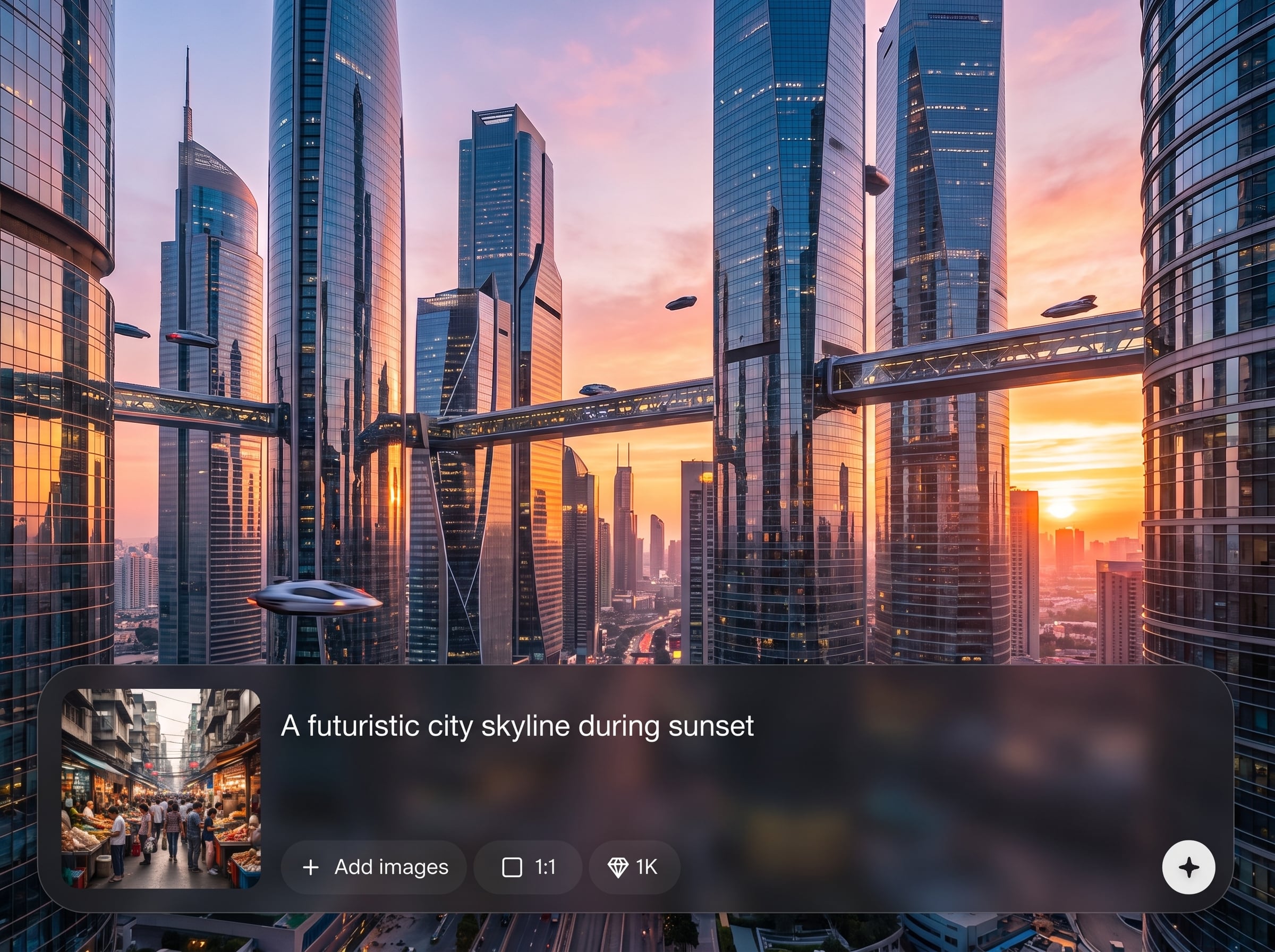
Maintain a cohesive look with stable styling and tone. Generate scenes that feel like one story world, reducing mismatched frames and saving editing time.
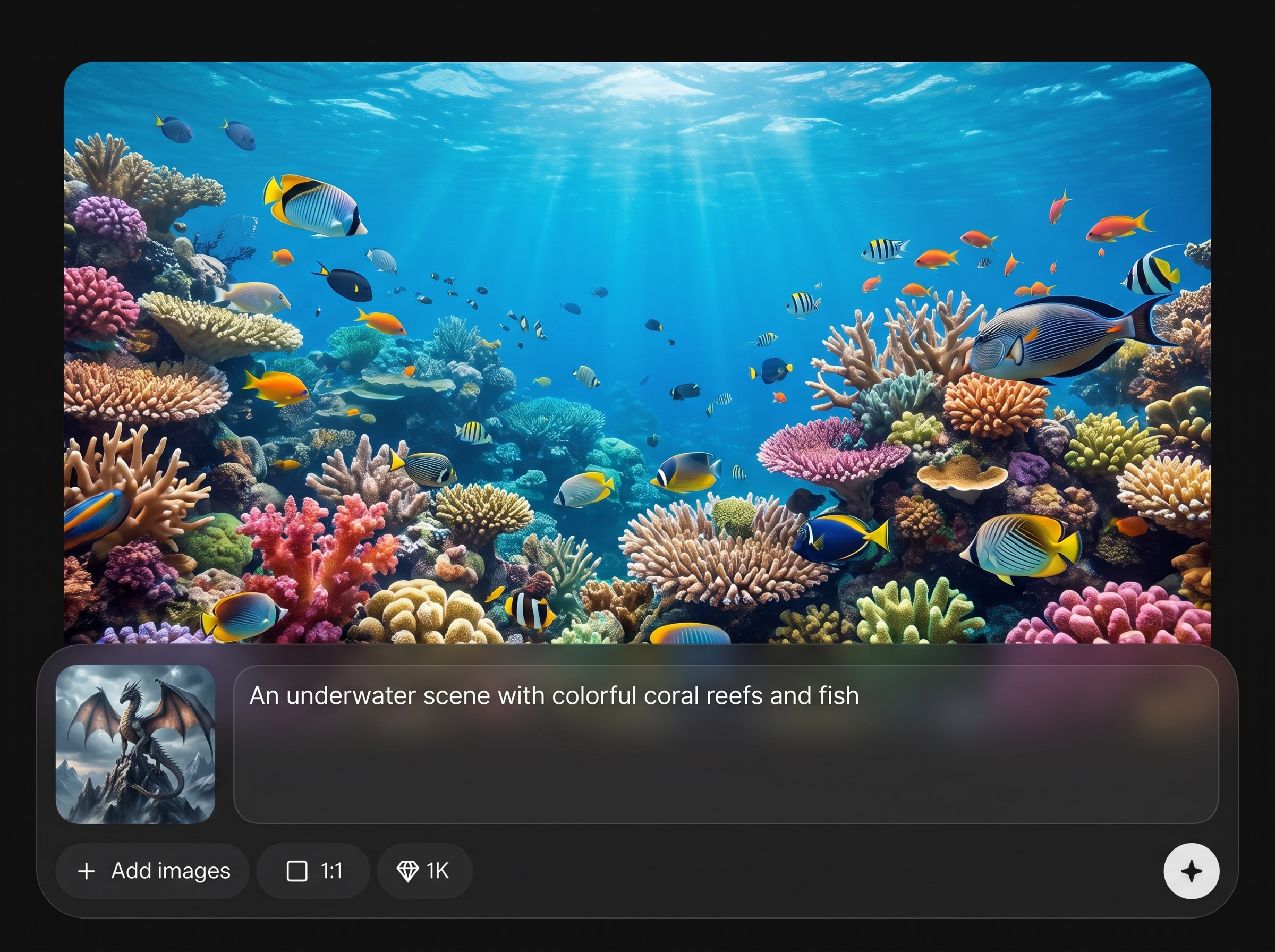
Regenerate or refine specific images without rebuilding the full set. Quickly improve composition, mood, and details to match your script or storyboard requirements.
About
Image_generator_for_storytell creates a ready-to-use set of 8 static images designed for storytelling. Enter a prompt, pick a visual style, and generate consistent scenes that match your narrative beats. Perfect for story posts, pitch decks, scripts, and short-form series—export clean images in seconds and keep the look cohesive across every frame.
Image_generator_for_storytell focuses on structured visual storytelling: an 8-image set, consistent style, and fast iteration per frame. Get clearer narrative pacing, fewer mismatched scenes, and a repeatable workflow for story posts, scripts, and presentations.
Enter a story prompt, choose a style and aspect ratio, then generate your 8 images. Review results, regenerate any frame you want, and download the final set for publishing.
Use cases
Discover how different creators use this app in their workflow.
Generate an 8-image sequence for Instagram stories, carousel posts, or episodic content with a consistent style and clear narrative beats.
Turn a script outline into visual frames for planning, pacing, and scene direction. Export images for storyboards and pitch presentations.
Create visual story sequences for product journeys, explainers, and campaign concepts. Keep branding-friendly style consistency across frames.
Krea is one of the world's leading generative AI platforms. See what others say.
Real reviews on TrustpilotSo many AI tools out there but I always come back to Krea. It's really the one AI platform that 'just works'.

FYN
Krea's interfaces are still the best in the industry. Everything looks and feels so clean and easy to use! Imo the easiest to use gen AI website.

Lynn
Ultra fast generations. Extremely simple to use. All the latest AI models.

Daniel
KREA is the only AI subscription I have right now besides ChatGPT.

Sophia M.
Answers to common questions about generating 8-frame storytelling images with AI.
It generates a set of 8 static images designed to represent a story sequence. You provide a prompt and style, and the tool outputs cohesive scenes you can download and publish.
Include protagonist, setting, time, mood, and key events. Specify visual style and recurring details like colors or wardrobe to keep continuity across all eight frames.
Yes. Choose a single style and keep consistent descriptors in your prompt. This helps maintain unified lighting, palette, and overall art direction throughout the story set.
Yes. Iterate on individual frames to fix composition or details while preserving the rest of the set. This speeds up refinement and reduces unnecessary rework.
You can download the generated images as standard high-quality image files suitable for web and social posting. Export options may vary based on your selected settings and workflow.
It is an AI image generator that creates new images from text prompts using machine learning. It is optimized for producing multiple story frames, not editing existing photos.
For most story platforms, a vertical 9:16 ratio works best. If you need a carousel or storyboard layout, choose square or widescreen ratios to fit your publishing format.
Generation is designed to be quick: enter a prompt, select a style, and produce an 8-frame set within minutes. Regenerating a single frame is even faster.
Yes, it can support commercial visuals like marketing narratives and pitch materials. Always review your usage requirements and ensure your prompts and outputs meet your project needs.


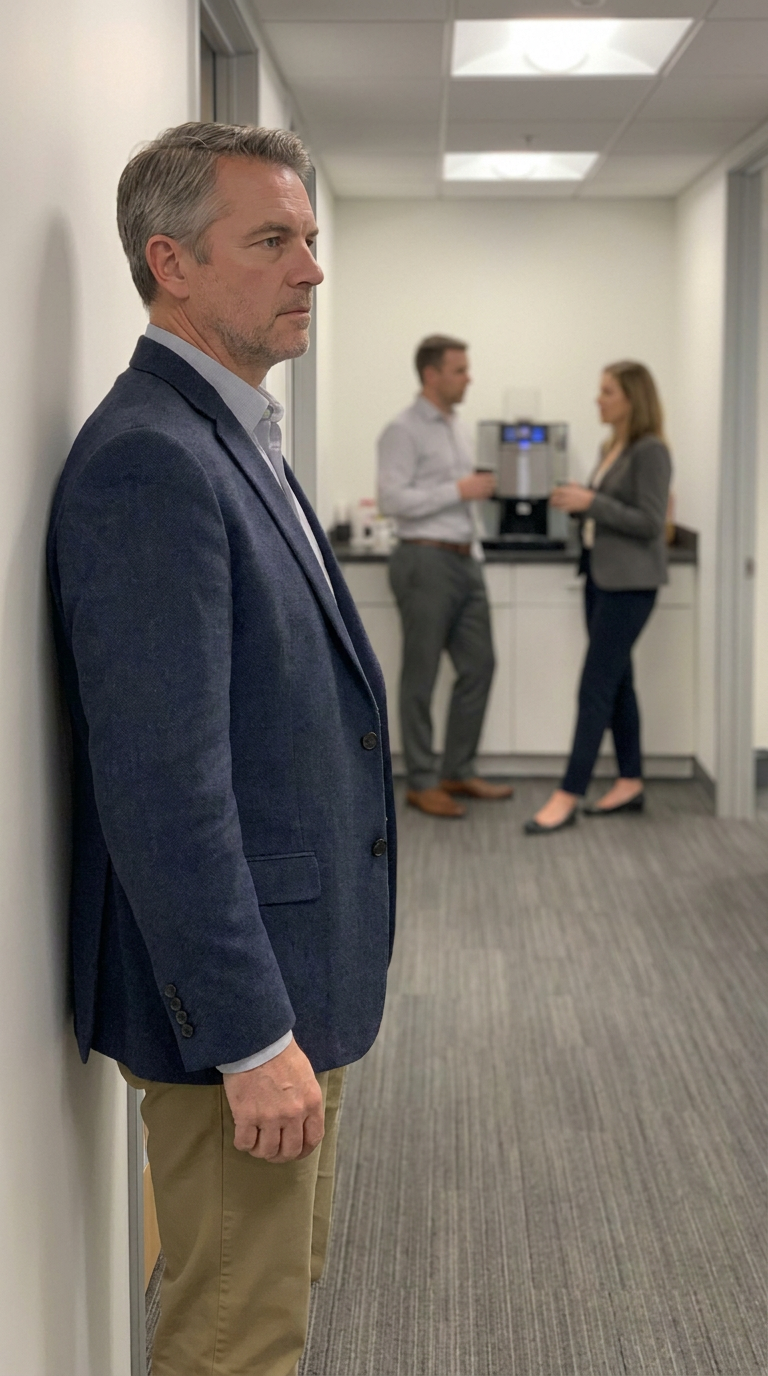
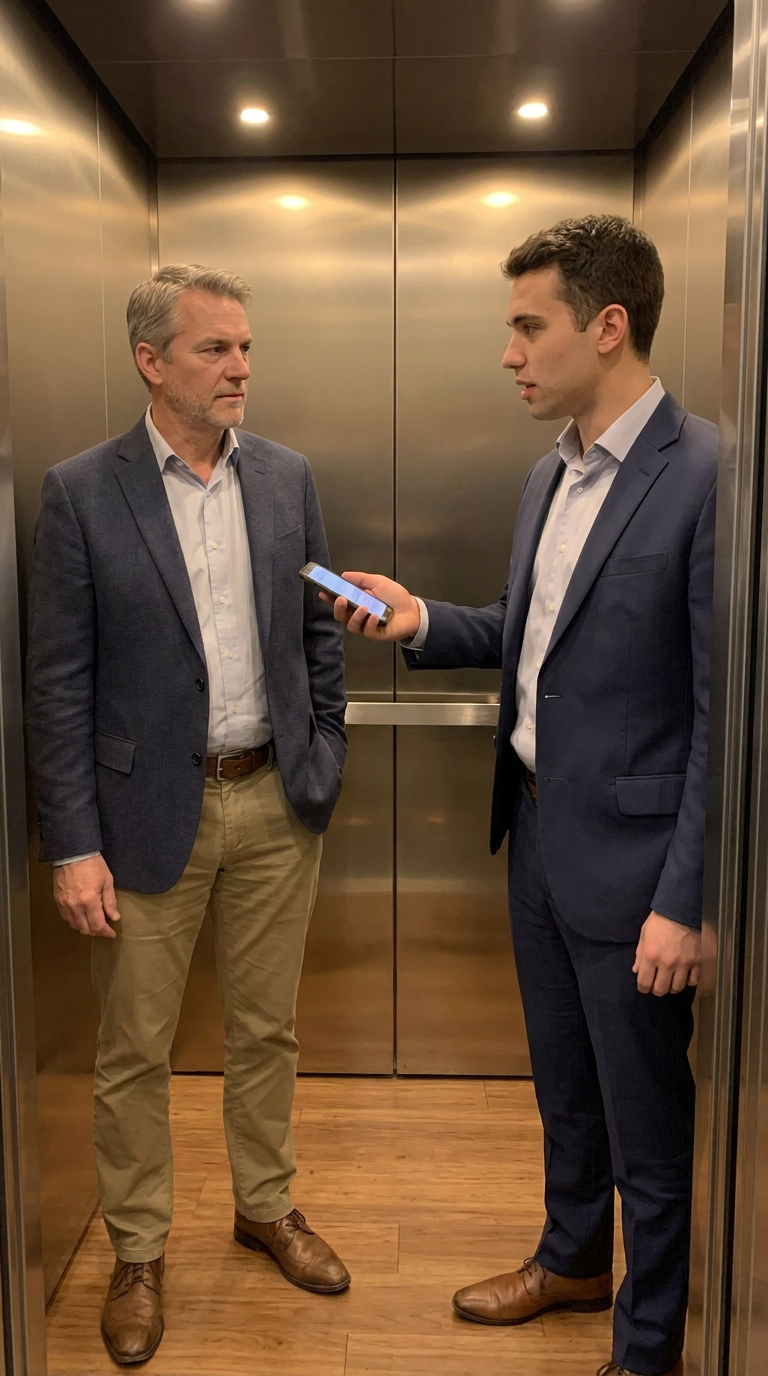
Generate cohesive storytelling images with AI, refine frames quickly, and export a ready-to-publish visual sequence.

