















Step 1
Upload
Add your static image and select the target platform and aspect ratio. The tool detects key elements and prepares a safe-zone guide for accurate placement.
Adapt static creatives to safe zones with AI. Auto-resize, align, and verify layouts for TikTok, Reels, and Stories. Upload and check online now.
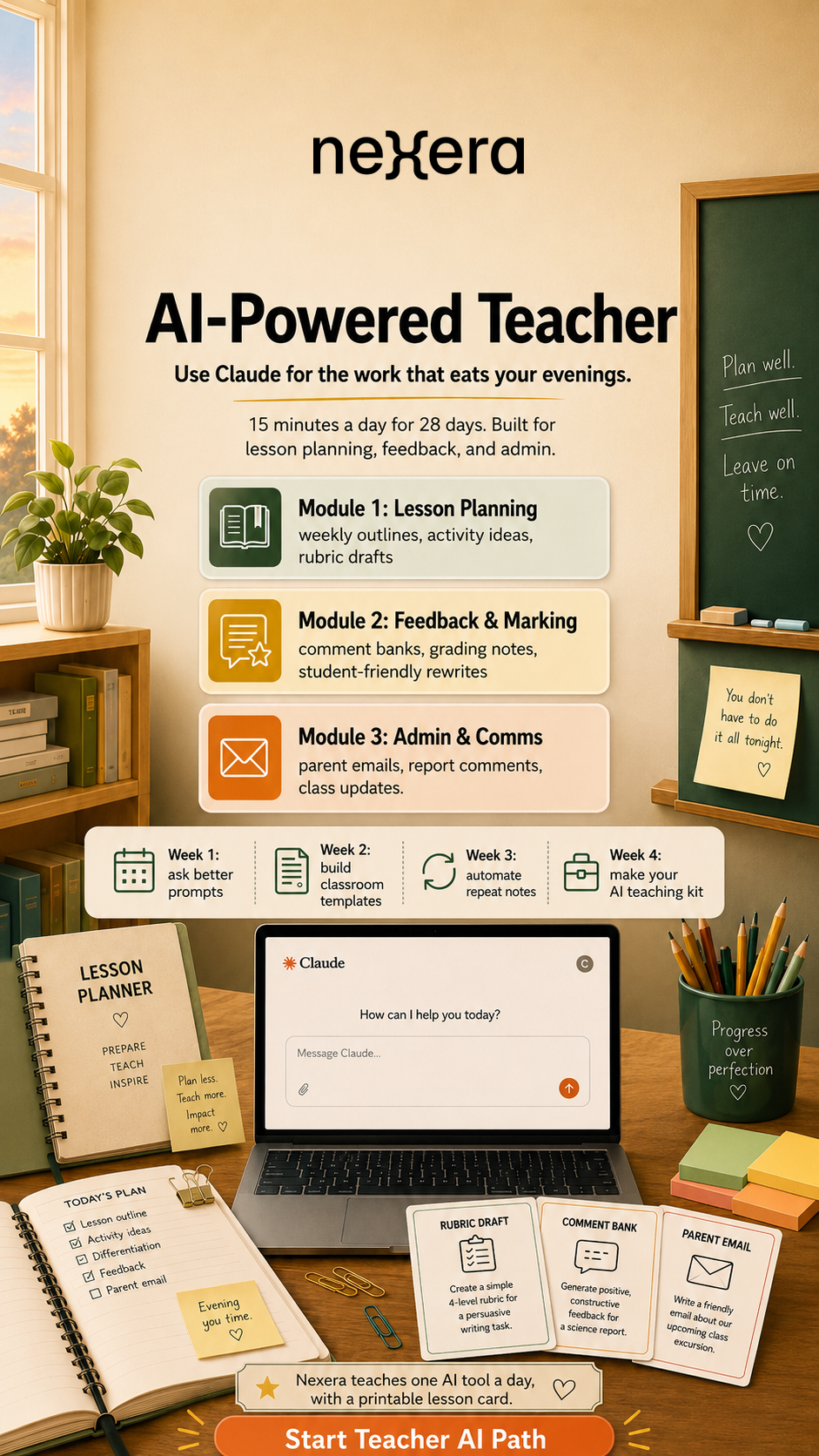
How to use Static into SafeZone
Follow these steps to resize and align a static creative to safe areas, then validate it with an instant preview. The workflow is fast, consistent, and designed for social ad formats.
Step 1
Add your static image and select the target platform and aspect ratio. The tool detects key elements and prepares a safe-zone guide for accurate placement.

Step 2
Apply AI fitting to reposition and scale the design into the safe area. Fine-tune margins, alignment, and framing to keep text and logos clear.

Step 3
Run the built-in safe-zone check and preview the creative with UI overlays. Export the adapted image at the right resolution, ready for posting or ads.
Features
Static into SafeZone combines AI-assisted resizing with a visual safe-zone validator to prevent important elements from being cut off. It quickly fits text, logos, and focal subjects into safe areas for vertical formats and previews the result with overlays. Export consistent, platform-ready creatives without manual trial and error.
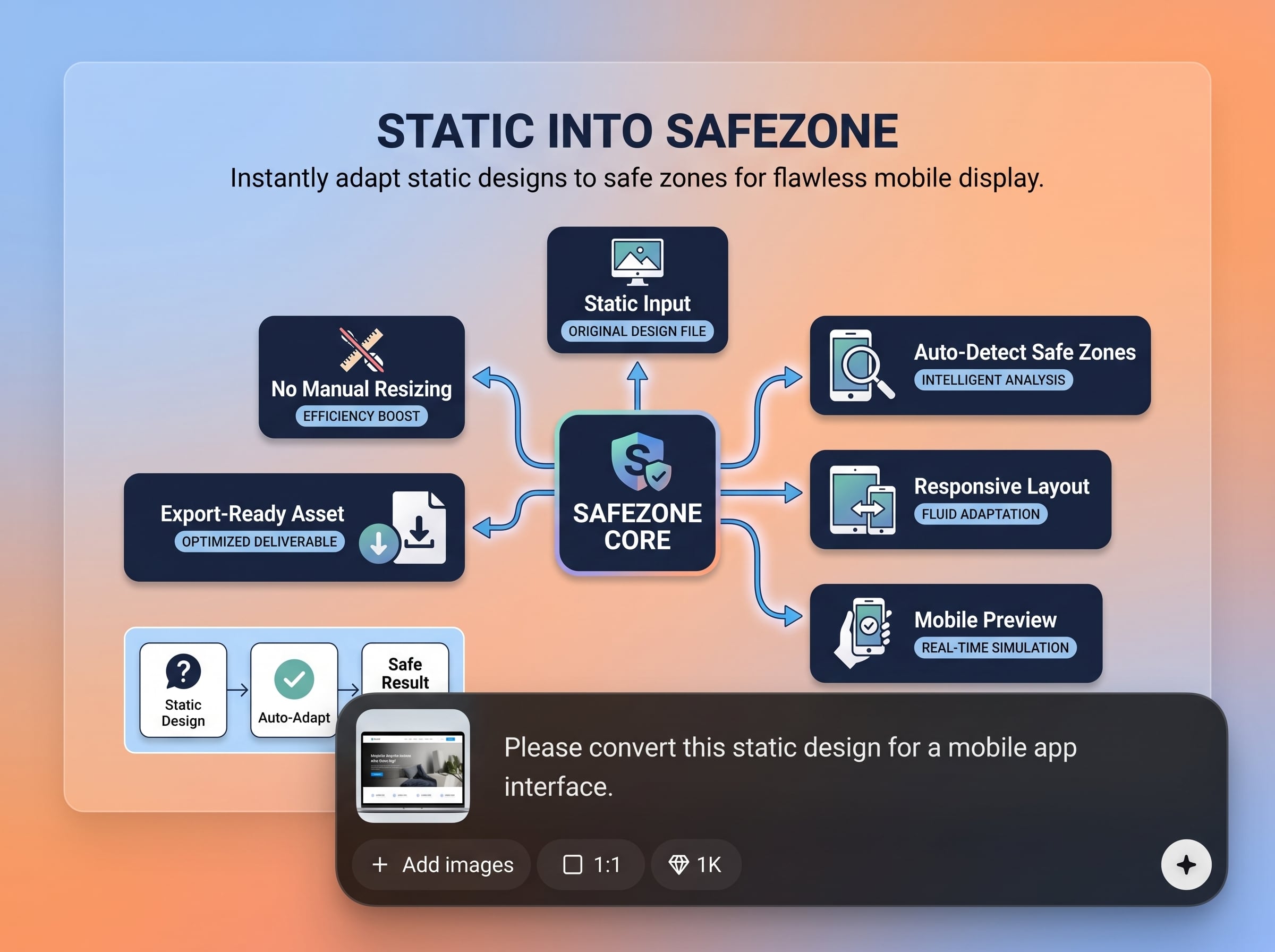
Automatically scales and repositions your static creative so critical content stays inside platform safe zones. Reduce cropped headlines, hidden logos, and awkward framing across formats.
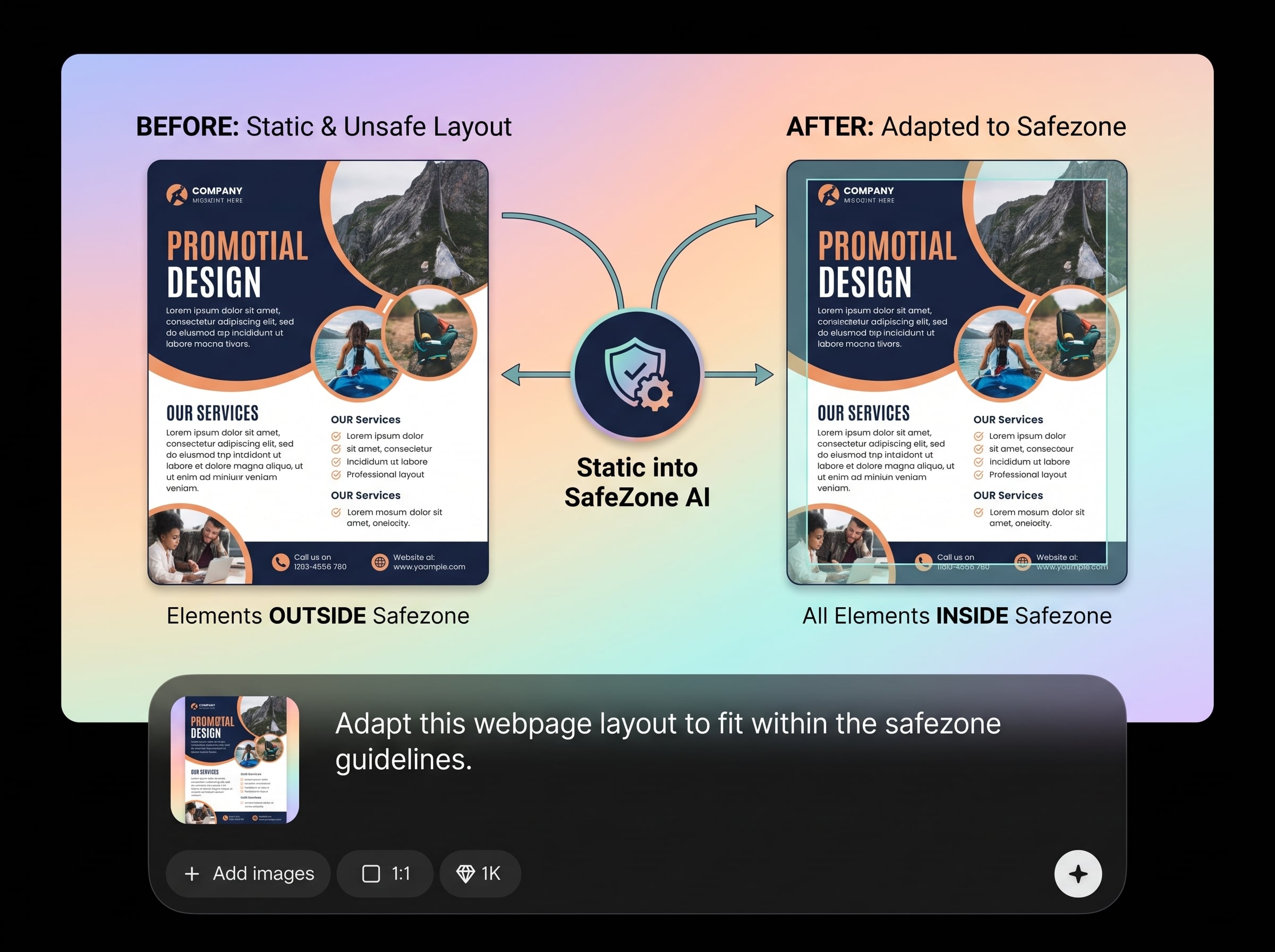
Preview your creative with safe-zone boundaries and UI overlays to confirm readability before publishing. Catch placement issues early and iterate quickly without re-upload cycles.
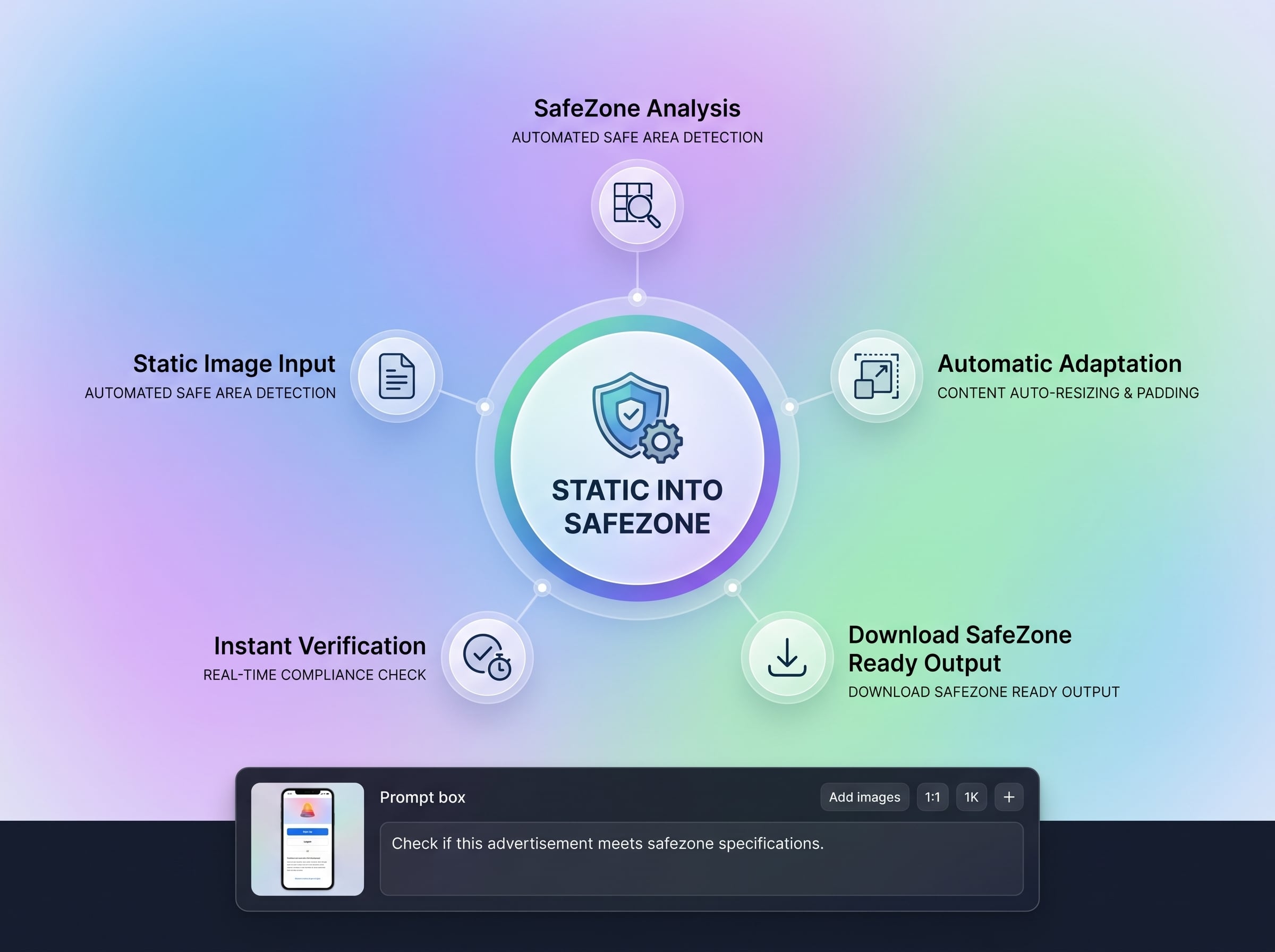
Export optimized images in the correct dimensions for TikTok, Reels, and Stories. Keep consistent composition across placements while saving time on manual resizing and checks.
About
Static into SafeZone uses AI to adapt static creatives to platform safe zones and instantly verify the result. Upload an image, choose a target format, and automatically fit key elements inside safe areas to reduce cropping and UI overlap. Get a clear preview and export a ready-to-publish version for TikTok, Reels, and Stories.
Static into SafeZone combines AI layout adaptation with built-in verification, so you don’t rely on trial-and-error exports. It’s designed for vertical social formats, helping keep text and logos readable inside safe areas. The workflow is fast, consistent, and focused on reducing cropping and UI overlap.
Upload your static creative, pick the target platform format, and run the AI fit. Review the safe-zone preview with overlays, make quick adjustments if needed, then export the final image.
Use cases
Discover how different creators use this app in their workflow.
Prepare static ads for vertical placements by fitting key messages into safe areas and verifying visibility before launch. Reduce rejected or underperforming creatives.
Swap text and adapt layouts for new languages while keeping headlines and logos safely placed. Validate each variant quickly with consistent safe-zone checks.
Convert existing static designs into platform-ready versions for TikTok, Reels, and Stories. Maintain focus and readability when moving from feed to full-screen formats.
Krea is one of the world's leading generative AI platforms. See what others say.
Real reviews on TrustpilotSo many AI tools out there but I always come back to Krea. It's really the one AI platform that 'just works'.

FYN
Krea's interfaces are still the best in the industry. Everything looks and feels so clean and easy to use! Imo the easiest to use gen AI website.

Lynn
Ultra fast generations. Extremely simple to use. All the latest AI models.

Daniel
KREA is the only AI subscription I have right now besides ChatGPT.

Sophia M.
Common questions about AI safe-zone adaptation, previews, and exporting for social formats.
It adapts a static image to platform safe zones and checks the result immediately. You upload a creative, choose a format, and export a version designed to avoid UI overlap and cropping.
It’s built for vertical social placements such as TikTok, Instagram Reels, and Stories. Choose the target aspect ratio and preview the safe area to ensure key elements stay visible.
The AI analyzes your layout to keep important regions like text, logos, and focal subjects inside safe boundaries. It then applies resizing and positioning so the design remains readable in full-screen views.
Yes. After the AI fitting, you can fine-tune alignment, scaling, and margins to match brand rules. The safe-zone preview updates so you can confirm the final placement instantly.
Yes. The preview highlights safe zones and shows overlay regions where platform UI may cover content. This helps prevent hidden calls-to-action, clipped text, and off-center composition.
No. It works for any static creative used in vertical formats, including organic posts, announcements, and product promos. Safe-zone adaptation improves readability and consistency across placements.
Upload common image formats and export a platform-ready version at the selected dimensions. The goal is a clean, shareable file that preserves composition while fitting safe areas accurately.
Manual resizing often requires repeated exports and testing on-device. This tool combines AI layout fitting with an instant safe-zone validator, reducing guesswork and speeding up iteration.
It keeps your original artwork while adjusting placement and scale to fit safe zones. You remain in control of final positioning, ensuring logos and brand text stay clear and consistent.
Keeping key messages inside safe areas can improve clarity and reduce drop-off caused by hidden text. It supports better viewing conditions, especially on fast-scrolling, full-screen placements.
Upload a static image, auto-fit to safe areas, preview overlays, and export a platform-ready version in minutes.

