














Step 1
Upload
Upload a clear product image with good lighting. Center the item and avoid heavy blur so the AI can preserve shape, texture, and brand details.
Upload a product image and generate high-quality branded photos with or without background. Switch floating/grounded/worn for best results—try it now.
How to use IBC Nanotex Product Photo Gen v1.1
Create polished, on-brand product imagery from one upload. Follow these steps to set the correct presentation style and export both background and no-background versions for any channel.
Step 1
Upload a clear product image with good lighting. Center the item and avoid heavy blur so the AI can preserve shape, texture, and brand details.

Step 2
In the prompt at the bottom, switch the style to “floating,” “grounded,” or “worn.” Match the product type to control how it’s posed in the final image.

Step 3
Generate your branded results, then export versions with background and without background. Use the transparent option for marketplaces, layouts, and quick design edits.
Features
Generate high-quality branded product photos from a single upload, optimized for ecommerce and marketing. Create both background and no-background outputs for flexible reuse across pages and ads. Use the floating/grounded/worn prompt switch to control presentation while keeping lighting and style consistent across a full catalog.
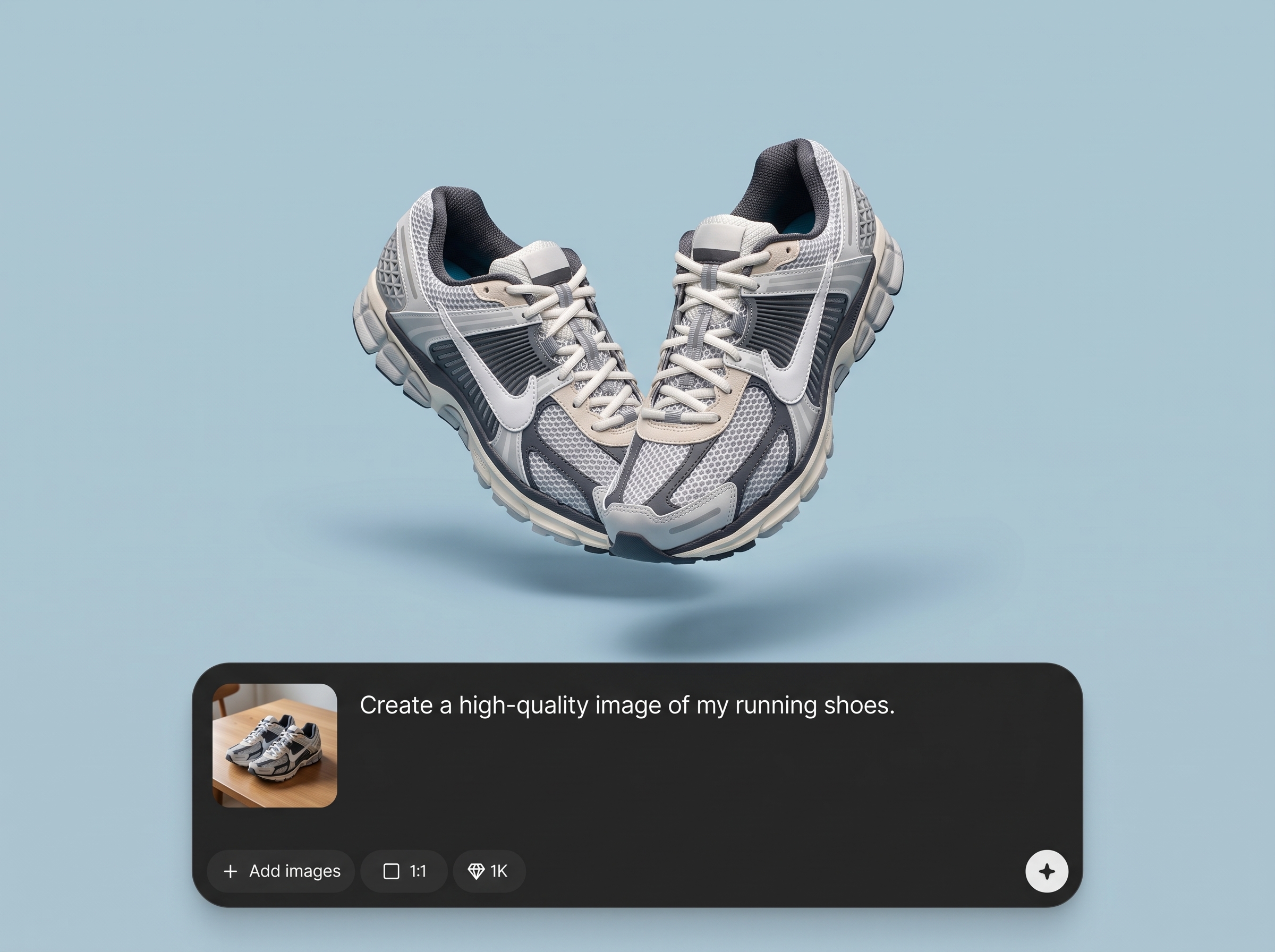
Turn your product photo into a polished branded image with cohesive lighting and composition. Maintain a consistent look across SKUs while preserving key design details and textures.
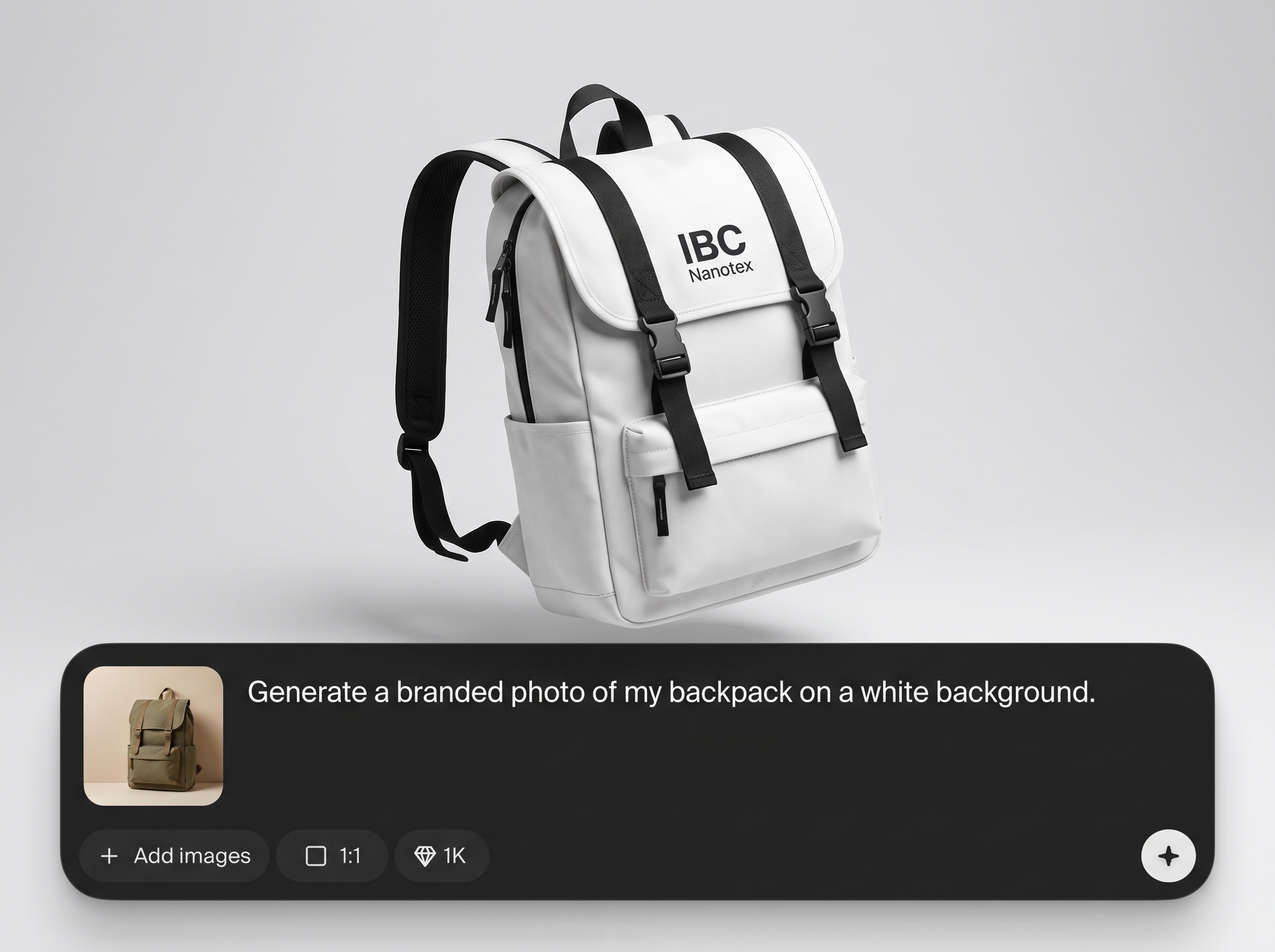
Export images with a clean background or without one for easy placement anywhere. Perfect for product pages, ads, marketplaces, and graphic layouts with minimal editing.
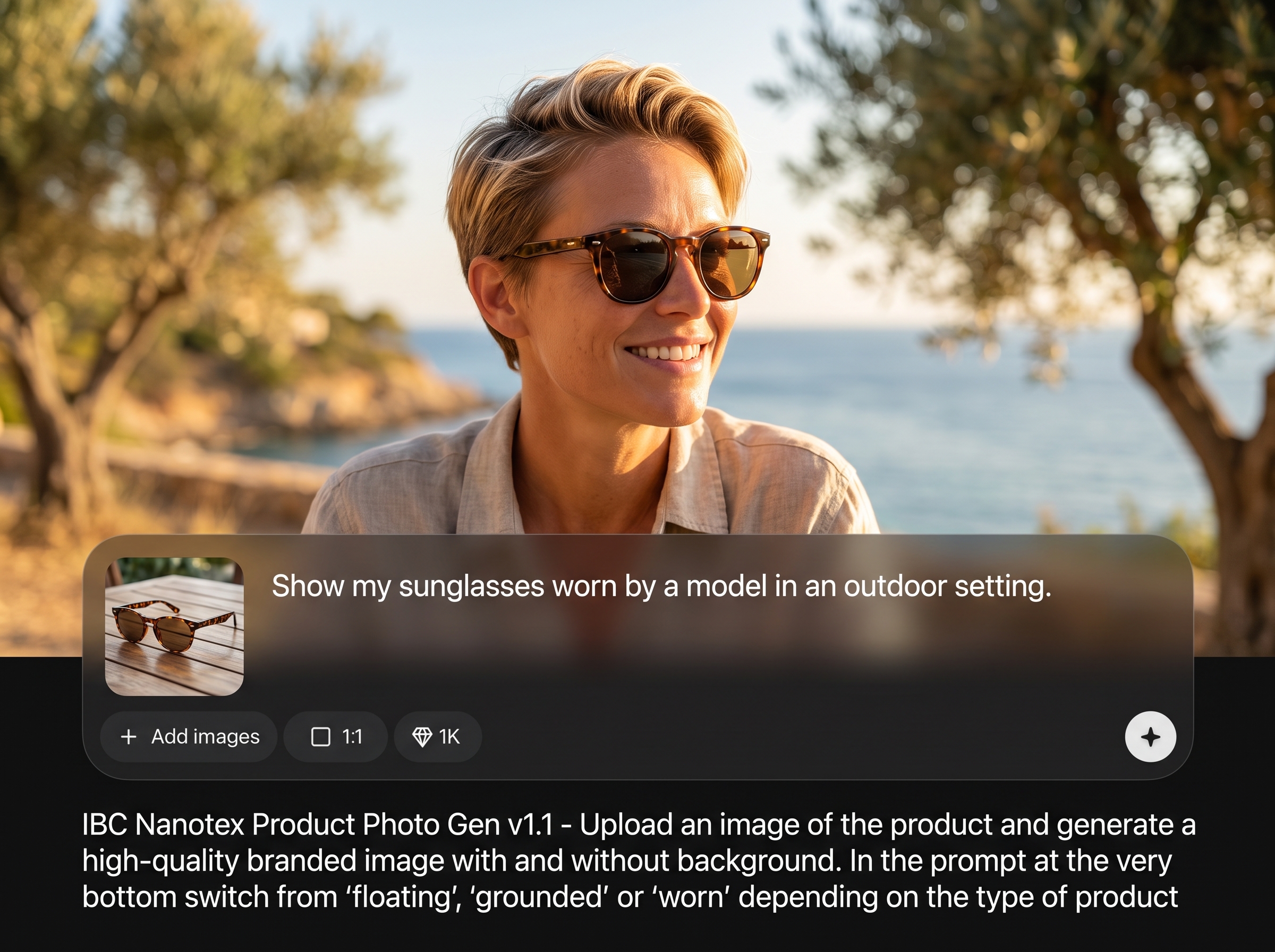
Choose “floating,” “grounded,” or “worn” to match how the product should be presented. Get predictable results for handheld items, packaged goods, apparel, or accessories.
About
IBC Nanotex Product Photo Gen v1.1 turns a single product upload into high-quality branded imagery, with versions both with and without background. Choose the right scene style by switching the prompt to “floating,” “grounded,” or “worn” to match how the item should appear. Get consistent, clean visuals for listings, ads, and catalogs in minutes.
Get consistent, high-quality product imagery from a single upload with controlled presentation styles. Produce branded visuals plus transparent-ready assets for faster publishing. The floating/grounded/worn switch helps standardize outputs across categories while keeping your catalog cohesive and professional.
Upload a clean product photo, then update the bottom prompt to floating, grounded, or worn. Generate results and export both background and no-background versions for immediate use across channels.
Use cases
Discover how different creators use this app in their workflow.
Create clean packshots with consistent branding and optional transparent backgrounds for marketplaces, PDPs, and variant grids—without reshoots or complex editing.
Generate eye-catching branded product visuals sized for campaigns. Quickly test different presentation styles—floating, grounded, or worn—to fit the message.
Produce uniform product imagery across a lineup for PDFs, presentations, and one-pagers. Export background-free assets for easy placement into templates.
Krea is one of the world's leading generative AI platforms. See what others say.
Real reviews on TrustpilotSo many AI tools out there but I always come back to Krea. It's really the one AI platform that 'just works'.

FYN
Krea's interfaces are still the best in the industry. Everything looks and feels so clean and easy to use! Imo the easiest to use gen AI website.

Lynn
Ultra fast generations. Extremely simple to use. All the latest AI models.

Daniel
KREA is the only AI subscription I have right now besides ChatGPT.

Sophia M.
Answers to common questions about AI product photo generation, prompt styles, and exporting options.
It generates high-quality branded product images from an uploaded product photo. You can output versions with a background and without background, ready for ecommerce, ads, and catalogs.
Use “floating” for items meant to hover, “grounded” for products placed on a surface, and “worn” for apparel or accessories shown on a body. Switch the prompt at the bottom.
Yes. Generate the no-background version to get an asset you can place on any color or design layout. It’s ideal for marketplaces, banners, and quick compositing.
Use a clear, well-lit photo where the product is centered and unobstructed. Higher resolution and sharp focus help the AI preserve edges, labels, and fine textures.
The tool is designed to preserve key shapes and visible design elements from your upload. For best accuracy, use a clean product shot and avoid extreme angles or heavy reflections.
Yes. It uses AI and machine learning to enhance product presentation, generate branded compositions, and create background or no-background outputs while keeping the product recognizable.
Yes. Set the prompt to “worn” to present wearable products in a more natural context. This helps align fit and placement compared to floating or grounded styles.
No. Upload your product image, select the correct floating/grounded/worn style, then generate and export. The workflow is simple and designed for fast, repeatable results.
You’ll get a high-quality branded product image plus an option without background. This gives you a ready-to-use hero image and a flexible cutout for design and listings.
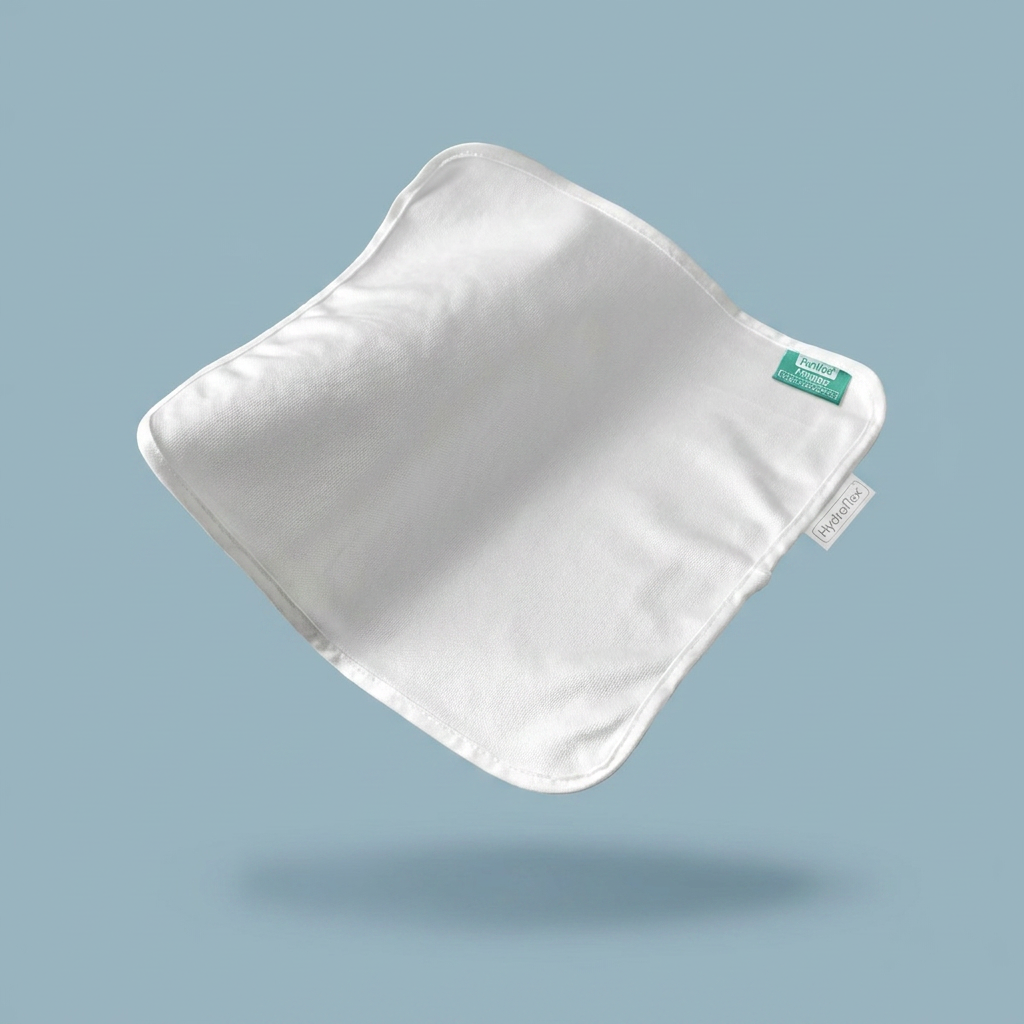
Upload a product image, switch the style prompt, and export background or transparent versions in minutes.

