














Step 1
Configure
Select a style direction like minimal, geometric, or bold. Set color, stroke, and proportions, and add short notes to guide the AI toward your intended look.
Generate clean S element designs with AI. Customize style, color, and layout, then export high-res assets fast for web, branding, and UI. Try it now.

How to use S element
Use S element to generate a professional “S” design element with AI. Set your style preferences, generate variations, then refine and export the version that fits your brand, UI, or graphic system.
Step 1
Select a style direction like minimal, geometric, or bold. Set color, stroke, and proportions, and add short notes to guide the AI toward your intended look.

Step 2
Click generate to create multiple S element options instantly. Compare variations, adjust settings, and regenerate until the shapes match your layout, legibility, and brand tone.

Step 3
Download your chosen S element in high resolution for web and print. Use it in UI components, logos, presentations, and brand kits with consistent spacing and clarity.
Features
S element helps you generate consistent S-shaped design elements with AI, from clean minimal marks to expressive graphic forms. Control style, color, and geometry, then produce multiple variations to compare. Export crisp assets for branding, UI, and marketing without rebuilding from scratch each time.
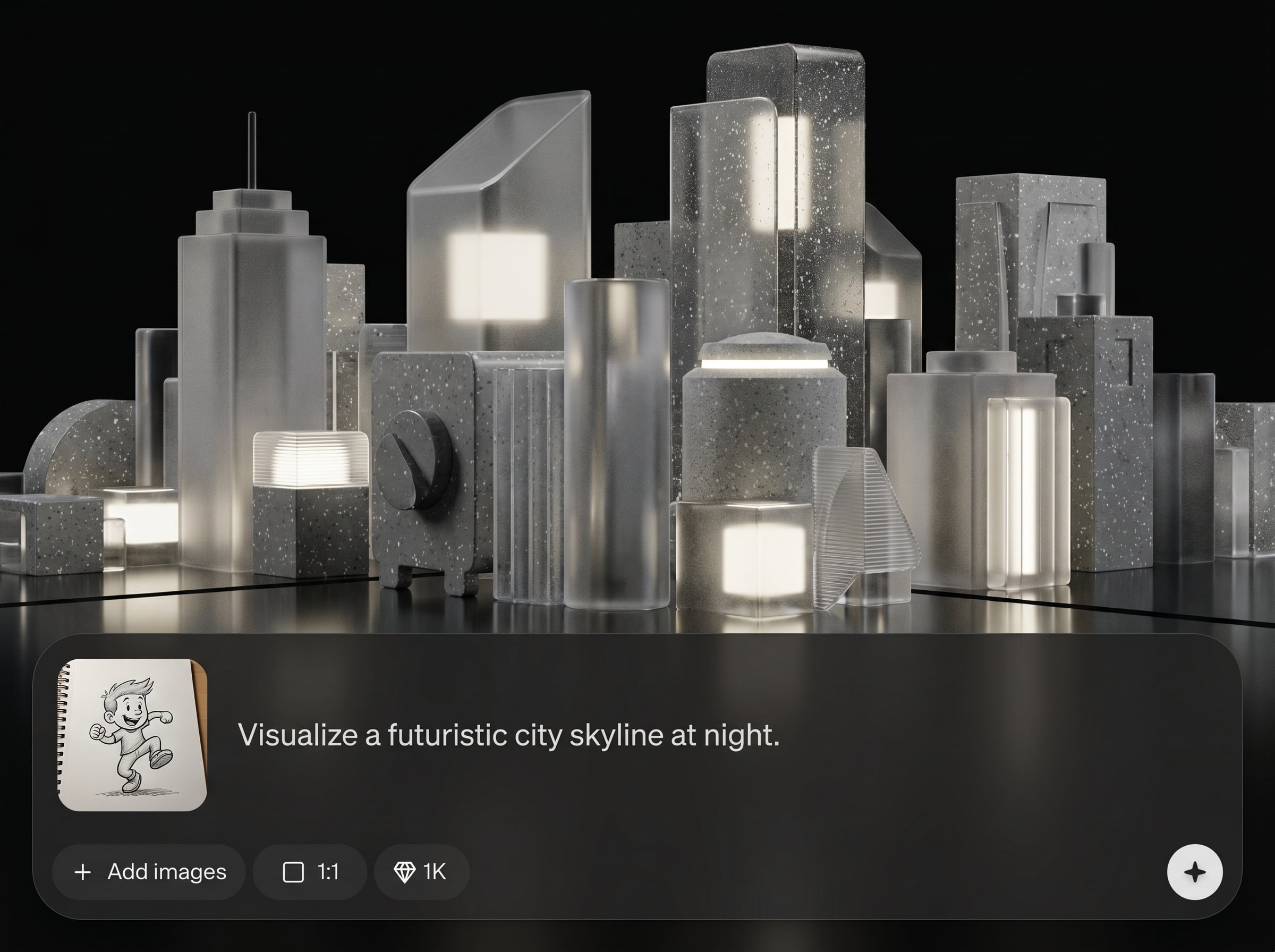
Generate a range of S element styles from one set of inputs. Explore minimal, geometric, and bold directions while keeping a cohesive look for your brand and interface system.
Fine-tune color, stroke weight, curvature, and proportions to match real layout constraints. Get repeatable results that align with grids, spacing rules, and visual consistency standards.
Export high-resolution S elements ready for web and print workflows. Move from concept to usable assets quickly, reducing iteration time for UI, branding, and marketing deliverables.
About
S element is an AI element generator for creating polished “S” design elements in seconds. Choose a style, adjust color and geometry, and generate multiple variations for logos, UI, and branding. Export high-resolution assets that stay consistent across projects and formats, so you can iterate faster and keep visual systems clean.
S element delivers fast, consistent AI generation with practical controls for real design workflows. Create multiple variants quickly, refine with clear parameters, and export high-quality assets that stay crisp and reusable across projects and formats.
Enter a style direction, set color and geometry, and generate variations instantly. Pick the best option, refine it with a few adjustments, then export a high-resolution asset for immediate use.
Use cases
Discover how different creators use this app in their workflow.
Create an S element as a standalone mark or as part of a logo system. Generate consistent variants for lockups, icons, and brand extensions.
Produce clean S-shaped elements for app UI, badges, and navigation. Keep stroke, curvature, and spacing consistent across multiple screen sizes.
Generate S elements for slides, ads, thumbnails, and social templates. Quickly test styles and colors to match different campaigns and audiences.
Krea is one of the world's leading generative AI platforms. See what others say.
Real reviews on TrustpilotSo many AI tools out there but I always come back to Krea. It's really the one AI platform that 'just works'.

FYN
Krea's interfaces are still the best in the industry. Everything looks and feels so clean and easy to use! Imo the easiest to use gen AI website.

Lynn
Ultra fast generations. Extremely simple to use. All the latest AI models.

Daniel
KREA is the only AI subscription I have right now besides ChatGPT.

Sophia M.
Answers to common questions about generating S elements with AI and exporting production-ready assets.
S element is an AI element generator focused on creating S-shaped design elements for logos, UI, and branding. It generates multiple style variations quickly and supports export of high-resolution assets.
Yes. You can set style direction, color, and geometry to guide the output. Adjust settings and regenerate to refine curvature, stroke weight, and overall proportions for a precise match.
It’s designed for fast iteration and consistency, which helps in UI and branding. Generate options, compare them side by side, and export assets that remain clear across different sizes and layouts.
You can export high-resolution outputs suitable for web and print use. This makes it easy to place S elements into design systems, presentations, marketing templates, and production graphics.
No. Start with a style and a few simple settings, then generate variations instantly. The controls make refinement straightforward, so you can reach a polished result without complex manual construction.
Create, refine, and export production-ready S elements with AI in minutes for branding, UI, and marketing.

