














Step 1
Describe
Enter what you need, like an icon, shape, or UI element. Add style keywords, colors, and constraints to guide the AI toward your desired look.
Create S element designs fast with an AI generator. Generate icons, UI assets, and graphics with prompts, styles, and exports. Try it now.

How to use S element
Use S element to generate design elements from a prompt and style. Follow these quick steps to create consistent variations and export assets ready for your project.
Step 1
Enter what you need, like an icon, shape, or UI element. Add style keywords, colors, and constraints to guide the AI toward your desired look.

Step 2
Pick a preset style and create multiple variations. Iterate by adjusting the prompt or settings until the shapes, details, and proportions match your design system.

Step 3
Download your selected results in the format you need. Use the assets in UI mockups, presentations, or brand kits while keeping visual consistency across screens.
Features
S element helps you generate design elements with AI while keeping style control. Create cohesive sets, explore variations, and refine results without starting from scratch. From icons to UI components, get production-ready assets faster and reduce repetitive design work across projects.
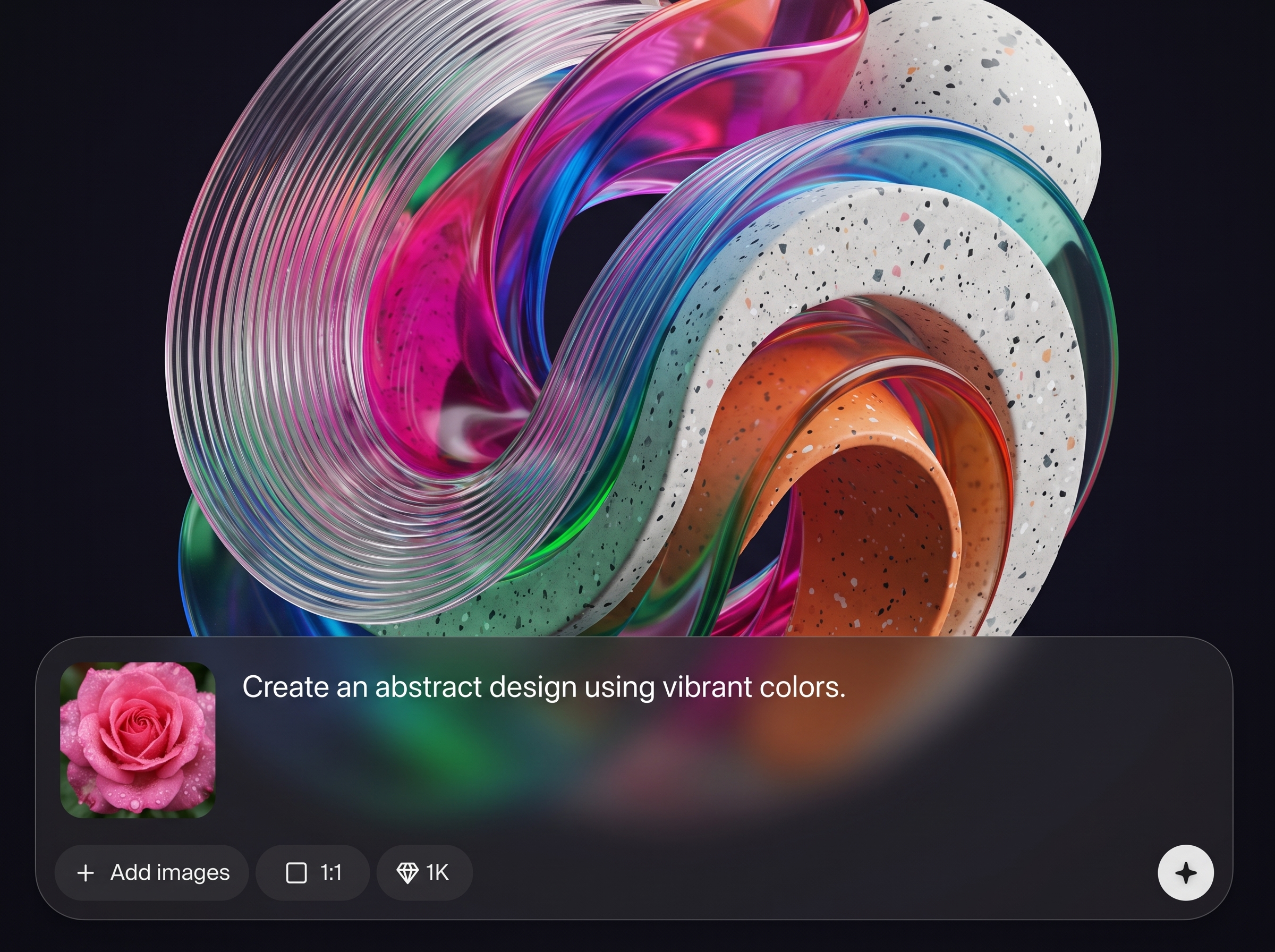
Turn a short prompt into polished design elements. Control style, color, and detail so outputs fit UI kits, brand guidelines, and modern visual design requirements.
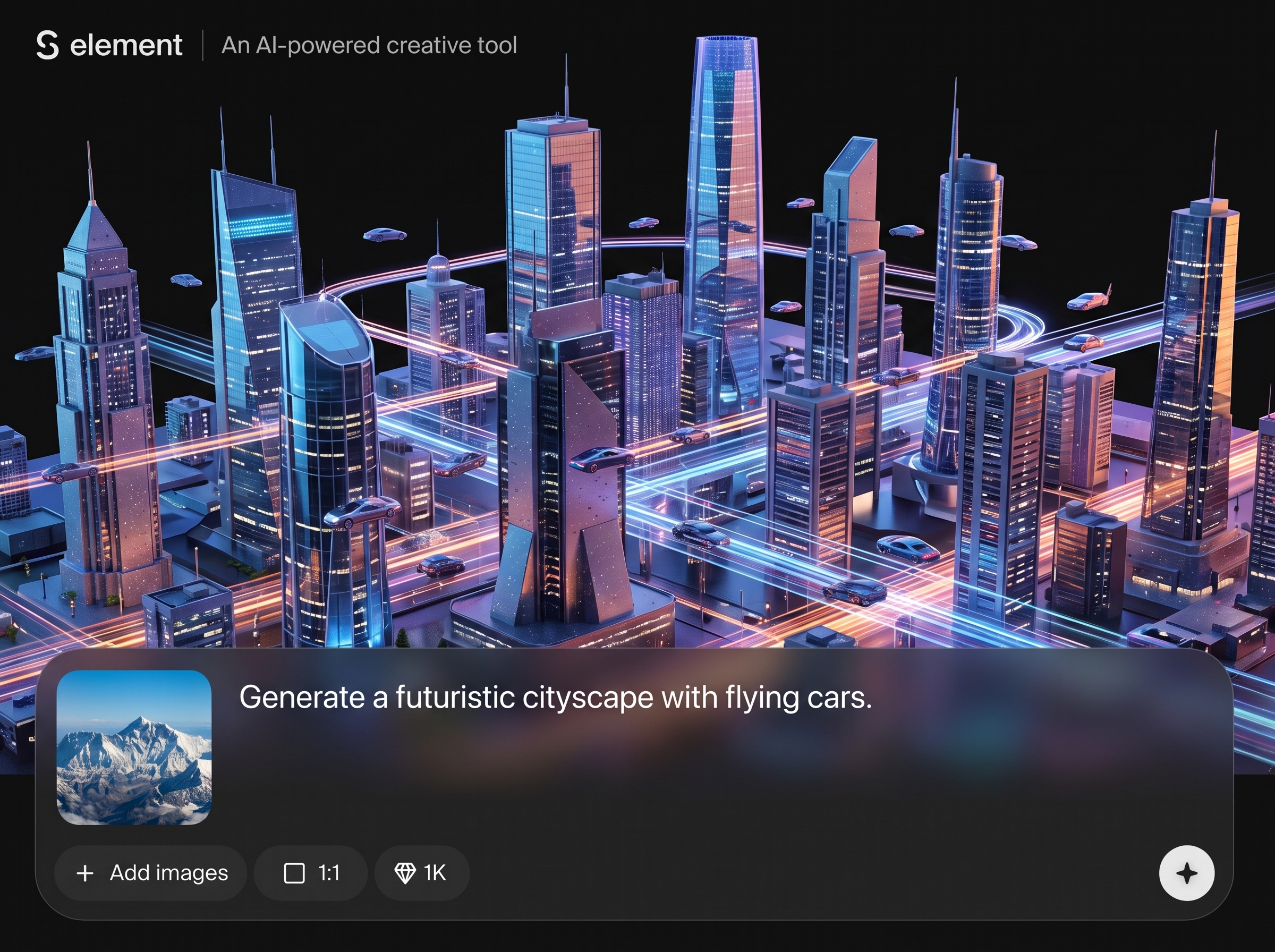
Generate multiple options in seconds and refine with small prompt changes. Compare versions quickly to find the best composition, silhouette, and level of detail.
Create element packs that match one another for product UI and marketing. Keep spacing, line weight, and visual language aligned for a cohesive system.
About
S element is an AI element generator that turns simple prompts into clean design elements for UI, branding, and content. Choose a style, refine variations, and keep results consistent across sets. Export ready-to-use assets quickly for faster design workflows and better visual consistency.
S element delivers fast AI generation with practical control over style and consistency. Build cohesive sets, iterate quickly, and reduce repetitive asset work. The workflow is designed for real production needs—clear outputs, rapid variation, and easy refinement from prompt to export.
Open S element, describe the element you need, and choose a style direction. Generate variations, refine the prompt for consistency, then export the selected assets for immediate use in your design workflow.
Use cases
Discover how different creators use this app in their workflow.
Generate icons, buttons, and interface elements that match your design system. Speed up exploration while maintaining consistent style across screens.
Create graphic elements for ads, landing pages, and social posts. Produce cohesive sets quickly, then iterate until they match brand tone and colors.
Build clean visual elements for slides and documents. Make consistent symbols and shapes that improve clarity without spending hours on manual illustration.
Krea is one of the world's leading generative AI platforms. See what others say.
Real reviews on TrustpilotSo many AI tools out there but I always come back to Krea. It's really the one AI platform that 'just works'.

FYN
Krea's interfaces are still the best in the industry. Everything looks and feels so clean and easy to use! Imo the easiest to use gen AI website.

Lynn
Ultra fast generations. Extremely simple to use. All the latest AI models.

Daniel
KREA is the only AI subscription I have right now besides ChatGPT.

Sophia M.
Find quick answers about S element, AI generation, formats, and best practices for consistent results.
S element is an AI tool for generating design elements like icons, shapes, and UI assets from prompts. It helps you create consistent visual components quickly for product, brand, and content workflows.
You describe the element you want and add style details such as color or line weight. The artificial intelligence model generates multiple variations so you can pick, refine, and export the best option.
Yes. Use the same style keywords and constraints across prompts to keep outputs cohesive. Generate variations, then iterate to align stroke weight, spacing, and overall visual language across the set.
You can create UI elements, symbols, simple illustrations, and decorative shapes. Results depend on your prompt specificity, style terms, and constraints like geometry, color palette, and level of detail.
Include the element type, style, and constraints: “minimal line icon, rounded corners, monochrome, 2px stroke.” Add context like “mobile UI” or “brand accent” to improve relevance and consistency.
Yes. It’s designed to speed up UI asset generation by producing options quickly and supporting iterative refinement. Use consistent settings to match an existing design system and reduce manual redraws.
S element supports a range of aesthetics through prompt and style choices, from minimal and flat to detailed and decorative. Generate variations to explore directions, then narrow down to a consistent look.
Generation is designed to be quick, producing multiple options in seconds. Speed depends on your settings and iteration cycle, but the workflow is optimized for rapid exploration and selection.
No. Start with simple descriptions and refine with a few style keywords. The tool helps you explore options quickly, making it easy to create usable assets even without advanced illustration skills.
Yes. S element fits machine learning workflows by enabling fast generation, comparison, and iteration. Use it to prototype visual systems, create asset libraries, and accelerate production-ready design output.

Create consistent design elements with AI in minutes—prompt, iterate, and export assets for your next project.

