














Step 1
Describe
Enter a prompt for the elements you need, such as icons, shapes, patterns, or UI components. Specify style, theme, and any constraints like simplicity or geometry.
Generate clean design elements with S elements (NB2). Use AI to create icons, shapes, patterns, and UI assets fast. Customize style and export now.
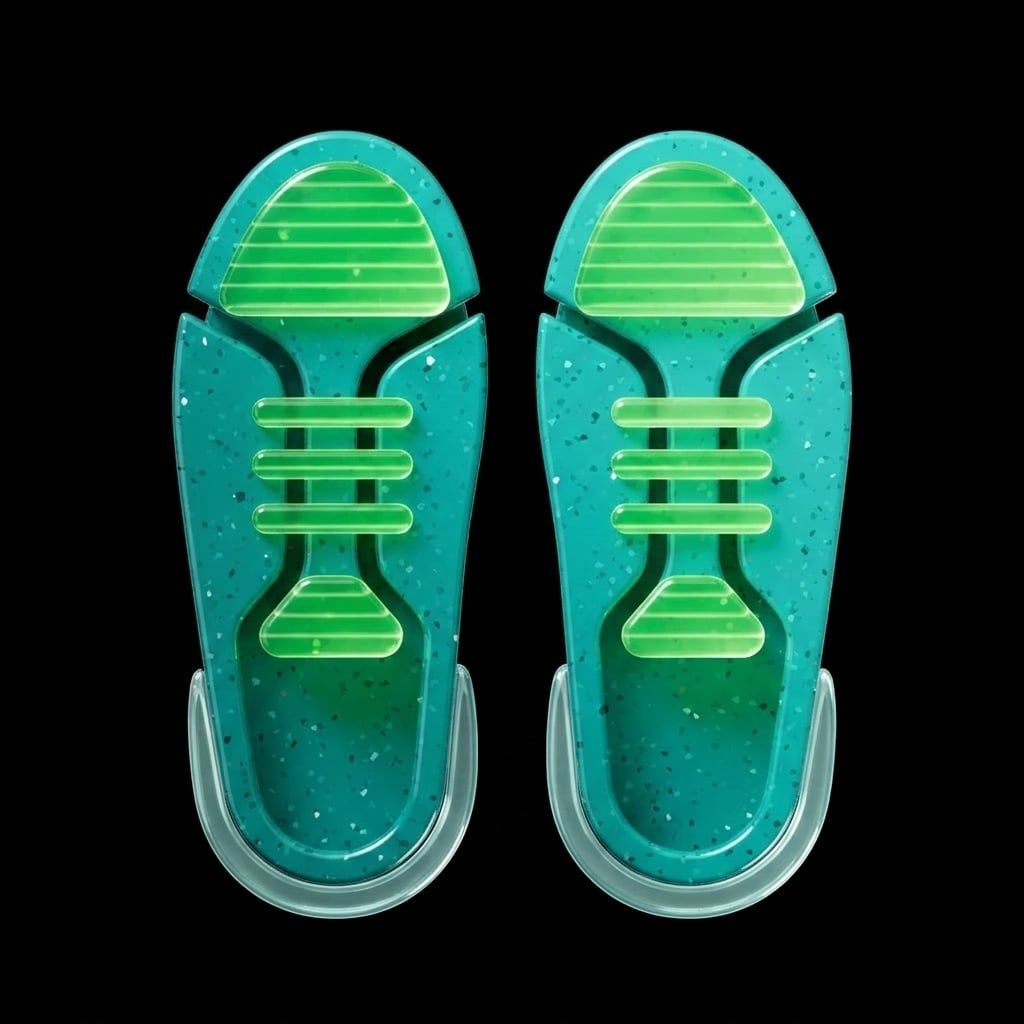
How to use S elements (NB2)
Use S elements (NB2) to generate consistent design elements with AI. Start with a short prompt, refine the style and format, then export a set of ready-to-use assets for your project.
Step 1
Enter a prompt for the elements you need, such as icons, shapes, patterns, or UI components. Specify style, theme, and any constraints like simplicity or geometry.

Step 2
Run the AI generator to create multiple variations. Compare options, regenerate for new ideas, and keep the best results to build a consistent element set.

Step 3
Select your favorites and export assets for your workflow. Use the outputs in UI mockups, presentations, branding kits, and marketing layouts with consistent styling.
Features
S elements (NB2) uses AI to generate design elements that stay consistent across a set. Create icons, patterns, shapes, and UI details with style control and quick iteration. Save time on repetitive asset work, explore variations instantly, and produce outputs that fit modern product design and brand systems.
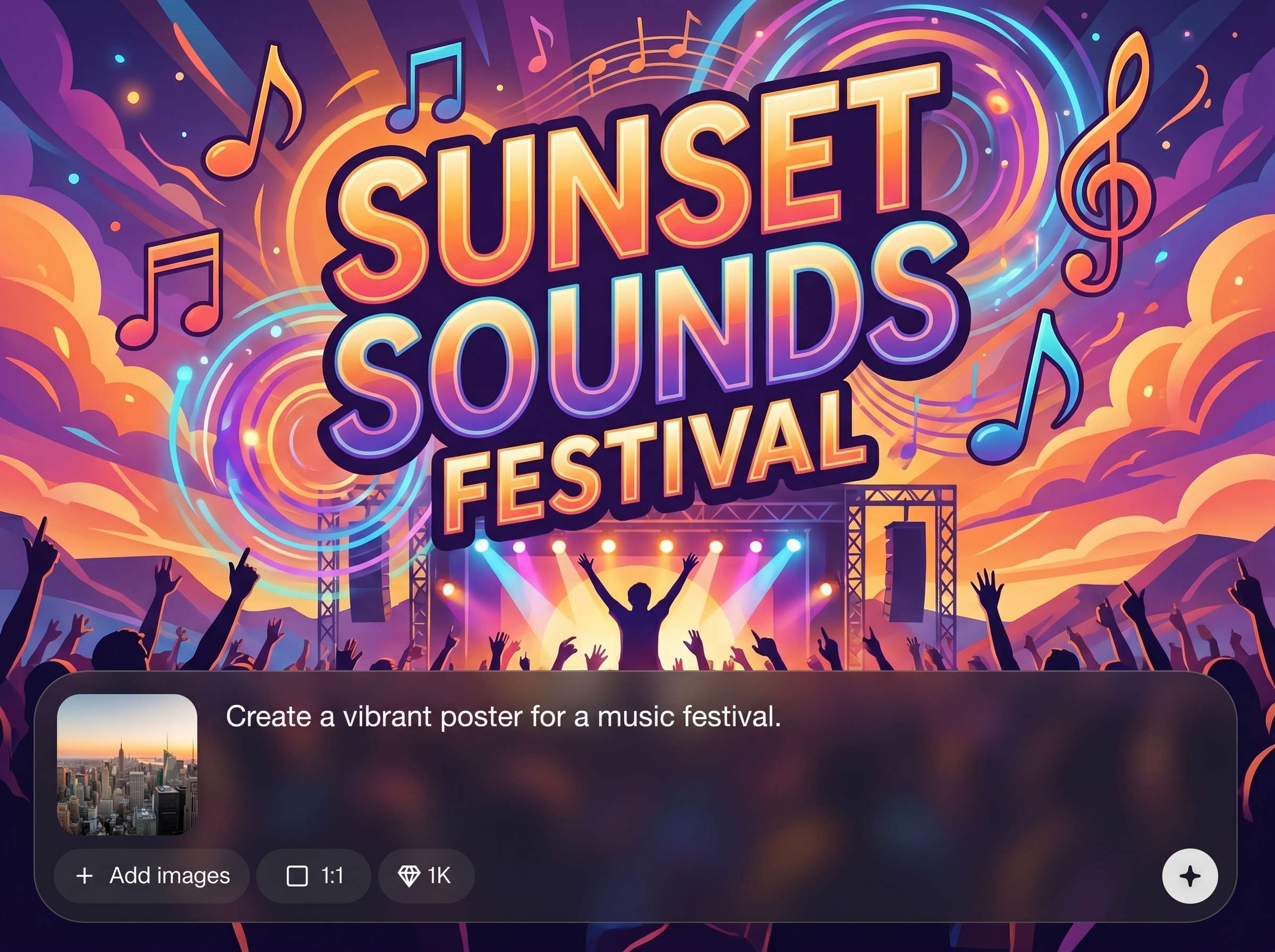
Generate cohesive collections of icons, shapes, and UI details that match the same visual language. Keep spacing, stroke feel, and overall style aligned across multiple assets.
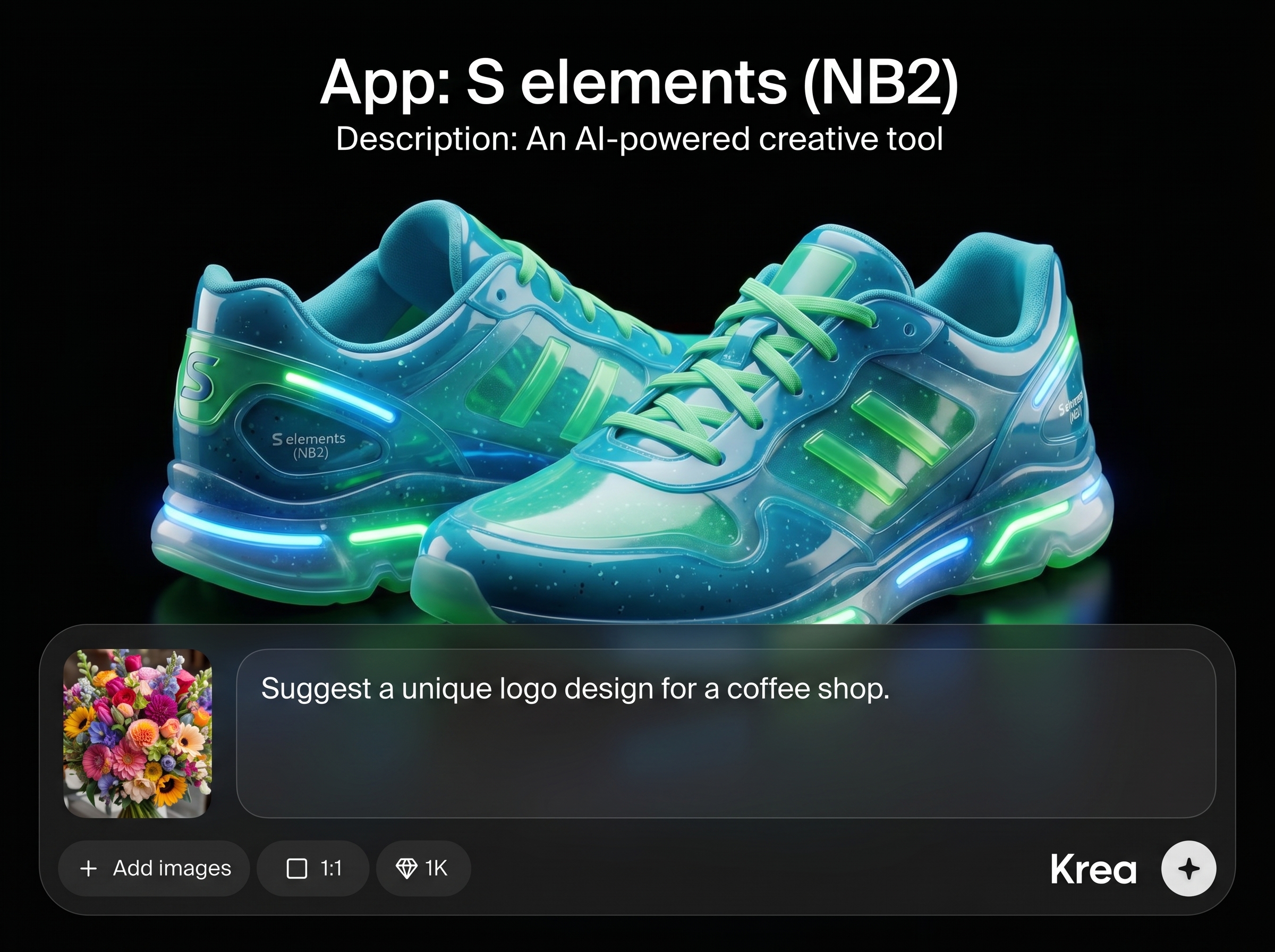
Create multiple options from one prompt and refine quickly. Regenerate, compare, and adjust direction to reach the right look without starting from scratch each time.
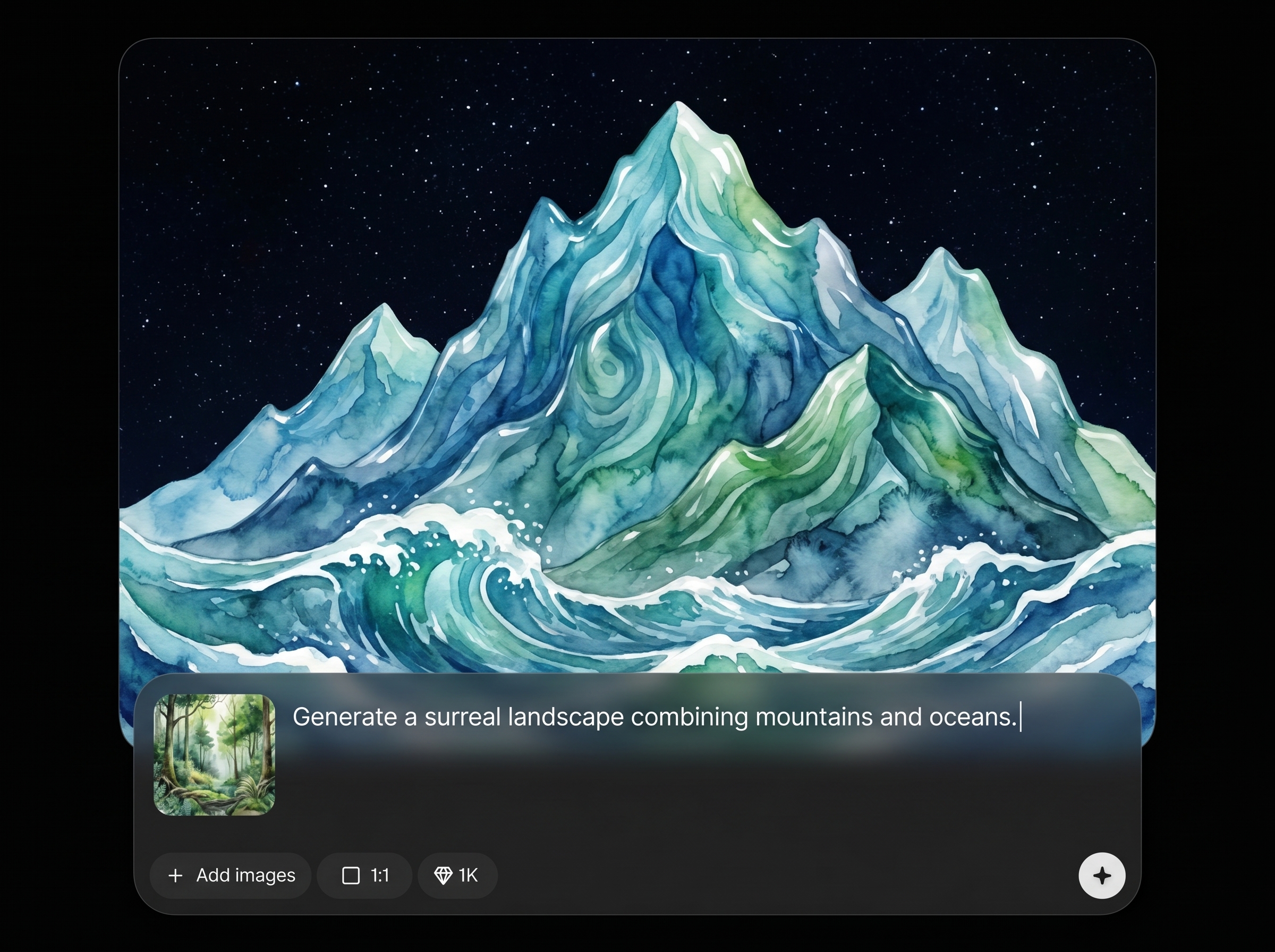
Steer outputs toward minimal, bold, geometric, or decorative looks. Produce elements that fit product UI, branding, or marketing needs while keeping results clean and usable.
About
S elements (NB2) is an AI design elements generator for creating icons, shapes, patterns, and UI assets in minutes. Describe what you need, pick a style, and generate consistent element sets for branding, product screens, and marketing. Export high-quality assets ready for web, apps, and design workflows, with fast iteration and easy variations.
S elements (NB2) focuses on speed, consistency, and usable outputs for real design workflows. Generate cohesive element sets, explore variations quickly, and reduce repetitive production work. With natural prompt control, it’s easy to align results to UI systems and brand styles.
Type what you want to generate, including element type and style keywords, then run the AI. Review variations, regenerate to refine, and export your chosen assets to use in designs immediately.
Use cases
Discover how different creators use this app in their workflow.
Generate interface icons, badges, dividers, and decorative details that match your UI system. Quickly fill gaps in design libraries without manual redrawing.
Create supporting shapes, motifs, and pattern elements for brand kits. Maintain a consistent visual style across web, social, packaging, and presentations.
Produce lightweight graphic elements for ads, landing pages, and thumbnails. Iterate on visual concepts fast and keep assets aligned with campaign themes.
Krea is one of the world's leading generative AI platforms. See what others say.
Real reviews on TrustpilotSo many AI tools out there but I always come back to Krea. It's really the one AI platform that 'just works'.

FYN
Krea's interfaces are still the best in the industry. Everything looks and feels so clean and easy to use! Imo the easiest to use gen AI website.

Lynn
Ultra fast generations. Extremely simple to use. All the latest AI models.

Daniel
KREA is the only AI subscription I have right now besides ChatGPT.

Sophia M.
Answers to common questions about S elements (NB2) and AI design element generation.
S elements (NB2) is an AI tool for generating design elements like icons, shapes, patterns, and UI assets. It helps you create consistent sets quickly and iterate through variations without manual illustration.
Yes. Add style keywords in your prompt and refine direction by regenerating variations. You can target minimal, geometric, bold, or decorative looks to match product UI and brand guidelines.
Specify the element type, subject, and style, plus constraints like simple lines or high contrast. Mention usage context such as “UI icons” or “brand pattern” to keep results practical and consistent.
It’s well-suited for UI asset ideation and set building, especially when you need consistent icon and element styles. Generate options quickly, choose a direction, then export the assets for your design workflow.
Use a shared prompt structure, repeat key style terms, and generate in batches. Keep the strongest results as references and regenerate with the same direction to maintain visual consistency across the set.
Generate icons, shapes, and patterns fast—then export polished assets for product, brand, or marketing use.

