















Step 1
Add content
Enter a title, key points, and any numbers or categories. The AI parses your input, detects structure, and proposes a clear infographic outline with sections and labels.
Create clear RIDS-style infographics fast with AI. Generate charts, icons, and layouts from text, export ready visuals, and share online—try now.

How to use Инфографика РИДС
Follow these steps to generate a RIDS-style infographic with AI. Add your topic, paste data or bullet points, pick a layout, then refine elements and export a high-resolution visual for sharing.
Step 1
Enter a title, key points, and any numbers or categories. The AI parses your input, detects structure, and proposes a clear infographic outline with sections and labels.

Step 2
Choose a RIDS-style template and preferred aspect ratio. The generator creates charts, iconography, and typographic hierarchy automatically, balancing spacing and visual flow for readability.

Step 3
Edit text, swap icons, adjust colors, and reorder blocks with one-click controls. Export PNG/PDF for presentations or reports, or copy a share link for quick review.
Features
Инфографика РИДС uses artificial intelligence to transform notes, datasets, and briefs into polished infographics. Automatically builds consistent layouts, charts, and icon systems while keeping visual hierarchy readable. Iterate quickly with smart edits and reusable templates, then export production-ready assets for slides, documents, and web pages.
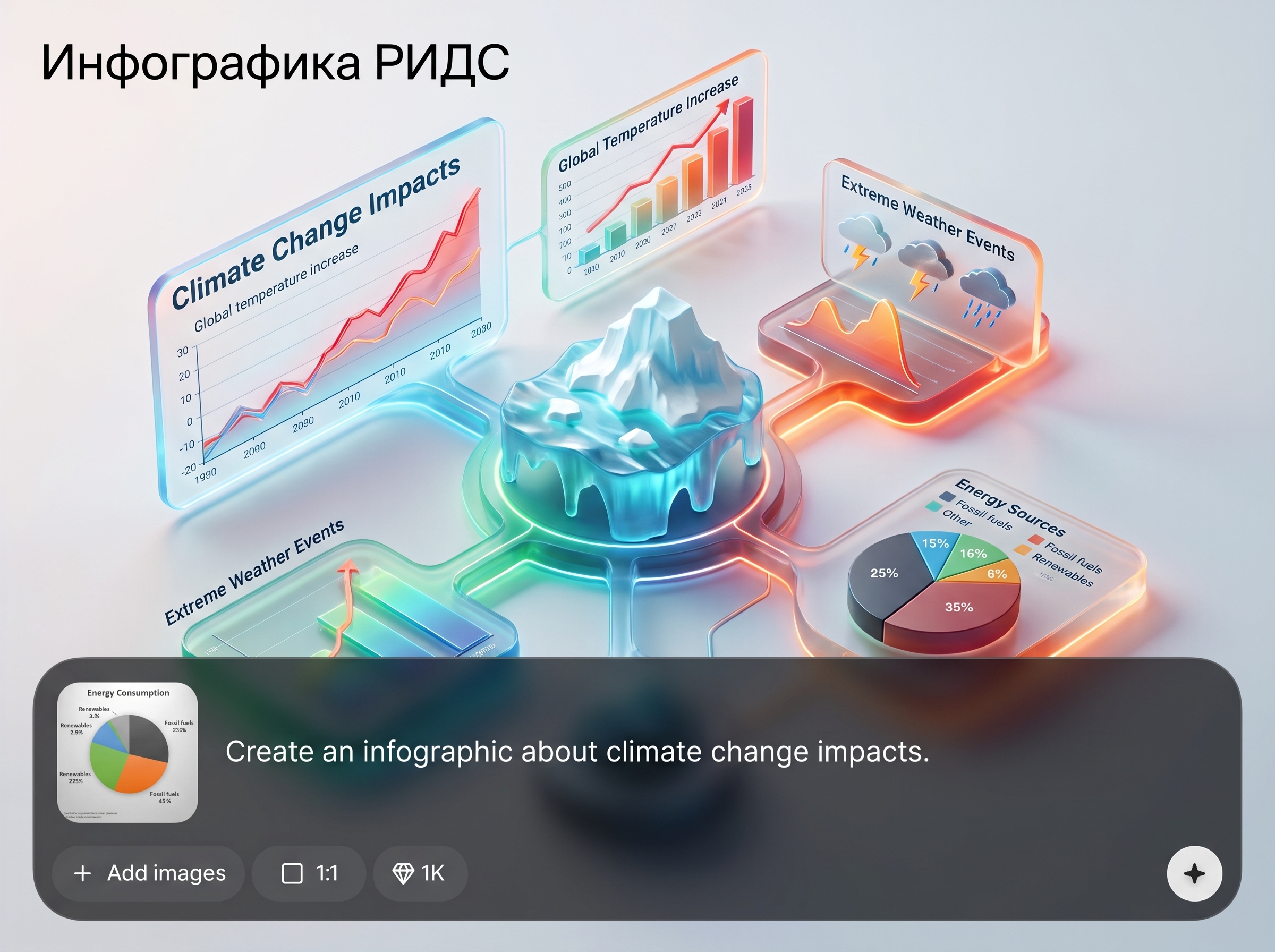
Paste bullet points or a short brief and let the AI generate sections, headers, captions, and visual blocks. Get a coherent infographic draft you can refine in seconds, not hours.
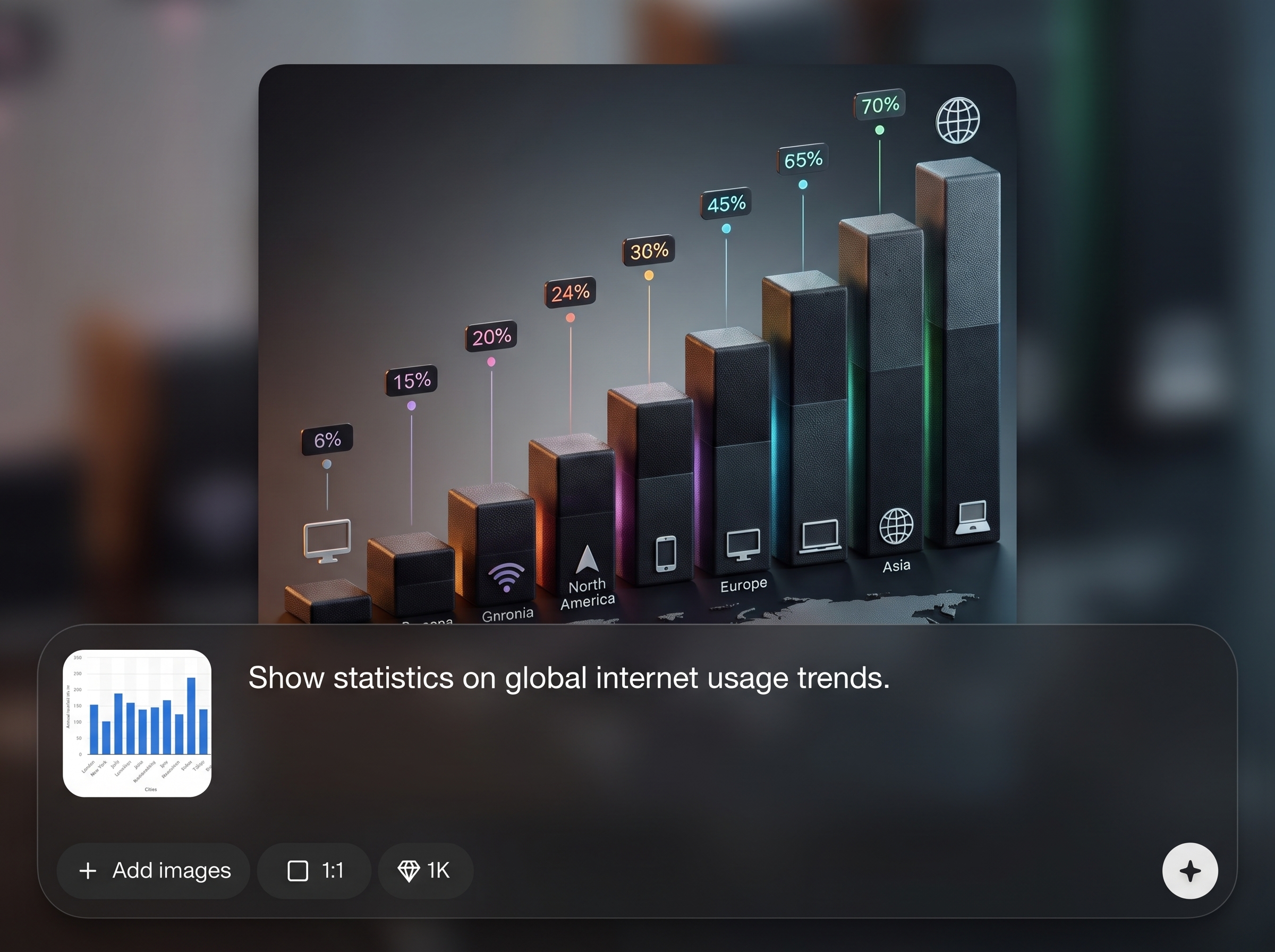
Turn numbers into clean bar, line, or pie charts with automatic labeling and spacing. The system normalizes scales and highlights key values to improve comprehension at a glance.
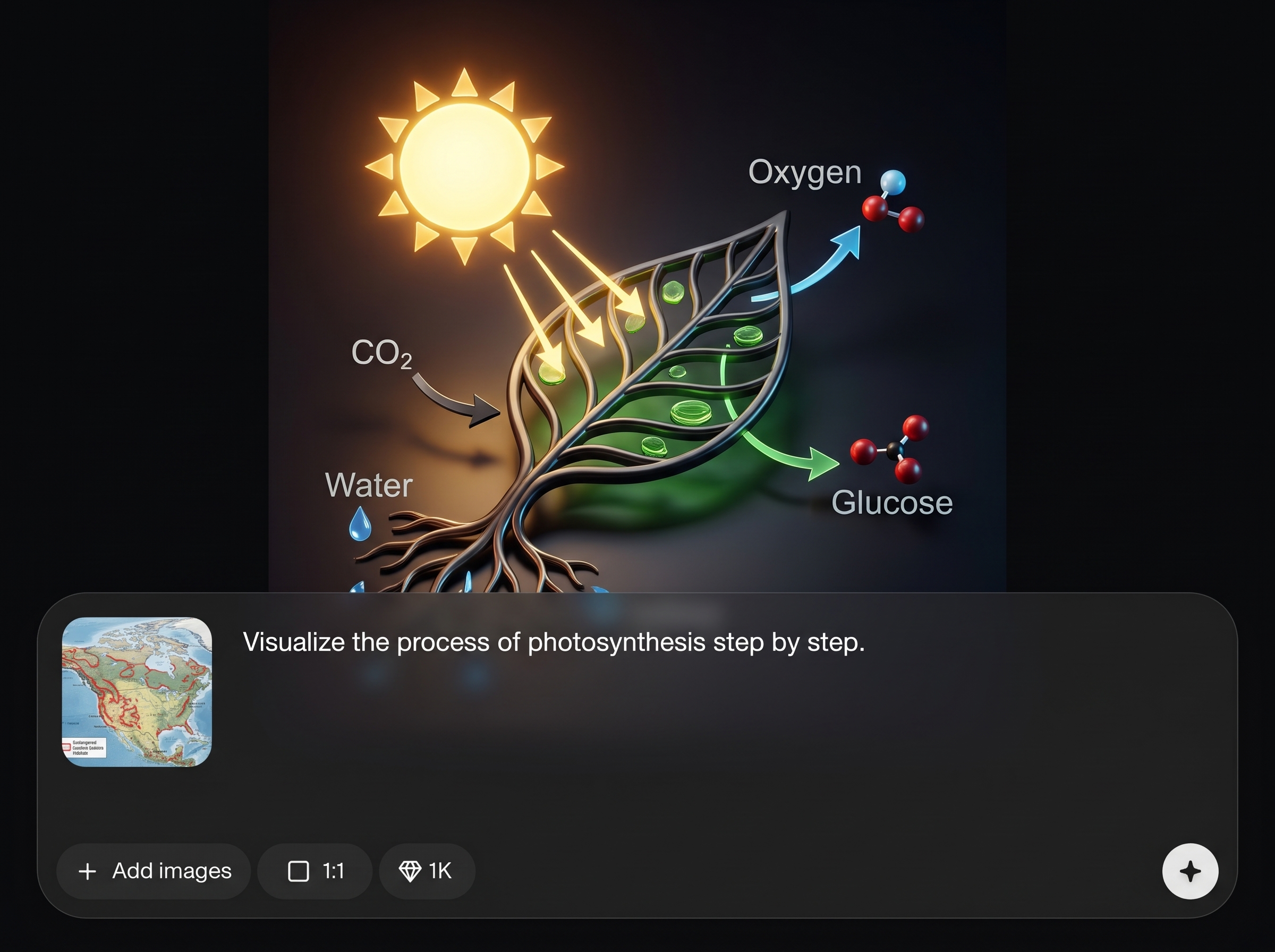
Apply structured templates for repeatable layouts, icon sets, and typography. Keep branding consistent across multiple pages with quick theme controls and reusable components for faster production.
About
Инфографика РИДС turns raw text and data into clean, structured infographics in minutes. Use AI to generate layouts, charts, icons, and captions that match RIDS-style visual standards and stay consistent across pages. Edit sections instantly, refine hierarchy, and export ready-to-share visuals for presentations, reports, and dashboards—without manual formatting.
Инфографика РИДС prioritizes clarity, consistency, and speed. AI-driven structure, smart charts, and reusable templates help you produce readable visuals without manual layout work. Iterate quickly with editable blocks and reliable hierarchy, then export ready assets for reports, presentations, and online sharing.
Enter your topic and paste bullet points or data values, then pick a template and aspect ratio. Generate a draft, refine text and visuals with quick edits, and export PNG or PDF for immediate use.
Use cases
Discover how different creators use this app in their workflow.
Convert KPI summaries into visual dashboards and one-page infographics. Present insights clearly with AI-generated charts, callouts, and structured sections for fast reading.
Explain processes, rules, or workflows with step-by-step infographic layouts. Create consistent visual guides that are easy to update when policies or data change.
Generate slide-ready visuals from briefs and research notes. Communicate value, timelines, and comparisons with polished layouts that reduce manual design work.
Krea is one of the world's leading generative AI platforms. See what others say.
Real reviews on TrustpilotSo many AI tools out there but I always come back to Krea. It's really the one AI platform that 'just works'.

FYN
Krea's interfaces are still the best in the industry. Everything looks and feels so clean and easy to use! Imo the easiest to use gen AI website.

Lynn
Ultra fast generations. Extremely simple to use. All the latest AI models.

Daniel
KREA is the only AI subscription I have right now besides ChatGPT.

Sophia M.
Answers to common questions about AI infographic generation and exporting.
Инфографика РИДС is an AI infographic generator that converts text and data into structured RIDS-style visuals. It creates layouts, charts, icons, and captions you can edit, then export as shareable assets.
You provide a topic, bullet points, or numbers, then the artificial intelligence models detect structure and choose suitable blocks like charts, lists, and callouts. You can adjust layout, labels, and styling before export.
Yes. Paste values or categories and the tool produces clean charts with labels, legends, and spacing. You can switch chart types, reorder series, and highlight key metrics for clearer data storytelling.
It includes structured templates designed for consistent hierarchy and readability. Apply a template to standardize spacing, typography, and icon usage, then reuse the same style across multiple infographics and pages.
Export high-resolution PNG for web and slides, or PDF for printing and reports. Assets are optimized for clarity, and you can regenerate versions at different sizes without rebuilding the design.
Yes. Edit text, replace icons, adjust colors, and rearrange sections with simple controls. The layout responds automatically so spacing and alignment stay clean while you refine content.
It’s built for fast, professional visuals: KPI blocks, comparisons, timelines, and summaries. Generate a draft from your brief, then polish details to produce slide-ready infographics with minimal manual formatting.
No. The generator handles layout, hierarchy, and chart styling automatically. You focus on the message and data, then make quick edits to match your tone, branding, and reporting needs.
Use templates and theme controls to standardize typography, colors, and icon styles. Save a preferred look and apply it to new projects so every infographic stays cohesive across a series.
Yes. Choose an aspect ratio for web posts, documents, or slides, then export crisp images. The AI adjusts composition to keep text readable and visuals balanced at different sizes.


Turn text and data into clean, editable infographics with AI, then export high-resolution visuals in minutes.

