














Step 1
Upload or describe
Upload a character image or type a prompt describing the look, outfit, and mood. Select a sticker style and set background to transparent for clean edges.
Generate custom LINE stickers with AI from your favorite character. Create expressive packs fast, export ready-to-upload files, and share instantly.
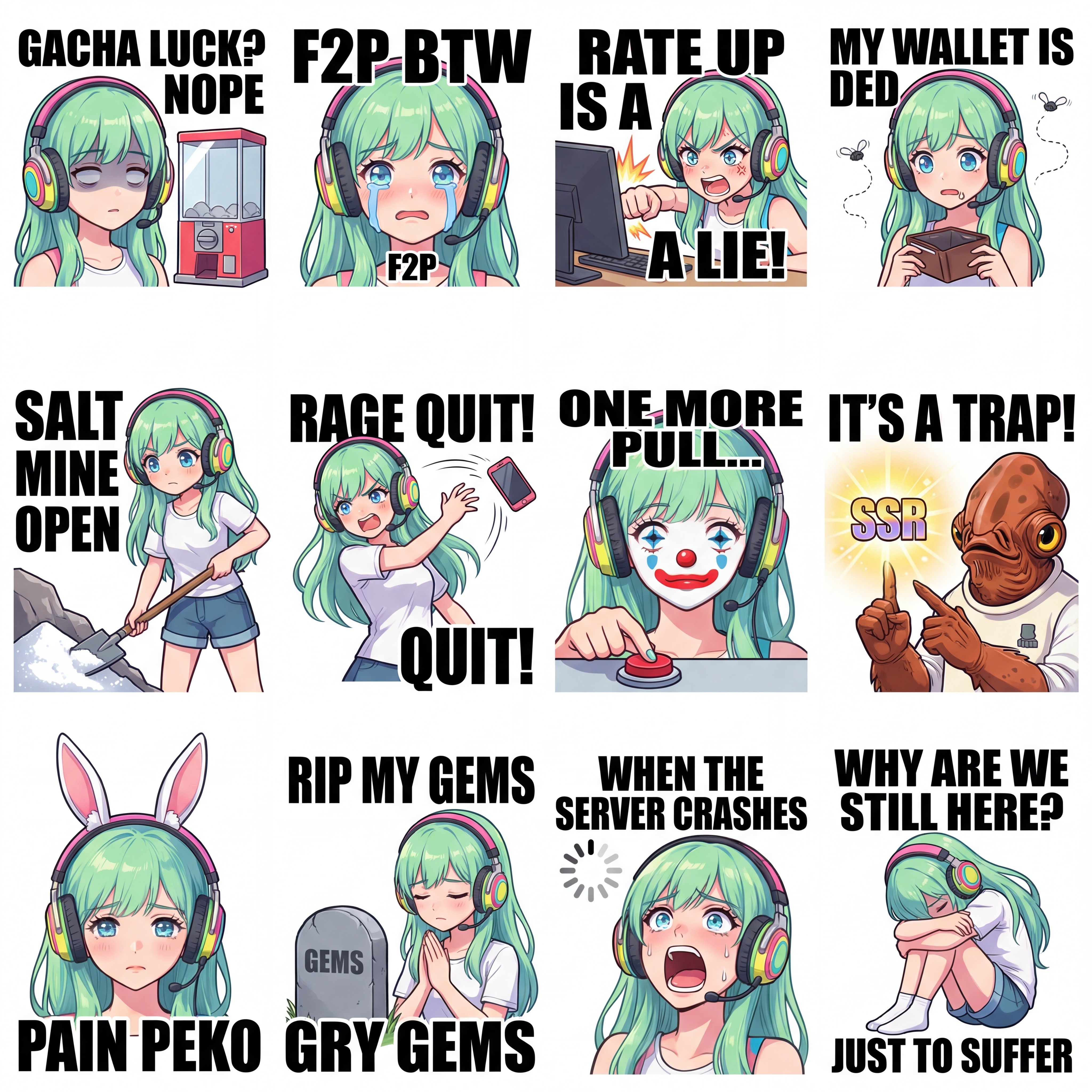
How to use LINE Sticker Generator
Use LINE Sticker Generator to turn a character idea into a ready-to-share sticker pack. Choose a prompt or upload an image, generate variations, then export stickers in a clean format for LINE uploads.
Step 1
Upload a character image or type a prompt describing the look, outfit, and mood. Select a sticker style and set background to transparent for clean edges.

Step 2
Create multiple sticker poses, expressions, and text variations in one run. Regenerate individual stickers to refine details, emotions, and consistency across the full pack.

Step 3
Download stickers as high-quality PNG files with transparent backgrounds. Organize them into a pack and upload to LINE, then start sharing instantly in chats.
Features
Generate cohesive LINE sticker packs with AI while keeping your character consistent across expressions and poses. Quickly adjust style, outlines, and backgrounds for clean, readable stickers. Export transparent PNGs optimized for messaging so your stickers look crisp at small sizes and share smoothly.
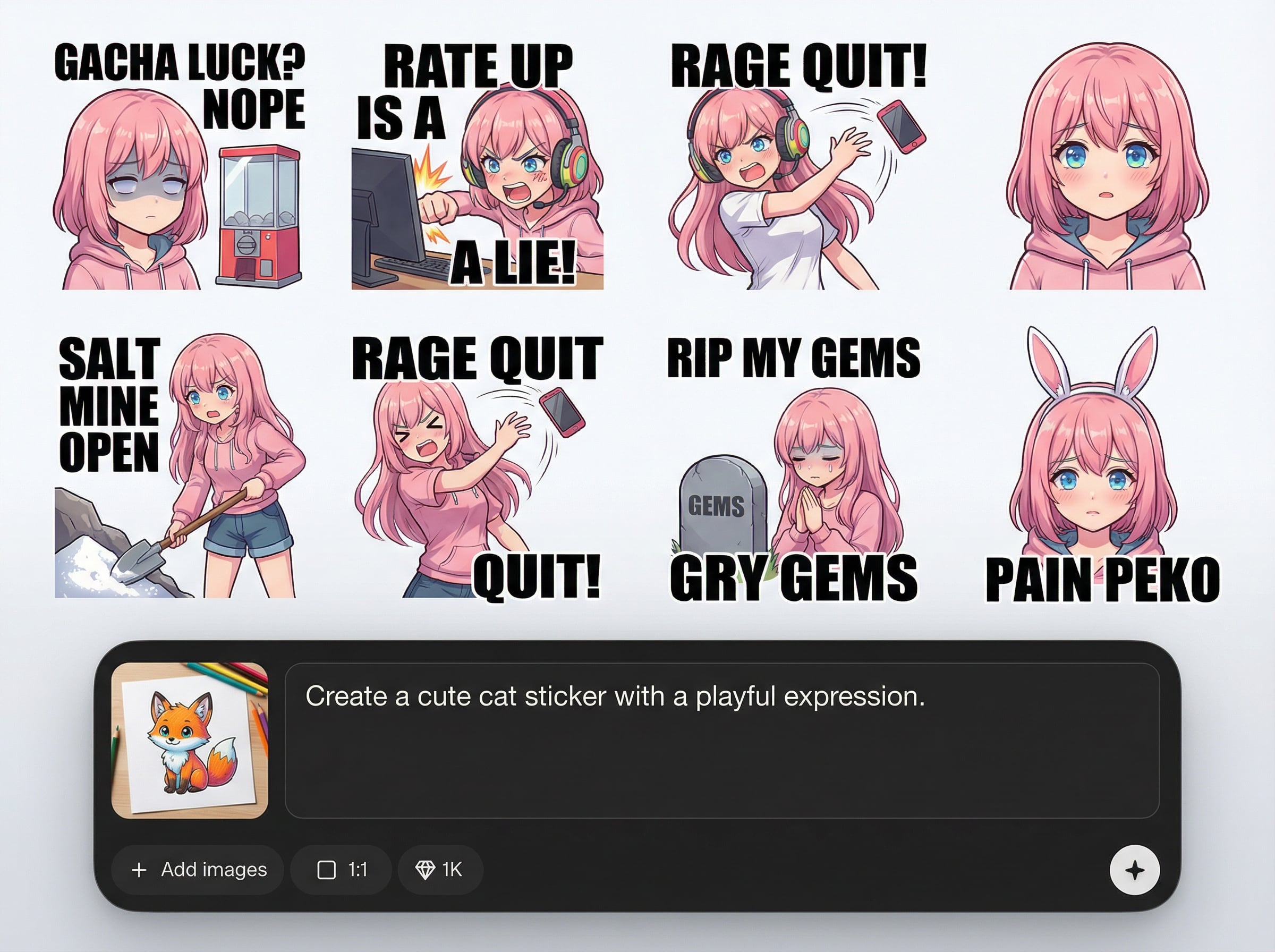
Keep the same character identity across a full set with coordinated expressions, poses, and outfits. Generate variants quickly while maintaining a unified look for professional, recognizable stickers.
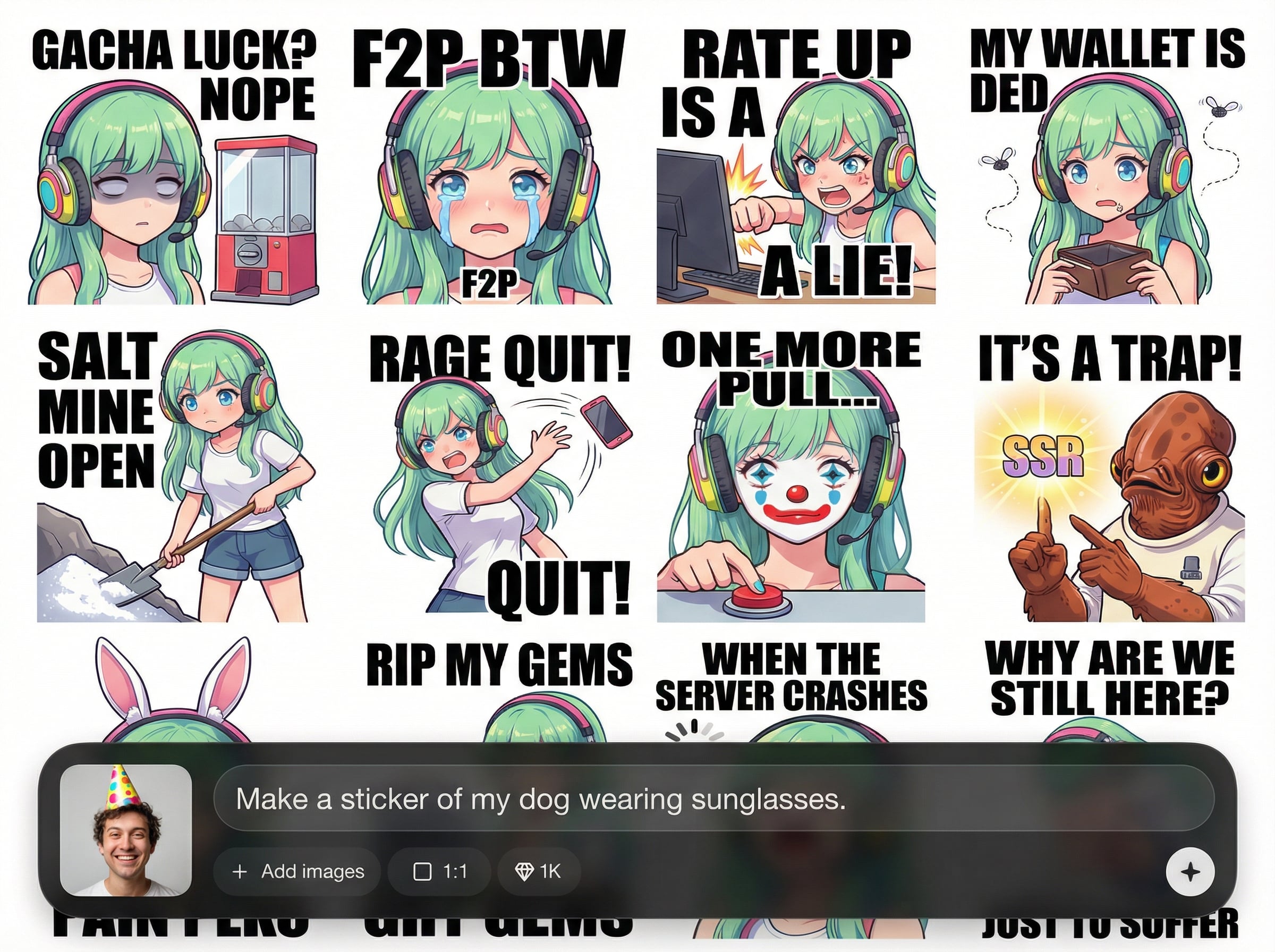
Create multiple emotions like happy, shocked, angry, and thankful in seconds. Iterate on individual stickers without restarting, saving time when polishing a complete sticker pack.
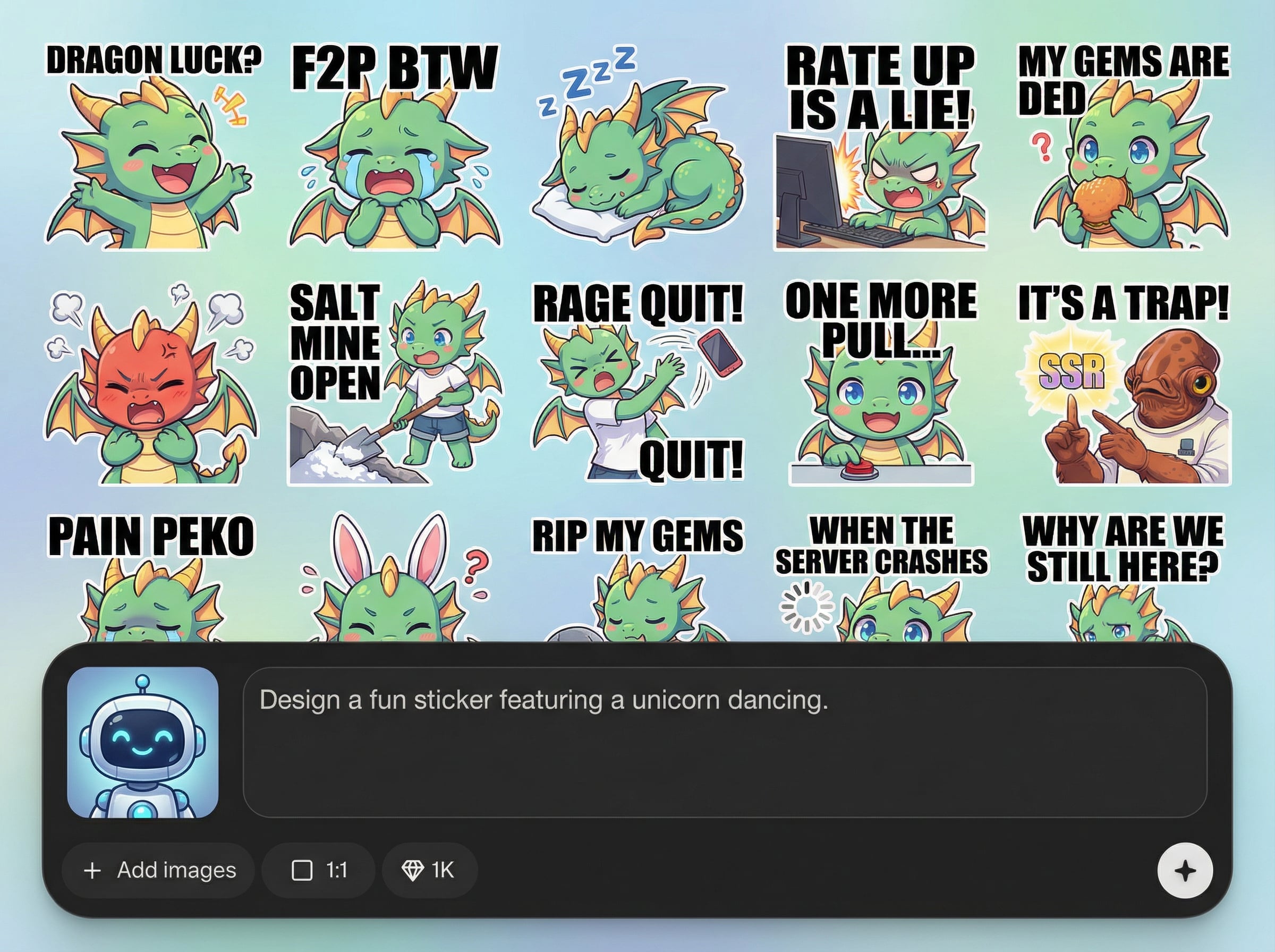
Export clean PNG stickers with transparent backgrounds for easy upload to LINE. Crisp edges and readable designs help stickers stay clear in small chat bubbles and previews.
About
LINE Sticker Generator turns your favorite character into expressive LINE sticker sets using AI. Generate multiple poses and emotions, then refine style and backgrounds in seconds. Export clean, upload-ready images so you can share personalized stickers with friends across chats and group threads.
LINE Sticker Generator is optimized for sticker workflows: consistent character results, quick variation generation, and clean transparent exports. Fine-tune expressions, outlines, and style without complex tools. Get chat-ready stickers that stay crisp and readable at small sizes.
Enter a character prompt or upload a reference image, then generate a set of expressions and poses. Download transparent PNG stickers, organize them into a pack, and upload to LINE to start sharing.
Use cases
Discover how different creators use this app in their workflow.
Turn a favorite character into a custom sticker set for daily chats. Generate reactions for greetings, jokes, and quick replies that feel more personal.
Create themed sticker packs for friends, teams, or communities. Make consistent expressions and recurring phrases to keep conversations fun and recognizable.
Generate holiday, birthday, and celebration stickers fast. Swap outfits, props, and messages to match events without redesigning the character each time.
Krea is one of the world's leading generative AI platforms. See what others say.
Real reviews on TrustpilotSo many AI tools out there but I always come back to Krea. It's really the one AI platform that 'just works'.

FYN
Krea's interfaces are still the best in the industry. Everything looks and feels so clean and easy to use! Imo the easiest to use gen AI website.

Lynn
Ultra fast generations. Extremely simple to use. All the latest AI models.

Daniel
KREA is the only AI subscription I have right now besides ChatGPT.

Sophia M.
Answers to common questions about generating and exporting AI LINE stickers.
It uses AI image generation to create sticker-style visuals from prompts or uploaded references. You can produce multiple expressions, refine individual outputs, and export transparent PNGs for LINE sticker pack uploads.
Yes. Upload an image to guide the character’s appearance, then generate variations for different poses and emotions. Adjust style and background settings to keep stickers consistent and clean.
You can export high-quality PNG stickers with transparent backgrounds. This format is ideal for messaging apps because it keeps edges clean and helps stickers overlay nicely on chat backgrounds.
Use simple shapes, strong outlines, and high-contrast colors. Generate with clear facial expressions, avoid tiny text, and test a few variations to ensure the design stays legible in chat.
Yes. Generate multiple stickers in a single session by defining a consistent style and character description. Then regenerate only the few that need tweaks, and export the set as PNGs.
Generate expressive character stickers with AI, export transparent PNGs, and share your pack in LINE chats today.

