












Step 1
Upload or Prompt
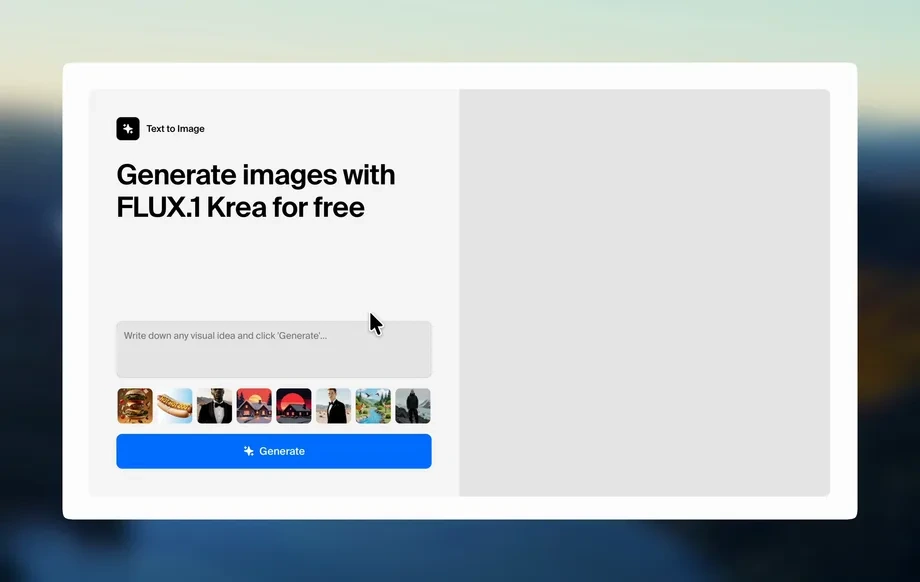
Enter a text prompt describing the object and material, or upload an image to transform. Choose the desired translucency style, like glass, frosted, or clear plastic.
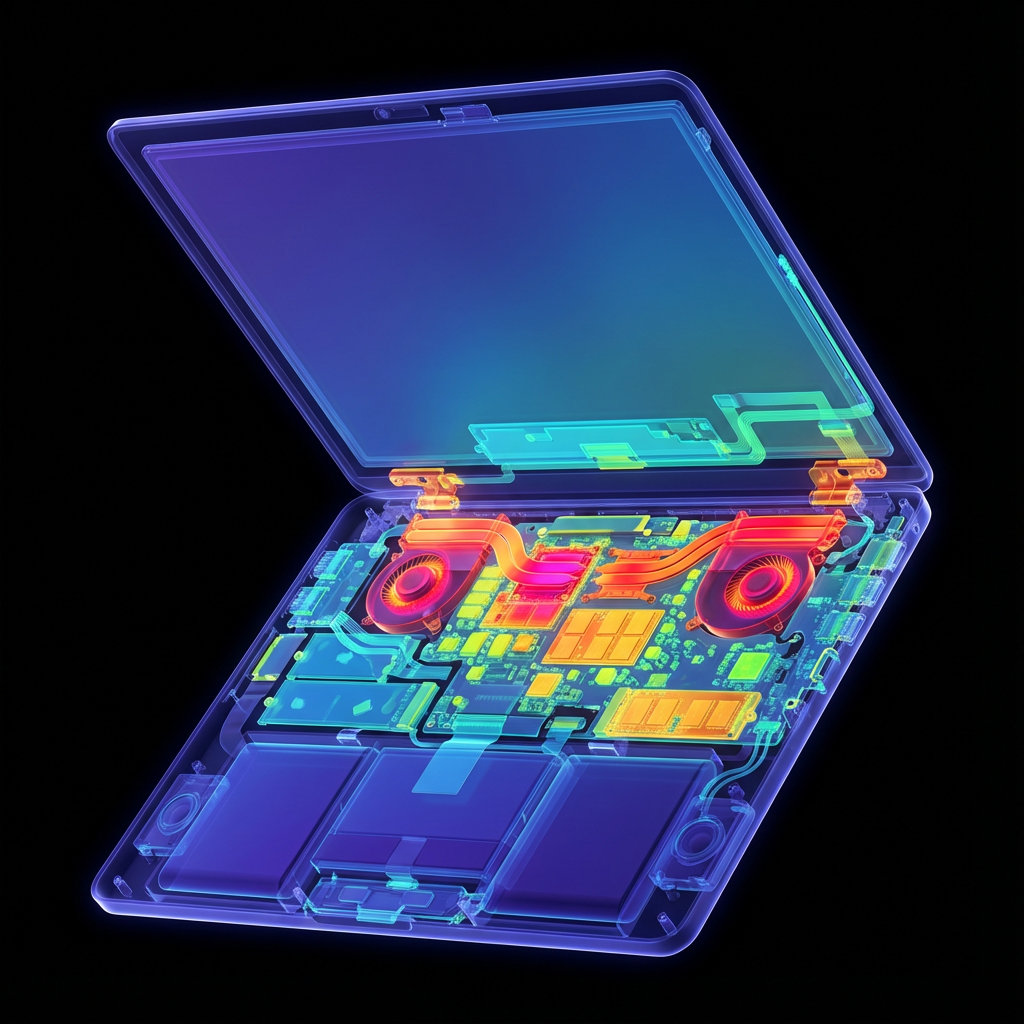
Generate translucent object effects with AI. Create realistic glass, plastic, and frosted looks from prompts or images, then export fast. Try it now.
How to use Translucent Object
Follow these steps to generate a convincing translucent object effect. Start with a prompt or image, adjust material controls, then render and export for design, marketing, or prototyping.
Step 1
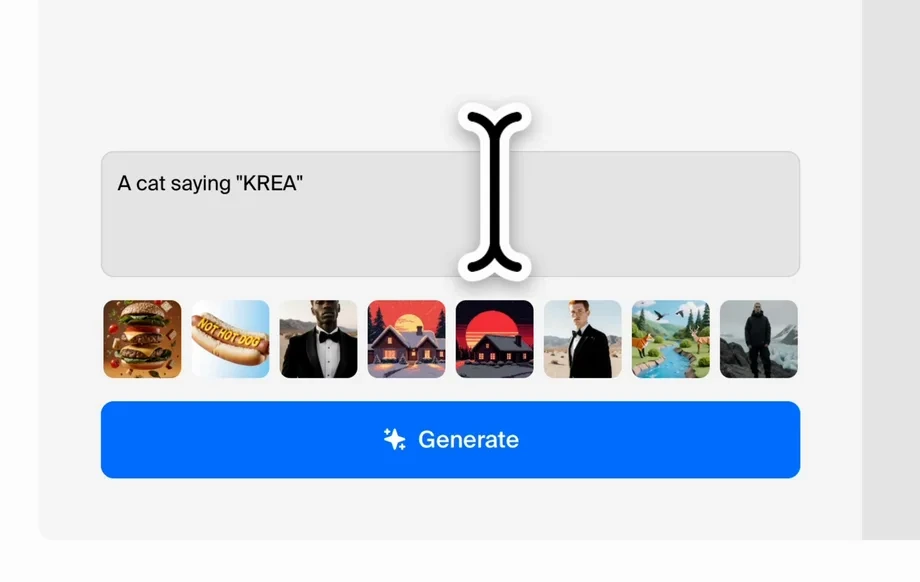
Enter a text prompt describing the object and material, or upload an image to transform. Choose the desired translucency style, like glass, frosted, or clear plastic.
Step 2
Tune opacity, refraction strength, blur, and edge softness to match your scene. Refine lighting and color to keep highlights natural and the silhouette clean.
Step 3
Generate multiple variations, compare results, and iterate quickly. Export high-resolution images for presentations, product pages, ads, or creative pipelines with consistent translucent rendering.
Features
Generate realistic translucent objects with AI, including glass, acrylic, and frosted materials. Control opacity, refraction, and softness to match your scene and brand style. Create consistent variations fast, reduce manual editing, and export production-ready images for design, ecommerce, and marketing assets.
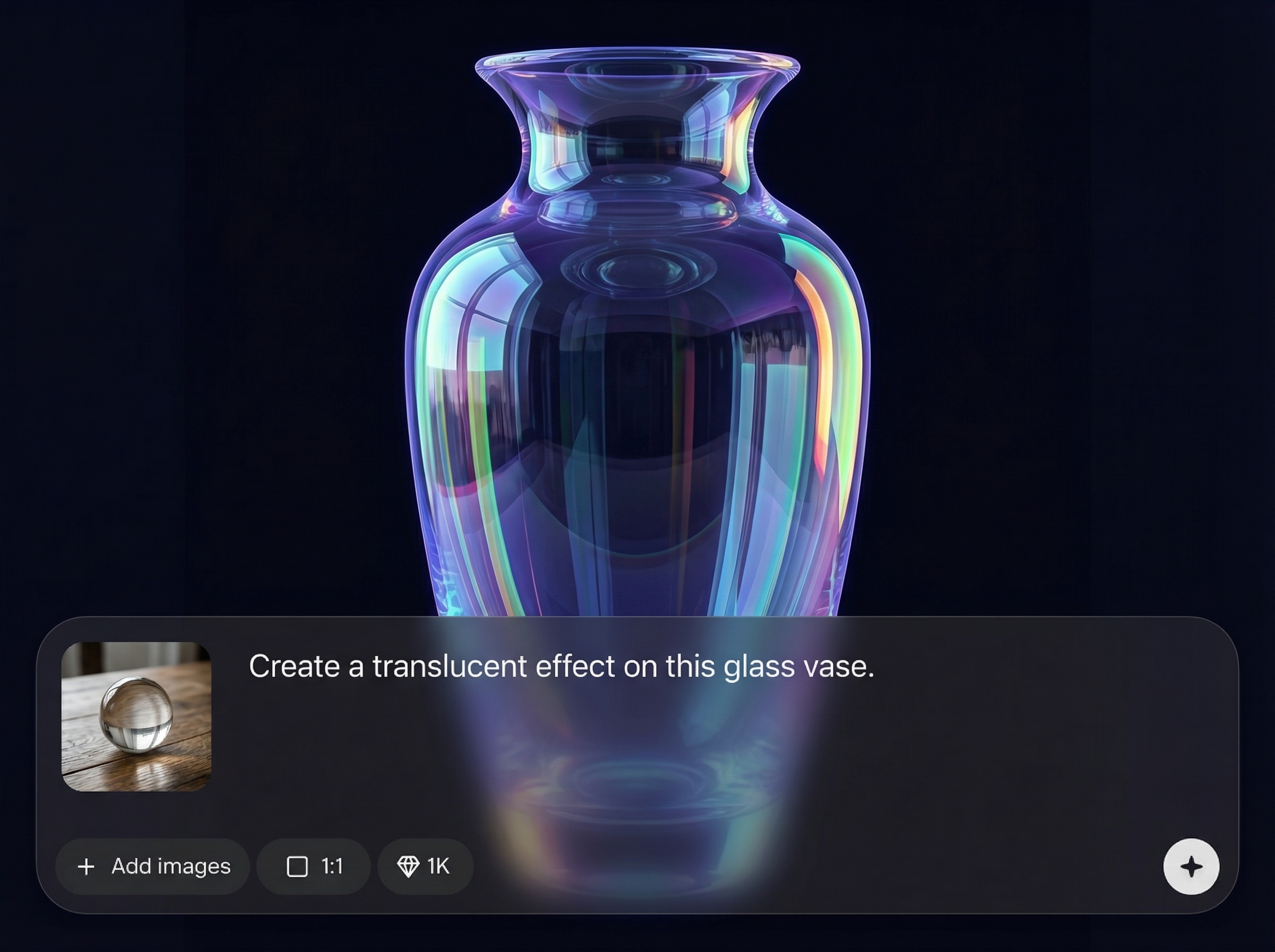
Create believable translucency with material-aware lighting, specular highlights, and subtle distortion. Produce glass-like depth and soft diffusion that reads naturally across different backgrounds and compositions.
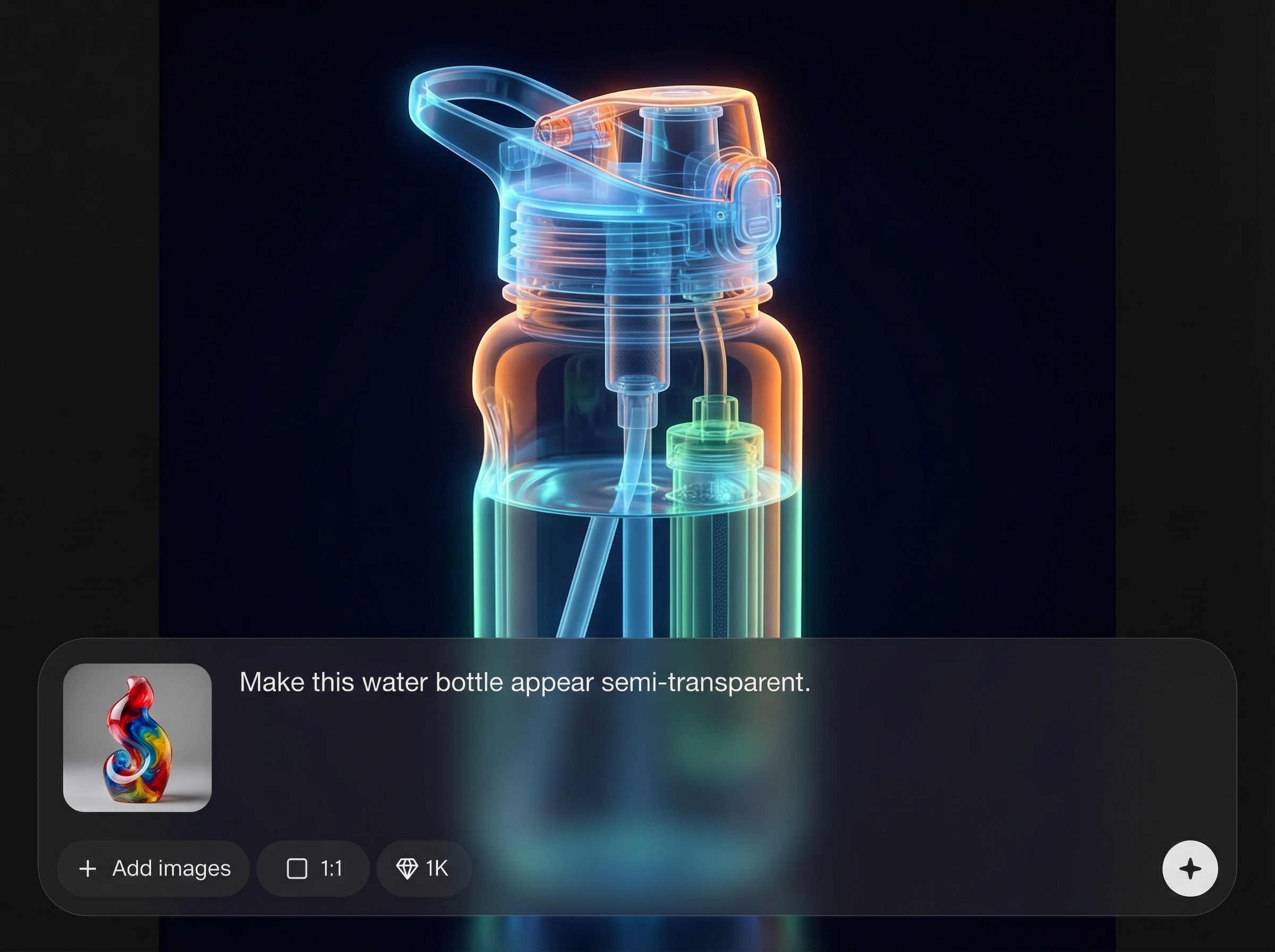
Dial in transparency, blur, and edge softness for clear, frosted, or semi-opaque looks. Keep forms readable while achieving the exact translucent effect needed for product visuals and mockups.
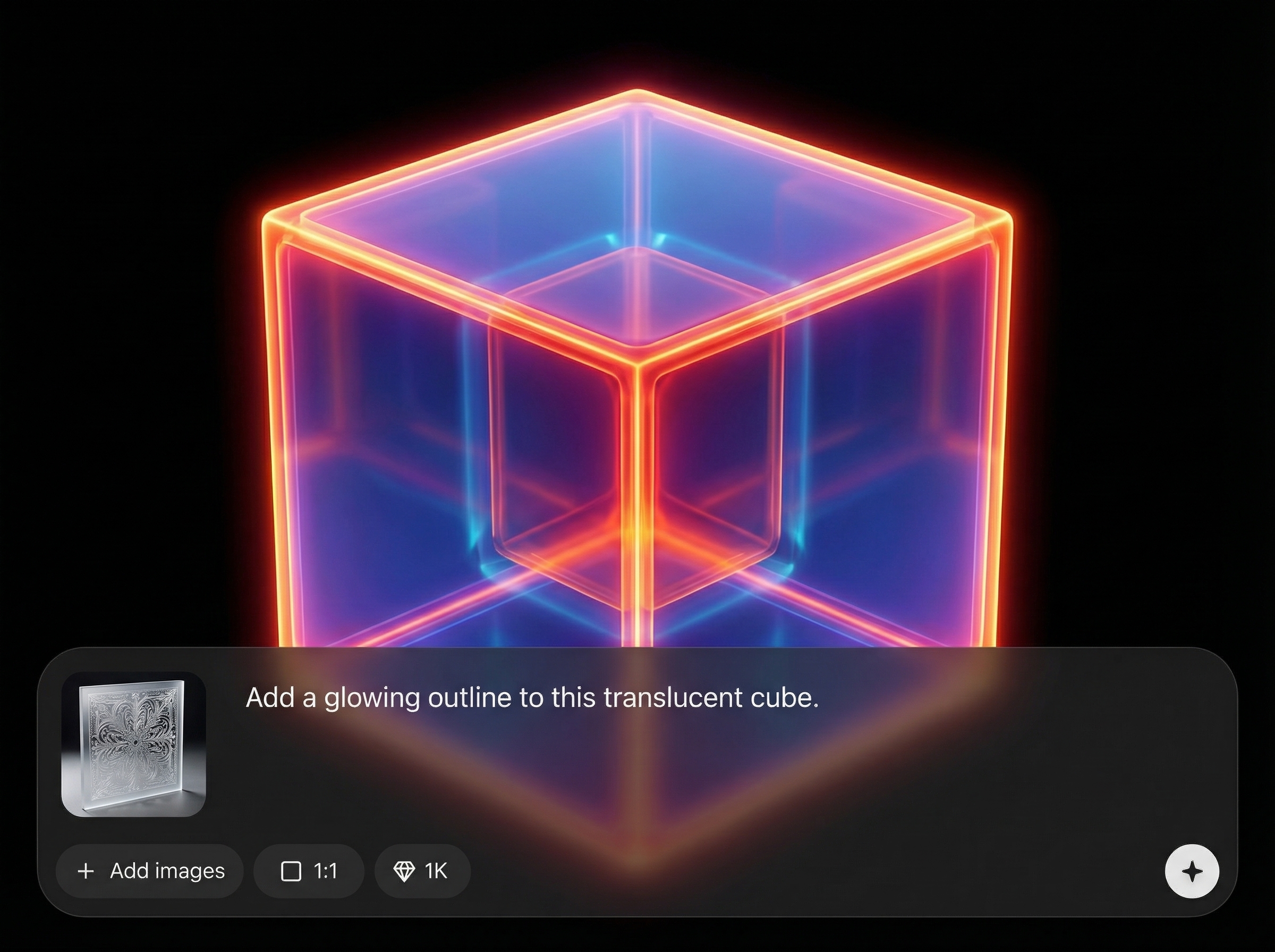
Generate multiple versions quickly with stable styling and repeatable settings. Save time on manual masking and compositing while maintaining a consistent translucent material across a series of images.
About
Translucent Object turns prompts or source images into realistic translucent materials with AI. Create glass, frosted plastic, or semi-transparent surfaces with accurate highlights, refraction, and soft edges. Perfect for product visuals, UI mockups, and concept art—generate multiple variations quickly and export high-quality results for your workflow.
Translucent Object combines AI generation with practical material controls, so results stay realistic and repeatable. Create clean translucency without time-consuming masking or complex 3D setups. Iterate quickly, keep styling consistent across variations, and export high-quality images ready for production.
Enter a prompt or upload an image, choose a translucency style, then adjust opacity and refraction. Generate variations, pick the best result, and export in high resolution for immediate use.
Use cases
Discover how different creators use this app in their workflow.
Create glass bottles, translucent containers, and frosted packaging renders for ecommerce and ads. Generate clean variations for colorways, labels, and lighting setups.
Design translucent UI elements and glassmorphism-style assets with controlled opacity and blur. Produce consistent icon sets and brand visuals across screens and campaigns.
Explore materials like crystal, acrylic, or ice for quick ideation. Iterate shapes and lighting fast to validate a look before moving into detailed 3D or retouching.
Krea is one of the world's leading generative AI platforms. See what others say.
Real reviews on TrustpilotSo many AI tools out there but I always come back to Krea. It's really the one AI platform that 'just works'.

FYN
Krea's interfaces are still the best in the industry. Everything looks and feels so clean and easy to use! Imo the easiest to use gen AI website.

Lynn
Ultra fast generations. Extremely simple to use. All the latest AI models.

Daniel
KREA is the only AI subscription I have right now besides ChatGPT.

Sophia M.
Answers to common questions about generating translucent objects with AI.
It’s a tool that uses AI to create or transform images with realistic translucency. Generate glass, plastic, or frosted materials by controlling opacity, refraction, and edge softness for natural-looking results.
Yes. Upload an image and apply translucent material settings to simulate glass, acrylic, or frosted plastic. Adjust strength and blur to keep the subject readable while enhancing the material effect.
Use clear prompts for material type and lighting, then fine-tune refraction and opacity. Keep strong directional light for specular highlights, and reduce edge blur to preserve crisp silhouettes.
Export high-resolution images suitable for web and print workflows. Choose a size that matches your use case, then download for product pages, ads, mockups, or presentation decks.
Absolutely. It helps generate consistent translucent packaging and product variations faster than manual editing. Create multiple angles or colorways while keeping materials, highlights, and styling aligned.
Generate glass and frosted material effects in minutes with controllable opacity, refraction, and clean exports.

