














Step 1
Upload
Add your coffret pack shot or packaging render. Keep the product centered and clear to help the AI detect edges, labels, and materials accurately.
Generate realistic coffret mise en situation mockups with AI. Upload a pack shot, set context, and export polished visuals in minutes. Try now.
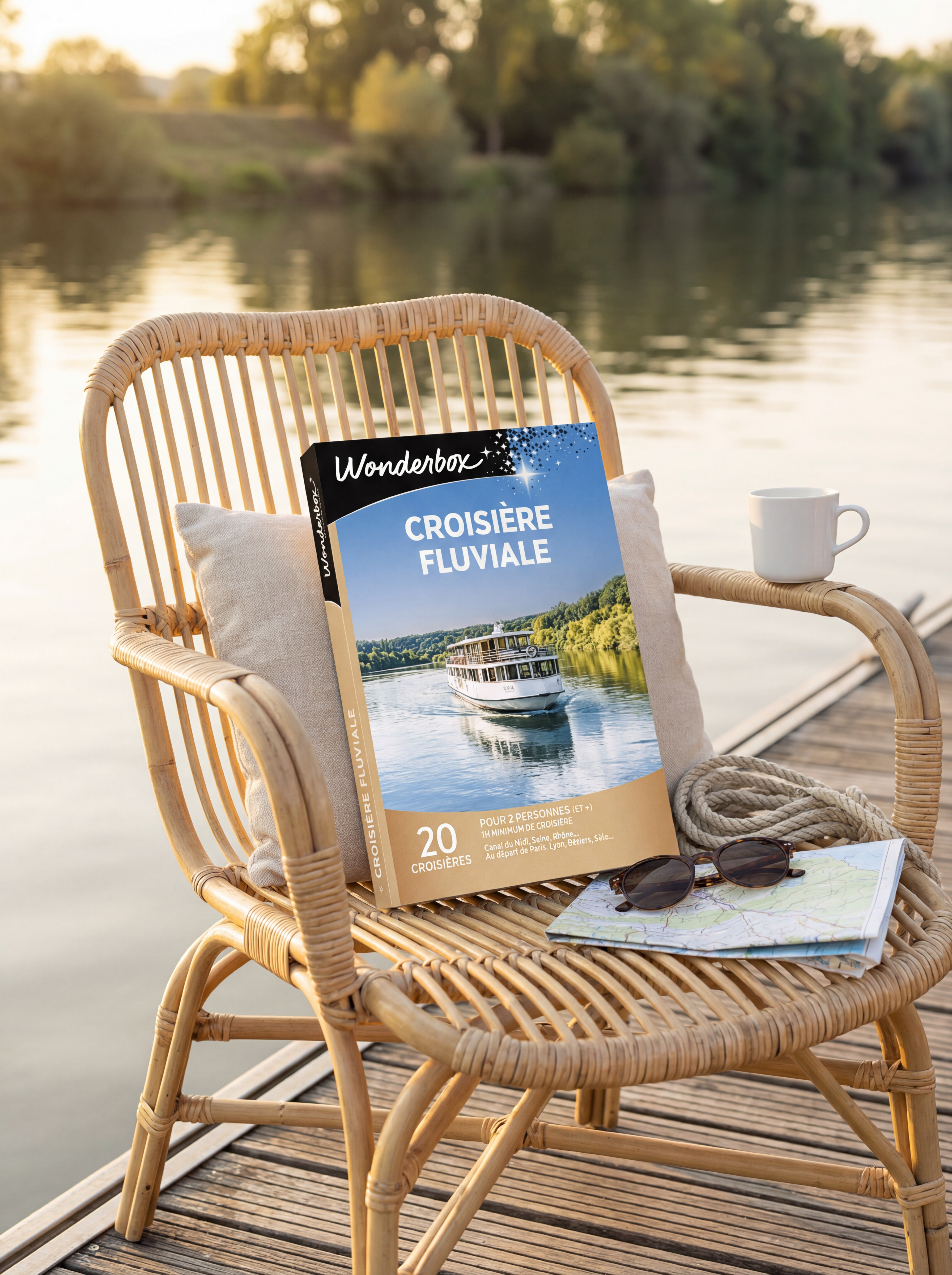
How to use Wonderbox - Mise en situ coffret
Use Wonderbox - Mise en situ coffret to generate realistic packaging scenes from a single image. Follow these steps to upload your coffret, define the setting, and export ready-to-use mockups for marketing.
Step 1
Add your coffret pack shot or packaging render. Keep the product centered and clear to help the AI detect edges, labels, and materials accurately.

Step 2
Select the scene type, props, and background, then adjust style, lighting, and camera angle. Add a short prompt to match your brand guidelines.

Step 3
Generate multiple variations, compare results, and refine with quick edits. Download high-resolution visuals optimized for e-commerce listings, ads, and presentations.
Features
Generate mise en situation coffret visuals that preserve packaging details while placing your product in a believable environment. Control background, lighting, and style to keep brand consistency across campaigns. Produce multiple options quickly, reduce manual editing time, and export images ready for web, print, or ads.
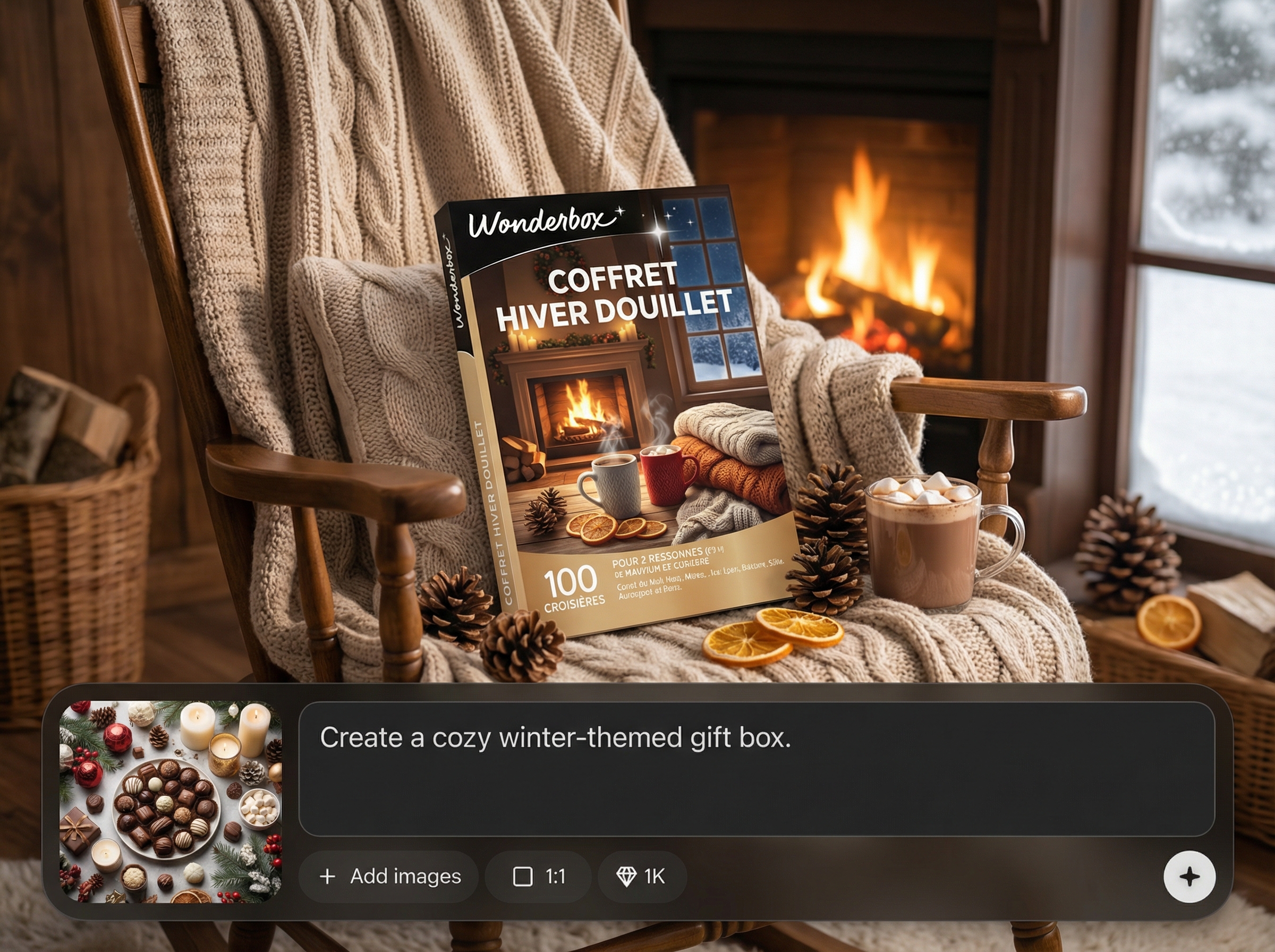
Turn a coffret pack shot into natural scenes with accurate perspective and shadows. Keep logos and key packaging elements readable while matching the chosen environment.
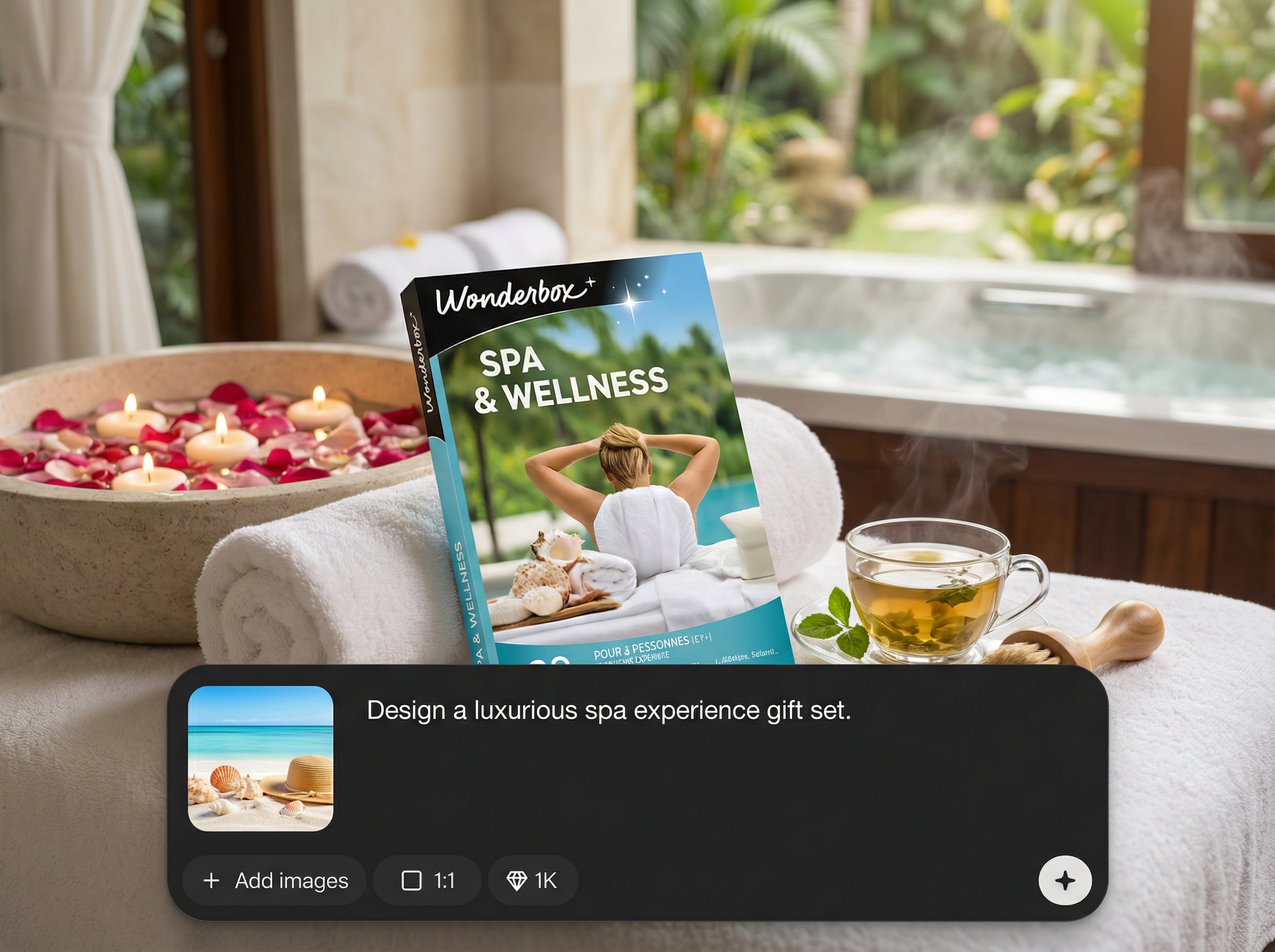
Create multiple mockup options in minutes by changing context, styling, and composition. Maintain a cohesive visual system across product lines and seasonal campaigns.
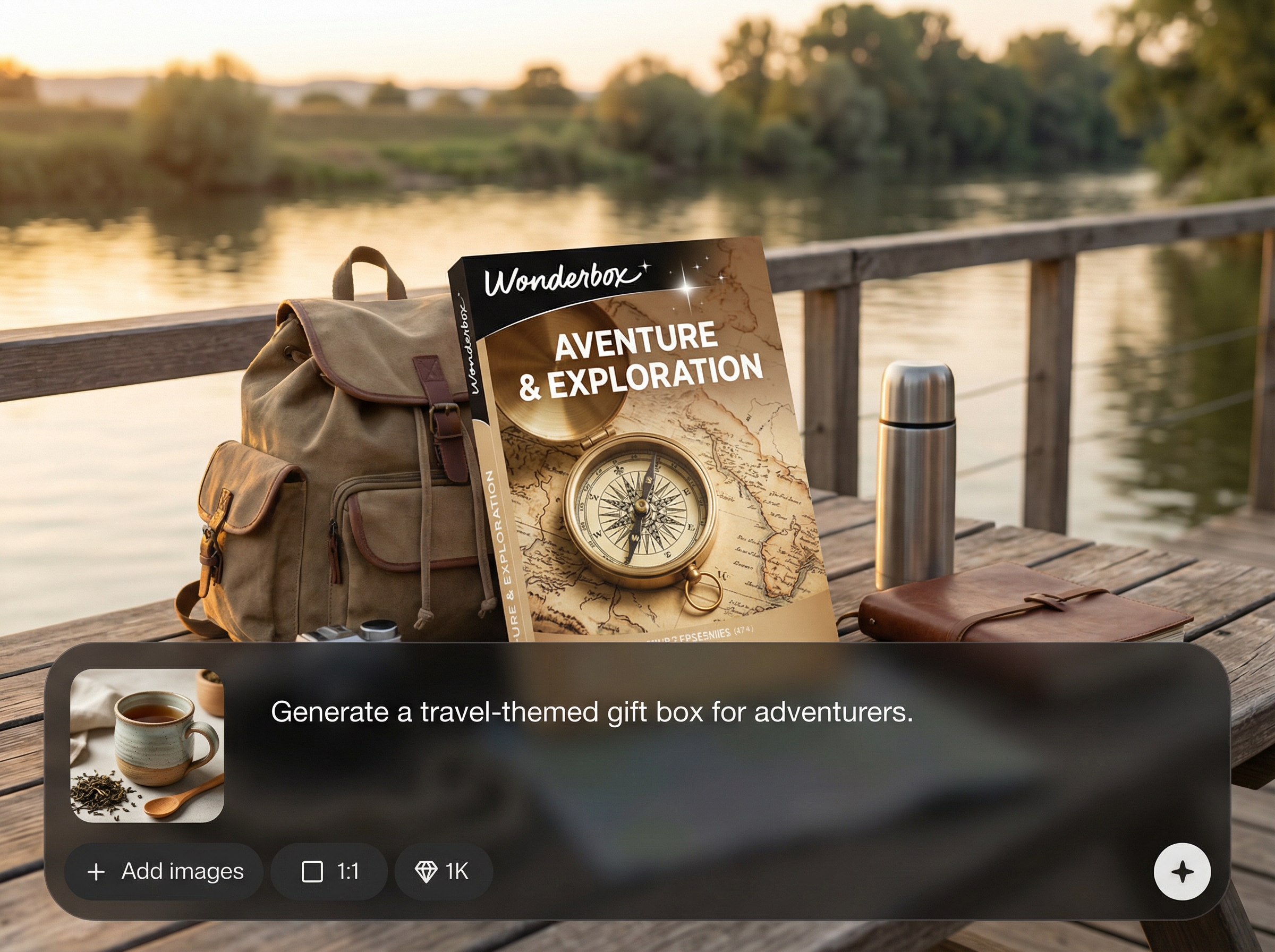
Guide results with prompts and settings for lighting, mood, and background cleanliness. Export high-resolution images suited for e-commerce, marketing decks, and paid ads.
About
Wonderbox - Mise en situ coffret turns a simple pack shot into realistic “mise en situation” visuals using AI. Choose a context, style, and lighting to generate clean, on-brand coffret mockups for web, ads, and catalogs. Export high-quality images fast, without complex retouching, to present packaging clearly and consistently across channels.
Wonderbox - Mise en situ coffret helps you produce realistic coffret mockups faster than manual compositing. Get controllable scenes, consistent styling, and multiple variations for testing. The workflow is built for packaging visuals, keeping key details readable while improving context and presentation quality.
Open the app, upload a coffret image, and pick a scene direction. Adjust lighting and style with simple settings, generate variations, then export high-resolution visuals ready for web, ads, or print.
Use cases
Discover how different creators use this app in their workflow.
Generate clean, believable coffret scenes that improve product context and perceived quality, while keeping packaging details sharp for marketplaces and product pages.
Produce multiple ad-ready variations quickly for A/B testing. Match seasonal themes, props, and lighting without rebuilding assets from scratch.
Create consistent mise en situation visuals for presentations and print layouts. Standardize angles and backgrounds across a full product range.
Krea is one of the world's leading generative AI platforms. See what others say.
Real reviews on TrustpilotSo many AI tools out there but I always come back to Krea. It's really the one AI platform that 'just works'.

FYN
Krea's interfaces are still the best in the industry. Everything looks and feels so clean and easy to use! Imo the easiest to use gen AI website.

Lynn
Ultra fast generations. Extremely simple to use. All the latest AI models.

Daniel
KREA is the only AI subscription I have right now besides ChatGPT.

Sophia M.
Answers to common questions about AI coffret mise en situation generation.
It generates realistic mise en situation mockups for coffrets and packaging. Upload a pack shot, choose a context and style, and export polished visuals for e-commerce, ads, catalogs, and presentations.
No. You can start from a high-quality product photo or render. The AI builds scene placement, lighting, and background while preserving the key packaging elements you provide.
Use clear, high-resolution inputs and choose clean backgrounds when needed. Refine with short prompts for color mood and lighting, and generate variations to select the most faithful result.
Yes. Create batches of variations by changing scene type, props, and lighting settings. This makes it easy to produce consistent options for different channels and campaigns.
Export high-quality images suitable for web and print workflows. Download the best variation after review, then reuse the same settings to maintain consistent outputs across your product range.
Upload a pack shot, choose a scene, and export realistic coffret mockups in minutes.

