















Step 1
Upload
Add a sketch photo, scan, or reference image. The tool analyzes edges and contours to prepare a cleaner, more consistent line structure.
Turn any sketch or image into crisp, vector-style line art with DB-Sketch Creation. Get clean outlines fast, ready for color, shading, and style—try it now.
How to use DB-Sketch Creation
Convert sketches into crisp outlines in minutes. Upload a sketch or image, adjust cleanup strength, then generate a clean vector-style result ready for coloring, styling, and further design work.
Step 1
Add a sketch photo, scan, or reference image. The tool analyzes edges and contours to prepare a cleaner, more consistent line structure.

Step 2
Tune cleanup and line clarity to reduce noise and tighten strokes. Preview adjustments to keep key shapes while simplifying messy sketch details.

Step 3
Generate the final vector-style line art and download it for coloring and style passes. Use the clean outlines in your design workflow immediately.
Features
DB-Sketch Creation uses AI to convert sketches and images into clean, vector-style outlines with consistent edges. Reduce jitter, remove background noise, and tighten contours while preserving key forms. The result is line art that’s ready for color fills, shading, and style application across posters, logos, comics, and product concepts.
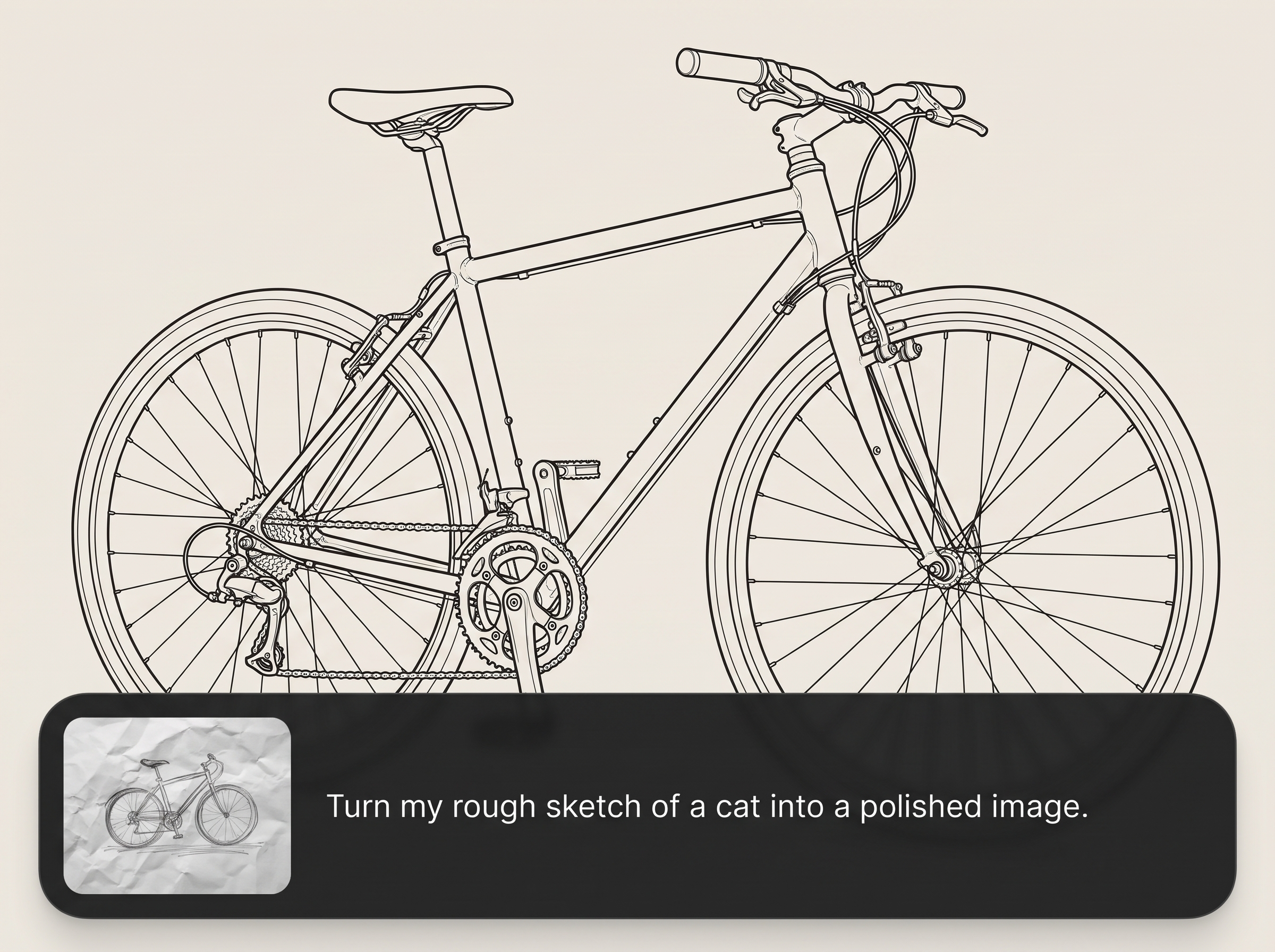
Automatically tightens strokes and improves contour continuity for polished outlines. Get crisp line art that reads clearly, even from rough pencil, pen, or photographed sketches.
Upload, refine, and generate in minutes with an efficient interface. Quickly iterate on different cleanup strengths to match your target style and level of detail.
Export tight outlines that work as a base for color fills, shading, and stylization. Build consistent assets for branding, illustration, concept art, or print-ready graphics.
About
DB-Sketch Creation transforms a rough sketch or reference image into tight, clean vector-style line art. Upload your input, refine the result, and export outlines that are ready for color, shading, and style application. Ideal for faster concept cleanup, consistent contours, and polished lines you can reuse across designs.
DB-Sketch Creation delivers reliable sketch cleanup with AI-driven edge detection and consistent line output. It reduces time spent manually tracing, improves readability, and creates a strong base for coloring and stylization. Get fast iteration without sacrificing clarity or control.
Upload your sketch or image, adjust the cleanup level, and generate your vector-style line art. Download the result and move straight into color, shading, or style application.
Use cases
Discover how different creators use this app in their workflow.
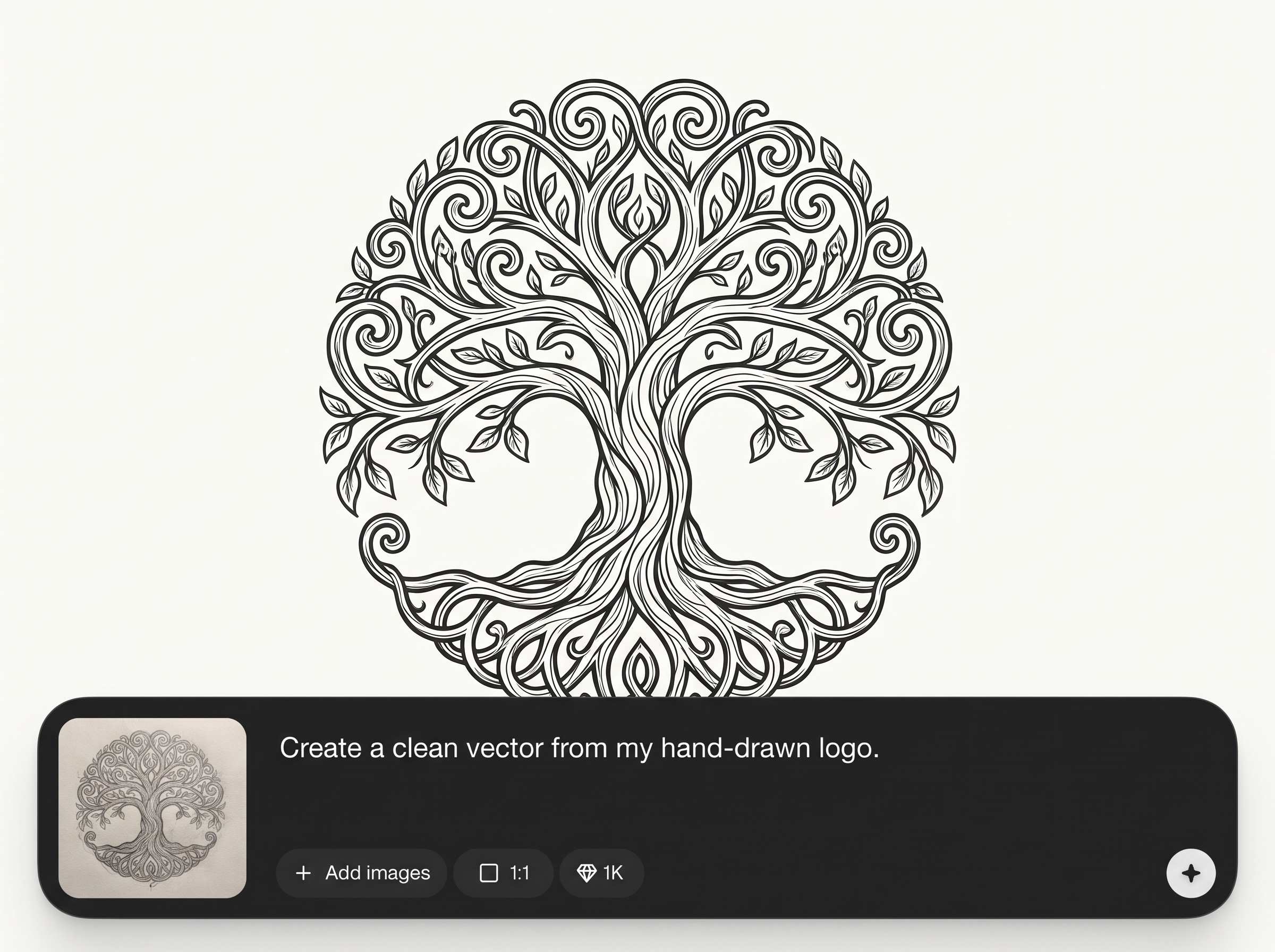
Convert hand-drawn logo sketches into clean vector-style outlines for quick refinement, consistent edges, and easier color exploration in brand design.
Tighten rough character sketches into readable linework. Produce clean outlines that make inking, coloring, and style variations faster and more consistent.
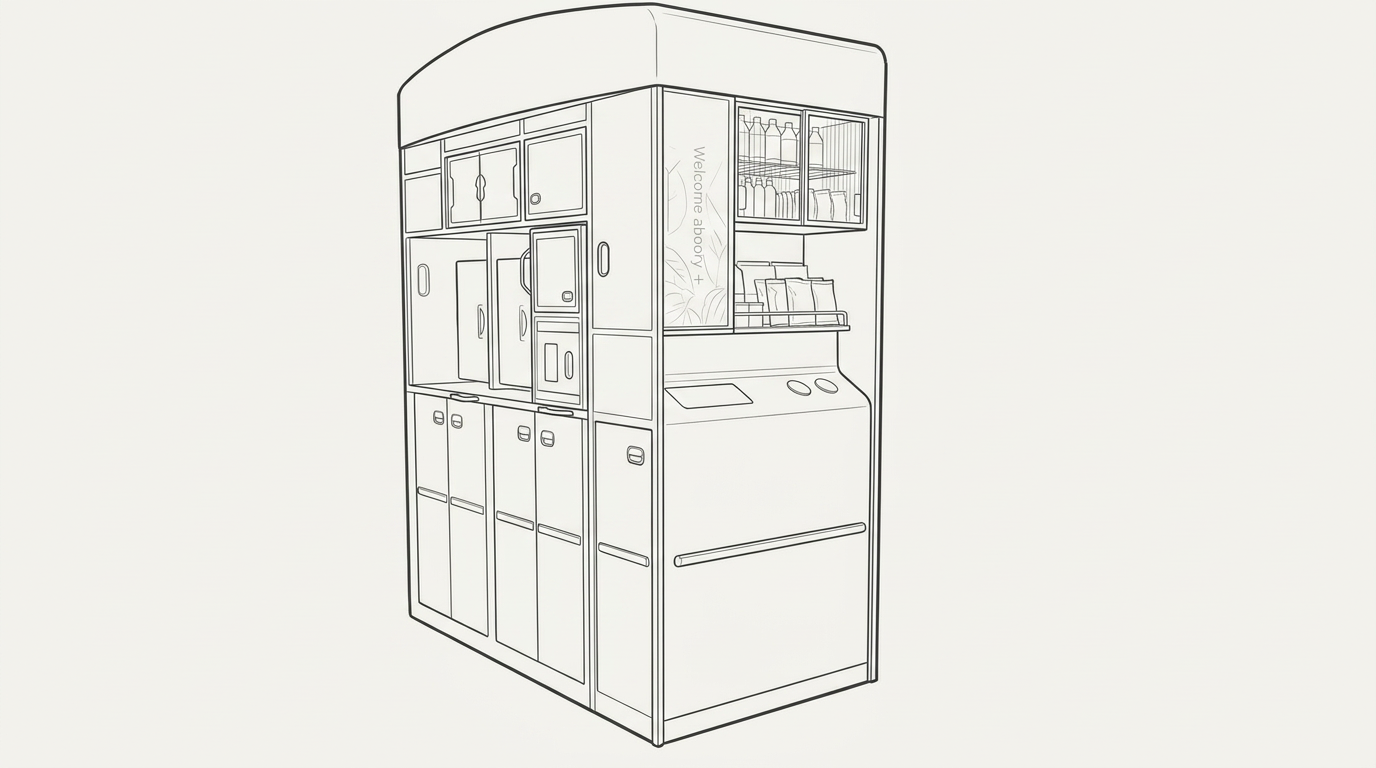
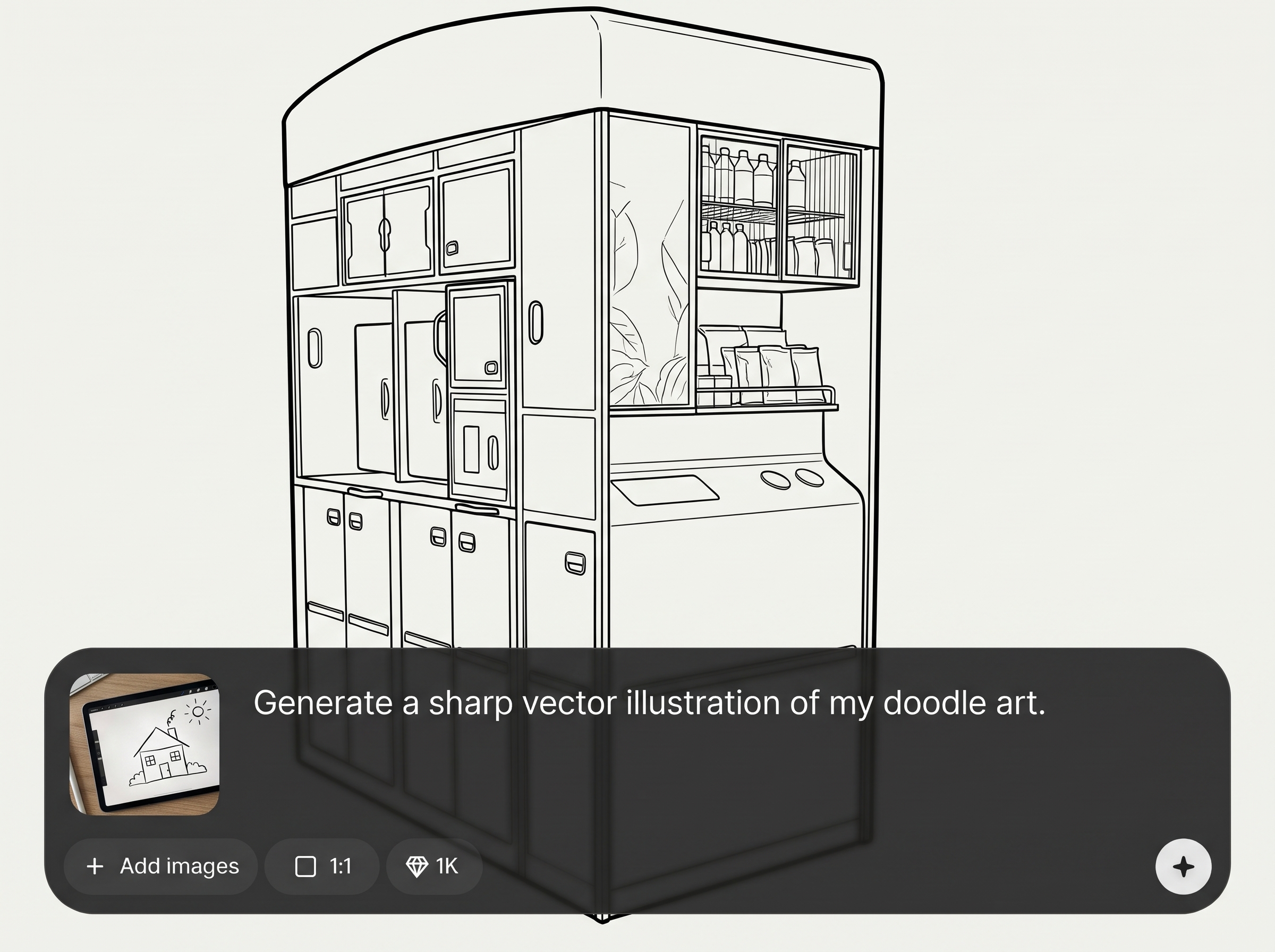
Clean up concept drawings and screenshots into simplified outlines. Create clear shapes for presentations, iteration, and applying different visual styles.
Krea is one of the world's leading generative AI platforms. See what others say.
Real reviews on TrustpilotSo many AI tools out there but I always come back to Krea. It's really the one AI platform that 'just works'.

FYN
Krea's interfaces are still the best in the industry. Everything looks and feels so clean and easy to use! Imo the easiest to use gen AI website.

Lynn
Ultra fast generations. Extremely simple to use. All the latest AI models.

Daniel
KREA is the only AI subscription I have right now besides ChatGPT.

Sophia M.
Find quick answers about sketch cleanup, vector-style output, and best practices for strong results.
It turns a sketch or image into tight, clean vector-style line art. The AI improves edges, reduces noise, and produces consistent outlines ready for color, shading, and stylization.
You can upload either. Clear photos with good lighting work well, and scans can improve precision. Higher contrast between lines and background typically yields cleaner outlines.
DB-Sketch Creation generates a vector-style result designed for clean, scalable-looking outlines. Export options depend on the app’s output settings, but the focus is crisp line quality for downstream styling.
Start with the highest-contrast input you can, then increase cleanup strength gradually. Remove heavy shadows and background texture where possible to help the AI detect the intended contours.
It’s designed to reduce background noise and emphasize linework. For best results, use a plain background and even lighting, especially when uploading photos of paper sketches.
Pencil or ink sketches, line drawings, and high-contrast references work best. Images with clear edges and minimal blur help the artificial intelligence model produce sharper, more consistent outlines.
Yes. The clean vector-style line art is ideal for coloring pages, stickers, posters, and print assets. Always preview at your target size to confirm line thickness and clarity.
The goal is cleanup, not redesign. The tool simplifies noise and tightens strokes while preserving the main shapes, but very low-quality inputs may require a second pass or adjustment.
Yes. It uses machine learning to detect edges and convert them into clean outlines. This is useful for rapid line extraction when you need consistent contours for styling work.
Upload a sketch or image and generate crisp outlines ready for color, shading, and style in minutes.

