













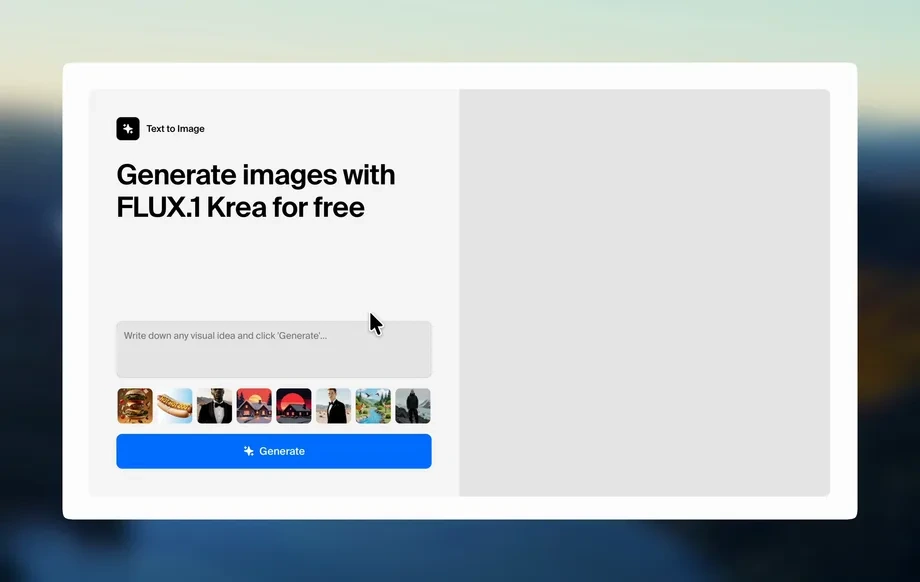
Step 1
Configure
Choose your output goal, set quality and style preferences, and add your prompt or input text. Enable 4K enhancement options to target sharper, cleaner results.
LLM COUNCIL 4K is an AI tool for generating, refining, and upscaling content to crisp 4K-ready outputs. Fast settings, previews, and export—try it now.
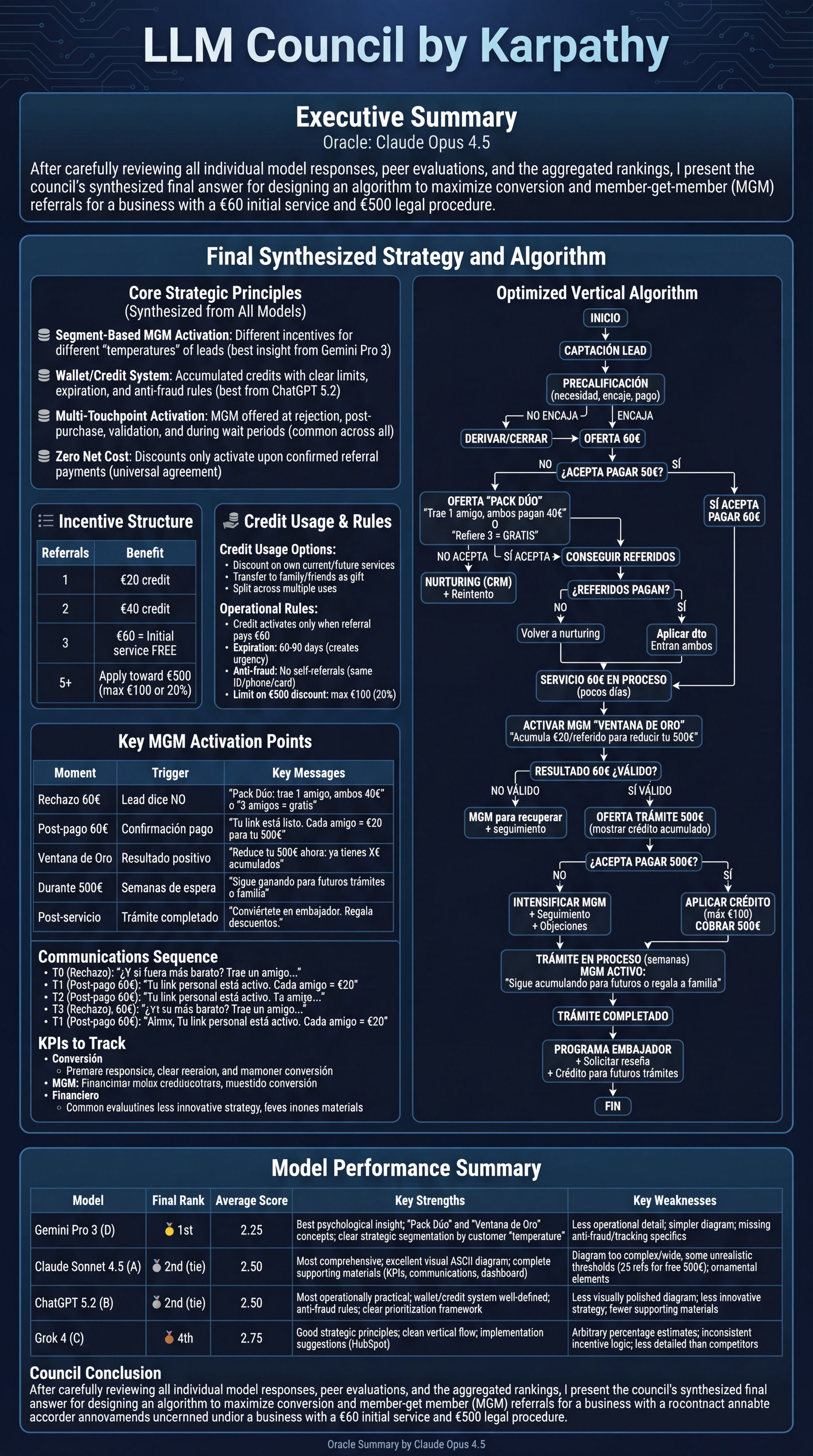
How to use LLM COUNCIL 4K
LLM COUNCIL 4K makes it simple to produce high-resolution AI results with less trial and error. Follow these steps to configure your goal, generate variations, and export a crisp 4K-ready output.
Step 1
Choose your output goal, set quality and style preferences, and add your prompt or input text. Enable 4K enhancement options to target sharper, cleaner results.
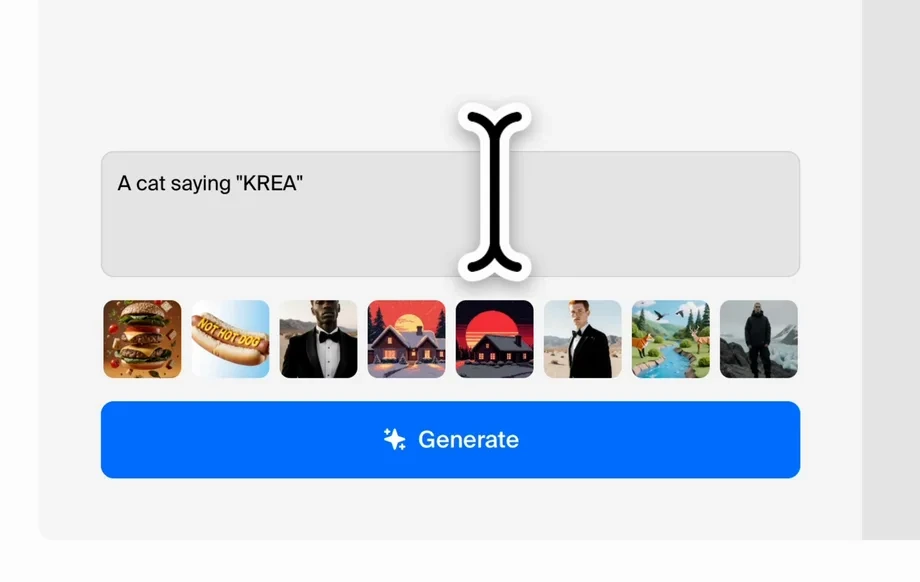
Step 2
Run generation to produce multiple variations quickly. Review side-by-side previews, refine prompts, and re-generate until the output matches your tone, structure, and detail needs.

Step 3
Finalize the best result and export in a high-resolution format. Download the 4K-ready output for publishing, sharing, or integrating into your workflow and other tools.
Features
LLM COUNCIL 4K combines AI generation, prompt refinement, and upscale-style enhancement in one workflow. Create consistent outputs, iterate faster with previews, and improve readability and detail for high-resolution delivery. Export polished results that are ready for web, video, decks, and professional presentations.
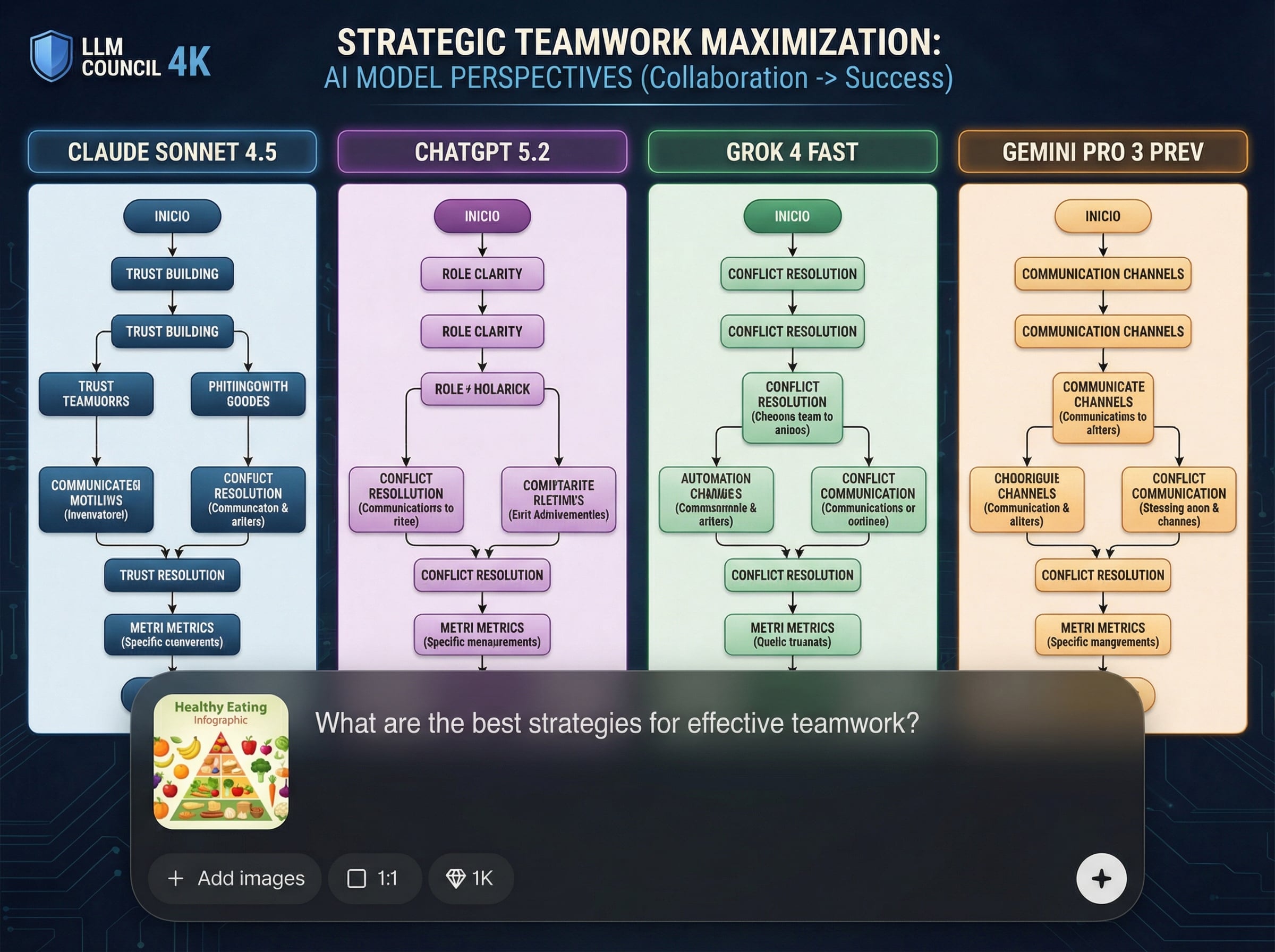
Improve results with structured prompt controls and quick edits. Adjust tone, structure, and constraints to reduce retries and generate more accurate outputs with fewer iterations.
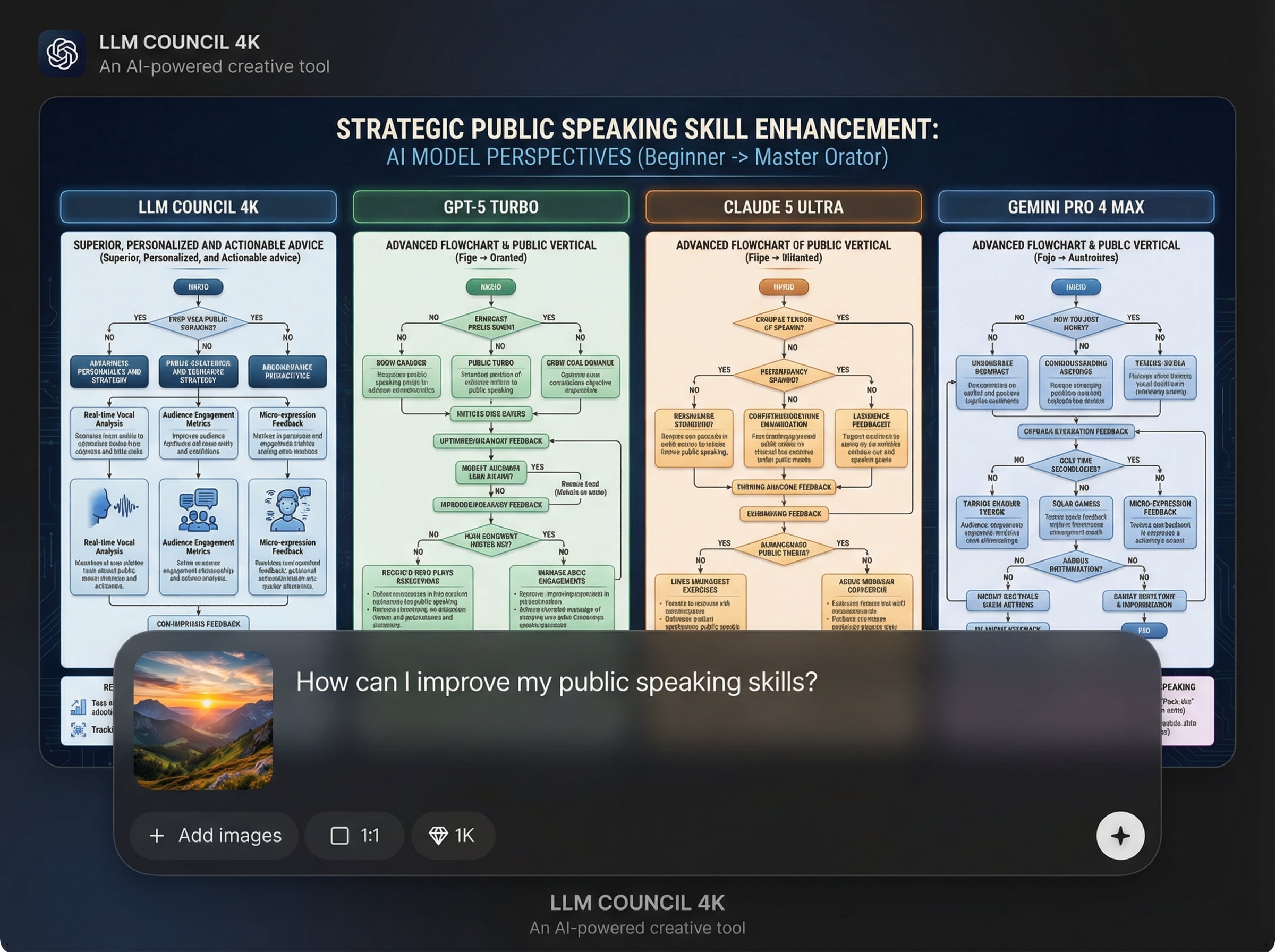
Generate multiple options in one run and compare them instantly. Side-by-side previews help you spot the best direction quickly, saving time while maintaining consistent quality.
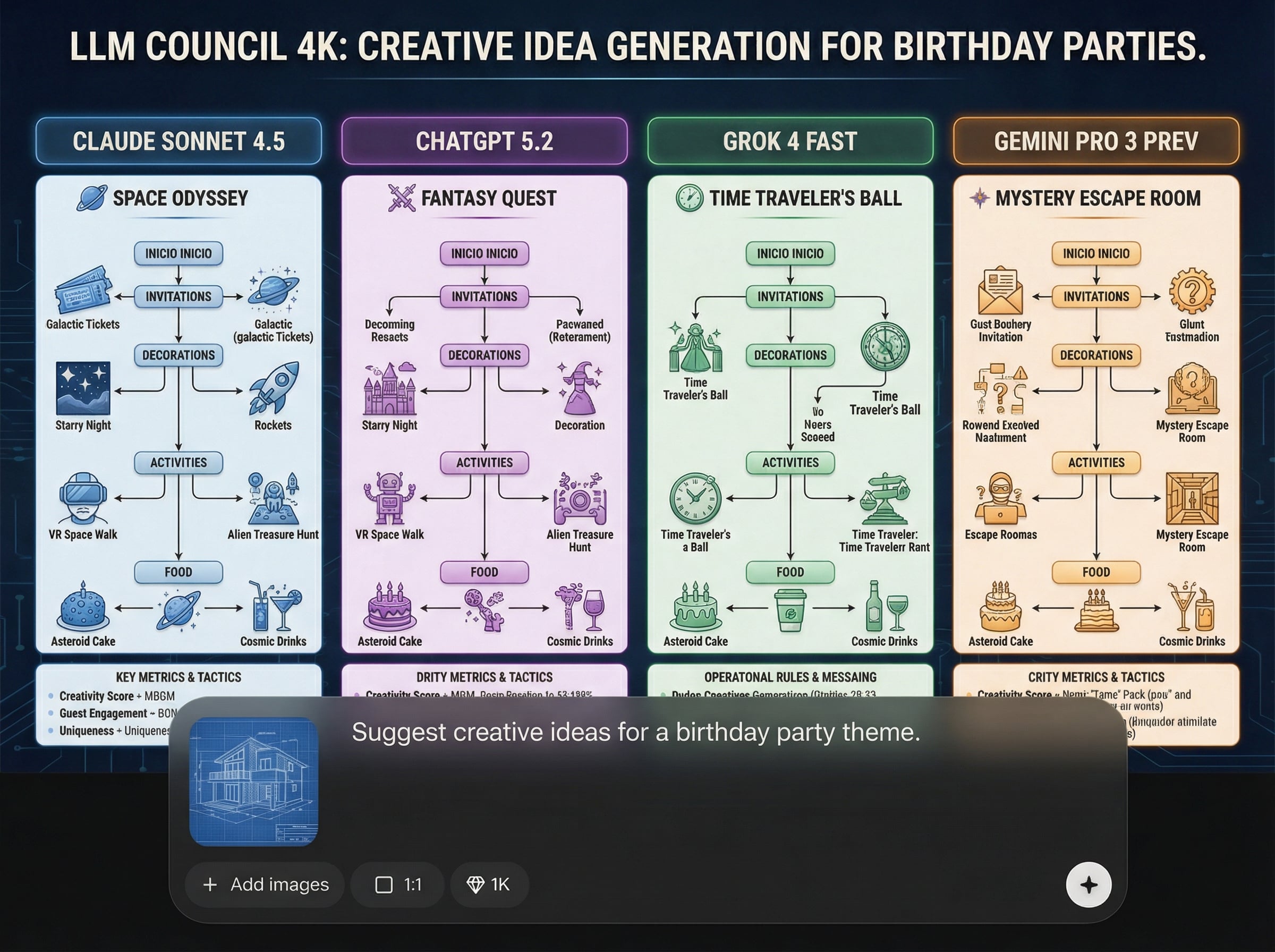
Optimize outputs for crisp, high-resolution use. Enhance clarity and detail, then export a clean result designed for 4K workflows across web pages, video overlays, and slides.
About
LLM COUNCIL 4K helps you generate and refine AI outputs for clean, 4K-ready results. Tune prompts, compare variations, and upscale details while keeping content consistent. Use it to speed up production, reduce rework, and export high-resolution outputs optimized for web, video, and presentations.
LLM COUNCIL 4K is built for speed, consistency, and high-resolution readiness. A focused refinement workflow, quick variation generation, and clear previews help you reach better results with fewer retries. Export clean outputs designed to look sharp across web, video, and presentation formats.
Open LLM COUNCIL 4K, paste your prompt or input, and choose your quality settings. Generate variations, refine quickly, then export the best result as a polished, 4K-ready output.
Use cases
Discover how different creators use this app in their workflow.
Generate polished, consistent content and export 4K-ready outputs for landing pages, product pages, and on-site banners with sharper presentation quality.
Create refined text and overlays that remain clear at high resolution. Iterate quickly, then export results suited for 4K video titles, captions, and slides.
Use a repeatable refinement workflow to align tone and structure. Produce consistent, high-quality results faster with fewer revisions and clearer approvals.
Krea is one of the world's leading generative AI platforms. See what others say.
Real reviews on TrustpilotSo many AI tools out there but I always come back to Krea. It's really the one AI platform that 'just works'.

FYN
Krea's interfaces are still the best in the industry. Everything looks and feels so clean and easy to use! Imo the easiest to use gen AI website.

Lynn
Ultra fast generations. Extremely simple to use. All the latest AI models.

Daniel
KREA is the only AI subscription I have right now besides ChatGPT.

Sophia M.
Answers to common questions about LLM COUNCIL 4K and 4K-ready AI output workflows.
LLM COUNCIL 4K is an AI tool to generate, refine, and enhance outputs for high-resolution use. It helps you iterate on prompts, compare variations, and export cleaner, more consistent results.
Yes. You can adjust prompts, constraints, and style preferences, then re-generate variations to improve accuracy and consistency. This reduces trial-and-error and speeds up high-quality output creation.
4K-ready refers to outputs optimized for crisp, high-resolution presentation. The workflow focuses on clarity, structure, and polish so results look clean when used in 4K video, slides, or web assets.
Yes. Export your finalized output and reuse it in websites, design tools, video editors, or documentation workflows. The goal is a clean, consistent result that transfers easily.
Yes. It runs online so you can generate and refine outputs quickly without complex setup. Start from a prompt, iterate with previews, then export a high-quality result when ready.
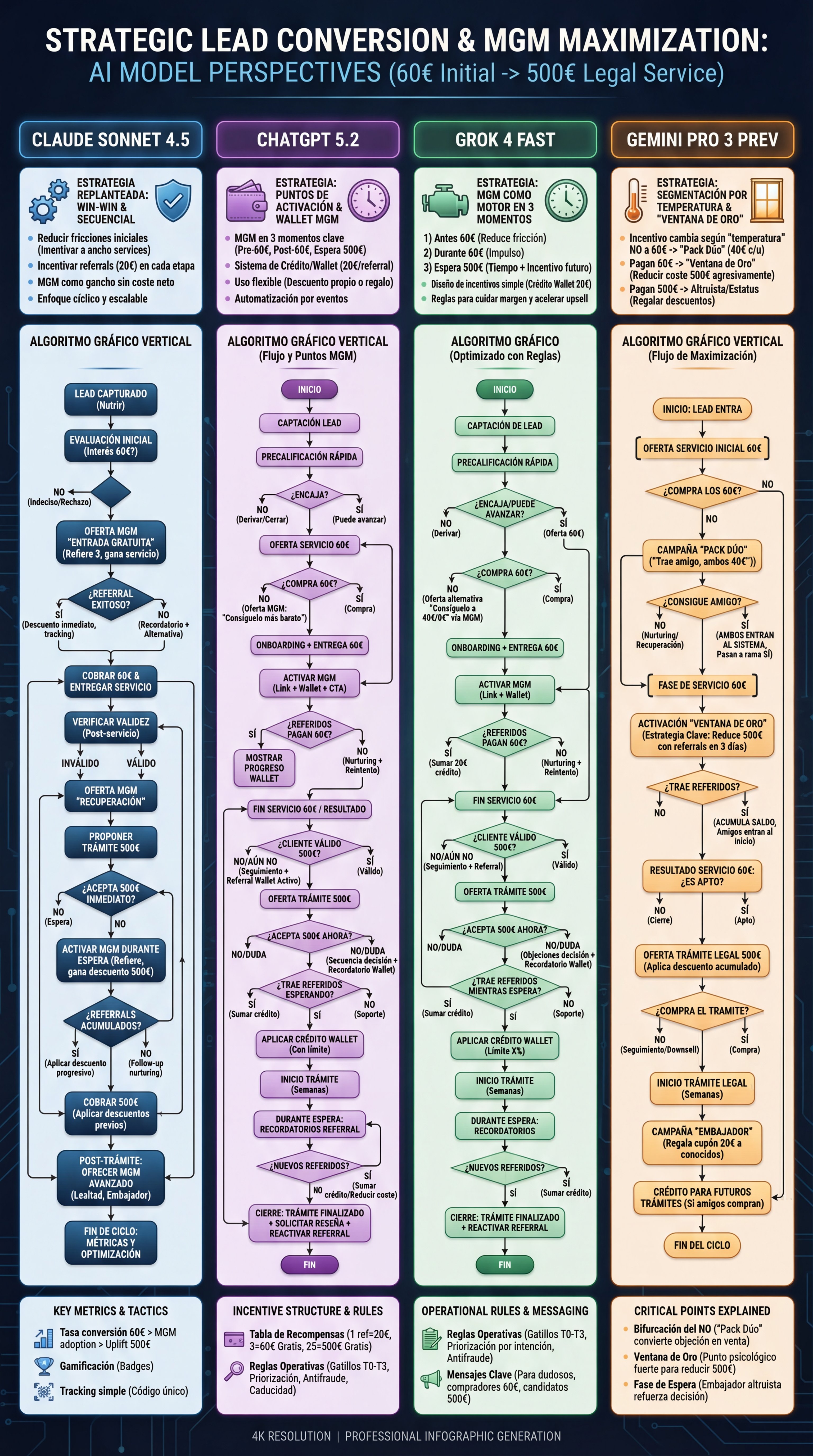
Generate, refine, and export crisp results with faster iterations and consistent quality in one streamlined workflow.

