














Step 1
Upload or describe
Add a reference image, sketch, or text prompt. Specify the subject and style, then set the output type for product, interior, or concept visualization.
Generate three visualization angles from a single input with AI. Create consistent 3-view renders fast for products, interiors, and concepts. Try it now.
How to use 3 ракурса визуализации
Upload an image or describe your scene, then choose the three angles you need. The AI generates coordinated views with consistent style and geometry, ready for review, pitching, or iteration.
Step 1
Add a reference image, sketch, or text prompt. Specify the subject and style, then set the output type for product, interior, or concept visualization.

Step 2
Select camera views such as front, side, and 3/4, or custom angles. Adjust framing, background, and consistency settings to match your presentation needs.

Step 3
Run the AI render to produce three aligned angles. Review results, refine with quick edits, then download high-quality images for decks, listings, or approvals.
Features
Generate a clean 3-view set from a single input with consistent perspective, lighting, and style. 3 ракурса визуализации helps you compare options faster, communicate designs clearly, and reduce back-and-forth. Use it as an AI visualization tool for products, rooms, and concepts with export-ready results.
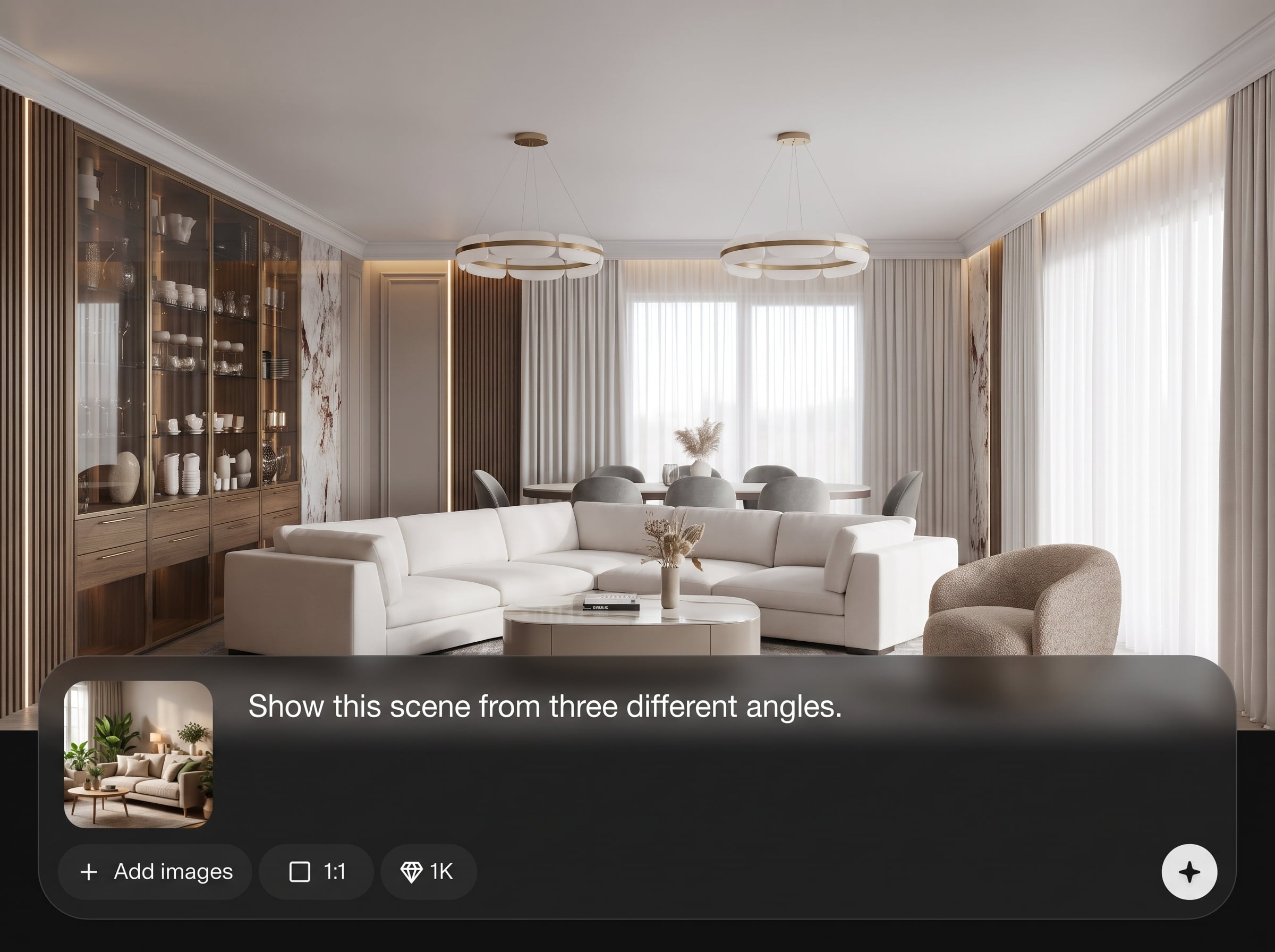
Create three angles that match in style and proportions. The AI keeps visual continuity across views so your 3-view presentation looks unified and professional.
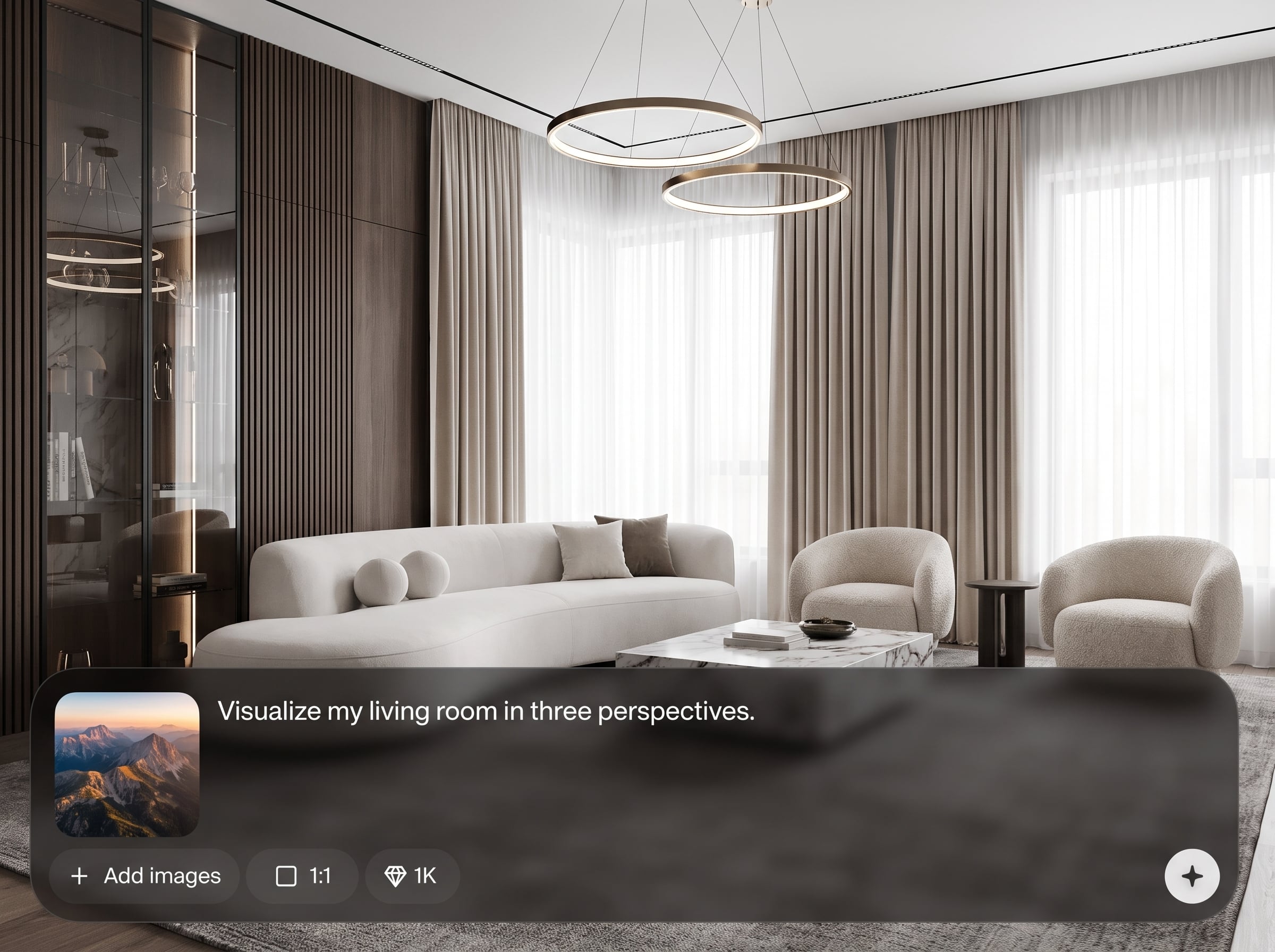
Adjust angles, framing, and look in seconds, then regenerate. Quickly explore variations without rebuilding scenes or manually aligning camera setups.
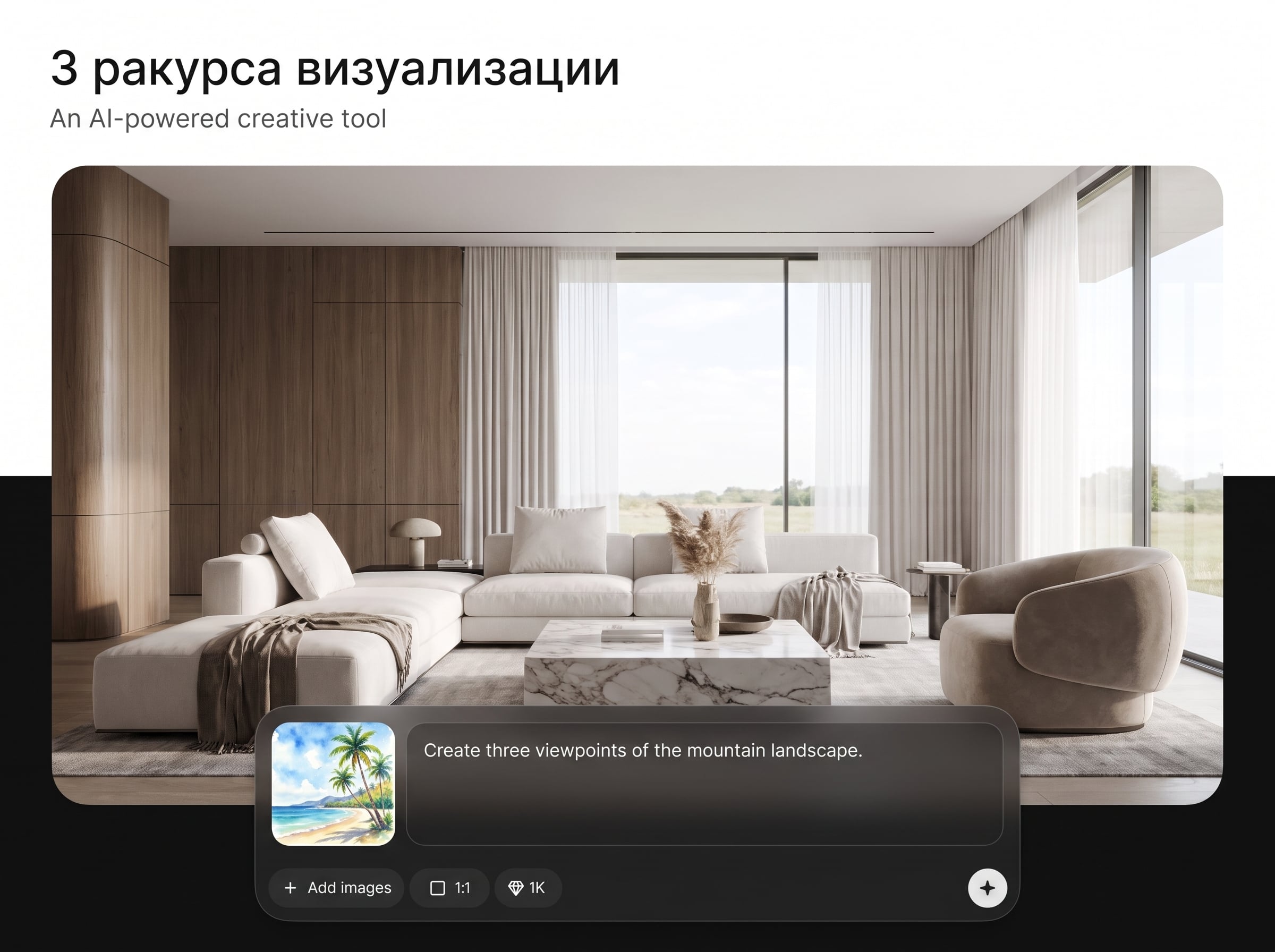
Download crisp images suitable for presentations, product pages, or internal reviews. Keep outputs clean and readable for stakeholders and decision-making.
About
3 ракурса визуализации turns one image or prompt into three consistent visualization angles, helping you show objects and spaces from multiple views instantly. Use AI to keep style, lighting, and proportions aligned across outputs for clean presentations. Generate 3-view renders for products, interiors, and design concepts without manual rework or complex setup.
Get consistent three-angle visualization without complex pipelines. The AI streamlines multi-view rendering, supports image and prompt workflows, and helps you iterate quickly while keeping outputs aligned for professional presentations.
Start by uploading a reference image or writing a prompt, then select three angles and a style. Generate, review, and refine in a few clicks until the set matches your needs.
Use cases
Discover how different creators use this app in their workflow.
Generate front, side, and 3/4 renders to showcase items consistently. Ideal for catalogs, ecommerce listings, packaging reviews, and design iteration.
Produce multiple room angles from one concept to communicate layout and mood. Speed up approvals with consistent lighting and style across views.
Create multi-angle concept sheets quickly for ideation and feedback. Compare silhouettes, proportions, and details without time-consuming manual rendering.
Krea is one of the world's leading generative AI platforms. See what others say.
Real reviews on TrustpilotSo many AI tools out there but I always come back to Krea. It's really the one AI platform that 'just works'.

FYN
Krea's interfaces are still the best in the industry. Everything looks and feels so clean and easy to use! Imo the easiest to use gen AI website.

Lynn
Ultra fast generations. Extremely simple to use. All the latest AI models.

Daniel
KREA is the only AI subscription I have right now besides ChatGPT.

Sophia M.
Answers to common questions about AI three-angle visualization and outputs.
It generates three coordinated visualization angles from one image or text prompt. Outputs are designed to stay consistent in style, lighting, and proportions for a clean 3-view presentation.
Yes. Pick common views like front/side/3-4, or define custom angles. You can also adjust framing and background to fit product, interior, or concept visualization needs.
It supports image-to-image and text-to-image workflows. Upload a reference for higher consistency, or start from a prompt to explore concepts and variations quickly.
The system uses machine learning constraints to align style cues and geometry across outputs. Consistency settings help reduce drift so the three angles look like the same scene.
Export standard image formats suitable for presentations and web use. Download high-quality renders and reuse them in slides, product pages, moodboards, or internal documentation.
Yes. Provide a room reference or prompt, then select viewpoints like corner, wide, and detail shots. The AI helps maintain a coherent look across the three room angles.
It can be used for clean concept and preview renders, especially with strong references. For strict technical accuracy, use a clear input and keep stylization low for better fidelity.
Refine the prompt or reference, adjust the chosen angles, and regenerate. Tighten framing and reduce style randomness to improve alignment, then iterate until the 3-view set matches.
Yes. Three consistent product angles help shoppers understand shape and details. Generate unified views for listings, ads, and catalogs without complex studio setups or manual rendering.
No. The interface is designed for quick inputs and clear controls. Upload or describe your subject, choose three angles, and generate results with minimal setup.
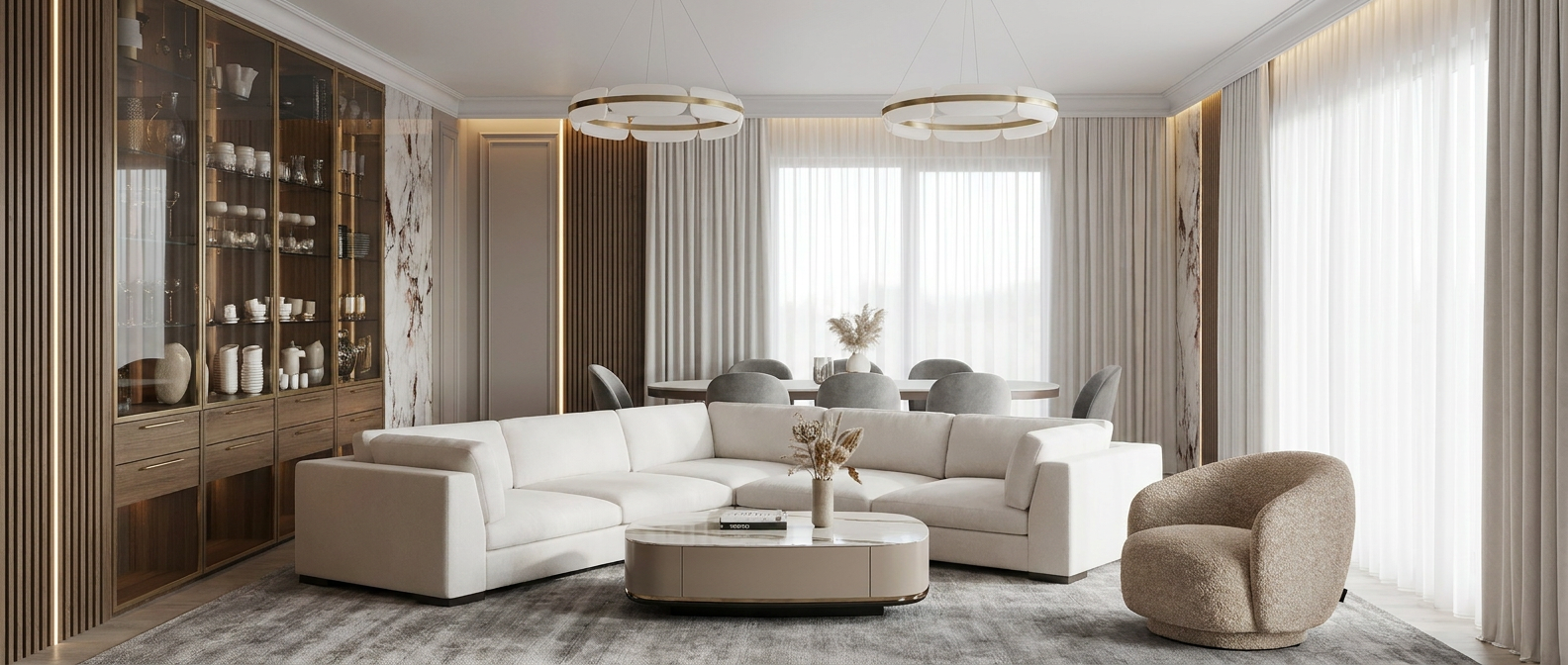
Turn one input into a consistent 3-view render set with AI for faster decisions and clearer presentations.

