















Step 1
Upload
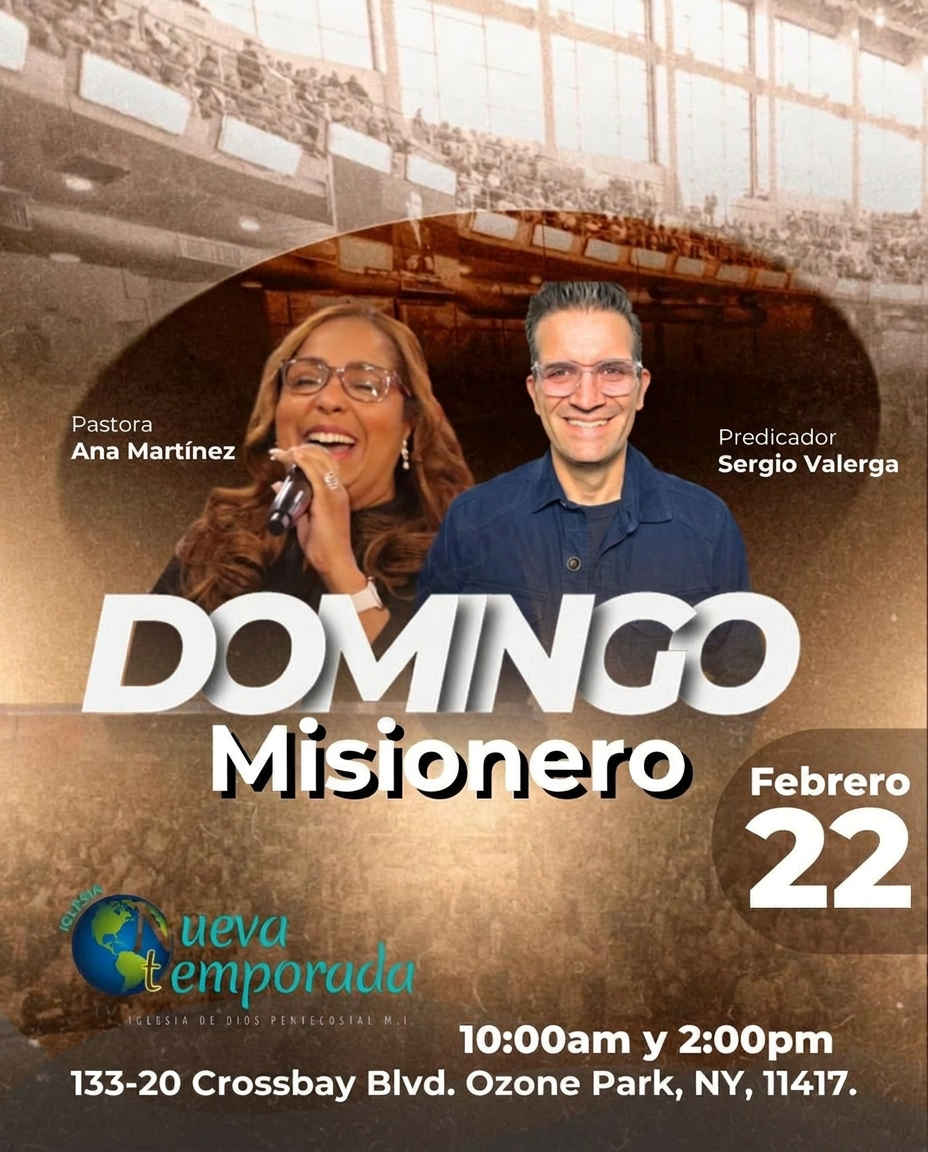
Add your flyer image or design export. The tool reads the layout, text blocks, and key elements to prepare an accurate 4:5 conversion.
Convert flyers to a clean 4:5 format with AI. Auto-resize, preserve layout, and export ready-to-post designs for social ads and promos—try it now.
How to use Flyer Converter (4:5)
This quick guide shows how to upload a flyer, convert it to a 4:5 aspect ratio, and export a polished version. Use it for social posts, promos, and ad creatives without manual resizing.
Step 1
Add your flyer image or design export. The tool reads the layout, text blocks, and key elements to prepare an accurate 4:5 conversion.

Step 2
Select 4:5 output and run the AI conversion. It intelligently adjusts spacing and framing to preserve readability and avoid cutting important content.

Step 3
Download the resized flyer in a share-ready format. Use it immediately for Instagram, ads, or campaign posts with consistent dimensions.
Features
Flyer Converter (4:5) transforms existing flyers into a 4:5 format optimized for modern feeds. AI helps maintain hierarchy, spacing, and legibility while minimizing crop errors. Get consistent, platform-ready outputs faster than manual canvas edits, and keep your campaign visuals aligned across channels.
Automatically keeps titles, body text, and visuals aligned during resizing. The conversion prioritizes legibility and balance, reducing the need for manual nudging or re-creating the design.
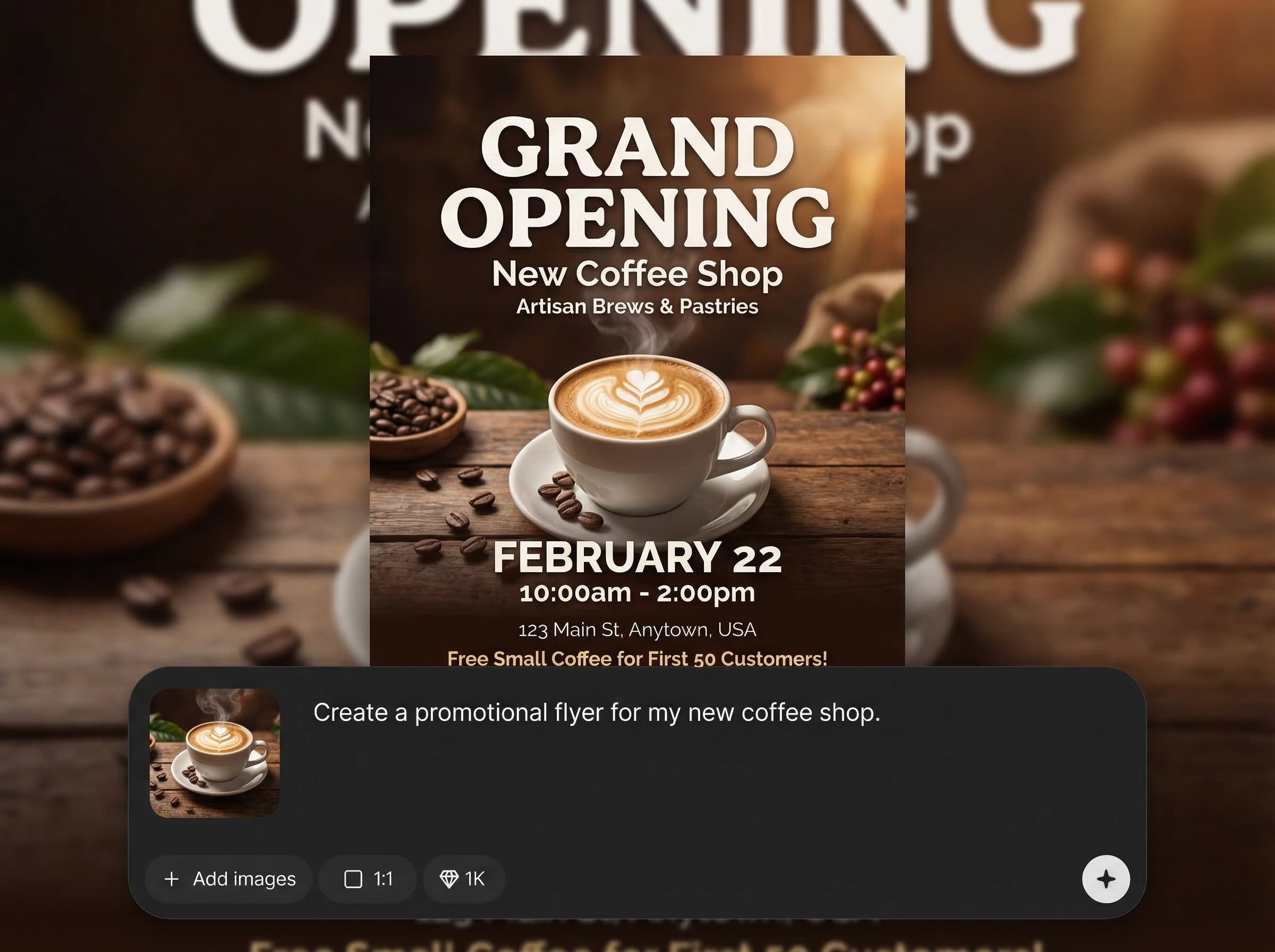
Convert to 4:5 in seconds for rapid iterations and campaigns. Ideal for testing multiple flyers, promotions, or ad variations without time-consuming editing workflows.
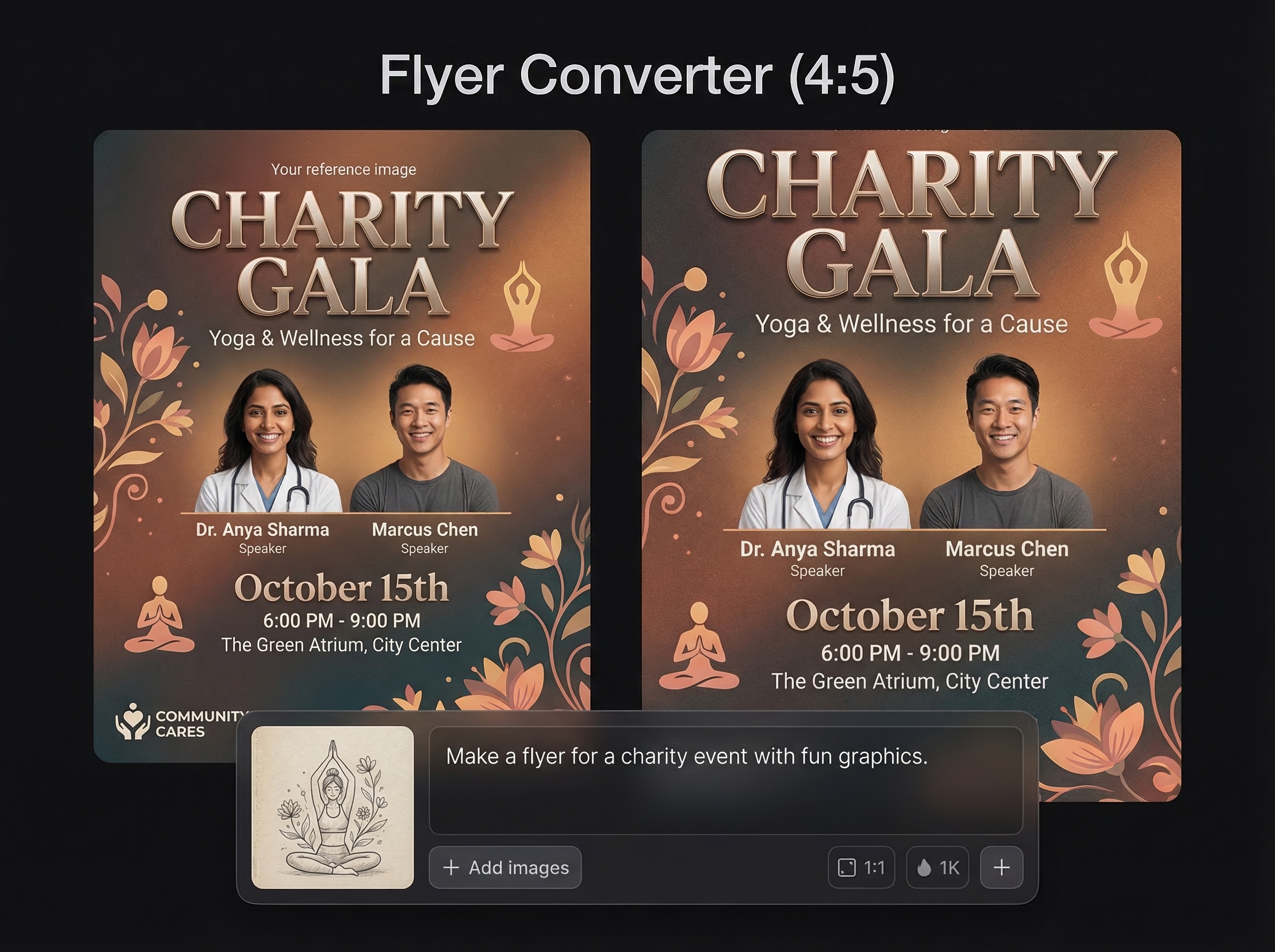
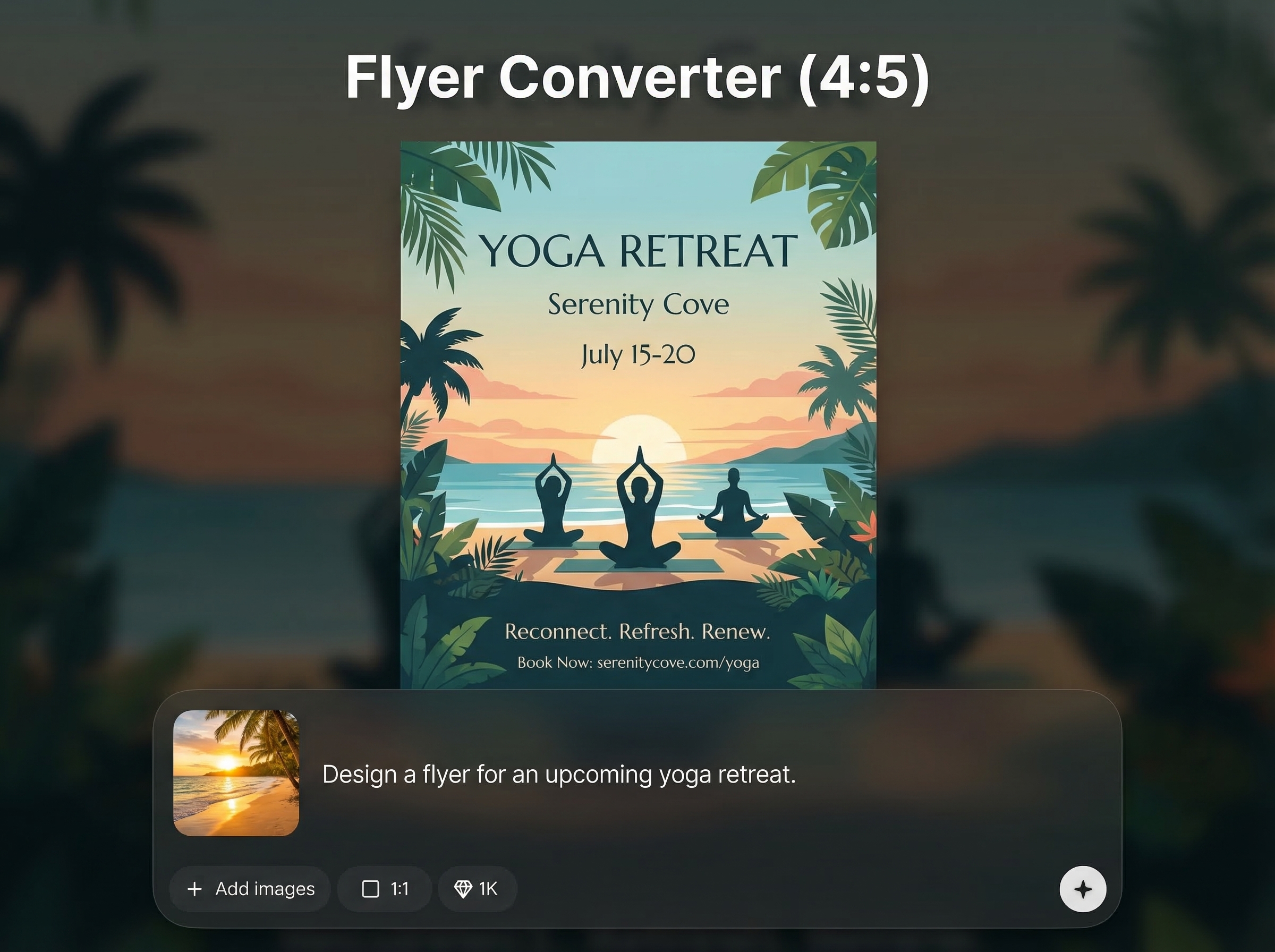
Exports a polished 4:5 flyer suited for social ads and posts. Maintain consistent dimensions across channels and improve presentation with fewer cropping artifacts.
About
Flyer Converter (4:5) uses AI to convert flyers into a crisp 4:5 aspect ratio for social posts and ads. Upload your design, keep text and layout aligned, and avoid awkward cropping. Export a ready-to-share result in seconds for consistent marketing across platforms.
Flyer Converter (4:5) streamlines flyer resizing with AI that focuses on preserving hierarchy and readability. It reduces repetitive canvas edits, speeds up asset production, and produces consistent 4:5 outputs for social posts and ads. Get cleaner conversions with less manual work.
Upload your flyer, choose the 4:5 target, and run the conversion. Review the result, then export a ready-to-use file for social posts, ads, or campaign scheduling.
Use cases
Discover how different creators use this app in their workflow.
Resize flyers to 4:5 for Instagram and feed placements. Keep calls-to-action readable and visuals centered for better engagement and clarity.
Convert existing poster or print layouts into 4:5 ad assets. Speed up production while keeping brand structure and messaging intact.
Turn event flyers into platform-ready posts without redoing the design. Preserve key details like date, location, and pricing with cleaner framing.
Krea is one of the world's leading generative AI platforms. See what others say.
Real reviews on TrustpilotSo many AI tools out there but I always come back to Krea. It's really the one AI platform that 'just works'.

FYN
Krea's interfaces are still the best in the industry. Everything looks and feels so clean and easy to use! Imo the easiest to use gen AI website.

Lynn
Ultra fast generations. Extremely simple to use. All the latest AI models.

Daniel
KREA is the only AI subscription I have right now besides ChatGPT.

Sophia M.
Answers to common questions about AI flyer conversion and 4:5 resizing.
It converts an existing flyer into a 4:5 aspect ratio using AI. The tool aims to preserve layout, text readability, and key visual elements while reducing awkward cropping.
4:5 is widely used for social feed posts and ads because it occupies more vertical space. This often improves visibility while keeping designs clean and easy to read.
The converter prioritizes important elements like headlines, logos, and calls-to-action. Results depend on the original layout, but it’s designed to minimize cutoffs and spacing issues.
Export a share-ready image suitable for posting or ad upload. Use the downloaded file directly in your workflow, or re-import it into your design tool for final tweaks.
It’s an AI-powered resize tool. Instead of simply cropping, it adjusts framing and spacing to better fit 4:5 while preserving the overall composition of your flyer.
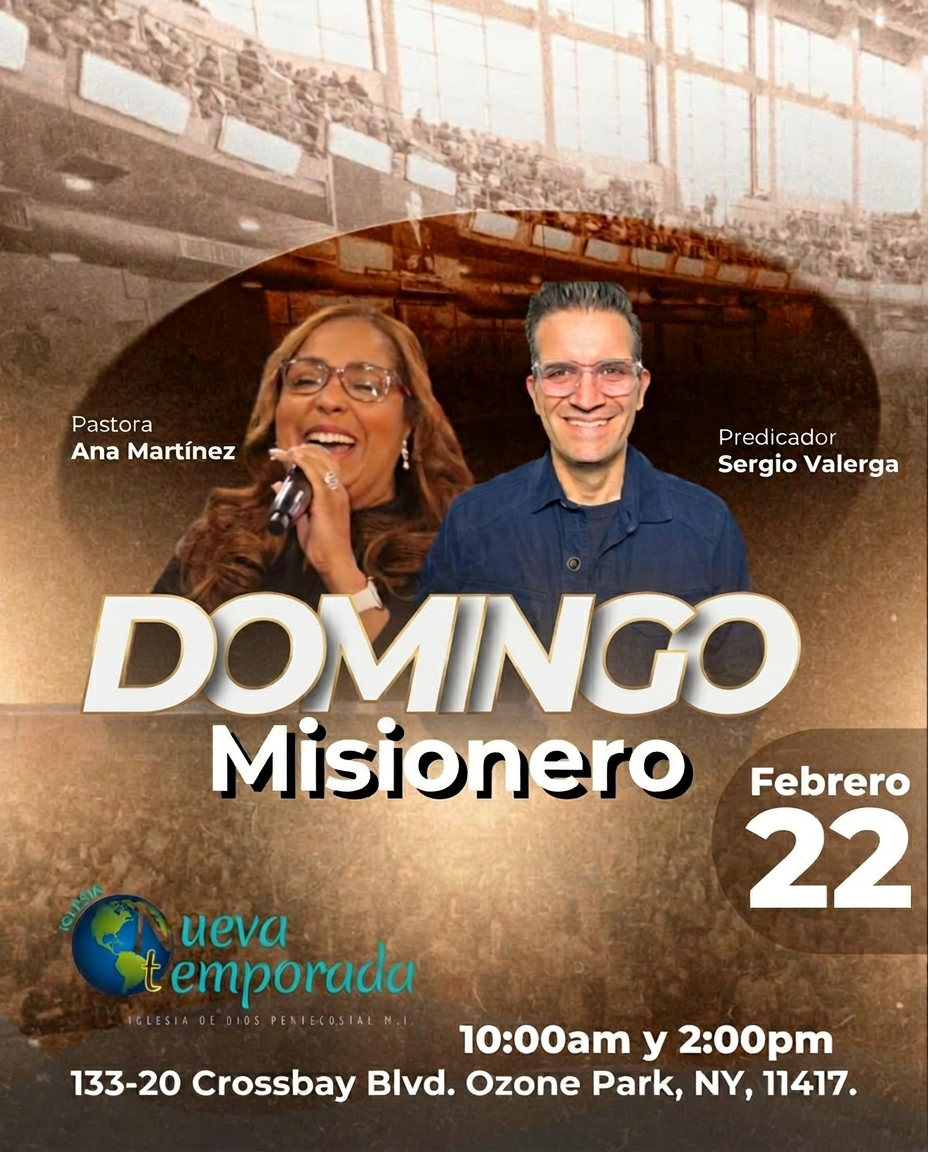
Upload a flyer and get a platform-ready 4:5 version in seconds with AI-assisted layout preservation.

