















Step 1
Upload
Drop in a flyer image or PDF page. The tool detects layout and key content, preparing it for a 16:9 widescreen canvas automatically.
Convert any event flyer into a clean 16:9 screen-ready slide with AI. Avoid black bars and awkward crops. Upload, fit, and export in seconds.
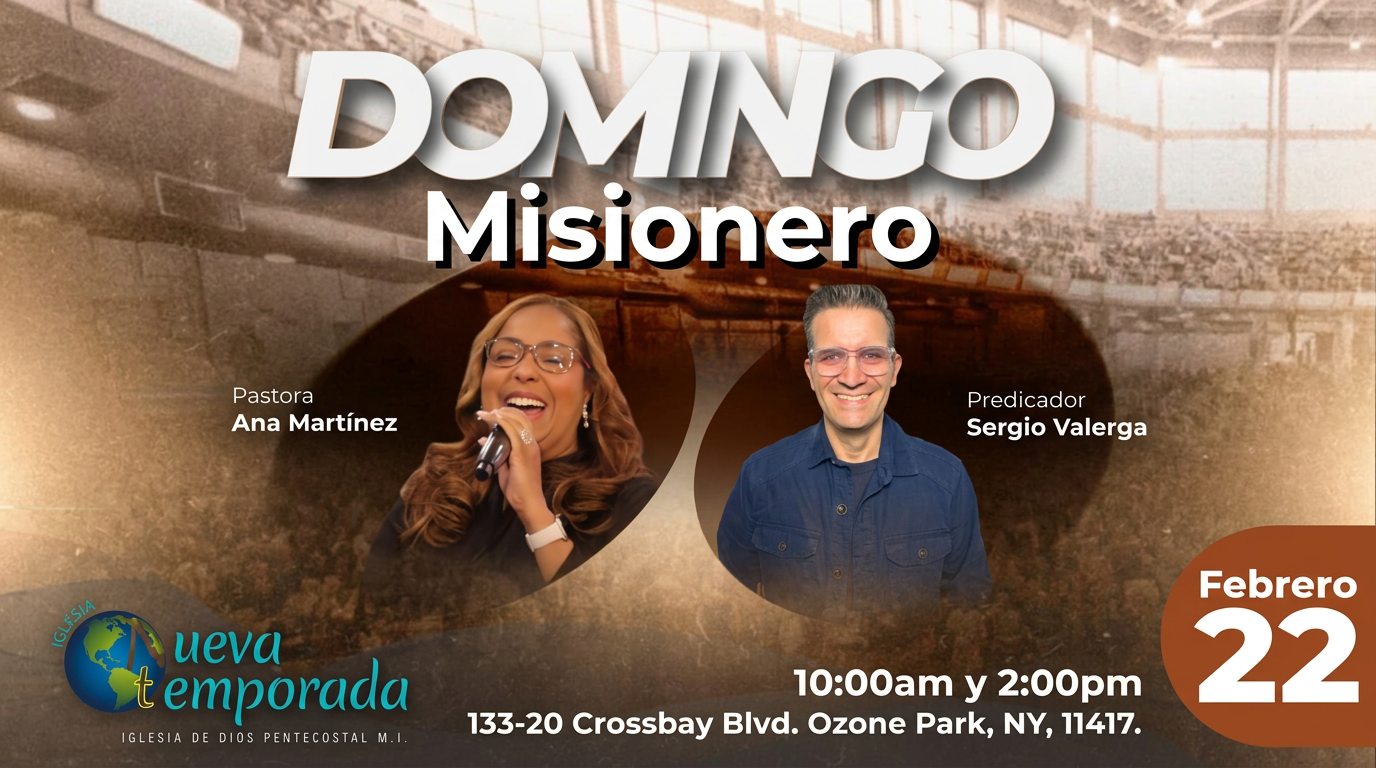
How to use Flyer-to-Screen Converter (16:9)
Turn mixed-size flyers into consistent 16:9 screens without manual resizing. Follow these steps to upload your design, choose the best fit method, and export a slide that looks great on any display.
Step 1
Drop in a flyer image or PDF page. The tool detects layout and key content, preparing it for a 16:9 widescreen canvas automatically.

Step 2
Choose padding, smart reframing, or gentle crop. Adjust safe margins to keep headlines, dates, and QR codes readable on screens.

Step 3
Download a screen-ready 16:9 image for playback software. Use consistent resolution for projectors, TVs, or livestream scenes.
Features
Convert vertical, square, and odd-sized flyers into a consistent 16:9 format with AI. Keep important text and visuals centered while the workflow adds clean background padding or reframes intelligently. Reduce last-minute design fixes, standardize slides for events, and export display-ready graphics that look professional on any screen.
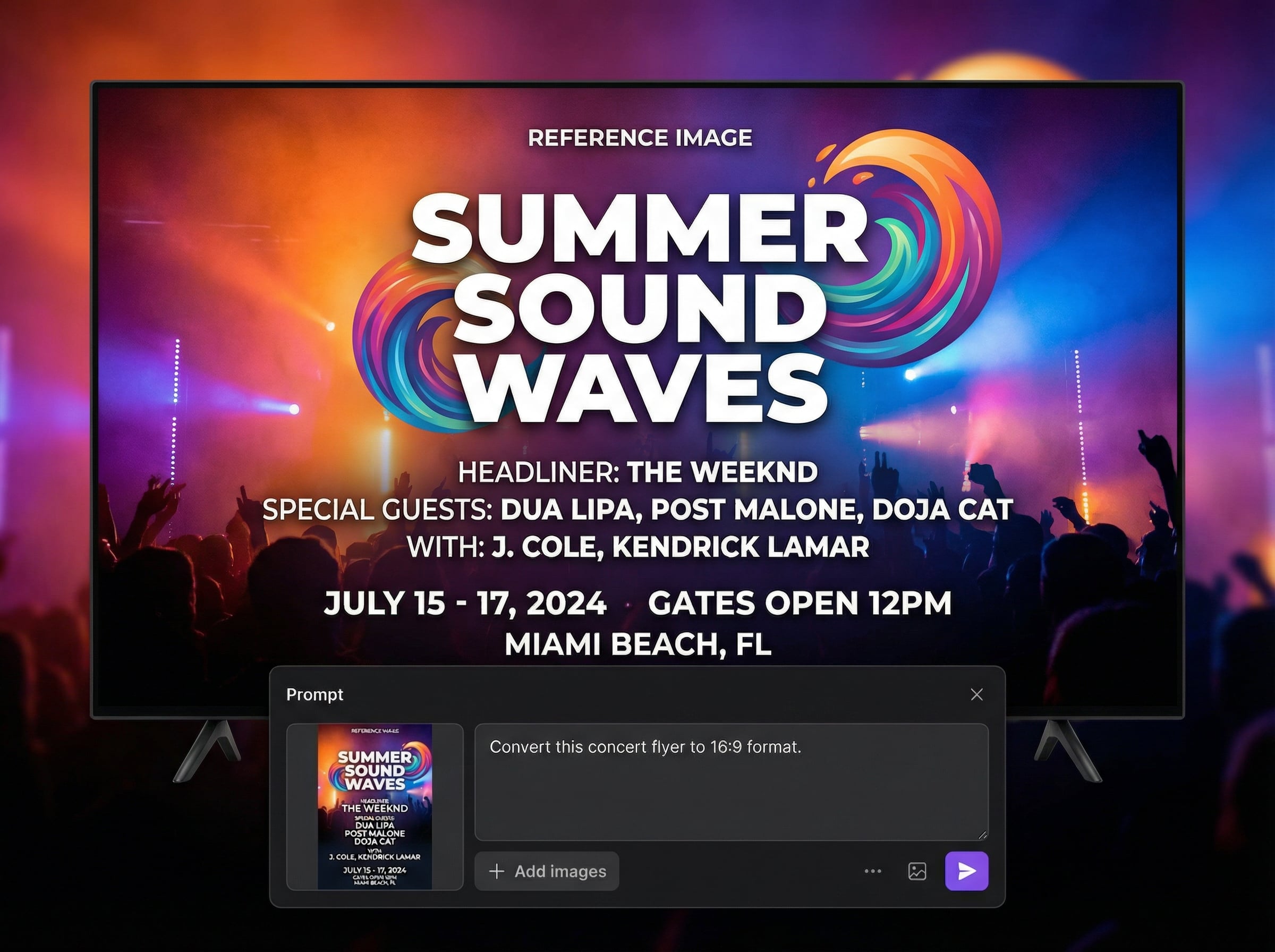
Automatically adapts any flyer to a 16:9 canvas using intelligent padding or reframing. Helps keep critical info visible while minimizing awkward crops and uneven borders.
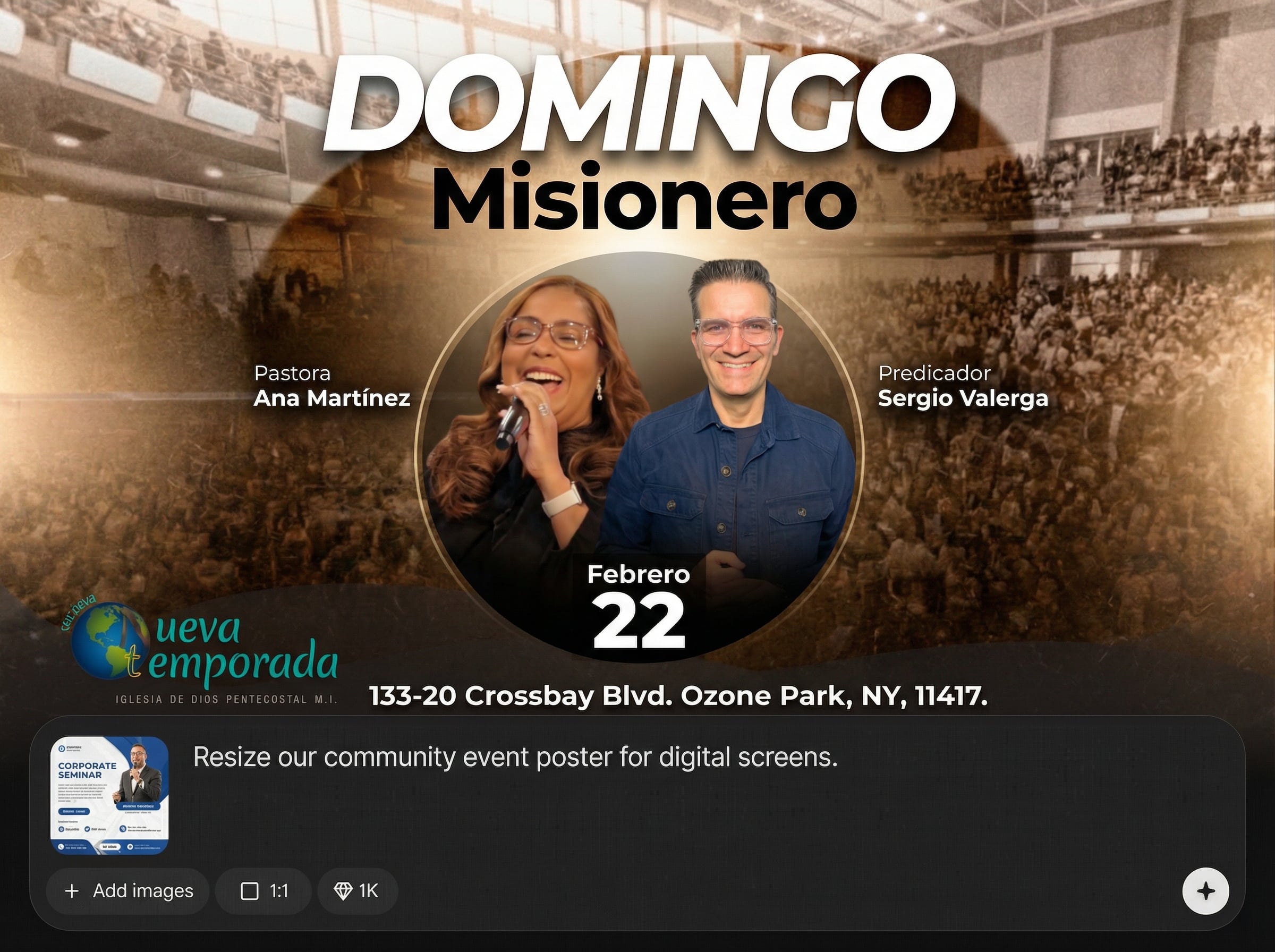
Process multiple flyers quickly with consistent widescreen output. Ideal for weekly event runs, rotating announcements, and last-minute updates without manual resizing steps.
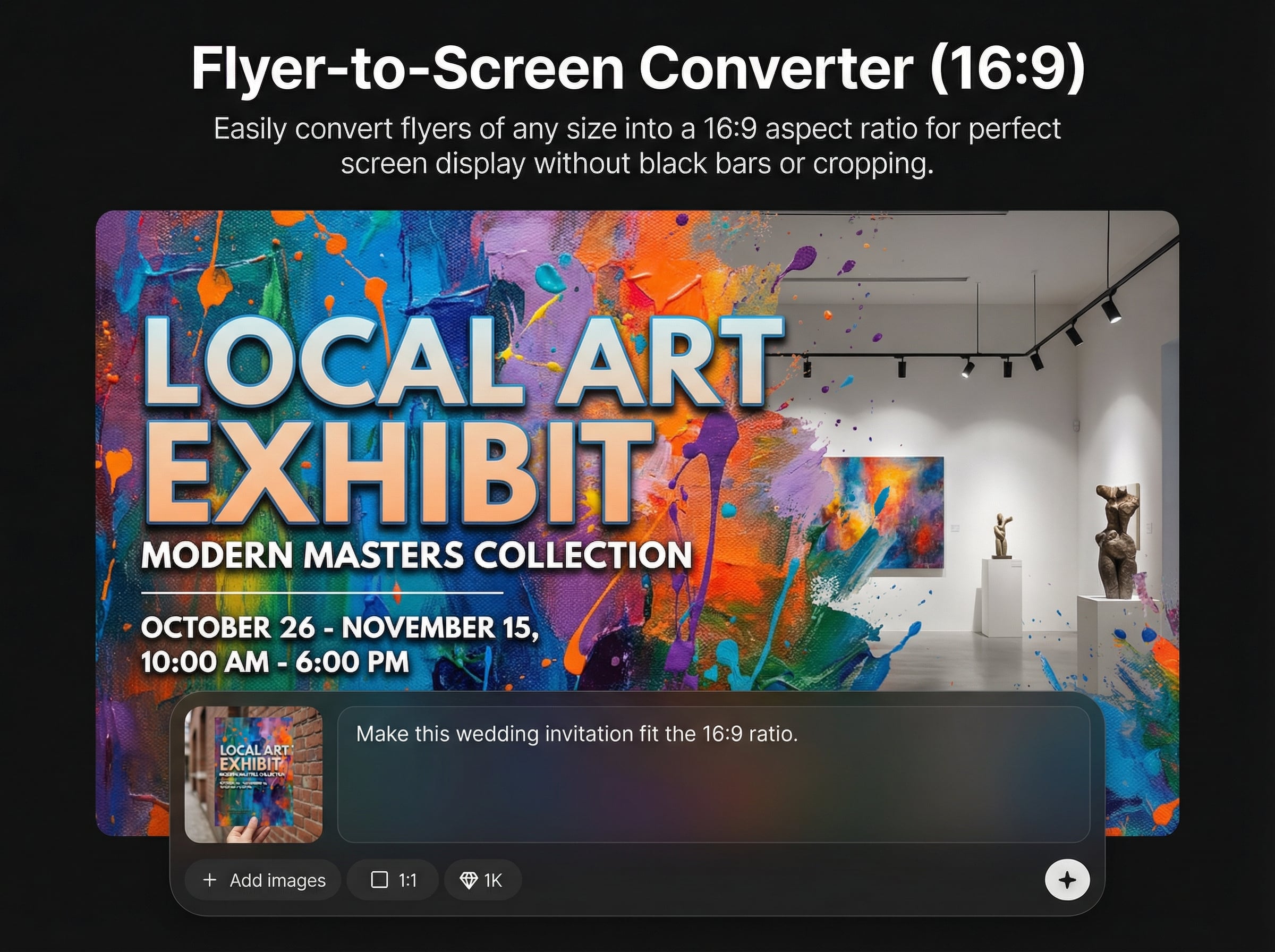
Generates balanced padding and spacing so text stays legible on large displays. Maintain brand colors and visual hierarchy for projector screens, TVs, and livestream overlays.
About
Flyer-to-Screen Converter (16:9) uses AI to transform flyers of any size into clean, screen-ready 16:9 visuals. Preserve key text and branding while intelligently adding padding or reframing to avoid black bars and awkward cropping. Upload your flyer, choose a fit style, and export a polished widescreen slide ready for projectors, TVs, and livestream overlays.
Flyer-to-Screen Converter (16:9) standardizes mixed flyer sizes into a consistent widescreen format with AI. It reduces manual resizing, avoids distracting black bars, and helps keep critical text readable. Get reliable, display-ready results for fast-moving event and media workflows.
Upload a flyer, pick a fit option (padding, reframing, or light crop), and export a 16:9 slide. In a few clicks, your graphic is ready for playback, signage, or streaming layouts.
Use cases
Discover how different creators use this app in their workflow.
Standardize incoming flyers to 16:9 for seamless playback on venue TVs and projectors, without black bars or unpredictable cropping.
Create widescreen flyer slides that slot into streaming layouts cleanly, keeping dates, locations, and QR codes readable for viewers.
Build consistent rotating slides for digital signage playlists. Output uniform 16:9 assets that look polished across different screen resolutions.
Krea is one of the world's leading generative AI platforms. See what others say.
Real reviews on TrustpilotSo many AI tools out there but I always come back to Krea. It's really the one AI platform that 'just works'.

FYN
Krea's interfaces are still the best in the industry. Everything looks and feels so clean and easy to use! Imo the easiest to use gen AI website.

Lynn
Ultra fast generations. Extremely simple to use. All the latest AI models.

Daniel
KREA is the only AI subscription I have right now besides ChatGPT.

Sophia M.
Common questions about converting flyers to 16:9 with AI.
The workflow analyzes the layout and protects key regions like headlines, dates, and QR codes. It prioritizes reframing and clean padding first, then applies minimal cropping only when necessary.
Yes. By generating a true 16:9 output, the result fills widescreen displays cleanly. Instead of player-added bars, you get designed padding or a reframed composition that looks intentional.
High-resolution PNG or JPG works well, and single-page flyer exports from PDFs are supported. For best clarity on projectors and TVs, start with the sharpest source available and export at 16:9 resolution.
Yes. The tool preserves your core artwork and branding, then adds balanced space around it or gently reframes. You can choose the fit style to match your display needs.
It’s designed for repeatable output and fast turnaround. Convert multiple flyers into consistent 16:9 slides so teams can update announcement loops quickly and keep on-screen visuals uniform.
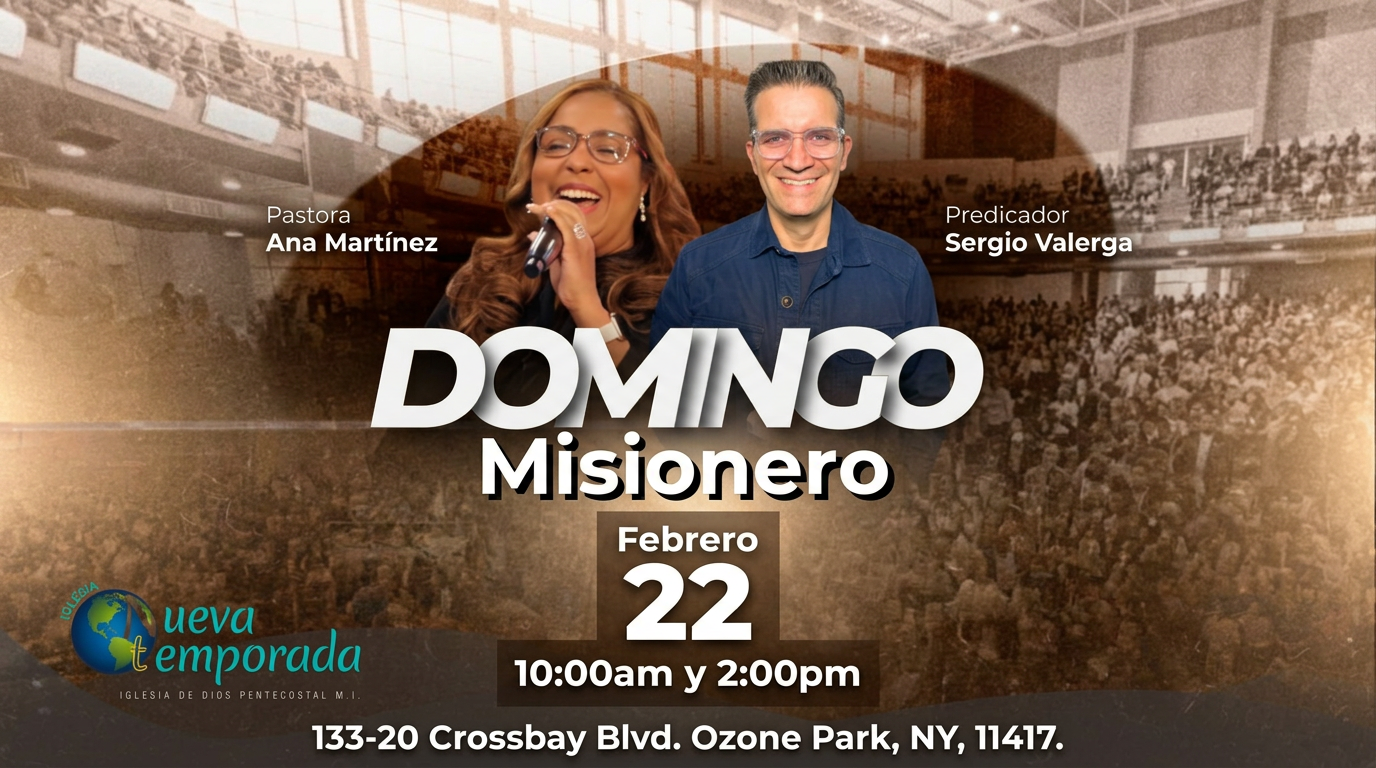
Upload any flyer size and export polished widescreen slides that display perfectly on TVs, projectors, and streams.

