















Step 1
Set your room brief
Select the room type and enter a clear prompt. Add style keywords, colors, materials, and must-have furniture to guide the AI interior design results.
 App by Felix Gil
Generate photorealistic interior design shots in seconds with Interior generator. Explore styles, layouts, and lighting—export fast. Try it now.
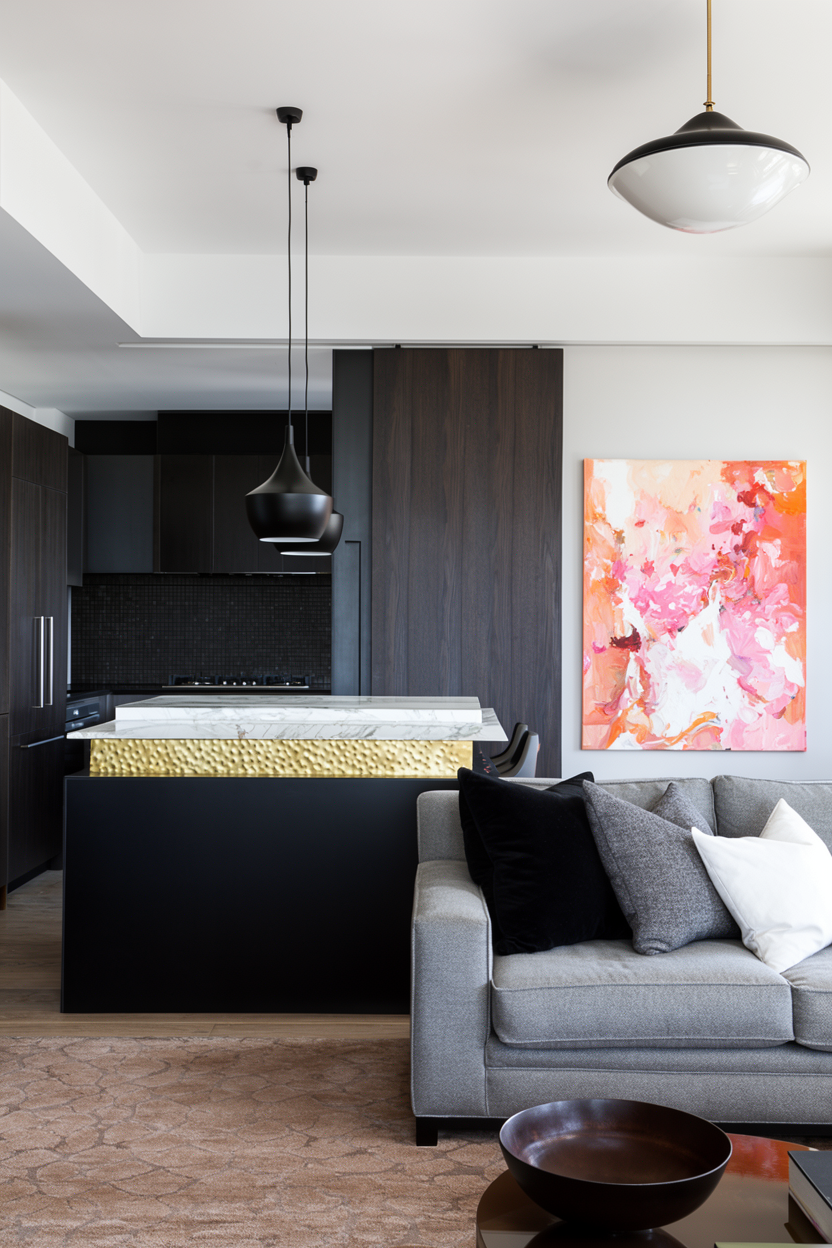
How to use Interior generator
Use Interior generator to turn a simple prompt or concept into polished interior design images. Follow these steps to pick a style, generate variations, and export shots ready for presentations or listings.
Step 1
Select the room type and enter a clear prompt. Add style keywords, colors, materials, and must-have furniture to guide the AI interior design results.

Step 2
Click generate to produce multiple interior design shots. Tweak lighting, layout, and decor terms, then regenerate to compare variations until the look matches your vision.

Step 3
Download your favorite renders in high quality. Use them in moodboards, client decks, staging previews, or marketing assets, and keep versions organized for quick iteration.
Features
Interior generator helps you create interior design shots with artificial intelligence—fast, flexible, and photorealistic. Explore multiple styles, layouts, and lighting directions without complex 3D tools. Generate consistent room visuals for planning, presentation, and marketing, then export images that communicate your concept clearly.
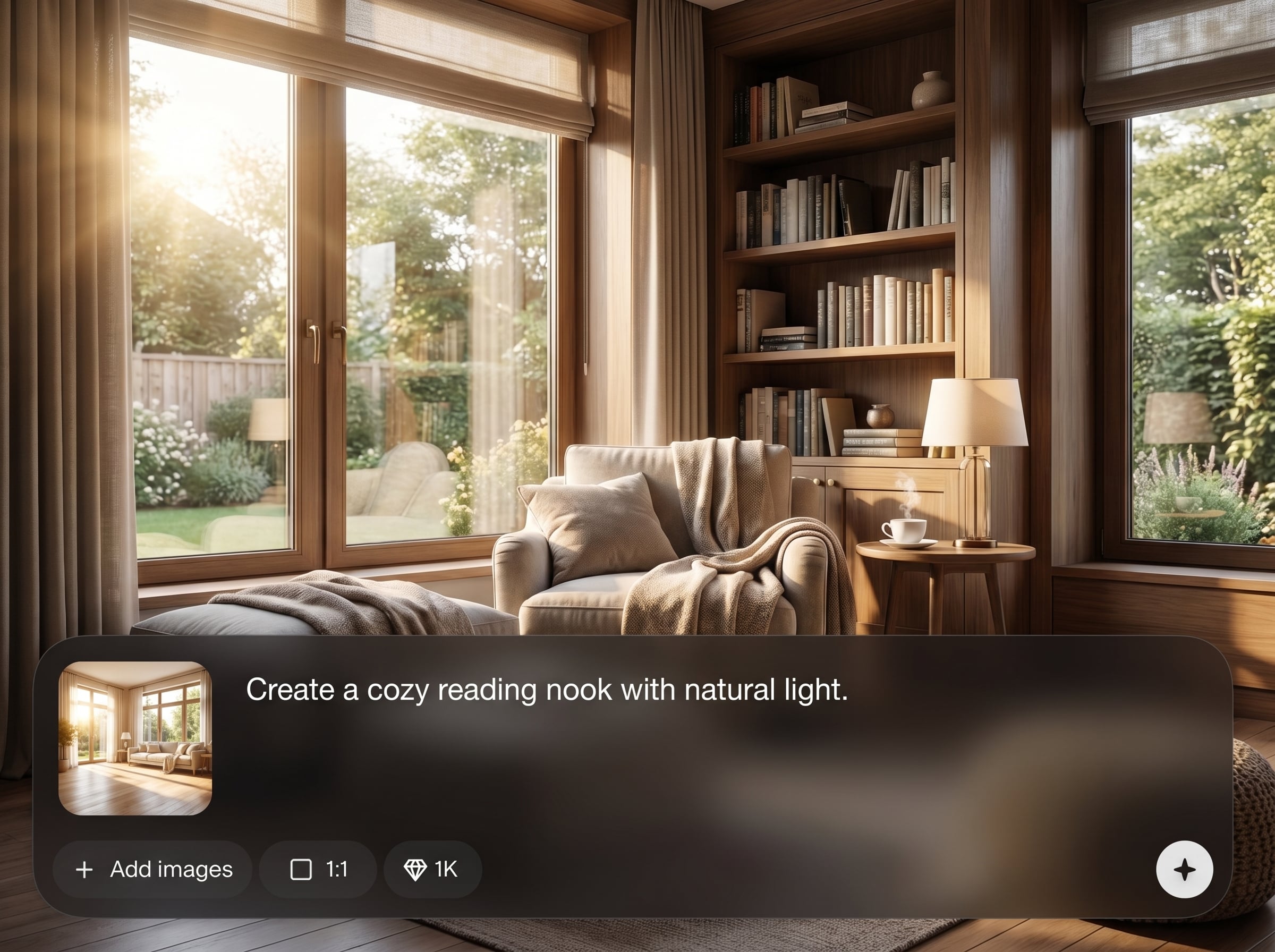
Create realistic interior render images with accurate lighting and materials. Produce clean, high-impact room shots that look ready for presentations, listings, and concept reviews.
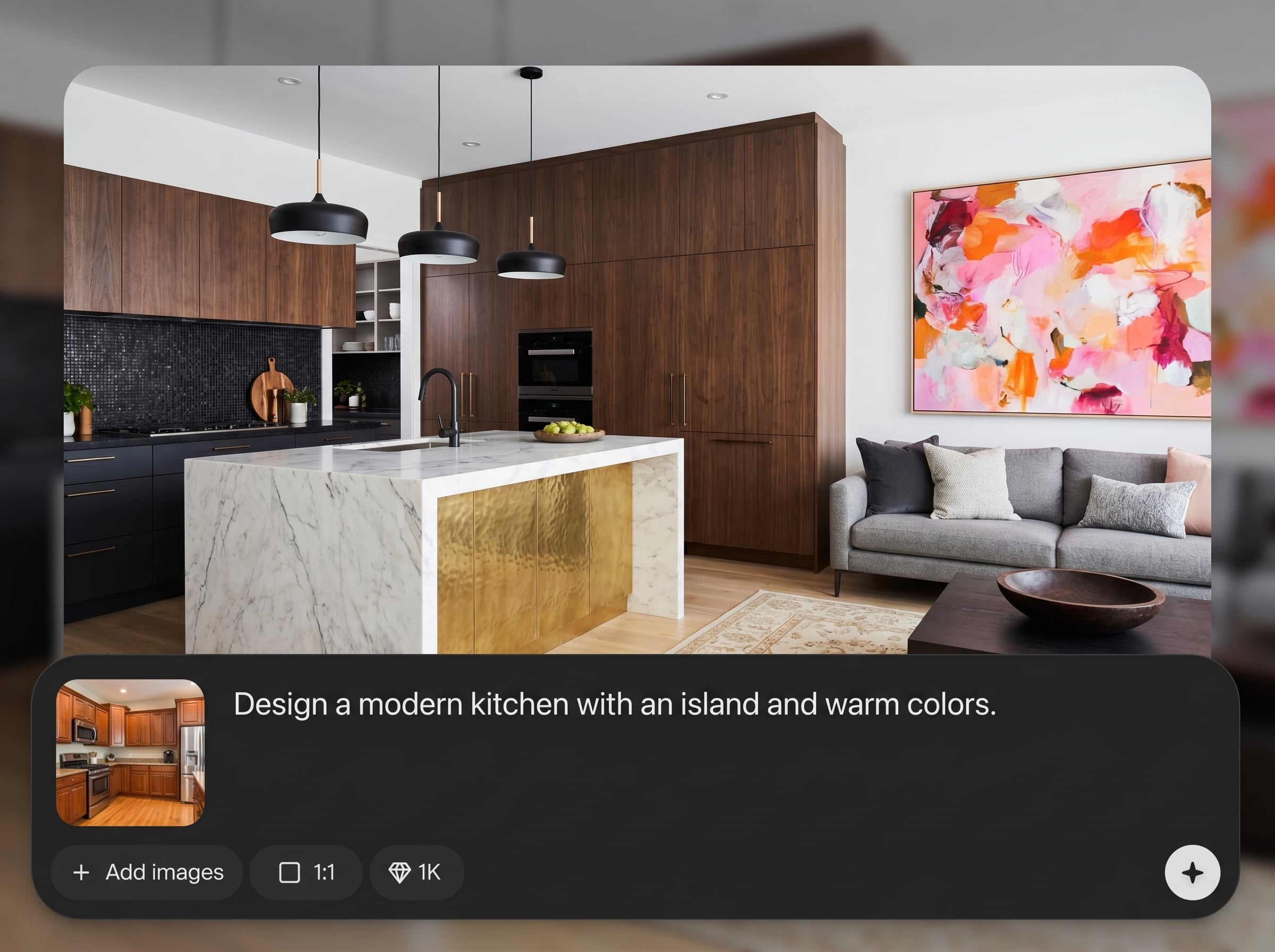
Guide the AI with prompts for modern, Scandinavian, industrial, or luxury looks. Adjust key elements like furniture, color palette, textures, and composition for better visual consistency.
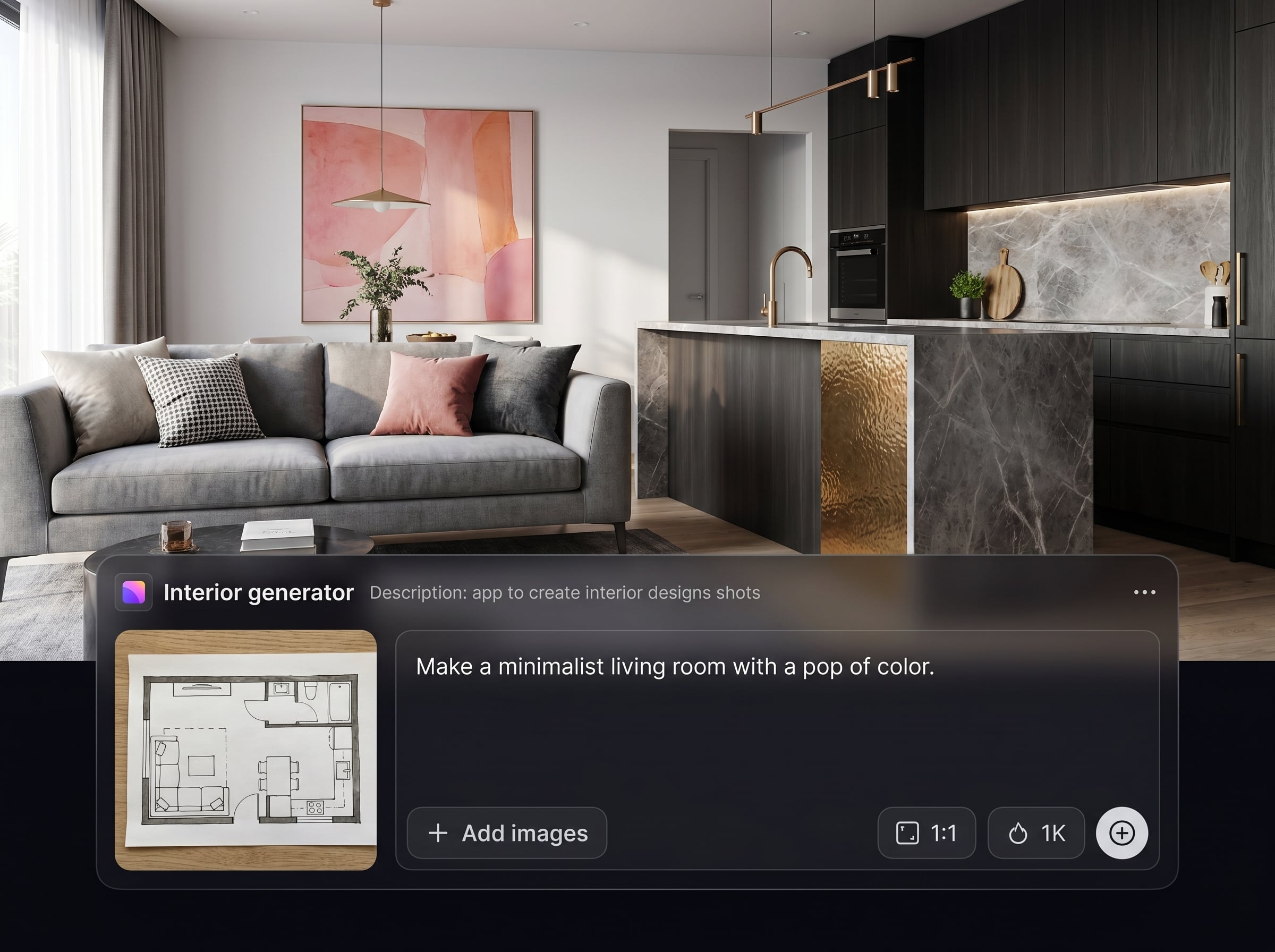
Generate multiple variations in seconds to compare options side by side. Reduce back-and-forth by quickly testing lighting, decor changes, and alternate layouts before finalizing direction.
About
Interior generator is an AI interior design generator that creates photorealistic room shots from your ideas. Choose a style, adjust materials, lighting, and furniture, then generate consistent interior renders in seconds. Use it to explore options faster, present concepts clearly, and produce high-quality visuals for planning, staging, or marketing.
Interior generator combines speed and control to produce photorealistic interior design shots with AI. Generate multiple styles from one brief, refine with clear prompt-driven edits, and export visuals that communicate layout, mood, and materials without heavy production workflows.
Open Interior generator, choose a room type, and write a short prompt with style and materials. Generate variations, refine keywords for lighting and furniture, then download your best interior shots for sharing.
Use cases
Discover how different creators use this app in their workflow.
Create staged interior shots for empty rooms and listings. Test decor styles and lighting concepts quickly to help buyers visualize the space.
Generate moodboard-ready room visuals to explore themes, palettes, and furniture mixes. Iterate faster before committing to detailed planning or sourcing.
Produce photoreal interior content for ads, landing pages, and social posts. Keep a consistent aesthetic while generating fresh room scenes on demand.
Krea is one of the world's leading generative AI platforms. See what others say.
Real reviews on TrustpilotSo many AI tools out there but I always come back to Krea. It's really the one AI platform that 'just works'.

FYN
Krea's interfaces are still the best in the industry. Everything looks and feels so clean and easy to use! Imo the easiest to use gen AI website.

Lynn
Ultra fast generations. Extremely simple to use. All the latest AI models.

Daniel
KREA is the only AI subscription I have right now besides ChatGPT.

Sophia M.
Quick answers about using Interior generator for AI interior design shots.
Interior generator is an AI interior design tool that creates photorealistic interior shots from your prompt. It helps you explore styles, layouts, and lighting quickly, without needing complex 3D modeling skills.
Use specific room details: style, color palette, materials, lighting, and key furniture. Add constraints like “wide-angle,” “natural light,” or “minimal clutter,” then refine by regenerating with small changes.
Yes. You can prompt for popular styles such as modern, Scandinavian, industrial, Japandi, or luxury. Combine style terms with materials and colors to steer the AI toward a consistent look.
It generates realistic interior design shots designed to look like professional photography or renders. Results depend on your prompt detail, but you can iterate fast to improve realism and consistency.
You can generate common spaces like living rooms, kitchens, bedrooms, bathrooms, and offices. Specify the room type and details such as layout, focal points, and lighting direction for best results.
Yes. Interior generator is useful for staging concepts, listing visuals, and marketing mockups. Generate multiple decor options quickly to present different looks and help audiences imagine the space.
Most generations complete in seconds, depending on demand and settings. The fast workflow makes it easy to test many variations—layout, lighting, and decor—without long render times.
You can download high-quality images suitable for presentations, moodboards, and web use. Export your selected interior shots, keep versions organized, and share them easily with stakeholders.
Yes. You only need a room brief and a prompt to start. The interface supports quick iterations, so beginners can improve results by adjusting keywords instead of learning advanced design software.
You can start with a quick test generation to evaluate quality and workflow. For higher volume output and faster iteration, use available plan options within the app.
Turn ideas into photoreal room visuals fast—pick a style, generate variations, and export in minutes.

