















Step 1
Choose a format
Pick what you need—social post, banner, logo, or image. Set size, style, and basic layout preferences so df targets the right output.
df is an AI design generator to create images, layouts, and social graphics fast. Use artificial intelligence to generate, edit, and export online—try it now.
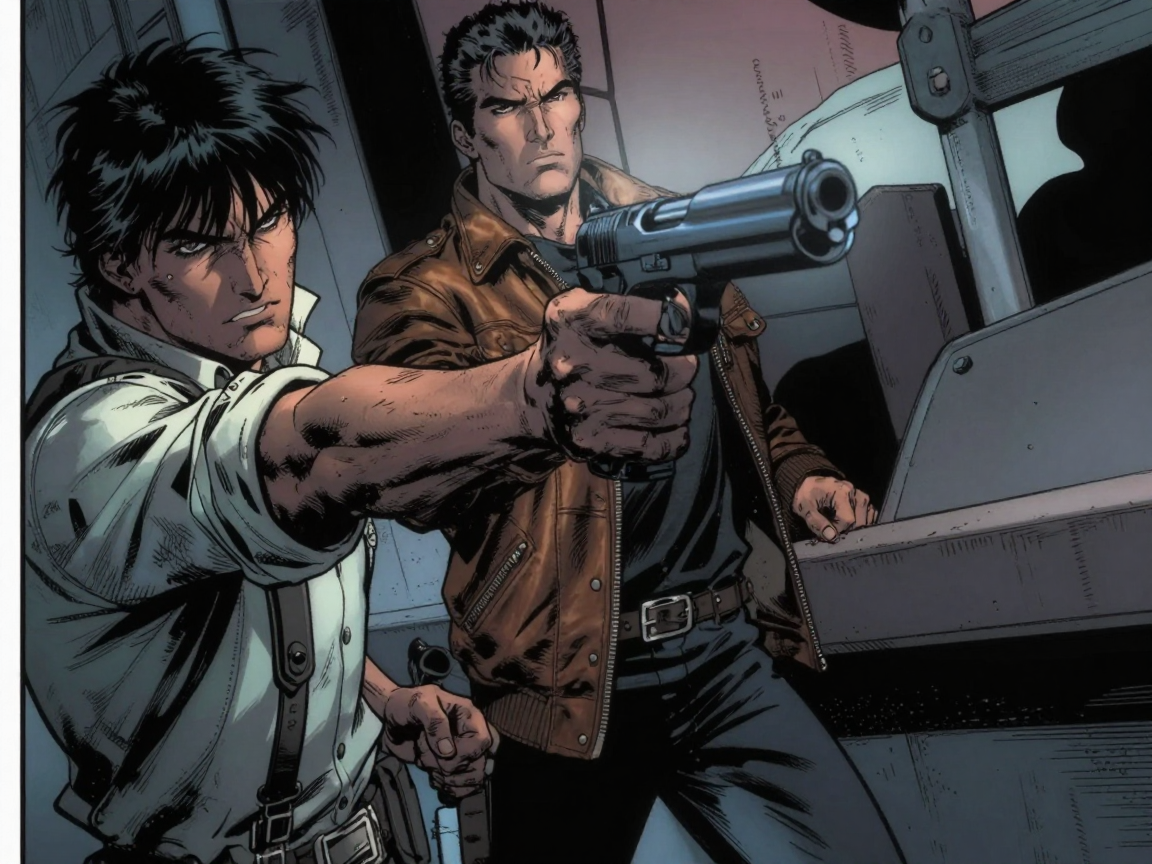
How to use df
Learn how to use df to generate and edit designs with AI. In three quick steps, you’ll choose a format, guide the model with prompts, and export high-quality assets for any channel.
Step 1
Pick what you need—social post, banner, logo, or image. Set size, style, and basic layout preferences so df targets the right output.

Step 2
Enter a prompt or upload a reference, then generate variations. Adjust colors, typography, composition, and details with quick AI edits until it matches your brand.

Step 3
Download your final design in web- and print-ready formats. Re-generate alternative sizes and versions, then share assets across campaigns with consistent quality.
Features
df combines an AI generator and editor to create high-quality visuals quickly. Generate from text, iterate with smart variations, and refine results with targeted edits. Built for speed and consistency, it helps teams produce scalable creative assets for ads, social media, product pages, and presentations—all in one online tool.
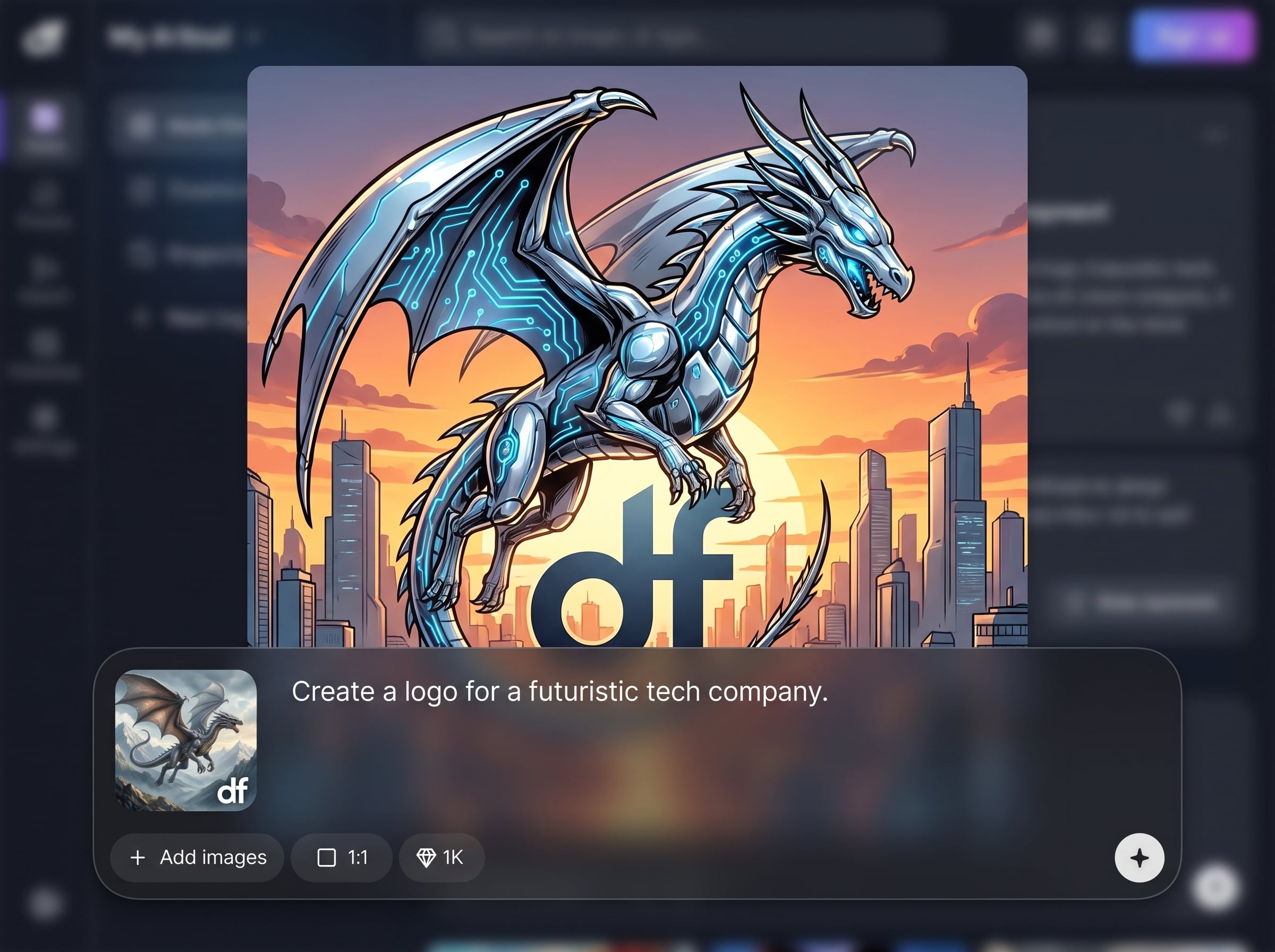
Turn prompts into ready-to-use visuals with AI. Generate multiple styles and compositions at once, then pick the best direction and iterate without starting over.
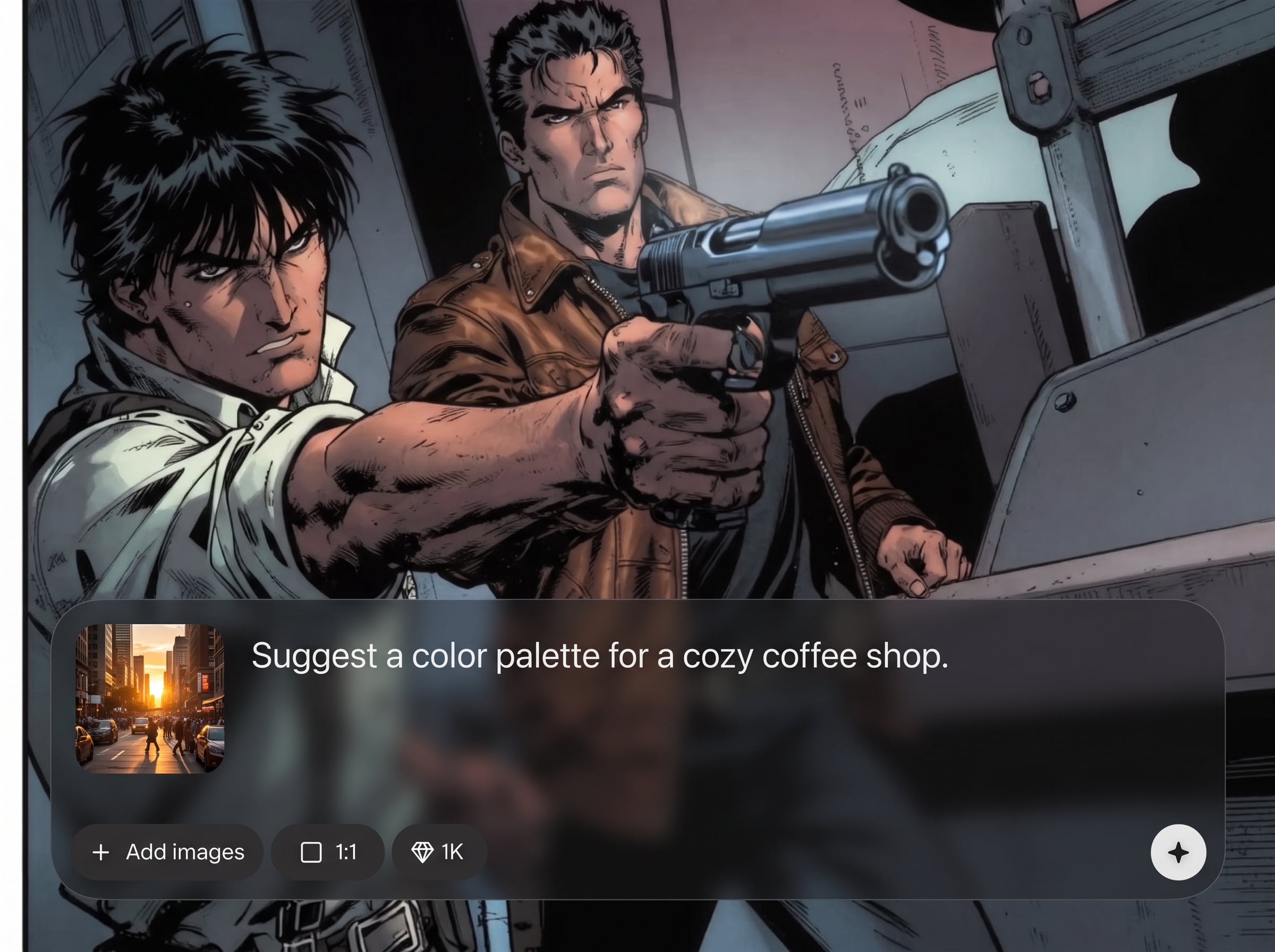
Create many options in seconds using machine learning. Explore layouts, colorways, and formats to match different channels while keeping a consistent visual system.
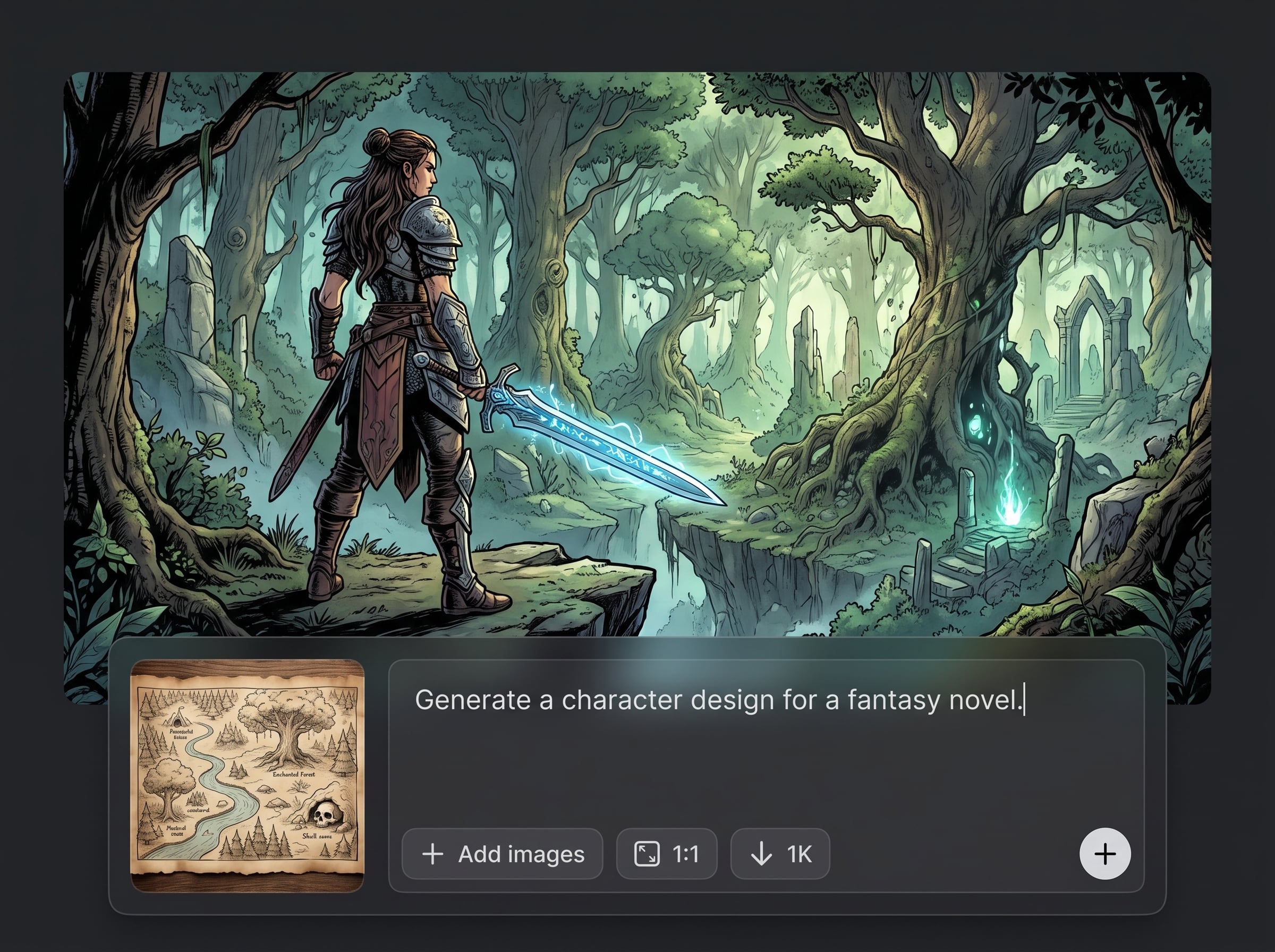
Refine specific areas with targeted edits instead of full re-renders. Adjust backgrounds, objects, typography, and spacing to reach clean, production-ready results faster.
About
df is an AI design generator that helps you create polished visuals from simple prompts or quick edits. Use artificial intelligence to generate images, refine layouts, and produce on-brand social and marketing assets in minutes. Work entirely online with fast iterations, flexible styles, and export-ready results for web, print, and campaigns.
df delivers a streamlined AI design workflow: generate, iterate, and edit with precision in one place. Get faster turnaround with smart variations, consistent results across formats, and export-ready assets that fit real production needs—without complicated setup.
Open df, choose a format, and describe what you want. Generate multiple options, refine with quick AI edits, then export the best version in the sizes you need.
Use cases
Discover how different creators use this app in their workflow.
Generate campaign visuals, banners, and paid social assets quickly. Produce multiple variations for testing while maintaining brand consistency across formats and platforms.
Create product imagery, feature callouts, and storefront graphics with AI. Iterate on styles and backgrounds to match seasonal drops, launches, and promotions.
Design clean slides and supporting visuals in minutes. Use AI to generate icons, backgrounds, and diagrams that make updates faster and keep decks cohesive.
Krea is one of the world's leading generative AI platforms. See what others say.
Real reviews on TrustpilotSo many AI tools out there but I always come back to Krea. It's really the one AI platform that 'just works'.

FYN
Krea's interfaces are still the best in the industry. Everything looks and feels so clean and easy to use! Imo the easiest to use gen AI website.

Lynn
Ultra fast generations. Extremely simple to use. All the latest AI models.

Daniel
KREA is the only AI subscription I have right now besides ChatGPT.

Sophia M.
Answers to common questions about df, AI design generation, and exporting results.
df is an AI design generator and editor that creates visuals from prompts or references. It can generate images, layouts, and marketing graphics, then lets you refine results with fast variations and targeted edits.
Both. df generates visuals from text prompts like a text-to-image model, and it also supports design-oriented refinement—layouts, style changes, and export-ready outputs—so you can finish assets without switching tools.
Use clear subject, style, and format details, plus constraints like color palette and aspect ratio. Add references when possible, then iterate with variations and small edits to guide the AI toward your target look.
Yes. Upload an image and use AI editing to refine composition, backgrounds, and details. You can generate alternate versions, adjust style, and improve consistency without fully recreating the asset from scratch.
df supports common web and print-ready exports for design workflows. You can generate multiple aspect ratios, create resized variants for different channels, and download assets suited for social, ads, and presentations.
df helps maintain consistent style by letting you reuse prompts, settings, and references across generations. Create a repeatable look, then produce variations and resized outputs that stay aligned with your visual system.
df is built for rapid iteration. Generate multiple options in seconds, then refine with lightweight edits. This workflow reduces time spent on manual revisions and speeds up content production for teams and campaigns.
Yes. df provides a guided, prompt-first workflow with simple controls for style and format. Beginners can generate strong starting points quickly, then refine results using clear, step-by-step editing options.
Absolutely. df is designed for social content: generate posts, stories, thumbnails, and banners, then export in the right sizes. Quickly produce variations for A/B testing and cross-platform consistency.
Create, refine, and export AI-generated visuals online in minutes—ready for social, ads, and presentations.

