















Step 1
Upload
Drag and drop a JPG or PNG. The AI analyzes the image and identifies the main subject to prepare a clean background removal.
Remove image backgrounds in seconds with 1-pads_bg_remove. AI-powered cutouts for product photos, portraits, and designs—fast, clean, online.
How to use 1-pads_bg_remove
Use 1-pads_bg_remove to remove backgrounds with artificial intelligence in a simple workflow. Upload your photo, let the AI isolate the subject, then export a transparent PNG or place it on a new background.
Step 1
Drag and drop a JPG or PNG. The AI analyzes the image and identifies the main subject to prepare a clean background removal.

Step 2
Review the cutout and adjust edges if needed. Improve hair, contours, or small details for a sharper, more natural-looking result.

Step 3
Download a transparent PNG or keep the subject for new backgrounds. Use the output for product photos, portraits, ads, and design layouts.
Features
1-pads_bg_remove uses machine learning to separate subjects from backgrounds quickly and accurately. Get smooth edges and consistent cutouts for photos, product shots, and marketing assets. Replace or remove backgrounds in seconds, reduce retouching time, and deliver polished visuals ready for web, eCommerce, and design workflows.
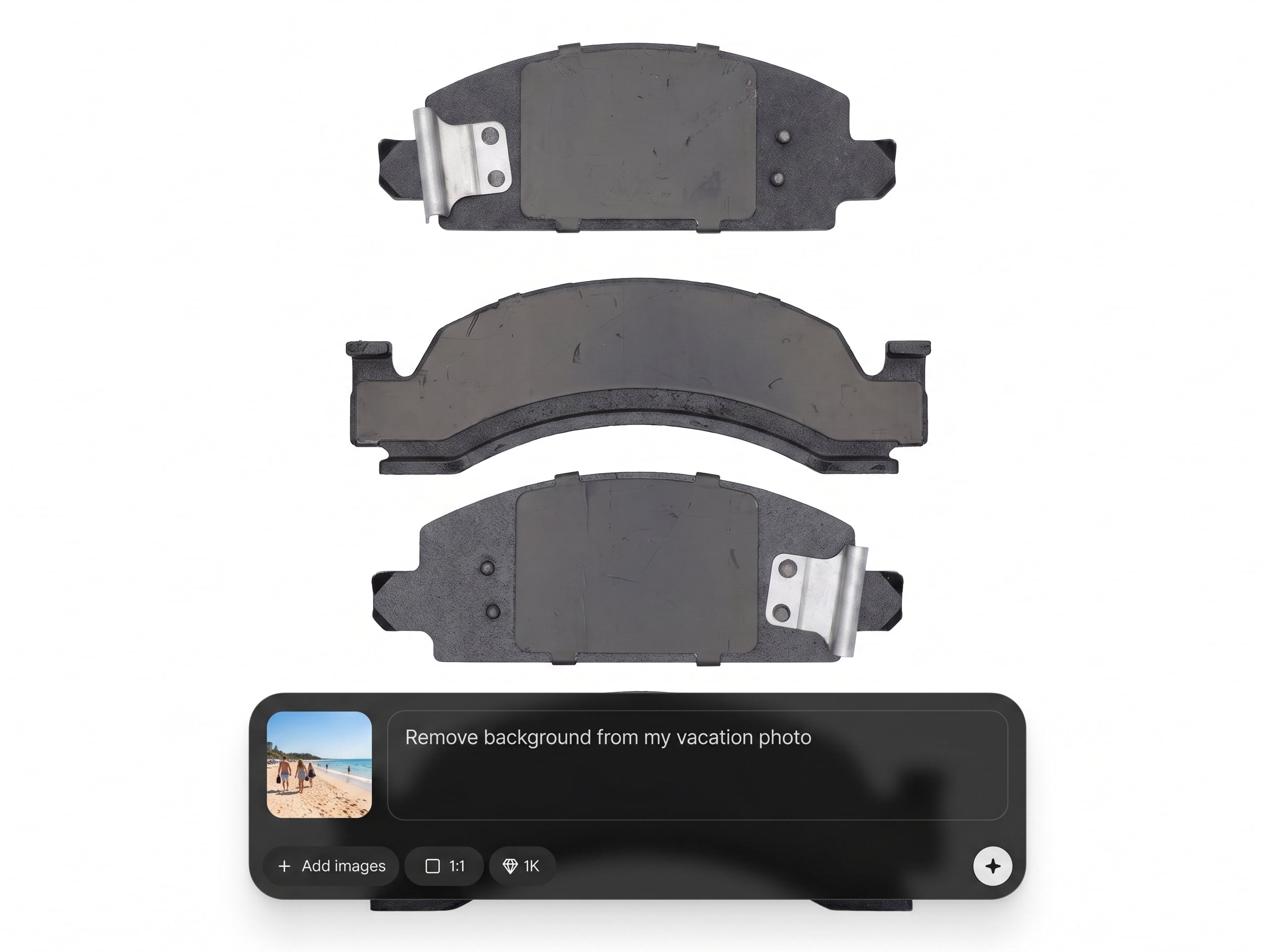
Automatic foreground segmentation finds people, products, and objects with strong edge quality. Create transparent cutouts that look natural, even on complex backgrounds and fine details.
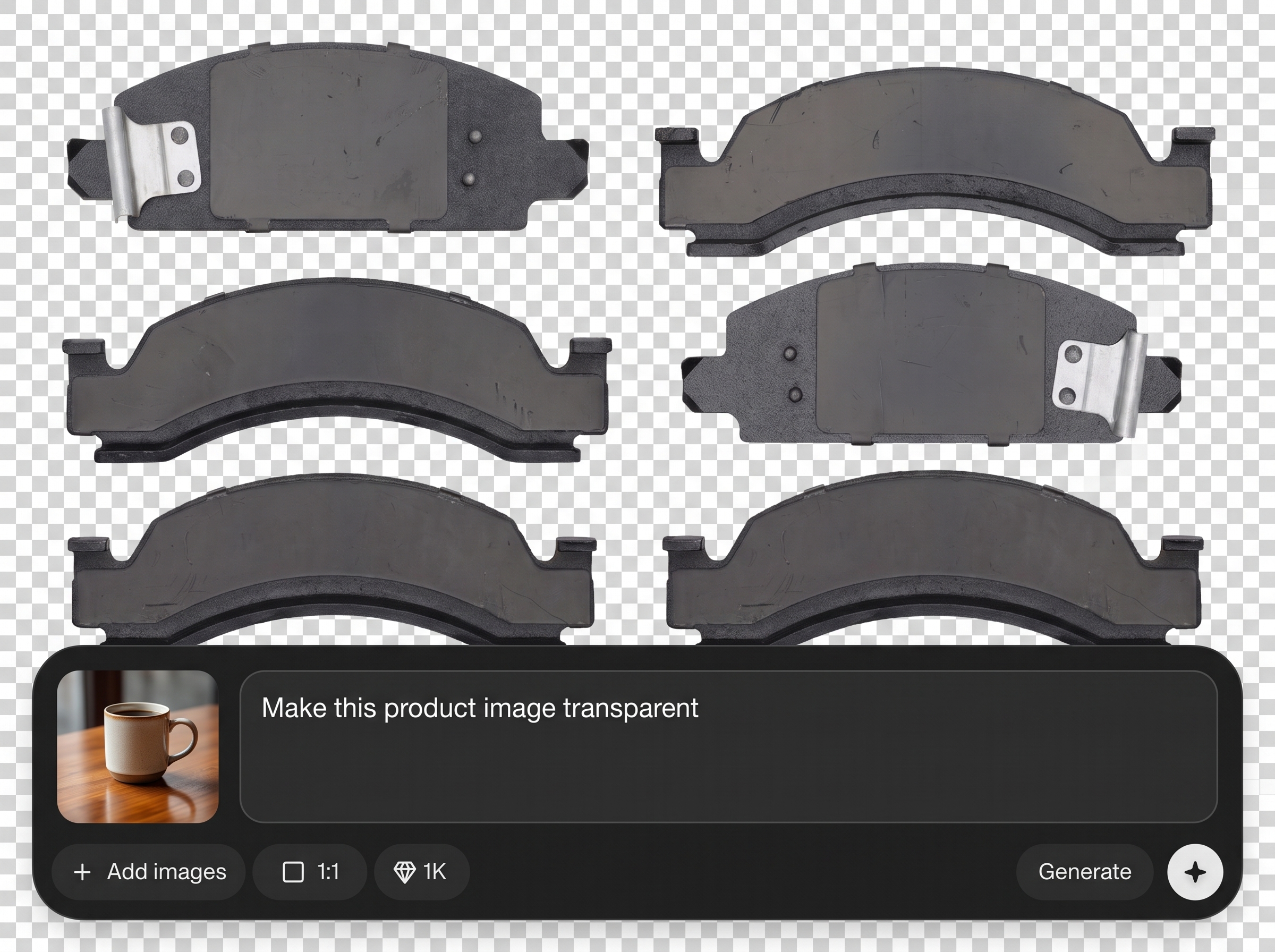
Remove backgrounds in seconds with an optimized AI pipeline. Keep your workflow moving for batches of images, quick revisions, and last-minute asset updates.
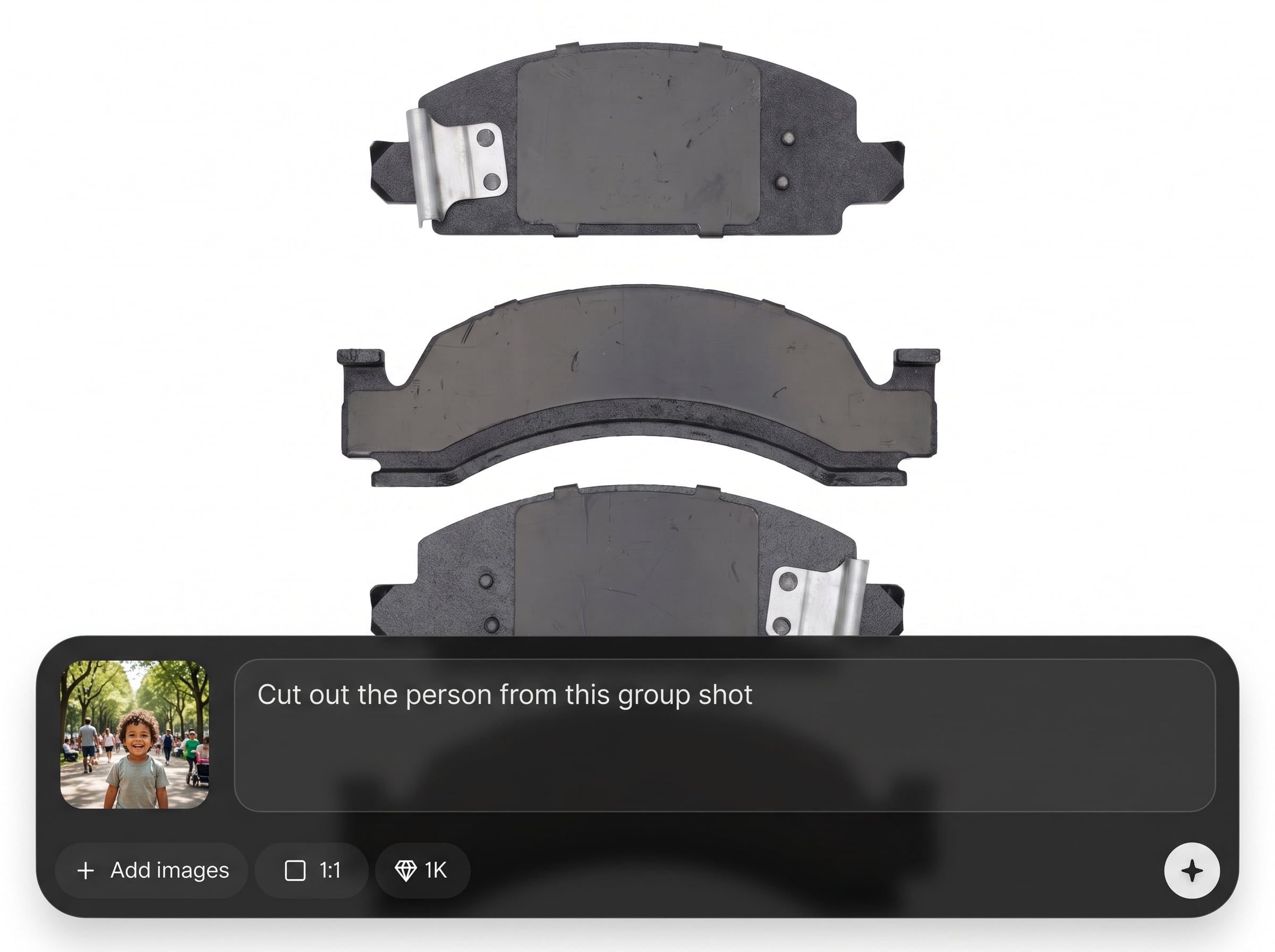
Generate clean transparent PNG outputs for any design tool. Use cutouts for listings, thumbnails, banners, and composites without extra manual masking or cleanup.
About
1-pads_bg_remove is an AI background remover that automatically detects subjects and removes backgrounds from photos with clean edges. Create transparent PNG cutouts for product listings, profile photos, and marketing assets without manual masking. Upload an image, refine if needed, and export high-quality results in seconds for consistent, professional visuals.
1-pads_bg_remove delivers reliable AI background removal with fast turnaround and clean, export-ready results. Skip manual masking and speed up production for product imagery, portraits, and ads. Get consistent cutouts that plug into any workflow, from quick social assets to polished eCommerce catalogs.
Open 1-pads_bg_remove, upload a JPG or PNG, and let the AI remove the background automatically. Review the cutout, refine edges if needed, then export a transparent PNG for immediate use anywhere.
Use cases
Discover how different creators use this app in their workflow.
Create consistent white or transparent backgrounds for listings. Improve catalog quality, reduce editing time, and make products stand out across marketplaces and stores.
Remove distracting backgrounds from headshots and social photos. Get a clean cutout for resumes, teams pages, avatars, and branded profile frames.
Prepare cutouts for ads, landing pages, and thumbnails. Swap backgrounds quickly to match campaigns, seasons, and brand styles with minimal effort.
Krea is one of the world's leading generative AI platforms. See what others say.
Real reviews on TrustpilotSo many AI tools out there but I always come back to Krea. It's really the one AI platform that 'just works'.

FYN
Krea's interfaces are still the best in the industry. Everything looks and feels so clean and easy to use! Imo the easiest to use gen AI website.

Lynn
Ultra fast generations. Extremely simple to use. All the latest AI models.

Daniel
KREA is the only AI subscription I have right now besides ChatGPT.

Sophia M.
Find quick answers about AI background removal, supported files, exports, and best practices for clean cutouts.
1-pads_bg_remove is an AI background remover that isolates the main subject and deletes the background automatically. It outputs a clean cutout you can download as a transparent PNG or use in new compositions.
Accuracy is strong for people, products, and common objects, with smooth edges on most images. For challenging details like hair or thin outlines, use the refine step to improve the final cutout.
You can typically upload standard image formats like JPG and PNG. For best results, use high-resolution images with clear subject separation and good lighting to help the AI segment edges cleanly.
Yes. After background removal, export a transparent PNG that works in design tools, website builders, and eCommerce platforms. This makes it easy to place the subject on any color or background image.
It can handle many natural shadows, but results depend on contrast and lighting. If you need a specific shadow look, export the cutout and add a controlled shadow in your design or photo editor.
It’s designed for fast processing, making it suitable for repeated background removals across sets of images. Use consistent lighting and framing to keep outputs uniform across a product catalog or campaign.
Start with a high-resolution photo and strong subject focus. Then refine the cutout around fine details, zoom in to check edges, and export at high quality for the most natural look.
Yes. Once you have a transparent cutout, you can place it on solid colors, gradients, or custom scenes. This helps create branded visuals and consistent layouts across marketing materials.
The goal is to preserve subject quality while removing the background. Use high-quality source images and export at the highest available resolution to keep details sharp in web and print workflows.
Images with clear contrast between subject and background work best, especially well-lit photos with sharp focus. Avoid heavy motion blur and extremely busy backgrounds for the cleanest segmentation.
Upload a photo and get a clean, transparent cutout ready for eCommerce, design, and marketing in seconds.

