















Step 1
Upload
Import a photo or scan of the 2-pad surface. The tool analyzes texture, edges, and defects to prepare a targeted AI cleanup pass.
Clean up 2-pad surfaces fast with AI. Remove noise, scratches, and artifacts, enhance edges, and export print-ready results online—try it now.
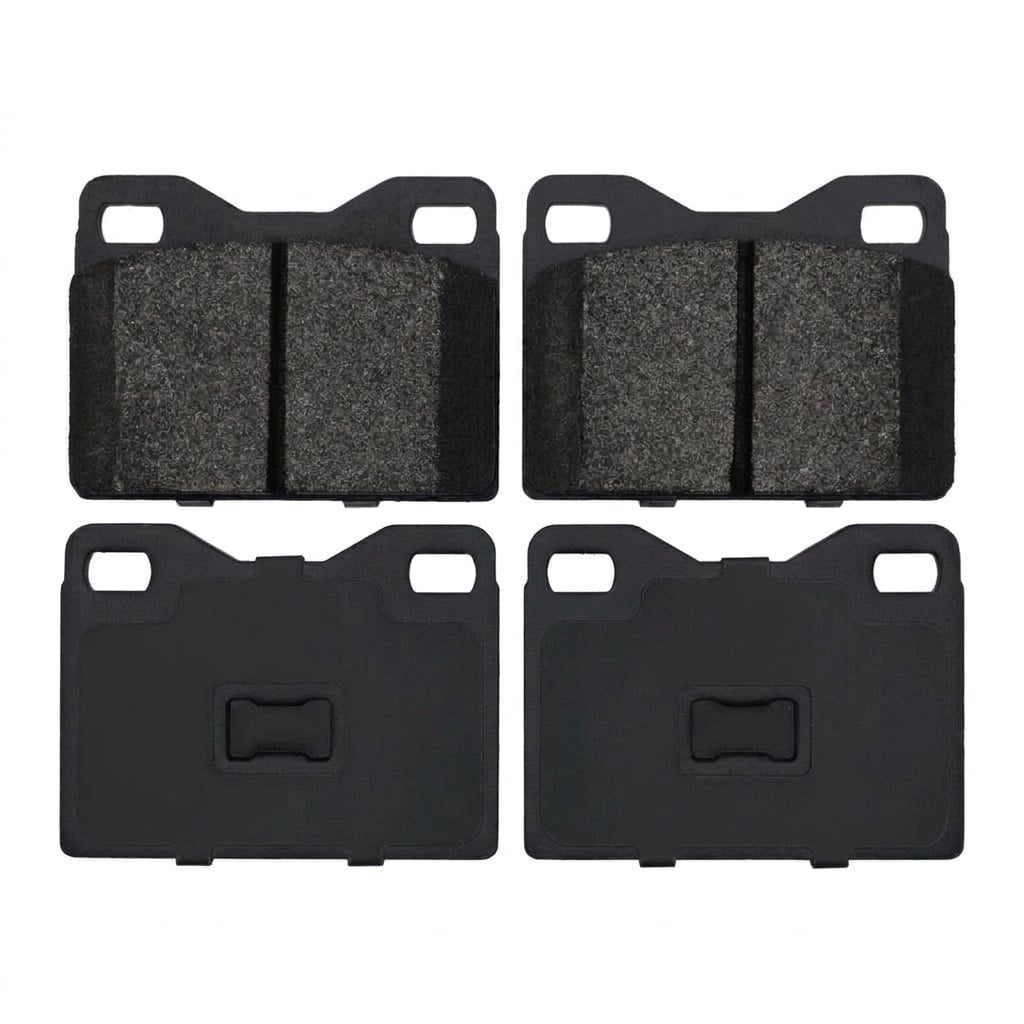
How to use 2-Pads Surface cleanup
Upload your surface scan, then let the AI detect noise, scratches, and unwanted artifacts. Adjust cleanup strength, preview changes instantly, and export a clean, consistent output for reports, print, or further editing.
Step 1
Import a photo or scan of the 2-pad surface. The tool analyzes texture, edges, and defects to prepare a targeted AI cleanup pass.

Step 2
Choose cleanup settings to control denoise, scratch removal, and edge enhancement. Use live preview to balance clarity with preserving real surface detail.

Step 3
Download the cleaned image in your preferred format. Use the result for print-ready documentation, quality inspection records, or downstream design and analysis tools.
Features
2-Pads Surface cleanup applies machine learning to remove scanning noise, scratches, and compression artifacts while protecting authentic texture. It improves edge definition and consistency across frames, helping you generate clear, reliable visuals for inspection and documentation. Get fast previews, adjustable strength, and clean exports without manual retouching.
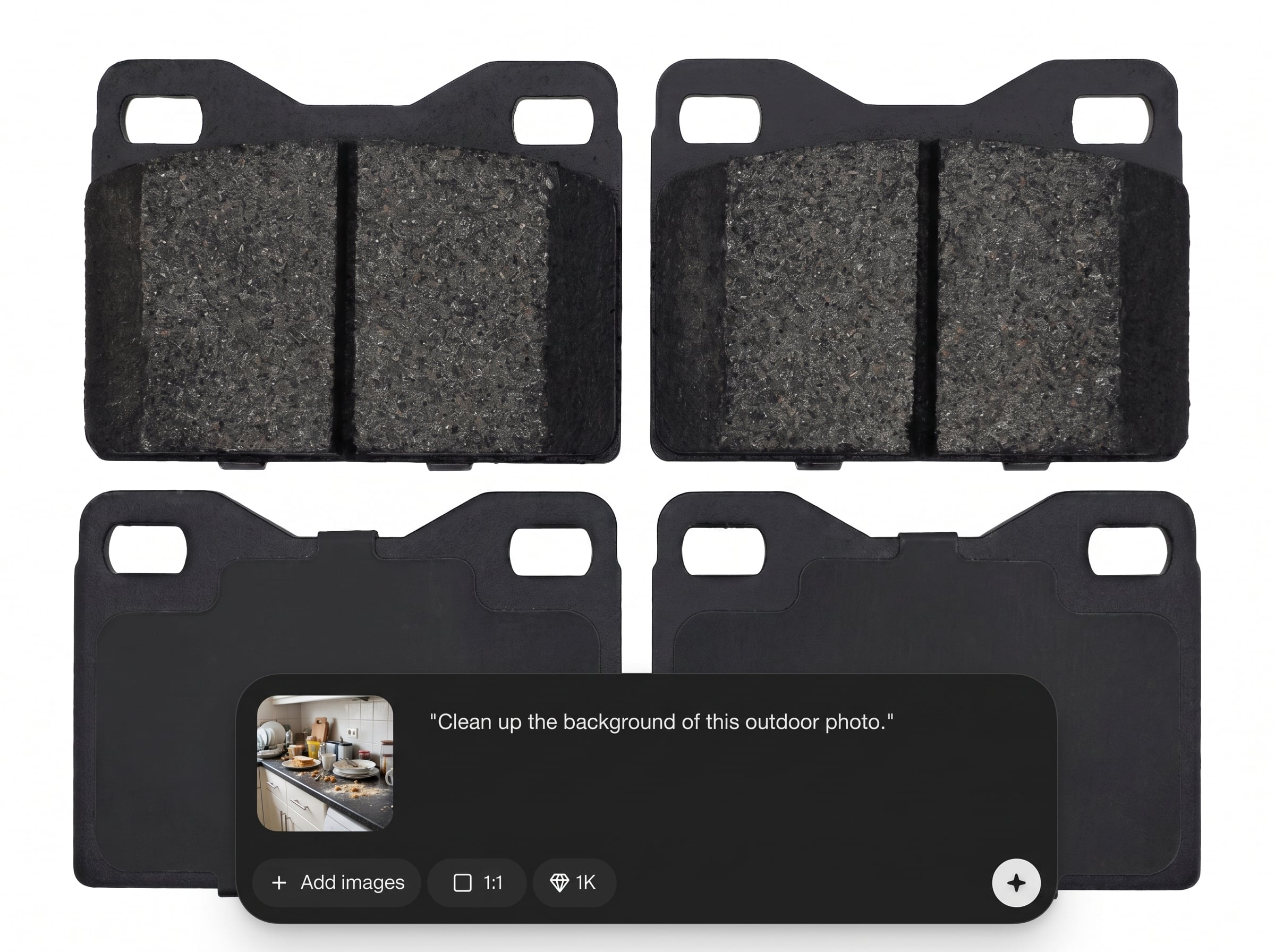
AI reduces grain, banding, dust, and scan artifacts with context-aware cleanup. Preserve important surface features while eliminating distractions that reduce readability and measurement confidence.
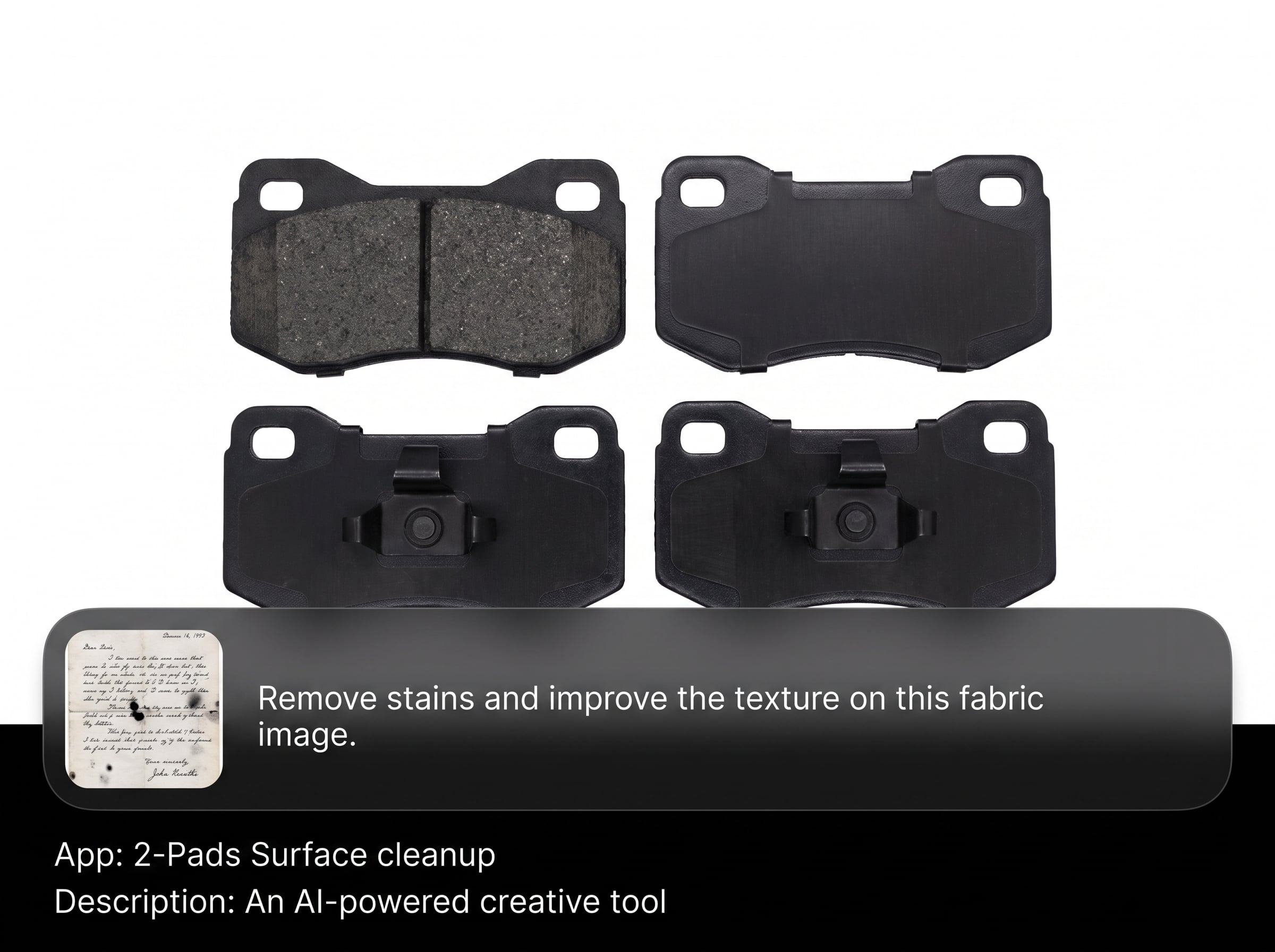
Enhance borders and micro-edges without over-sharpening. The model separates true boundaries from noise, producing cleaner outlines and more consistent surface structure across images.
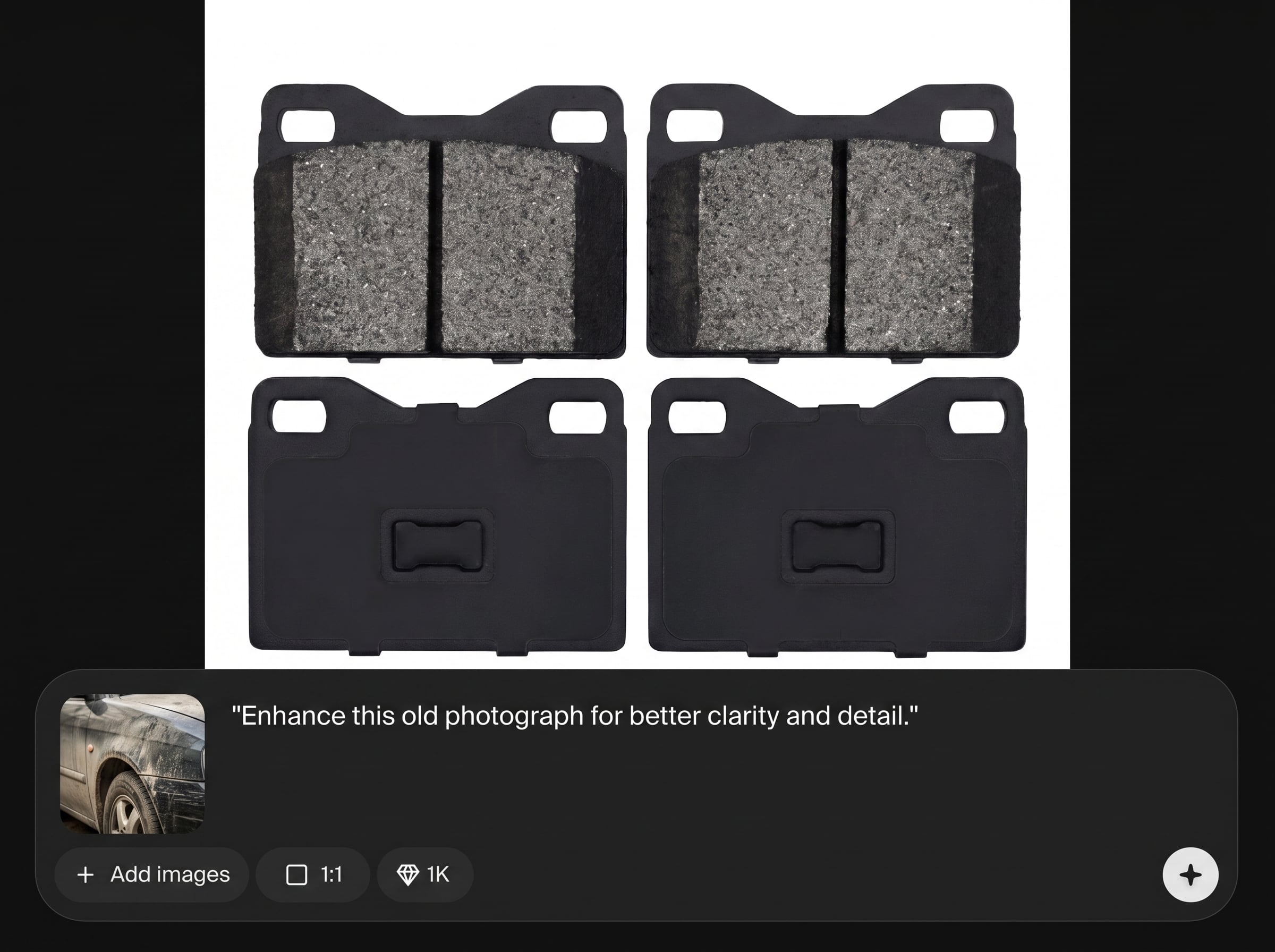
Iterate quickly with responsive previews and export high-quality results for reports or print. Save time versus manual retouching while maintaining repeatable, professional output.
About
2-Pads Surface cleanup uses AI to restore and refine 2-pad surface scans in minutes. Automatically reduce noise, remove scratches and artifacts, and improve edge clarity while keeping texture intact. Get consistent, print-ready results for inspection, documentation, and production workflows—directly in your browser with fast previews and flexible export options.
2-Pads Surface cleanup delivers fast, edge-aware restoration for 2-pad surface scans with controllable intensity. Reduce noise, scratches, and artifacts while keeping texture readable and consistent. Get reliable outputs for inspection, reporting, and print without time-consuming manual retouching.
Open the tool, upload your 2-pad surface image, and run AI cleanup. Tweak strength with live preview, then export a high-quality file ready for documentation, review, or print.
Use cases
Discover how different creators use this app in their workflow.
Create clearer 2-pad surface visuals for QC reviews by removing noise and scratches while preserving true texture and edge definition.
Produce clean, consistent images for reports and traceability. Reduce distracting artifacts so stakeholders can focus on real surface conditions.
Prepare scan-based assets for print by smoothing artifacts and improving clarity, ensuring a polished, print-ready surface image.
Krea is one of the world's leading generative AI platforms. See what others say.
Real reviews on TrustpilotSo many AI tools out there but I always come back to Krea. It's really the one AI platform that 'just works'.

FYN
Krea's interfaces are still the best in the industry. Everything looks and feels so clean and easy to use! Imo the easiest to use gen AI website.

Lynn
Ultra fast generations. Extremely simple to use. All the latest AI models.

Daniel
KREA is the only AI subscription I have right now besides ChatGPT.

Sophia M.
Answers to common questions about AI surface cleanup and 2-pad scan restoration.
It uses AI to clean 2-pad surface images by reducing noise, removing scratches and scan artifacts, and improving edge clarity. The goal is a clearer, more consistent image for inspection, documentation, or print.
Yes. The model targets common defects like dust, scratches, and compression artifacts, then blends corrections to keep natural texture. You can adjust strength to avoid over-smoothing detailed areas.
The cleanup is designed to preserve authentic texture while reducing unwanted noise. Use lower intensity for sensitive materials, and rely on preview to confirm that real features remain visible and unchanged.
You can typically upload standard image formats such as PNG and JPG, then export cleaned results in common formats for sharing or print. Choose the format that best matches your workflow and quality needs.
Basic filters often blur everything. This AI cleanup is edge-aware and context-sensitive, separating defects from meaningful structure. That helps maintain crisp boundaries and usable texture instead of flat, smeared results.
Yes. Adjust cleanup intensity to balance defect removal with detail preservation. This makes it suitable for both quick visual polishing and more conservative cleanup for inspection-focused imagery.
It runs online in the browser, so you can clean images without installing desktop software. Upload, preview, refine settings, and export the final result from the same workflow.
It’s built for repeatable results across similar surfaces. Process multiple images with the same settings to keep consistency, then fine-tune per image when certain scans need stronger or lighter cleanup.
Use the highest practical resolution from your scanner or camera. More detail helps AI separate real texture from noise, leading to cleaner results and better edge definition for print and documentation.
Upload a scan, apply AI cleanup, and export a clear, consistent result in minutes.

