















Step 1
Configure
Upload or define your rotor geometry, then set materials, constraints, and operating ranges like RPM, load, and tolerance. Choose the analysis focus: vibration, stress, or imbalance.
Run AI-driven 3D rotor testing online to simulate RPM, vibration, and stress, spot failure risks fast, and export reports for engineering decisions.
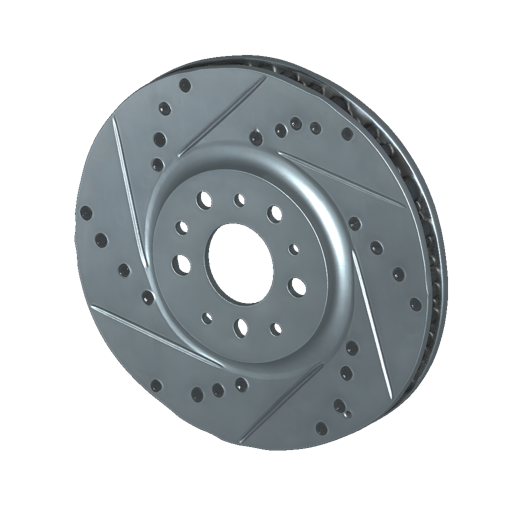
How to use 3D Rotor Testing
This quick guide shows how to set up a rotor test, run an AI simulation, and review results. Follow three simple steps to validate RPM behavior, vibration patterns, and stress hotspots before prototyping.
Step 1
Upload or define your rotor geometry, then set materials, constraints, and operating ranges like RPM, load, and tolerance. Choose the analysis focus: vibration, stress, or imbalance.

Step 2
Run the AI simulation to test dynamic response across speeds. The system estimates resonance, deflection, and stress changes, highlighting risky ranges and likely failure points.

Step 3
Inspect key charts and flagged zones, then compare scenarios by adjusting parameters. Export a concise report of results, assumptions, and recommended limits for documentation.
Features
3D Rotor Testing combines AI and 3D simulation to help validate rotor designs with fewer iterations. Test RPM ranges, detect resonance risk, and map stress and vibration behavior in one workflow. Get actionable outputs you can share, compare versions quickly, and move toward safer operating limits with confidence.
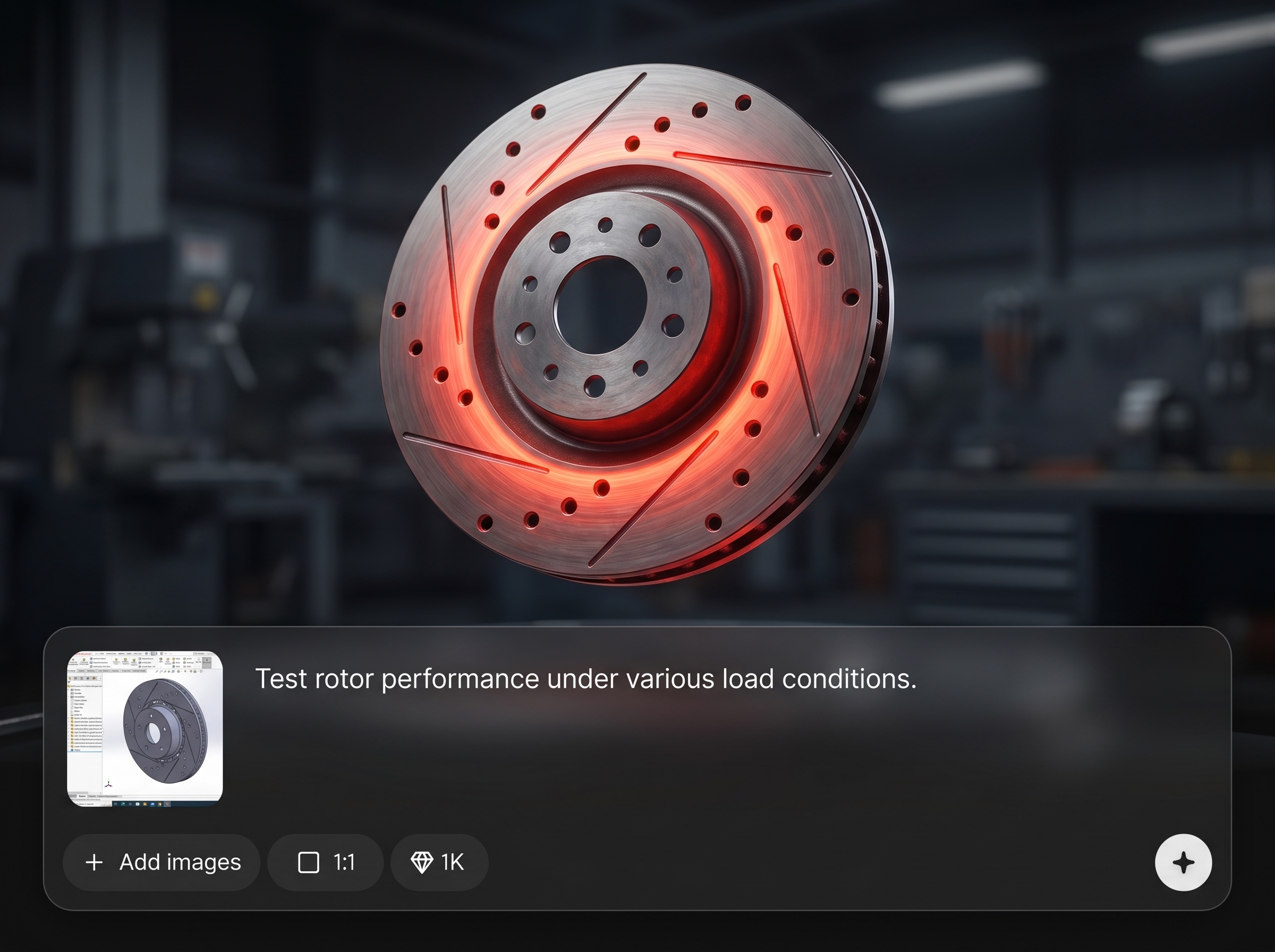
Analyze speed ranges to identify resonance-prone regions and instability signals. AI highlights critical RPM bands and suggests safer operating windows to reduce vibration-related failures.
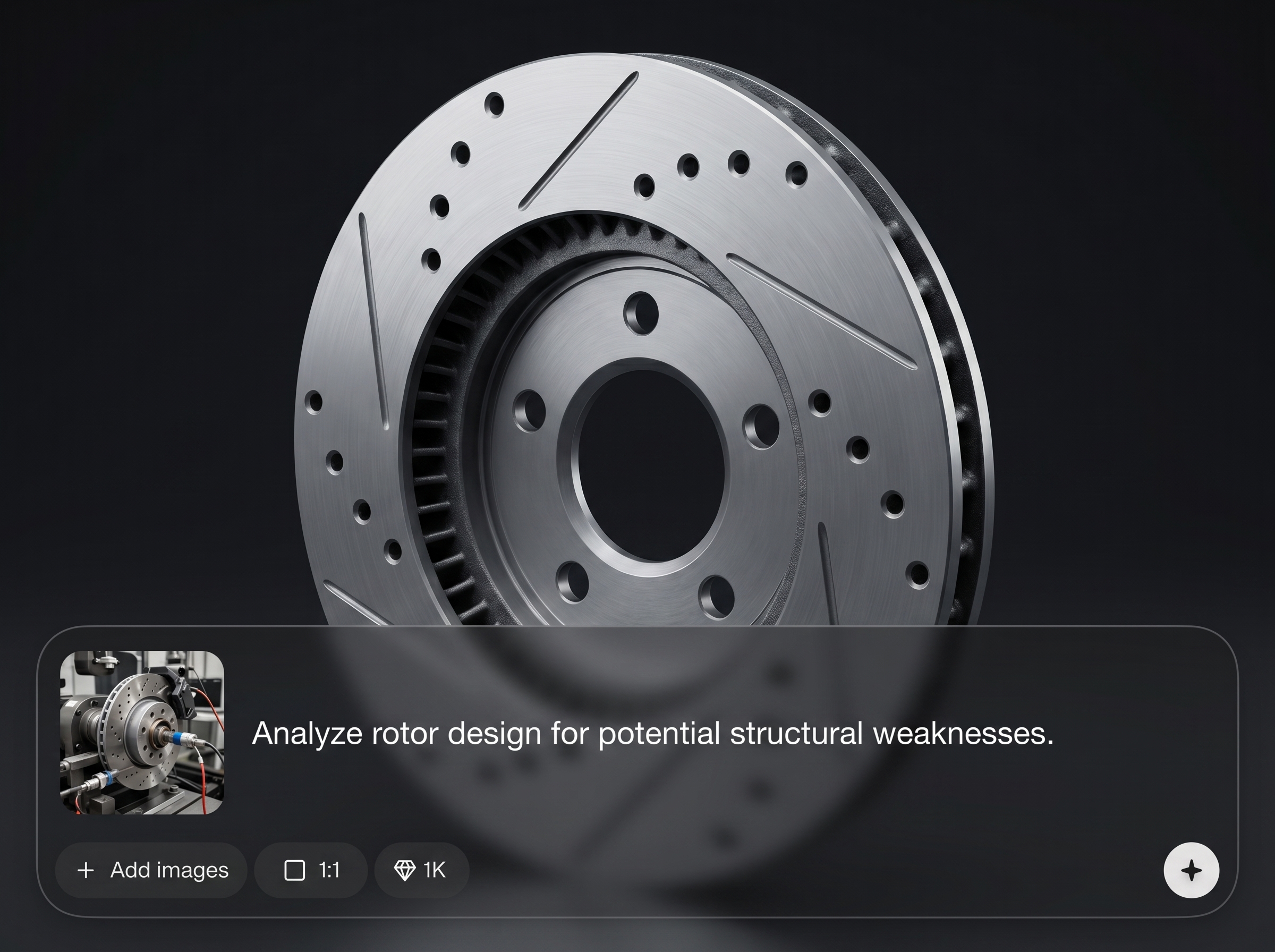
Test multiple configurations by varying RPM, load, material, and tolerance settings. Compare outcomes side by side to choose the most robust design with less manual effort.
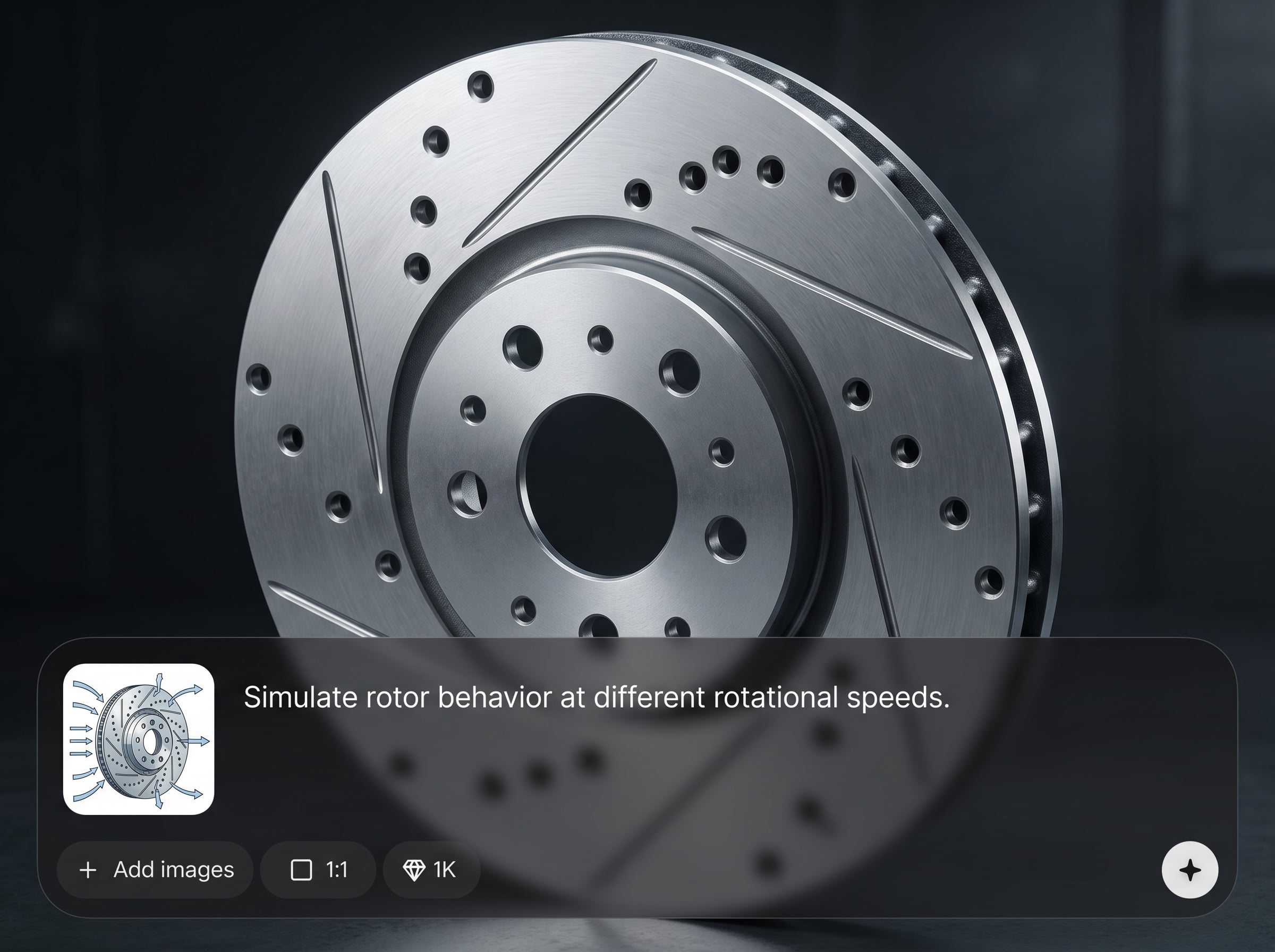
Generate clear summaries of vibration metrics, stress hotspots, and assumptions used in each run. Export results for review, QA documentation, and engineering handoffs.
About
3D Rotor Testing is an AI-powered rotor simulation tool that helps you evaluate performance before physical trials. Model RPM, vibration, stress, and imbalance to uncover weak points and reduce risk. Generate clear test outputs and exportable summaries to support faster engineering reviews and iteration.
Get a focused workflow for AI-assisted 3D rotor testing: configure, simulate, and review without heavy setup. The tool emphasizes practical outputs—critical RPM ranges, vibration indicators, and stress hotspots—so you can iterate faster and document decisions clearly.
Enter rotor geometry and operating conditions, then run a simulation and review flagged risk zones. Adjust parameters to compare scenarios and export a report when you’re ready to share results.
Use cases
Discover how different creators use this app in their workflow.
Simulate rotor behavior early to catch resonance and stress issues before manufacturing. Reduce rework by iterating digitally and validating operating limits upfront.
Explore imbalance, stiffness, and RPM changes to isolate causes of vibration. Run quick scenario tests to narrow down root issues and mitigation options.
Create consistent, shareable outputs for decision-making. Export summaries that document parameters, results, and recommended constraints for internal approval workflows.
Krea is one of the world's leading generative AI platforms. See what others say.
Real reviews on TrustpilotSo many AI tools out there but I always come back to Krea. It's really the one AI platform that 'just works'.

FYN
Krea's interfaces are still the best in the industry. Everything looks and feels so clean and easy to use! Imo the easiest to use gen AI website.

Lynn
Ultra fast generations. Extremely simple to use. All the latest AI models.

Daniel
KREA is the only AI subscription I have right now besides ChatGPT.

Sophia M.
Answers to common questions about AI 3D rotor testing, simulation accuracy, and exporting results.
It’s used to simulate rotor performance across RPM and load conditions, estimate vibration and stress behavior, and flag resonance risk. This helps validate designs and reduce reliance on early physical testing.
A 3D model is recommended for best results, but you can also define key dimensions and parameters if supported. The goal is to capture geometry, material, and constraints for meaningful outputs.
Yes. The simulation analyzes behavior across speed ranges and highlights RPM bands where resonance is likely. Use these signals to adjust design parameters and define safer operating windows.
You typically receive charts and summaries for vibration trends, stress hotspots, and flagged risk zones. Results can be compared across runs to see how changes in RPM, load, or materials affect performance.
No. It’s a fast, AI-assisted way to reduce uncertainty and prioritize prototypes. Physical testing remains essential for final validation, compliance, and real-world environmental conditions.
Machine learning helps identify patterns in dynamic response, prioritize likely risk regions, and speed up iterative exploration. It supports faster decision-making by summarizing results and highlighting anomalies.
Yes. You can test multiple RPM points and load cases to see where performance degrades. Sweeps make it easier to compare versions and select operating limits with less manual setup.
Yes. Exportable reports help document inputs, assumptions, and key results like resonance risk and stress hotspots. This makes reviews, QA handoffs, and iteration tracking faster and more consistent.
Simulate rotor performance, spot resonance risk, and export clear results in minutes—right in your browser.

