















Step 1
Configure
Enter rotor parameters, constraints, and operating conditions like RPM range, load, and tolerance targets. Choose analysis options for imbalance detection, vibration response, and stability checks.
Run AI-powered 3D rotor tests online. Simulate spin behavior, detect imbalance, and export clear reports fast. Try 3D Rotor Testing 1 now.
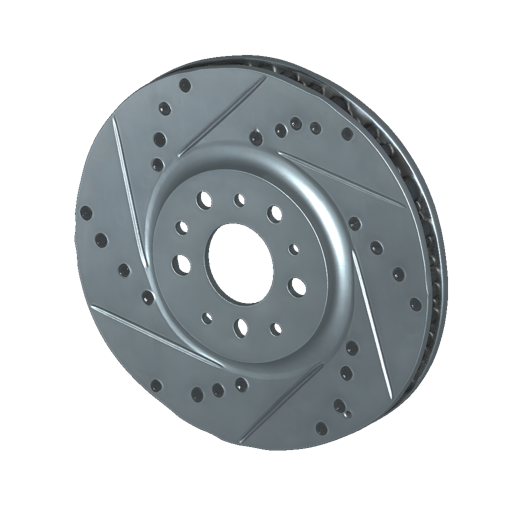
How to use 3D Rotor Testing 1
This quick tutorial shows how to set up an AI-assisted 3D rotor simulation, run a test sequence, and review outputs. Follow three steps to generate results you can compare, export, and share.
Step 1
Enter rotor parameters, constraints, and operating conditions like RPM range, load, and tolerance targets. Choose analysis options for imbalance detection, vibration response, and stability checks.

Step 2
Start the AI simulation to run 3D rotor tests across your selected scenarios. The tool processes inputs, estimates dynamic behavior, and flags potential risk points automatically.

Step 3
Inspect charts, key metrics, and flagged warnings to validate performance. Export a summary report for documentation, stakeholder review, or iteration tracking in your workflow.
Features
3D Rotor Testing 1 helps you simulate rotor dynamics online with AI-assisted configuration and analysis. Model operating ranges, evaluate vibration and imbalance indicators, and compare runs with consistent settings. Generate clear outputs for faster decisions, fewer physical prototypes, and more confident validation across test scenarios.
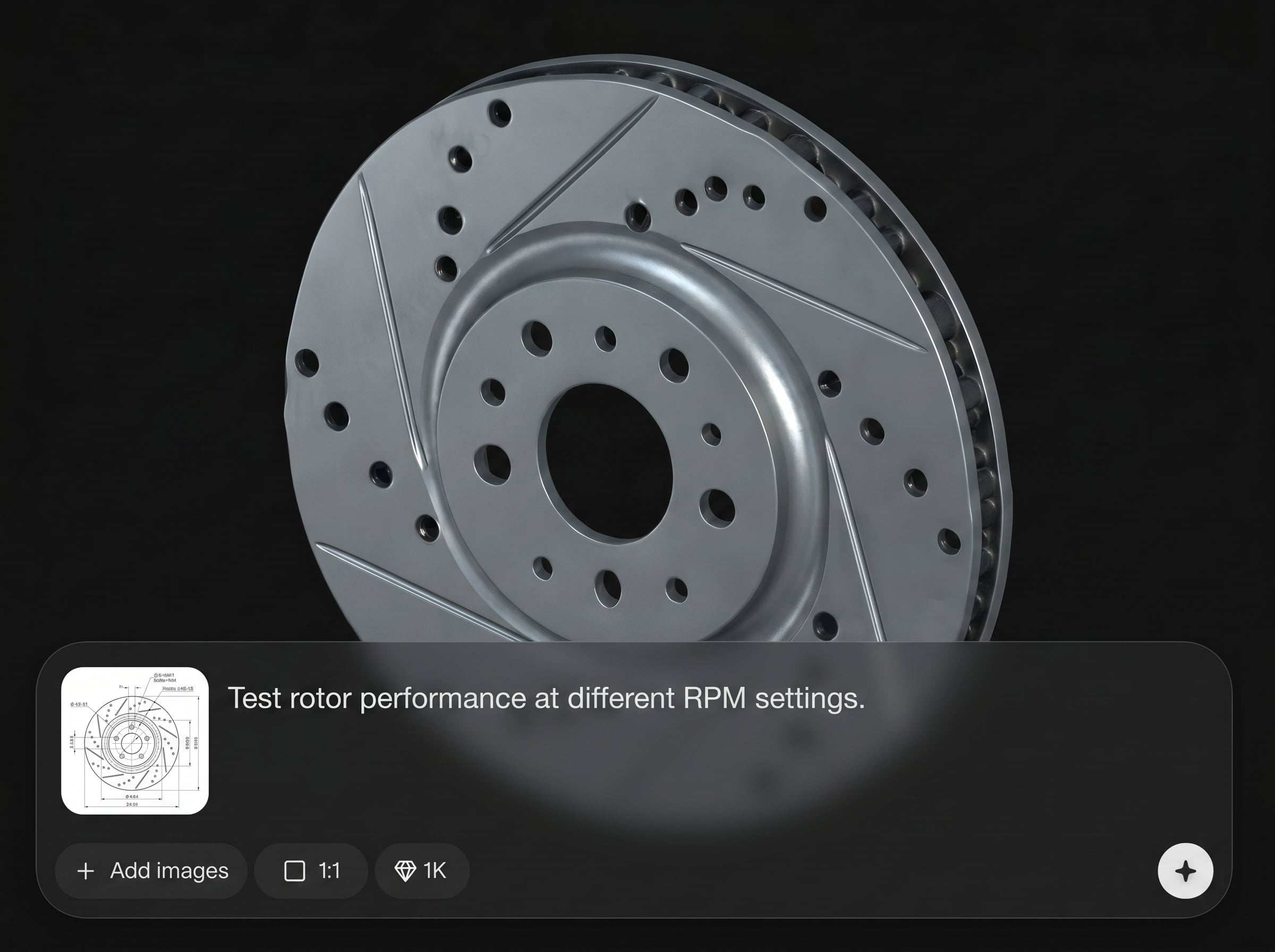
Generate repeatable 3D rotor test runs from your inputs and operating ranges. Quickly explore RPM sweeps and scenario variations to understand behavior before committing to lab time.
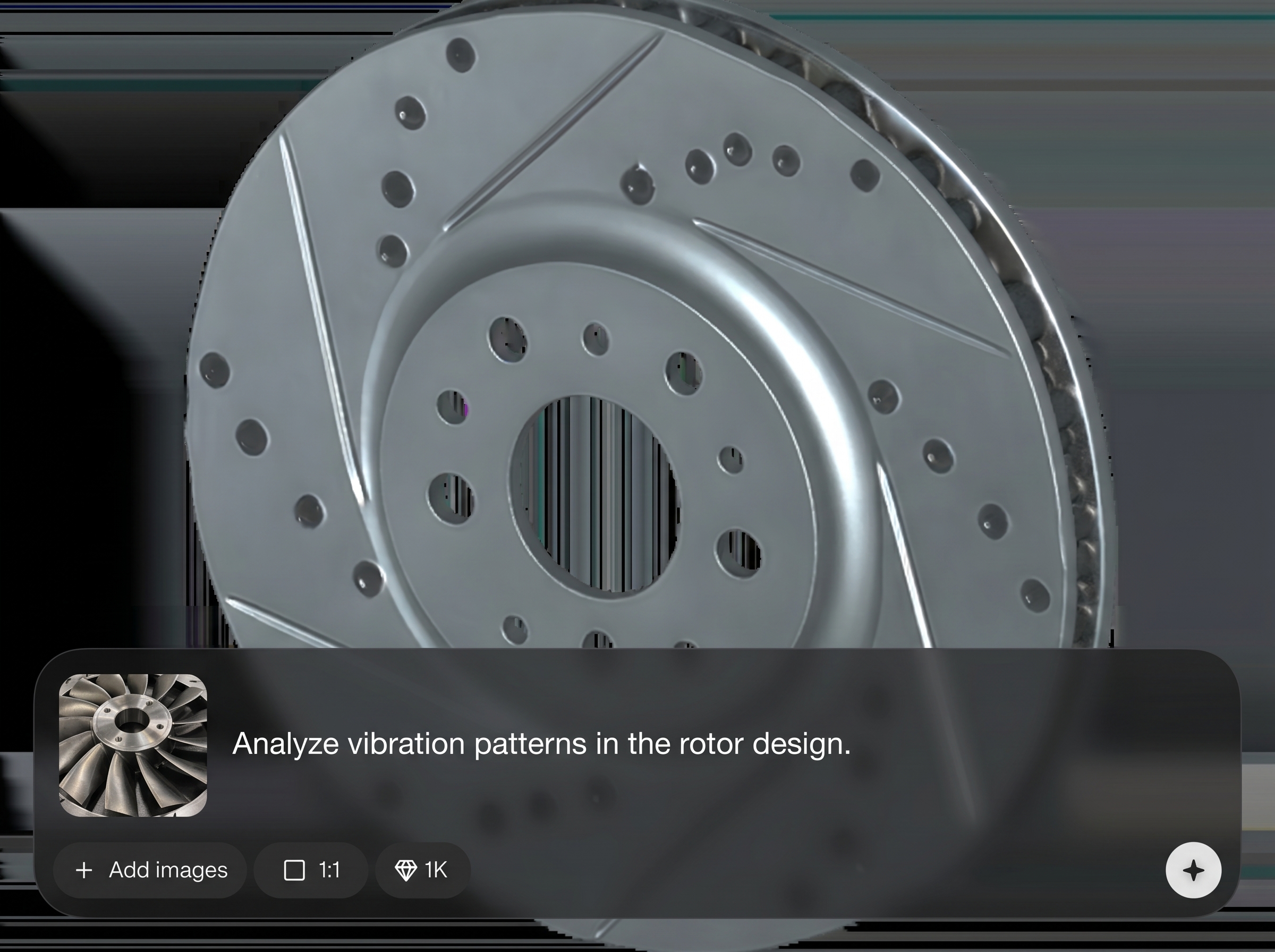
Use AI analysis to highlight imbalance indicators, vibration trends, and potential stability concerns. Get readable metrics and warnings that help prioritize what to adjust and retest.
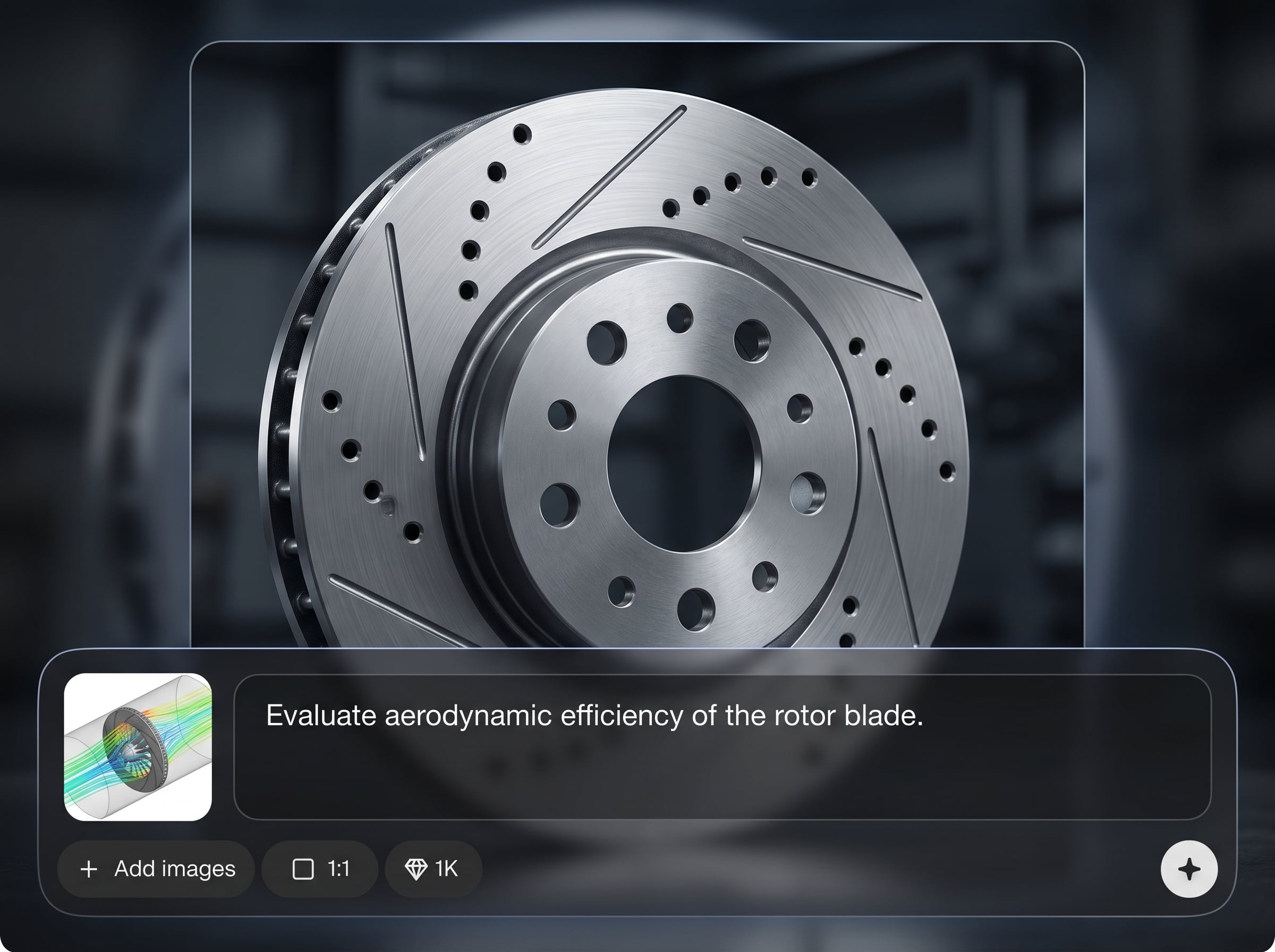
Export structured outputs for documentation and collaboration, including key charts and summaries. Keep test history consistent across iterations and share results without rebuilding analyses.
About
3D Rotor Testing 1 is an AI rotor test generator for fast 3D simulation and analysis of rotating components. Configure speed, load, and geometry inputs to predict vibration, imbalance, and stability issues before prototyping. Get clear, shareable results to speed up engineering decisions and reduce test iterations with reliable, repeatable runs online.
3D Rotor Testing 1 combines AI-assisted setup with fast 3D rotor simulation and clear outputs. Standardize tests, reduce manual analysis, and spot imbalance or vibration risks earlier. Exportable results make documentation and cross-team reviews simple and consistent.
Open the tool, enter rotor parameters and operating ranges, then run a simulation. Review metrics and warnings, iterate settings as needed, and export a report for sharing or documentation.
Use cases
Discover how different creators use this app in their workflow.
Simulate rotor behavior across speed ranges to validate stability and vibration performance. Catch imbalance risks early and reduce costly rework during testing and commissioning.
Compare multiple rotor configurations with consistent parameters and outputs. Quickly assess changes, document improvements, and keep a clear record of what worked and why.
Generate clear, exportable test summaries for QA review and traceability. Standardize how rotor tests are run and communicated across teams and stakeholders.
Krea is one of the world's leading generative AI platforms. See what others say.
Real reviews on TrustpilotSo many AI tools out there but I always come back to Krea. It's really the one AI platform that 'just works'.

FYN
Krea's interfaces are still the best in the industry. Everything looks and feels so clean and easy to use! Imo the easiest to use gen AI website.

Lynn
Ultra fast generations. Extremely simple to use. All the latest AI models.

Daniel
KREA is the only AI subscription I have right now besides ChatGPT.

Sophia M.
Common questions about AI 3D rotor testing, simulation inputs, outputs, and exports.
3D Rotor Testing 1 is used to run AI-assisted 3D rotor simulations that evaluate rotating component behavior. It helps identify imbalance, vibration trends, and stability risks across operating scenarios.
Not always. You can start with parameter-based inputs such as dimensions, mass properties, constraints, and RPM ranges. Add more detailed geometry inputs when needed for higher-fidelity comparisons.
The AI helps automate scenario evaluation and highlights risk signals in results, like imbalance indicators and vibration patterns. This speeds interpretation, improves consistency, and reduces manual review work.
You’ll get structured results such as key metrics, charts, and flagged warnings tied to your test settings. Outputs are designed to be readable for comparison, documentation, and next-step decisions.
Yes. Configure RPM sweeps and operating scenarios to run multiple cases in one workflow. This makes it easier to compare behavior across conditions and spot thresholds where issues emerge.
Yes, it runs online so you can simulate rotor tests without local setup. This enables faster iteration, easy sharing, and repeatable runs using the same inputs and settings.
Yes. Export summaries that capture inputs, settings, and key outputs like charts and metrics. Reports help keep test history organized and support reviews, audits, or handoffs.
Any field with rotating machinery can benefit, including manufacturing, energy, aerospace, and industrial equipment. Simulation helps reduce risk by evaluating vibration and stability before physical testing.
Accuracy depends on input quality, assumptions, and scenario coverage. Use realistic parameters and validate against known baselines when possible; the tool is best for fast screening and comparison.
Yes. Reuse the same configuration to run consistent tests and compare outputs between iterations. This supports versioned decision-making and helps track improvements across design changes.
Simulate rotor behavior online with AI insights, compare runs, and export results in minutes.

