















Step 1
Upload
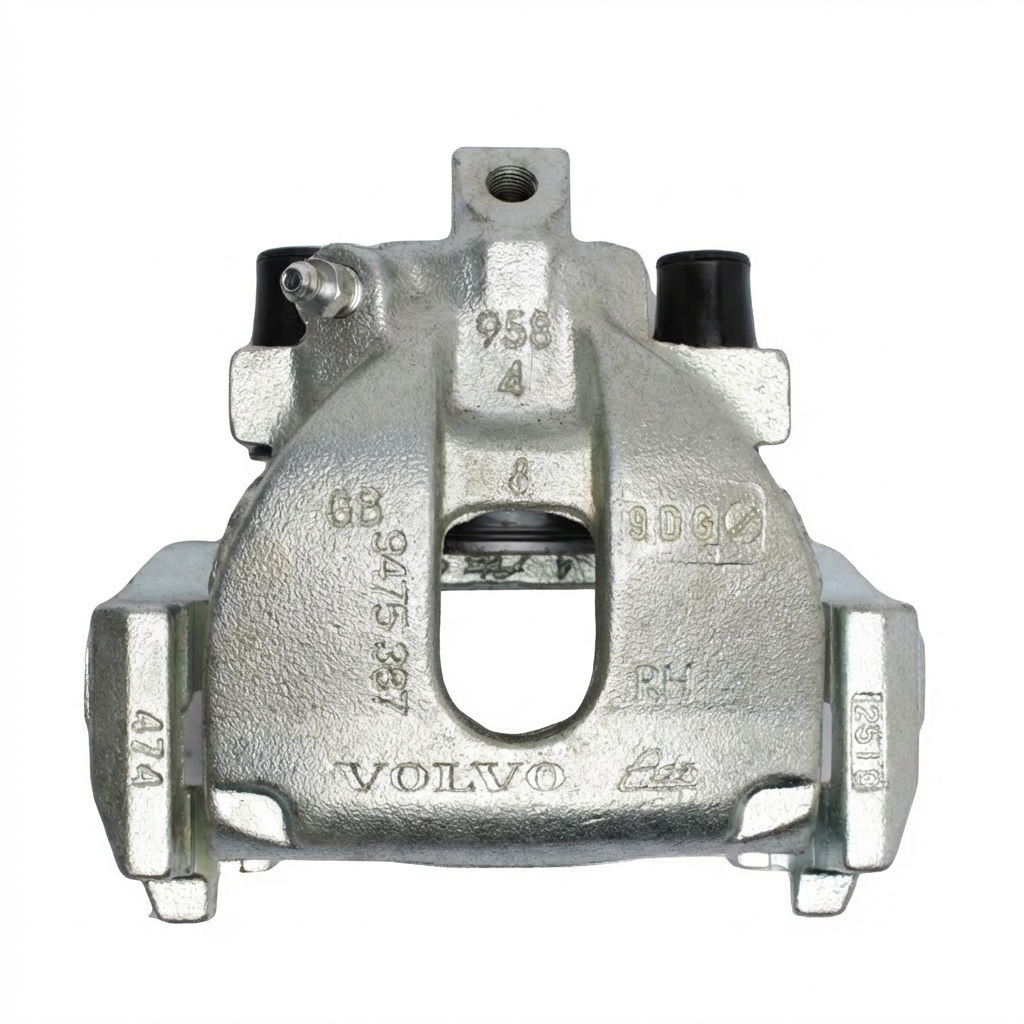
Add a clear photo of the wheel and brake area. The AI detects the brake caliper region and prepares an editable mask for fast, accurate adjustments.
Brake Caliper Editor uses AI to recolor, mask, and refine brake calipers in photos fast. Create realistic edits, previews, and exports online—try it now.
How to use Brake Caliper Editor
Use Brake Caliper Editor to update brake caliper colors and details in a few clicks. Upload a vehicle photo, let AI isolate the calipers, then refine the edit and export a polished result.
Step 1
Add a clear photo of the wheel and brake area. The AI detects the brake caliper region and prepares an editable mask for fast, accurate adjustments.

Step 2
Choose a new color or finish, then fine-tune the mask edges and opacity. Adjust highlights and shadows to keep the caliper looking natural and realistic.

Step 3
Preview your before-and-after result, then export a high-resolution image. Download in a web-ready format for listings, mockups, presentations, or client review.
Features
Brake Caliper Editor combines AI masking with precision controls to help you recolor brake calipers without messy cutouts. Create clean selections around spokes, preserve reflections, and keep materials looking authentic. Generate multiple variations quickly for comparisons, approvals, and professional automotive visuals—right in your browser.
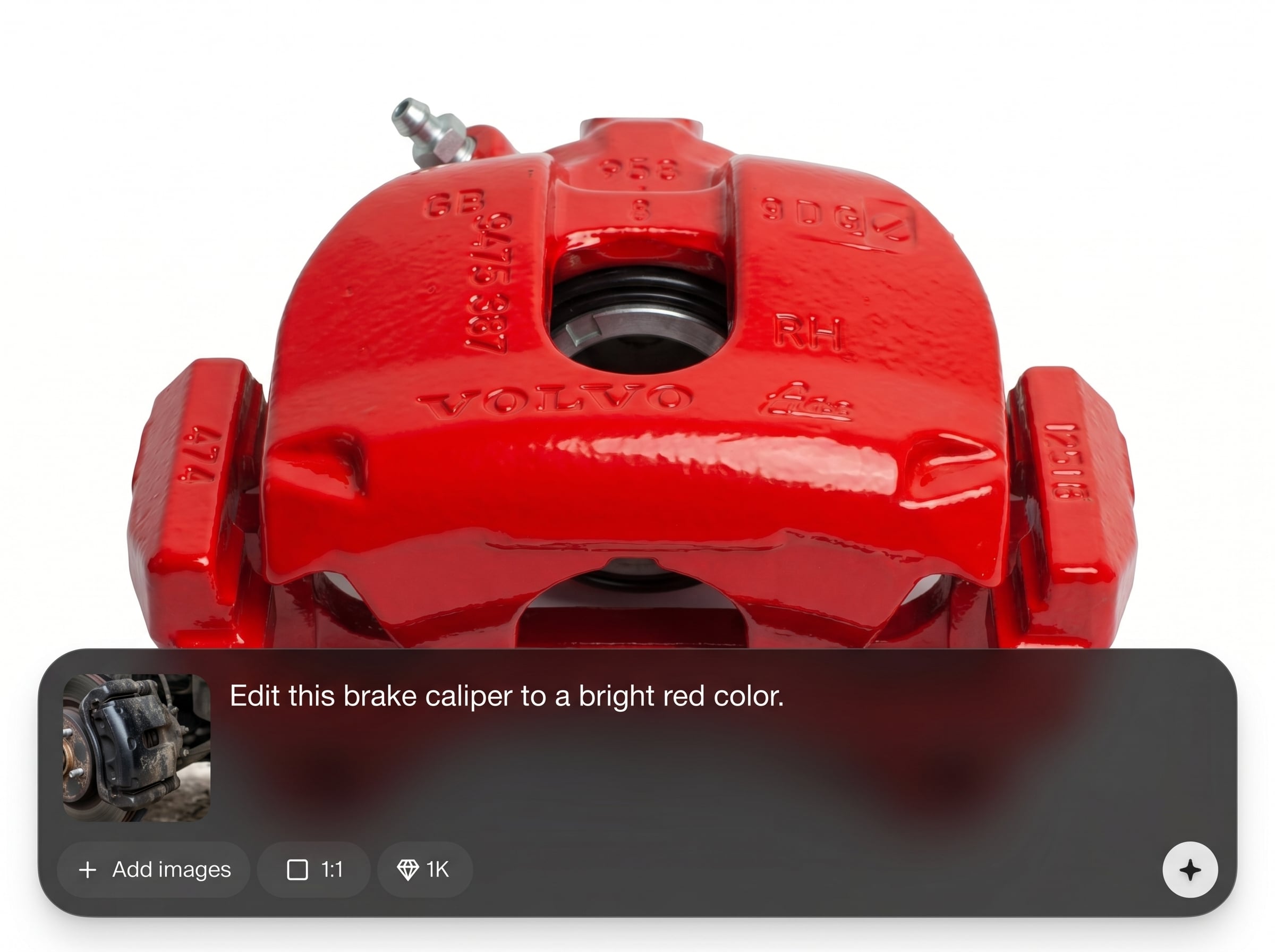
Automatically isolates brake calipers with an intelligent mask, even near complex spokes. Spend less time outlining and more time perfecting color, finish, and realism.
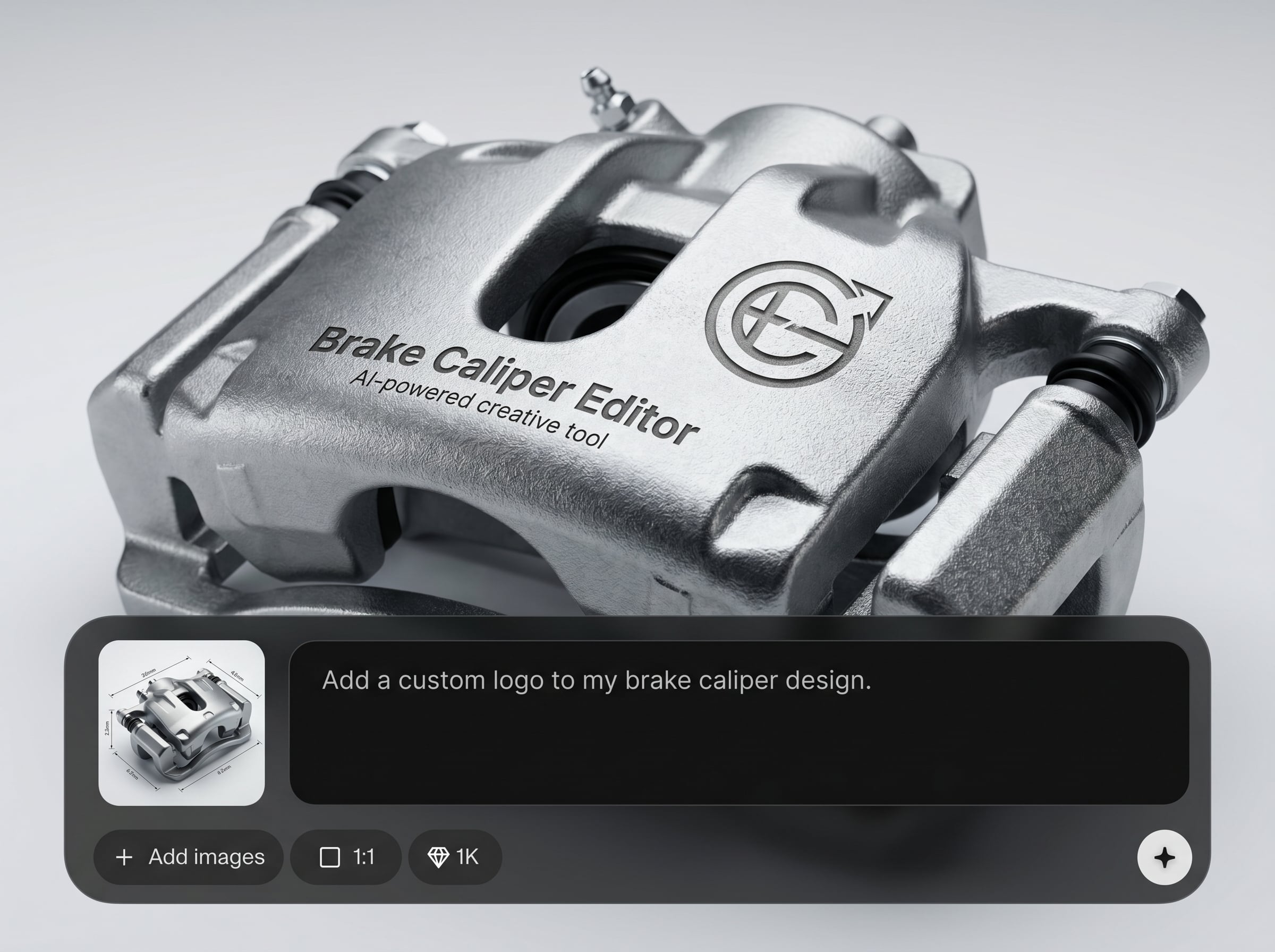
Apply paint-like recolors while maintaining lighting, shading, and reflections. Dial in gloss, saturation, and blend for natural results that match the original photo.
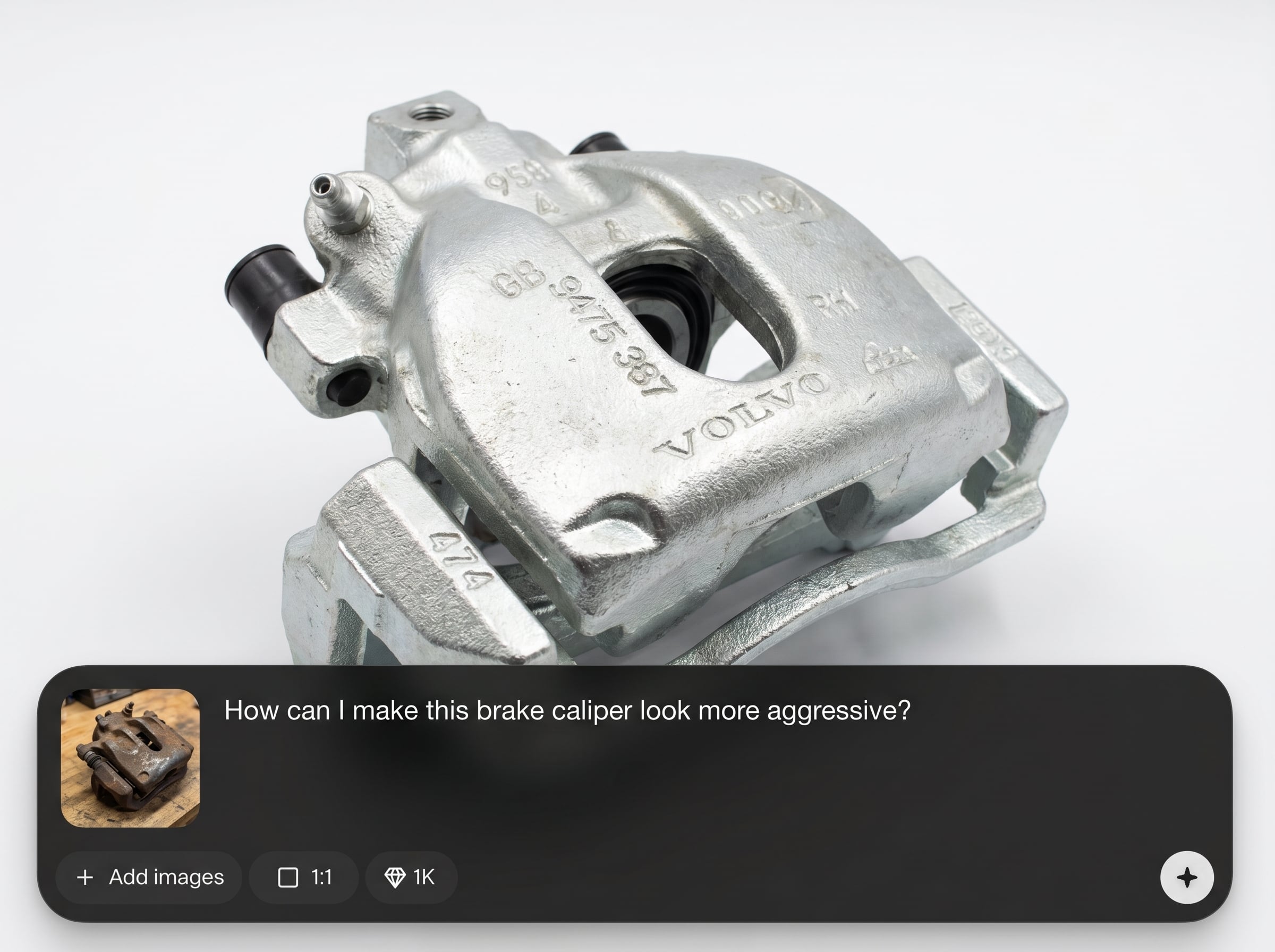
Generate multiple caliper color options in minutes and compare side-by-side. Export high-quality images optimized for web, listings, and review workflows.
About
Brake Caliper Editor is an AI-powered tool for editing brake calipers in vehicle photos with clean masks and realistic color changes. Quickly recolor, refine edges, and match lighting for true-to-photo results. Preview multiple finishes for builds, sales listings, or design reviews, then export high-quality images online in minutes.
Brake Caliper Editor focuses on one job: realistic brake caliper photo edits. AI masking saves time on selection work, while refinement controls help preserve edges, shadows, and reflections. Create consistent variations quickly and keep outputs clean for professional automotive visuals.
Open Brake Caliper Editor, upload a wheel photo, and let AI create a caliper mask automatically. Pick a color, refine the blend, preview options, and export your final image in a few clicks.
Use cases
Discover how different creators use this app in their workflow.
Show alternate brake caliper colors on a vehicle photo to support upgrades and packages. Keep imagery consistent while creating multiple options quickly.
Preview caliper finishes before purchasing parts or paint. Test red, yellow, black, or custom tones and confirm the look with realistic lighting.
Create clear before-and-after visuals for approvals and quotes. Share accurate caliper edits to align expectations and reduce revision cycles.
Krea is one of the world's leading generative AI platforms. See what others say.
Real reviews on TrustpilotSo many AI tools out there but I always come back to Krea. It's really the one AI platform that 'just works'.

FYN
Krea's interfaces are still the best in the industry. Everything looks and feels so clean and easy to use! Imo the easiest to use gen AI website.

Lynn
Ultra fast generations. Extremely simple to use. All the latest AI models.

Daniel
KREA is the only AI subscription I have right now besides ChatGPT.

Sophia M.
Answers to common questions about AI brake caliper photo editing and exports.
It uses AI to detect and mask brake calipers in a vehicle photo, then lets you recolor and refine the result. The goal is realistic edits with clean edges and natural lighting.
Yes. The AI mask is designed to handle tight areas around spokes and rims. You can also manually refine edges and blending to improve accuracy in difficult photos.
You can upload common image formats like JPG and PNG, then export a high-resolution edited image. Exports are suitable for web use, presentations, and automotive listing platforms.
Use subtle saturation, preserve highlights, and adjust blend strength to match the original lighting. Refining the mask edges around spokes helps prevent halos and keeps the caliper integrated.
Yes—it's an online AI photo editing tool you can use in your browser. Upload an image, edit brake calipers, preview variations, and export without installing desktop software.
Upload a photo, recolor with realistic masking, and export clean results for mockups, listings, or approvals.

