
















Step 1
Set inputs
Choose a base brake pad style, then define key specs like outline, slot pattern, chamfers, and label placement. Add notes for material, brand text, or fitment callouts.
Use Brake Pad Editor to generate and edit brake pad designs with AI. Refine shapes, labels, and specs fast for product mockups and catalogs. Try now.
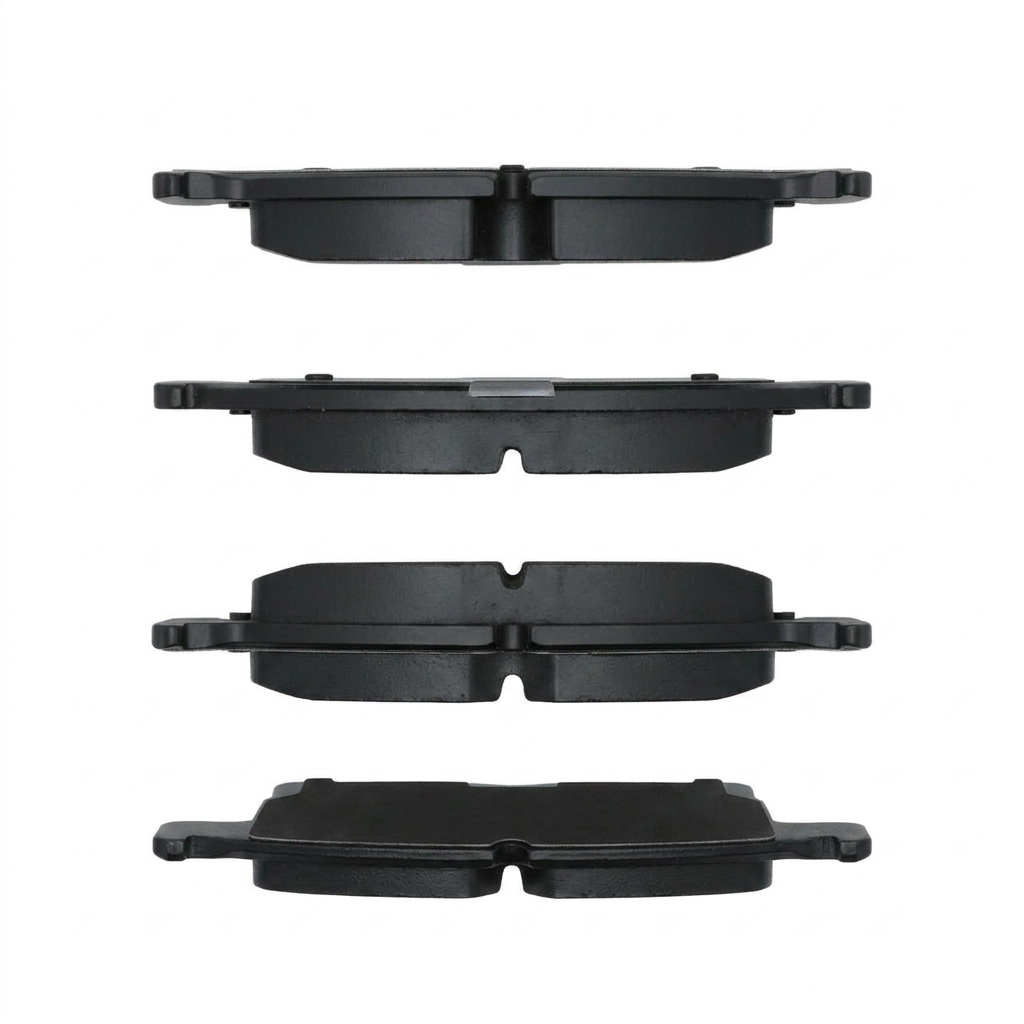
How to use Brake Pad Editor
Brake Pad Editor helps you create consistent brake pad images with AI and quick editing controls. Follow these steps to generate a base design, refine key details, and export ready-to-use assets for your workflow.
Step 1
Choose a base brake pad style, then define key specs like outline, slot pattern, chamfers, and label placement. Add notes for material, brand text, or fitment callouts.

Step 2
Generate the design with AI, then fine-tune edges, holes, and surface details. Iterate quickly by adjusting prompts or parameters until the pad matches your reference and spec.

Step 3
Download high-quality images for catalogs, ecommerce listings, and presentations. Keep versions organized and reuse settings to maintain a consistent look across multiple brake pad SKUs.
Features
Brake Pad Editor combines AI generation with practical editing tools for brake pad images. Create clean outlines, adjust slots and chamfers, and add consistent text labels without starting from scratch each time. Export assets optimized for product pages, catalogs, and internal documentation with repeatable settings and fast iteration.
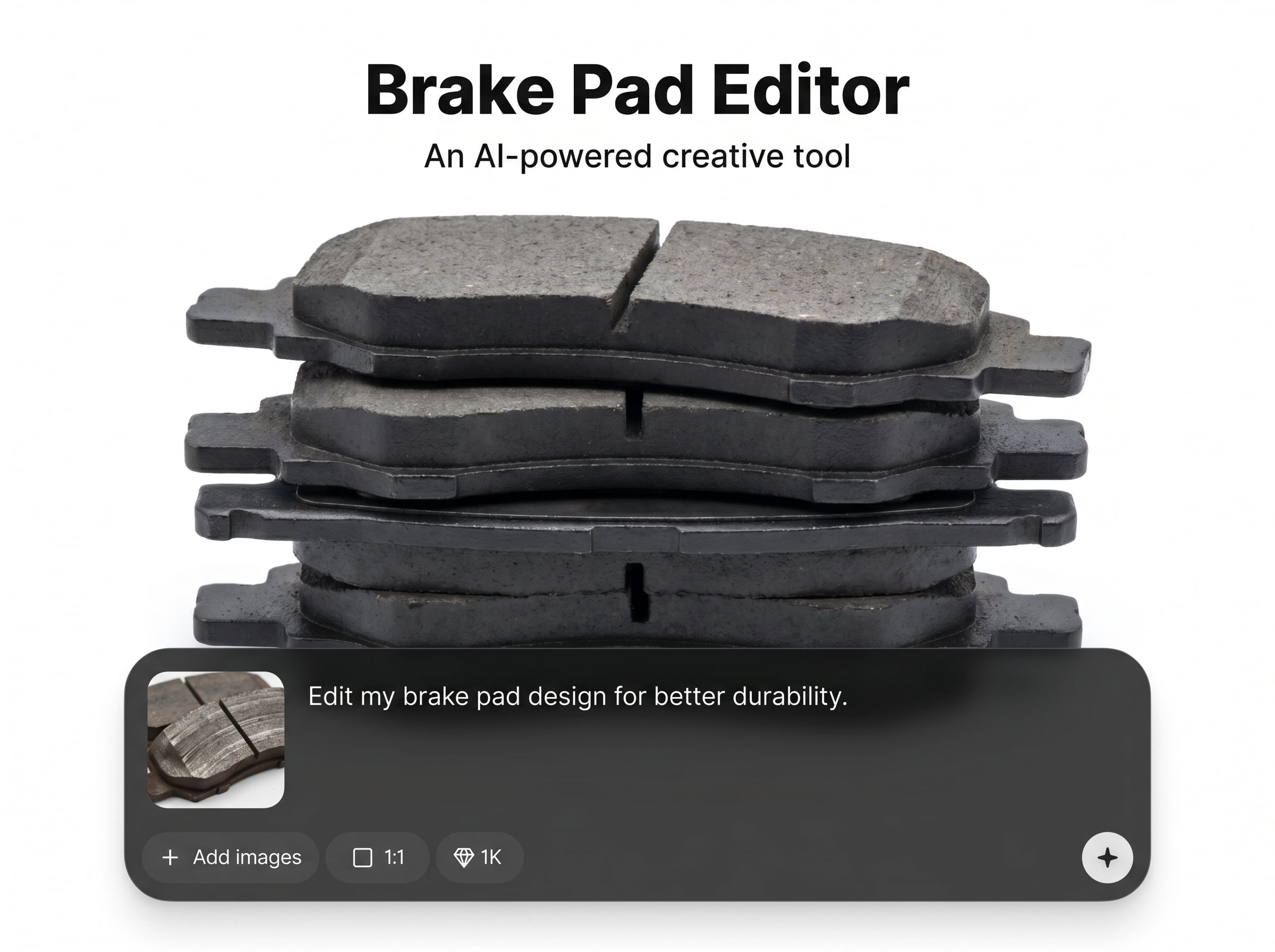
Edit brake pad outlines, radii, and edge details with consistent geometry. Quickly match a reference look while keeping clean silhouettes for catalogs, spec sheets, and product image sets.
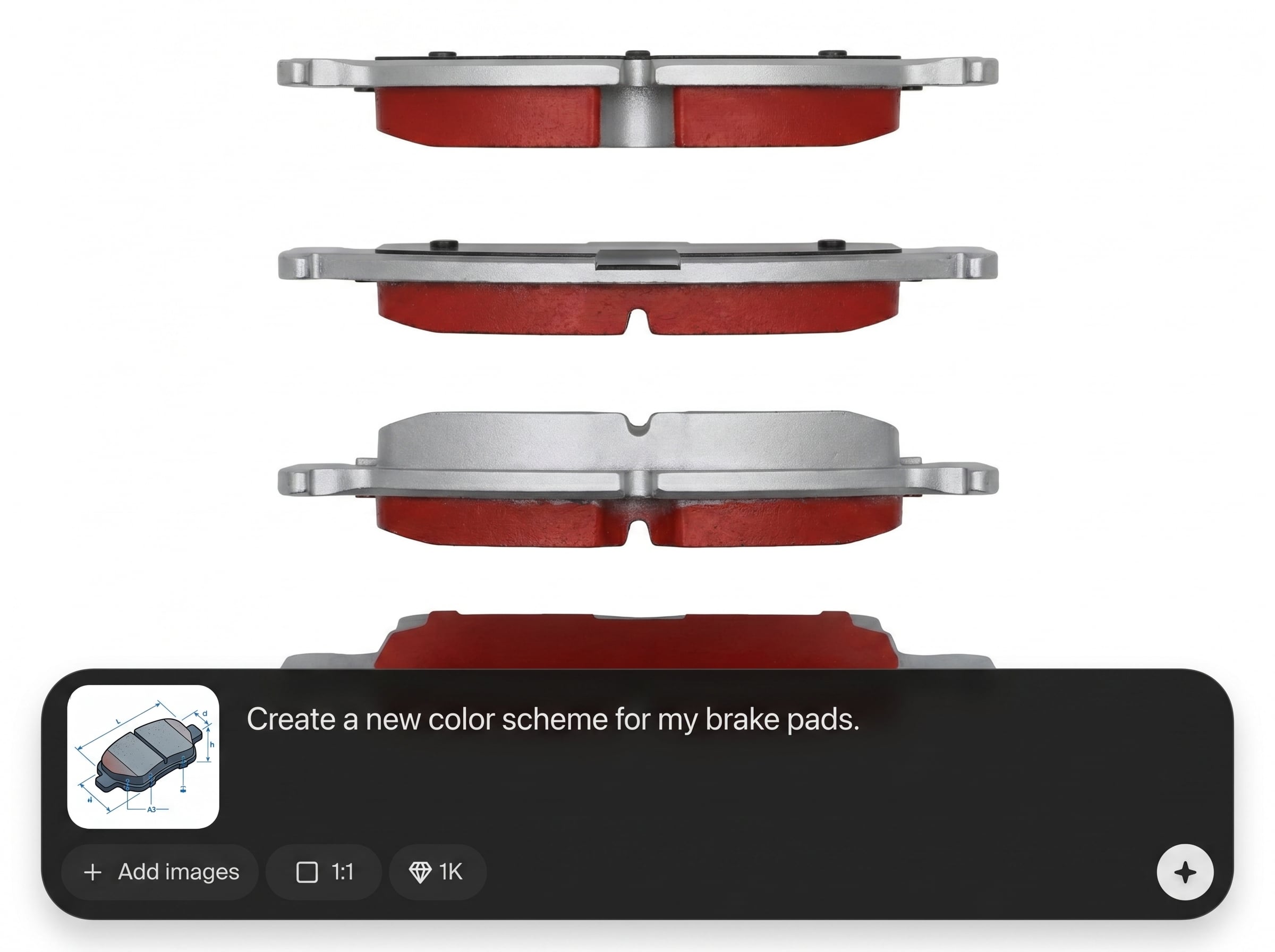
Generate variations instantly and refine with lightweight adjustments. Use AI to explore slot patterns, surface texture, and label placement while reducing manual rework across multiple SKUs.
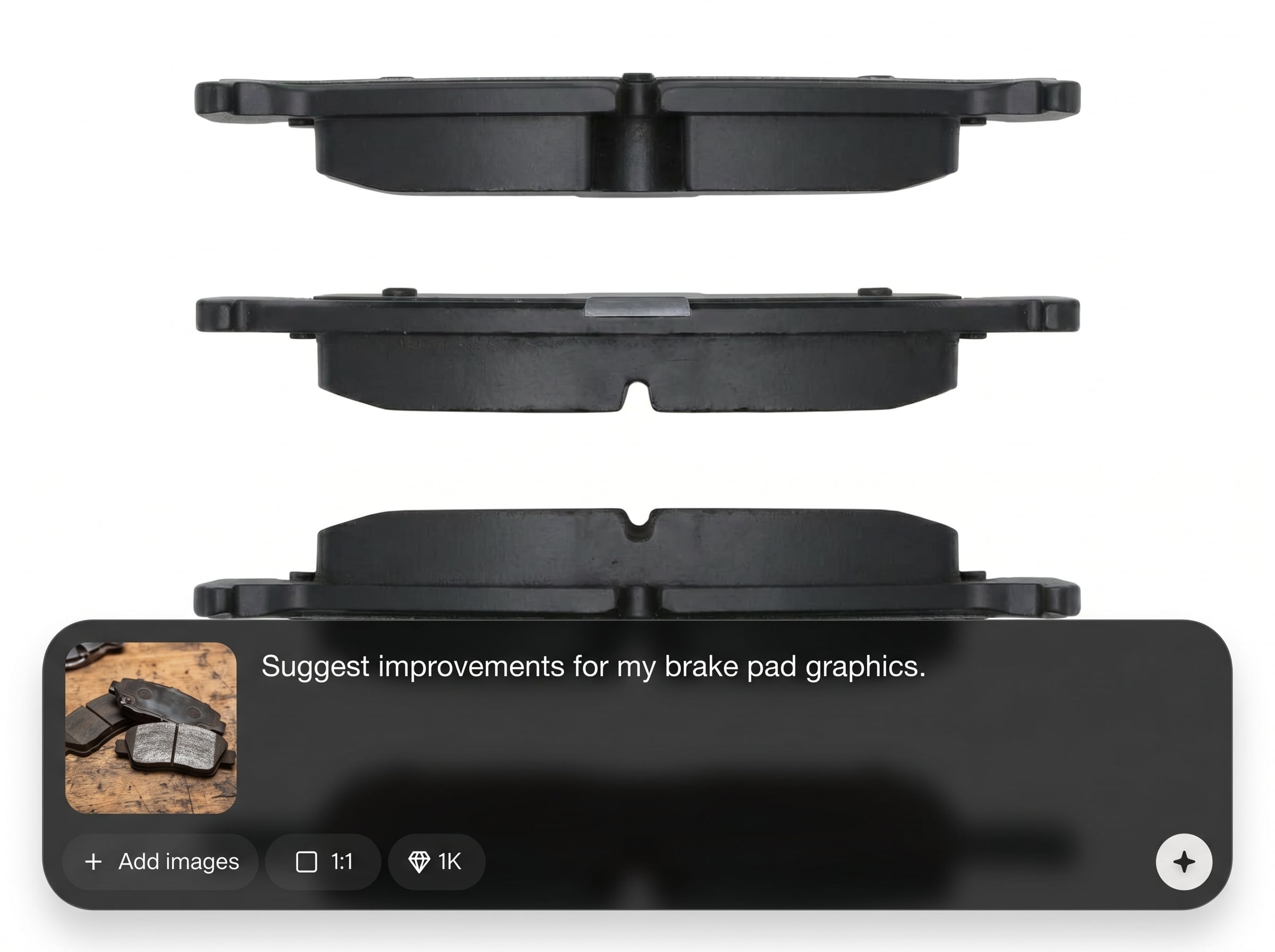
Produce sharp, consistent images ready for ecommerce and print. Export standardized outputs for marketplaces, catalogs, and presentations, helping teams keep a unified automotive parts library.
About
Brake Pad Editor is an AI-powered tool for generating and editing brake pad visuals in minutes. Adjust pad shape, edges, slots, and text labels with precise controls, then export clean images for listings, catalogs, and internal documentation. Save time on repetitive edits while keeping outputs consistent across your automotive product library.
Brake Pad Editor delivers consistent, spec-friendly brake pad visuals with fast AI generation and practical edit controls. Standardize outputs across SKUs, reduce repetitive manual work, and keep labeling and geometry aligned for catalogs, ecommerce, and internal teams.
Open Brake Pad Editor, choose a base style, and generate your first design. Refine shape and labels in a few clicks, then export clean images and reuse settings for future variants.
Use cases
Discover how different creators use this app in their workflow.
Generate consistent brake pad visuals for listings, bundles, and variants. Standardize angles and labels to reduce returns and improve clarity on product pages.
Create clean brake pad images with clear callouts for fitment and features. Export assets that align with print and PDF catalog standards.
Maintain a consistent visual library for SKUs, revisions, and comparisons. Share standardized exports across procurement, QA, and sales enablement workflows.
Krea is one of the world's leading generative AI platforms. See what others say.
Real reviews on TrustpilotSo many AI tools out there but I always come back to Krea. It's really the one AI platform that 'just works'.

FYN
Krea's interfaces are still the best in the industry. Everything looks and feels so clean and easy to use! Imo the easiest to use gen AI website.

Lynn
Ultra fast generations. Extremely simple to use. All the latest AI models.

Daniel
KREA is the only AI subscription I have right now besides ChatGPT.

Sophia M.
Answers to common questions about AI brake pad generation and editing.
Brake Pad Editor generates and edits brake pad images using AI. It’s designed for fast updates to shapes, slots, and labels, producing consistent visuals for catalogs, ecommerce, and documentation.
Yes. You can adjust the overall outline, edge details, and slot or cutout patterns, then iterate with AI to refine the look until it matches your reference or spec requirements.
Brake Pad Editor supports adding and refining text labels and visual callouts for product details. Keep placements consistent across variants to improve readability in catalogs and online listings.
Export high-quality images suitable for ecommerce and print workflows. Use standardized outputs to keep a consistent parts library, and re-export quickly when SKUs or labels change.
It focuses on brake pad-specific visuals and repeatable outputs. The workflow is optimized for shape consistency, rapid iterations, and clean exports that work well for automotive parts catalogs and listings.
Create consistent brake pad images with AI, refine details fast, and export ready-to-use assets in minutes.

