














Step 1
Upload
Import a UI mockup, product image, or screenshot. The AI detects the subject area and prepares a pad shadow layer aligned to your composition.
Create clean, realistic pad shadows in seconds with R1 Pad shadow. Use AI controls to add depth, softness, and angles for UI shots. Try it online.
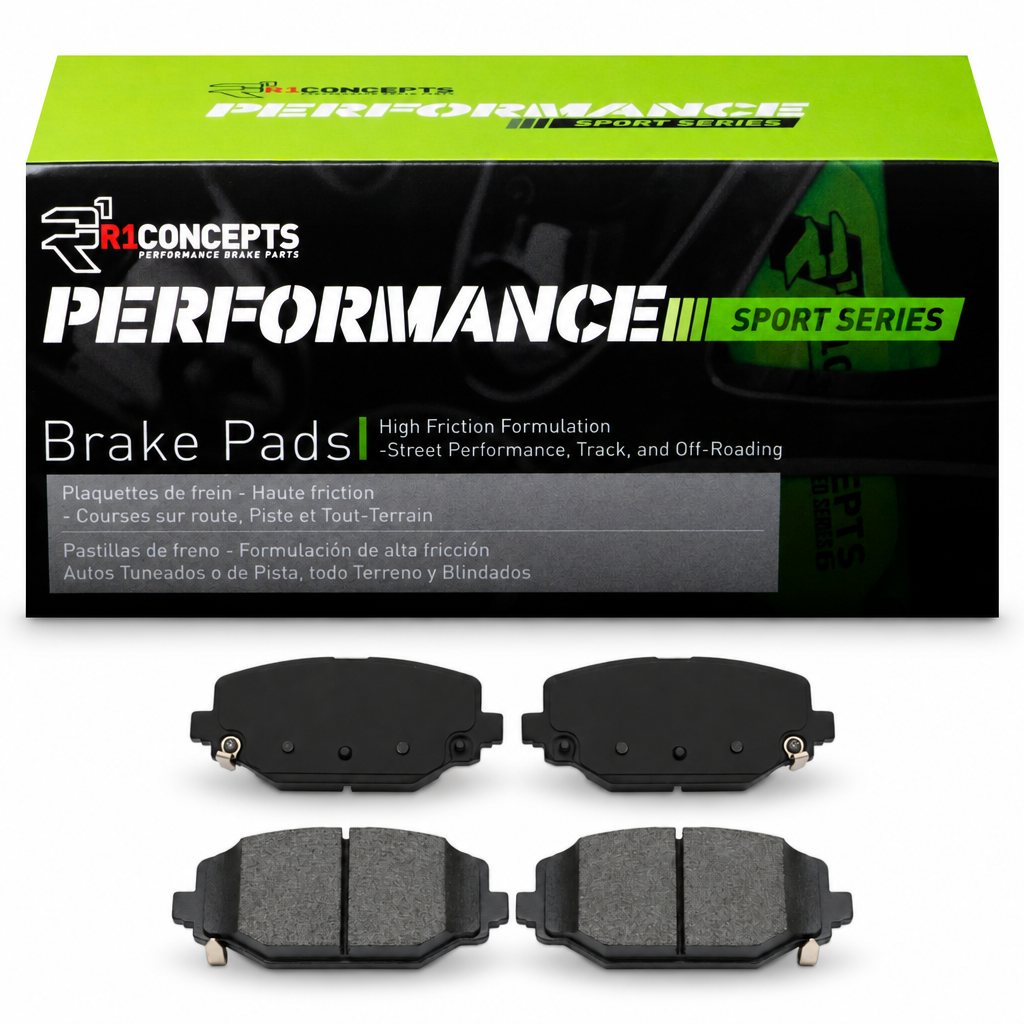
How to use R1 Pad shadow
Learn how to create realistic pad shadows with R1 Pad shadow. Upload an image or mockup, tune shadow settings, then export a clean result for UI, product visuals, or presentations.
Step 1
Import a UI mockup, product image, or screenshot. The AI detects the subject area and prepares a pad shadow layer aligned to your composition.

Step 2
Choose angle, distance, blur, and opacity to match your lighting style. Refine softness and spread for subtle depth or bold emphasis.

Step 3
Preview the final shadow and download a high-quality output. Use it in design tools, decks, storefront images, or social posts with consistent depth.
Features
R1 Pad shadow generates realistic pad and drop shadows with AI for fast, consistent depth across designs. Fine-tune blur, offset, opacity, and angle to match brand lighting. Create clean shadows for UI mockups, product screenshots, and marketing graphics without manual masking or complex layer effects.
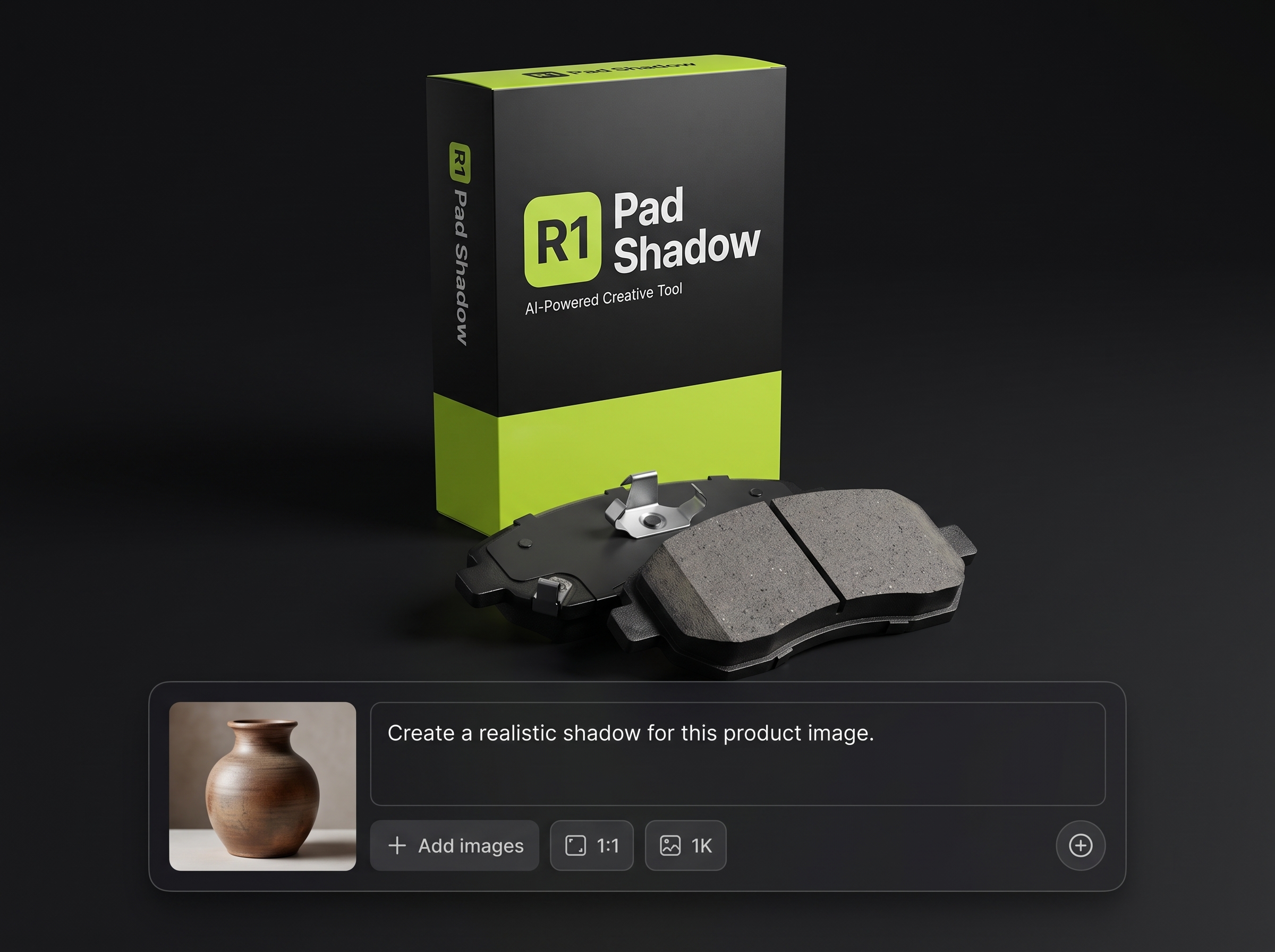
Automatically produces a natural-looking pad shadow that follows your subject’s shape and position. Get clean separation from the background without time-consuming selection and masking.
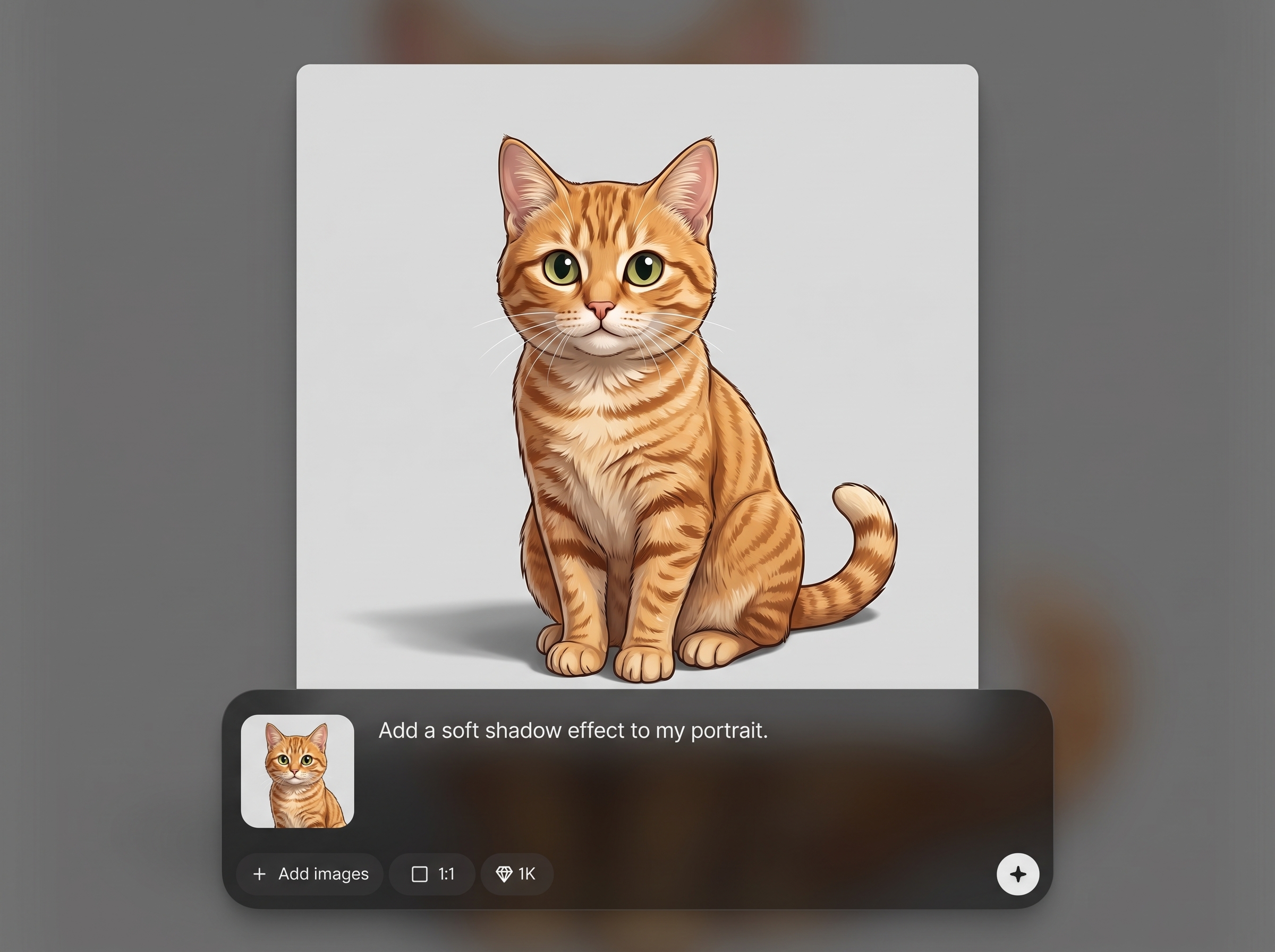
Generate shadows in seconds and keep them consistent across multiple screens or product images. Great for batches of UI screenshots, listings, and presentation assets.
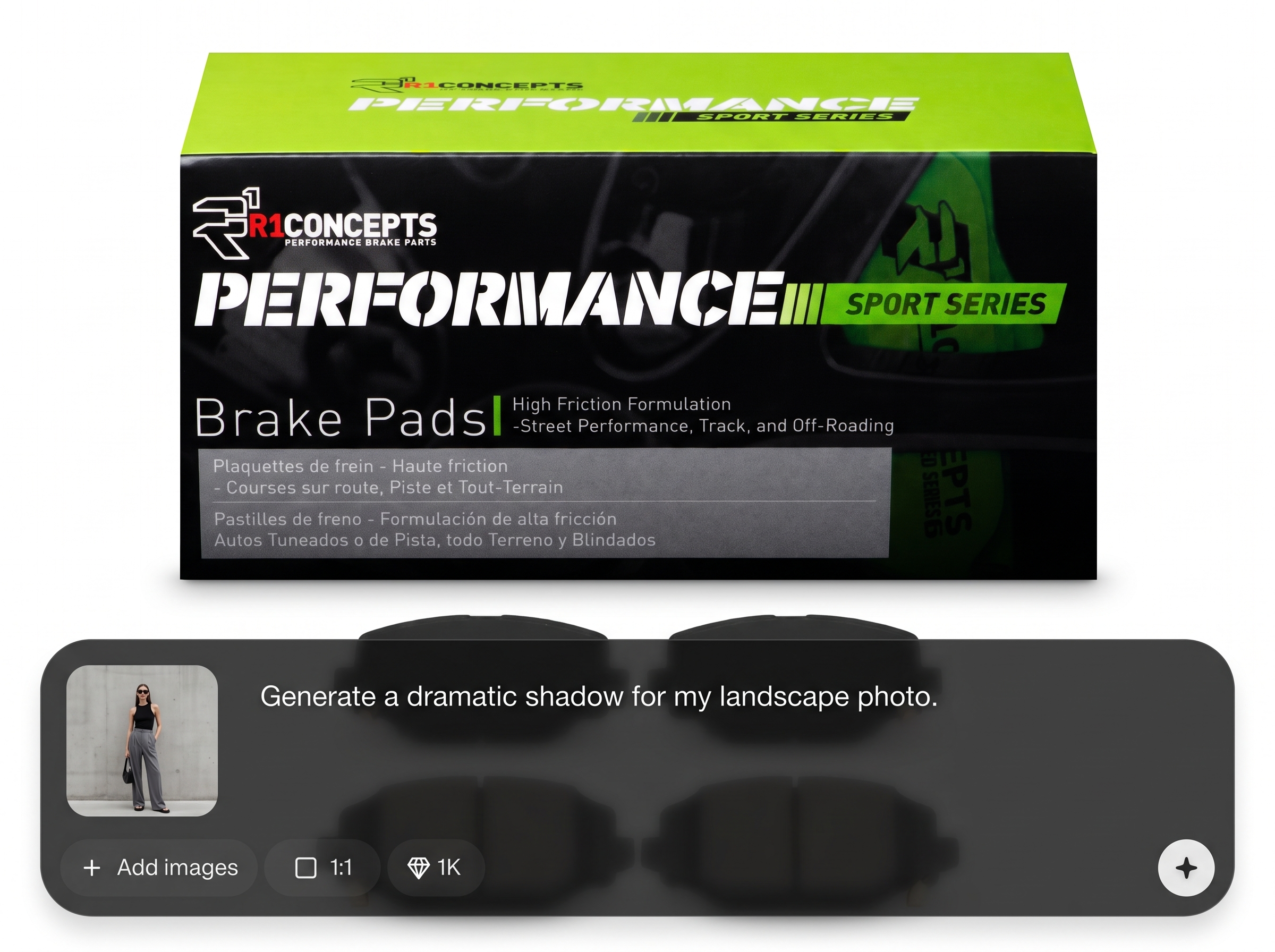
Dial in angle, distance, softness, spread, and opacity to match real lighting. Quickly iterate styles, from subtle elevation to strong drop-shadow depth.
About
R1 Pad shadow is an AI pad shadow generator that adds clean, realistic depth to UI mockups, product shots, and app screenshots. Adjust softness, distance, angle, and opacity for consistent results across designs. Generate professional-looking shadows fast, export, and use them in presentations, marketing visuals, and interface previews without manual layer work.
R1 Pad shadow combines AI shadow generation with precise controls for blur, angle, distance, and opacity. Get consistent depth across UI mockups and product visuals, reduce manual editing, and iterate quickly with reliable, professional results that fit modern design workflows.
Upload an image, choose a shadow style, and adjust a few sliders for softness and direction. Preview instantly, then export a polished result ready for design tools, web pages, or presentations.
Use cases
Discover how different creators use this app in their workflow.
Add consistent elevation and depth to interface shots for case studies, landing pages, and app store previews without rebuilding shadows in design software.
Create clean, realistic drop shadows that make products pop on white or colored backgrounds. Improve clarity for catalogs, marketplaces, and ads.
Enhance slides, social graphics, and one-pagers with professional pad shadows. Keep branding consistent and reduce time spent tweaking layer effects.
Krea is one of the world's leading generative AI platforms. See what others say.
Real reviews on TrustpilotSo many AI tools out there but I always come back to Krea. It's really the one AI platform that 'just works'.

FYN
Krea's interfaces are still the best in the industry. Everything looks and feels so clean and easy to use! Imo the easiest to use gen AI website.

Lynn
Ultra fast generations. Extremely simple to use. All the latest AI models.

Daniel
KREA is the only AI subscription I have right now besides ChatGPT.

Sophia M.
Quick answers to common questions about R1 Pad shadow, AI shadow generation, exports, and best practices.
R1 Pad shadow is an AI tool that generates realistic pad and drop shadows for images, UI mockups, and screenshots. It helps add depth quickly with adjustable blur, offset, angle, and opacity.
The tool analyzes your image layout to place a natural shadow under or around the subject. You can then refine lighting direction and softness to match your scene or brand style.
Yes. R1 Pad shadow includes controls for angle, distance, blur/softness, spread, and opacity. This makes it easy to create subtle elevation or stronger drop-shadow effects.
Upload common image formats used for design and web workflows, such as PNG or JPG. For best results, use clear subjects and adequate resolution for crisp shadow edges.
It’s optimized for UI screenshots, mockups, and product-style visuals where clean depth matters. Use gentle blur and consistent angle across assets to keep interface previews cohesive.
Yes, you can repeat the same settings across multiple images to maintain consistency. This is useful for app screens, ecommerce listings, and marketing variations.
Shadows are designed to blend naturally on light or colored backgrounds. Adjust opacity and blur to match the background contrast and avoid harsh edges for a realistic result.
Export a high-quality image ready for design tools, web, or print workflows. For cleaner compositing, use formats that preserve detail and keep your final resolution consistent.
For speed and consistency, yes. AI shadow generation reduces manual masking and layer tweaking, while still giving you precise control to match real lighting and brand guidelines.
Use high-resolution inputs, keep lighting direction consistent, and start with subtle settings. Increase blur gradually and lower opacity for natural depth that doesn’t overpower the subject.
Generate clean pad shadows online, fine-tune the look, and export ready-to-use visuals for UI and product images.

