














Step 1
Upload
Drag and drop your photo or select a file. The AI analyzes edges, detects the main subject, and prepares a clean background removal preview.
Remove backgrounds in seconds with Rtr_WhiteBG_Remove-BG-Supports. AI background removal for product photos, portraits, and graphics—try it now.
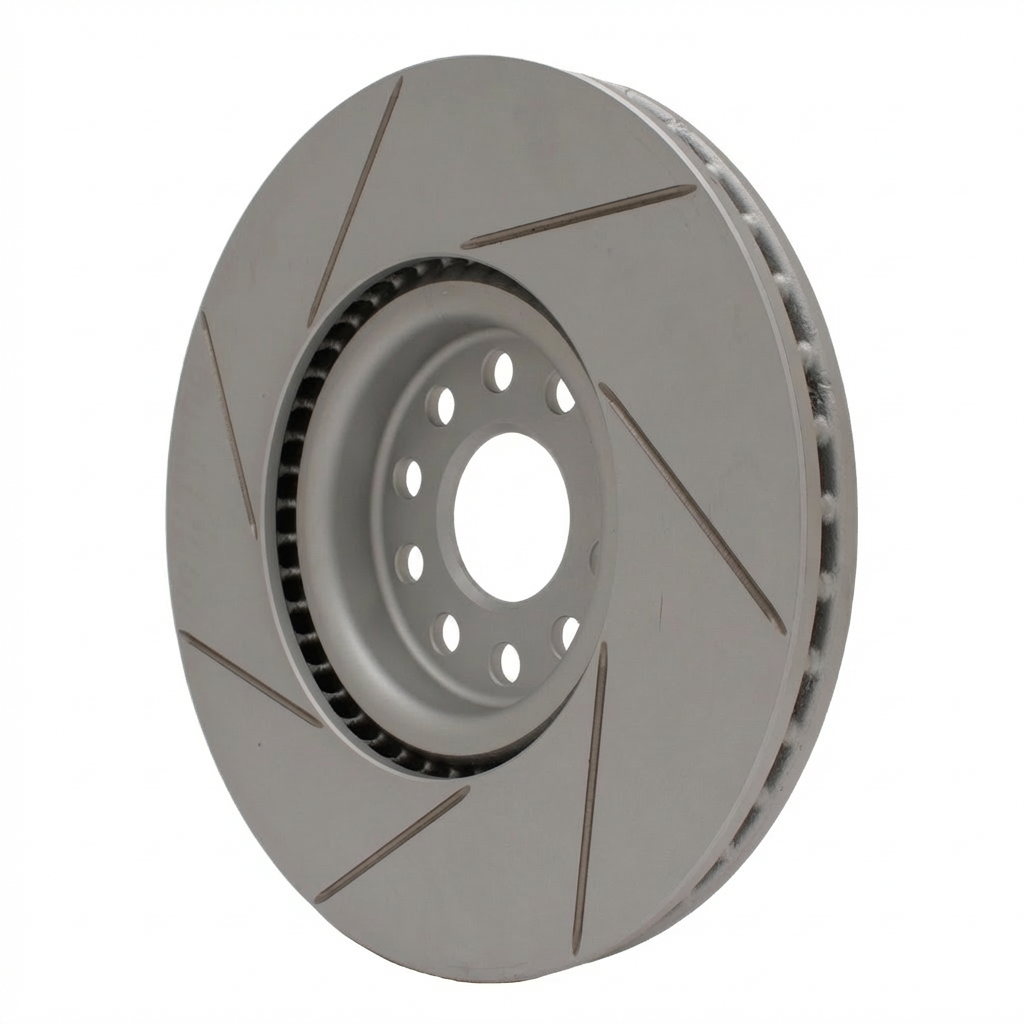
How to use Rtr_WhiteBG_Remove-BG-Supports
Use Rtr_WhiteBG_Remove-BG-Supports to remove backgrounds with AI in minutes. Follow these steps to upload your image, refine the result, and export a transparent or white-background file.
Step 1
Drag and drop your photo or select a file. The AI analyzes edges, detects the main subject, and prepares a clean background removal preview.

Step 2
Choose transparent or white background output. If needed, adjust the cutout to keep fine details like hair, product edges, and small gaps.

Step 3
Export your result as a high-quality PNG with transparency or a white background. Use it instantly for listings, design comps, or social posts.
Features
Get consistent, high-quality cutouts for products, people, and objects with Rtr_WhiteBG_Remove-BG-Supports. The AI background remover detects subjects, preserves edges, and outputs transparent PNGs or clean white backgrounds. Save time on manual editing and keep your visuals ready for e-commerce, ads, and brand assets.
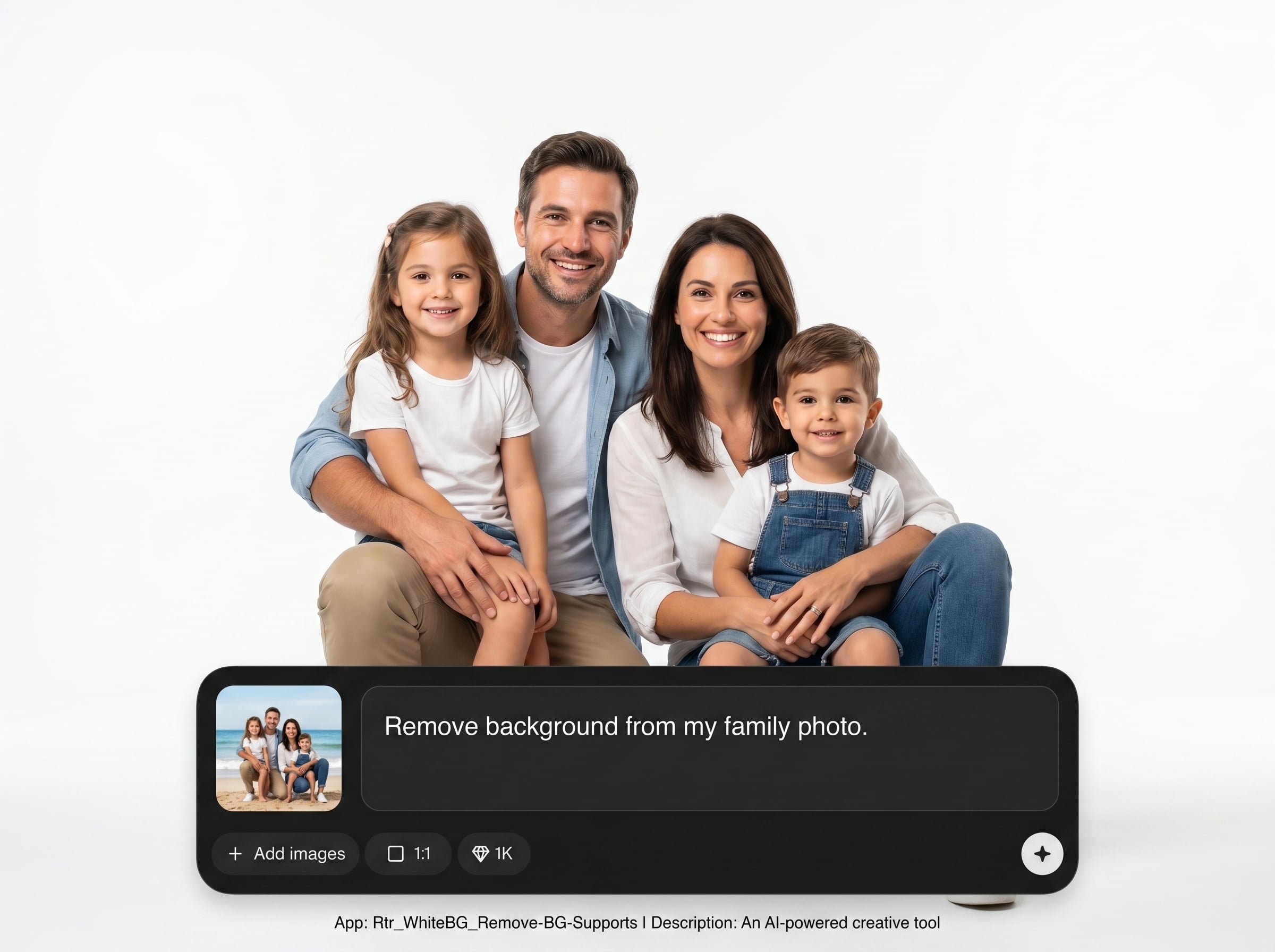
Automatically separates the foreground from the background using AI. Keeps crisp contours and natural edges for items like apparel, accessories, portraits, and packaging.
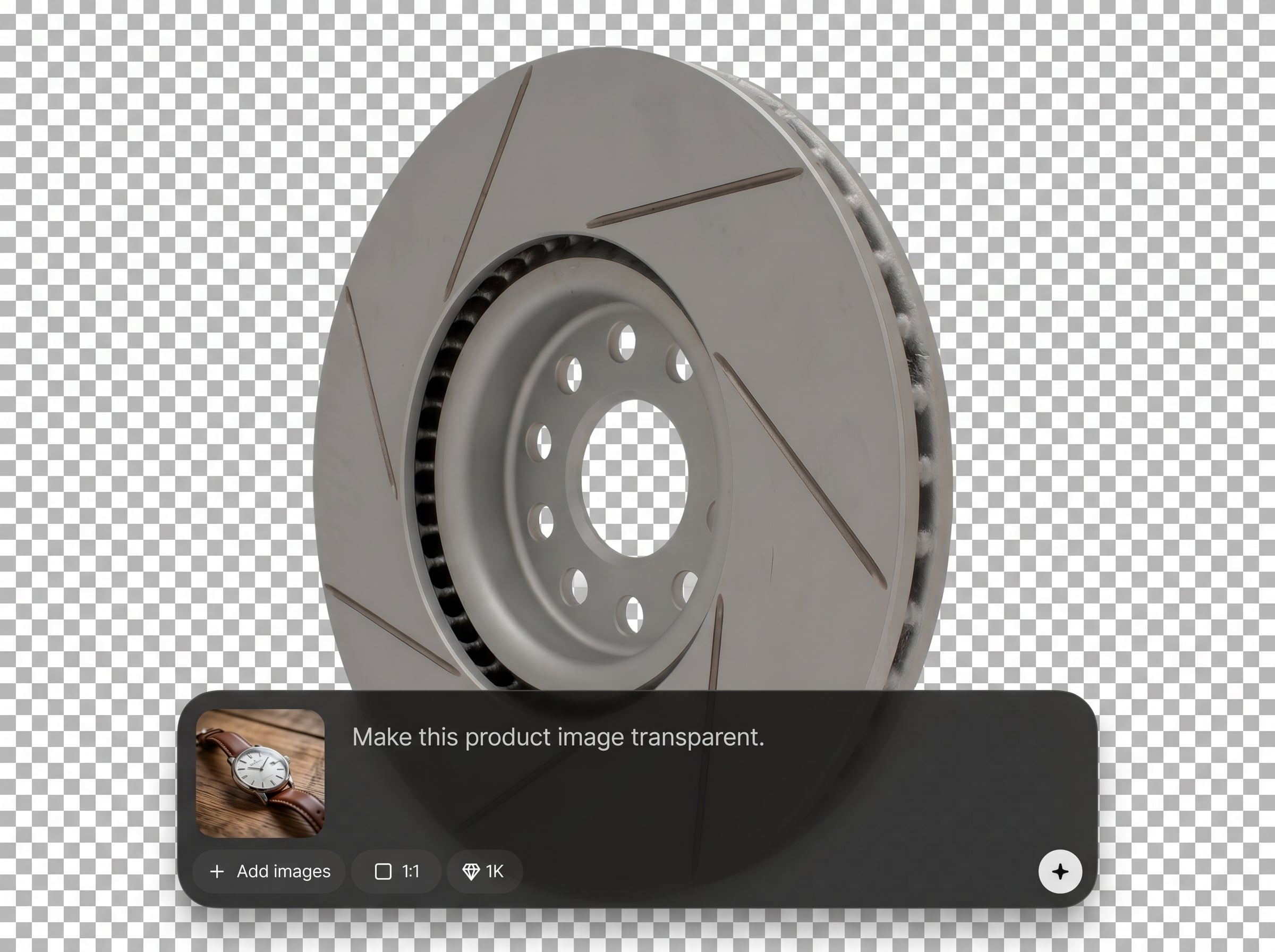
Export a transparent PNG for design workflows or a pure white background for catalogs and marketplaces. Maintain a consistent look across product sets and graphics.
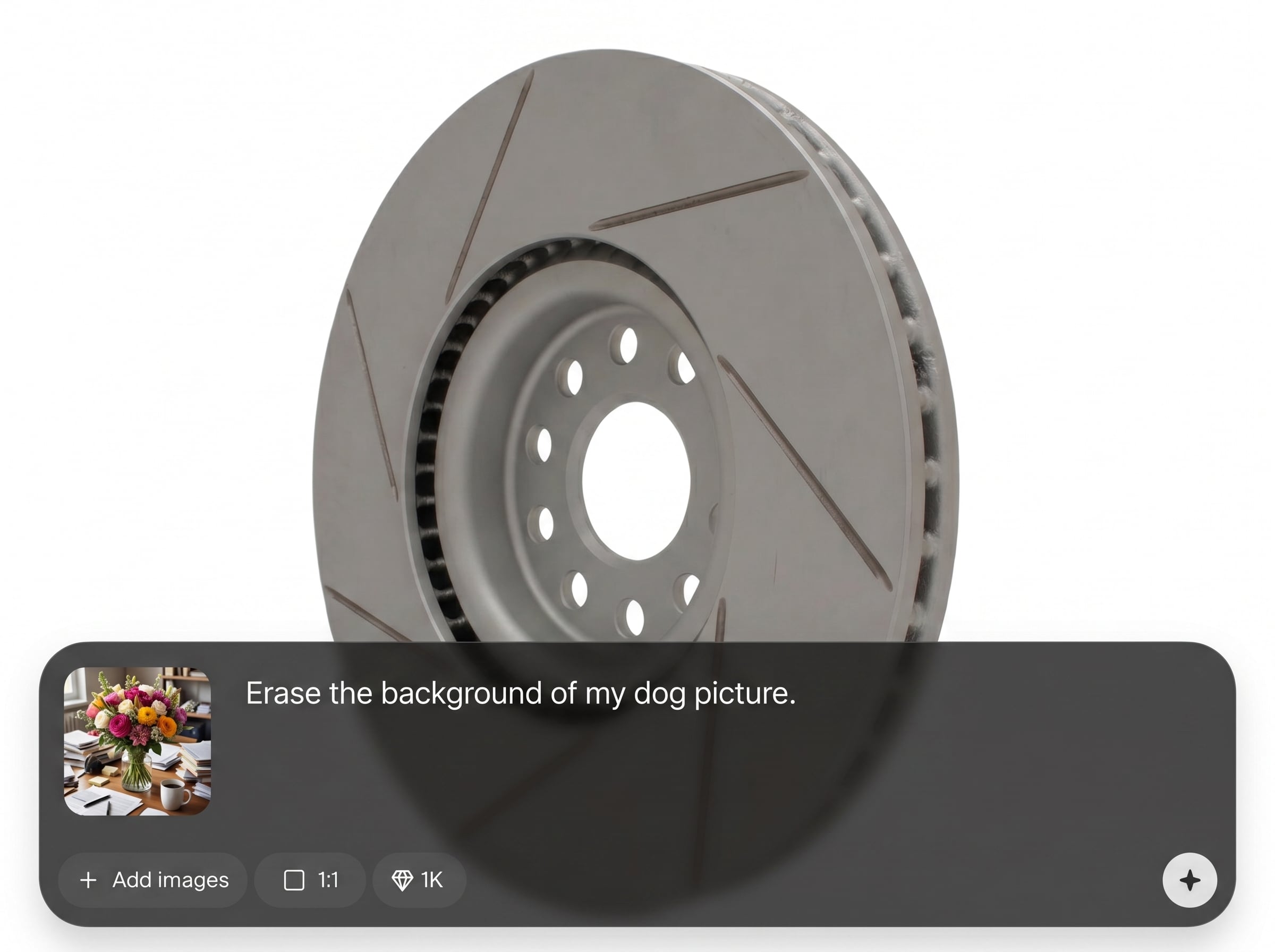
Remove backgrounds directly in your browser with quick results. Skip complex tools and repetitive masking, and generate ready-to-use assets in fewer steps.
About
Rtr_WhiteBG_Remove-BG-Supports removes image backgrounds using AI for clean, studio-ready results. Upload a photo, isolate the subject, and export a transparent PNG or solid white background. Perfect for product photos, profile images, and marketing graphics when you need fast, accurate cutouts without manual masking.
Rtr_WhiteBG_Remove-BG-Supports delivers reliable AI background removal with clean edges and flexible output options. Generate transparent PNGs or white-background images for consistent visuals. It’s designed for speed and simplicity, helping you produce polished assets for e-commerce, marketing, and everyday editing.
Open the tool, upload your image, and let the AI remove the background automatically. Choose transparent or white output, make quick refinements if needed, then download your final file.
Use cases
Discover how different creators use this app in their workflow.
Create clean white-background listings and consistent catalogs. Remove cluttered scenes and focus attention on the product with sharp, marketplace-ready cutouts.
Make transparent PNG cutouts for banners, landing pages, and promotions. Swap backgrounds quickly to match seasonal themes and brand styles.
Remove distracting backgrounds from headshots and avatars. Produce neat, professional-looking portraits for resumes, team pages, and social profiles.
Krea is one of the world's leading generative AI platforms. See what others say.
Real reviews on TrustpilotSo many AI tools out there but I always come back to Krea. It's really the one AI platform that 'just works'.

FYN
Krea's interfaces are still the best in the industry. Everything looks and feels so clean and easy to use! Imo the easiest to use gen AI website.

Lynn
Ultra fast generations. Extremely simple to use. All the latest AI models.

Daniel
KREA is the only AI subscription I have right now besides ChatGPT.

Sophia M.
Common questions about AI background removal, exports, and best results.
It’s an AI background remover that isolates the main subject in an image and removes the background. You can export a transparent PNG or a clean white background for fast reuse.
Yes. Download a high-quality PNG with transparency for design, compositing, or web use. You can also choose a white background output for listings and catalogs.
Use sharp, well-lit photos where the subject stands out from the background. The tool works on products, people, and objects, and helps preserve tricky edges like hair and fine details.
No. Upload your image and the AI handles detection and cutout automatically. You can optionally refine the result, then export in a format that fits your workflow.
It’s an online background removal tool that runs in your browser. No complex setup is required—just upload, remove the background, and download your result.
Upload an image and export a transparent PNG or white background for products, portraits, and designs.

