














Step 1
Set requirements
Enter wheel cylinder parameters like bore size, mounting style, ports, and finish. Add constraints or notes so the AI generates designs aligned to your engineering intent.
Generate wheel cylinder concepts with AI in seconds. Customize specs, materials, and visuals for automotive workflows. Try Wheel Cylinder - Updated App now.
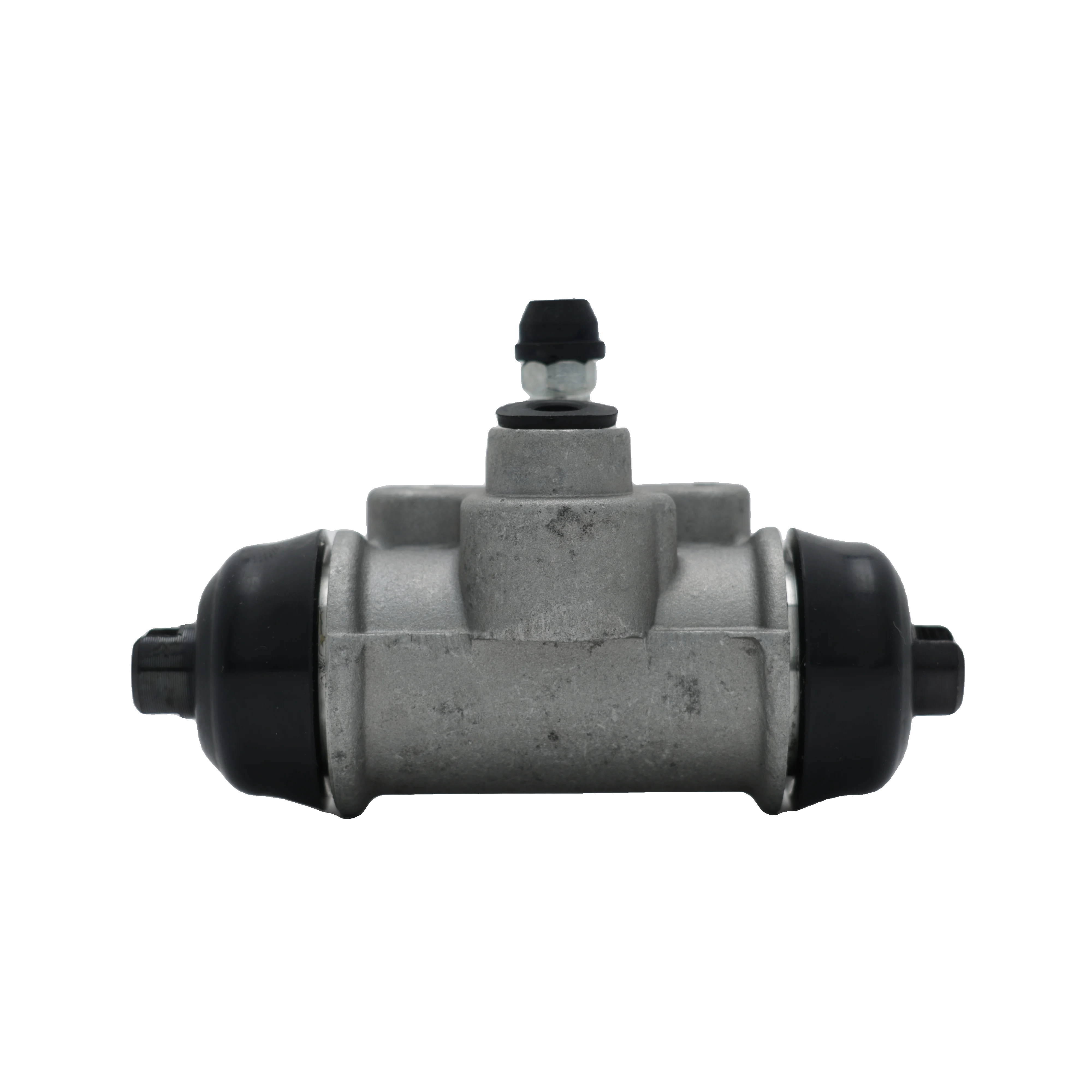
How to use Wheel Cylinder - Updated App
This quick guide shows how to generate wheel cylinder concepts with AI. Add requirements, set the visual direction, then export results for review, iteration, or integration into your design workflow.
Step 1
Enter wheel cylinder parameters like bore size, mounting style, ports, and finish. Add constraints or notes so the AI generates designs aligned to your engineering intent.

Step 2
Choose a style, material look, and level of detail, then run the generator. Review multiple options, refine inputs, and iterate quickly to converge on the right concept.

Step 3
Download selected outputs for documentation, presentations, or internal reviews. Save presets to keep future generations consistent and speed up repeat design tasks.
Features
Wheel Cylinder - Updated App turns requirements into wheel cylinder concepts using AI-assisted generation. Create consistent design variations, explore materials and finishes, and keep results aligned to constraints. Move from idea to review-ready visuals faster, with less back-and-forth and fewer manual drafts.
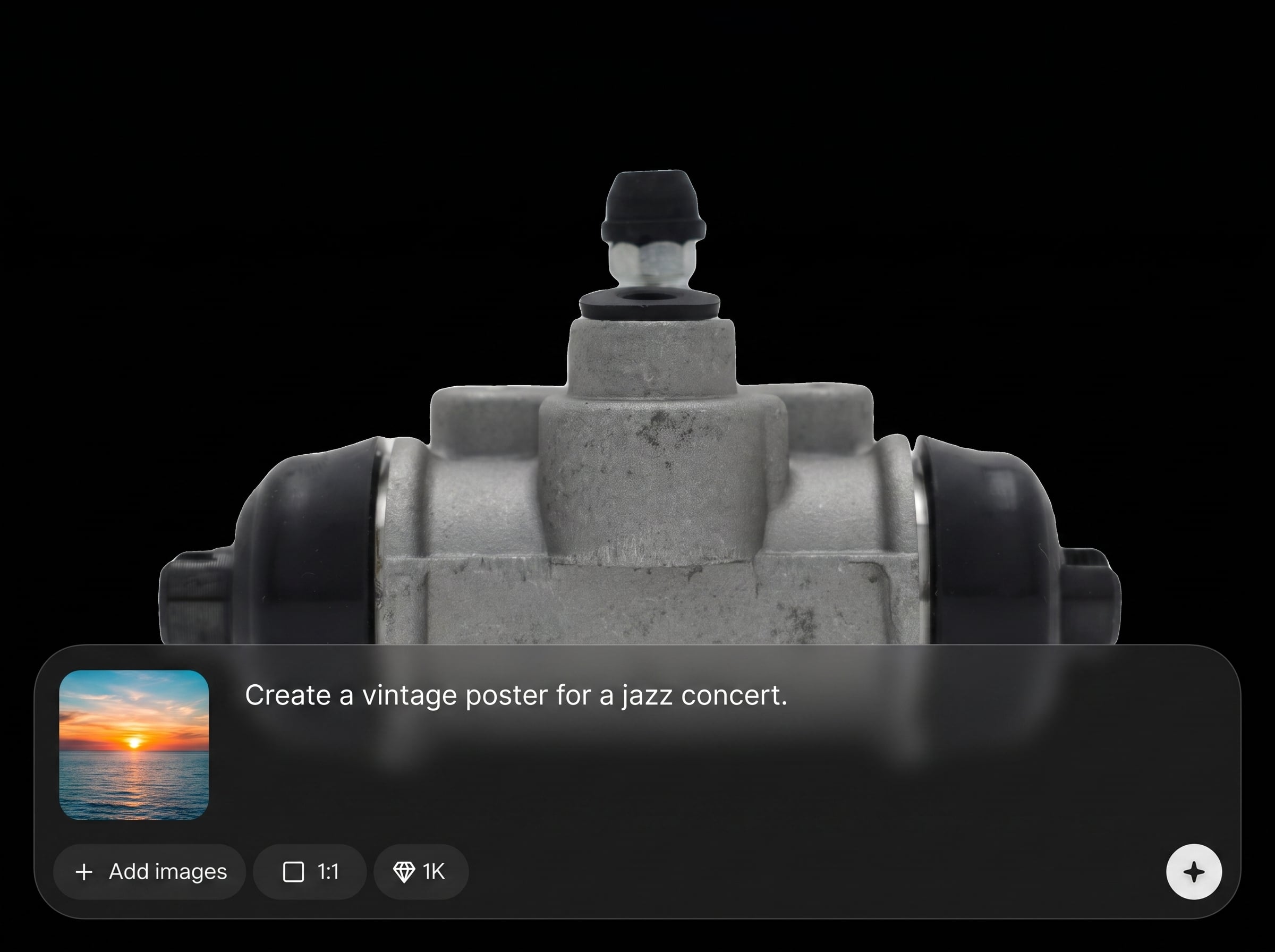
Generate wheel cylinder concepts from clear inputs like dimensions, ports, mounting, and finish. The tool focuses on constraint-aware variations to support engineering discussions and early-stage validation.
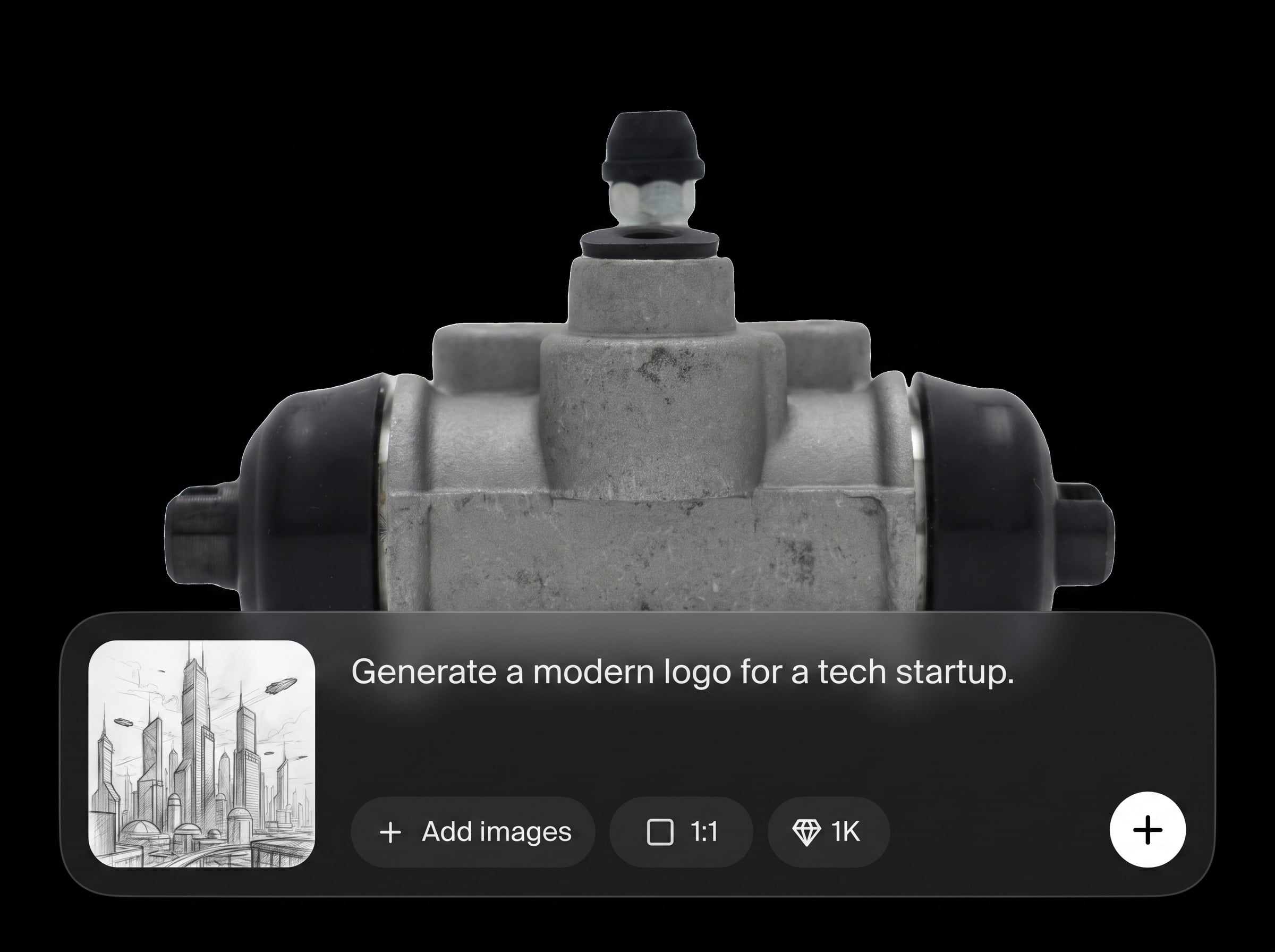
Create multiple design directions in seconds, then refine prompts and settings for tighter results. Compare options side by side to quickly identify viable forms and details.
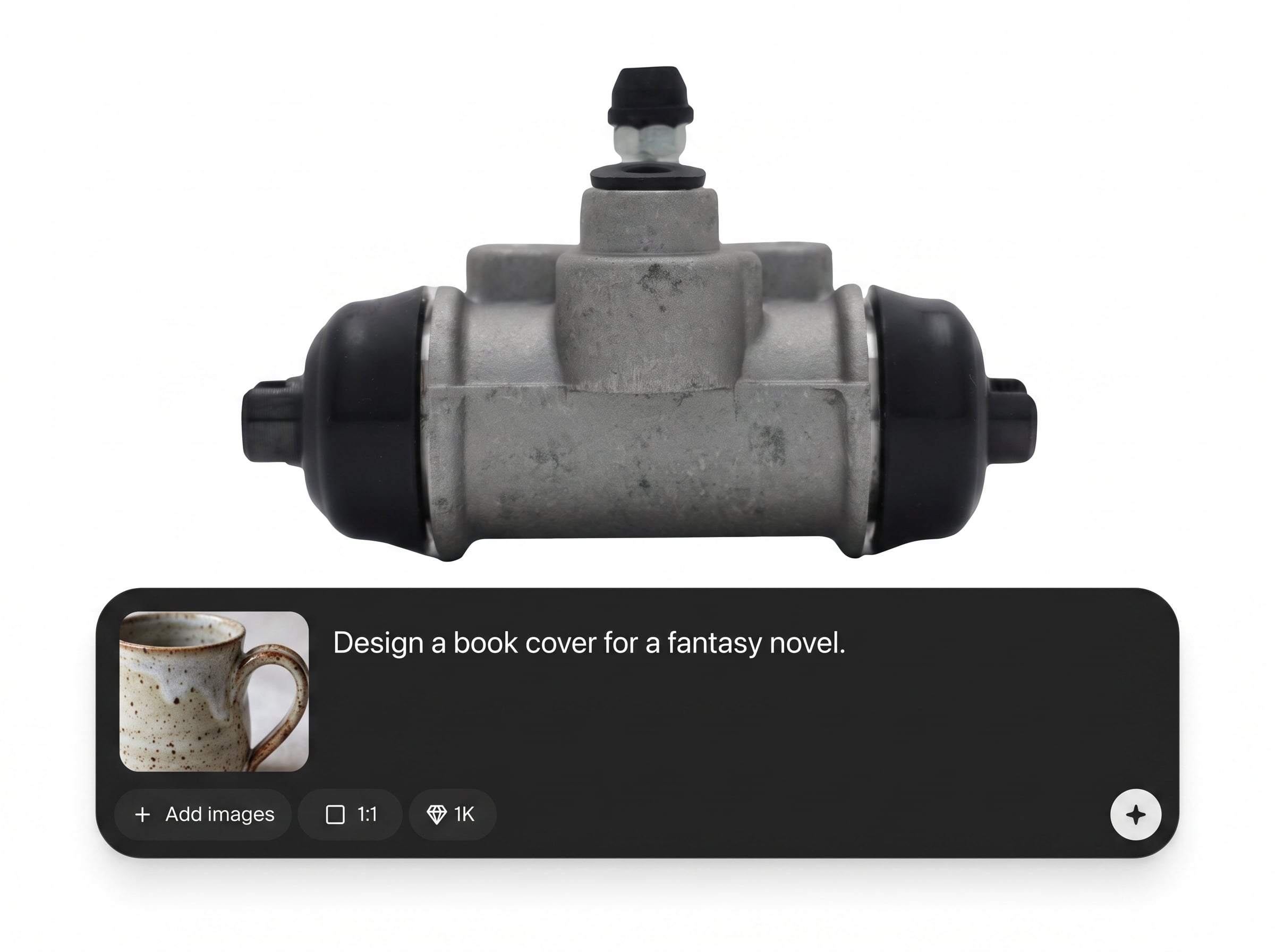
Export clear visuals suitable for specs, slides, and stakeholder feedback. Save configurations to maintain consistency across projects and reduce repeated setup work.
About
Wheel Cylinder - Updated App is an AI wheel cylinder generator for rapid concept design and visualization. Enter key specs, choose styles and materials, then generate consistent options in seconds. Use it to explore variations, align designs to requirements, and accelerate automotive component workflows without heavy manual iteration.
Wheel Cylinder - Updated App helps you move from requirements to visual concepts quickly with AI-driven variation. Keep outputs consistent, reduce manual iteration, and support clearer engineering conversations with exportable, review-ready results tailored to automotive component needs.
Open the app, enter wheel cylinder requirements, then generate variations. Refine settings until results match your constraints, and export selected visuals for review or documentation.
Use cases
Discover how different creators use this app in their workflow.
Generate wheel cylinder concept variations to evaluate form factors, mounting approaches, and visual consistency before committing time to detailed CAD work.
Produce review-ready images for requirements discussions and design alignment. Quickly iterate when constraints change or new feedback arrives.
Create consistent component visuals for early documentation, catalogs, and internal briefs. Keep styling uniform across multiple wheel cylinder configurations.
Krea is one of the world's leading generative AI platforms. See what others say.
Real reviews on TrustpilotSo many AI tools out there but I always come back to Krea. It's really the one AI platform that 'just works'.

FYN
Krea's interfaces are still the best in the industry. Everything looks and feels so clean and easy to use! Imo the easiest to use gen AI website.

Lynn
Ultra fast generations. Extremely simple to use. All the latest AI models.

Daniel
KREA is the only AI subscription I have right now besides ChatGPT.

Sophia M.
Answers to common questions about AI wheel cylinder generation, outputs, and practical workflows.
Wheel Cylinder - Updated App is an AI tool that generates wheel cylinder design concepts from your inputs. It helps you explore variations quickly, produce consistent visuals, and speed up early-stage component ideation.
You provide requirements such as dimensions, mounting style, ports, and finish preferences. The AI uses those constraints to generate multiple visual concepts, letting you iterate by adjusting inputs and settings.
Yes. You can enter key parameters and notes to guide generation. While outputs are concept-focused, structured specs help the tool produce more consistent, constraint-aligned wheel cylinder variations for review.
No. It’s designed for rapid concept generation and visualization, not final CAD modeling. Use it to explore options and communicate direction, then move to CAD for detailed engineering geometry.
You can export generated visuals for presentations, documentation, and internal review. Saving presets helps reproduce a consistent look and quickly regenerate similar wheel cylinder concepts later.
Provide specific parameters, include constraints, and keep terminology consistent. Iterating with small changes and saving a preset configuration improves repeatability across generations and reduces unwanted variation.
Yes. You can explore different material looks, surface finishes, and visual styles to match branding or documentation needs. This helps compare design directions without rebuilding from scratch.
It’s useful for automotive and mechanical workflows that need fast ideation and clear visuals. Teams can use it to explore concepts, align on requirements, and accelerate review cycles.
Create spec-driven variations, iterate fast, and export review-ready visuals for automotive component workflows in minutes.

