














Step 1
Upload
Add a photo or illustration as your base image. For best results, use clear subjects and good lighting so details remain sharp after the style transfer.
Transform photos with AI style transfer. Apply artistic looks, textures, and filters in seconds with fast image generation. Try style transfer app 01 now.
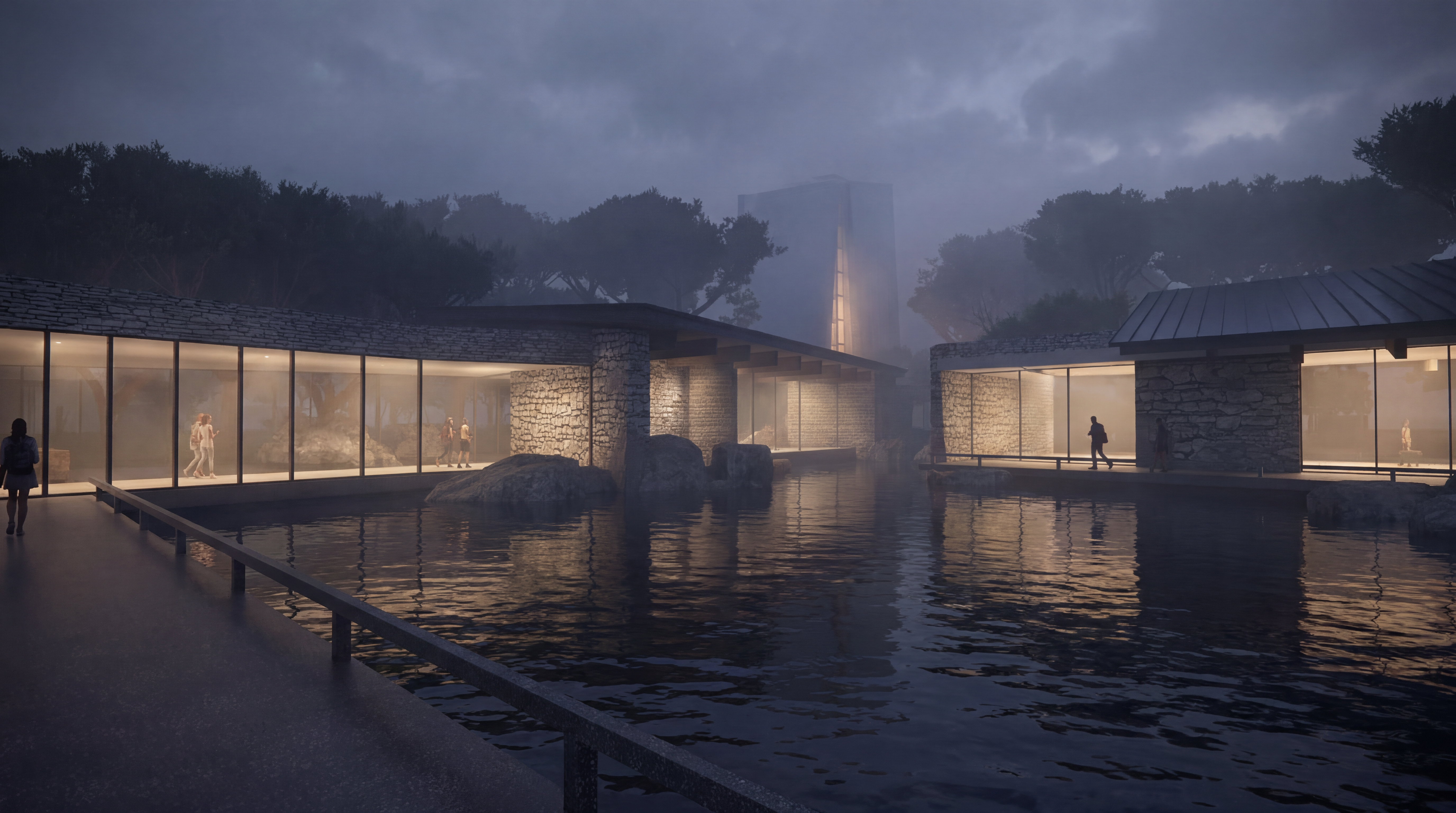
How to use style transfer app 01
This quick guide shows how to generate stylized images with style transfer app 01. Upload your photo, pick a style reference, and fine-tune strength and output settings for clean, high-quality results.
Step 1
Add a photo or illustration as your base image. For best results, use clear subjects and good lighting so details remain sharp after the style transfer.

Step 2
Select a style preset or upload a reference image. Adjust style strength, color preservation, and texture intensity to control how strongly the new look is applied.

Step 3
Run the AI image generation and review variations. Download your favorite in high resolution, or iterate quickly by tweaking settings to match the exact aesthetic you want.
Features
Style transfer app 01 uses AI to apply artistic styles to photos and illustrations while preserving structure and key details. Generate multiple variations quickly, refine intensity and color, and export clean, share-ready results. It’s an efficient neural style transfer workflow for experiments, production assets, and consistent visual looks.
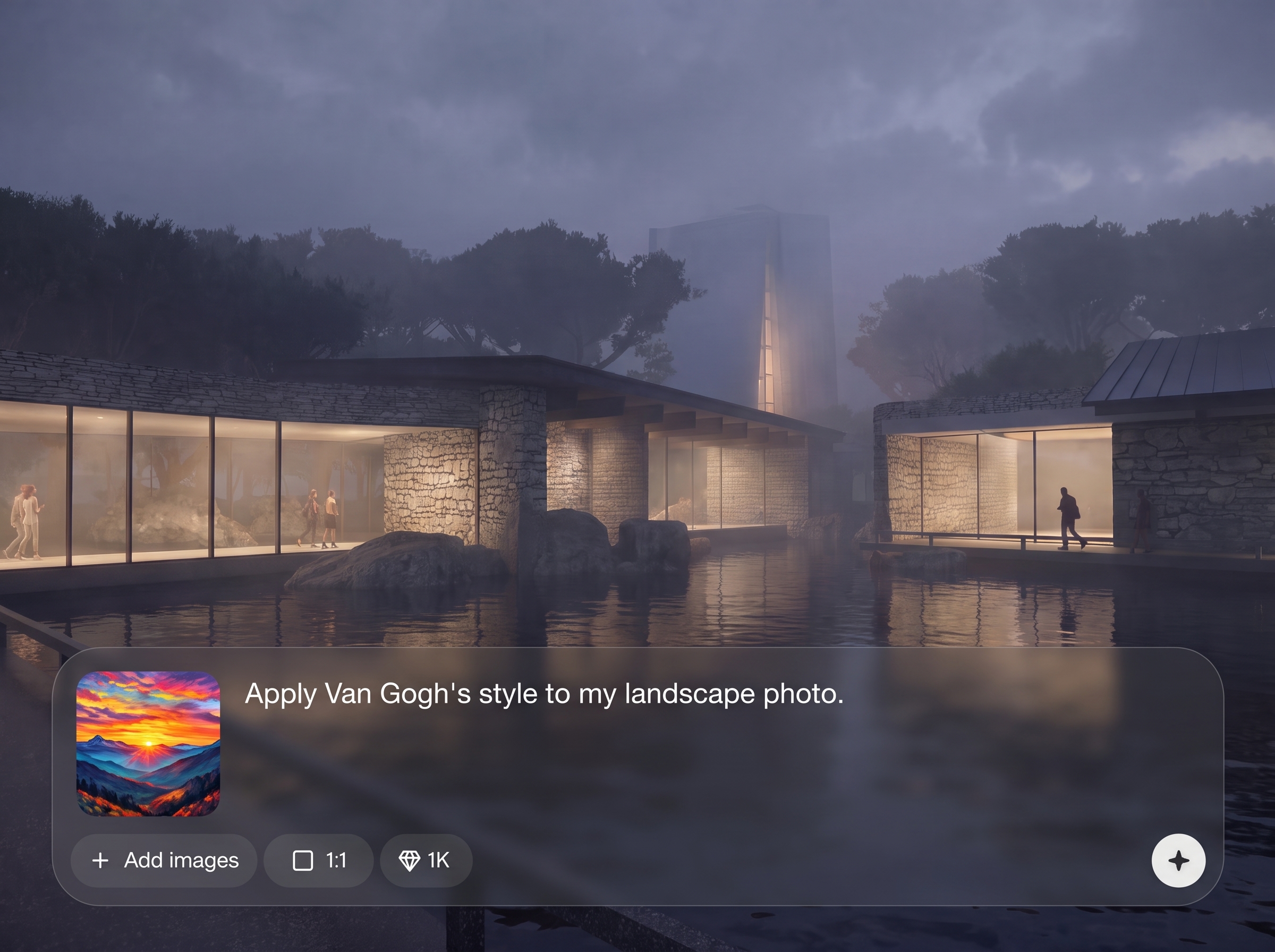
Dial in style strength, texture, and color influence for precise results. Keep faces and objects recognizable while applying bold aesthetics, painterly strokes, or subtle film-like grading.
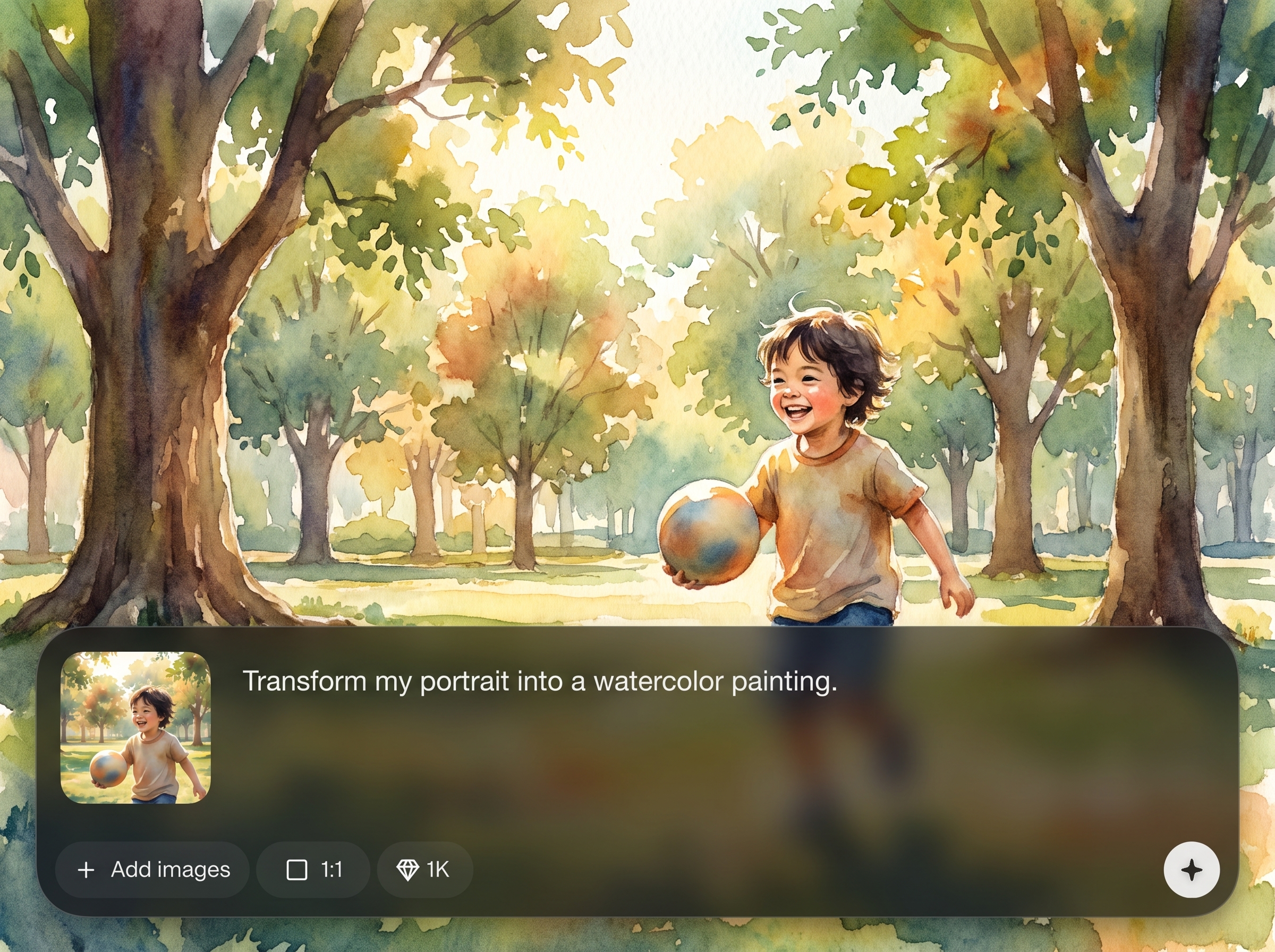
Create several stylized options in one run to compare looks quickly. Iterate with small setting changes to reach the best composition, contrast, and overall visual mood.
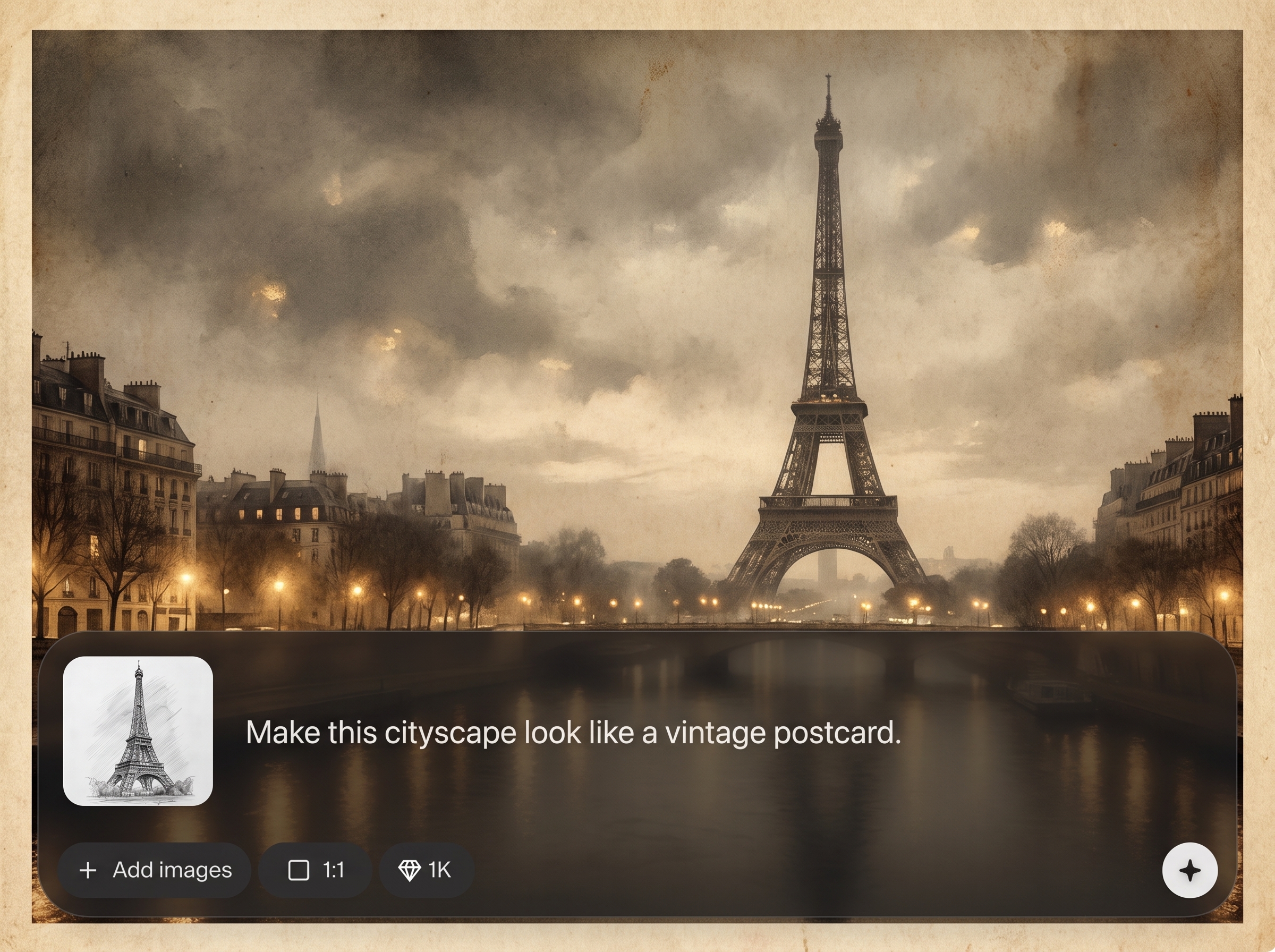
Export crisp images suitable for social, presentations, and design workflows. Maintain detail and reduce artifacts with balanced settings that prioritize clarity and consistent style application.
About
Style transfer app 01 turns any photo into art with AI style transfer image generation. Upload an image, choose a look, and instantly apply painterly textures, color palettes, and visual aesthetics while keeping key details. Generate high-quality results for social posts, concept art, branding visuals, and quick creative experiments—right in your browser.
Style transfer app 01 delivers controllable neural style transfer with fast generation and clean outputs. Adjust style strength and color influence to match your exact aesthetic, then export results that stay sharp and consistent across multiple variations.
Open style transfer app 01, upload a base image, and select a style reference or preset. Tune the intensity, generate a few variations, and download the best result in high resolution.
Use cases
Discover how different creators use this app in their workflow.
Convert product photos into branded art styles for ads, landing pages, and social content while keeping the subject readable and consistent.
Generate quick aesthetic directions from sketches or photos. Explore palettes, textures, and visual themes to guide ideation and creative decisions.
Turn everyday photos into painterly portraits, graphic illustrations, or cinematic looks using AI style transfer with adjustable intensity and color control.
Krea is one of the world's leading generative AI platforms. See what others say.
Real reviews on TrustpilotSo many AI tools out there but I always come back to Krea. It's really the one AI platform that 'just works'.

FYN
Krea's interfaces are still the best in the industry. Everything looks and feels so clean and easy to use! Imo the easiest to use gen AI website.

Lynn
Ultra fast generations. Extremely simple to use. All the latest AI models.

Daniel
KREA is the only AI subscription I have right now besides ChatGPT.

Sophia M.
Answers to common questions about AI style transfer image generation.
Style transfer app 01 is an AI style transfer tool that applies an artistic look to your image. It blends textures and color from a style reference while keeping the original structure and key details.
The model analyzes your base image and a chosen style, then transfers visual patterns such as brush strokes, texture, and color harmony. You can adjust strength to balance realism and stylization.
Yes. Upload a reference image to guide the aesthetic, such as a painting, pattern, or mood photo. Results vary based on contrast, texture, and how distinct the reference style is.
It’s designed to keep overall structure while applying style. For best face preservation, use a clear, high-resolution base image and lower the style strength if details start to distort.
Common formats like JPG and PNG work well. Use images with strong subject separation and minimal compression artifacts for cleaner neural style transfer results and smoother textures.
Lower the style intensity, increase color preservation, and try a simpler reference. Generating multiple variations helps you pick the cleanest output and refine settings with small adjustments.
It runs online in your browser, so there’s nothing to install. Upload, generate, and export your stylized images from anywhere with a stable internet connection.
Yes. Create several outputs to compare different textures, contrast, and color treatments. Variations make it easier to find a look that matches your brand or creative direction.
Start with the highest-quality source you have. Higher resolution inputs typically preserve more detail and create cleaner textures, especially when applying subtle styles or light color grading.
Style transfer blends a reference style into your image using neural methods, not just preset filters. It can mimic textures and artistic strokes more deeply, with adjustable control over intensity.
Upload a photo, pick a style, and generate high-quality artistic results in seconds—online and ready to download.

