














Step 1
Type your phrase
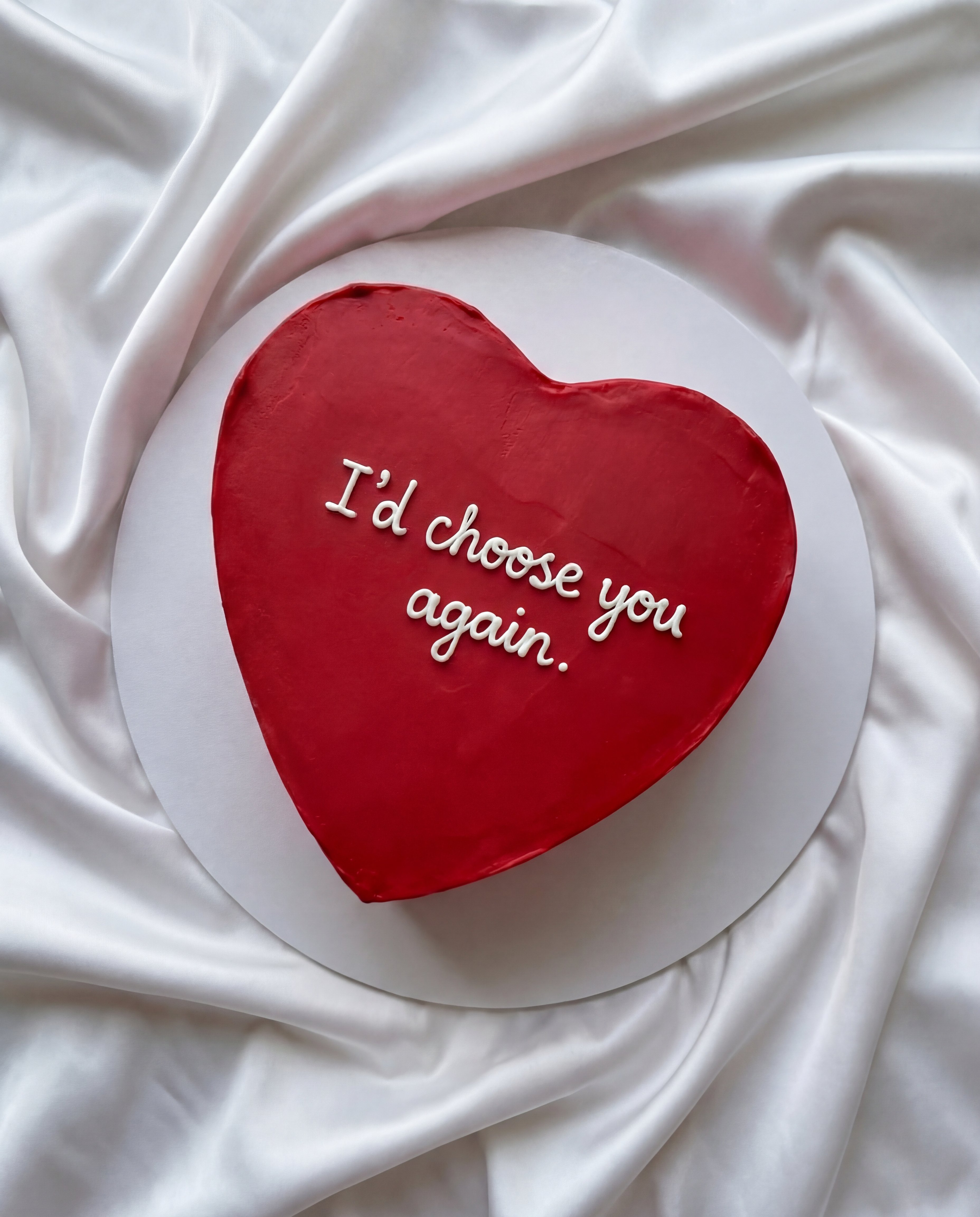
Enter a prompt like “change text to Miss You” and keep it short and clear. The tool uses your exact words to build four styles.
 App by geniasart
Turn one phrase into four vibe-ready text images in seconds. Use 4 Ways to Say It to generate stylish quote graphics fast—type your text and share.
How to use 4 Ways to Say It
Generate stylish text images from a single phrase with one simple prompt. Add your message after “change text to,” then review four unique vibe outputs and choose the best match.
Step 1
Enter a prompt like “change text to Miss You” and keep it short and clear. The tool uses your exact words to build four styles.

Step 2
Preview four different typography looks and moods generated instantly. Compare layouts, emphasis, and tone, then select the version that fits your message.

Step 3
Save your favorite text-based image in seconds. Share it as a message graphic, post it to social media, or use it in a card or story.
Features
Create four unique typography designs from a single phrase—no design skills required. 4 Ways to Say It generates text-based images with distinct moods so you can match the moment instantly. Make quote graphics, short messages, or captions, then download a share-ready image in seconds.
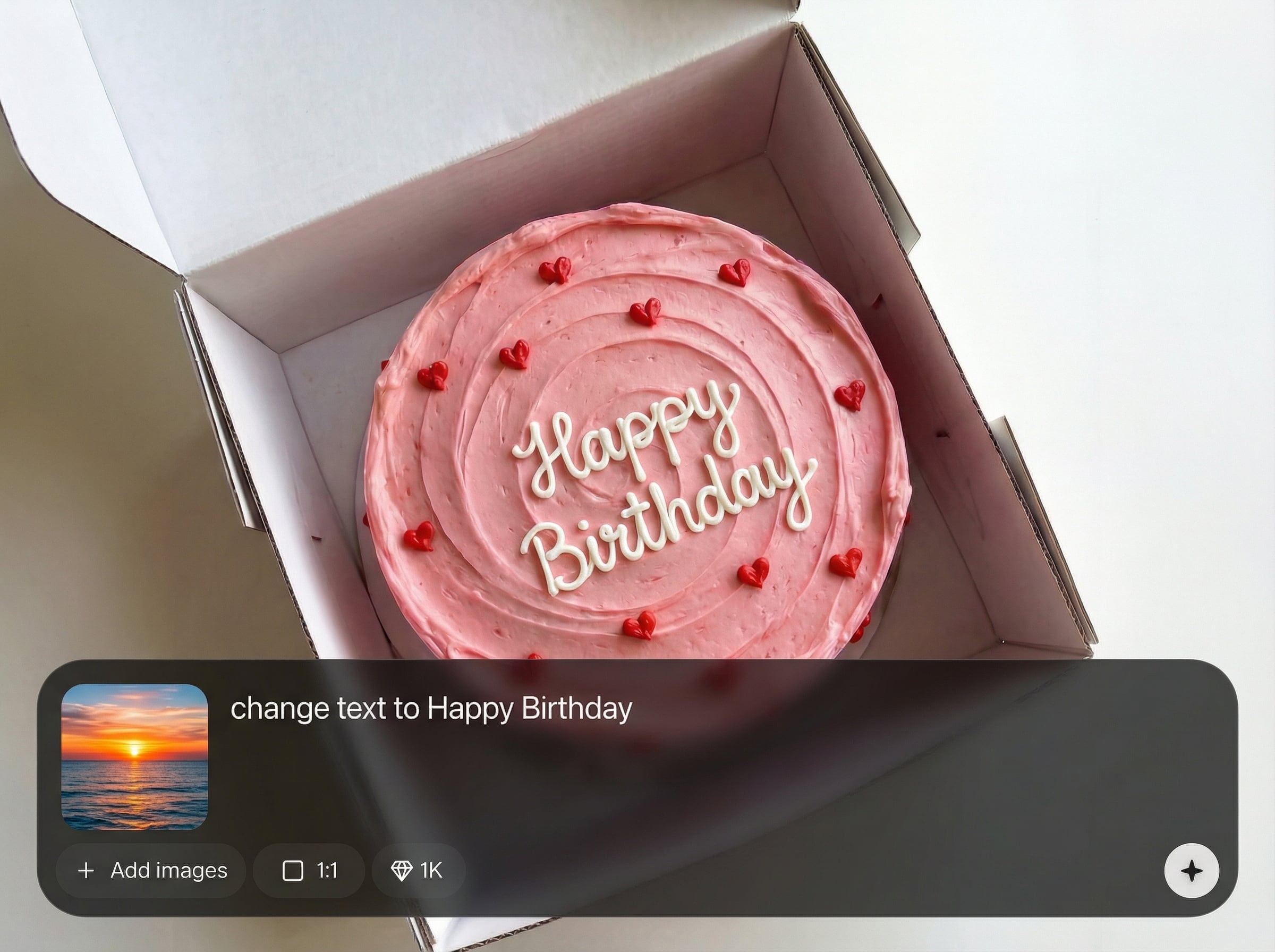
Get four different vibe options from one prompt, designed to help you choose the right tone fast. Perfect for trying variations without rewriting your message.
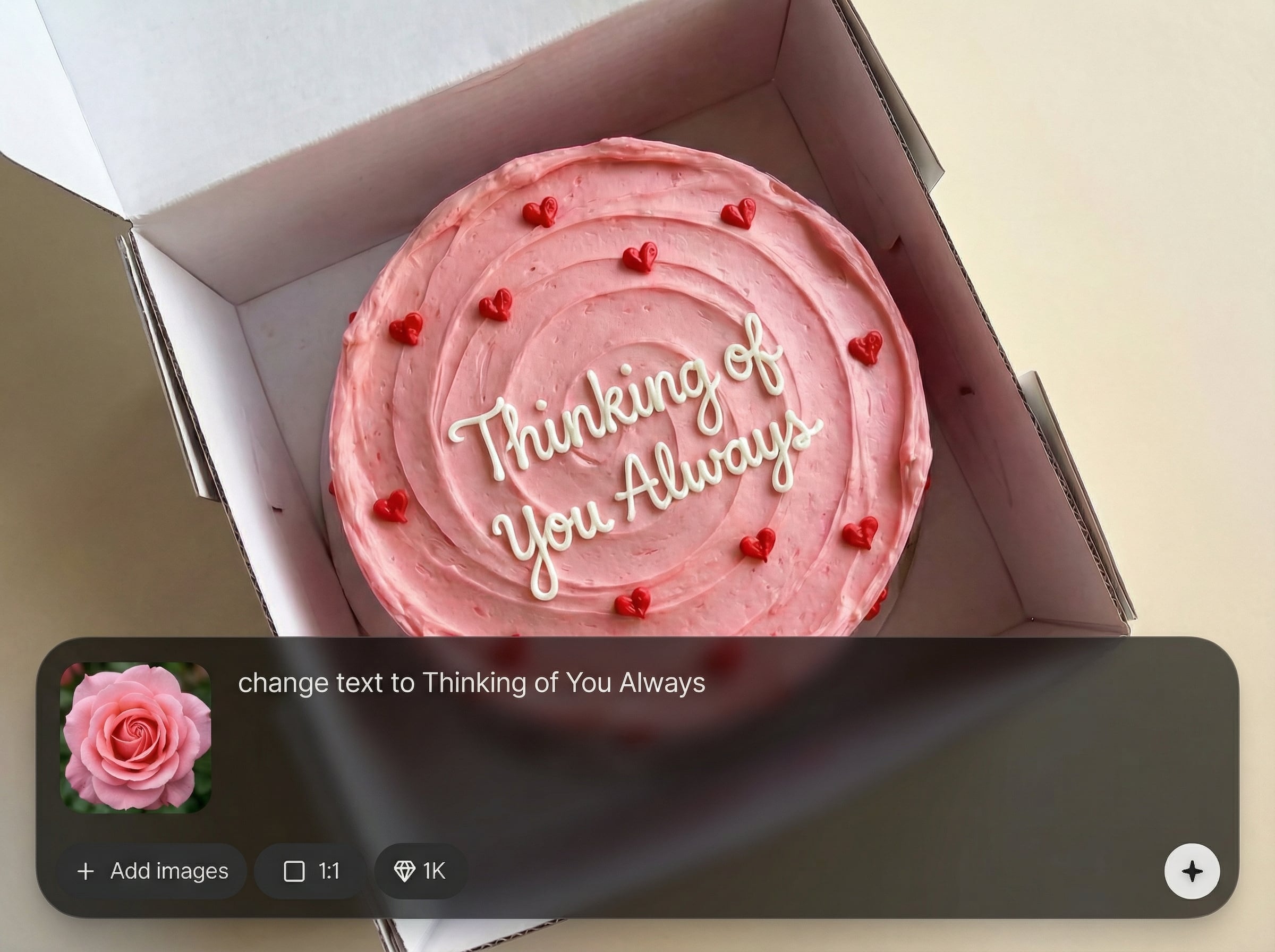
Turn your phrase into polished quote graphics in seconds. The AI keeps your words intact while producing clean, shareable typography layouts for any platform.
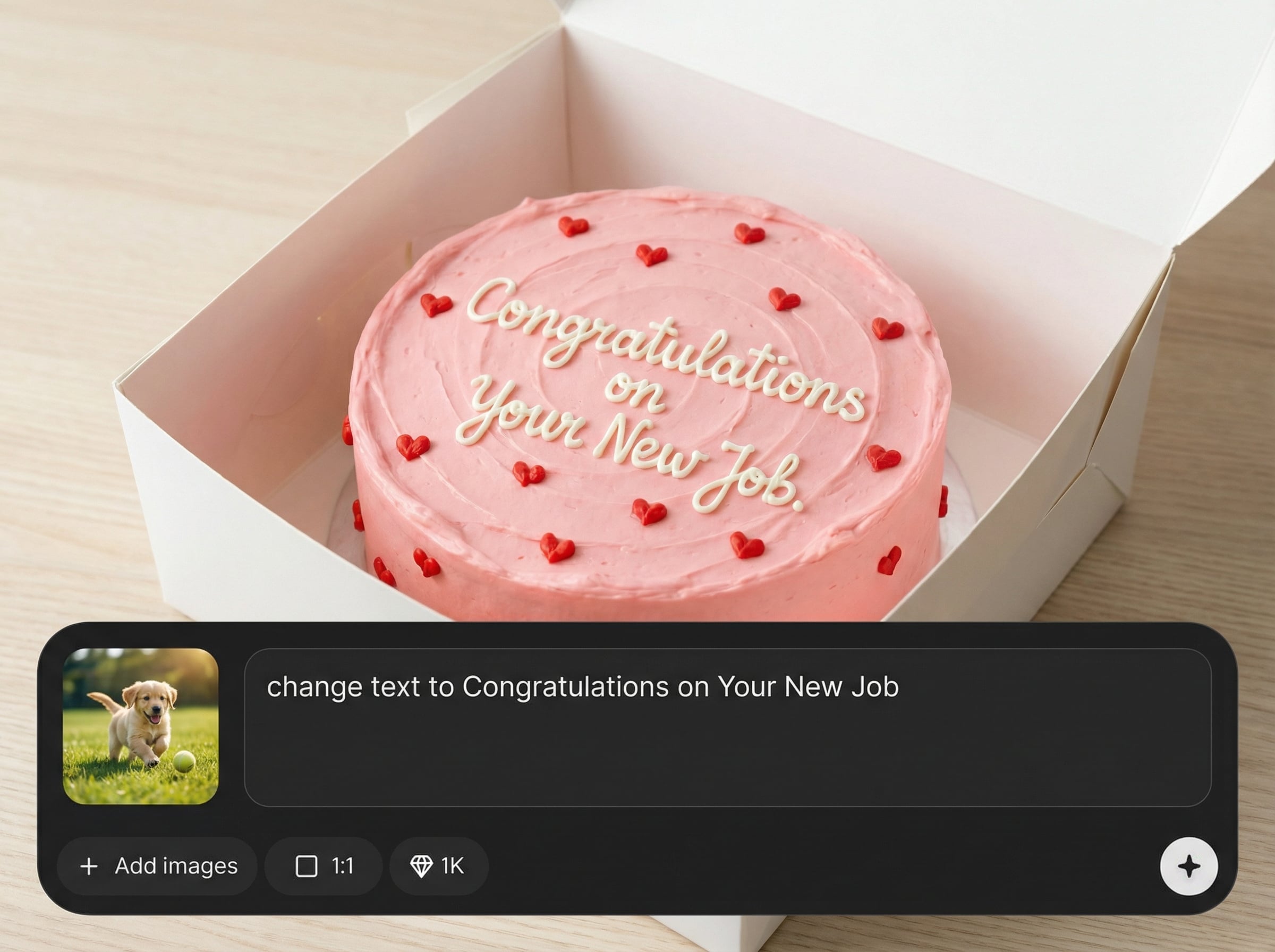
Just type “change text to” and your phrase—no complex settings. Generate, compare, and download with a streamlined interface built for quick iterations.
About
4 Ways to Say It turns one message into four distinct vibes—beautiful text-based images generated in seconds. Type “change text to” plus your phrase, then instantly preview four styles to match the mood. Pick your favorite design and download a share-ready graphic for texts, socials, or cards.
Get four ready-to-share typography designs from one message, faster than building variations manually. The AI workflow is simple, consistent, and tuned for clean text-based graphics. Compare vibes instantly, pick the best fit, and share a polished result in seconds.
Open the app, type “change text to” plus your phrase, and generate. Review four vibe options, choose your favorite style, then download the text image to share anywhere.
Use cases
Discover how different creators use this app in their workflow.
Create scroll-stopping quote graphics for Instagram, TikTok, and Stories. Choose the vibe that matches your brand tone and post instantly.
Send a heartfelt note with style—“Miss You,” “Thank You,” or “Thinking of You.” Pick the best vibe and share as an image.
Generate clean typography assets for announcements, offers, and reminders. Try four looks quickly to find the most clickable message design.
Krea is one of the world's leading generative AI platforms. See what others say.
Real reviews on TrustpilotSo many AI tools out there but I always come back to Krea. It's really the one AI platform that 'just works'.

FYN
Krea's interfaces are still the best in the industry. Everything looks and feels so clean and easy to use! Imo the easiest to use gen AI website.

Lynn
Ultra fast generations. Extremely simple to use. All the latest AI models.

Daniel
KREA is the only AI subscription I have right now besides ChatGPT.

Sophia M.
Answers to common questions about generating text-based images with AI.
It generates four text-based images from one phrase, each with a different vibe and typography style. You can preview all options, choose your favorite, and download a share-ready graphic.
Use the format “change text to” followed by your phrase, like “change text to Miss You.” Keep it short for best results, and the tool will produce four styled outputs.
Yes—this AI generates typography-focused images from your words. It uses artificial intelligence to create multiple design variations quickly, so you can match tone, mood, and style with one prompt.
Yes. The outputs are designed to be shared as quote graphics, captions, and promo tiles. Download your preferred vibe and use it across posts, stories, messages, or campaign creatives.
Four options help you choose the best vibe without extra work. You can compare mood and layout quickly, then iterate by changing a word or two to refine the message.
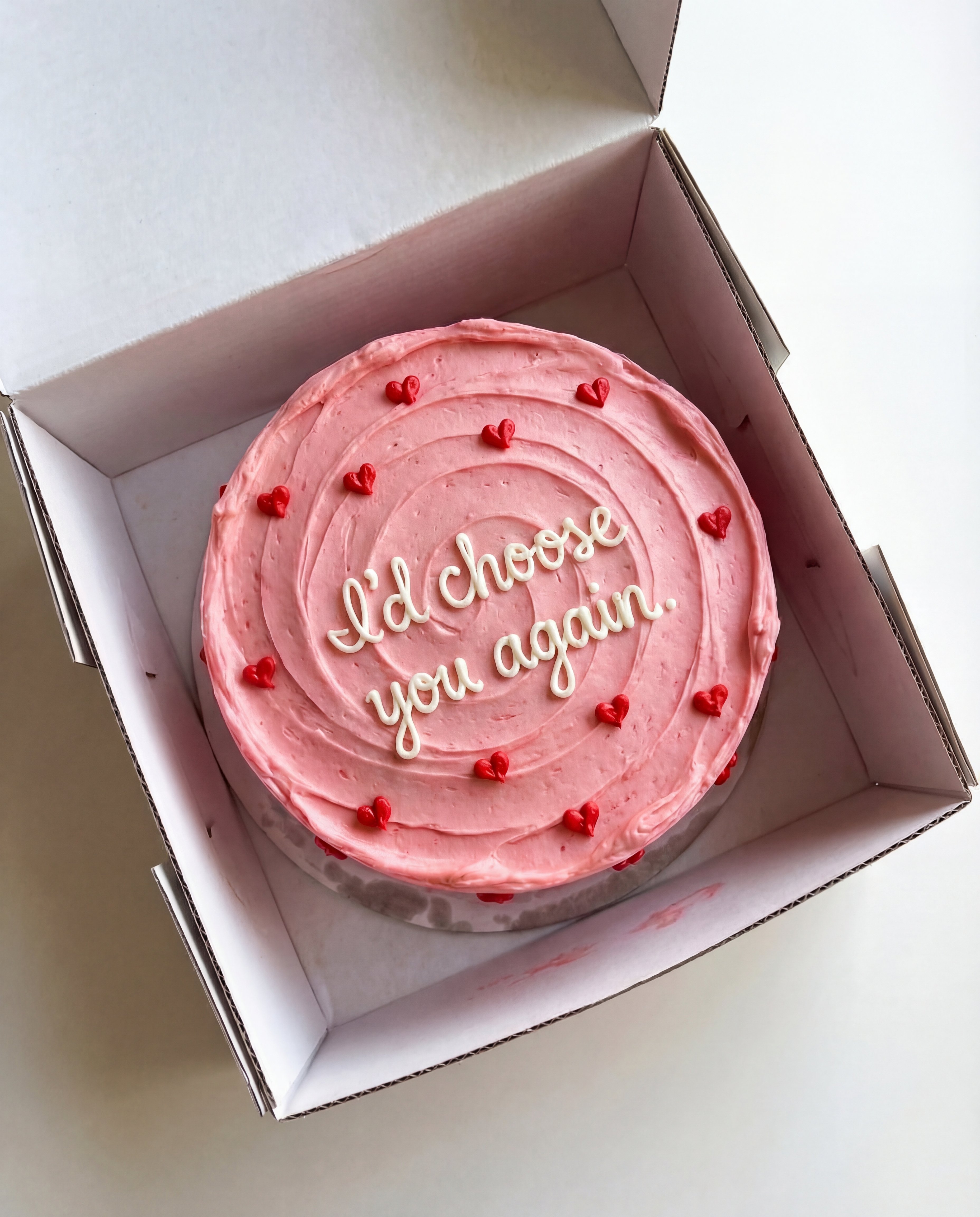
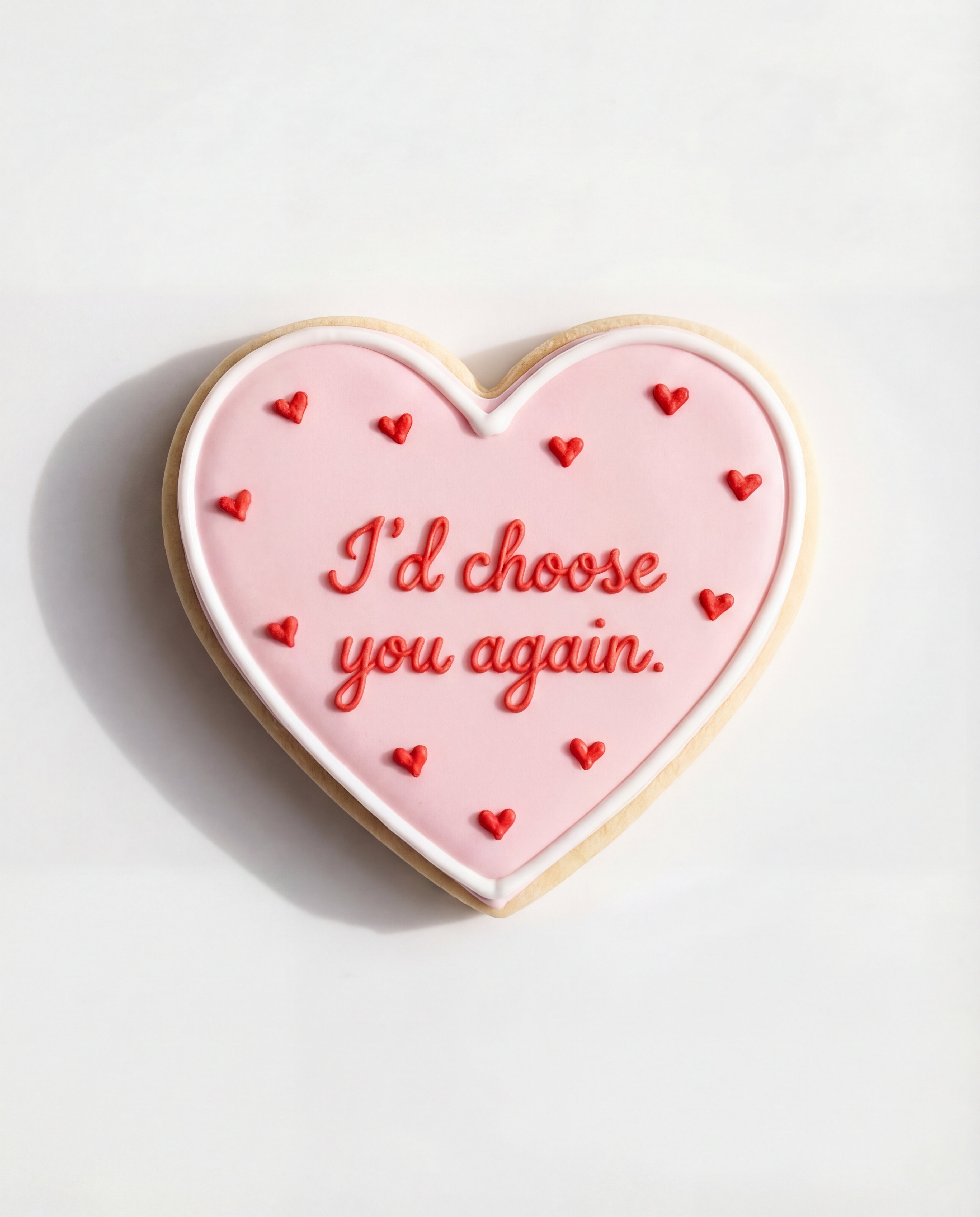
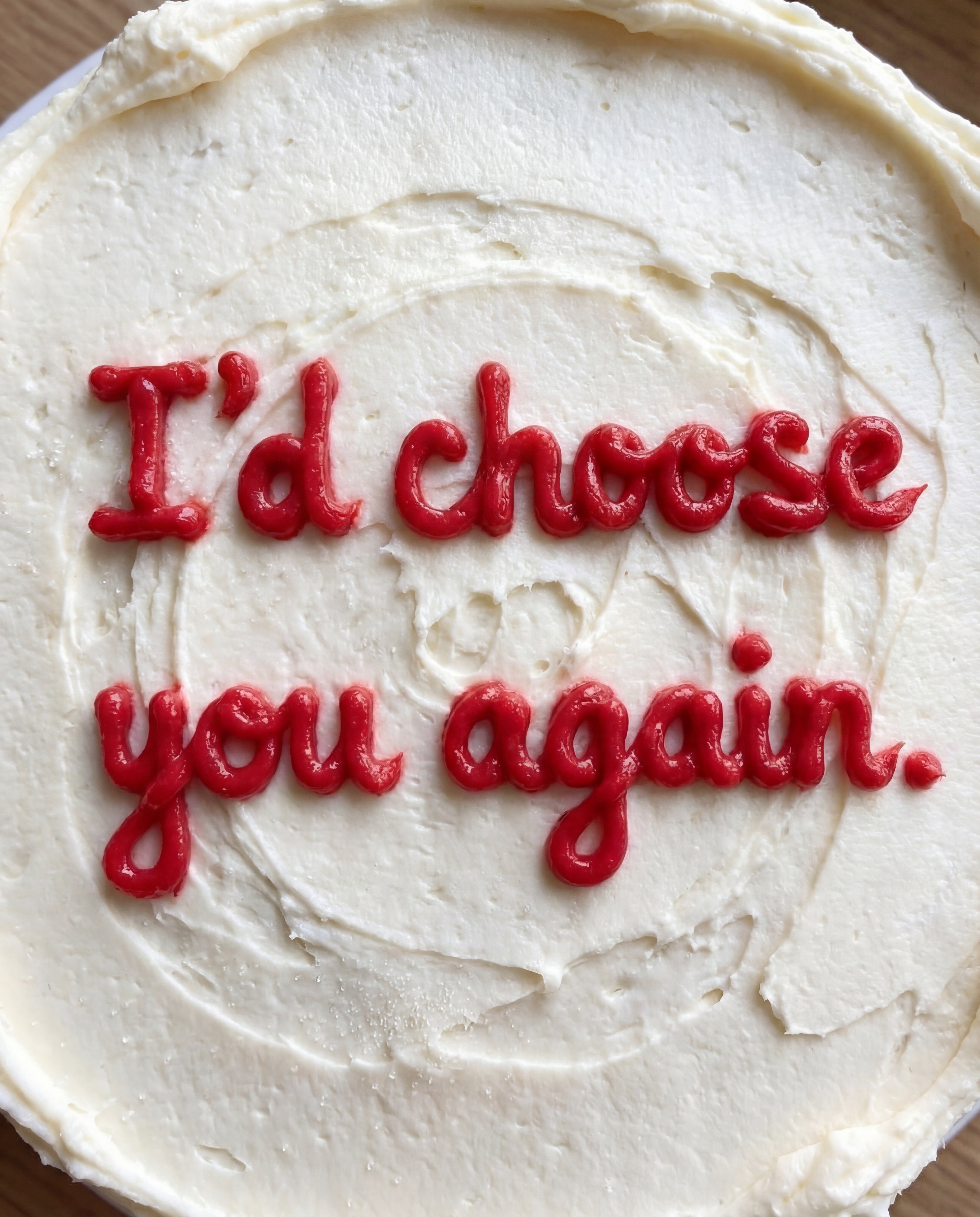
Type your phrase once, get four vibe styles, then download and share a polished text image.

