














Step 1
Upload
Upload a clear product image. The AI detects edges and materials, preparing the item for realistic scaling and placement inside the rose bud structure.
 App by geniasart
Upload any product photo and generate a realistic rose-stem macro where your item replaces the bud—perfectly scaled, crisp, white background. Try it now.
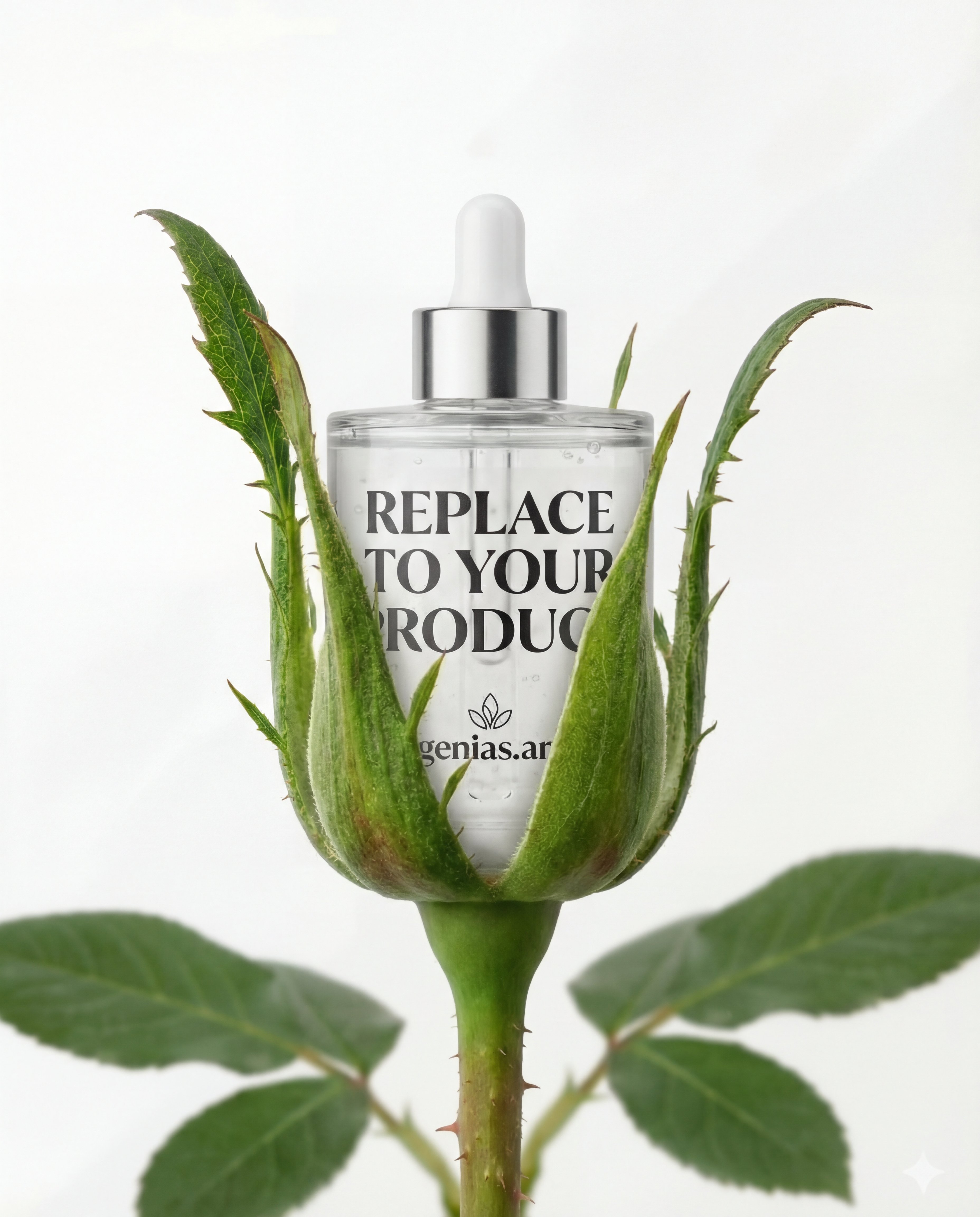
How to use Rose Bud Product Inserter
Create a studio macro rose-stem scene with your product as the bud. Upload an image, adjust fit and framing, then generate photoreal results on a crisp white background for ecommerce or ads.
Step 1
Upload a clear product image. The AI detects edges and materials, preparing the item for realistic scaling and placement inside the rose bud structure.

Step 2
Choose positioning and crop. The tool scales your product to bud size and aligns it with the green sepals for an organic, believable fit.

Step 3
Generate the final macro shot and review details. Download a clean, white-background output ready for listings, ads, or social posts.
Features
Generate a realistic rose stem scene where your product replaces the rose bud—without manual compositing. Automatic scaling keeps proportions true to a bud, while smart placement tucks the item into green sepals for an organic look. Outputs stay clean and studio-like, isolated on a crisp white background for consistent product photography.
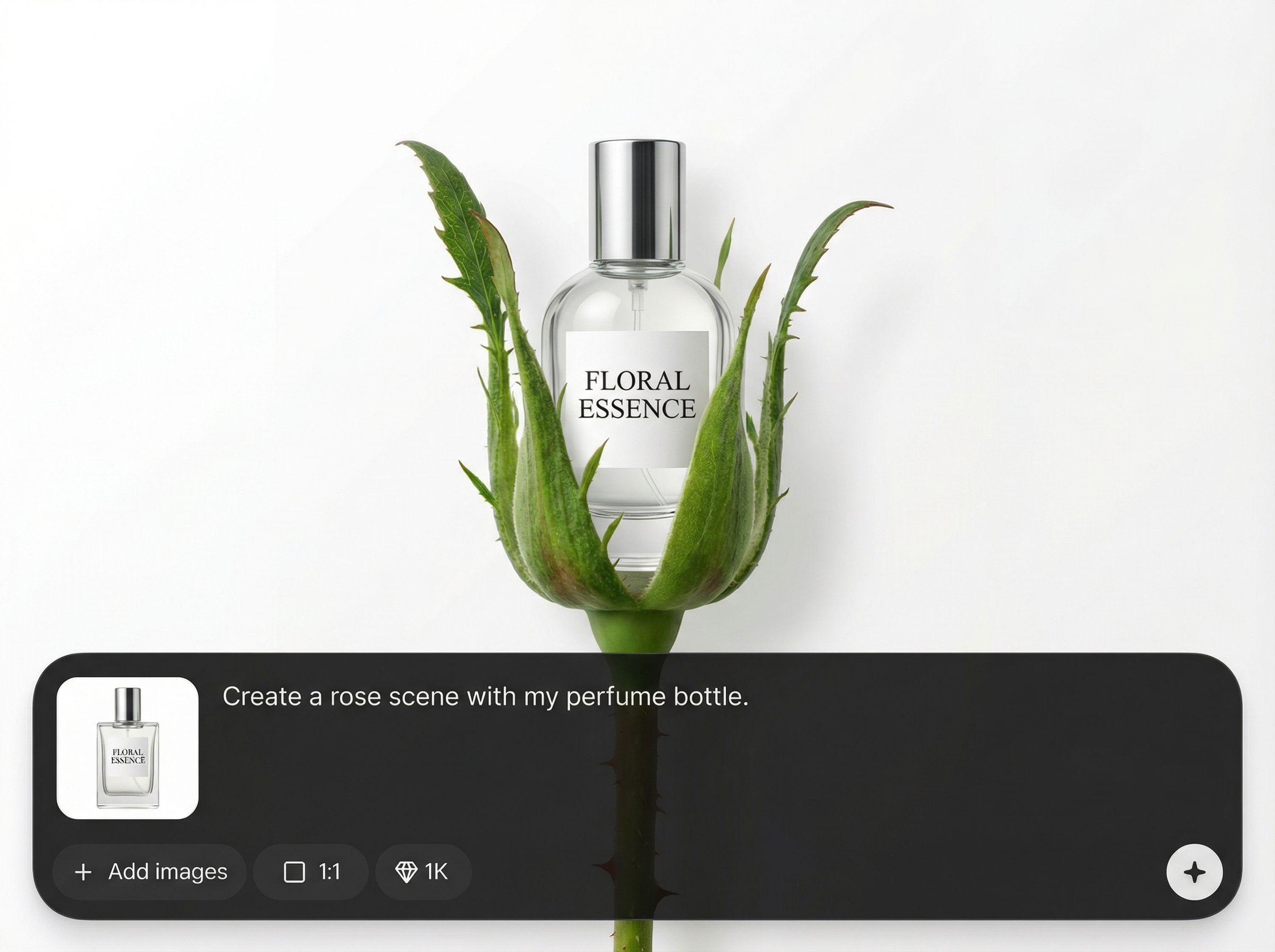
Automatically resizes your product to realistic rose-bud proportions, keeping perspective consistent for a believable studio macro shot without guesswork or repeated edits.
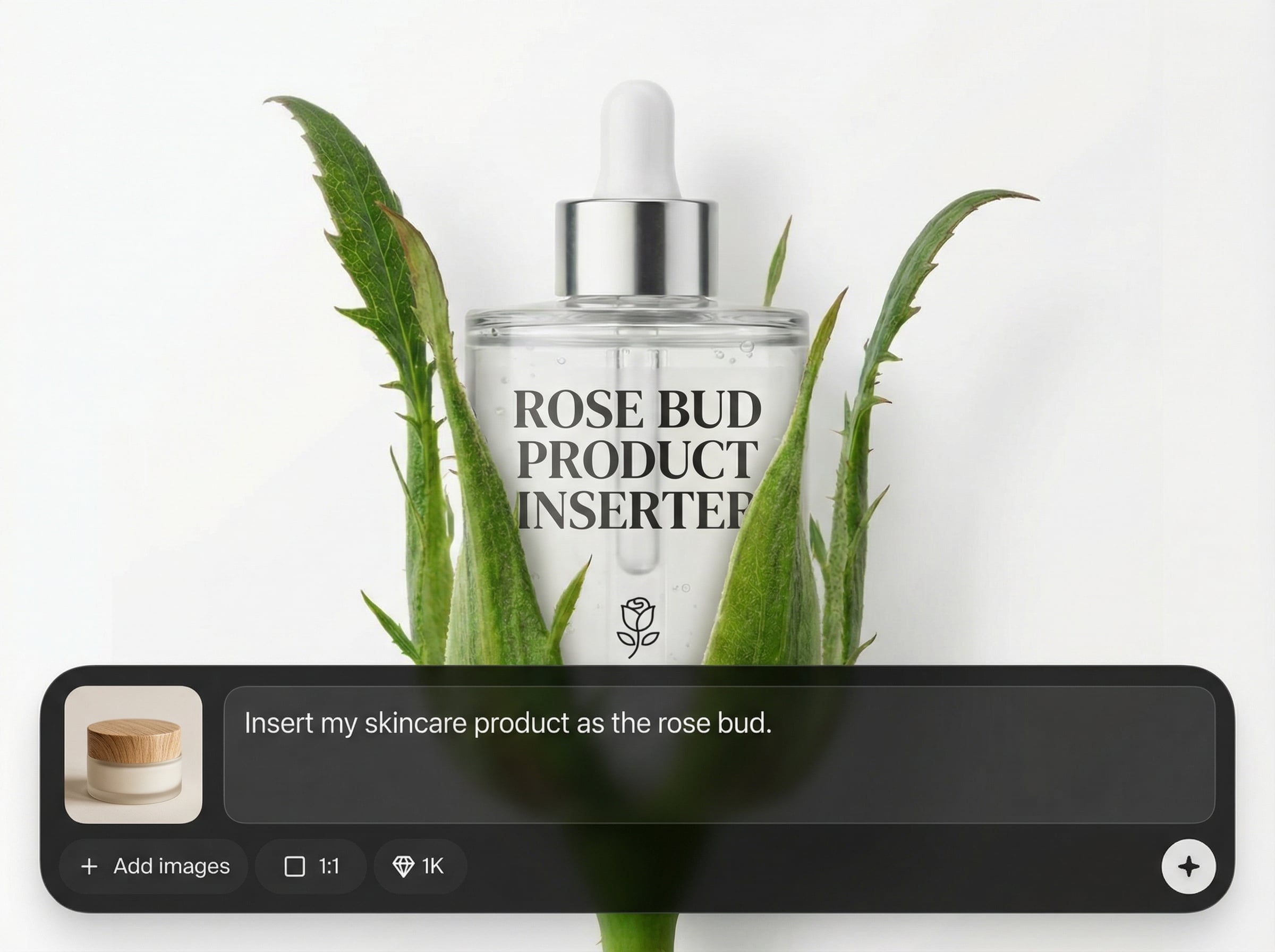
Fits the product inside green sepals with natural overlap and edge transitions, so the insertion looks grown-in rather than pasted on top of the stem.
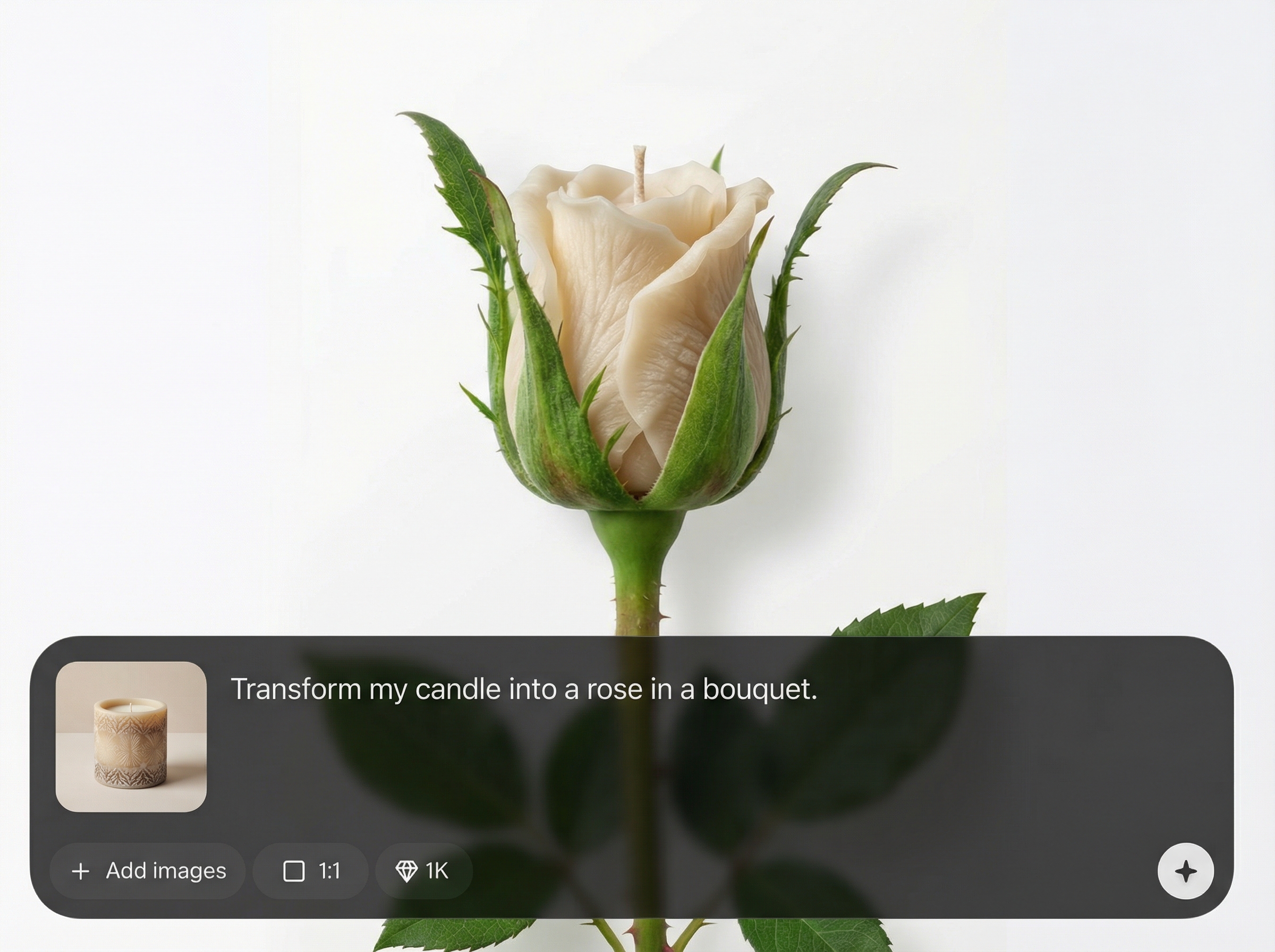
Preserves surface cues like fabric folds, texture, and highlights while matching the macro lighting. Get crisp, white-background outputs that look like real product photography.
About
Rose Bud Product Inserter turns any product photo into a realistic rose stem macro where your item replaces the rose bud. The AI scales your product to bud size, nests it naturally inside green sepals, and preserves fine materials like fabric folds. Get clean, studio-style results isolated on a crisp white background for fast, premium product visuals.
Get studio-clean macro visuals without manual compositing. Rose Bud Product Inserter automates bud-accurate scaling, organic sepal integration, and material detail preservation for consistent, premium outputs on a crisp white background.
Upload a product photo, set fit and framing, then generate. Download the white-background result and reuse it across ecommerce listings, ads, and product presentations immediately.
Use cases
Discover how different creators use this app in their workflow.
Create premium, white-background hero visuals with a distinctive rose-stem concept—ideal for listings, PDPs, and consistent catalog photography at scale.
Generate eye-catching macro visuals for campaigns. Keep the product centered, clean, and instantly readable while adding a refined botanical theme.
Test how items like cosmetics, accessories, or textiles look in a stylized studio scene before committing to a full photoshoot or retouching workflow.
Krea is one of the world's leading generative AI platforms. See what others say.
Real reviews on TrustpilotSo many AI tools out there but I always come back to Krea. It's really the one AI platform that 'just works'.

FYN
Krea's interfaces are still the best in the industry. Everything looks and feels so clean and easy to use! Imo the easiest to use gen AI website.

Lynn
Ultra fast generations. Extremely simple to use. All the latest AI models.

Daniel
KREA is the only AI subscription I have right now besides ChatGPT.

Sophia M.
Common questions about AI rose-bud product insertion and output quality.
It’s an AI tool that places your uploaded product into a realistic rose stem macro scene, replacing the rose bud while keeping proportions, lighting, and edges natural on a clean white background.
Use high-resolution images with clear edges and minimal motion blur. Transparent or plain backgrounds help, but the tool can work with most product photos by refining the subject silhouette.
Yes. The model aims to retain key material cues like folds, texture, and shine while integrating the object into the sepal structure for a realistic, studio macro finish.
The outputs are designed for commercial-ready product visuals: crisp, isolated white background, strong subject clarity, and consistent styling—ideal for marketplaces, landing pages, and paid creatives.
The tool scales items toward bud size and optimizes placement for an organic fit. If a product is very long or wide, try a tighter crop or alternate orientation for best results.
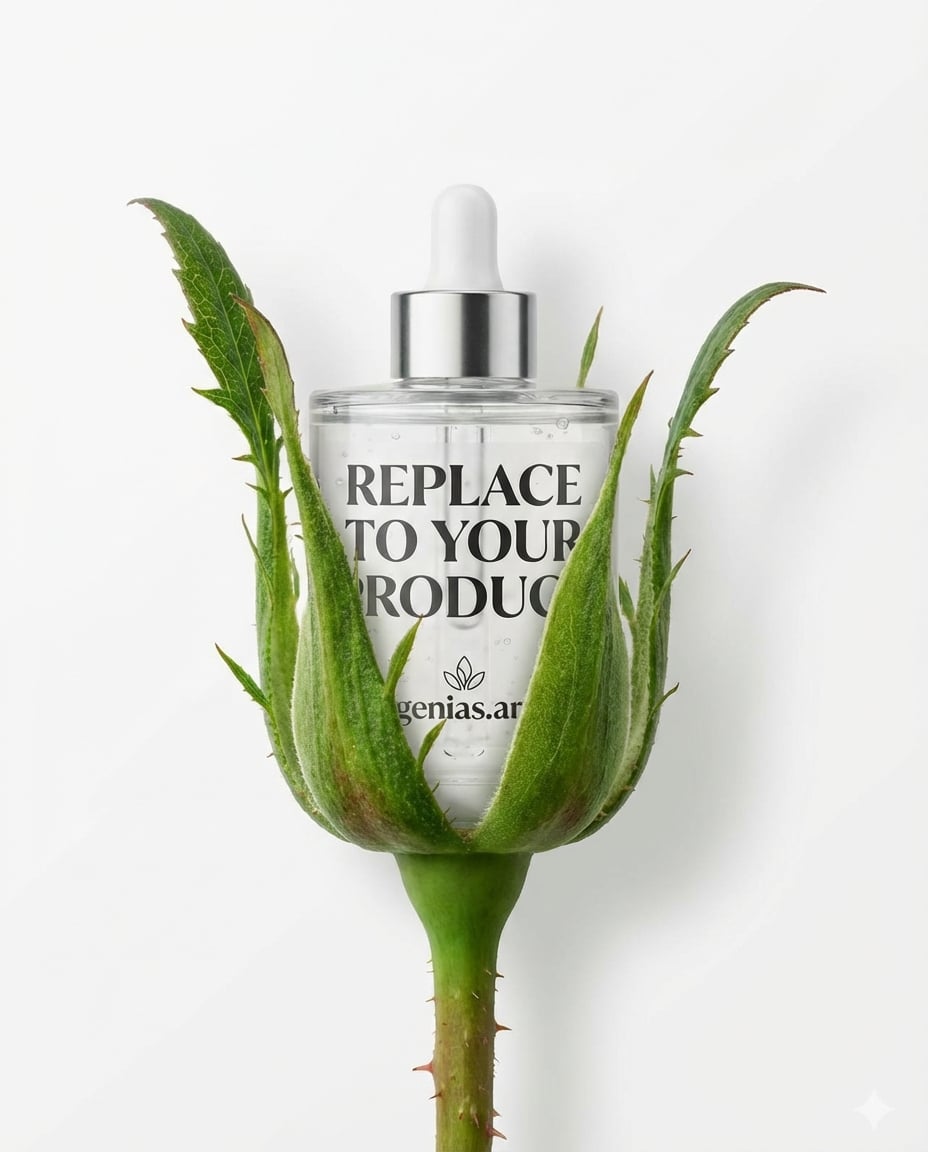
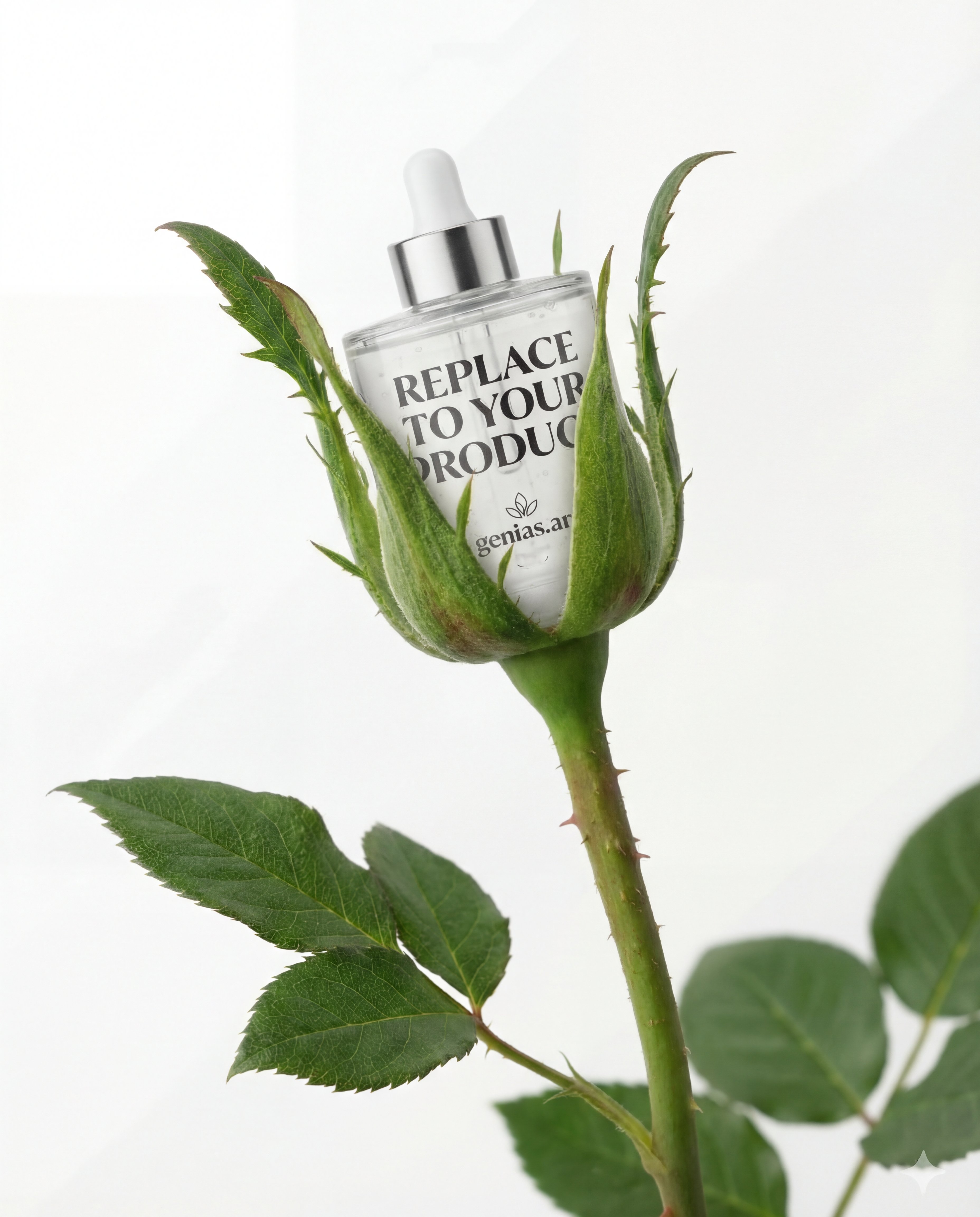
Upload a product image and generate a clean studio macro rose-stem scene in seconds.

