














Step 1
Describe your scene
Write a prompt for the environment you need, such as mountains at sunrise or cyberpunk city rain. Add style keywords, camera angle, and mood for better control.
Generate stunning AI landscapes in seconds. Customize style, lighting, and mood for concept art, backgrounds, and more. Try Landscape Generator online now.
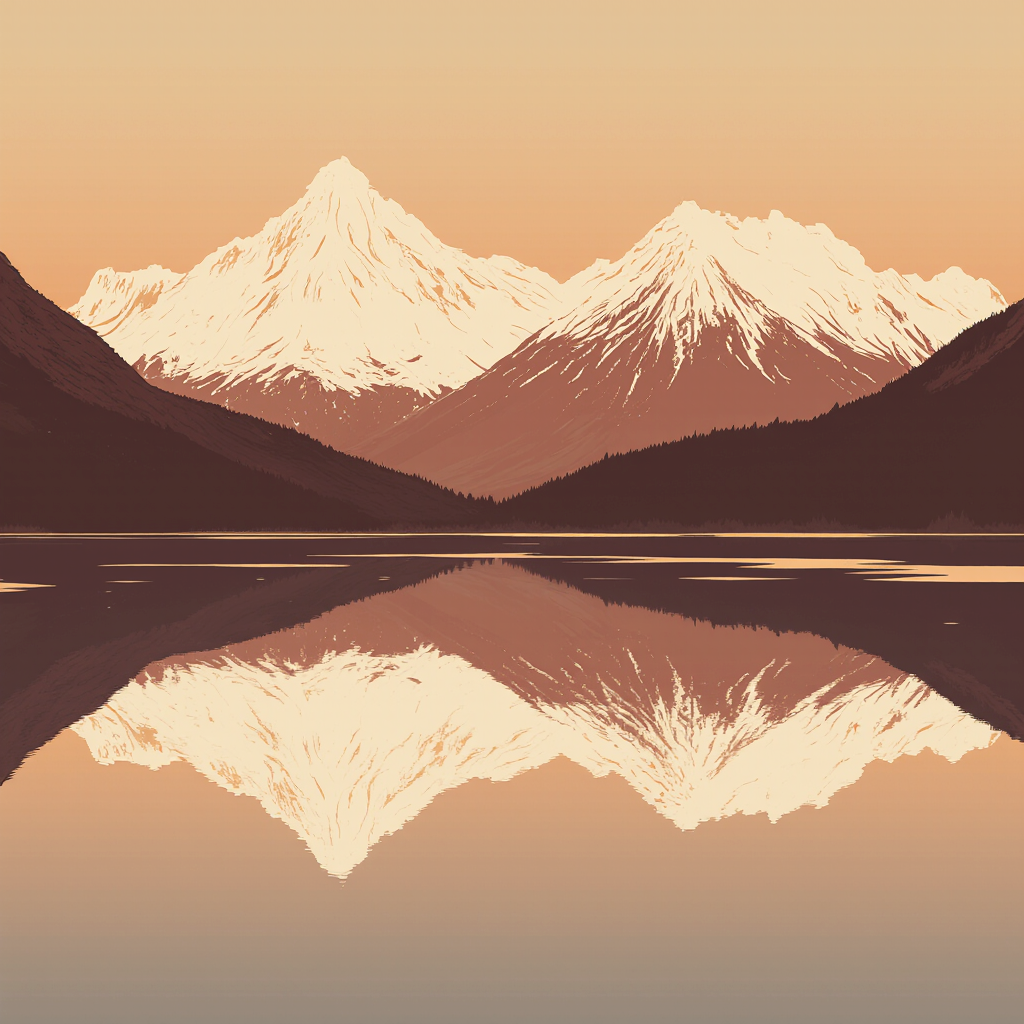
How to use Landscape Generator
This quick guide shows how to generate custom AI landscapes with consistent style and mood. Add a prompt, choose a look, then refine results with simple controls for lighting, weather, and composition.
Step 1
Write a prompt for the environment you need, such as mountains at sunrise or cyberpunk city rain. Add style keywords, camera angle, and mood for better control.

Step 2
Pick a visual style and adjust settings like aspect ratio, lighting, weather, and detail level. Use variations to explore multiple compositions while keeping the same idea.

Step 3
Click generate to create landscape options in seconds. Review results, regenerate for alternatives, then download your favorite image for presentations, mockups, storyboards, or production.
Features
Landscape Generator uses AI to turn simple prompts into detailed environments with controllable style and atmosphere. Create photoreal vistas, fantasy worlds, or cinematic matte-painting looks quickly. Iterate with variations, refine key elements like lighting and weather, and export clean landscape images for web, video, and design workflows.
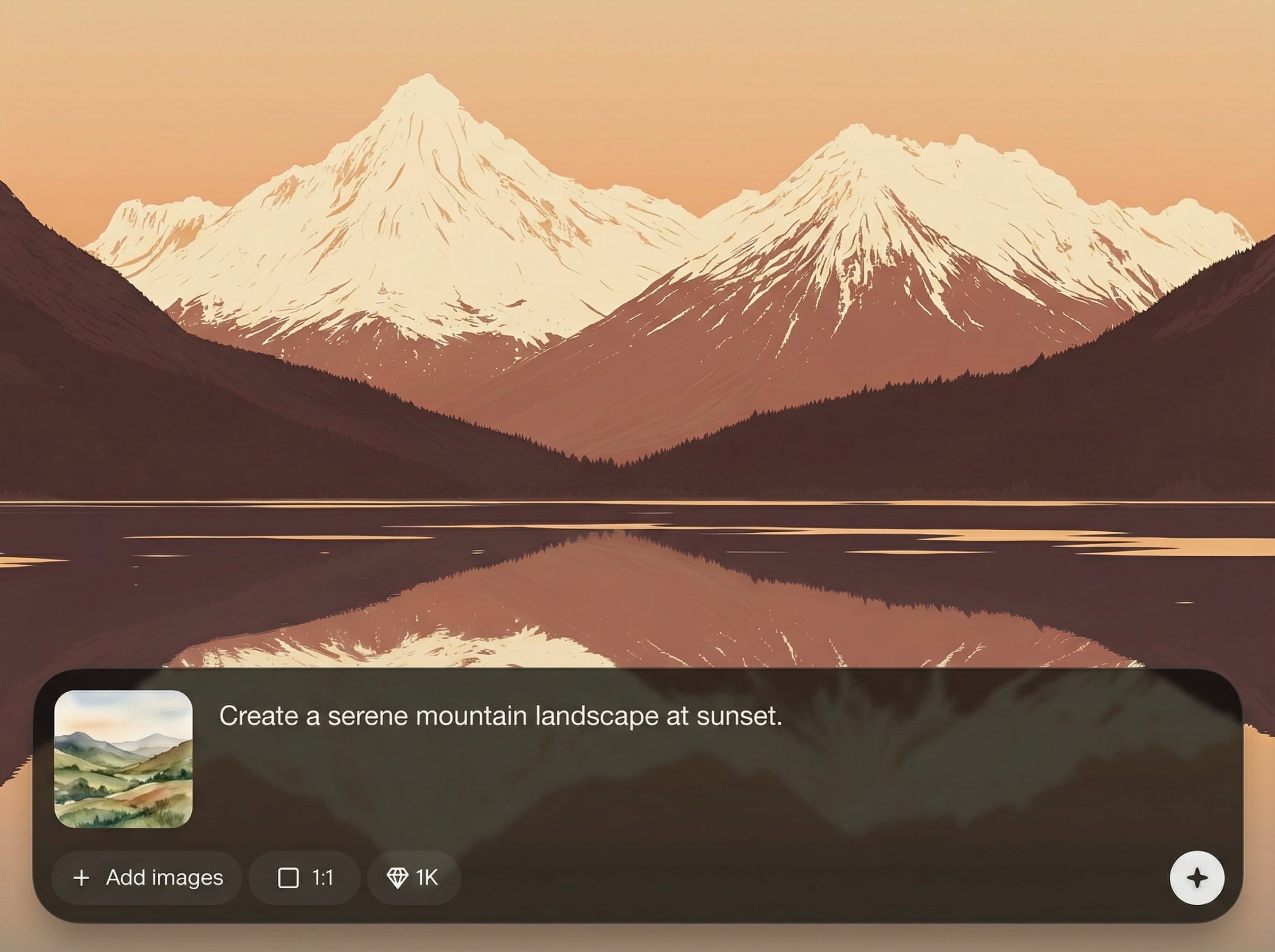
Type a prompt and generate diverse AI landscapes with coherent depth, terrain, and sky. Great for ideation, mood boards, and quick environment drafts without manual drawing.
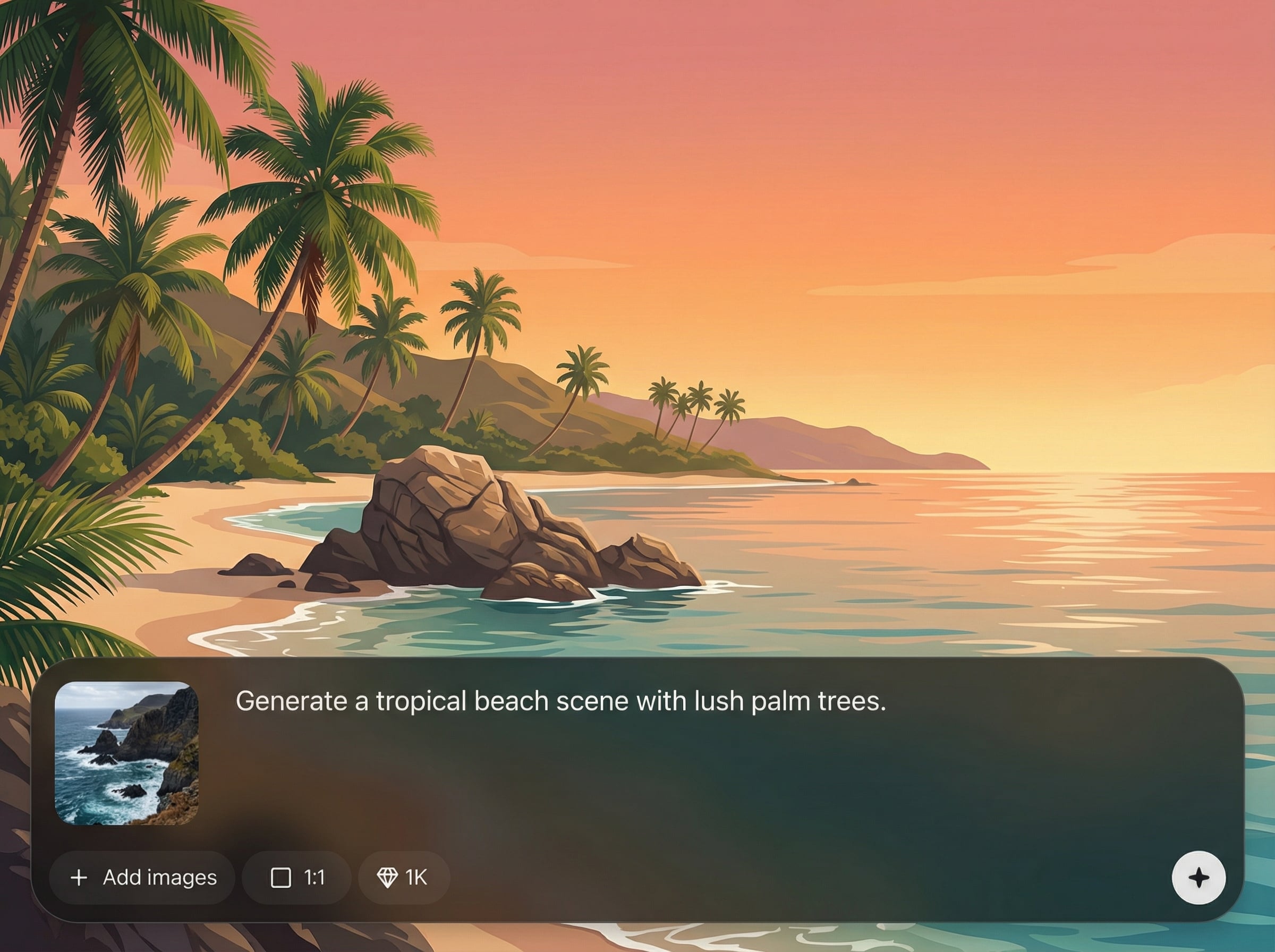
Switch between photoreal, painterly, or fantasy looks and tune lighting, weather, and color. Keep scenes on-brand and consistent across multiple landscape variations.
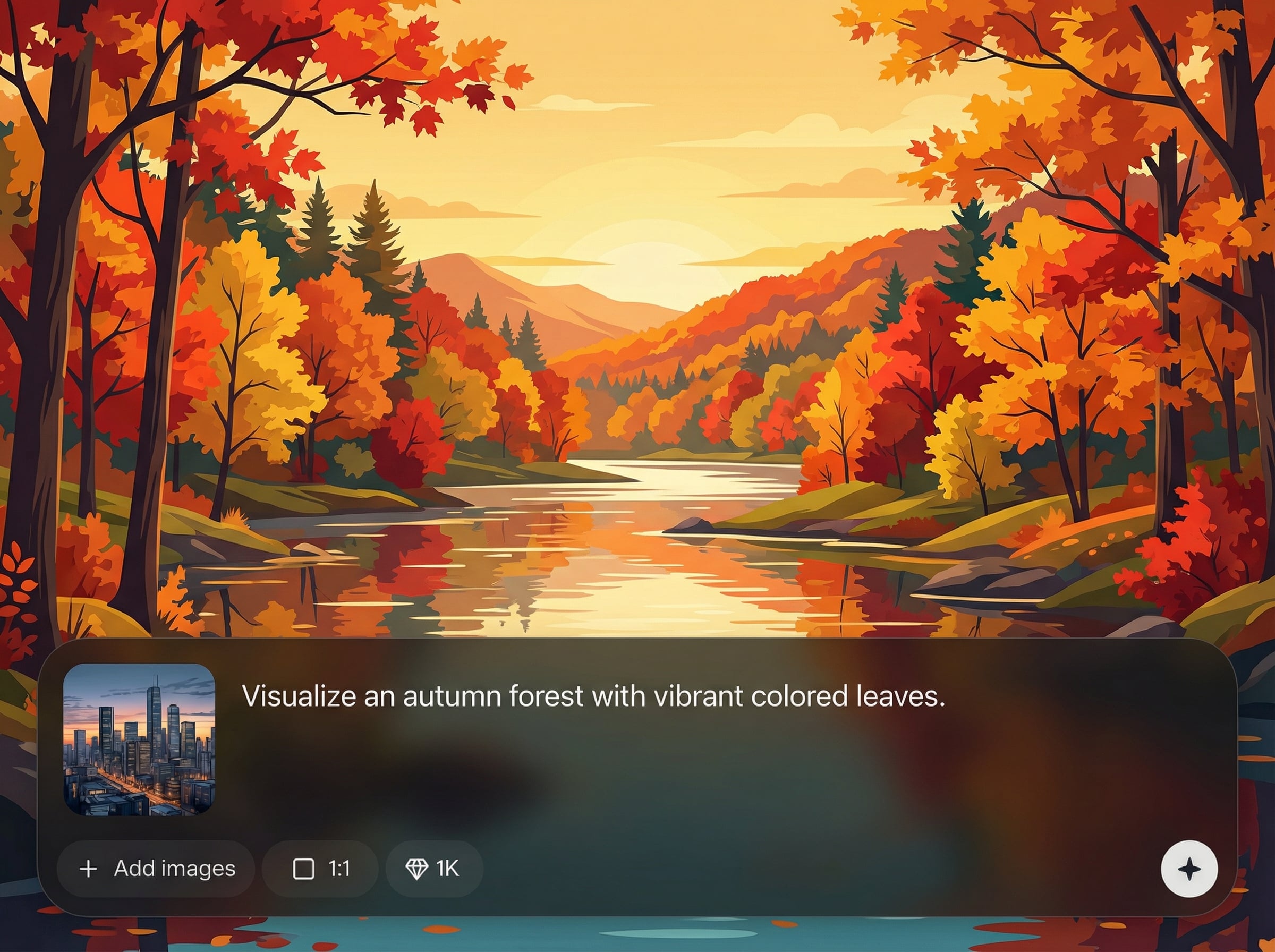
Generate multiple options fast to compare compositions and focal points. Re-roll details while preserving the core prompt, helping you reach the right background quickly.
About
Landscape Generator is an AI landscape generator that creates high-quality scenic images for backgrounds, concept art, and visual storytelling. Choose styles like photoreal, fantasy, or painterly, then fine-tune lighting, weather, and color. Generate multiple variations fast to explore ideas, iterate, and export ready-to-use landscape artwork in minutes.
Landscape Generator delivers fast, high-quality AI landscapes with practical controls for style, lighting, and atmosphere. Generate multiple variations to compare compositions, then iterate quickly without losing your core idea. It’s built for speed, consistency, and professional-looking environment outputs.
Enter a short prompt, choose your preferred style, and adjust lighting or weather. Generate a batch of variations, pick the best result, and export your landscape image for your next project.
Use cases
Discover how different creators use this app in their workflow.
Generate environment concepts for games, film, and animation. Quickly explore terrain, time of day, and atmosphere to guide scene planning and direction.
Create custom landscape backgrounds for websites, slides, and marketing visuals. Match brand color and mood with consistent, high-quality AI imagery.
Visualize locations for stories and campaigns with cinematic landscapes. Produce multiple regions and climates to build a cohesive world fast.
Krea is one of the world's leading generative AI platforms. See what others say.
Real reviews on TrustpilotSo many AI tools out there but I always come back to Krea. It's really the one AI platform that 'just works'.

FYN
Krea's interfaces are still the best in the industry. Everything looks and feels so clean and easy to use! Imo the easiest to use gen AI website.

Lynn
Ultra fast generations. Extremely simple to use. All the latest AI models.

Daniel
KREA is the only AI subscription I have right now besides ChatGPT.

Sophia M.
Answers to common questions about using an AI landscape generator online.
Landscape Generator is an AI tool that creates landscape images from text prompts. It helps you generate scenic backgrounds, environments, and concept art with adjustable style, lighting, and mood.
Use specific prompts with location, time of day, weather, and style terms. Add camera cues like “wide angle” or “aerial view,” and iterate with variations to refine composition and details.
Yes. Choose a photoreal look for realistic terrain and lighting, or use fantasy and painterly styles for stylized worlds. You can fine-tune mood, color, and atmosphere for consistency.
Yes, Landscape Generator runs online so you can generate landscapes without complex setup. Create images from prompts, adjust parameters, and export results directly from your browser.
Use generated landscapes for mockups, presentations, storyboards, mood boards, and environment studies. For production use, review your project’s requirements and ensure outputs fit your workflow needs.
Create custom scenic environments with AI—fast prompts, flexible styles, and export-ready results in minutes.

