














Step 1
Upload
Add a clear female portrait (with jeans). The tool detects the subject, removes distractions, and prepares the image for a top-down token conversion.
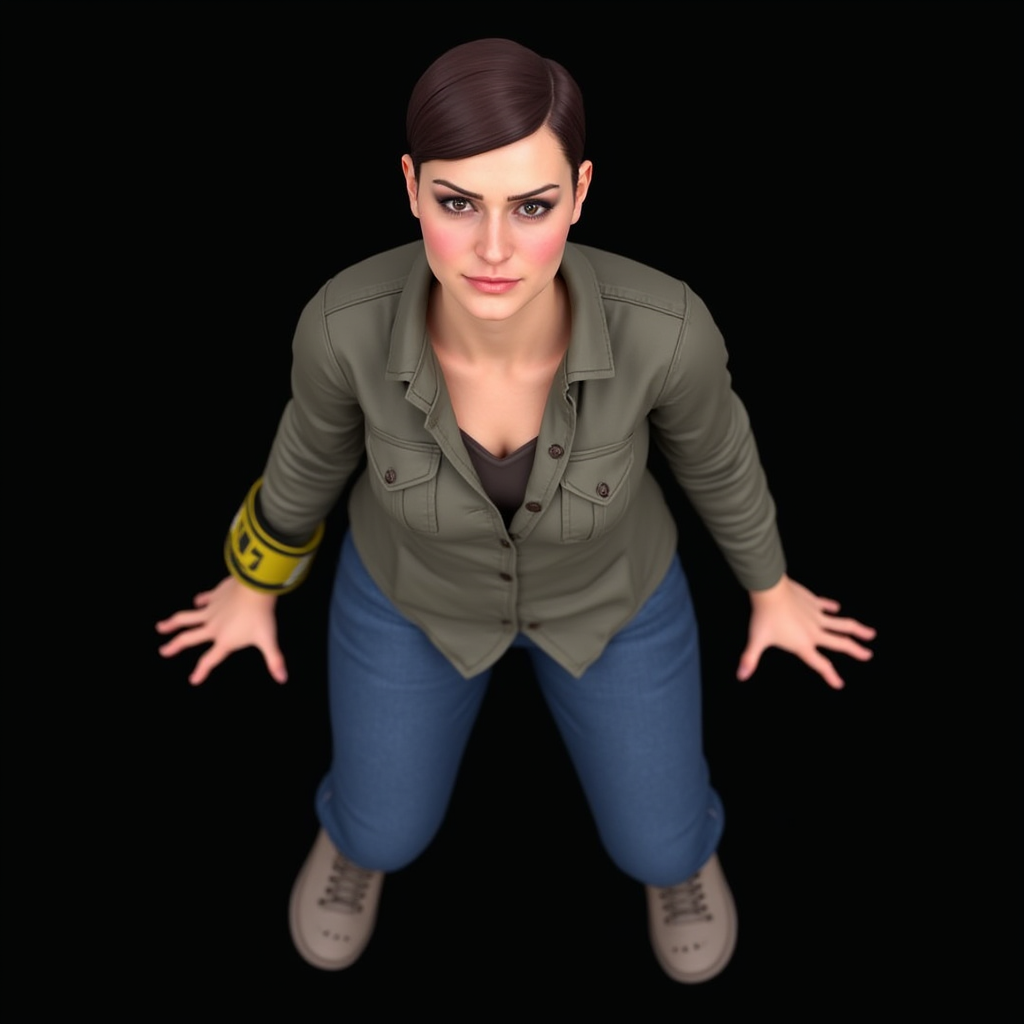
Turn a female portrait in jeans into a top-down VTT token with AI. Fast, clean silhouettes, transparent PNG export, ready for any virtual tabletop.
How to use Female Portrait to Token
Upload a female portrait wearing jeans and let the AI transform it into a top-down VTT token. Adjust framing and style, then export a transparent PNG sized for grids and maps.
Step 1
Add a clear female portrait (with jeans). The tool detects the subject, removes distractions, and prepares the image for a top-down token conversion.

Step 2
Choose token framing and cleanup settings. AI generates a top-down view, refines edges, and balances contrast so the token stays readable on any map.

Step 3
Download a transparent PNG token. Keep consistent sizing for VTT grids, then drag-and-drop the token into your virtual tabletop or token folder.
Features
Convert female portraits into top-down tokens designed for virtual tabletops. AI handles subject isolation, edge cleanup, and scale consistency so tokens look crisp on grids. Export transparent PNGs suitable for most VTT platforms, with fast iteration for campaigns, NPCs, and character sheets.
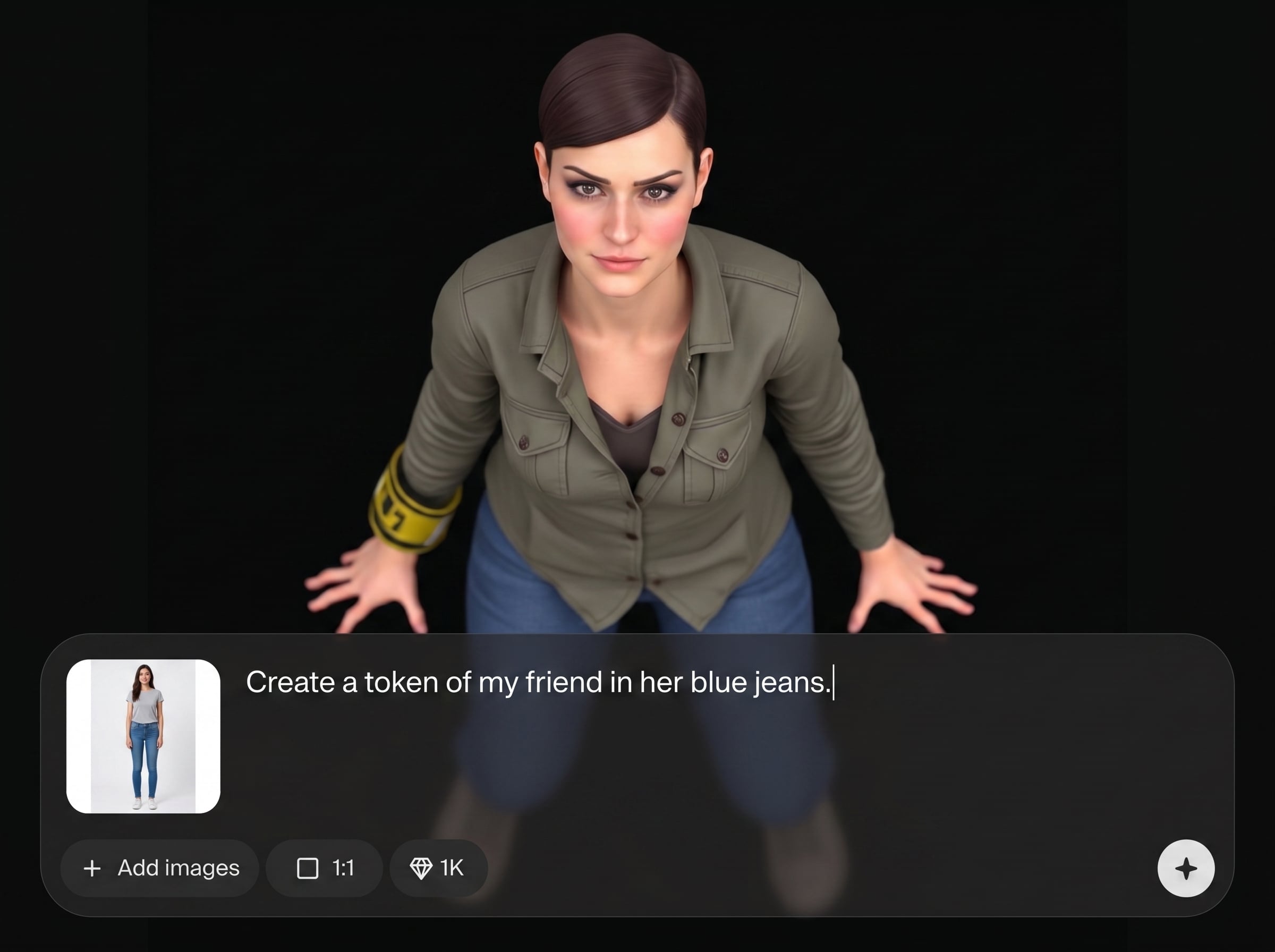
Transform a portrait into a VTT-friendly top-down token with clear silhouettes and readable details. Designed for map visibility so characters remain distinct at small sizes.
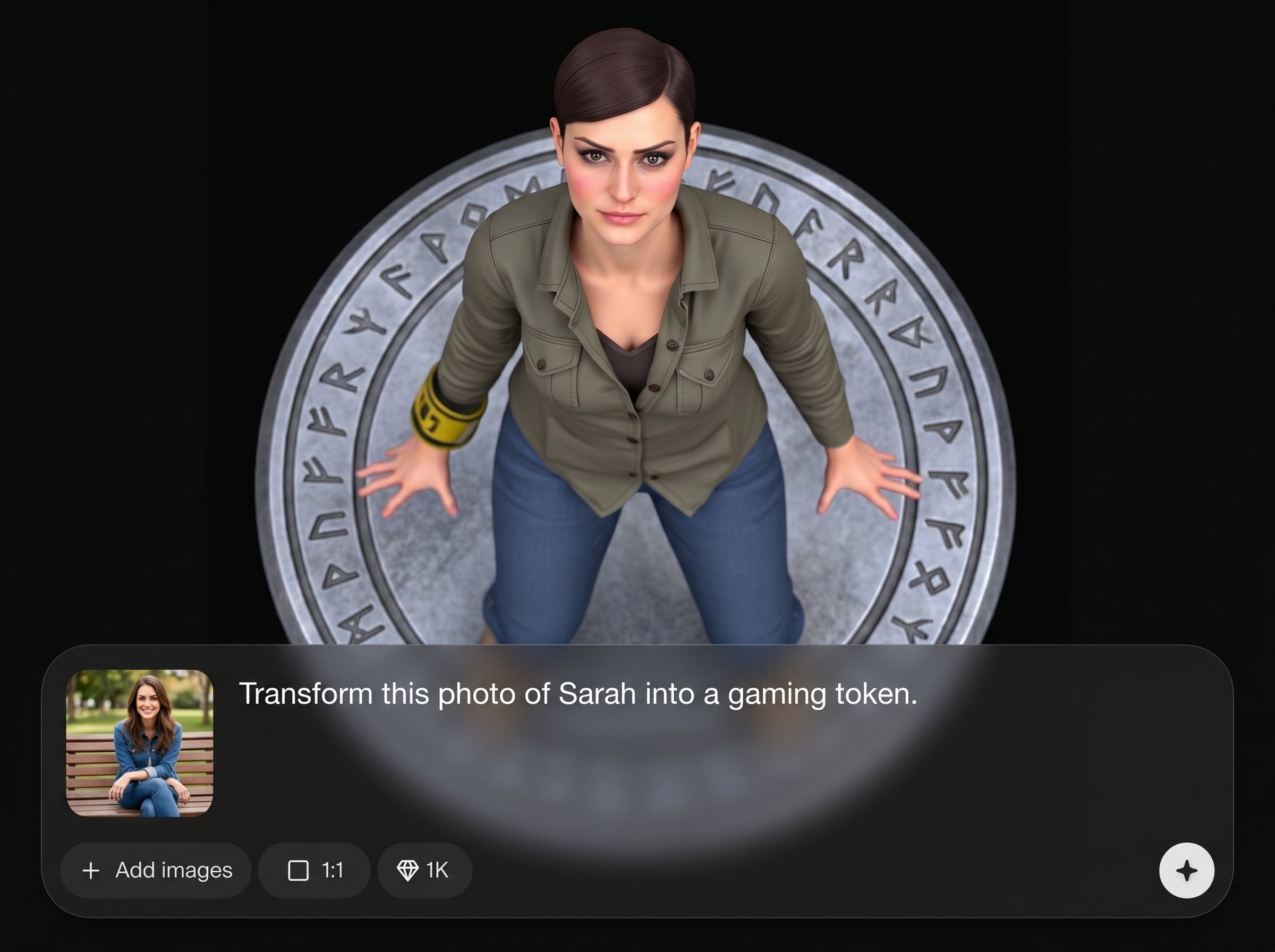
AI removes backgrounds and refines outlines for smooth, professional cutouts. Reduce halos and jagged edges for tokens that blend naturally with maps and lighting styles.
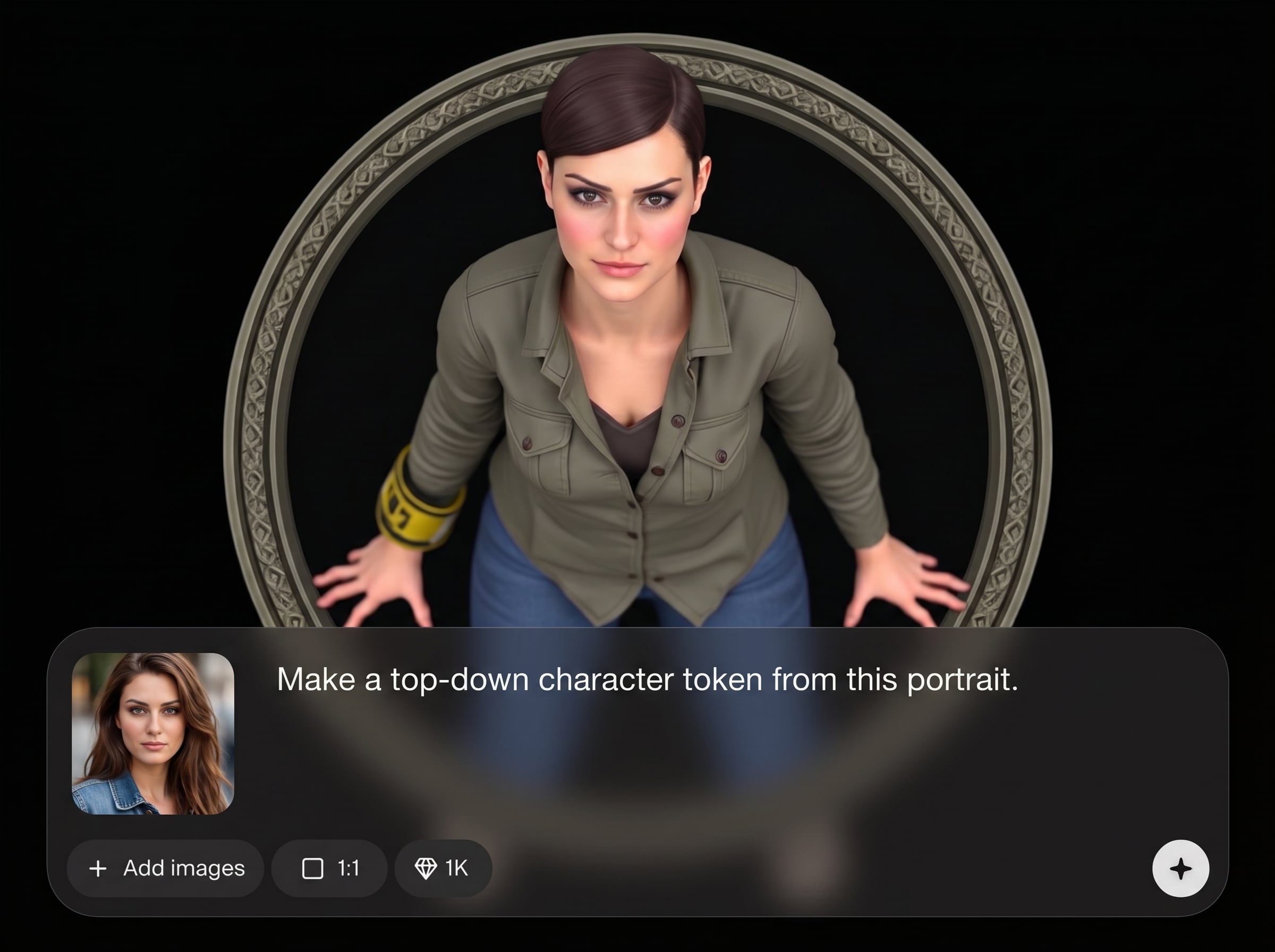
Export transparent PNGs quickly for drag-and-drop use in popular VTT workflows. Iterate variations, keep consistent sizing, and build token sets without manual editing.
About
Female Portrait to Token converts a female portrait (with jeans) into a clean, top-down token for VTT play. Use AI to auto-crop, refine edges, and normalize scale for consistent tabletop readability. Export ready-to-drop transparent PNGs that look sharp on grids and maps in minutes.
Get consistent, VTT-ready top-down tokens without manual cutouts or complex workflows. AI automates cleanup and silhouette clarity, helping tokens stay readable at small sizes. Export transparent PNGs that drop neatly onto maps for faster session prep.
Open the app, upload a female portrait with jeans, and run the conversion. Tweak framing if needed, then export a transparent PNG token and add it directly to your VTT library.
Use cases
Discover how different creators use this app in their workflow.
Convert player character portraits into top-down tokens that stay readable on grids, with consistent scale and clean transparency for quick VTT setup.
Generate multiple top-down tokens from portrait references to populate encounters fast, keeping a unified look across factions, scenes, and maps.
When art changes mid-campaign, convert a new portrait into a matching top-down token in minutes and keep your VTT library consistent.
Krea is one of the world's leading generative AI platforms. See what others say.
Real reviews on TrustpilotSo many AI tools out there but I always come back to Krea. It's really the one AI platform that 'just works'.

FYN
Krea's interfaces are still the best in the industry. Everything looks and feels so clean and easy to use! Imo the easiest to use gen AI website.

Lynn
Ultra fast generations. Extremely simple to use. All the latest AI models.

Daniel
KREA is the only AI subscription I have right now besides ChatGPT.

Sophia M.
Common questions about converting portraits into top-down VTT tokens with AI.
It converts a female portrait (with jeans) into a top-down VTT token image. The output is designed for map readability and can be exported as a transparent PNG for easy tabletop use.
Transparent PNG is typically best for VTT tokens because it keeps clean edges without a background. Export PNG to place tokens on any map while preserving visibility and layering.
No. The AI handles background removal, edge refinement, and basic normalization automatically. You only adjust framing and style preferences before exporting a token ready for VTT grids.
Use the same framing and export settings for each token. Consistent cropping and scale makes characters align better with grid squares and keeps encounters visually clear in your VTT.
Yes. Create variations by changing cleanup and contrast settings, then export multiple transparent PNGs. This helps you build token sets for different scenes, lighting, or character states.
Upload a portrait, generate a top-down token, and export a transparent PNG ready for your virtual tabletop.

